Initialize a blog project with a single command: ./vendor/bin/jigsaw init blog
LaravelBlogTool SiteStarter
jigsaw-blog-template — Laravel Blog Template
By tighten
A Jigsaw blog starter template maintained by Tighten, providing responsive navigation, Tailwind CSS, Prism syntax highlighting, automatic sitemap, 404 page, contact form, and Fuse.js + Alpine.js search. Quickly build a static blog using config.php and Markdown content.
Explore the design
Compare the page layouts and mobile experience. Open any screenshot for a closer look.
Desktop homepage1 / 3
Desktop captureTop of page
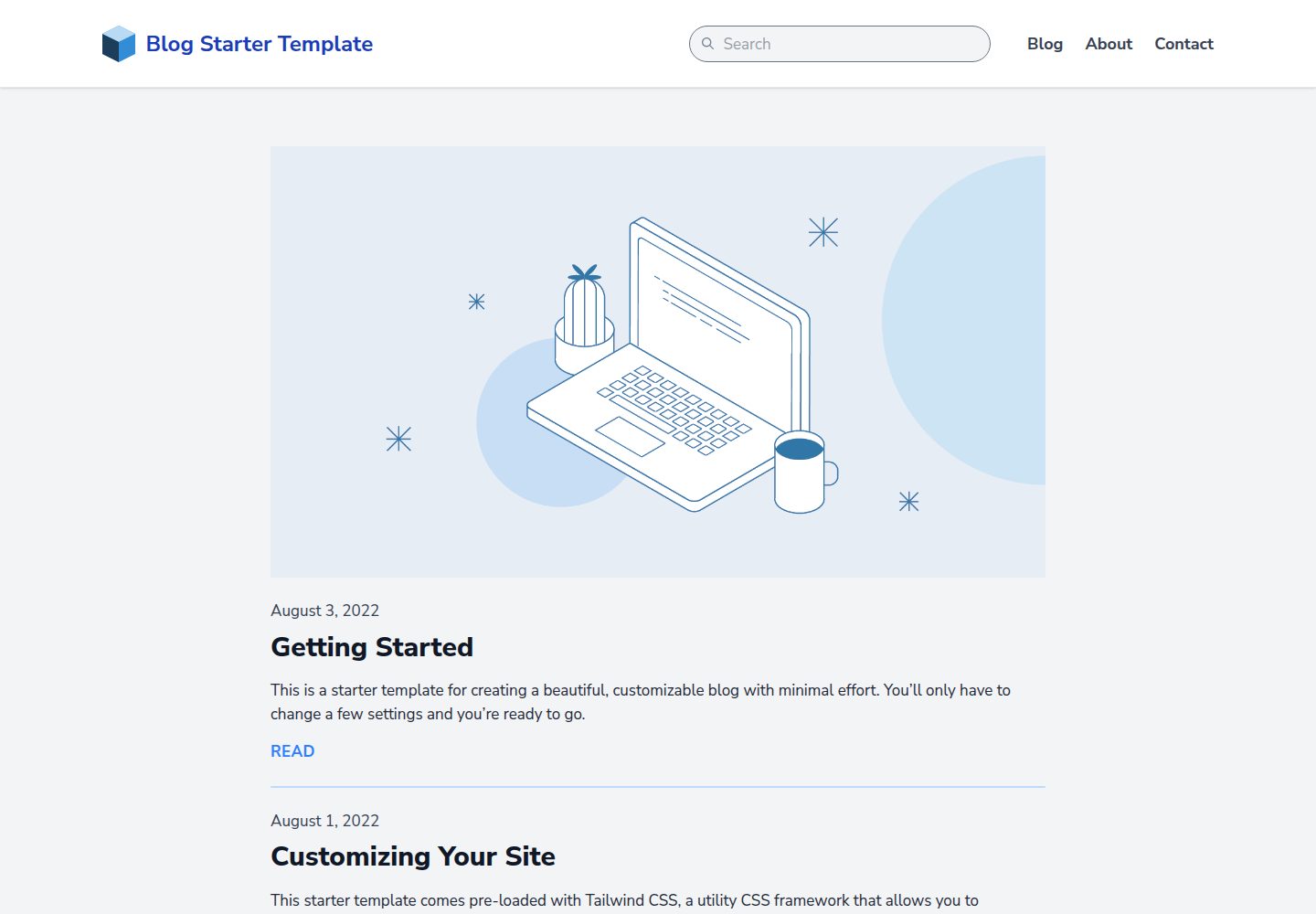
Actual screenshot captured by the server browser.
All pages & views 3
Screenshots show visual appearance; interactive behavior may differ.
Recorded 2026-10-01View source
What stands out
A quick read of the recorded project description.
Prebuilt responsive navigation bar, custom 404 page, and sample contact form
Tailwind CSS utility classes for custom design, Prism for code syntax highlighting
Fuse.js and Alpine.js provide an auto-indexing, zero-configuration search bar
Script automatically generates sitemap.xml, Vite compiles assets in source/_assets/
Template Details
This is a blog starter template provided by Tighten for the Jigsaw static site generator, with the repository under the MIT license. After installing Jigsaw, run ./vendor/bin/jigsaw init blog in the project directory to initialize the template into the current project, then modify variables such as baseUrl, siteName, and siteDescription in config.php to complete site configuration.
Content is placed in the source/_posts/ directory by default and supports multiple file types; the YAML front matter at the top of each content item uses title to generate the HTML title and OpenGraph tags, extends to specify the parent Blade layout (e.g., _layouts.post corresponds to source/_layouts/post.blade.php), and section to specify the Blade section where content is inserted. JavaScript or Tailwind CSS that needs compilation goes in source/_assets/, processed by Vite during npm run dev or npm run build, with output going to build_local or build_production respectively; images, fonts, and other files that need no processing go directly into source/assets/.
The template comes with a responsive navigation bar, Tailwind CSS, Prism syntax highlighting, a script that automatically generates sitemap.xml, a custom 404 page, a sample contact form, and a search bar powered by Fuse.js and Alpine.js that automatically indexes content with no configuration required. config.php is also used to define collections (for example, article collections organized by topic).
Limitations: This is a static blog starter template and does not include a backend database or server-side runtime; the contact form is only a sample, and actual submission requires integrating an external service; third-party assets such as demo images, fonts, and icons must be checked against their respective licenses and cannot be judged solely by the code's MIT license.
LaravelBlogTool siteStarter
Is it right for your project?
Use Cases
- Quickly build a personal or team static blog using Markdown and Blade layouts
- Use as a starting skeleton for a Jigsaw project, adding or removing page types and collections on top of it
- Static content sites that need site search, code highlighting, and a sitemap
Suitable For
- Developers familiar with or willing to use Jigsaw and PHP
- Bloggers who want to write in Markdown and deploy as static files
- Static site projects that need customizable front-end styling (Tailwind CSS)
Getting started & customization
Use these recorded setup notes alongside the repository instructions for your chosen version.
- 1
Install Jigsaw first, then run ./vendor/bin/jigsaw init blog in the project directory to initialize the template
- 2
Set site variables such as baseUrl, siteName, and siteDescription in config.php, and define collections as needed
- 3
Articles go in source/_posts/ by default; extends and section in the YAML front matter determine the rendering layout and insertion position
- 4
Assets that need compilation go in source/_assets/ and are processed with npm run dev or npm run build; images, fonts, etc. go directly in source/assets/
- 5
The sample contact form requires integrating an external submission service yourself; third-party assets must be checked for licensing separately
License & source material
Usage conditions & limitations
Free to use · keep license noticeThis entry covers the free version under the MIT license in the public repository; the free scope is the code of this version and does not mean external services or third-party assets are free.
Must comply with when using
- Permits free use, modification, commercial use, and distribution of this version's code.
- When distributing copies or substantial portions of the code, retain the original author's copyright notice and the full MIT license notice.
- The code is provided as is; warranties and limitations of liability are governed by the original license and applicable law.
Additional costs & items to verify
- The contact form is only a sample; actual submission requires integrating an external service, and the template itself provides no backend processing.
- Third-party assets such as demo images and fonts must be checked separately under their respective licenses and cannot be judged by the code's MIT license alone.
- Demo images, fonts, icons, and other third-party assets must be checked against their respective licenses and cannot be judged solely by the code's MIT license.
- External services such as domains, hosting, databases, payments, or AI may incur additional charges.
View Original Text Basis
Permission is hereby granted, free of charge
Original License Text
A sample contact form
Original README
https://github.com/tighten/jigsaw-blog-template/blob/main/LICENSE.txthttps://github.com/tighten/jigsaw-blog-template/blob/main/readme.mdFiles that don't require processing (such as images and fonts) can be added directly to `/source/assets/`.
Original README
Compiled by DeepSeek based on repository license and README ·2026-10-02. Results only cover the materials read; dependencies, images, fonts, and subsequent term changes are subject to their respective original texts.
Project checks & description sources
Template Information
- Source platforms
- GitHub
- Documentation and maintenance reference score
- More documented · 92 / 100
- Technologies
- Laravel
- Website type
- Blog · Tool Site · Starter
How this score is calculated
Our heuristic uses license records (up to 30), a demo link (12), a preview (10), stars (15), recorded maintenance (15), description completeness (8), feature records (5) and classification data (5). It is not a code, security or performance test, or a Google score. A link does not establish tested functionality.
What to verify for this project
- Repository update recorded
- 2025-11-21
- Screenshot last checked
- 2026-10-02
A demo link is listed. Check it with your own content and viewport sizes; its presence does not confirm that forms, authentication or payments work.
The catalog identifies Laravel as the primary stack. Check the actual dependency manifest and lockfile for versions and hosting requirements. These notes use recorded metadata, not a code audit or a deployment test.
Use a selection guide →How this description was prepared
AI-assisted description based on catalog records and repository material. Repository authors are not automatically the reviewers of this description.
Automatically checked against source and license rules; no manual editorial review.
Inspect the recorded source material
SHA-256: 102600c9e8087d1aa87528e84f077b57e5e5f0a7d691d6d9b86aa4546abccdf0
2026-10-02T03:15:34.427Z
Source file / repository# Jigsaw Blog Starter Template
This is a starter template for creating a beautiful, customizable blog in Jigsaw with minimal effort. You’ll only have to change a few settings and you’re ready to go.
[View a preview of the blog template.](http://jigsaw-blog-template.tighten.co/)
## Installation
After installing Jigsaw, run the following command from your project directory:
```bash
./vendor/bin/jigsaw init blog
```
This starter template includes samples of common page types, and comes pre-configured with:
- A fully responsive navigation bar
- [Tailwind CSS](https://tailwindcss.com/), a utility CSS framework that allows you to customize your design without touching a line of CSS
- Syntax highlighting using [Prism](https://prismjs.com/)
- A script that automatically generates a `sitemap.xml` file
- A custom 404 page
- A sample contact form
- A search bar powered by [Fuse.js](http://fusejs.io/) and [Alpine.js](https://alpinejs.dev/), which indexes your content automatically and requires zero configuration
---

---
### Configuring your new site
As with all Jigsaw sites, configuration settings can be found in `config.php`; you can update the variables in that file with settings specific to your site. You can also add new configuration variables there to use across your site; take a look at the [Jigsaw documentation](http://jigsaw.tighten.co/docs/site-variables/) to learn more.
```php
// config.php
return [
'baseUrl' => 'https://my-awesome-jigsaw-site.com/',
'production' => false,
'siteName' => 'My Site',
'siteDescription' => 'Give your blog a boost with Jigsaw.',
...
];
```
> Tip: This configuration file is also where you’ll define any "collections" (for example, a collection of the contributors to your site, or a collection of blog posts organized by topic). Check out the official [Jigsaw documentation](https://jigsaw.tighten.co/docs/collections/) to learn more.
---
### Adding Content
You can write your content using a [variety of file types](http://jigsaw.tighten.co/docs/content-other-file-types/). By default, this starter template expects your content to be located in the `source/_posts/` folder.
The top of each content page contains a YAML header that specifies how it should be rendered. The `title` attribute is used to dynamically generate HTML `title` and OpenGraph tags for each page. The `extends` attribute defines which parent Blade layout this content file will render with (e.g. `_layouts.post` will render with `source/_layouts/post.blade.php`), and the `section` attribute defines the Blade "section" that expects this content to be placed into it.
```yaml
---
extends: _layouts.post
section: content
title: Getting Started
date: 2022-08-02
description: Getting started with the Jigsaw blog starter template
cover_image: /assets/img/post-cover-image-2.png
featured: true
---
```
---
### Adding Assets
Any assets that need to be compiled, such as JavaScript or CSS using Tailwind, can be added to the `source/_assets/` directory. Vite will process them when running `npm run dev` or `npm run build`, and the processed assets will be stored in `/build_local` or `/build_production`, respectively.
Files that don't require processing (such as images and fonts) can be added directly to `/source/assets/`.
[Read more about compiling assets in Jigsaw using Vite.](http://jigsaw.tighten.co/docs/compiling-assets/)
---
## Building Your Site
Now that you’ve edited your configuration variables and know how to customize your styles and content, let’s build the site.
```bash
# run development server
npm run dev
# build static files with Vite
npm run build
```
Explore similar templates
Compare previews and descriptions within the same stack and category.

sage
Sage is a WordPress starter theme maintained by Roots, using Laravel Blade components and templates, Vite builds, Tailwind CSS, and built-in block editor support.
Laravel · Starter

wave
Wave is an open-source SaaS starter kit built on Laravel and released under the MIT license.
Laravel · SaaS

filament-starter
A Laravel TALL stack starter template maintained by Log1x, with a preconfigured Filament admin panel and plugins including Curator, Gravatar, Exceptions, Jobs Monitor, Breezy, Peek, and Logger.
Laravel · Starter

electrik
Electrik is a Laravel SaaS starter kit installed as a Composer package, with authentication, teams, Stripe subscription billing, and the Slate 3 interface under the Electrik\ namespace rather than copied into App\.
Laravel · SaaS

php-saas
php-saas is a Laravel-based SaaS starter positioned as an everything-included kit. It generates new projects via a global Composer command and includes authentication with two-factor, API tokens, Stripe and Paddle billing, and project, team, and organization management.
Laravel · SaaS

filament-jetstream
A Laravel starter kit that implements Jetstream-like authentication and account features using Filament's native panels and components. It includes login, registration, two-factor authentication, session management, user profiles, and optional teams and API tokens.
Laravel · Starter