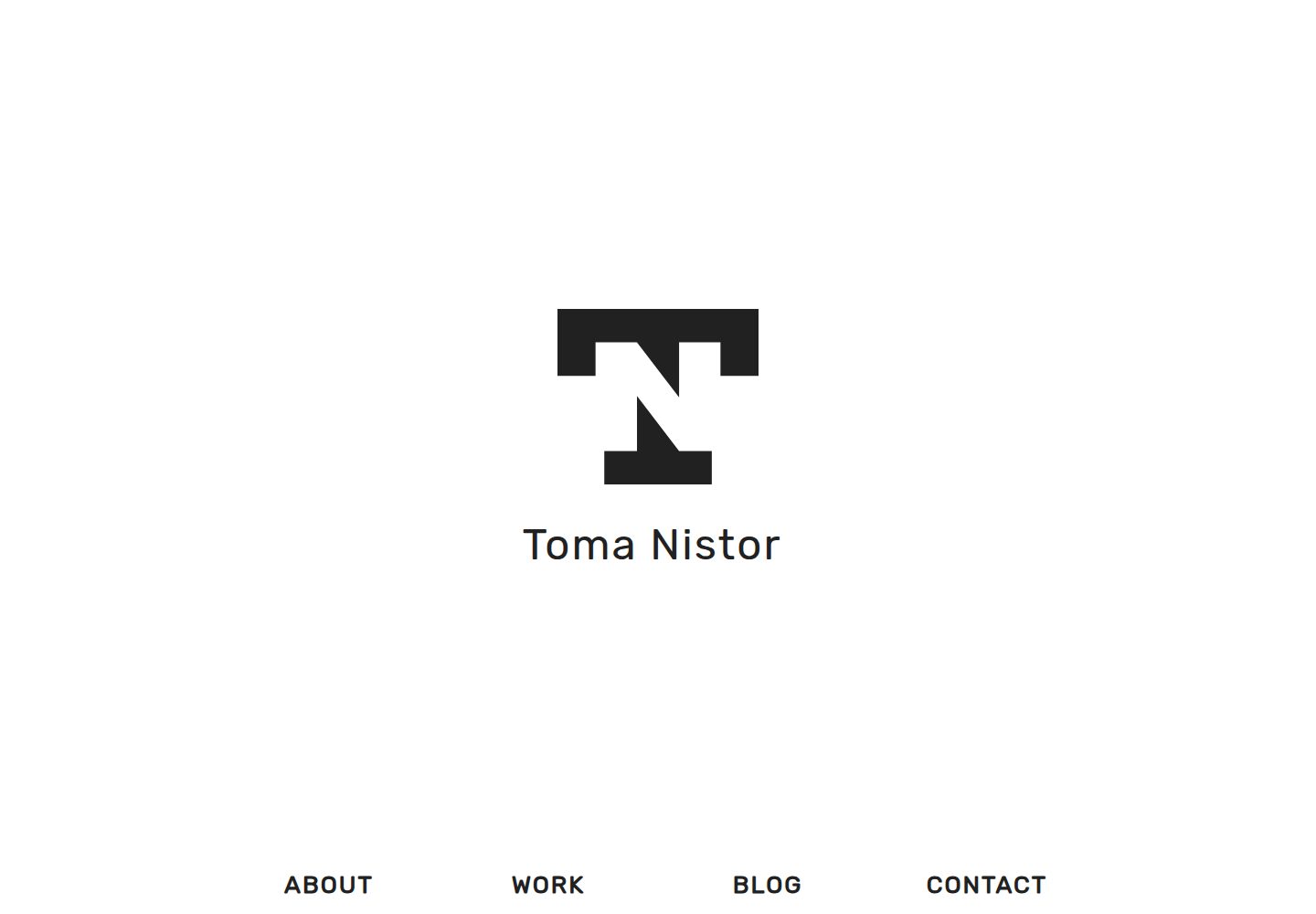
One-page portfolio structure with About, Work, Blog, and Contact sections on the homepage, and navigation defaulting to in-page anchors
HugoPortfolioBlog
osprey — Hugo Portfolio Template
By tomanistor
Osprey is a Hugo-based one-page portfolio theme that presents a personal introduction, work gallery, blog, and contact information on the homepage, along with a separate blog page.
Explore the design
Compare the page layouts and mobile experience. Open any screenshot for a closer look.
Desktop homepage1 / 3
Desktop captureTop of page
Actual screenshot captured by the server browser.
All pages & views 3
Screenshots show visual appearance; interactive behavior may differ.
Recorded 2026-09-30View source
What stands out
A quick read of the recorded project description.
Gallery entries configure an image, alt text, color, and two external links via front matter
Includes a separate blog with support for Disqus comments and Highlight.js code highlighting
Styles are written in SASS, and CSS/JS are minified and cache-hashed via Hugo Pipes
Provides a customCSS switch to append custom styles inline in layouts/partials/css.html
Contact form can use Formspree or Basin, with the latter offering a free AJAX submission method
Template Details
Osprey is a Hugo theme positioned as a one-page portfolio with an accompanying blog. The homepage consists of About, Work, Blog, and Contact sections, and the navigation menu points to anchors within the homepage by default. Content mainly falls into two types: blog posts and gallery images, created via hugo new blog/post-title.md and hugo new gallery/image-title.md respectively; gallery entries can configure an image, alt text, color, and two external links in front matter. The theme uses SASS for styling and leverages Hugo Pipes to minify and cache-hash CSS and JavaScript, and it provides a customCSS switch that allows appending custom styles inline in layouts/partials/css.html.
For integrations, the theme supports Disqus comments, Google Analytics and Google Tag Manager, OpenGraph and Twitter Cards, as well as Highlight.js code highlighting and lazysizes lazy loading. The contact form offers two options: Formspree and Basin. The README notes that Formspree's AJAX form is no longer free for new users, and the non-AJAX version redirects to a CAPTCHA page after submission; Basin offers a free AJAX form service, requiring registration and entering the form endpoint.
Usage limitations and notes: the theme currently does not use tag and category taxonomies, and the example configuration disables taxonomy and taxonomyTerm via disableKinds. The contact form depends on external services, so server-side configuration must be completed before actual submission, and its quotas and fees need to be verified separately. Licenses for third-party assets such as demo images, fonts, and icons must be confirmed according to their respective sources. The code is released under the Apache-2.0 license, and distribution requires including the license and retaining relevant notices.
HugoPortfolioBlog
Is it right for your project?
Use Cases
- Individual developers or designers building a one-page portfolio with an accompanying blog section
- Displaying project images in a gallery format and adding descriptions and external links to each image
- Integrating Disqus comments, Google Analytics, and social sharing metadata into a static site
- Managing styles and static asset caching using Hugo's SASS and Hugo Pipes workflow
Suitable For
- Individuals using Hugo who want to quickly build a one-page portfolio and blog
- Sites that need gallery-style work display and can accept maintaining images entry by entry via front matter
- Static sites with integration needs for comments, analytics, and social sharing metadata
- Developers willing to configure third-party form services (Formspree or Basin) themselves
Getting started & customization
Use these recorded setup notes alongside the repository instructions for your chosen version.
- 1
Clone the theme into the Hugo site's themes/osprey directory, or add it as a git submodule
- 2
Set theme = "osprey" in config.toml, and fill in parameters such as tagline, author, description, logo, and social links as needed
- 3
The theme does not use tag and category taxonomies; the example configuration disables taxonomy and taxonomyTerm via disableKinds
- 4
The contact form requires registering with Formspree or Basin and entering the endpoint; Formspree's AJAX form is no longer free for new users
- 5
To customize CSS, set customCSS to true and write styles in layouts/partials/css.html
License & source material
Usage conditions & limitations
Free to use · keep license noticeThis entry covers the free version under the Apache-2.0 license in the public repository; the free scope is the code of this version and does not mean external services or third-party assets are free.
Must comply with when using
- Free use, modification, commercial use, and distribution are permitted; distribution requires including the Apache-2.0 license.
- Modified files must prominently indicate changes and retain relevant copyright, patent, trademark, and attribution notices.
- If the original project includes a NOTICE file, distribution of derivative works must retain applicable attribution notices from it.
- The license includes an applicable contributor patent grant; initiating patent litigation as described in the license terminates that patent grant, and no trademark rights are granted.
- The code is provided as-is; warranties and limitations of liability are governed by the original license and applicable law.
Additional costs & items to verify
- Formspree's AJAX contact form is no longer free for new users and is a Formspree Gold paid feature; free users can only use the non-AJAX version (which redirects to a CAPTCHA page after submission) or switch to Basin.
- Using the Basin contact form requires registering a free account, entering the form endpoint URL in the ajaxBasin configuration item, and enabling the AJAX submission option in the Basin dashboard.
- The Formspree contact form depends on an external service; first use requires submitting the form once to confirm the email address that receives messages.
- The theme currently does not use tag and category taxonomies; the example configuration disables taxonomy and taxonomyTerm via disableKinds.
- The static asset cache hashing feature requires additional configuration to take effect.
- The README mentions the Formspree form service; actual submission requires configuring the service endpoint, and its usage quotas and fees need to be verified separately.
- Demo images, fonts, icons, and other third-party assets must be checked against their respective licenses and cannot be judged solely by the code's Apache-2.0 license.
- External services such as domains, hosting, databases, payments, or AI may incur additional charges.
View Original Text Basis
no-charge, royalty-free, irrevocable copyright license
Original License Text
Formspree no longer offers newly set up AJAX contact forms for free. This is now a Formspree Gold feature.
Original README
sign up for a free account
Original README
The contact form is operated by Formspree and requires that the form must be submitted once initially to confirm the email address being used.
Original README
This theme does not currently use "tag" and "category" taxonomies
Original README
https://github.com/tomanistor/osprey/blob/master/LICENSEhttps://github.com/tomanistor/osprey/blob/master/README.mdCache busting of static resources (additional set up required)
Original README
Compiled by DeepSeek based on repository license and README ·2026-10-01. Results only cover the materials read; dependencies, images, fonts, and subsequent term changes are subject to their respective original texts.
Project checks & description sources
Template Information
- Source platforms
- GitHub
- Documentation and maintenance reference score
- More documented · 81 / 100
- Technologies
- Hugo
- Website type
- Portfolio · Blog
How this score is calculated
Our heuristic uses license records (up to 30), a demo link (12), a preview (10), stars (15), recorded maintenance (15), description completeness (8), feature records (5) and classification data (5). It is not a code, security or performance test, or a Google score. A link does not establish tested functionality.
What to verify for this project
- Repository update recorded
- 2022-04-30
- Screenshot last checked
- 2026-10-01
A demo link is listed. Check it with your own content and viewport sizes; its presence does not confirm that forms, authentication or payments work.
The catalog identifies Hugo as the primary stack. Check the actual dependency manifest and lockfile for versions and hosting requirements. These notes use recorded metadata, not a code audit or a deployment test.
Use a selection guide →How this description was prepared
AI-assisted description based on catalog records and repository material. Repository authors are not automatically the reviewers of this description.
Automatically checked against source and license rules; no manual editorial review.
Inspect the recorded source material
SHA-256: 41a71f48bd10ce8174e38409593106225882a012a7be1abdc25c6929de7ec447
2026-10-01T14:17:36.464Z
Source file / repository
# Osprey
Osprey is a simple, clean, and fast one-page [Hugo](https://gohugo.io/) portfolio accompanied by a blog.
## Features
* Minimalist, clean, and uncluttered theme
* Portfolio display gallery
* [Disqus](https://disqus.com) comments
* [Formspree](https://formspree.io) AJAX contact form (with Formspree Gold)
* [Basin](https://usebasin.com/) AJAX contact form (free)
* Responsive Flexbox Grid
* [SASS](http://sass-lang.com/) styling
* Minimized/compressed CSS and JavaScript files with cachebusting hash setup
* Syntax highlighting with [Highlight.js](https://highlightjs.org/)
* SEO-friendly construction
* [Google Analytics](https://analytics.google.com) and [Google Tag Manager](https://tagmanager.google.com) integration
* [OpenGraph](http://ogp.me/) and [Twitter Cards](https://dev.twitter.com/cards/overview) integration
* Quick loading speeds
* Custom CSS option
## Screenshot

## Installation
### Option 1: Clone Repository
In the root of your Hugo site directory run:
```console
$ cd themes
$ git clone https://github.com/tomanistor/osprey.git
```
### Option 2: Create Submodule
Create a submodule linked directly to the theme's GitHub repository in order to receive updates:
```console
$ git submodule add https://github.com/tomanistor/osprey.git themes/osprey
```
Then run:
```console
$ git submodule update --init --recursive --remote
```
## Configuration
Osprey comes with several configuration options to aid in site customization. This is an example config.toml file:
```toml
title = "Osprey Example Site"
baseURL = "https://tomanistor.com"
tags = ["portfolio", "web design", "blog"]
languageCode = "en-US"
config = "config.toml"
theme = "osprey"
canonifyURLS = true
googleAnalytics = ""
disqusShortname = "tomanistor"
disableKinds = ["taxonomy", "taxonomyTerm"] # This theme does not currently use "tag" and "category" taxonomies
[Params]
tagline = "Osprey Example Site"
author = "Toma Nistor"
description = "Full-stack web developer and UI/UX enthusiast based in San Diego, CA."
logoBig = "/images/osprey-logo.png"
logoSmall = "/images/osprey-logo.png"
favicon = "favicon.ico"
opengraphImage = "/images/osprey.png"
email = ""
googleTagManager = ""
customCSS = false
# Social media links in footer
twitter = "TomaNistor"
linkedin = "tomanistor"
github = "tomanistor"
facebook = ""
# Copyright and theme author credit in footer
copyright = false
credit = false
# Cache busting of static resources (additional set up required)
cacheBustCSS = true
cacheBustJS = true
# Code highlighting with highlight.js
highlightJS = true
highlightJSStyle = "" # For custom highlight.js styles, add your /path/to/styles/default.css
highlightJSScript = "" # For custom highlight.js languages config, add your /path/to/highlight.pack.js
# Choose either Formspree contact form or Basin contact form
ajaxFormspree = false
ajaxFormspreeGold = false
ajaxBasin = "https://usebasin.com/f/0eae7044d4c2"
# Lazy loading with lazysizes
lazyloading = true
[[menu.main]]
name = "About"
url = "/#about"
weight = 1
[[menu.main]]
name = "Work"
url = "/#work"
weight = 2
[[menu.main]]
name = "Blog"
url = "/#blog"
weight = 3
[[menu.main]]
name = "Contact"
url = "/#contact"
weight = 4
```
## Using Osprey
The two main content types are blog posts and gallery images.
### About Section
To create an about section that renders on the home page, run:
```console
$ hugo new about.md
```
### Blog Posts
To create a new blog post, run:
```console
$ hugo new blog/post-title.md
```
### Gallery Images
To add a new image to your portfolio, run:
```console
$ hugo new gallery/image-title.md
```
The gallery archetype comes with its own configuration. Here is an example:
```md
+++
date = "2017-05-10T21:35:17-07:00"
title = "Image Title"
image = "image-file.png"
alt = "This is a description of the image"
color = "#7ac143"
link1 = "https://tomanistor.com"
link2 = "https://github.com/tomanistor"
+++
```
### Contact Form
Two contact forms services are offered as options: Formspree and Basin.
#### Formspree
_Update 4/15/18 - [Formspree no longer offers newly set up AJAX contact forms for free. This is now a Formspree Gold feature.](https://github.com/formspree/formspree/pull/173)_ You can either use the non-AJAX version of Formspree (which redirects to a Captcha page on form submit) by setting the config.toml parameter `ajaxFormspreeGold` to `false`, sign up for Formspree Gold and set the parameter to `true`, or sign up for Basin and use their contact form service for free.
The email address specified in the config.toml file will be the one receiving messages sent through the contact form. The contact form is operated by Formspree and requires that the form must be submitted once initially to confirm the email address being used. See instruction [here](https://formspree.io/).
#### Basin
Basin is an alternative, free AJAX contact form service. To use Basin, [sign up for a free account](https://usebasin.com/users/sign_up) and create a form. Copy and paste your form's URL endpoint to the `ajaxBasin` config.toml parameter. Select the `Submit this form via AJAX` option on your Basin dashboard.

### Custom CSS
To implement custom CSS sitewide, change the config.toml parameter `customCSS` from `false` to `true` and then create a `css.html` file in your `layouts/partials/` folder like the example below:
```html
<style>
<!-- This will remove the shadow on the navbar -->
nav {
box-shadow: none;
}
</style>
```
This will render inline CSS in the head of your site and without adding an extra HTTP request.
### Cache Busting
As of `v2.1.0`, this theme uses native [Hugo Pipes](https://gohugo.io/hugo-pipes/introduction/) for cache busting of assets. Generated assets will be served from the `resources` folder and will no longer require any additional setup with Gulp.
## Contributions
If you'd like to help with the development of this theme, I encourage you to submit a pull request or create an issue if you find a bug. All help is appreciated.
## License
This theme is released under the Apache 2.0 license. For more information read the [license](https://github.com/tomanistor/osprey/blob/master/LICENSE).
Explore similar templates
Compare previews and descriptions within the same stack and category.

hugo-PaperMod
A fast, clean, responsive Hugo theme for blogs and lightweight portfolios, with three layout modes (Regular, Home-Info, Profile), automatic and manual light/dark themes, Fuse.js client-side search, multilingual support, and built-in Open Graph, Twitter Cards, and Schema.org data.
Hugo · Portfolio

LoveIt
LoveIt is a clean, elegant, and feature-rich Hugo blog theme derived from LeaveIt and KeepIt, MIT-licensed. It offers light/dark modes, responsive layout, multilingual support, and search via Lunr.js or Algolia.
Hugo · Blog

hugo-coder
hugo-coder is a minimalist Hugo blog theme maintained by luizdepra under the MIT license. It provides a clean, text-focused blog appearance, configuration documentation in the docs directory, and a complete exampleSite with hugo.toml.
Hugo · Blog

blowfish
Blowfish is a Hugo personal website and blog theme built with Tailwind CSS 4, focused on lightness, simplicity, and content-first presentation.
Hugo · Blog

hugo-paper
hugo-paper is a simple, clean, and customizable Hugo blog theme configured through config.toml or hugo.toml.
Hugo · Blog

hextra
Hextra is a Hugo theme for documentation and blog sites, built on Hugo and Tailwind CSS with design referencing Nextra.
Hugo · Documentation