Provides a UIkit frontend starter template for Laravel as a Composer package
LaravelStarter
laravel-uikit — Laravel Starter Template
By torrix
A UIkit starter template for Laravel that publishes UIkit frontend assets, a welcome page, and a demo page via a Composer package, with optional Laravel Fortify authentication views.
Explore the design
Compare the page layouts and mobile experience. Open any screenshot for a closer look.
Desktop homepage1 / 2
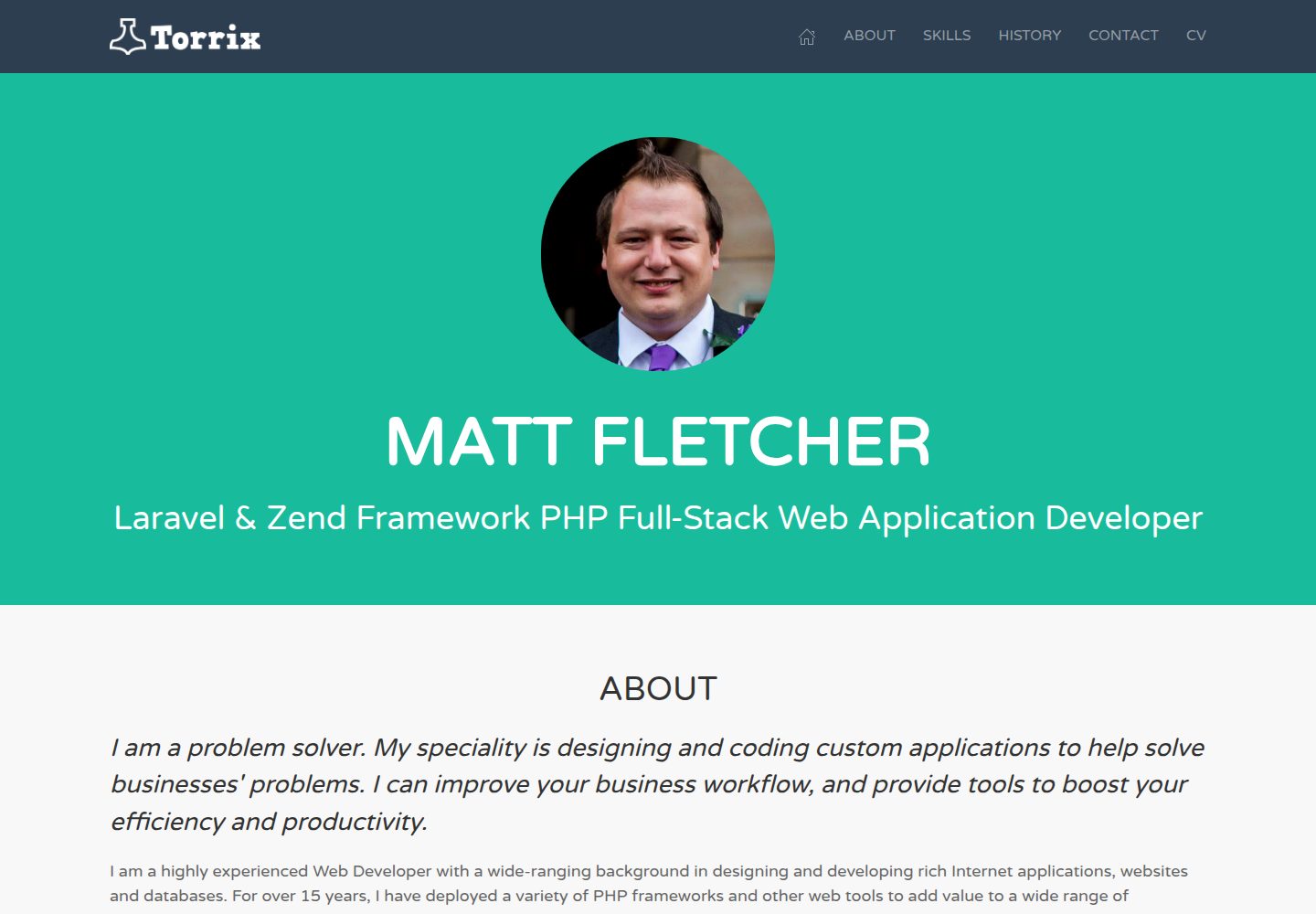
Desktop captureTop of page
Actual screenshot captured by the server browser.
All pages & views 2
Screenshots show visual appearance; interactive behavior may differ.
Recorded 2026-10-02View source
What stands out
A quick read of the recorded project description.
Publishes views, Sass, and JavaScript assets via vendor:publish
Includes a built-in welcome page and UIkit demo page
Optional Laravel Fortify integration providing login, registration, forgot password, reset password, and email verification views
Sass starter file allows customizing UIkit styles; the example changes the default primary color to purple
Frontend assets are built with Laravel Mix, supporting watch and production modes
Template Details
This template brings the UIkit frontend framework into a Laravel project, replacing the framework's default Tailwind CSS welcome page. It is provided as a Composer package (torrix/laravel-uikit) and uses the vendor:publish command to publish views, Sass, and JavaScript assets into the Laravel installation directory.
Included are: the UIkit package installed via Composer, a Sass starter file for customizing UIkit CSS, JavaScript that loads the UIkit library, a welcome page, and a UIkit demo page. Authentication views are optional and cover login, registration, forgot password, reset password, and email verification; they require additionally pulling in Laravel Fortify and configuring the database and .env. The README explicitly lists features not yet included: profile page and two-factor authentication.
Usage limitations: the README recommends using it on a fresh Laravel 10+ installation and does not recommend adding it to an existing project, as it may cause issues; the publish command overwrites welcome.blade.php, so do not run it on an existing project with modifications. Frontend assets are built with Laravel Mix (npm install && npm run dev), and npm run prod is used for deployment. The repository uses the MIT license, but third-party assets such as demo images, fonts, and icons require separate license verification; external services such as domain, hosting, and database may incur additional charges.
LaravelStarter
Is it right for your project?
Use Cases
- Quickly setting up a UIkit frontend foundation on a fresh Laravel 10+ project
- Replacing the default Tailwind CSS welcome page in a Laravel project
- Laravel applications that need ready-made login, registration, password reset, and email verification views
- Websites or web applications that want to customize UIkit theme colors with Sass
Suitable For
- Laravel developers who prefer UIkit over Tailwind CSS
- Teams starting a new project from scratch that need a frontend starter template
- Laravel applications that need Fortify authentication page views
Getting started & customization
Use these recorded setup notes alongside the repository instructions for your chosen version.
- 1
Requires a fresh Laravel 10+ installation first; the README does not recommend adding it to an existing project
- 2
Run composer require torrix/laravel-uikit, then run vendor:publish to publish files; this command overwrites welcome.blade.php
- 3
If authentication features are needed, additionally install Laravel Fortify, publish its configuration, configure the database in .env, and run migrate
- 4
Run npm install && npm run dev to build assets; it may need to be run twice; npm run watch can be used during development
- 5
Use npm run prod to build production assets for deployment
License & source material
Usage conditions & limitations
Free to use · keep license noticeThis entry covers the free version in the public repository under the MIT license; the free scope is the code of that version and does not mean external services or third-party assets are free.
Must comply with when using
- The code of this version may be used, modified, used commercially, and distributed for free.
- When distributing copies or substantial portions of the code, retain the original author's copyright notice and the complete MIT license notice.
- The code is provided as is; warranties and limitations of liability are governed by the original license and applicable law.
Additional costs & items to verify
- It is only recommended for use on a fresh Laravel 10+ project; the README explicitly does not recommend adding it to an existing project, as it may cause issues.
- The publish command overwrites welcome.blade.php, so do not run it on an existing project with modifications to that file.
- Authentication views such as login, registration, password reset, and email verification are optional features and require additionally installing Laravel Fortify, creating a database, and configuring credentials in .env.
- Demo images, fonts, icons, and other third-party assets require verification under their respective licenses and cannot be judged solely by the code's MIT license.
- External services such as domain, hosting, database, payment, or AI may incur additional charges.
View Original Text Basis
Permission is hereby granted, free of charge
Original License Text
you'll need a **fresh** install of Laravel 10+. **Adding this to an existing project is not recommended and may cause issues**.
Original README
It will overwrite welcome.blade.php, so do not run this on established projects with changes made to that file.
Original README
https://github.com/torrix/laravel-uikit/blob/master/LICENSE.mdhttps://github.com/torrix/laravel-uikit/blob/master/README.md(optional) Include Laravel Fortify, if you want to make use of the ready-made authentication system. You will need to create a database, and configure the file `.env` with the correct credentials for it.
Original README
Compiled by DeepSeek based on repository license and README ·2026-10-02. Results only cover the materials read; dependencies, images, fonts, and subsequent term changes are subject to their respective original texts.
Project checks & description sources
Template Information
- Source platforms
- GitHub
- Documentation and maintenance reference score
- Partly documented · 72 / 100
- Technologies
- Laravel
- Website type
- Starter
How this score is calculated
Our heuristic uses license records (up to 30), a demo link (12), a preview (10), stars (15), recorded maintenance (15), description completeness (8), feature records (5) and classification data (5). It is not a code, security or performance test, or a Google score. A link does not establish tested functionality.
What to verify for this project
- Repository update recorded
- 2023-09-27
- Screenshot last checked
- 2026-10-02
A demo link is listed. Check it with your own content and viewport sizes; its presence does not confirm that forms, authentication or payments work.
The catalog identifies Laravel as the primary stack. Check the actual dependency manifest and lockfile for versions and hosting requirements. These notes use recorded metadata, not a code audit or a deployment test.
Use a selection guide →How this description was prepared
AI-assisted description based on catalog records and repository material. Repository authors are not automatically the reviewers of this description.
Automatically checked against source and license rules; no manual editorial review.
Inspect the recorded source material
SHA-256: 8b6aa9e7f67495212cd1fab8664c8bca3d4fad2358b1aef3458018c7efe31de0
2026-10-02T14:42:27.386Z
Source file / repository# UIkit starter template for Laravel
## Including authentication scaffolding for Laravel Fortify

Out of the box, Laravel ships with a default welcome template built with
[Tailwind CSS](https://tailwindcss.com). On top of the base framework,
[Laravel JetStream](https://jetstream.laravel.com/) provides two user
interfaces (your choice of Laravel Livewire or InertiaJS) for login and
register pages whilst [Laravel Fortify](https://github.com/laravel/fortify)
provides the authentication backend.
Although Tailwind CSS is quickly gaining popularity, many people, like me,
prefer a more traditional front-end framework, like Bootstrap, Foundation, or
Bulma. I choose **[UIkit](https://getuikit.com/)** by
[YOOtheme](https://yootheme.com/) because I found it to be the
most modern, clean, well-thought-out, and modular framework available.
## Why UIkit?
I've used UIkit for just about every project I've worked on in the last few
years, for both websites and web applications, from tiny single-page landing
sites, to massive web applications with thousands of users.
This package enhances Laravel with a starter template for UIkit, and
gives you everything you need to start your next web project.
## What's included?
* UIkit package (installed via composer)
* Sass starter file, to customise your UIkit CSS
* JavaScript to load UIkit libraries
* Welcome page
* UIkit demo page
* Optional views for:
* Log In
* Register
* Forgot Password
* Reset Password
* Verify Email
## What's still to come?
* Profile pages
* Two-factor authentication
## Getting Started
These instructions will get you a copy of the project up and running on your
local machine for development and testing purposes. See Deployment for notes
on how to deploy the project on a live system.
### Prerequisites
To begin, you'll need a **fresh** install of Laravel 10+. **Adding this to an
existing project is not recommended and may cause issues**. For full
instructions on installing Laravel, refer to the
[Laravel installation docs](https://laravel.com/docs/9.x/installation), but
something like the following will get you up and running:
```
composer global require laravel/installer
laravel new mysite
cd mysite
```
### Installing this preset
To turn the base Laravel installation into a UIkit site, follow the steps
below.
1. Include this repository into your composer dependencies:
```
composer require torrix/laravel-uikit
```
2. Run the artisan command to publish the necessary files into your Laravel
install. It will overwrite welcome.blade.php, so do not run this on established
projects with changes made to that file.
```
php artisan vendor:publish --provider="Torrix\LaravelUikitServiceProvider" --force
```
3. (optional) Include Laravel Fortify, if you want to make use of the
ready-made authentication system. You will need to create a database, and
configure the file `.env` with the correct credentials for it.
```
composer require laravel/fortify
php artisan vendor:publish --provider="Laravel\Fortify\FortifyServiceProvider"
php artisan migrate
```
Add in `config/app.php`:
```
'providers' => [
// ...
App\Providers\FortifyServiceProvider::class,
],
```
4. Run NPM to build your CSS and JS assets using Laravel Mix:
```
npm install && npm run dev
```
Sometimes, `npm run dev` needs to be run twice to complete the installation.
Read the output carefully to see if this is the case.
5. Run the built-in development server
```
php artisan serve
```
Your new site will be served at http://localhost:8000.
## Developing with UIkit
To get started in UIkit, read
[their excellent docs](https://getuikit.com/docs/introduction). The examples
and tests provided should give you all the help you need. To get an idea of
what UIkit is capable of, I highly recommend the
[KickOff starter templates](https://zzseba78.github.io/Kick-Off/) for
inspiration.
To start customising UIkit to your own needs, take a look in
[app.scss](resources/sass/app.scss). In there, you will find the
standard UIkit imports, and by way of a simple example, I've changed the
default blue primary colour to a nice purple shade, just to show what's
possible in almost no time at all. Try changing it to another colour, and
then running `npm run dev` to rebuild the CSS, and see the changes to your
site.
### Handy tip
Whilst developing your site, running Laravel Mix in watch mode makes it easy
to make changes and quickly see their results:
```
npm run watch
```
## Deployment
When deploying to a live server, remember to build your assets in production
mode for smaller, faster downloads:
```
npm run prod
```
## Built With
* [UIkit](https://getuikit.com/) - The beautiful, powerful front-end framework
that you'll be delighted to build your next Laravel project with!
* [Laravel](https://laravel.com/) - The awesome PHP framework that makes all
of this worthwhile.
* [Laravel Fortify](https://github.com/laravel/fortify) - The backend Laravel
9 uses to power its authentication system.
## Author
**Matt Fletcher** @ [Torrix](https://torrix.uk)
## License
This template is open-source software licensed under the
[MIT license](https://opensource.org/licenses/MIT) - see the
[LICENSE.md](LICENSE.md) file for details
Explore similar templates
Compare previews and descriptions within the same stack and category.

sage
Sage is a WordPress starter theme maintained by Roots, using Laravel Blade components and templates, Vite builds, Tailwind CSS, and built-in block editor support.
Laravel · Starter

wave
Wave is an open-source SaaS starter kit built on Laravel and released under the MIT license.
Laravel · SaaS

filament-starter
A Laravel TALL stack starter template maintained by Log1x, with a preconfigured Filament admin panel and plugins including Curator, Gravatar, Exceptions, Jobs Monitor, Breezy, Peek, and Logger.
Laravel · Starter

electrik
Electrik is a Laravel SaaS starter kit installed as a Composer package, with authentication, teams, Stripe subscription billing, and the Slate 3 interface under the Electrik\ namespace rather than copied into App\.
Laravel · SaaS

php-saas
php-saas is a Laravel-based SaaS starter positioned as an everything-included kit. It generates new projects via a global Composer command and includes authentication with two-factor, API tokens, Stripe and Paddle billing, and project, team, and organization management.
Laravel · SaaS

filament-jetstream
A Laravel starter kit that implements Jetstream-like authentication and account features using Filament's native panels and components. It includes login, registration, two-factor authentication, session management, user profiles, and optional teams and API tokens.
Laravel · Starter