以 Composer 包形式为 Laravel 提供 UIkit 前端启动模板
Laravel启动器
laravel-uikit — Laravel 启动器模板
作者 torrix
面向 Laravel 的 UIkit 启动模板,通过 Composer 包发布 UIkit 前端资源、欢迎页与示例页,并可选用 Laravel Fortify 认证视图。
看看你的网站会是什么样
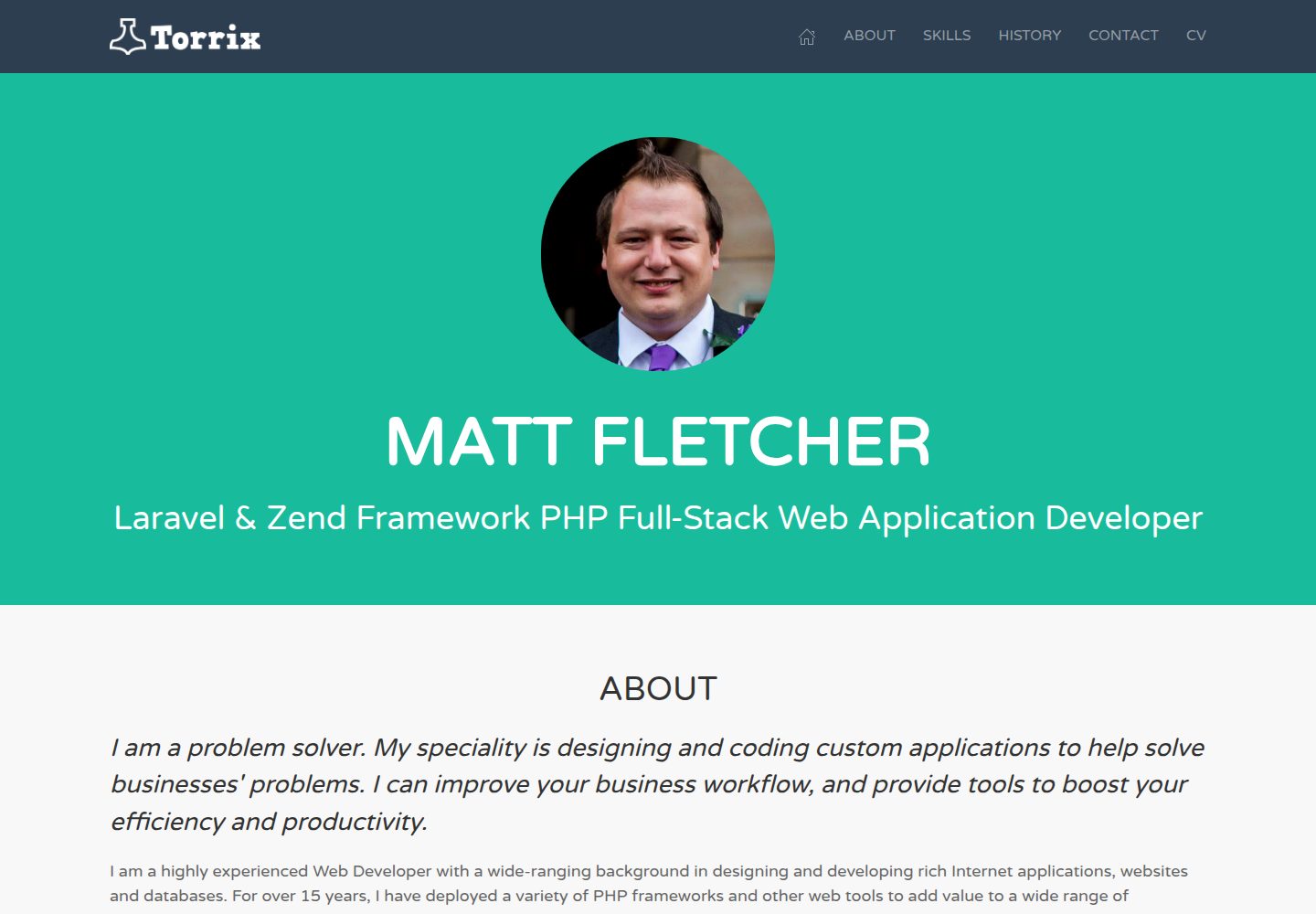
浏览真实页面截图,比较内容排版与手机效果。点击下方缩略图切换,放大查看整页细节。
全部页面与视图 2
截图用于了解视觉与布局,交互效果请以实际项目为准。
采集于 2026-10-02查看来源
值得关注的模板亮点
从已有项目资料中,快速了解它的特点。
通过 vendor:publish 发布视图、Sass 与 JavaScript 资源
内置欢迎页与 UIkit 演示页
可选集成 Laravel Fortify,提供登录、注册、忘记密码、重置密码、邮箱验证视图
Sass 起始文件可自定义 UIkit 样式,示例中把默认主色改为紫色
前端资源使用 Laravel Mix 构建,支持 watch 与生产模式
模板详细介绍
该模板把 UIkit 前端框架引入 Laravel 项目,替代框架默认的 Tailwind CSS 欢迎页。它以 Composer 包(torrix/laravel-uikit)形式提供,通过 vendor:publish 命令把视图、Sass 与 JavaScript 资源发布到 Laravel 安装目录中。
包含的内容有:通过 Composer 安装的 UIkit 包、用于自定义 UIkit CSS 的 Sass 起始文件、加载 UIkit 库的 JavaScript、欢迎页和 UIkit 演示页。认证相关视图为可选,覆盖登录、注册、忘记密码、重置密码和邮箱验证,需要额外引入 Laravel Fortify 并配置数据库与 .env。README 明确列出尚未包含的功能为个人资料页和双因素认证。
使用限制:README 建议在全新安装的 Laravel 10+ 上使用,不推荐加入已有项目,可能引发问题;发布命令会覆盖 welcome.blade.php,因此不要在有改动的既有项目上执行。前端资源通过 Laravel Mix 构建(npm install && npm run dev),部署时用 npm run prod。仓库采用 MIT 许可,但演示图片、字体、图标等第三方素材需单独核对许可;域名、托管、数据库等外部服务可能另行收费。
Laravel启动器
适合你的项目吗?
适用场景
- 在全新 Laravel 10+ 项目上快速搭建 UIkit 前端基础
- 为 Laravel 项目替换默认 Tailwind CSS 欢迎页
- 需要现成登录、注册、密码重置与邮箱验证视图的 Laravel 应用
- 希望用 Sass 定制 UIkit 主题色的网站或 Web 应用
适合人群
- 偏好 UIkit 而非 Tailwind CSS 的 Laravel 开发者
- 从零开始新项目、需要前端启动模板的团队
- 需要 Fortify 认证页面视图的 Laravel 应用
上手与定制指南
结合仓库当前版本的说明,按下面的资料检查内容、配置与运行要求。
- 1
需先安装全新 Laravel 10+,README 不推荐加入已有项目
- 2
执行 composer require torrix/laravel-uikit,再运行 vendor:publish 发布文件,该命令会覆盖 welcome.blade.php
- 3
如需认证功能,额外安装 Laravel Fortify、发布其配置、配置 .env 数据库并执行 migrate
- 4
运行 npm install && npm run dev 构建资源,必要时需执行两次;开发时可用 npm run watch
- 5
部署时使用 npm run prod 构建生产资源
授权与来源资料
使用条件与限制
免费使用 · 保留许可声明本次收录的是公开仓库中采用 MIT 许可的免费版本;免费范围为该版本代码,不代表外部服务或第三方素材免费。
使用时需要遵守
- 允许免费使用、修改、商用和分发该版本代码。
- 分发代码副本或实质性部分时,保留原作者版权声明和完整 MIT 许可声明。
- 代码按现状提供;担保与责任限制以原许可证及适用法律为准。
额外费用与待核对事项
- 仅建议在全新安装的 Laravel 10+ 项目上使用;README 明确不推荐将其加入已有项目,可能引发问题。
- 发布命令会覆盖 welcome.blade.php,因此不要在有该文件改动的既有项目上执行。
- 登录、注册、密码重置、邮箱验证等认证视图为可选功能,需额外安装 Laravel Fortify、创建数据库并在 .env 中配置凭据。
- 演示图片、字体、图标及其他第三方素材需按各自许可核对,不能仅凭代码的 MIT 许可判断。
- 域名、托管、数据库、支付或 AI 等外部服务可能另外收费。
查看原文依据
Permission is hereby granted, free of charge
许可证原文
you'll need a **fresh** install of Laravel 10+. **Adding this to an existing project is not recommended and may cause issues**.
README 原文
It will overwrite welcome.blade.php, so do not run this on established projects with changes made to that file.
README 原文
https://github.com/torrix/laravel-uikit/blob/master/LICENSE.mdhttps://github.com/torrix/laravel-uikit/blob/master/README.md(optional) Include Laravel Fortify, if you want to make use of the ready-made authentication system. You will need to create a database, and configure the file `.env` with the correct credentials for it.
README 原文
DeepSeek 根据仓库许可证和 README 整理 ·2026-10-02。结果仅覆盖已读取资料,依赖、图片、字体及后续条款变更以各自原文为准。
项目核对记录与介绍依据
模板资料
- 来源平台
- GitHub
- 资料与维护参考分
- 资料一般 · 72 / 100
- 技术栈
- Laravel
- 网站类型
- 启动器
这个分数如何计算
本站按许可资料(最高30分)、演示链接(12分)、预览图(10分)、Star数(15分)、记录的维护时间(15分)、描述完整度(8分)、功能记录(5分)和分类资料(5分)计算。它不是代码、安全或性能测试,也不是 Google 评分;有链接不代表已实测可用。
这个项目需要核对什么
- 记录的仓库更新时间
- 2023-09-27
- 截图检查日期
- 2026-10-02
已收录演示链接。请用你的内容与屏幕尺寸检查;有演示不代表表单、认证或支付已经可用。
目录记录的主要技术栈是 Laravel。请通过依赖清单和锁文件核对实际版本与托管要求。这些说明基于收录资料,不代表代码审计或部署实测。
查看具体选型方法 →介绍的制作与核对状态
介绍由 AI 辅助整理目录与仓库资料。仓库作者不等于这篇介绍的审核者。
已完成服务器许可规则与 AI 来源核对;未经过人工编辑审核。
查看当时使用的来源资料
SHA-256: 8b6aa9e7f67495212cd1fab8664c8bca3d4fad2358b1aef3458018c7efe31de0
2026-10-02T14:42:27.386Z
来源文件 / 仓库# UIkit starter template for Laravel
## Including authentication scaffolding for Laravel Fortify

Out of the box, Laravel ships with a default welcome template built with
[Tailwind CSS](https://tailwindcss.com). On top of the base framework,
[Laravel JetStream](https://jetstream.laravel.com/) provides two user
interfaces (your choice of Laravel Livewire or InertiaJS) for login and
register pages whilst [Laravel Fortify](https://github.com/laravel/fortify)
provides the authentication backend.
Although Tailwind CSS is quickly gaining popularity, many people, like me,
prefer a more traditional front-end framework, like Bootstrap, Foundation, or
Bulma. I choose **[UIkit](https://getuikit.com/)** by
[YOOtheme](https://yootheme.com/) because I found it to be the
most modern, clean, well-thought-out, and modular framework available.
## Why UIkit?
I've used UIkit for just about every project I've worked on in the last few
years, for both websites and web applications, from tiny single-page landing
sites, to massive web applications with thousands of users.
This package enhances Laravel with a starter template for UIkit, and
gives you everything you need to start your next web project.
## What's included?
* UIkit package (installed via composer)
* Sass starter file, to customise your UIkit CSS
* JavaScript to load UIkit libraries
* Welcome page
* UIkit demo page
* Optional views for:
* Log In
* Register
* Forgot Password
* Reset Password
* Verify Email
## What's still to come?
* Profile pages
* Two-factor authentication
## Getting Started
These instructions will get you a copy of the project up and running on your
local machine for development and testing purposes. See Deployment for notes
on how to deploy the project on a live system.
### Prerequisites
To begin, you'll need a **fresh** install of Laravel 10+. **Adding this to an
existing project is not recommended and may cause issues**. For full
instructions on installing Laravel, refer to the
[Laravel installation docs](https://laravel.com/docs/9.x/installation), but
something like the following will get you up and running:
```
composer global require laravel/installer
laravel new mysite
cd mysite
```
### Installing this preset
To turn the base Laravel installation into a UIkit site, follow the steps
below.
1. Include this repository into your composer dependencies:
```
composer require torrix/laravel-uikit
```
2. Run the artisan command to publish the necessary files into your Laravel
install. It will overwrite welcome.blade.php, so do not run this on established
projects with changes made to that file.
```
php artisan vendor:publish --provider="Torrix\LaravelUikitServiceProvider" --force
```
3. (optional) Include Laravel Fortify, if you want to make use of the
ready-made authentication system. You will need to create a database, and
configure the file `.env` with the correct credentials for it.
```
composer require laravel/fortify
php artisan vendor:publish --provider="Laravel\Fortify\FortifyServiceProvider"
php artisan migrate
```
Add in `config/app.php`:
```
'providers' => [
// ...
App\Providers\FortifyServiceProvider::class,
],
```
4. Run NPM to build your CSS and JS assets using Laravel Mix:
```
npm install && npm run dev
```
Sometimes, `npm run dev` needs to be run twice to complete the installation.
Read the output carefully to see if this is the case.
5. Run the built-in development server
```
php artisan serve
```
Your new site will be served at http://localhost:8000.
## Developing with UIkit
To get started in UIkit, read
[their excellent docs](https://getuikit.com/docs/introduction). The examples
and tests provided should give you all the help you need. To get an idea of
what UIkit is capable of, I highly recommend the
[KickOff starter templates](https://zzseba78.github.io/Kick-Off/) for
inspiration.
To start customising UIkit to your own needs, take a look in
[app.scss](resources/sass/app.scss). In there, you will find the
standard UIkit imports, and by way of a simple example, I've changed the
default blue primary colour to a nice purple shade, just to show what's
possible in almost no time at all. Try changing it to another colour, and
then running `npm run dev` to rebuild the CSS, and see the changes to your
site.
### Handy tip
Whilst developing your site, running Laravel Mix in watch mode makes it easy
to make changes and quickly see their results:
```
npm run watch
```
## Deployment
When deploying to a live server, remember to build your assets in production
mode for smaller, faster downloads:
```
npm run prod
```
## Built With
* [UIkit](https://getuikit.com/) - The beautiful, powerful front-end framework
that you'll be delighted to build your next Laravel project with!
* [Laravel](https://laravel.com/) - The awesome PHP framework that makes all
of this worthwhile.
* [Laravel Fortify](https://github.com/laravel/fortify) - The backend Laravel
9 uses to power its authentication system.
## Author
**Matt Fletcher** @ [Torrix](https://torrix.uk)
## License
This template is open-source software licensed under the
[MIT license](https://opensource.org/licenses/MIT) - see the
[LICENSE.md](LICENSE.md) file for details
看看同类模板
对比同技术栈与用途的模板,找到更适合的视觉与内容结构。

sage
WordPress starter theme with Laravel Blade components and templates, Tailwind CSS, and block editor support
Laravel · 启动器

wave
Wave - The Software as a Service Starter Kit, designed to help you build the SAAS of your dreams 🚀 💰
Laravel · SaaS

filament-starter
A beautiful starting point for your next TALL stack project using Filament. ⚡
Laravel · 启动器

electrik
Laravel SaaS starter kit: auth, teams, Stripe billing, and Slate 3 — Composer package for Laravel 12
Laravel · SaaS

php-saas
The everything-included starter kit for your next idea
Laravel · SaaS

filament-jetstream
A Laravel starter kit built with Filament inspired by Jetstream.
Laravel · 启动器