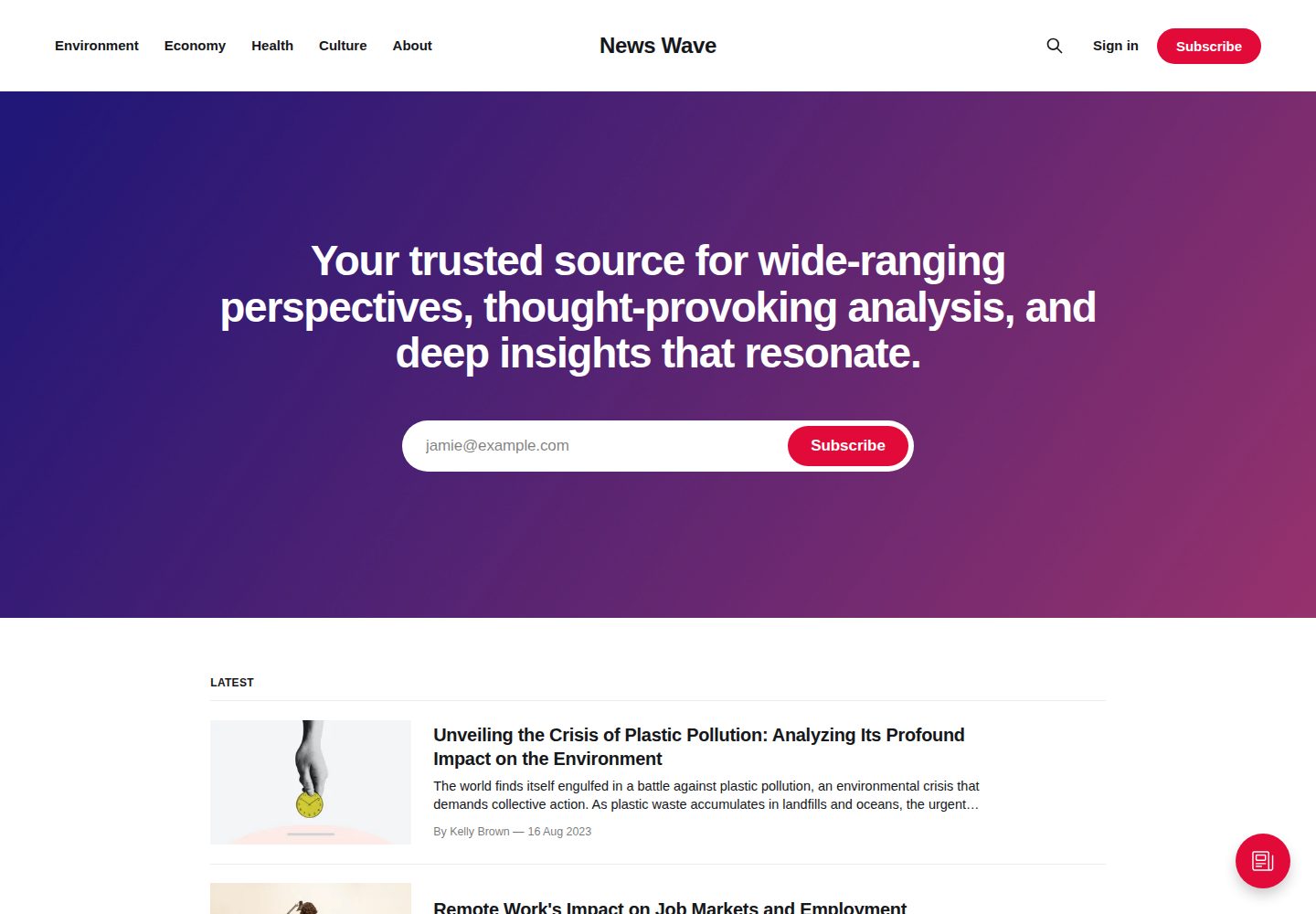
Official default theme for Ghost, with the repository and demo site maintained by TryGhost
HTMLBlog
Source — HTML Blog Template
By TryGhost
Source is the official default theme for Ghost, built with Handlebars templates and PostCSS, designed for blog sites centered on post lists, tag archives, and author archives.
Explore the design
Compare the page layouts and mobile experience. Open any screenshot for a closer look.
Desktop homepage1 / 3
Desktop captureTop of page
Actual screenshot captured by the server browser.
All pages & views 3
Screenshots show visual appearance; interactive behavior may differ.
Recorded 2026-10-02View source
What stands out
A quick read of the recorded project description.
Uses Handlebars templates; main templates cover the homepage, post list, post, standalone page, tag archive, and author archive
Supports creating custom templates by slug, such as page-about.hbs, tag-news.hbs, and author-ali.hbs
Styles are compiled via Gulp/PostCSS, with Autoprefixer automatically handling browser prefixes
Icons are included as inline SVGs via Handlebars partials, located in partials/icons
MIT licensed, permitting free use, modification, commercial use, and distribution of this version of the code
Template Details
Source is the default theme maintained in the official Ghost repository. The repository README positions it as Ghost's default theme and notes that the current repository is a development version; official release packages must be obtained from the releases page. The theme uses the Handlebars templating language. Its main template files include default.hbs (global header and footer), home.hbs (homepage), index.hbs (post list), post.hbs (single post), page.hbs (standalone page), tag.hbs (tag archive), and author.hbs (author archive). The README also mentions that one-off custom templates can be created by slug, such as page-about.hbs, tag-news.hbs, and author-ali.hbs, to override the rendering of specific pages or archives.
For styling, Source uses Gulp/PostCSS to compile source files under assets/css into assets/built, and uses Autoprefixer to automatically handle browser prefixes. Icons are inline SVGs included via Handlebars partials, with icon files located in the partials/icons directory. Translation-related workflows point to the theme-translations package in the @TryGhost/Themes repository.
The development and release workflow requires Node and pnpm: pnpm install installs dependencies, pnpm dev starts the development server, and pnpm zip generates an uploadable dist/<theme-name>.zip. To release, first run pnpm version (patch/minor/major or an explicit version number), then run pnpm ship; ship builds the theme zip, runs GScan, checks whether the working tree is clean, pushes the version commit and tag, and creates a GitHub draft release with a changelog. The README notes that pnpm ship itself does not perform version number changes.
Regarding licensing, the repository LICENSE is MIT, with copyright held by Ghost Foundation. The scope of use is limited to this version of the code itself; third-party assets such as demo images, fonts, and icons, as well as external services such as domains, hosting, and databases, must be checked separately for their respective licenses and fees.
HTMLBlog
Is it right for your project?
Use Cases
- Building a blog using the official default theme for a Ghost site
- Customizing the homepage, post page, or archive pages based on Source's template structure
- Creating one-off templates for specific pages or archives via files such as page-about.hbs and tag-news.hbs
- Editing assets/css locally with pnpm dev and automatically compiling to assets/built
- Packaging the theme with pnpm zip and uploading it to a Ghost site
Suitable For
- Blog or publication sites that publish content with Ghost
- Sites that need a core structure based on post lists, tag archives, and author archives
- Front-end or theme developers who want to build on the official default theme
- Teams comfortable with a Handlebars template and PostCSS build workflow
Getting started & customization
Use these recorded setup notes alongside the repository instructions for your chosen version.
- 1
Before development, install Node and pnpm, then run pnpm install in the theme root directory
- 2
Run pnpm dev to start the development server; editing files under assets/css automatically compiles to assets/built
- 3
Run pnpm zip to generate dist/<theme-name>.zip for uploading to a Ghost site
- 4
The release workflow requires first running pnpm version to specify a version or bump type, then running pnpm ship; ship does not automatically change the version number
- 5
Third-party assets such as demo images, fonts, and icons, as well as external services such as domains, hosting, and databases, must be checked separately for their respective licenses and fees
License & source material
Usage conditions & limitations
Free to use · keep license noticeThis entry covers the free version under the MIT license in the public repository; the free scope is this version of the code and does not mean that external services or third-party assets are free.
Must comply with when using
- Free use, modification, commercial use, and distribution of this version of the code are permitted.
- When distributing copies or substantial portions of the code, retain the original author's copyright notice and the complete MIT license notice.
- The code is provided as is; warranties and limitations of liability are governed by the original license and applicable law.
Additional costs & items to verify
- The release workflow requires configuring the GST_TOKEN environment variable, a GitHub token with permission to create releases in the TryGhost/Source repository; this only affects maintainers releasing new versions, and ordinary use and secondary development do not require this token.
- Local development and building require Node.js and the pnpm package manager to be installed in advance, and pnpm install to install dependencies; this is an external tool requirement.
- pnpm ship interactively asks for the minimum compatible Ghost version and creates a GitHub draft release, requiring GitHub release permissions and network access.
- The repository is currently a development version; stable release packages must be obtained from the releases page, and using the development version directly may include unreleased changes.
- Demo images, fonts, icons, and other third-party assets must be checked under their respective licenses and cannot be judged solely by the code's MIT license.
- External services such as domains, hosting, databases, payments, or AI may incur separate charges.
View Original Text Basis
Permission is hereby granted, free of charge
Original License Text
configure `GST_TOKEN` with a GitHub token that can create releases in `TryGhost/Source`
Original README
You'll need [Node](https://nodejs.org/) and [pnpm](https://pnpm.io/).
Original README
Prompts for the minimum compatible Ghost version and creates a draft GitHub release with the generated changelog.
Original README
https://github.com/TryGhost/Source/blob/main/LICENSEhttps://github.com/TryGhost/Source/blob/main/README.mdThis is the latest development version of Source! If you're just looking to download the latest release, head over to the [releases](https://github.com/TryGhost/Source/releases) page.
Original README
Compiled by DeepSeek based on repository license and README ·2026-10-02. Results only cover the materials read; dependencies, images, fonts, and subsequent term changes are subject to their respective original texts.
Project checks & description sources
Template Information
- Source platforms
- GitHub
- Documentation and maintenance reference score
- More documented · 83 / 100
- Technologies
- HTML
- Website type
- Blog
How this score is calculated
Our heuristic uses license records (up to 30), a demo link (12), a preview (10), stars (15), recorded maintenance (15), description completeness (8), feature records (5) and classification data (5). It is not a code, security or performance test, or a Google score. A link does not establish tested functionality.
What to verify for this project
- Repository update recorded
- 2026-10-02
- Screenshot last checked
- 2026-10-02
A demo link is listed. Check it with your own content and viewport sizes; its presence does not confirm that forms, authentication or payments work.
The catalog identifies HTML as the primary stack. Check the actual dependency manifest and lockfile for versions and hosting requirements. These notes use recorded metadata, not a code audit or a deployment test.
Use a selection guide →How this description was prepared
AI-assisted description based on catalog records and repository material. Repository authors are not automatically the reviewers of this description.
Automatically checked against source and license rules; no manual editorial review.
Inspect the recorded source material
SHA-256: b43318bbbcd82e600810101f2599f262f7c72d790c5fb727a6a97ac4864077b5
2026-10-02T06:34:56.902Z
Source file / repository# Source
The default theme for [Ghost](http://github.com/tryghost/ghost/). This is the latest development version of Source! If you're just looking to download the latest release, head over to the [releases](https://github.com/TryGhost/Source/releases) page.
# First time using a Ghost theme?
Ghost uses a simple templating language called [Handlebars](http://handlebarsjs.com/) for its themes.
This theme has lots of code comments to help explain what's going on just by reading the code. Once you feel comfortable with how everything works, we also have full [theme API documentation](https://ghost.org/docs/themes/) which explains every possible Handlebars helper and template.
**The main files are:**
- `default.hbs` - The parent template file, which includes your global header/footer
- `home.hbs` - The homepage
- `index.hbs` - The main template to generate a list of posts
- `post.hbs` - The template used to render individual posts
- `page.hbs` - Used for individual pages
- `tag.hbs` - Used for tag archives, eg. "all posts tagged with `news`"
- `author.hbs` - Used for author archives, eg. "all posts written by Jamie"
One neat trick is that you can also create custom one-off templates by adding the slug of a page to a template file. For example:
- `page-about.hbs` - Custom template for an `/about/` page
- `tag-news.hbs` - Custom template for `/tag/news/` archive
- `author-ali.hbs` - Custom template for `/author/ali/` archive
# Development
Source styles are compiled using Gulp/PostCSS to polyfill future CSS spec. You'll need [Node](https://nodejs.org/) and [pnpm](https://pnpm.io/). After that, from the theme's root directory:
```bash
# install dependencies
pnpm install
# run development server
pnpm dev
```
Now you can edit `/assets/css/` files, which will be compiled to `/assets/built/` automatically.
The `zip` Gulp task packages the theme files into `dist/<theme-name>.zip`, which you can then upload to your site.
```bash
# create .zip file
pnpm zip
```
# Publishing a release
Releases are shipped from an up-to-date, clean `main` branch in two steps. Before starting, configure `GST_TOKEN` with a GitHub token that can create releases in `TryGhost/Source`.
First bump the version. This updates `package.json`, then creates a commit and annotated `v<version>` git tag:
```bash
# pick one of: patch | minor | major (or an explicit version, e.g. 1.8.0)
pnpm version minor
```
Then run `ship`:
```bash
pnpm ship
```
`pnpm ship`:
1. Builds the theme zip and runs GScan.
2. Refuses to continue if the working tree is not clean after the build.
3. Pushes the version commit and tag.
4. Prompts for the minimum compatible Ghost version and creates a draft GitHub release with the generated changelog.
Review and publish the draft GitHub release after the command completes. The pushed theme tag, rather than the GitHub release, is what the next Ghost release uses when updating its bundled Source theme.
> [!NOTE]
> `pnpm version` requires an explicit version or bump type. Run it before `pnpm ship`; the ship command does not perform the bump itself.
# PostCSS Features Used
- Autoprefixer - Don't worry about writing browser prefixes of any kind, it's all done automatically with support for the latest 2 major versions of every browser.
# SVG Icons
Source uses inline SVG icons, included via Handlebars partials. You can find all icons inside `/partials/icons`. To use an icon just include the name of the relevant file, eg. To include the SVG icon in `/partials/icons/rss.hbs` - use `{{> "icons/rss"}}`.
You can add your own SVG icons in the same manner.
# Translations
Please see [@TryGhost/Themes/theme-translations/README.md](https://github.com/TryGhost/Themes/blob/main/packages/theme-translations/README.md) for how to build, edit, or contribute translations.
# Copyright & License
Copyright (c) 2013-2026 Ghost Foundation - Released under the [MIT license](LICENSE).
Explore similar templates
Compare previews and descriptions within the same stack and category.

Casper
Casper is Ghost's official classic blog theme, long used as the default and still maintained.
HTML · Magazine
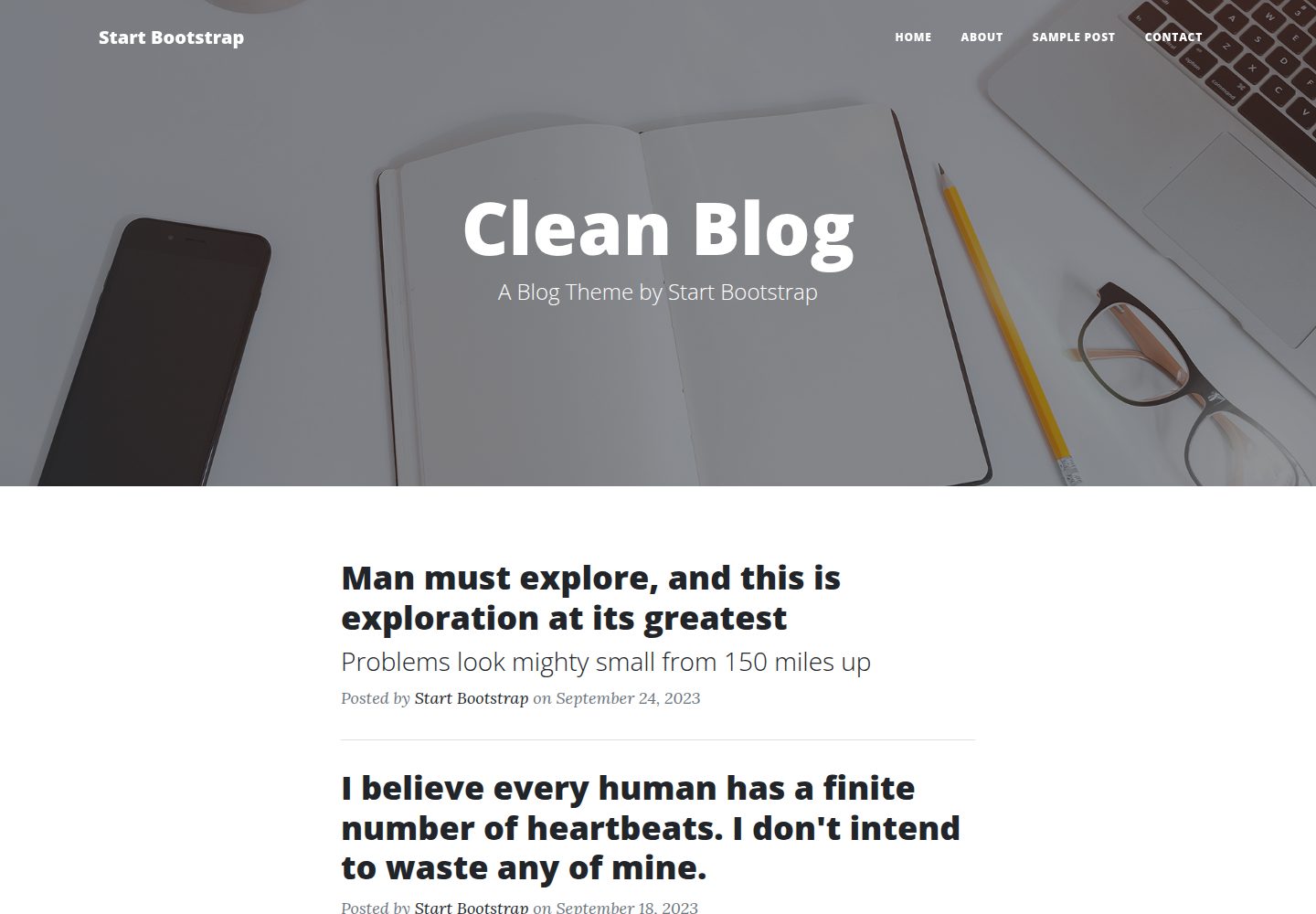
startbootstrap-clean-blog
Clean Blog by Start Bootstrap is a responsive Bootstrap blog theme with a home page, about page, contact page, and sample post page, plus a working PHP contact form preconfigured for SB Forms.
HTML · Blog
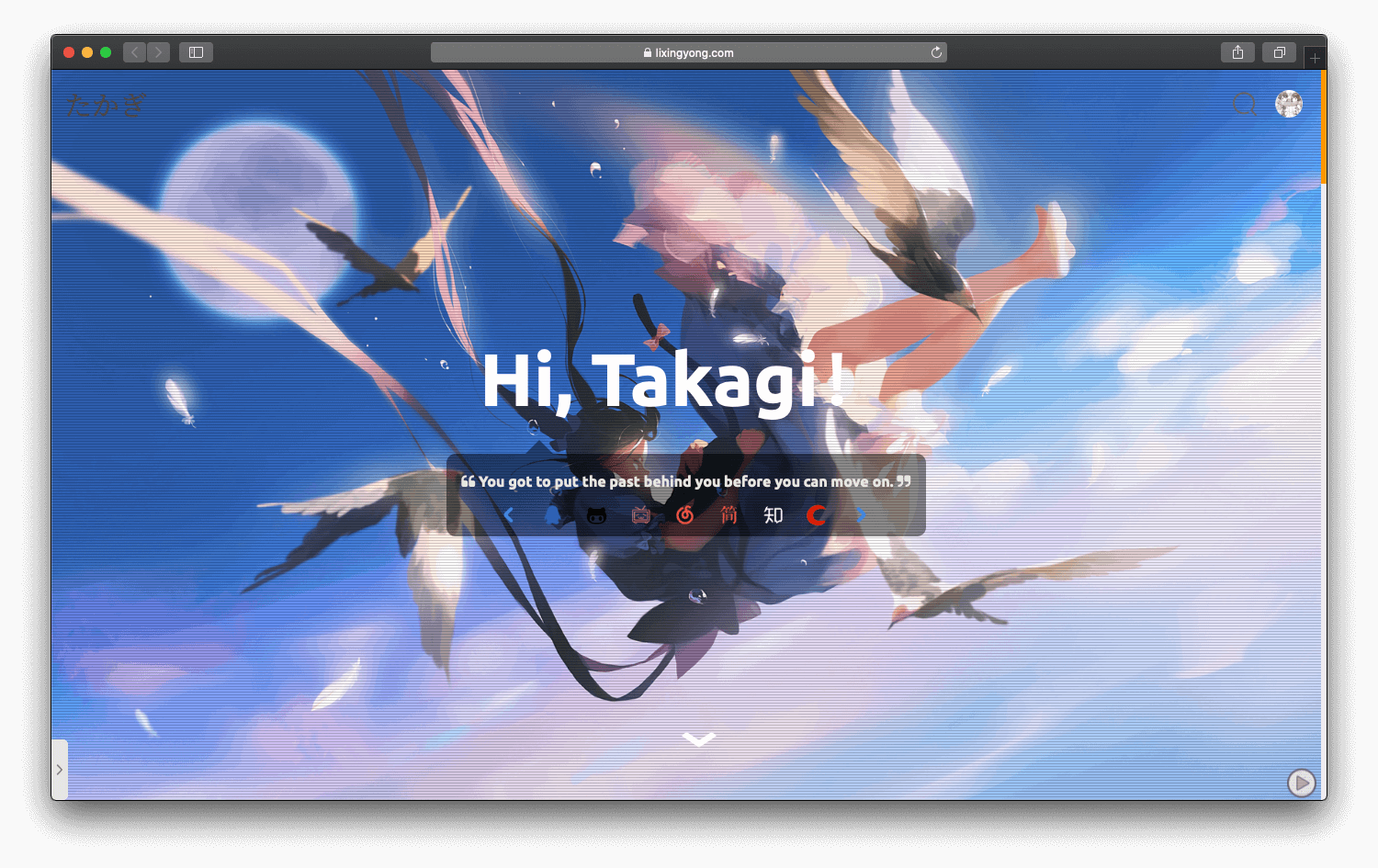
halo-theme-sakura
A Sakura-style blog theme for Halo 2.x, rebuilt after 2.0.0 for improved performance with asynchronous and deferred resource loading.
HTML · Blog
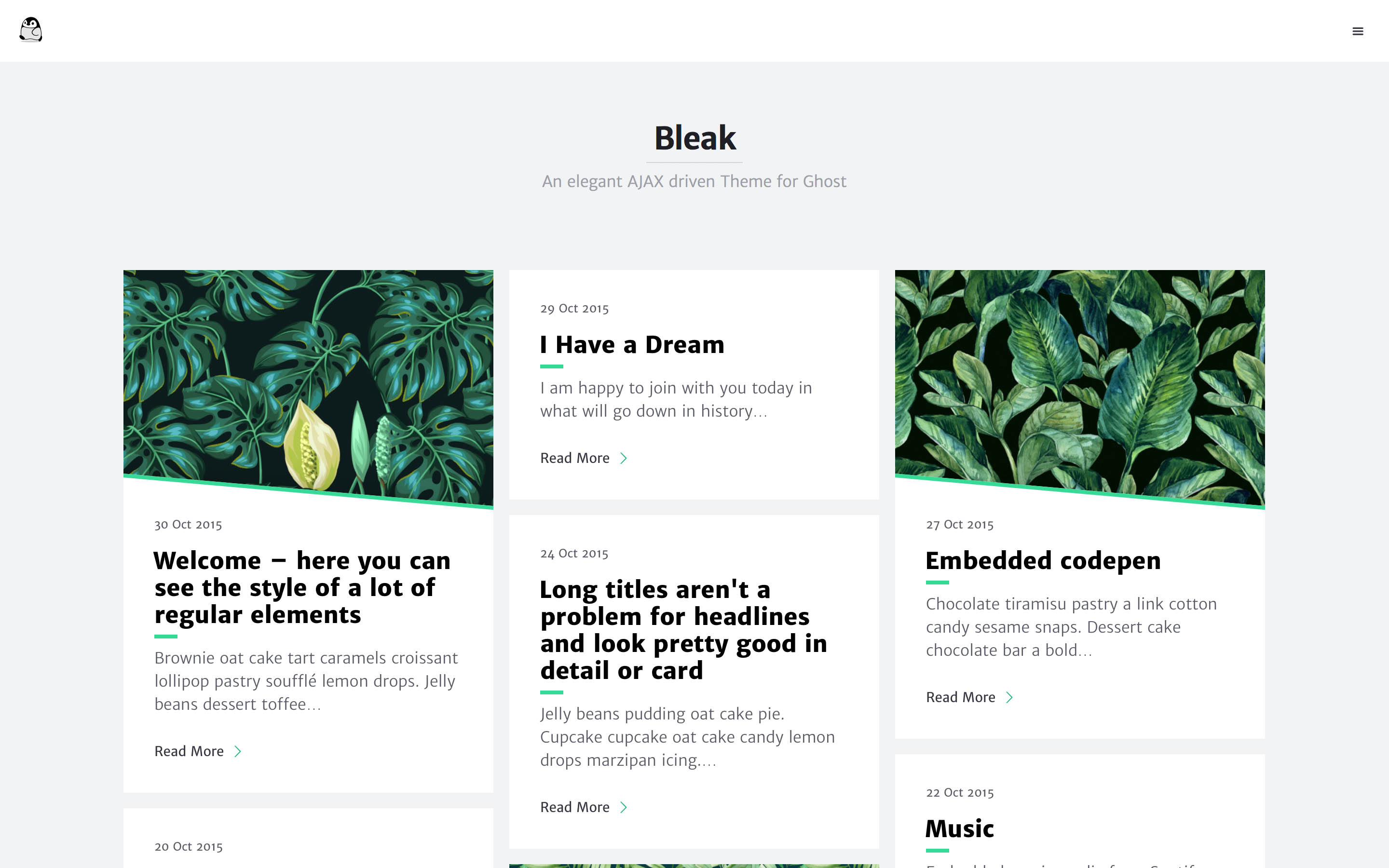
bleak
Bleak is an AJAX-driven Ghost blog theme with a clean, reading-focused layout. It offers responsive design, built-in code syntax highlighting with line numbers, customizable primary color via Code injection, Disqus comments, and an optional fixed navigation bar.
HTML · Blog
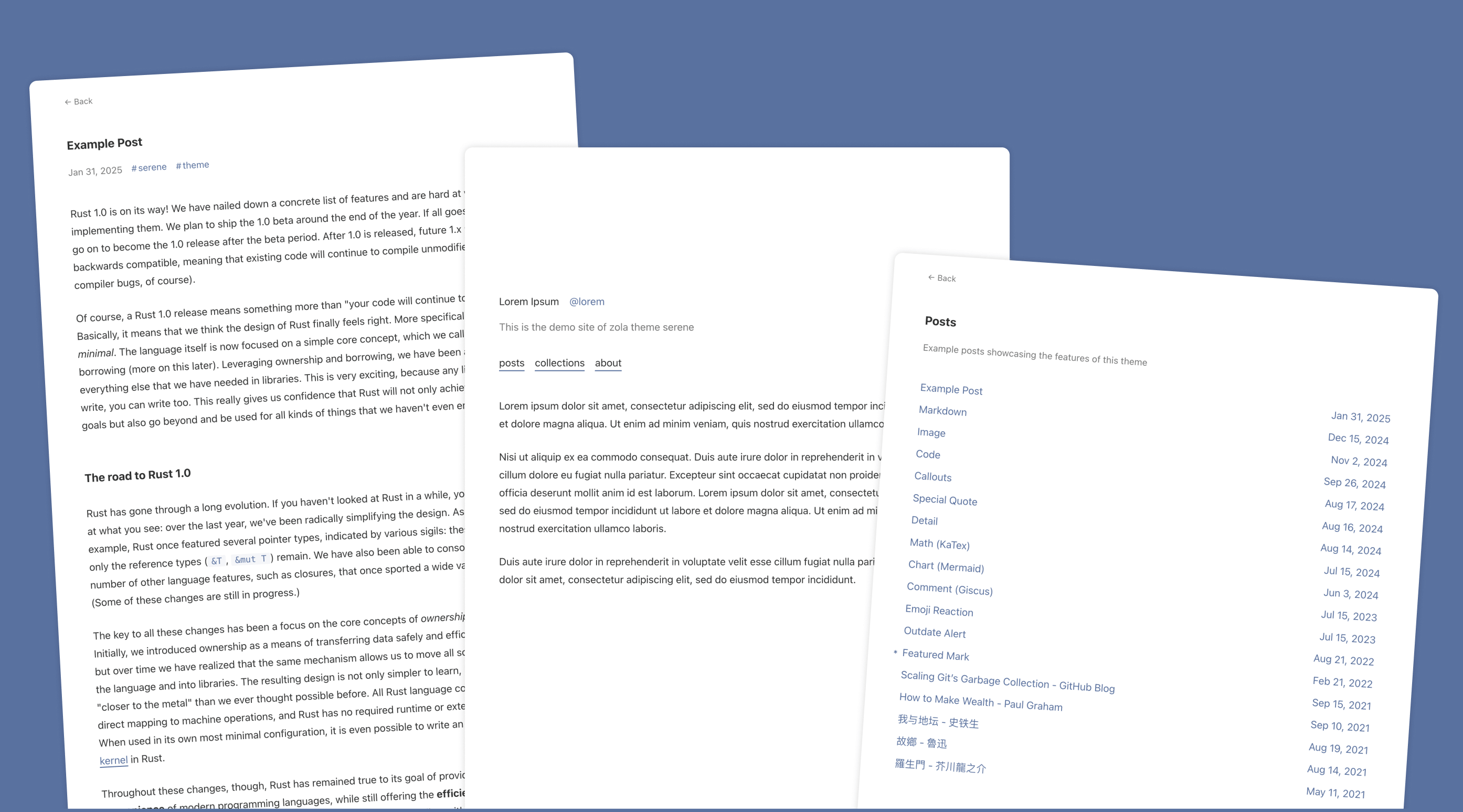
serene
Serene is a minimal blog theme for Zola, focused on typography and reading experience. Built on Zola's template system with HTML and CSS, it has no front-end framework dependencies and loads lightly.
HTML · Blog
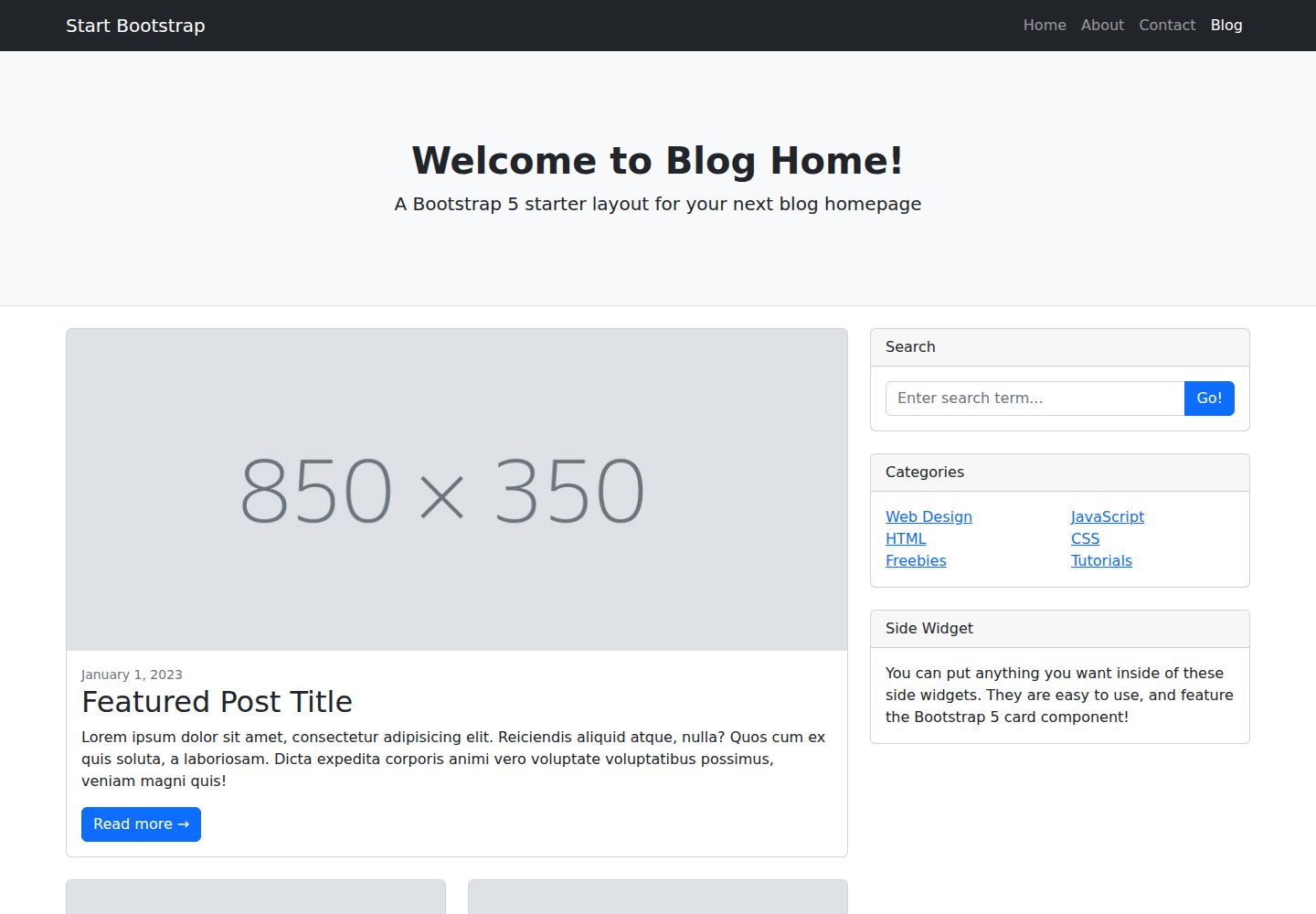
startbootstrap-blog-home
A Bootstrap blog homepage HTML starter template by Start Bootstrap, with post lists, sidebars, and pagination. Edit HTML/CSS in dist directly, or build from Pug, SCSS, and JS via npm scripts with local preview and live refresh.
HTML · Blog