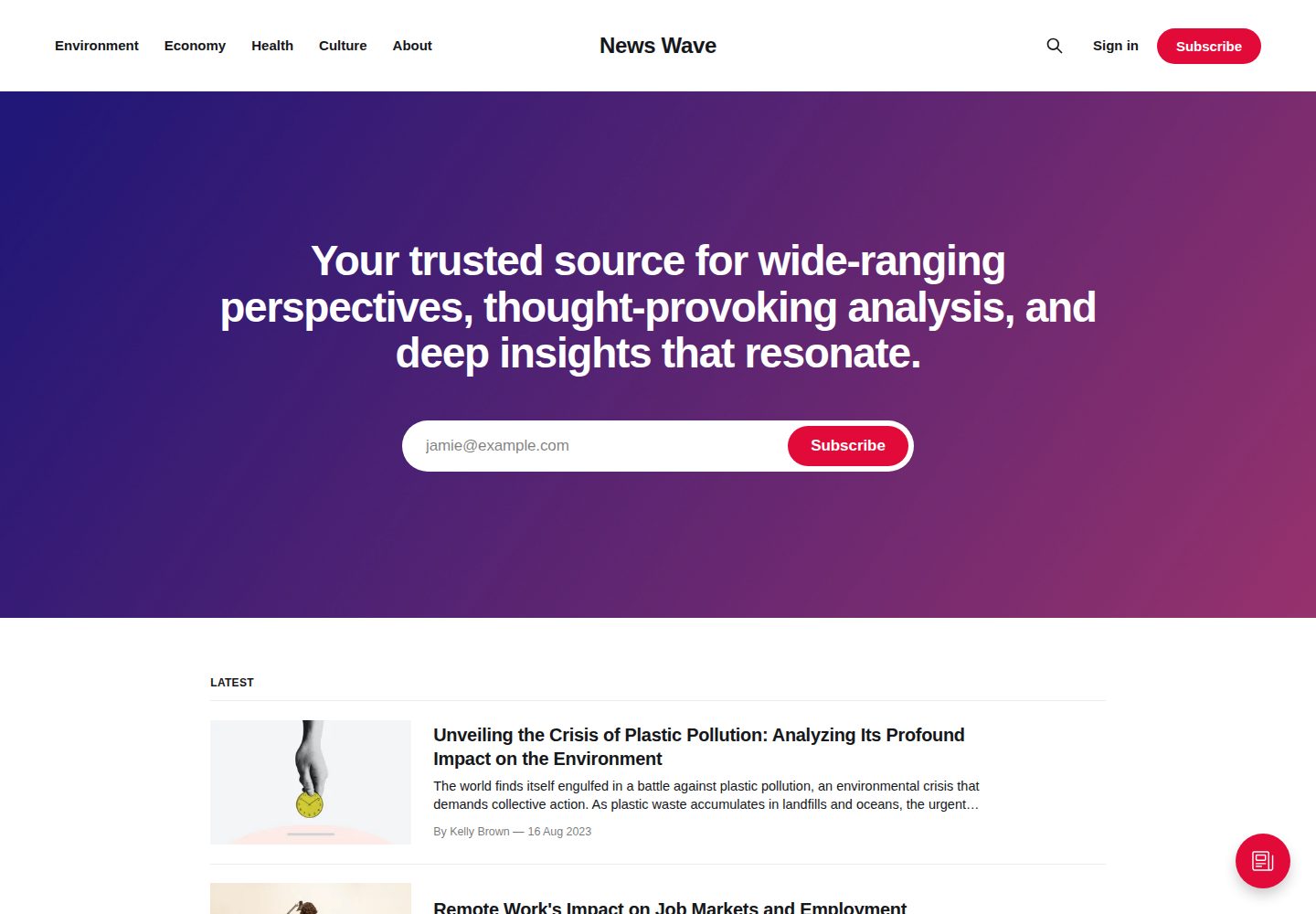
Ghost 官方默认主题,仓库与演示站由 TryGhost 维护
HTML博客
Source — HTML 博客模板
作者 TryGhost
Source 是 Ghost 官方默认主题,基于 Handlebars 模板与 PostCSS 构建,用于搭建以文章列表、标签归档和作者归档为核心的博客站点。
看看你的网站会是什么样
浏览真实页面截图,比较内容排版与手机效果。点击下方缩略图切换,放大查看整页细节。
全部页面与视图 3
截图用于了解视觉与布局,交互效果请以实际项目为准。
采集于 2026-10-02查看来源
值得关注的模板亮点
从已有项目资料中,快速了解它的特点。
使用 Handlebars 模板,主要模板覆盖首页、文章列表、文章、独立页面、标签归档与作者归档
支持按 slug 创建自定义模板,如 page-about.hbs、tag-news.hbs、author-ali.hbs
样式通过 Gulp/PostCSS 编译,使用 Autoprefixer 自动处理浏览器前缀
图标以内联 SVG 形式通过 Handlebars partial 引入,位于 partials/icons
MIT 许可,允许免费使用、修改、商用和分发该版本代码
模板详细介绍
Source 是 Ghost 官方仓库中维护的默认主题,仓库 README 将其定位为 Ghost 的默认主题,并说明当前仓库是开发版本,正式发布包需从 releases 页面获取。主题使用 Handlebars 模板语言,主要模板文件包括 default.hbs(全局页头页脚)、home.hbs(首页)、index.hbs(文章列表)、post.hbs(单篇文章)、page.hbs(独立页面)、tag.hbs(标签归档)和 author.hbs(作者归档)。README 还提到可以按 slug 创建一次性自定义模板,例如 page-about.hbs、tag-news.hbs、author-ali.hbs,用于覆盖特定页面或归档的渲染。
样式方面,Source 使用 Gulp/PostCSS 编译 assets/css 下的源文件到 assets/built,并通过 Autoprefixer 自动处理浏览器前缀。图标采用内联 SVG,通过 Handlebars partial 引入,图标文件位于 partials/icons 目录。翻译相关流程指向 @TryGhost/Themes 仓库中的 theme-translations 包。
开发与发布流程要求 Node 和 pnpm:pnpm install 安装依赖,pnpm dev 启动开发服务器,pnpm zip 生成可上传的 dist/<theme-name>.zip。发布时先执行 pnpm version(patch/minor/major 或显式版本号),再执行 pnpm ship;ship 会构建主题 zip、运行 GScan、检查工作区是否干净、推送版本提交与标签,并创建带变更日志的 GitHub 草稿 release。README 提示 pnpm ship 本身不执行版本号变更。
许可方面,仓库 LICENSE 为 MIT,版权归 Ghost Foundation。使用范围限于该版本代码本身,演示图片、字体、图标等第三方素材以及域名、托管、数据库等外部服务需另行核对各自许可与费用。
HTML博客
适合你的项目吗?
适用场景
- 为 Ghost 站点使用官方默认主题搭建博客
- 基于 Source 的模板结构定制首页、文章页或归档页
- 通过 page-about.hbs、tag-news.hbs 等文件为特定页面或归档创建一次性模板
- 在本地使用 pnpm dev 编辑 assets/css 并自动编译到 assets/built
- 使用 pnpm zip 打包主题并上传到 Ghost 站点
适合人群
- 使用 Ghost 发布内容的博客或出版物站点
- 需要以文章列表、标签归档和作者归档为核心结构的站点
- 希望基于官方默认主题进行二次开发的前端或主题开发者
- 接受 Handlebars 模板与 PostCSS 构建流程的团队
上手与定制指南
结合仓库当前版本的说明,按下面的资料检查内容、配置与运行要求。
- 1
开发前需安装 Node 与 pnpm,然后在主题根目录执行 pnpm install
- 2
运行 pnpm dev 启动开发服务器,编辑 assets/css 下的文件会自动编译到 assets/built
- 3
运行 pnpm zip 生成 dist/<theme-name>.zip,用于上传到 Ghost 站点
- 4
发布流程需先执行 pnpm version 指定版本或 bump 类型,再执行 pnpm ship;ship 不会自动变更版本号
- 5
演示图片、字体、图标等第三方素材以及域名、托管、数据库等外部服务需按各自许可与费用单独核对
授权与来源资料
使用条件与限制
免费使用 · 保留许可声明本次收录的是公开仓库中采用 MIT 许可的免费版本;免费范围为该版本代码,不代表外部服务或第三方素材免费。
使用时需要遵守
- 允许免费使用、修改、商用和分发该版本代码。
- 分发代码副本或实质性部分时,保留原作者版权声明和完整 MIT 许可声明。
- 代码按现状提供;担保与责任限制以原许可证及适用法律为准。
额外费用与待核对事项
- 发布流程需要配置 GST_TOKEN 环境变量,即一个具备在 TryGhost/Source 仓库创建 release 权限的 GitHub 令牌;仅影响维护者发布新版本,普通使用与二次开发不需要该令牌。
- 本地开发与构建需要预先安装 Node.js 和 pnpm 包管理器,并执行 pnpm install 安装依赖,属于外部工具要求。
- pnpm ship 会交互式询问最低兼容的 Ghost 版本并创建 GitHub 草稿 release,需要 GitHub 发布权限与网络访问。
- 仓库当前为开发版本,稳定发布包需从 releases 页面获取;直接使用开发版可能包含未发布变更。
- 演示图片、字体、图标及其他第三方素材需按各自许可核对,不能仅凭代码的 MIT 许可判断。
- 域名、托管、数据库、支付或 AI 等外部服务可能另外收费。
查看原文依据
Permission is hereby granted, free of charge
许可证原文
configure `GST_TOKEN` with a GitHub token that can create releases in `TryGhost/Source`
README 原文
You'll need [Node](https://nodejs.org/) and [pnpm](https://pnpm.io/).
README 原文
Prompts for the minimum compatible Ghost version and creates a draft GitHub release with the generated changelog.
README 原文
https://github.com/TryGhost/Source/blob/main/LICENSEhttps://github.com/TryGhost/Source/blob/main/README.mdThis is the latest development version of Source! If you're just looking to download the latest release, head over to the [releases](https://github.com/TryGhost/Source/releases) page.
README 原文
DeepSeek 根据仓库许可证和 README 整理 ·2026-10-02。结果仅覆盖已读取资料,依赖、图片、字体及后续条款变更以各自原文为准。
项目核对记录与介绍依据
模板资料
- 来源平台
- GitHub
- 资料与维护参考分
- 资料较完整 · 83 / 100
- 技术栈
- HTML
- 网站类型
- 博客
这个分数如何计算
本站按许可资料(最高30分)、演示链接(12分)、预览图(10分)、Star数(15分)、记录的维护时间(15分)、描述完整度(8分)、功能记录(5分)和分类资料(5分)计算。它不是代码、安全或性能测试,也不是 Google 评分;有链接不代表已实测可用。
这个项目需要核对什么
- 记录的仓库更新时间
- 2026-10-02
- 截图检查日期
- 2026-10-02
已收录演示链接。请用你的内容与屏幕尺寸检查;有演示不代表表单、认证或支付已经可用。
目录记录的主要技术栈是 HTML。请通过依赖清单和锁文件核对实际版本与托管要求。这些说明基于收录资料,不代表代码审计或部署实测。
查看具体选型方法 →介绍的制作与核对状态
介绍由 AI 辅助整理目录与仓库资料。仓库作者不等于这篇介绍的审核者。
已完成服务器许可规则与 AI 来源核对;未经过人工编辑审核。
查看当时使用的来源资料
SHA-256: b43318bbbcd82e600810101f2599f262f7c72d790c5fb727a6a97ac4864077b5
2026-10-02T06:34:56.902Z
来源文件 / 仓库# Source
The default theme for [Ghost](http://github.com/tryghost/ghost/). This is the latest development version of Source! If you're just looking to download the latest release, head over to the [releases](https://github.com/TryGhost/Source/releases) page.
# First time using a Ghost theme?
Ghost uses a simple templating language called [Handlebars](http://handlebarsjs.com/) for its themes.
This theme has lots of code comments to help explain what's going on just by reading the code. Once you feel comfortable with how everything works, we also have full [theme API documentation](https://ghost.org/docs/themes/) which explains every possible Handlebars helper and template.
**The main files are:**
- `default.hbs` - The parent template file, which includes your global header/footer
- `home.hbs` - The homepage
- `index.hbs` - The main template to generate a list of posts
- `post.hbs` - The template used to render individual posts
- `page.hbs` - Used for individual pages
- `tag.hbs` - Used for tag archives, eg. "all posts tagged with `news`"
- `author.hbs` - Used for author archives, eg. "all posts written by Jamie"
One neat trick is that you can also create custom one-off templates by adding the slug of a page to a template file. For example:
- `page-about.hbs` - Custom template for an `/about/` page
- `tag-news.hbs` - Custom template for `/tag/news/` archive
- `author-ali.hbs` - Custom template for `/author/ali/` archive
# Development
Source styles are compiled using Gulp/PostCSS to polyfill future CSS spec. You'll need [Node](https://nodejs.org/) and [pnpm](https://pnpm.io/). After that, from the theme's root directory:
```bash
# install dependencies
pnpm install
# run development server
pnpm dev
```
Now you can edit `/assets/css/` files, which will be compiled to `/assets/built/` automatically.
The `zip` Gulp task packages the theme files into `dist/<theme-name>.zip`, which you can then upload to your site.
```bash
# create .zip file
pnpm zip
```
# Publishing a release
Releases are shipped from an up-to-date, clean `main` branch in two steps. Before starting, configure `GST_TOKEN` with a GitHub token that can create releases in `TryGhost/Source`.
First bump the version. This updates `package.json`, then creates a commit and annotated `v<version>` git tag:
```bash
# pick one of: patch | minor | major (or an explicit version, e.g. 1.8.0)
pnpm version minor
```
Then run `ship`:
```bash
pnpm ship
```
`pnpm ship`:
1. Builds the theme zip and runs GScan.
2. Refuses to continue if the working tree is not clean after the build.
3. Pushes the version commit and tag.
4. Prompts for the minimum compatible Ghost version and creates a draft GitHub release with the generated changelog.
Review and publish the draft GitHub release after the command completes. The pushed theme tag, rather than the GitHub release, is what the next Ghost release uses when updating its bundled Source theme.
> [!NOTE]
> `pnpm version` requires an explicit version or bump type. Run it before `pnpm ship`; the ship command does not perform the bump itself.
# PostCSS Features Used
- Autoprefixer - Don't worry about writing browser prefixes of any kind, it's all done automatically with support for the latest 2 major versions of every browser.
# SVG Icons
Source uses inline SVG icons, included via Handlebars partials. You can find all icons inside `/partials/icons`. To use an icon just include the name of the relevant file, eg. To include the SVG icon in `/partials/icons/rss.hbs` - use `{{> "icons/rss"}}`.
You can add your own SVG icons in the same manner.
# Translations
Please see [@TryGhost/Themes/theme-translations/README.md](https://github.com/TryGhost/Themes/blob/main/packages/theme-translations/README.md) for how to build, edit, or contribute translations.
# Copyright & License
Copyright (c) 2013-2026 Ghost Foundation - Released under the [MIT license](LICENSE).
看看同类模板
对比同技术栈与用途的模板,找到更适合的视觉与内容结构。

Casper
Casper 是 Ghost 官方出品的经典主题,曾长期作为默认主题,现在仍持续维护。 它的定位很纯粹:一套结构清晰、注释详尽的博客主题,适合直接使用,也适合作为学习 Ghost 主题开发的入门范本。
HTML · 杂志资讯
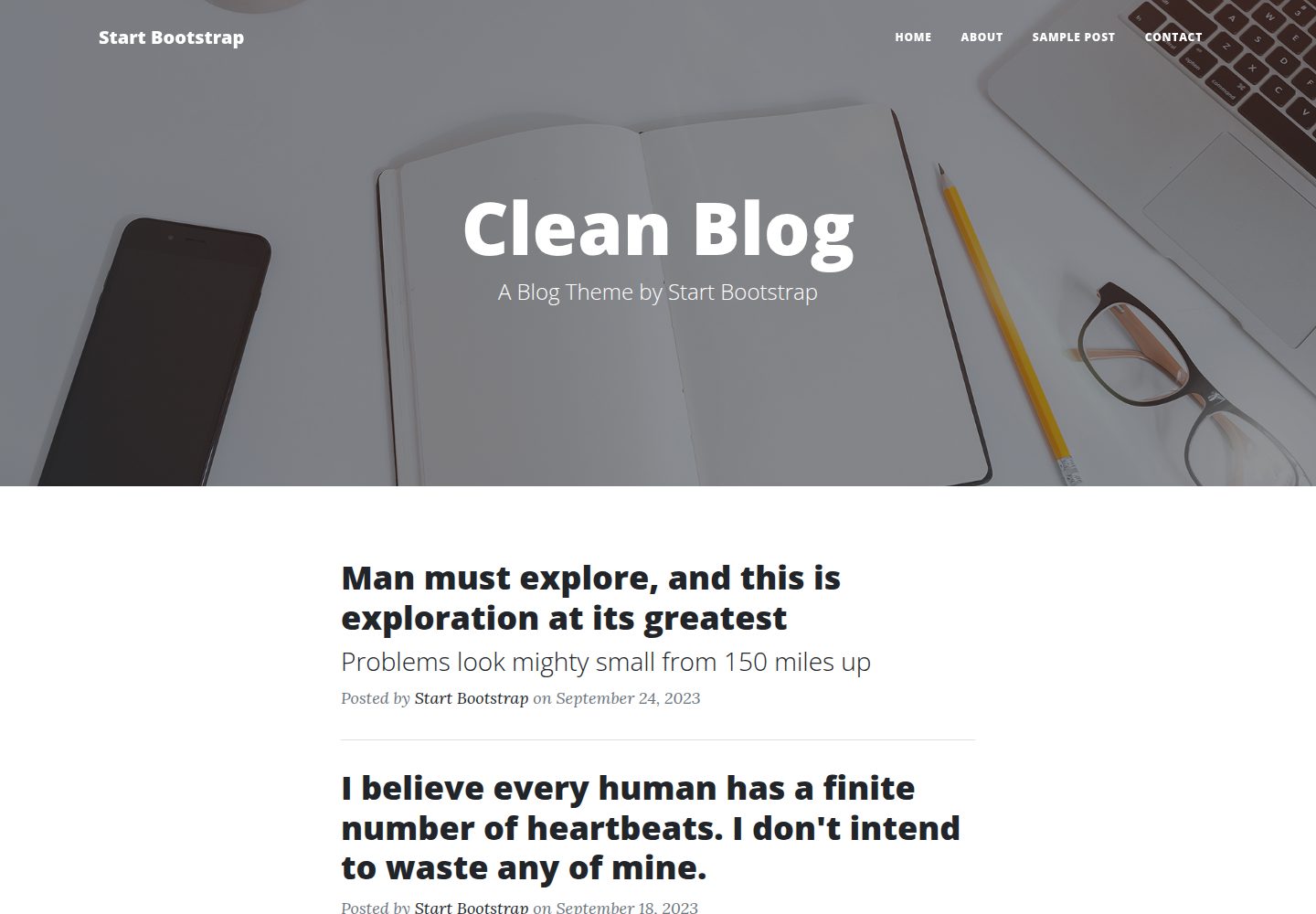
startbootstrap-clean-blog
A clean Bootstrap blog theme created by Start Bootstrap
HTML · 博客
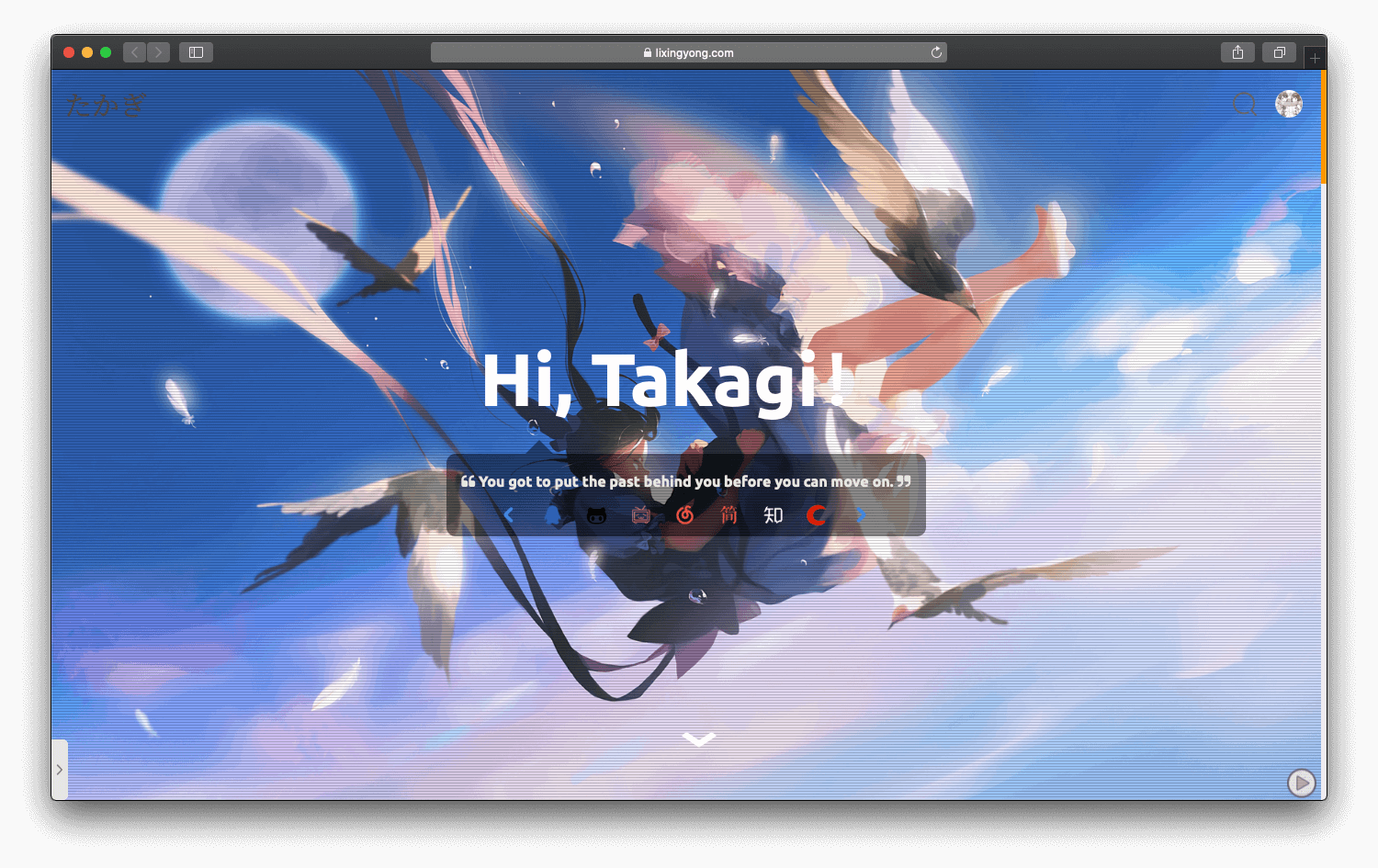
halo-theme-sakura
halo-theme-sakura 是 Halo 2.x 的一款博客主题,参照 WordPress 的 Sakura 主题制作,并在原有 Siren 主题基础上整合了 Sakura 的内容。
HTML · 博客
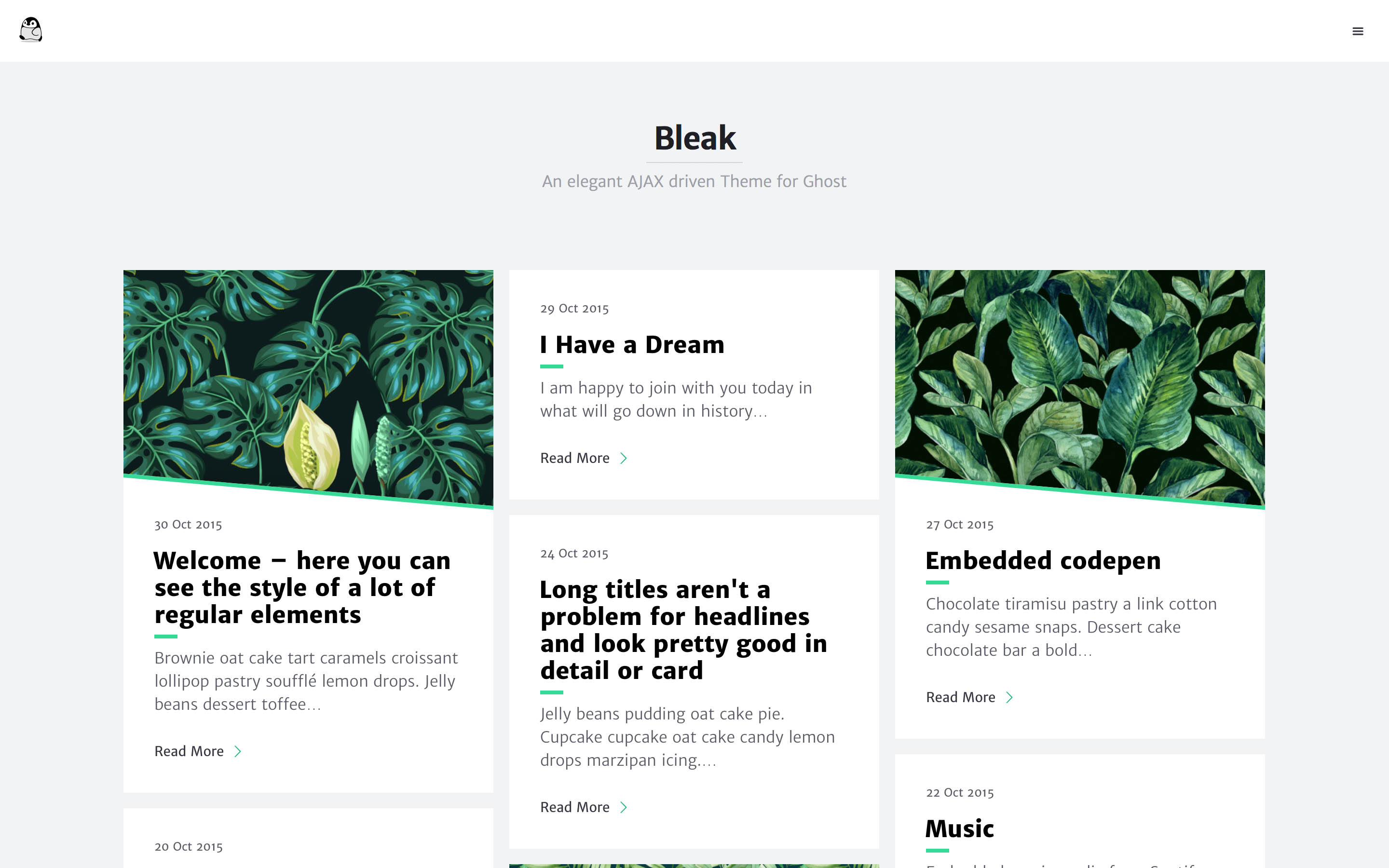
bleak
Bleak 是一款为 Ghost 博客平台设计的主题,核心卖点是 AJAX 驱动的页面加载方式,让浏览体验更接近原生应用。 整体布局简洁,强调内容阅读,适合个人博客或技术写作。
HTML · 博客
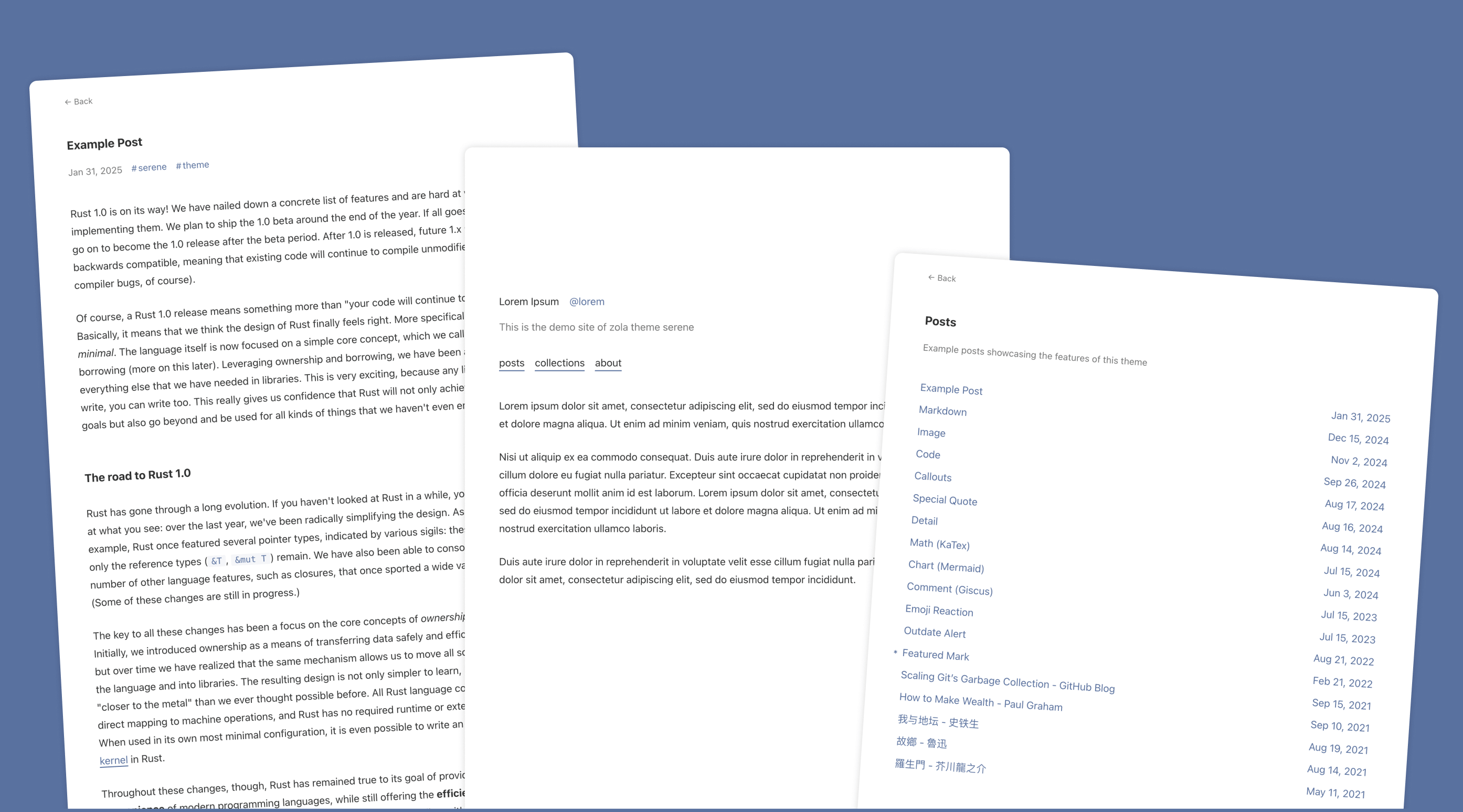
serene
Serene 是一款为静态站点生成器 Zola 设计的极简博客主题,其核心定位是“精心打磨”的阅读体验。
HTML · 博客
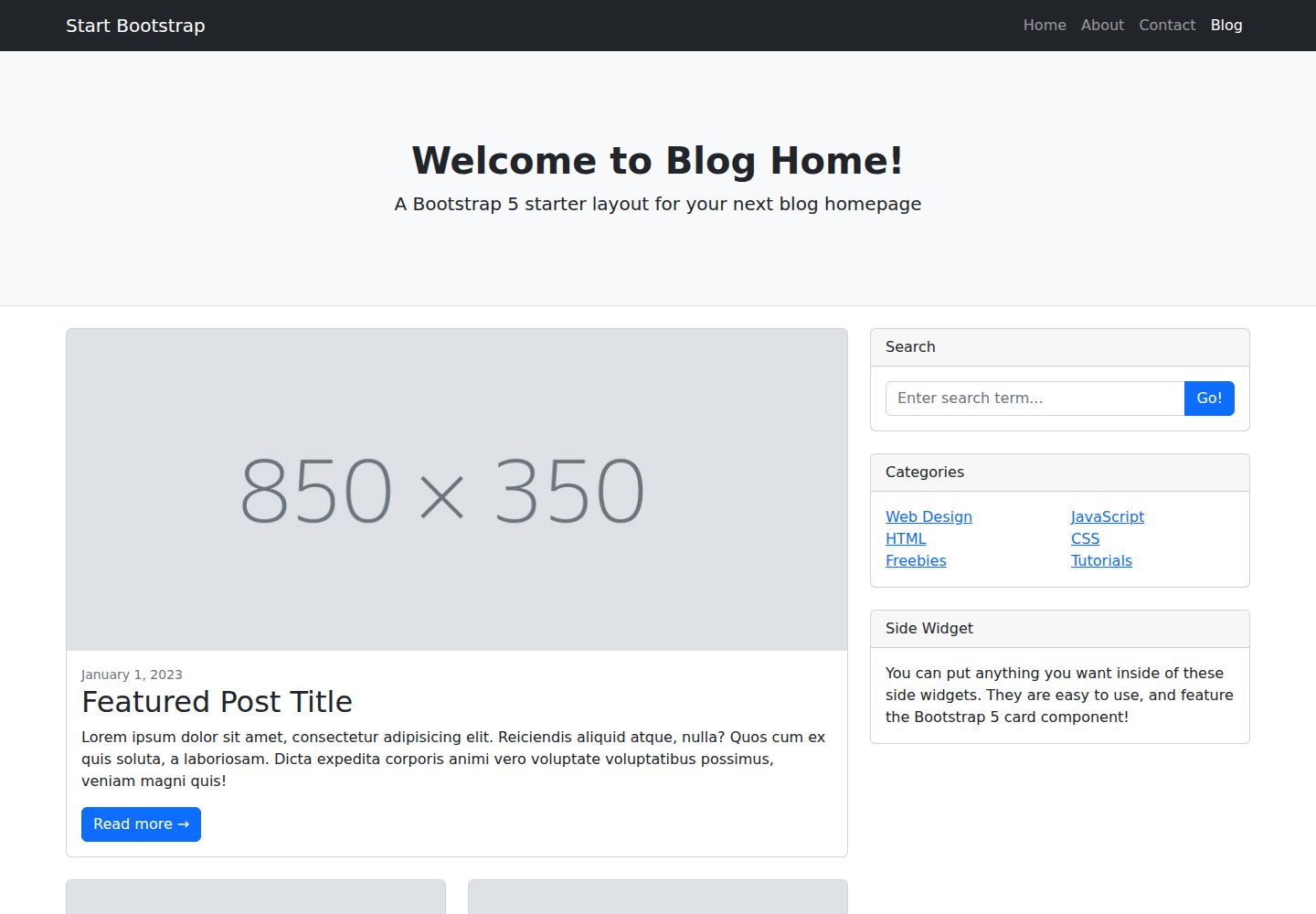
startbootstrap-blog-home
A Bootstrap HTML template for blog homepages - created by Start Bootstrap
HTML · 博客