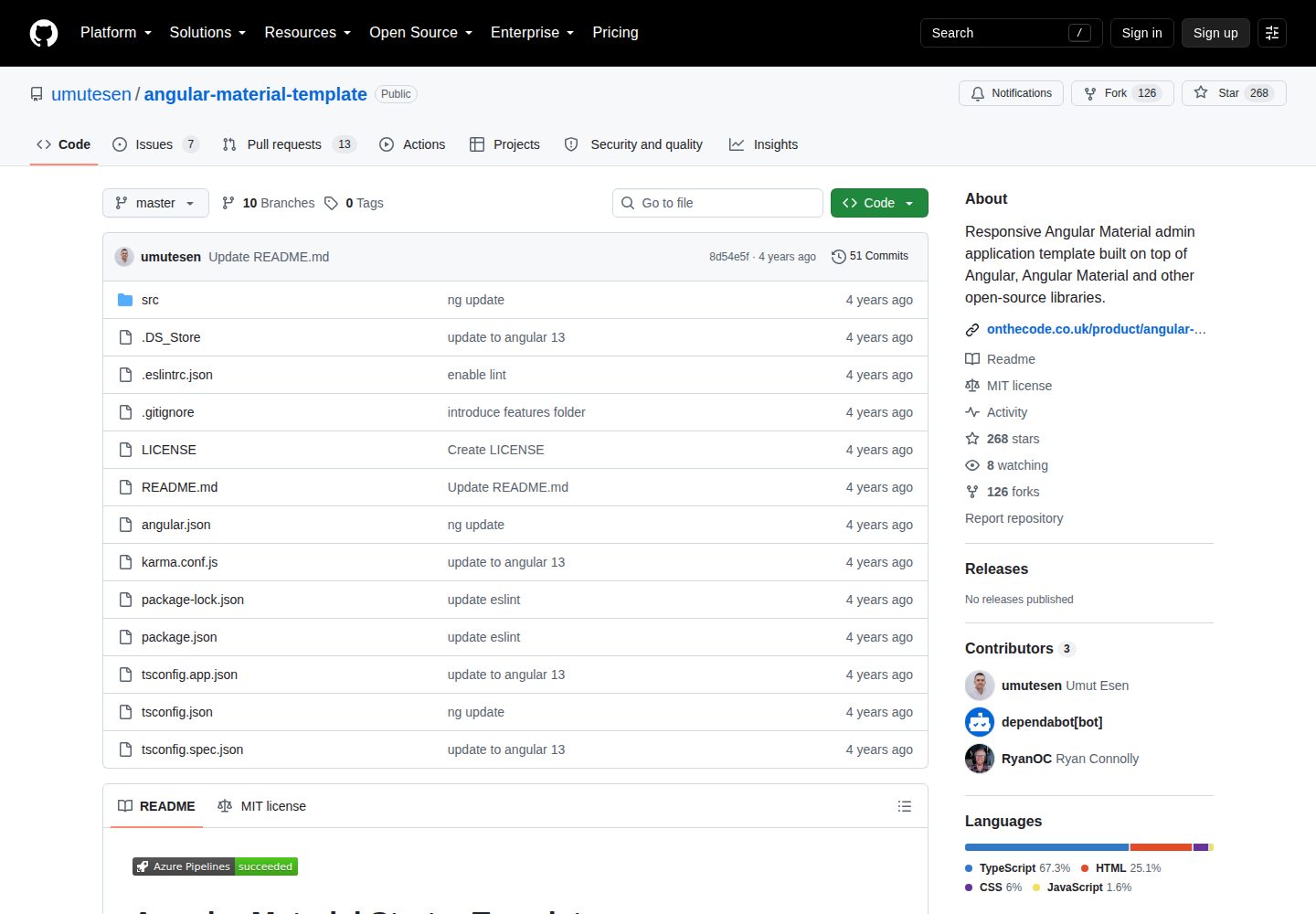
Authentication module with login, logout, and password reset components
AngularAdmin dashboard
angular-material-template — Angular Admin dashboard Template
By umutesen
A responsive admin application template based on Angular and Angular Material, including an authentication module, a sidebar dashboard, and an account area, under the MIT license.
Explore the design
Compare the page layouts and mobile experience. Open any screenshot for a closer look.
Desktop homepage1 / 3
Desktop captureTop of page
Actual screenshot captured by the server browser.
All pages & views 3
Screenshots show visual appearance; interactive behavior may differ.
Recorded 2026-09-30View source
What stands out
A quick read of the recorded project description.
Responsive admin dashboard with sidebar and account area
Directory structure with core modules, shared modules, example feature modules, and lazy-loaded feature modules
Global error handling and error logging to browser and remote API via ngx-logger
HTTP interceptor for injecting JWT tokens, plus authentication and role guards
Unified loading indicator for all HTTP requests, with layout using Angular Flex Layout
Template Details
This is a starting template for an admin application built with Angular and Angular Material. The author positions it as a scaffold that can be used directly in new projects without modifying file paths. The template organizes code according to the official style guide, emphasizes a clear directory structure and separation of concerns, and includes the foundational building blocks of a scalable Angular application: an authentication module with login, logout, and password reset components; a responsive admin dashboard with a sidebar; and an account area with a change password component. In addition to Angular and Angular Material, it incorporates open-source libraries such as rxjs, moment, and ngx-logger.
In terms of project structure, the template provides core modules, shared modules, example feature modules, and lazy-loaded feature modules. It also includes global error handling, error logging via ngx-logger (which can output to the browser and a remote API), an HTTP interceptor for injecting JWT tokens, authentication and role guards (supporting role-based access control), and a loading indicator for all HTTP requests. The layout relies on Angular Flex Layout.
Regarding usage limitations, the template states that it currently supports only the two most recent versions of Chrome, Firefox, Microsoft Edge, Safari, and Opera. The development server is started with ng serve and listens on port 4200 by default; build output goes to the dist directory; unit tests run with Karma; and end-to-end testing requires adding the appropriate implementation package. The repository does not provide a dependency manifest check, so specific framework version numbers are not listed here.
AngularBackend
Is it right for your project?
Use Cases
- Starting a project for an admin panel
- Developing a content management system (CMS) interface
- Developing the front end of customer relationship management (CRM) software
- Internal systems requiring login, role permissions, and password change flows
Suitable For
- Developers using the Angular and Angular Material stack
- New projects that want to start with an existing directory structure and authentication module
- Backend applications requiring role-based access control and JWT authentication
- Teams focused on responsive layout and lazy-loaded module organization
Getting started & customization
Use these recorded setup notes alongside the repository instructions for your chosen version.
- 1
Run the development server with ng serve; by default it is accessible at http://localhost:4200/ and the app automatically reloads when source files change
- 2
Build with ng build; output is placed in the dist/ directory
- 3
Run unit tests with ng test using Karma
- 4
For end-to-end tests, first add a package that provides end-to-end testing capabilities, then run ng e2e
- 5
The template states support only for the two most recent versions of Chrome, Firefox, Microsoft Edge, Safari, and Opera
License & source material
Usage conditions & limitations
Free to use · keep license noticeThis entry covers the free version under the MIT license in a public repository; the free scope applies to that version's code and does not imply that external services or third-party assets are free.
Must comply with when using
- Free use, modification, commercial use, and distribution of this version's code are permitted.
- When distributing copies or substantial portions of the code, retain the original author's copyright notice and the full MIT license notice.
- The code is provided as is; warranties and limitations of liability are governed by the original license and applicable law.
Additional costs & items to verify
- Browser compatibility limitation: the template supports only the two most recent versions of Chrome, Firefox, Microsoft Edge, Safari, and Opera, and does not guarantee correct operation on older versions or other browsers.
- End-to-end testing limitation: before running ng e2e, you must install and configure a third-party package that provides end-to-end testing capabilities; the template itself does not include a working e2e test implementation.
- Demo images, fonts, icons, and other third-party assets must be checked against their respective licenses; the code's MIT license alone cannot be used to judge them.
- External services such as domains, hosting, databases, payments, or AI may incur additional charges.
View Original Text Basis
Permission is hereby granted, free of charge
Original License Text
At present, the template aims to support the last two versions of the following browsers:
Original README
https://github.com/umutesen/angular-material-template/blob/master/LICENSEhttps://github.com/umutesen/angular-material-template/blob/master/README.mdTo use this command, you need to first add a package that implements end-to-end testing capabilities.
Original README
Compiled by DeepSeek based on repository license and README ·2026-09-30. Results only cover the materials read; dependencies, images, fonts, and subsequent term changes are subject to their respective original texts.
Project checks & description sources
Template Information
- Source platforms
- GitHub
- Documentation and maintenance reference score
- More documented · 76 / 100
- Technologies
- Angular
- Website type
- Admin dashboard
How this score is calculated
Our heuristic uses license records (up to 30), a demo link (12), a preview (10), stars (15), recorded maintenance (15), description completeness (8), feature records (5) and classification data (5). It is not a code, security or performance test, or a Google score. A link does not establish tested functionality.
What to verify for this project
- Repository update recorded
- 2024-01-20
- Screenshot last checked
- 2026-09-30
A demo link is listed. Check it with your own content and viewport sizes; its presence does not confirm that forms, authentication or payments work.
The catalog identifies Angular as the primary stack. Check the actual dependency manifest and lockfile for versions and hosting requirements. These notes use recorded metadata, not a code audit or a deployment test.
Use a selection guide →How this description was prepared
AI-assisted description based on catalog records and repository material. Repository authors are not automatically the reviewers of this description.
Automatically checked against source and license rules; no manual editorial review.
Inspect the recorded source material
SHA-256: 04fcf12c67d2402bcea5684361bb08c9f9428cd57ea4aa18d2f7a94c8e289cea
2026-09-30T11:55:11.085Z
Source file / repository[](https://dev.azure.com/umutesen/onthecode/_build/latest?definitionId=11) # Angular Material Starter Template  Angular Material Starter Template is a free template built with Angular and Angular Material. You can use it out of the box without having to change any file paths. Everything you need to start development on an Angular project is here. Angular Material starter template has been built with the official style guide in mind, which means it promotes a clean folder structure and separation of concerns. The material template is fully responsive and contains the fundamental building blocks of a scalable Angular application: Authentication module with login, logout and password reset components Responsive Admin dashboard with sidebar Account area with change password component All Angular Material components In addition to Angular, other well-known open-source libraries such as rxjs, moment and ngx-logger are also included. This application template came as a result of several applications that I have developed over the past few years. Having mostly used Angular Material component, I wanted to create a starter template to save time for greenfield projects. I developed it based on user feedback and it is a powerful Angular admin dashboard, which allows you to build products like admin panels, content management systems (CMS) and customer relationship management (CRM) software. ## Starter Template Features Clean folder structure Core module Shared module Example feature modules Lazy-loaded feature modules Global error-handling Error logging with ngx-logger (logging to browser & remote API) HTTP Interceptors to inject JWT-tokens Authentication and role guards (for Role-based access) Shows spinner for all HTTP requests Angular flex layout Browser Support At present, the template aims to support the last two versions of the following browsers: Chrome Firefox Microsoft Edge Safari Opera ## Development server Run `ng serve` for a dev server. Navigate to `http://localhost:4200/`. The app will automatically reload if you change any of the source files. ## Code scaffolding Run `ng generate component component-name` to generate a new component. You can also use `ng generate directive|pipe|service|class|guard|interface|enum|module`. ## Build Run `ng build` to build the project. The build artifacts will be stored in the `dist/` directory. ## Running unit tests Run `ng test` to execute the unit tests via [Karma](https://karma-runner.github.io). ## Running end-to-end tests Run `ng e2e` to execute the end-to-end tests via a platform of your choice. To use this command, you need to first add a package that implements end-to-end testing capabilities. ## Further help To get more help on the Angular CLI use `ng help` or go check out the [Angular CLI Overview and Command Reference](https://angular.io/cli) page.
Explore similar templates
Compare previews and descriptions within the same stack and category.
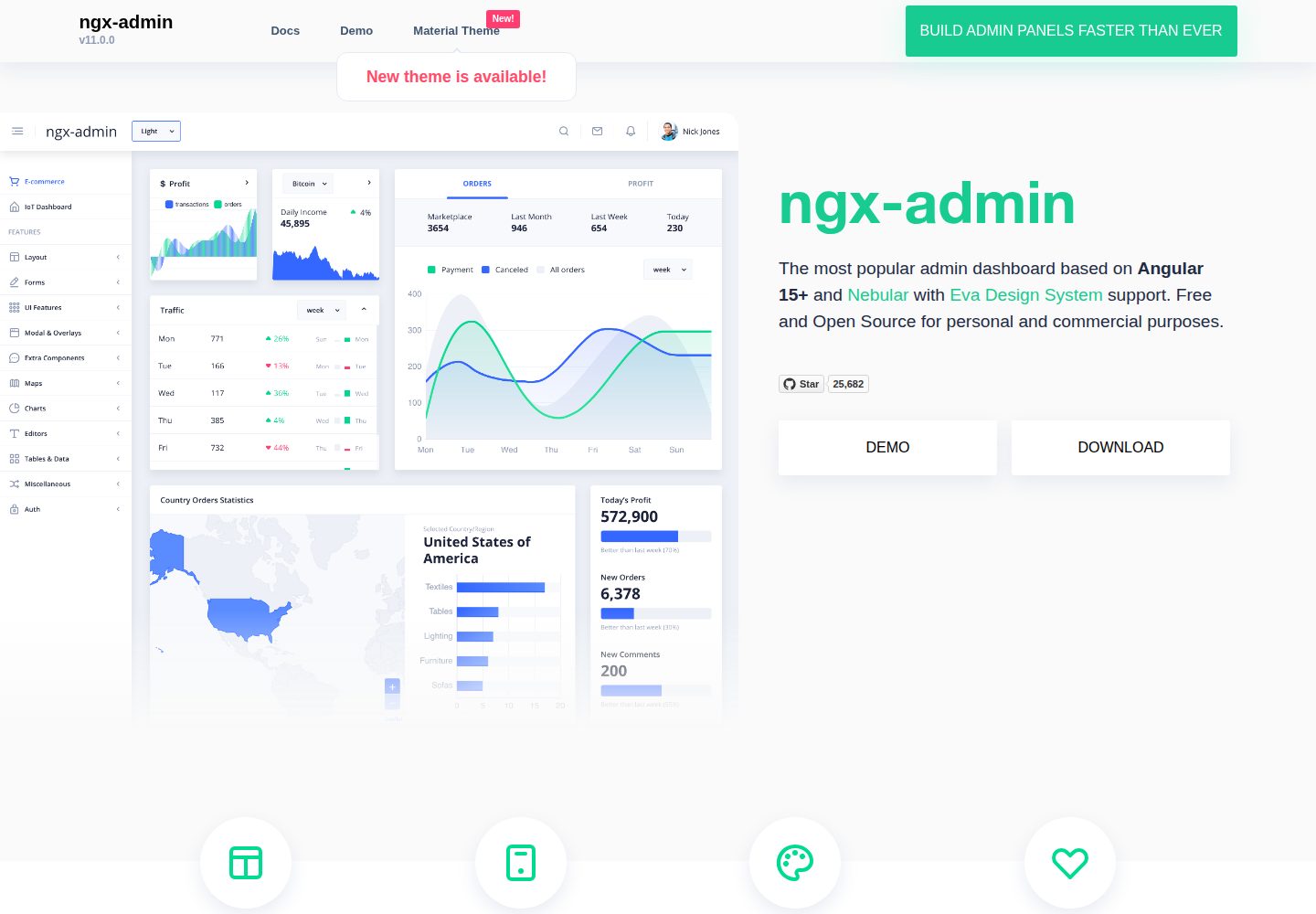
ngx-admin
ngx-admin is an Angular admin dashboard template maintained by Akveo, built on the Nebular component library and released under the MIT license.
Angular · Admin dashboard
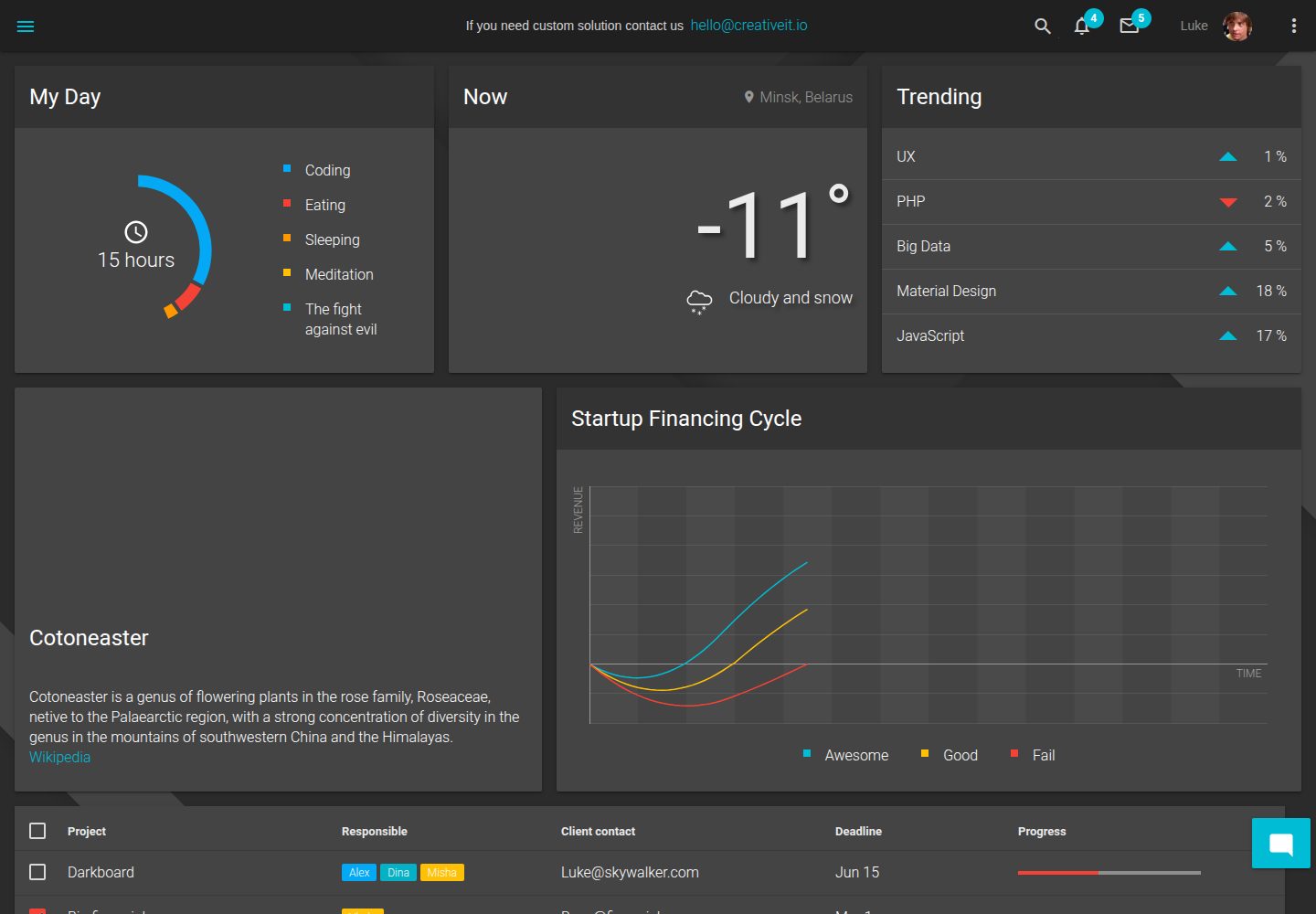
material-angular-dashboard
A dark-themed Angular admin template following Google Material Design, with dashboard pages, D3/NVD3 charts, ag-Grid tables, and a Sass/BEM theme. Released under the MIT license, it offers starter-kit, feature/backend, and feature/serverless branches.
Angular · Admin dashboard
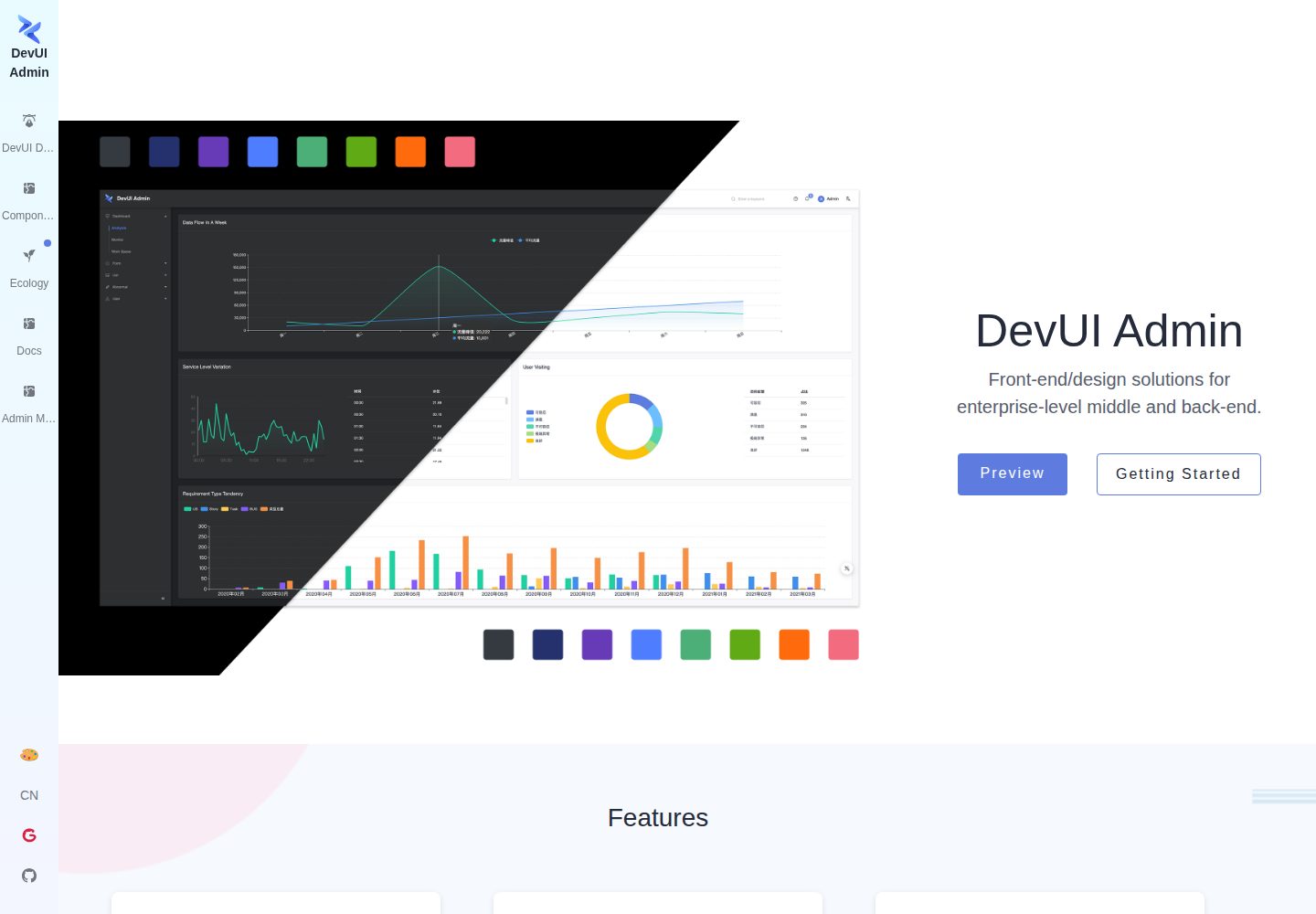
ng-devui-admin
A customizable mid-to-back-office admin template built with Angular and DevUI, featuring configurable layouts, multi-theme switching, internationalization, and local mock data debugging.
Angular · Admin dashboard
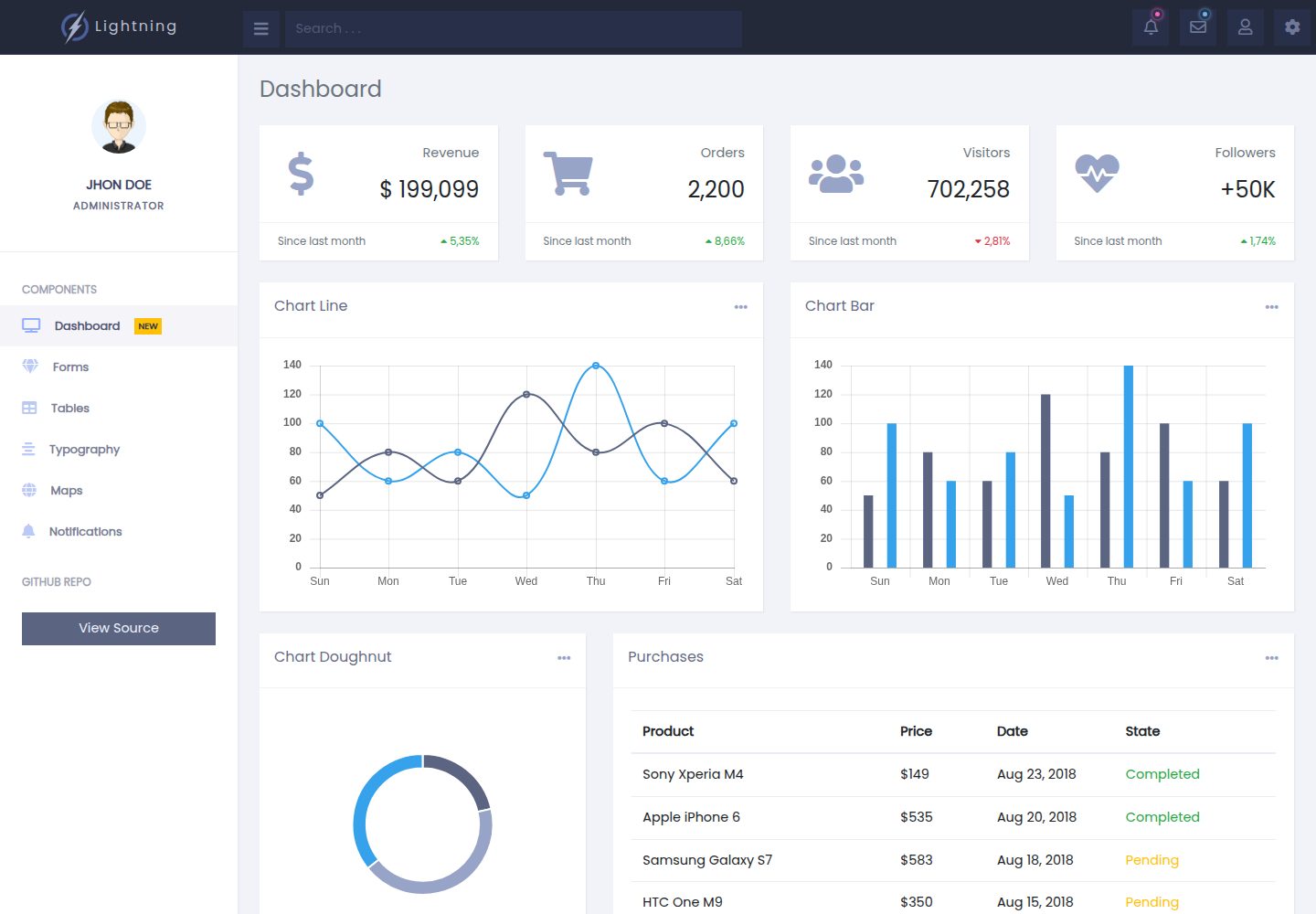
lightning-admin-angular
A mobile-first responsive admin template built with Angular and Bootstrap, offering data interface layouts such as dashboards.
Angular · Admin dashboard
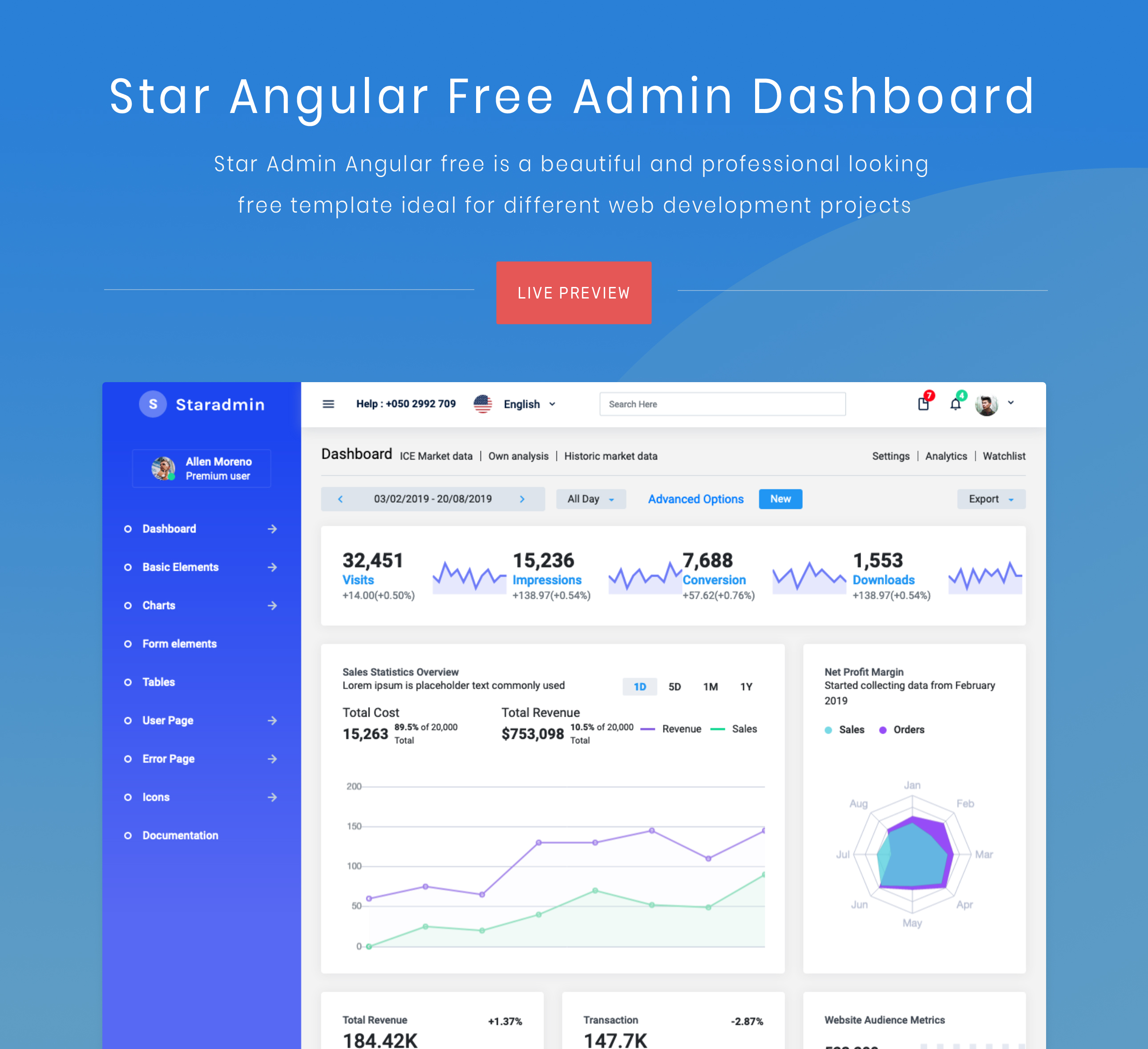
StarAdmin-Free-Angular-Admin-Template
A free admin template based on Angular 7 and Bootstrap 4, maintained by BootstrapDash.
Angular · Admin dashboard
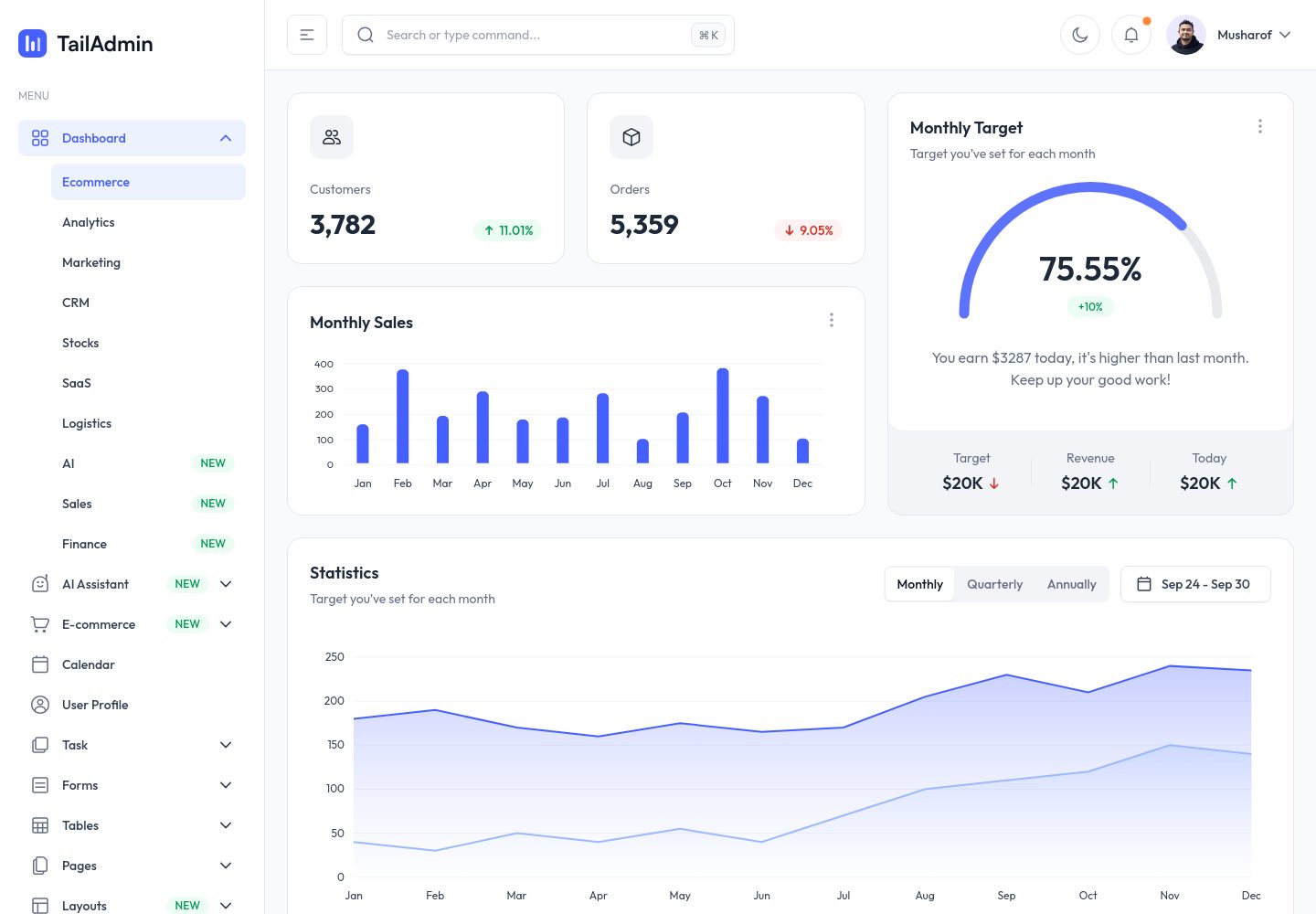
free-angular-tailwind-dashboard
A free, open-source Angular admin template built with Angular and Tailwind CSS, offering pre-built dashboards, charts, tables, forms, authentication pages, and UI elements with dark mode, i18n, and RTL support under the MIT license.
Angular · Admin dashboard