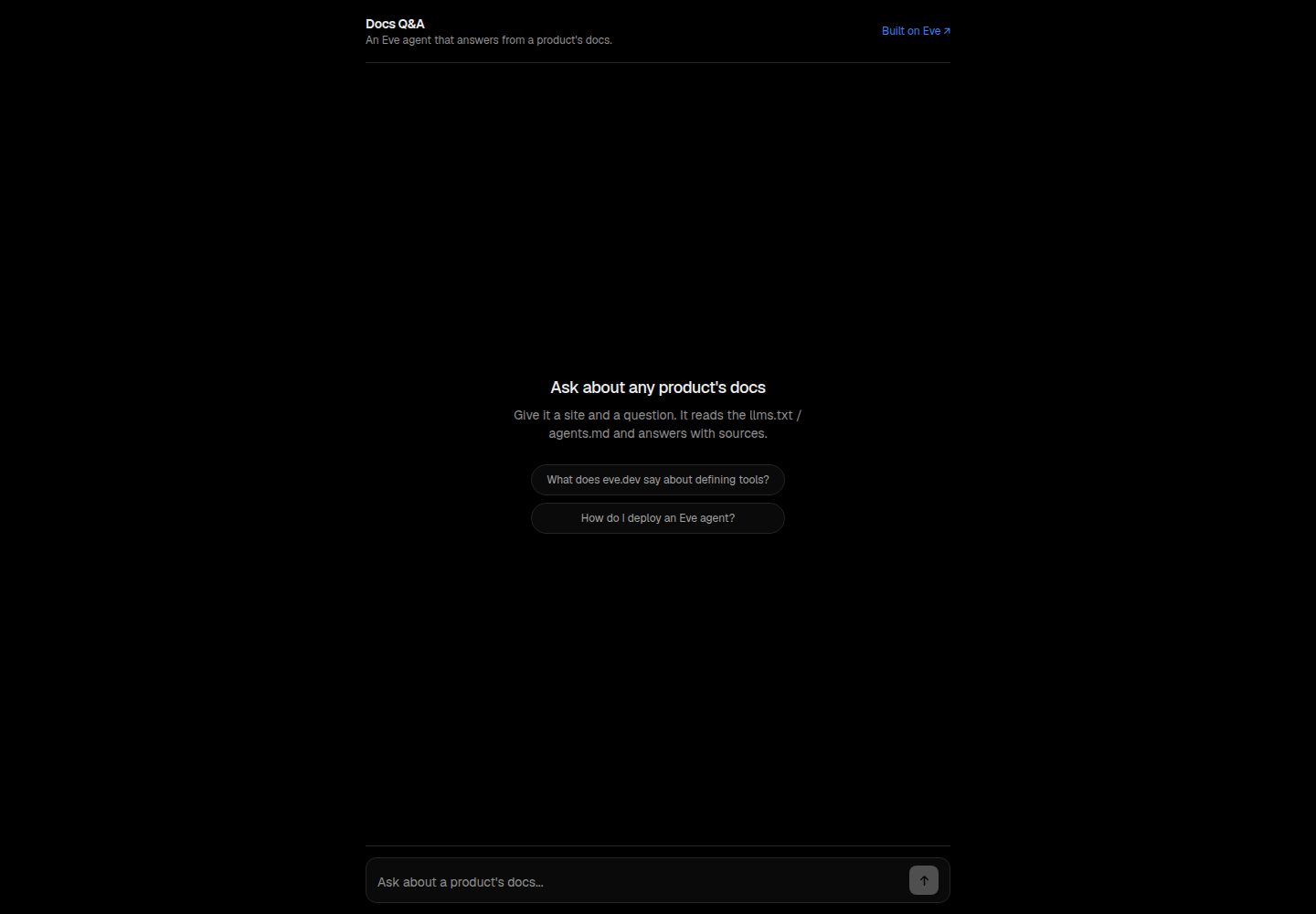
The agent first discovers the site's readable entry points (llms.txt / agents.md / sitemap), then reads the most relevant document
Next.jsReactDocumentation
docs-qa — Next.js Documentation Template
By uxKero
Docs Q&A is an Eve-based Q&A agent template that answers questions by discovering and reading a product's llms.txt, agents.md, or sitemap and listing cited sources, with a deployable Next.js web chat interface.
Explore the design
Compare the page layouts and mobile experience. Open any screenshot for a closer look.
Desktop homepage1 / 2
Desktop captureTop of page
Actual screenshot captured by the server browser.
All pages & views 2
Screenshots show visual appearance; interactive behavior may differ.
Recorded 2026-10-14View source
What stands out
A quick read of the recorded project description.
Answers are based only on fetched content and include a Sources citation list
When the documentation does not cover a question, it states so explicitly rather than guessing
Includes two services—a Next.js web chat interface and the eve agent runtime—deployed to Vercel via vercel.json
The browser accesses the agent same-origin through useEveAgent
The README notes you can add agent/channels/slack.ts to answer in Slack and replace the model in agent/agent.ts
Template Details
Docs Q&A is an Eve agent template aimed at answering questions about any product. According to the README, after the user provides a product or site and a question, the agent first discovers the site's agent-readable entry points (discover_docs), then reads the most relevant one (fetch_doc, prioritizing llms.txt), and then answers based only on the fetched content with a Sources list; if the documentation does not cover the question, it responds "the docs don't cover this" instead of guessing.
The project consists of two parts, both deployed on Vercel via vercel.json: a web chat interface written in Next.js, and the eve agent runtime; the browser accesses the agent same-origin through useEveAgent. The repository structure includes agent/agent.ts (model and runtime), agent/instructions.md (persona and rules), discover_docs.ts and fetch_doc.ts under agent/tools, and agent/skills/answer_from_docs/SKILL.md.
The README's local run requirements are Node 24+ and pnpm, with steps: pnpm install, copy .env.example to .env.local and fill in the AI Gateway key, pnpm dev, then visit localhost:3000. Deployment is via the Vercel deploy button, requiring an AI_GATEWAY_API_KEY variable, or OIDC after linking the project. The README does not describe how this template performs in production, its concurrency capacity, or its security boundaries.
Next.jsDocumentation
Is it right for your project?
Use Cases
- Set up a Q&A entry point for a product documentation site that already has llms.txt or agents.md
- Let users ask questions about a product in a web chat and receive answers with source citations
- Use as a starting point for an Eve agent template, replacing the model or adding a Slack channel as described in the README
Suitable For
- Developers who want to provide Q&A based on a site's own documentation and require source citations
- Teams deploying on Vercel and accessing models through AI Gateway
- Projects that need to make secondary adjustments based on an Eve agent template
Getting started & customization
Use these recorded setup notes alongside the repository instructions for your chosen version.
- 1
Local run requires Node 24+ and pnpm; after pnpm install, copy .env.example to .env.local and fill in the AI Gateway key
- 2
Start with pnpm dev and visit http://localhost:3000 by default
- 3
When deploying to Vercel, provide AI_GATEWAY_API_KEY, or link the project and use OIDC; see docs/ENVIRONMENT.md for details
- 4
The target site must provide readable entry points such as llms.txt, agents.md, or sitemap; the README does not describe compatibility with other documentation sources
License & source material
Usage conditions & limitations
Free to use · keep license noticeThis entry covers the free version under the MIT license in the public repository; the free scope is the code of this version and does not mean external services or third-party assets are free.
Must comply with when using
- Free use, modification, commercial use, and distribution of this version's code are permitted.
- When distributing copies or substantial portions of the code, retain the original author's copyright notice and the full MIT license notice.
- The code is provided as is; warranties and limitations of liability are governed by the original license and applicable law.
Additional costs & items to verify
- Demo images, fonts, icons, and other third-party assets must be checked against their respective licenses and cannot be judged solely by the code's MIT license.
- External services such as domains, hosting, databases, payments, or AI may incur additional charges.
- Deploying to Vercel requires providing the AI_GATEWAY_API_KEY environment variable, or linking the project and using OIDC authentication; otherwise the model cannot be accessed.
- Local run requires filling in your own AI Gateway key in .env.local, which is an external service credential requirement.
- The target site must provide readable entry points such as llms.txt or agents.md; the README does not describe compatibility with other documentation sources.
- Local run requires Node 24+ and pnpm.
View Original Text Basis
Permission is hereby granted, free of charge
Original License Text
Click the button above. Vercel clones this repo and asks for one variable, `AI_GATEWAY_API_KEY` (or link the project and it uses OIDC). See [docs/ENVIRONMENT.md](docs/ENVIRONMENT.md).
Original README
cp .env.example .env.local # add your AI Gateway key
Original README
- Point it at your product, it works on any site shipping `llms.txt` / `agents.md`.
Original README
https://github.com/uxKero/docs-qa/blob/main/LICENSEhttps://github.com/uxKero/docs-qa/blob/main/README.mdRequirements: **Node 24+**, pnpm.
Original README
Compiled by DeepSeek based on repository license and README ·2026-10-14. Results only cover the materials read; dependencies, images, fonts, and subsequent term changes are subject to their respective original texts.
Project checks & description sources
Template Information
- Source platforms
- GitHub
- Documentation and maintenance reference score
- More documented · 80 / 100
- Technologies
- Next.js · React
- Website type
- Documentation
How this score is calculated
Our heuristic uses license records (up to 30), a demo link (12), a preview (10), stars (15), recorded maintenance (15), description completeness (8), feature records (5) and classification data (5). It is not a code, security or performance test, or a Google score. A link does not establish tested functionality.
What to verify for this project
- Repository update recorded
- 2026-06-17
- Screenshot last checked
- 2026-10-14
A demo link is listed. Check it with your own content and viewport sizes; its presence does not confirm that forms, authentication or payments work.
The catalog identifies Next.js as the primary stack. Check the actual dependency manifest and lockfile for versions and hosting requirements. These notes use recorded metadata, not a code audit or a deployment test.
Use a selection guide →How this description was prepared
AI-assisted description based on catalog records and repository material. Repository authors are not automatically the reviewers of this description.
Review declaration: codex-user-requested-batch-review-20261015 · 2026-10-15
Inspect the recorded source material
SHA-256: d57b82d47696b35720648a45eaaa16cf70bcb2ba4796094d313817a744ebf4c8
2026-10-14T20:45:11.454Z
Source file / repository<div align="center"> # 🌱 Docs Q&A **An Eve agent that answers questions about any product** by discovering and reading its `llms.txt` / `agents.md` / sitemap, then citing its sources. A web chat plus the agent, ready to deploy. [](https://vercel.com/new/clone?repository-url=https%3A%2F%2Fgithub.com%2FuxKero%2Fdocs-qa&env=AI_GATEWAY_API_KEY&envDescription=Model%20access%20via%20the%20Vercel%20AI%20Gateway&envLink=https%3A%2F%2Fgithub.com%2FuxKero%2Fdocs-qa%2Fblob%2Fmain%2Fdocs%2FENVIRONMENT.md&project-name=docs-qa&repository-name=docs-qa) [](https://vercel.com) [](https://eve.dev) [](./LICENSE) **▶ [Live demo](https://docs-qa-uxkero.vercel.app)** · a visual preview (deploy your own, add a key, and it answers) </div> --- ## How it works Give it a product or site and a question. It: - **discovers** the site's agent-readable surfaces (`discover_docs`), - **reads** the most relevant one (`fetch_doc`, prefers `llms.txt`), - **answers** only from what it fetched, with a `Sources:` list, - and says *"the docs don't cover this"* instead of guessing. Two services run on Vercel from [`vercel.json`](vercel.json): the **web** chat (Next.js) and the **eve** agent runtime. The browser reaches the agent same-origin through `useEveAgent`. ## Deploy Click the button above. Vercel clones this repo and asks for one variable, `AI_GATEWAY_API_KEY` (or link the project and it uses OIDC). See [docs/ENVIRONMENT.md](docs/ENVIRONMENT.md). ## Run it locally Requirements: **Node 24+**, pnpm. ```bash pnpm install cp .env.example .env.local # add your AI Gateway key pnpm dev # http://localhost:3000 ``` ## Inside the agent ``` agent/ ├─ agent.ts # model (via the AI Gateway) + runtime ├─ instructions.md # the persona + rules ├─ tools/ │ ├─ discover_docs.ts # probes llms.txt / agents.md / sitemap │ └─ fetch_doc.ts # fetches a URL's text (truncated) └─ skills/ └─ answer_from_docs/SKILL.md # discover, read, cite ``` ## Make it your own - Point it at your product, it works on any site shipping `llms.txt` / `agents.md`. - Add `agent/channels/slack.ts` to answer in Slack. - Swap the model in `agent/agent.ts` (anything on the AI Gateway). ## Stack [Vercel Eve](https://eve.dev) · [AI Gateway](https://vercel.com/ai-gateway) · [Next.js](https://nextjs.org) · deployed on [Vercel](https://vercel.com). <sub>One of the Eve agent templates from <a href="https://github.com/uxKero">Eden</a>. MIT licensed.</sub>
Explore similar templates
Compare previews and descriptions within the same stack and category.

nextjs-prisma-boilerplate
A production-grade full stack starter built on Next.js 12, React 18, Prisma 4, and Postgres, with layered frontend and backend architecture, Jest and Cypress testing, next-auth authentication, Docker and Gitpod development environments, GitHub Actions CI/CD, and Traefik-based production deployment.
Next.js · Documentation
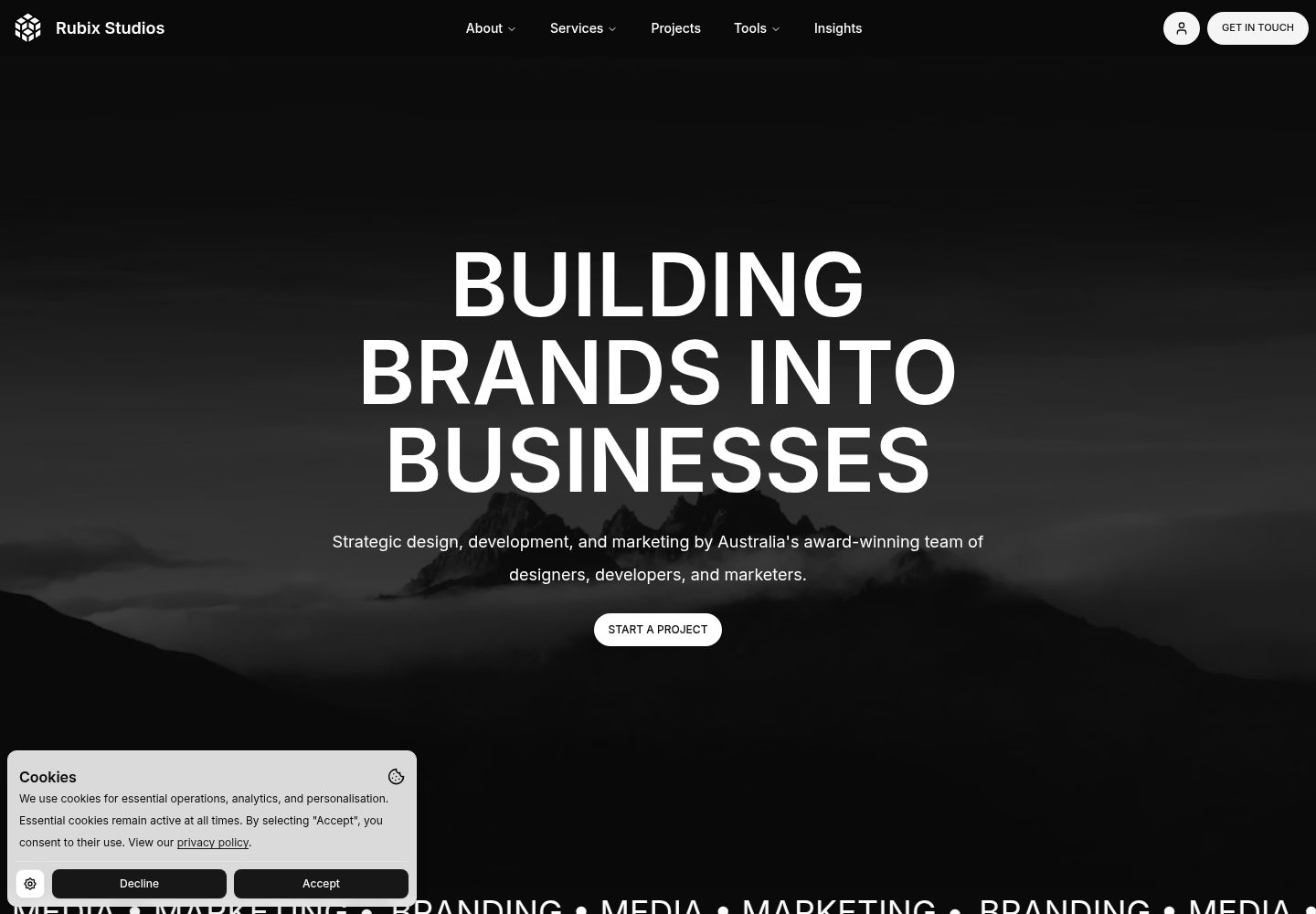
rubix-documents
A Next.js and React documentation site starter template for product docs, technical manuals and knowledge bases.
Next.js · Documentation
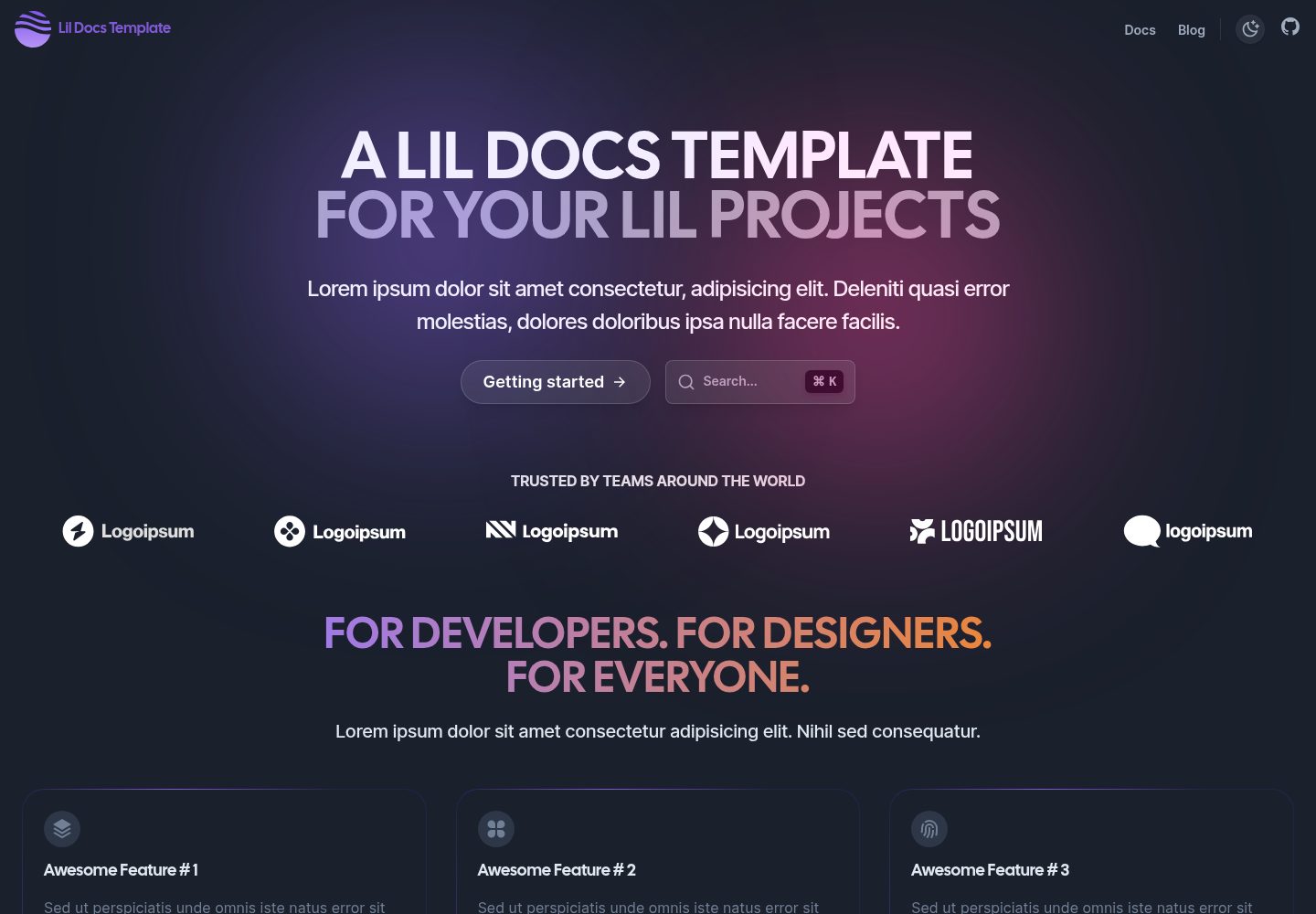
lil-docs-template
A lightweight documentation site template for small projects, built with Next.js, TypeScript, Chakra UI, and ContentLayer. It supports MDX content, light/dark mode, and SEO configuration, and offers a one-click Vercel deploy.
Next.js · Documentation
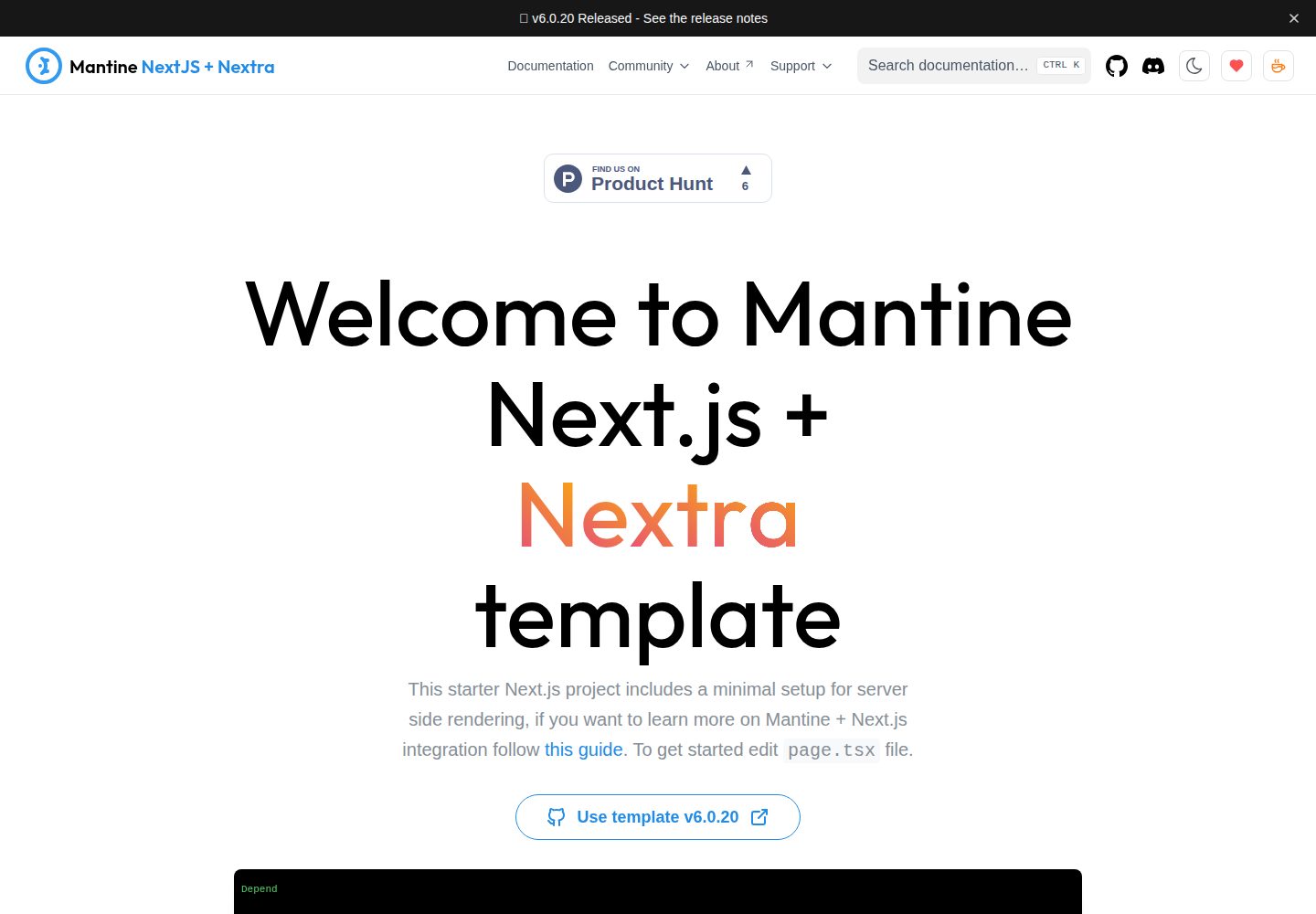
next-app-nextra-template
A documentation site template combining Next.js App Router, Mantine, and Nextra in one project, with synchronized dark mode, Pagefind search, Storybook, Jest, and GitHub Release Notes integration. Suitable for teams maintaining both a product application and its documentation.
Next.js · Documentation
docs-template
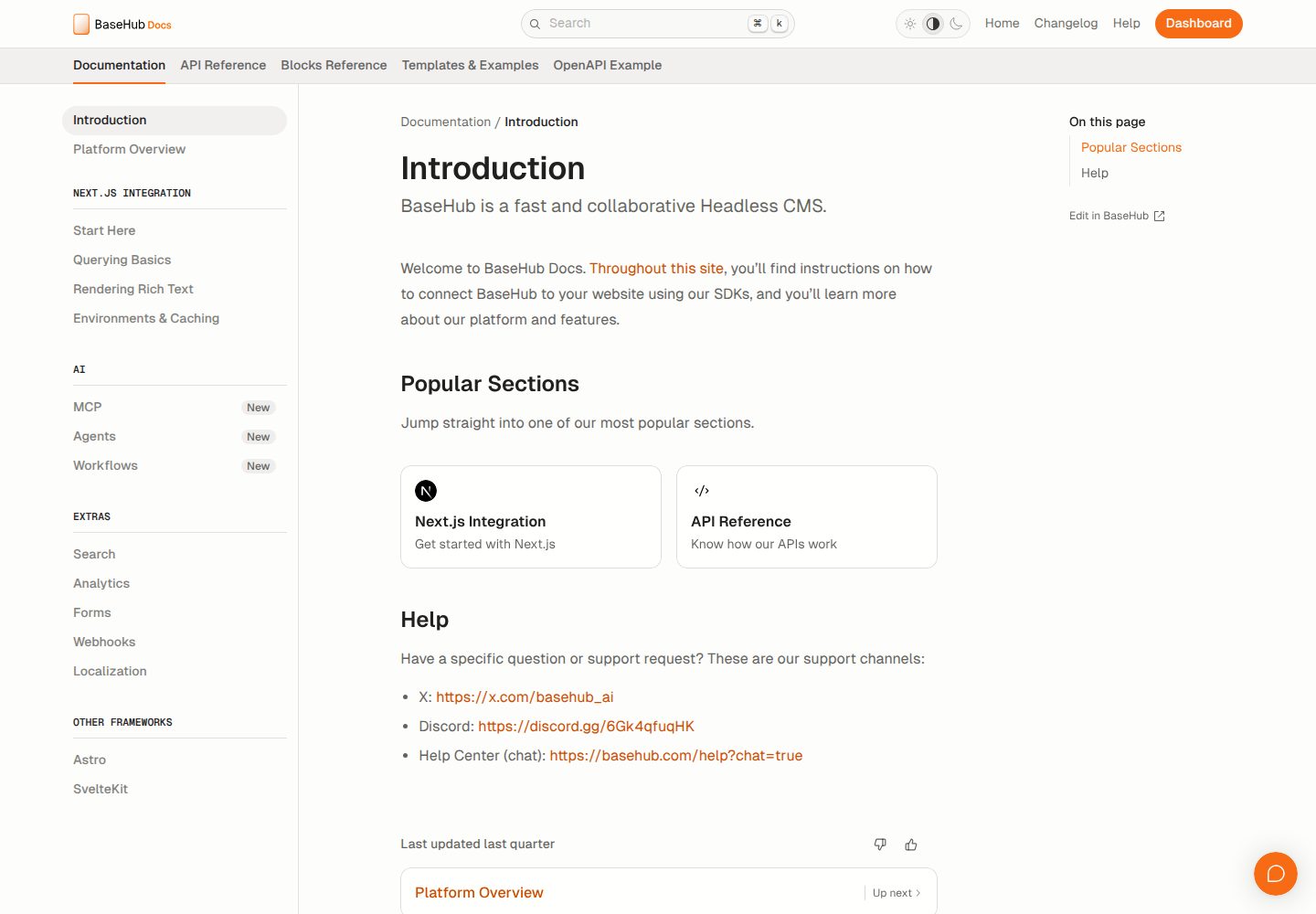
A documentation website template built with Next.js, Radix Themes, and BaseHub. Content is edited in BaseHub, so documentation can be maintained without code changes.
Next.js · Documentation
shadcn-blog
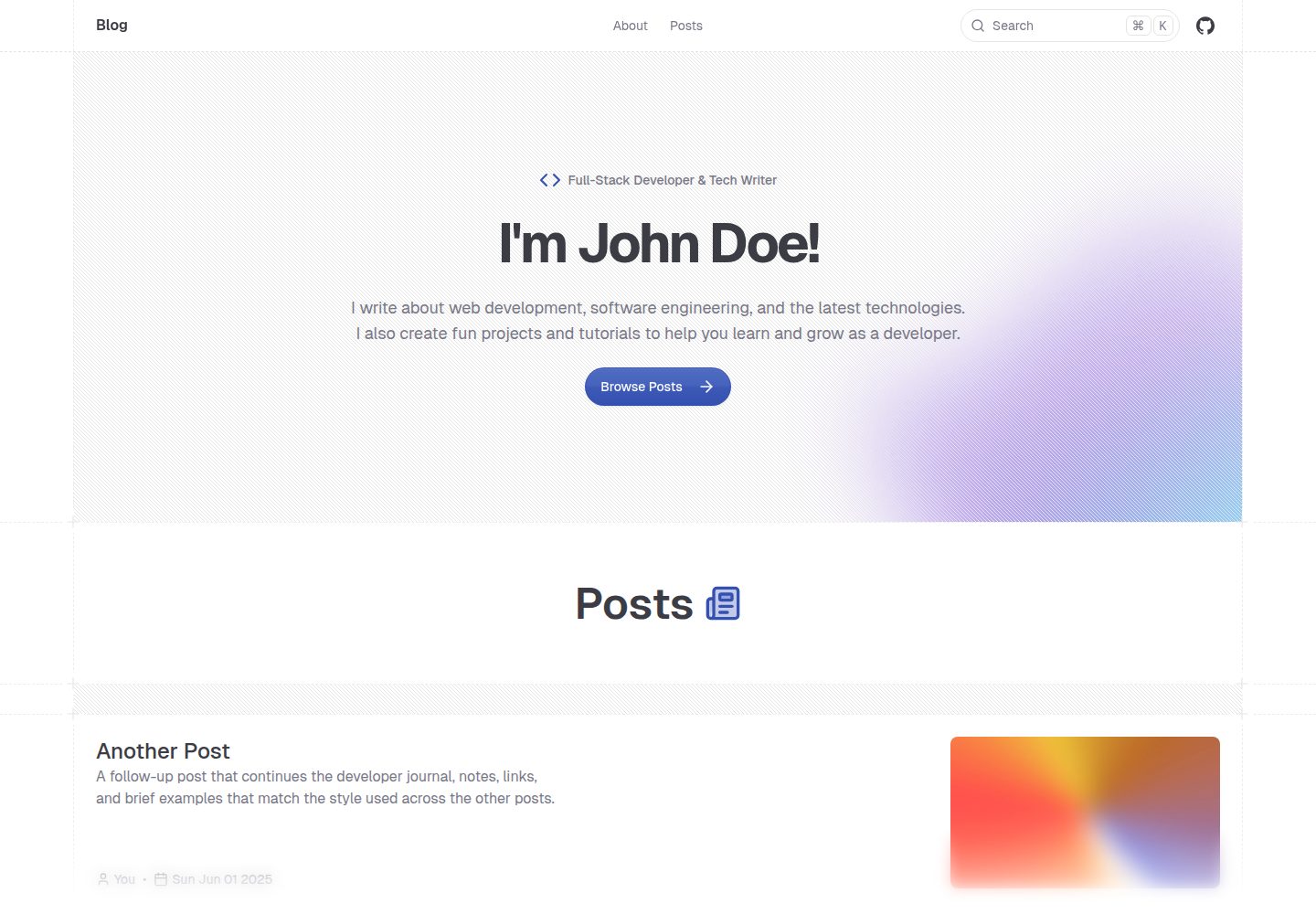
A Next.js 15 blog template that renders MDX articles from content/blog/ with Fumadocs, built on shadcn/ui and Tailwind CSS.
Next.js · Blog