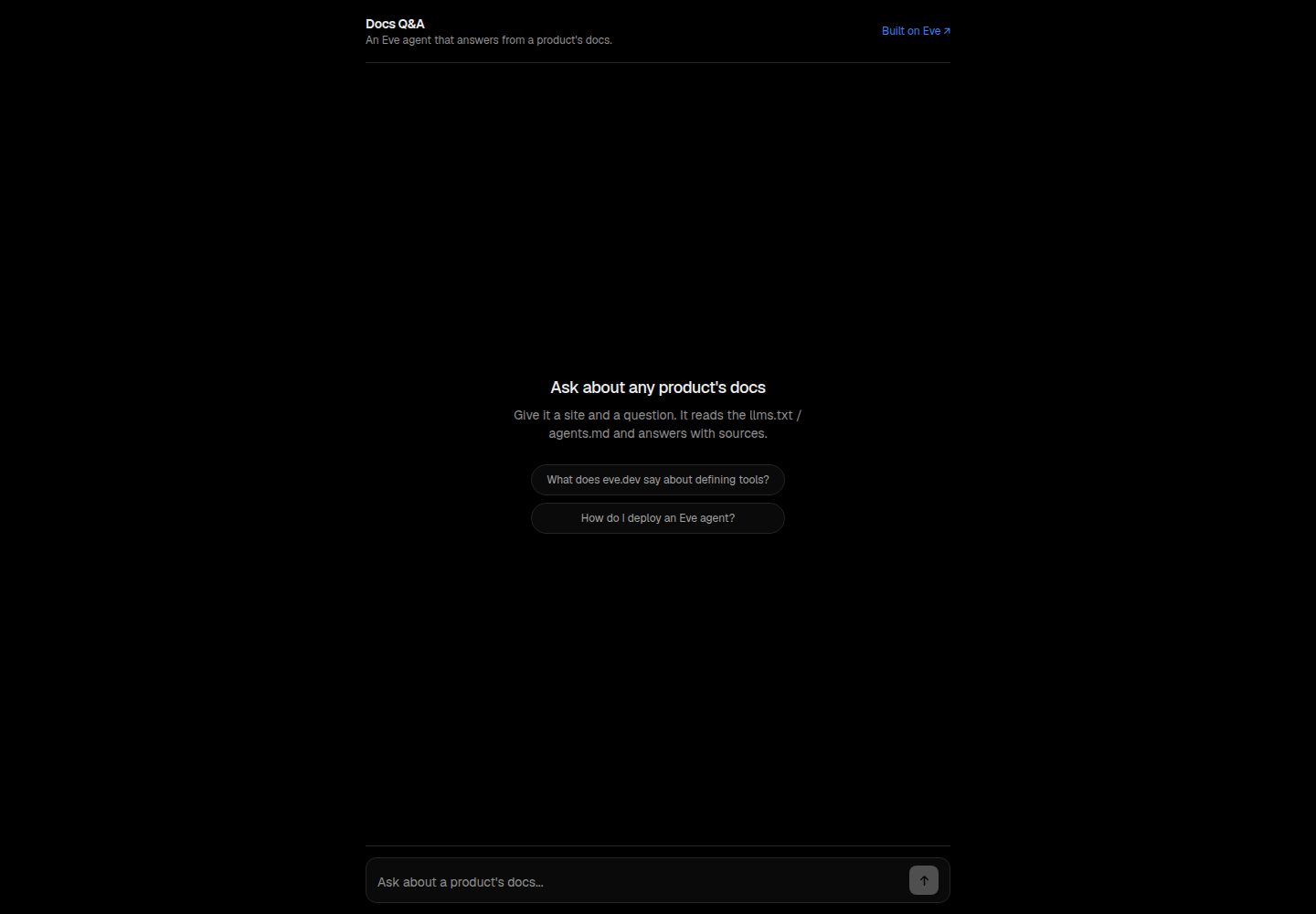
代理先发现站点可读入口(llms.txt / agents.md / sitemap),再读取最相关的一个文档
Next.jsReact文档
docs-qa — Next.js 文档模板
作者 uxKero
Docs Q&A 是一个基于 Eve 的问答代理模板,通过发现并读取产品的 llms.txt、agents.md 或 sitemap 来回答问题并列出引用来源,附带可部署的 Next.js 网页聊天界面。
看看你的网站会是什么样
浏览真实页面截图,比较内容排版与手机效果。点击下方缩略图切换,放大查看整页细节。
全部页面与视图 2
截图用于了解视觉与布局,交互效果请以实际项目为准。
采集于 2026-10-14查看来源
值得关注的模板亮点
从已有项目资料中,快速了解它的特点。
回答仅基于抓取到的内容,并附 Sources 引用列表
文档未覆盖问题时明确说明,而不是猜测答案
包含 Next.js 网页聊天界面与 eve 代理运行时两个服务,通过 vercel.json 部署到 Vercel
浏览器通过 useEveAgent 以同源方式访问代理
README 说明可添加 agent/channels/slack.ts 以在 Slack 中回答,并可替换 agent/agent.ts 中的模型
模板详细介绍
Docs Q&A 是一个 Eve 代理模板,目标是回答关于任意产品的问题。按照 README 说明,用户提供产品或站点以及问题后,代理会先发现该站点面向代理可读的入口(discover_docs),再读取其中最相关的一个(fetch_doc,优先 llms.txt),然后仅依据抓取到的内容作答并附上 Sources 列表;如果文档没有覆盖该问题,它会回答“the docs don't cover this”而不是猜测。
项目由两部分组成,均通过 vercel.json 部署在 Vercel 上:Next.js 编写的 web 聊天界面,以及 eve 代理运行时;浏览器通过 useEveAgent 以同源方式访问代理。仓库结构包含 agent/agent.ts(模型与运行时)、agent/instructions.md(人设与规则)、agent/tools 下的 discover_docs.ts 与 fetch_doc.ts,以及 agent/skills/answer_from_docs/SKILL.md。
README 给出的本地运行要求是 Node 24+ 与 pnpm,步骤为 pnpm install、复制 .env.example 到 .env.local 并填入 AI Gateway 密钥、pnpm dev 后访问 localhost:3000。部署方式为使用 Vercel 部署按钮,需要提供一个变量 AI_GATEWAY_API_KEY,或关联项目后使用 OIDC。README 未说明该模板在生产环境下的表现、并发能力或安全边界。
Next.js文档
适合你的项目吗?
适用场景
- 为已有 llms.txt 或 agents.md 的产品文档站点搭建问答入口
- 在网页聊天中让用户就某个产品提问并获得带来源引用的回答
- 作为 Eve 代理模板的起点,按 README 说明替换模型或接入 Slack 渠道
适合人群
- 希望基于站点自身文档提供问答、且需要引用来源的开发者
- 使用 Vercel 部署并可通过 AI Gateway 访问模型的团队
- 需要以 Eve 代理模板为基础做二次调整的项目
上手与定制指南
结合仓库当前版本的说明,按下面的资料检查内容、配置与运行要求。
- 1
本地运行要求 Node 24+ 与 pnpm,执行 pnpm install 后复制 .env.example 为 .env.local 并填入 AI Gateway 密钥
- 2
使用 pnpm dev 启动,默认访问 http://localhost:3000
- 3
部署到 Vercel 时需提供 AI_GATEWAY_API_KEY,或关联项目后使用 OIDC,详见 docs/ENVIRONMENT.md
- 4
目标站点需提供 llms.txt、agents.md 或 sitemap 等可读入口,README 未说明其他文档来源的兼容方式
授权与来源资料
使用条件与限制
免费使用 · 保留许可声明本次收录的是公开仓库中采用 MIT 许可的免费版本;免费范围为该版本代码,不代表外部服务或第三方素材免费。
使用时需要遵守
- 允许免费使用、修改、商用和分发该版本代码。
- 分发代码副本或实质性部分时,保留原作者版权声明和完整 MIT 许可声明。
- 代码按现状提供;担保与责任限制以原许可证及适用法律为准。
额外费用与待核对事项
- 演示图片、字体、图标及其他第三方素材需按各自许可核对,不能仅凭代码的 MIT 许可判断。
- 域名、托管、数据库、支付或 AI 等外部服务可能另外收费。
- 部署到 Vercel 时需要提供 AI_GATEWAY_API_KEY 环境变量,或关联项目后使用 OIDC 认证,否则无法访问模型。
- 本地运行需在 .env.local 中填入自己的 AI Gateway 密钥,属于外部服务凭据要求。
- 目标站点需提供 llms.txt 或 agents.md 等可读入口,README 未说明其他文档来源的兼容方式。
- 本地运行要求 Node 24+ 与 pnpm。
查看原文依据
Permission is hereby granted, free of charge
许可证原文
Click the button above. Vercel clones this repo and asks for one variable, `AI_GATEWAY_API_KEY` (or link the project and it uses OIDC). See [docs/ENVIRONMENT.md](docs/ENVIRONMENT.md).
README 原文
cp .env.example .env.local # add your AI Gateway key
README 原文
- Point it at your product, it works on any site shipping `llms.txt` / `agents.md`.
README 原文
https://github.com/uxKero/docs-qa/blob/main/LICENSEhttps://github.com/uxKero/docs-qa/blob/main/README.mdRequirements: **Node 24+**, pnpm.
README 原文
DeepSeek 根据仓库许可证和 README 整理 ·2026-10-14。结果仅覆盖已读取资料,依赖、图片、字体及后续条款变更以各自原文为准。
项目核对记录与介绍依据
模板资料
- 来源平台
- GitHub
- 资料与维护参考分
- 资料较完整 · 80 / 100
- 技术栈
- Next.js · React
- 网站类型
- 文档
这个分数如何计算
本站按许可资料(最高30分)、演示链接(12分)、预览图(10分)、Star数(15分)、记录的维护时间(15分)、描述完整度(8分)、功能记录(5分)和分类资料(5分)计算。它不是代码、安全或性能测试,也不是 Google 评分;有链接不代表已实测可用。
这个项目需要核对什么
- 记录的仓库更新时间
- 2026-06-17
- 截图检查日期
- 2026-10-14
已收录演示链接。请用你的内容与屏幕尺寸检查;有演示不代表表单、认证或支付已经可用。
目录记录的主要技术栈是 Next.js。请通过依赖清单和锁文件核对实际版本与托管要求。这些说明基于收录资料,不代表代码审计或部署实测。
查看具体选型方法 →介绍的制作与核对状态
介绍由 AI 辅助整理目录与仓库资料。仓库作者不等于这篇介绍的审核者。
审核声明: codex-user-requested-batch-review-20261015 · 2026-10-15
查看当时使用的来源资料
SHA-256: d57b82d47696b35720648a45eaaa16cf70bcb2ba4796094d313817a744ebf4c8
2026-10-14T20:45:11.454Z
来源文件 / 仓库<div align="center"> # 🌱 Docs Q&A **An Eve agent that answers questions about any product** by discovering and reading its `llms.txt` / `agents.md` / sitemap, then citing its sources. A web chat plus the agent, ready to deploy. [](https://vercel.com/new/clone?repository-url=https%3A%2F%2Fgithub.com%2FuxKero%2Fdocs-qa&env=AI_GATEWAY_API_KEY&envDescription=Model%20access%20via%20the%20Vercel%20AI%20Gateway&envLink=https%3A%2F%2Fgithub.com%2FuxKero%2Fdocs-qa%2Fblob%2Fmain%2Fdocs%2FENVIRONMENT.md&project-name=docs-qa&repository-name=docs-qa) [](https://vercel.com) [](https://eve.dev) [](./LICENSE) **▶ [Live demo](https://docs-qa-uxkero.vercel.app)** · a visual preview (deploy your own, add a key, and it answers) </div> --- ## How it works Give it a product or site and a question. It: - **discovers** the site's agent-readable surfaces (`discover_docs`), - **reads** the most relevant one (`fetch_doc`, prefers `llms.txt`), - **answers** only from what it fetched, with a `Sources:` list, - and says *"the docs don't cover this"* instead of guessing. Two services run on Vercel from [`vercel.json`](vercel.json): the **web** chat (Next.js) and the **eve** agent runtime. The browser reaches the agent same-origin through `useEveAgent`. ## Deploy Click the button above. Vercel clones this repo and asks for one variable, `AI_GATEWAY_API_KEY` (or link the project and it uses OIDC). See [docs/ENVIRONMENT.md](docs/ENVIRONMENT.md). ## Run it locally Requirements: **Node 24+**, pnpm. ```bash pnpm install cp .env.example .env.local # add your AI Gateway key pnpm dev # http://localhost:3000 ``` ## Inside the agent ``` agent/ ├─ agent.ts # model (via the AI Gateway) + runtime ├─ instructions.md # the persona + rules ├─ tools/ │ ├─ discover_docs.ts # probes llms.txt / agents.md / sitemap │ └─ fetch_doc.ts # fetches a URL's text (truncated) └─ skills/ └─ answer_from_docs/SKILL.md # discover, read, cite ``` ## Make it your own - Point it at your product, it works on any site shipping `llms.txt` / `agents.md`. - Add `agent/channels/slack.ts` to answer in Slack. - Swap the model in `agent/agent.ts` (anything on the AI Gateway). ## Stack [Vercel Eve](https://eve.dev) · [AI Gateway](https://vercel.com/ai-gateway) · [Next.js](https://nextjs.org) · deployed on [Vercel](https://vercel.com). <sub>One of the Eve agent templates from <a href="https://github.com/uxKero">Eden</a>. MIT licensed.</sub>
看看同类模板
对比同技术栈与用途的模板,找到更适合的视觉与内容结构。

nextjs-prisma-boilerplate
nemanjam/nextjs-prisma-boilerplate 是一个面向中小型全栈应用的生产级启动器,围绕 Next.js 12、React 18、Prisma 4 和 Postgres 构建。
Next.js · 文档
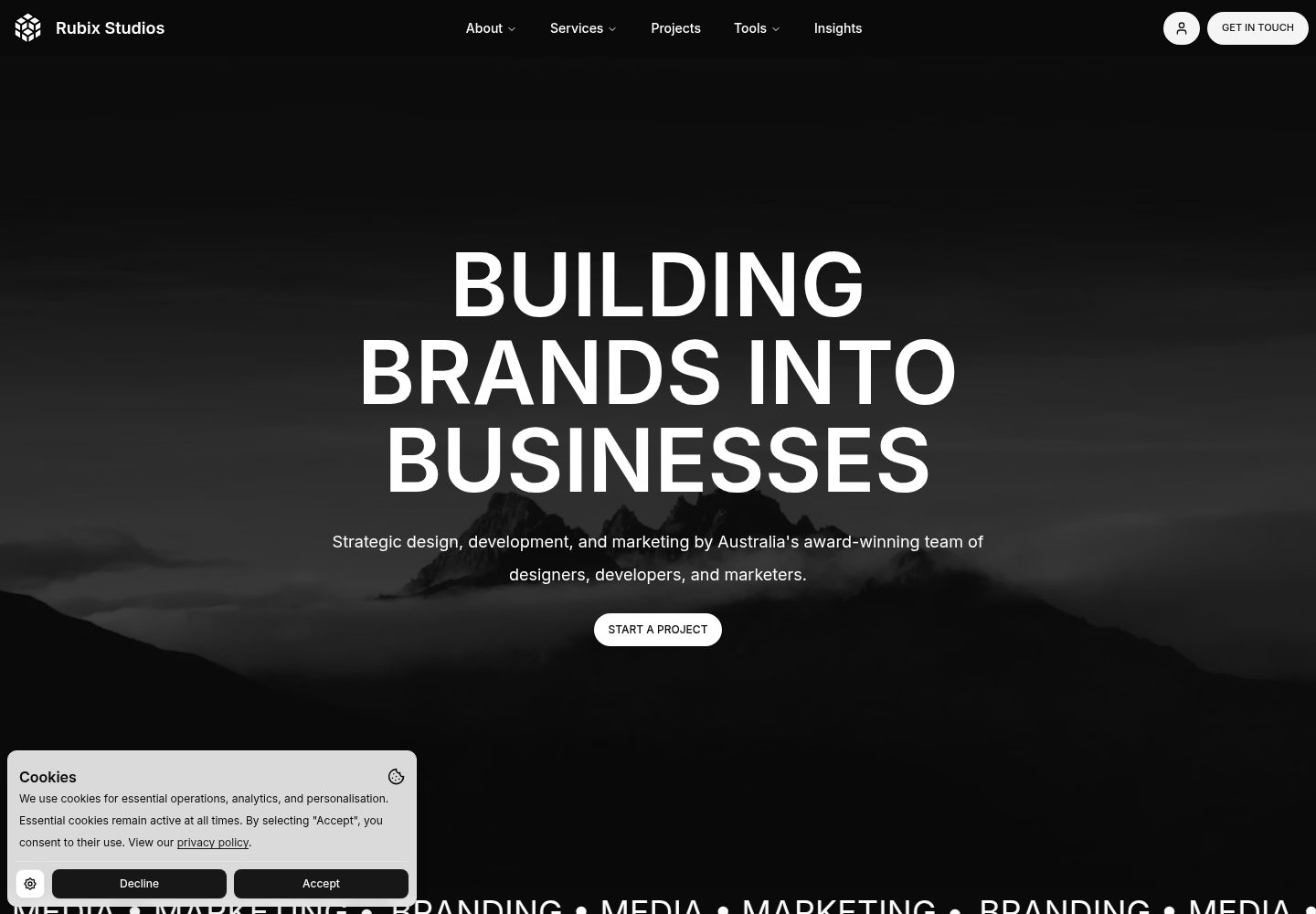
rubix-documents
Documents is a powerful and flexible Next.js documentation starter kit designed to simplify the process of cre…
Next.js · 文档
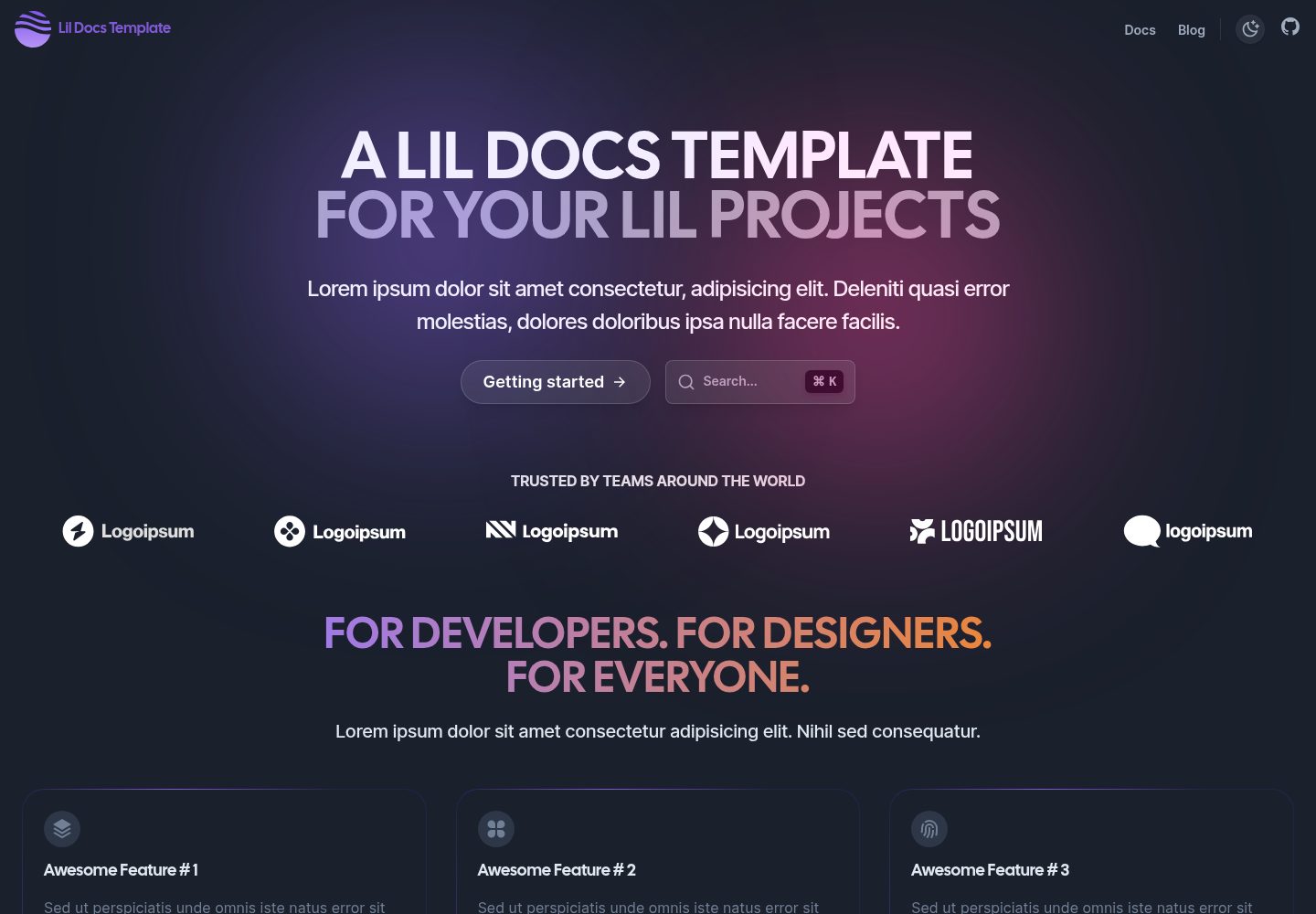
lil-docs-template
A lil docs template for lil projects.
Next.js · 文档
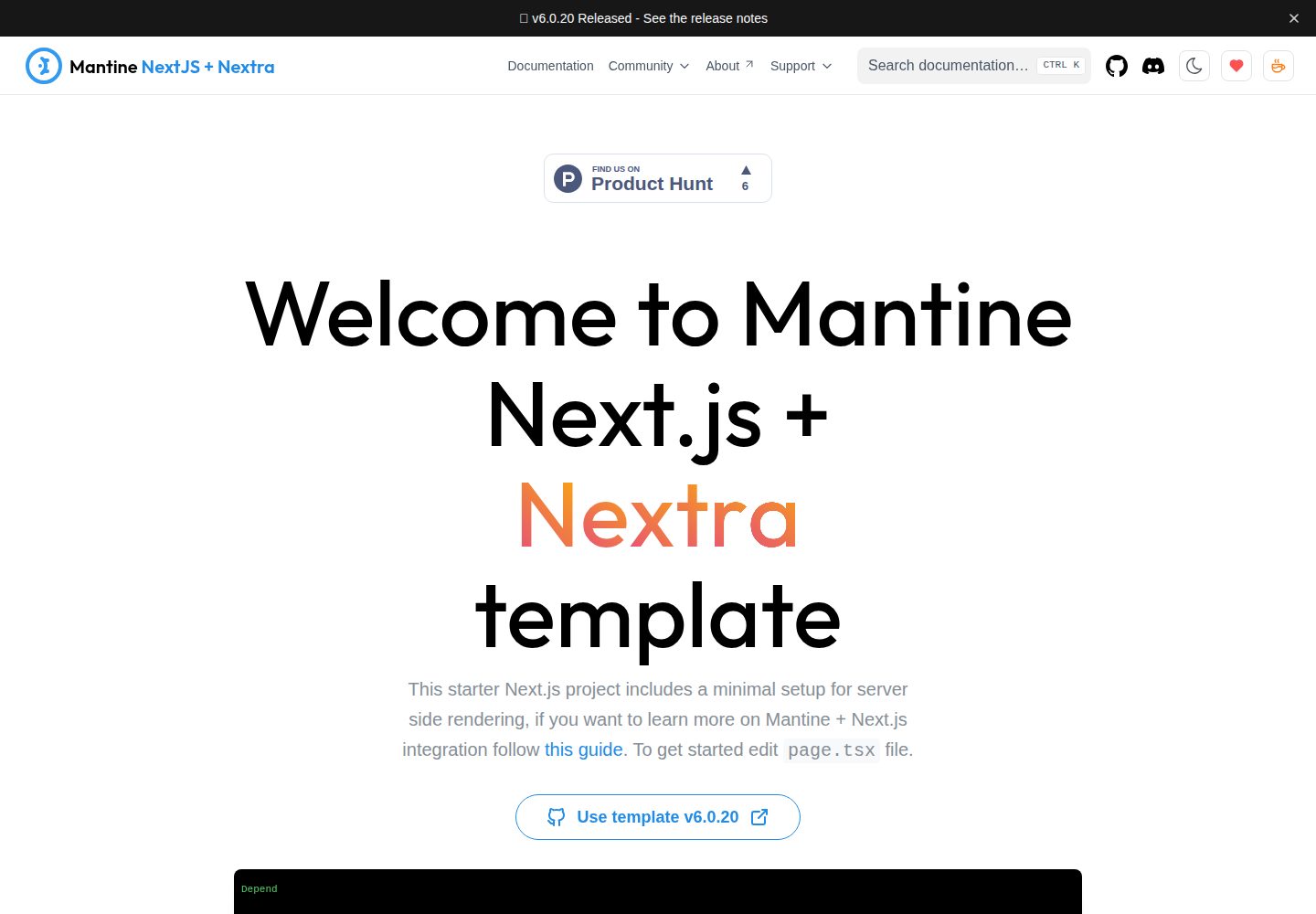
next-app-nextra-template
Template for Next.js 16 app router + Mantine 9 UI + Nextra 4
Next.js · 文档
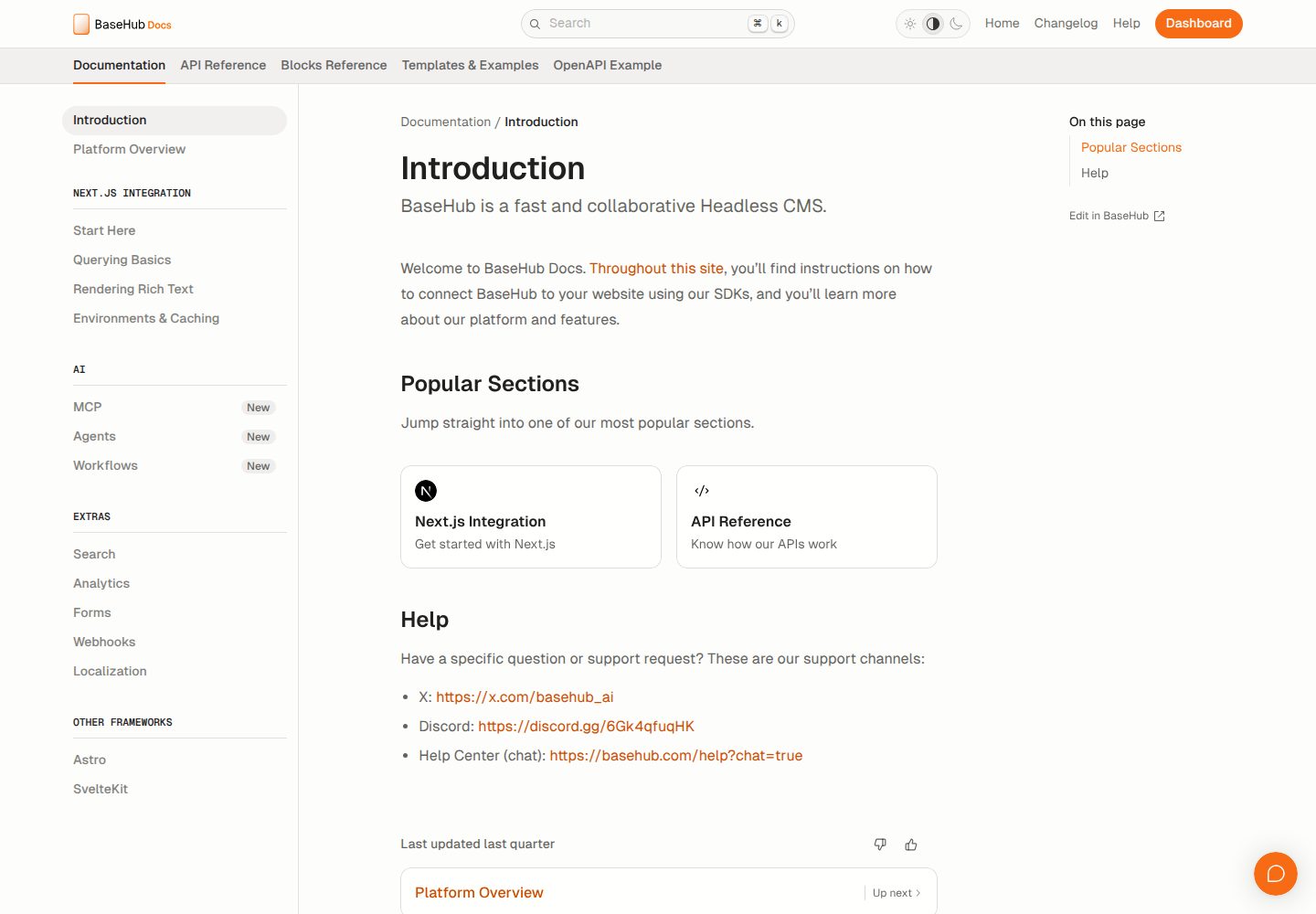
docs-template
Fully featured documentation website, powered by Next.js, Radix Themes, and BaseHub.
Next.js · 文档
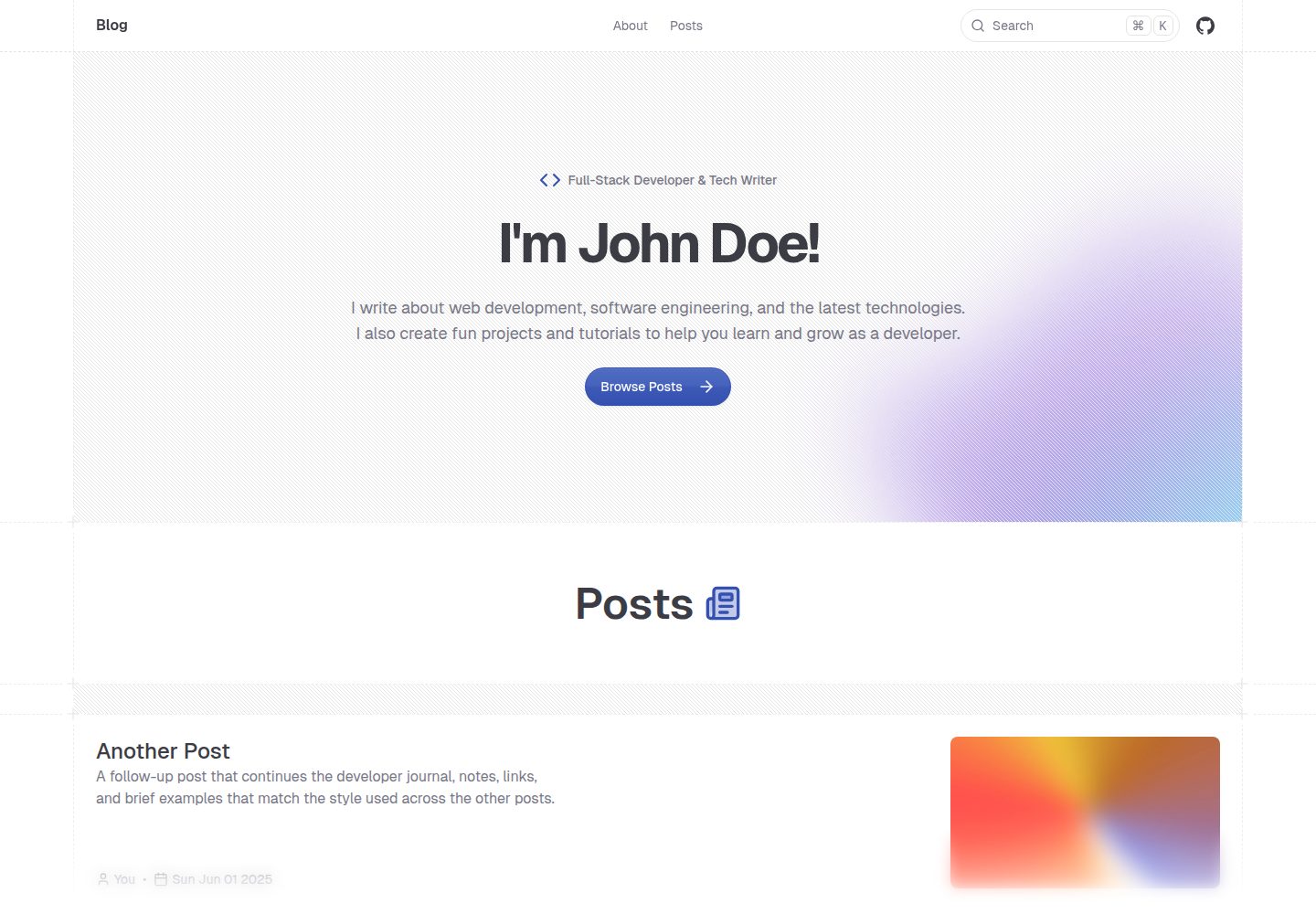
shadcn-blog
A blog template built using Next.JS 15, shadcn/ui, and fumadocs.
Next.js · 博客