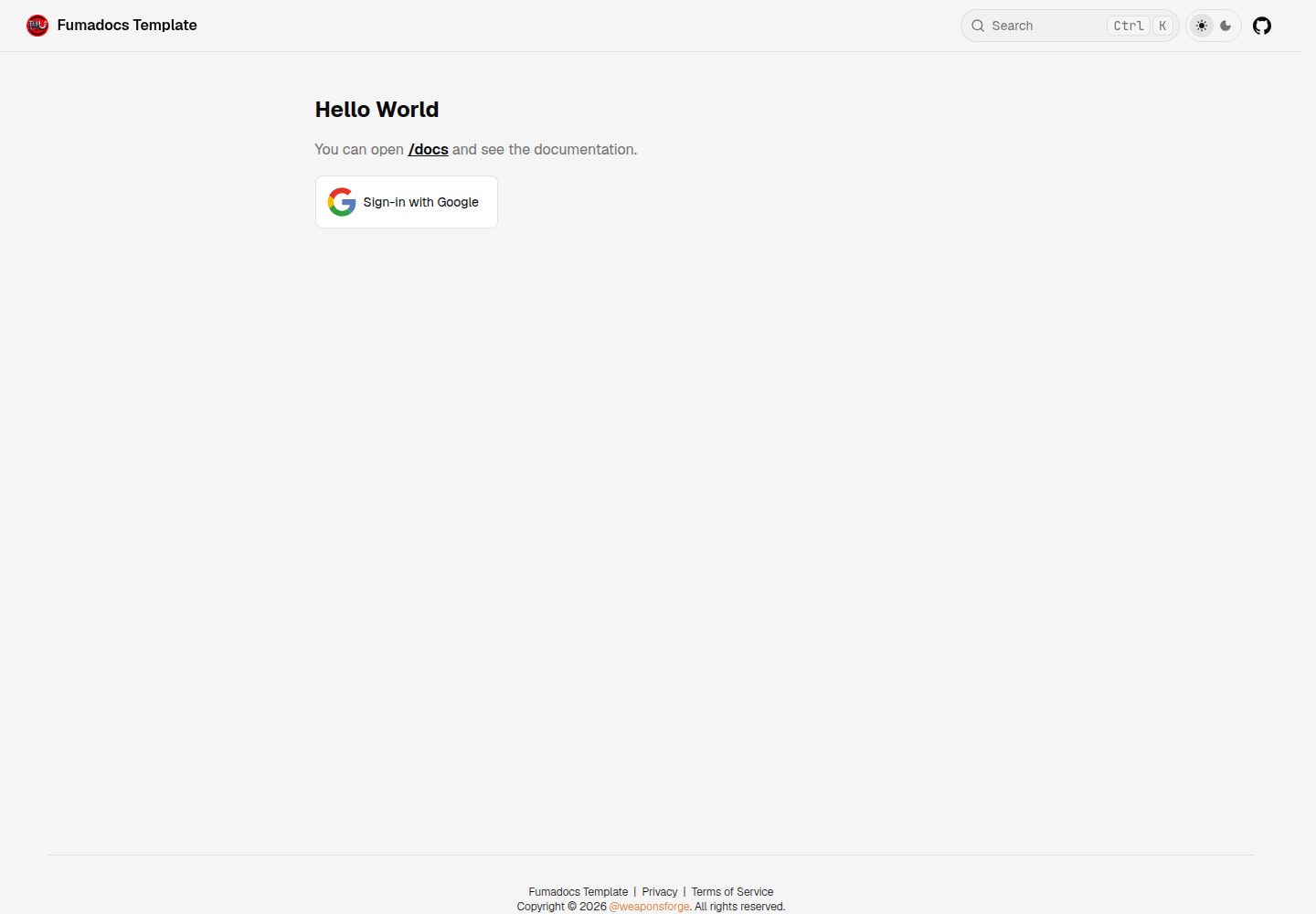
Fumadocs base setup using Next.js App Router and Fumadocs MDX
Next.jsReactDocumentation
fumadocs-template — Next.js Documentation Template
By weaponsforge
A Next.js App Router documentation site template generated from Create Fumadocs, including public and Google login-protected private documentation pages, Docker configuration, and ESLint.
Explore the design
Compare the page layouts and mobile experience. Open any screenshot for a closer look.
Desktop homepage1 / 2
Desktop captureTop of page
Actual screenshot captured by the server browser.
All pages & views 2
Screenshots show visual appearance; interactive behavior may differ.
Recorded 2026-10-14View source
What stands out
A quick read of the recorded project description.
Public documentation pages and private documentation pages that require Google login to access
Login via Google OAuth, with the ability to restrict allowed email domains or email lists
Docker configuration provided for local development and production deployment outside Vercel
Includes ESLint setup
Application code is located in the /docsapp/src directory
Template Details
This template is generated from Create Fumadocs's "Next.js: Fumadocs MDX" option. It is a Next.js App Router application with application code located in the /docsapp/src directory. The README states that it provides Fumadocs base setup, public documentation pages, private documentation pages accessible only after logging in via Google OAuth, Docker configuration for local development and production deployment outside Vercel, and ESLint setup.
Before use, Node.js v24 is required (the project uses node v24.11.0, npm v11.6.1). The Google OAuth2 client is optional and is configured only when Google login needs to be enabled. You need to set up the OAuth2 consent screen and credentials in a Google Cloud Platform project, and add https://<deployment-domain>/api/auth/callback/google to the authorized redirect URIs. If you want all routes to be accessible without restrictions, you can set matcher: [] in /docsapp/src/proxy.ts.
The README does not provide details on the template's page structure, performance data, or production readiness. The static export section explicitly warns that applications using many React Server Components and Next.js server-side features will fail to build, and next.config.mjs and the overall application need to be adjusted first.
Next.jsDocumentation
Is it right for your project?
Use Cases
- Building a documentation site with both public and login-protected private pages
- Deploying a Fumadocs documentation application with Docker outside Vercel
- Customizing starting from a Next.js App Router project generated by Create Fumadocs
- Documentation scenarios that need access restricted by Google email domain or specified emails
Suitable For
- Teams that need separate public and private documentation sections
- Projects that use Google accounts to control documentation access
- Developers who want to run or deploy the documentation site in a Docker environment
- Users doing secondary development based on Fumadocs and Next.js App Router
Getting started & customization
Use these recorded setup notes alongside the repository instructions for your chosen version.
- 1
Requires Node.js v24; the project uses node v24.11.0 and npm v11.6.1
- 2
After entering the /docsapp directory, run npm install, then start with npm run dev and visit http://localhost:3000
- 3
Google OAuth2 is optional; you need to create OAuth2 credentials in Google Cloud Platform and add https://<deployment-domain>/api/auth/callback/google to the authorized redirect URIs
- 4
Create .env.local from .env.example and configure variables such as GOOGLE_CLIENT_ID, GOOGLE_CLIENT_SECRET, BETTER_AUTH_SECRET, and BETTER_AUTH_URL
- 5
Only one of IS_BUILD_STATIC and IS_BUILD_DOCKER can be set to 1; when running via Docker on Windows, set IS_WEBPACK=1 and WATCHPACK_POLLING=true to enable hot reload
License & source material
Usage conditions & limitations
Free to use · keep license noticeThis entry covers the free version under the MIT license in a public repository; the free scope is the code of this version and does not mean external services or third-party assets are free.
Must comply with when using
- Free use, modification, commercial use, and distribution of this version's code are permitted.
- When distributing copies or substantial portions of the code, retain the original author's copyright notice and the complete MIT license notice.
- The code is provided as is; warranties and limitations of liability are governed by the original license and applicable law.
Additional costs & items to verify
- Demo images, fonts, icons, and other third-party assets must be checked against their respective licenses and cannot be judged solely by the code's MIT license.
- External services such as domains, hosting, databases, payments, or AI may incur separate charges.
- The Google OAuth2 client is optional; only when Google login needs to be enabled do you need to configure the OAuth2 consent screen and credentials in a Google Cloud Platform project.
- Enabling Google login requires creating and configuring a Google Cloud Platform project yourself, setting up the OAuth2 consent screen and credentials, which is an external service dependency.
- You need to obtain the GOOGLE_CLIENT_ID and GOOGLE_CLIENT_SECRET environment variable values from Google Cloud Platform.
- You must add https://<deployment-domain>/api/auth/callback/google to the authorized redirect URIs of the Google client ID, otherwise the login callback cannot complete.
- If you want all routes to be accessible without restrictions, set matcher: [] in /docsapp/src/proxy.ts; that is, the default configuration enables access restrictions.
- When running via Docker on Windows, set IS_WEBPACK=1 and WATCHPACK_POLLING=true to enable hot reload, because Turbopack is unreliable in that environment.
- Only one of IS_BUILD_STATIC and IS_BUILD_DOCKER can be set to 1, otherwise build conflicts will occur.
- ALLOWED_EMAIL_DOMAINS is used to restrict the allowed Google email domains for login; if left empty or unset, all Gmail domains are allowed to log in.
- ALLOWED_EMAILS is used to hardcode the list of allowed login emails; if left empty or unset, all Google accounts are allowed to log in.
- Applications using many React Server Components and Next.js server-side features cannot be statically exported; next.config.mjs and the overall application settings need to be adjusted first.
- When running the application via Docker on Windows, IS_WEBPACK must be set to 1 to enable hot reload.
- In a Docker + Windows environment, WATCHPACK_POLLING must be set to true to enable Webpack-based hot reload, because Turbopack hot reload is unreliable in that environment.
View Original Text Basis
Permission is hereby granted, free of charge
Original License Text
#### 2. Google OAuth2 Client (optional)
Original README
- This requires a Google Cloud Platform project configured with [OAuth2](https://developers.google.com/workspace/guides/configure-oauth-consent) settings and [credentials](https://developers.google.com/workspace/guides/manage-credentials).
Original README
- Retrieve the `GOOGLE_CLIENT_ID` and `GOOGLE_CLIENT_SECRET` environment variable values here.
Original README
- Add the following in your Google Client ID's **Authorized redirect URIs**:
Original README
> To allow unrestricted access on all routes, set `matcher: []` in the `/docsapp/src/proxy.ts` file.
Original README
> Set `IS_WEBPACK=1` and `WATCHPACK_POLLING=true` to enable hot reloading in development mode when running in Docker on Windows, as Turbopack is currently unreliable in this setup.
Original README
> Ensure only one of `IS_BUILD_STATIC` or `IS_BUILD_DOCKER` has a value of `1` to avoid build conflicts.
Original README
| ALLOWED_EMAIL_DOMAINS | Allowed Google email domains to sign-in with Google eg., `gmail.com`, `company.com`.<br><quote>Leave it blank or unset if you want to allow sign-in from all **Gmail domains**.</quote> |
Original README
| ALLOWED_EMAILS | Hard-coded list of comma-separated emails allowed to sign-in with Google.<br><quote>Leave it blank or unset if you want to allow sign-in from all **Google accounts**.</quote> |
Original README
| IS_BUILD_STATIC | If value is `1`, builds and exports the NextJS app into a static build in the `/docsapp/out` directory when running `"npm run build"`<br><br>⚠️ Fumadocs (or any Next.js) app that uses heavy React Server Components (RSC) and Next.js server features will fail to build as a static output. Te enable true static export, [adjust necessary settings](https://nextjs.org/docs/app/guides/static-exports) in the `next.config.mjs` file and the overall app before export. |
Original README
| IS_WEBPACK | Set to `1` to run the app in development mode using **Webpack**. <br><br>⭐ **IMPORTANT**: When running the app via **Docker** on Windows OS (`docker compose up`), this must be set to `1` to enable hot reload.|
Original README
https://github.com/weaponsforge/fumadocs-template/blob/dev/LICENSEhttps://github.com/weaponsforge/fumadocs-template/blob/dev/README.md| WATCHPACK_POLLING | Set to `true` to enable Webpack-based hot reloading when running the app in Docker on Windows. Required because Turbopack hot reload is currently unreliable in this setup (Docker + Windows). |
Original README
Compiled by DeepSeek based on repository license and README ·2026-10-14. Results only cover the materials read; dependencies, images, fonts, and subsequent term changes are subject to their respective original texts.
Project checks & description sources
Template Information
- Source platforms
- GitHub
- Documentation and maintenance reference score
- More documented · 80 / 100
- Technologies
- Next.js · React
- Website type
- Documentation
How this score is calculated
Our heuristic uses license records (up to 30), a demo link (12), a preview (10), stars (15), recorded maintenance (15), description completeness (8), feature records (5) and classification data (5). It is not a code, security or performance test, or a Google score. A link does not establish tested functionality.
What to verify for this project
- Repository update recorded
- 2026-08-07
- Screenshot last checked
- 2026-10-14
A demo link is listed. Check it with your own content and viewport sizes; its presence does not confirm that forms, authentication or payments work.
The catalog identifies Next.js as the primary stack. Check the actual dependency manifest and lockfile for versions and hosting requirements. These notes use recorded metadata, not a code audit or a deployment test.
Use a selection guide →How this description was prepared
AI-assisted description based on catalog records and repository material. Repository authors are not automatically the reviewers of this description.
Review declaration: codex-user-requested-batch-review-20261015 · 2026-10-15
Inspect the recorded source material
SHA-256: df841e3b033ed46f645a2e9de1cb154f624e656e6347c1197fcd82678eab4374
2026-10-14T14:41:05.880Z
Source file / repository# fumadocs-template This is a Next.js (App Router) application generated with [Create Fumadocs](https://github.com/fuma-nama/fumadocs) using the **Next.js: Fumadocs MDX** option. It features basic setup, configurations, sign-in authentication, and tooling to standardize using Fumadocs as a template. > Next application code lives inside the `/docsapp/src` directory. ### 🎬 Demo https://fumadocs-template-ten.vercel.app/ ### 🎯 Features - [Fumadocs](https://www.fumadocs.dev/) basic setup - Public docs pages - Private docs pages gated by Google sign-in (via Google OAuth) - Docker setup for local development and production deployment outside Vercel - ESLint setup --- ### 📋 Requirements #### 1. NodeJS v24 ```text Recommended version (used within this project) node v24.11.0 npm v11.6.1 ``` #### 2. Google OAuth2 Client (optional) - This requires a Google Cloud Platform project configured with [OAuth2](https://developers.google.com/workspace/guides/configure-oauth-consent) settings and [credentials](https://developers.google.com/workspace/guides/manage-credentials). - Read the [GOOGLE_OAUTH.md](/docs/GOOGLE_OAUTH.md) for more information in setting up Google OAuth for sign-in. - Retrieve the `GOOGLE_CLIENT_ID` and `GOOGLE_CLIENT_SECRET` environment variable values here. - Add the following in your Google Client ID's **Authorized redirect URIs**: - https://<YOUR_DEPLOYED_APP_BASE_URL>/api/auth/callback/google<br> - eg., `http://localhost:3000/api/auth/callback/google` (when working in local development) > [!TIP] > Setup required only if you want to enable Google sign-in<br> > To allow unrestricted access on all routes, set `matcher: []` in the `/docsapp/src/proxy.ts` file. #### 3. Docker (optional) ## 📖 Run development server #### 1. Navigate to the `/docsapp` directory ```sh cd docsapp ``` #### 2. Install dependencies. ```sh npm install ``` #### 3. Run the app ```bash npm run dev ``` #### 4. Launch the local website. Open http://localhost:3000 with your browser to see the result. > [!NOTE] > Look over the [Ennvironment Variables](#environment-variables) section for more building and Authentication options. <br> ## Contributing We welcome contributions! Please see [CONTRIBUTING.md](./CONTRIBUTING.md) for guidelines. <br> ## ⚡ Quickstart > [!TIP] > Set `IS_WEBPACK=1` and `WATCHPACK_POLLING=true` to enable hot reloading in development mode when running in Docker on Windows, as Turbopack is currently unreliable in this setup. Using Docker 1. Set up the environment variables in the `/docsapp` directory. Refer to the [Environment Variables](#environment-variables) for more information. 2. Build the image for local development..<br> ```sh docker compose build --no-cache ``` 3. Run the container for local development.<br> ```sh docker compose up ``` Open http://localhost:3000 with your browser to see the result. ## Explore > [!NOTE] > The Fumadocs app lives inside the `/docsapp` directory. > All files and folders referenced in the following sections are relative to the `/docsapp` directory. In the project, you can see: - `lib/source.ts`: Code for content source adapter, [`loader()`](https://fumadocs.dev/docs/headless/source-api) provides the interface to access your content. - `lib/layout.shared.tsx`: Shared options for layouts, optional but preferred to keep. | Route | Description | | ------------------------- | ------------------------------------------------------ | | `app/(home)` | The route group for your landing page and other pages. | | `app/docs` | The documentation layout and pages. | | `app/api/search/route.ts` | The Route Handler for search. | ### Fumadocs MDX A `source.config.ts` config file has been included, you can customise different options like frontmatter schema. Read the [Introduction](https://fumadocs.dev/docs/mdx) for further details. ## Learn More To learn more about Next.js and Fumadocs, take a look at the following resources: - [Next.js Documentation](https://nextjs.org/docs) - learn about Next.js features and API. - [Learn Next.js](https://nextjs.org/learn) - an interactive Next.js tutorial. - [Fumadocs](https://fumadocs.dev) - learn about Fumadocs ## Environment Variables > [!WARNING] > Ensure only one of `IS_BUILD_STATIC` or `IS_BUILD_DOCKER` has a value of `1` to avoid build conflicts. Create a `.env.local` file from the `.env.example` file. | Variable | Description | | --- | --- | | GOOGLE_CLIENT_ID | Google OAuth2 client ID linked with your Google Cloud Platform project. | | GOOGLE_CLIENT_SECRET | Google OAuth2 client secret associated with the `GOOGLE_CLIENT_ID` | | BETTER_AUTH_SECRET | Your nextauth secret (any random string will do) | | BETTER_AUTH_URL | Your root domain URL, beginning with `http://` or `https://` protocol. | | ALLOWED_EMAIL_DOMAINS | Allowed Google email domains to sign-in with Google eg., `gmail.com`, `company.com`.<br><quote>Leave it blank or unset if you want to allow sign-in from all **Gmail domains**.</quote> | | ALLOWED_EMAILS | Hard-coded list of comma-separated emails allowed to sign-in with Google.<br><quote>Leave it blank or unset if you want to allow sign-in from all **Google accounts**.</quote> | | IS_BUILD_DOCKER | If value is `1`, builds the NextJS app for Docker in production using the standalone mode build into the `/docsapp/.next/standalone` and `/docsapp/.next/static` directories. | | IS_BUILD_STATIC | If value is `1`, builds and exports the NextJS app into a static build in the `/docsapp/out` directory when running `"npm run build"`<br><br>⚠️ Fumadocs (or any Next.js) app that uses heavy React Server Components (RSC) and Next.js server features will fail to build as a static output. Te enable true static export, [adjust necessary settings](https://nextjs.org/docs/app/guides/static-exports) in the `next.config.mjs` file and the overall app before export. | | IS_WEBPACK | Set to `1` to run the app in development mode using **Webpack**. <br><br>⭐ **IMPORTANT**: When running the app via **Docker** on Windows OS (`docker compose up`), this must be set to `1` to enable hot reload.| | WATCHPACK_POLLING | Set to `true` to enable Webpack-based hot reloading when running the app in Docker on Windows. Required because Turbopack hot reload is currently unreliable in this setup (Docker + Windows). | | APP_NAME | Name of your Fumadocs documentation app. Defaults to `"Fumadocs Template"` | | APP_SHORT_NAME | Shortname for this documentation app. Defaults to `"Fumadocs"` | | APP_DESCRIPTION | Documentation website short description. Defaults to `"Documentation website demo"` | | GH_USERNAME | Your GitHub username | | GH_REPOSITORY | GitHub repository containing this documentation app | | GH_REPO_DEFAULT_BRANCH | Default branch of the `GH_REPOSITORY`. Defaults to `"main"` | @weaponsforge<br> 20251118<br> 20260320
Explore similar templates
Compare previews and descriptions within the same stack and category.

nextjs-prisma-boilerplate
A production-grade full stack starter built on Next.js 12, React 18, Prisma 4, and Postgres, with layered frontend and backend architecture, Jest and Cypress testing, next-auth authentication, Docker and Gitpod development environments, GitHub Actions CI/CD, and Traefik-based production deployment.
Next.js · Documentation

rubix-documents
A Next.js and React documentation site starter template for product docs, technical manuals and knowledge bases.
Next.js · Documentation
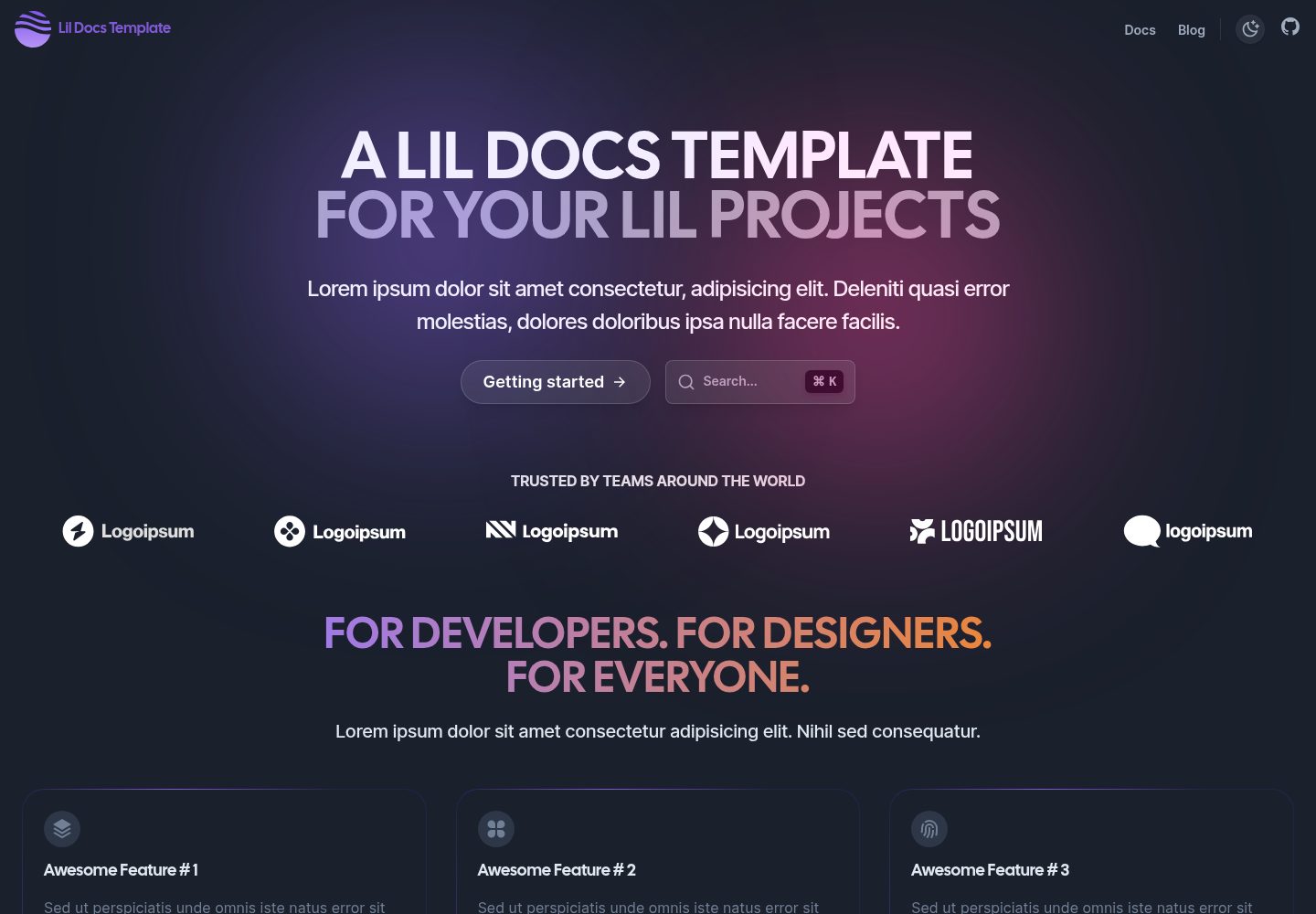
lil-docs-template
A lightweight documentation site template for small projects, built with Next.js, TypeScript, Chakra UI, and ContentLayer. It supports MDX content, light/dark mode, and SEO configuration, and offers a one-click Vercel deploy.
Next.js · Documentation
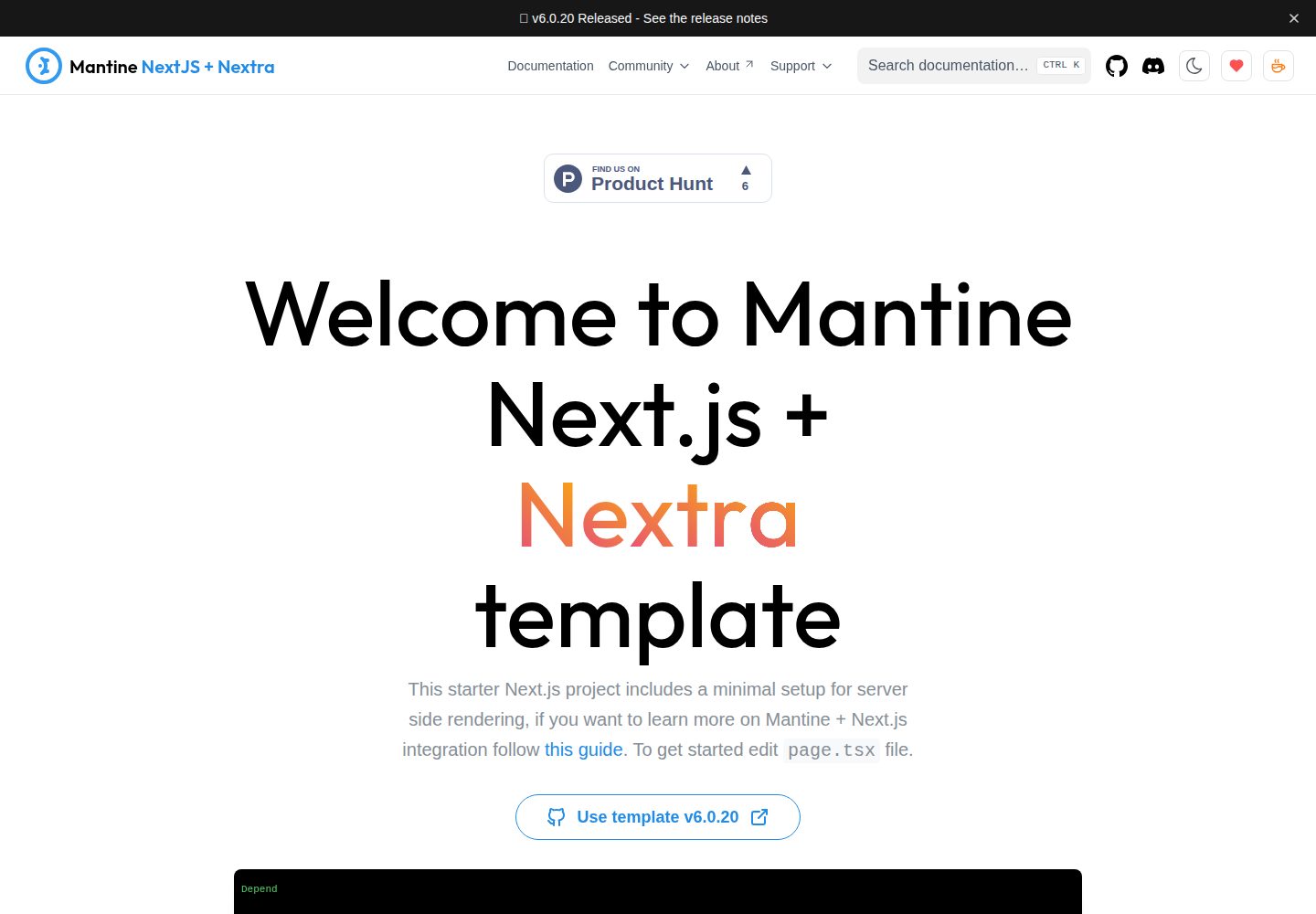
next-app-nextra-template
A documentation site template combining Next.js App Router, Mantine, and Nextra in one project, with synchronized dark mode, Pagefind search, Storybook, Jest, and GitHub Release Notes integration. Suitable for teams maintaining both a product application and its documentation.
Next.js · Documentation
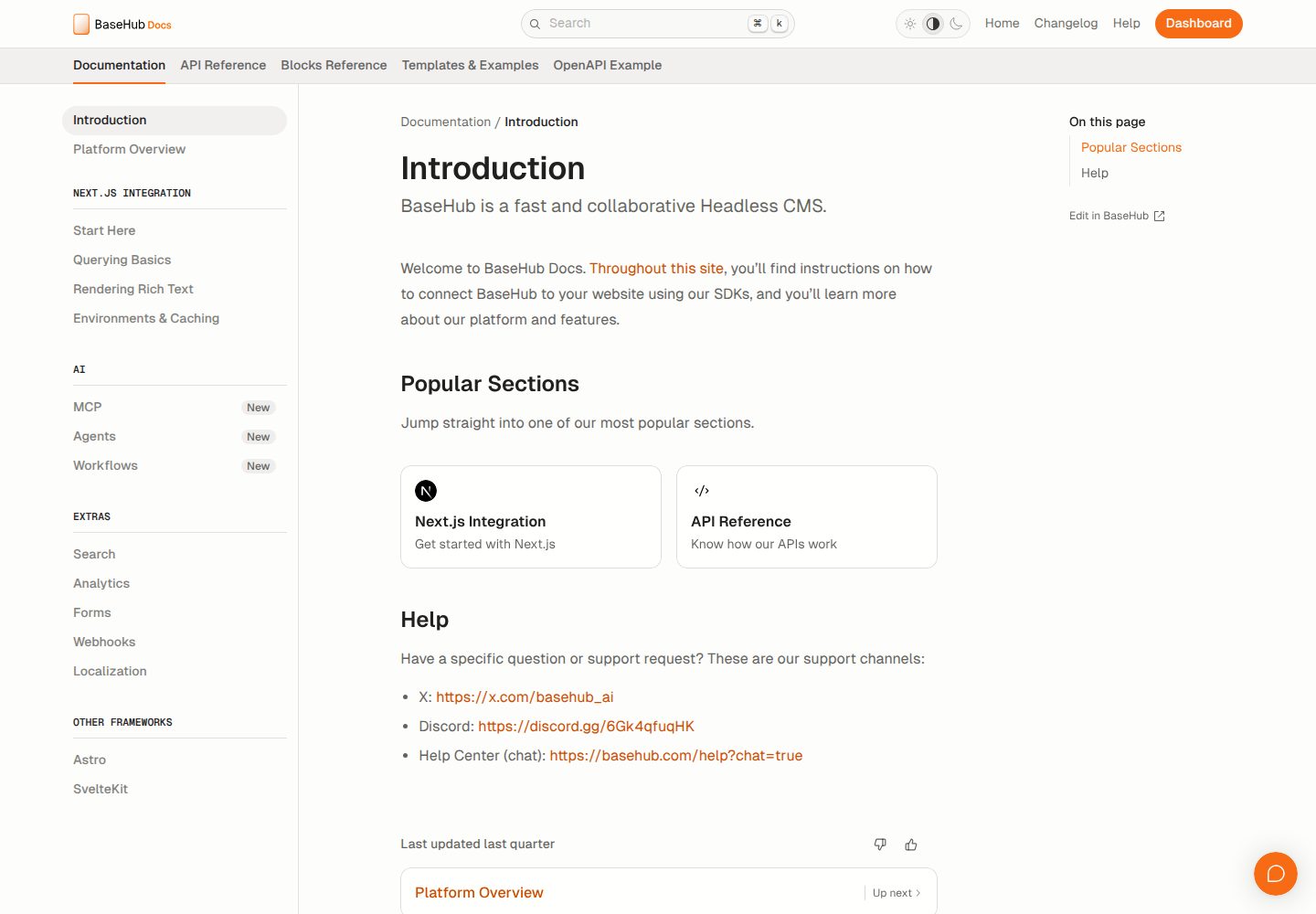
docs-template
A documentation website template built with Next.js, Radix Themes, and BaseHub. Content is edited in BaseHub, so documentation can be maintained without code changes.
Next.js · Documentation
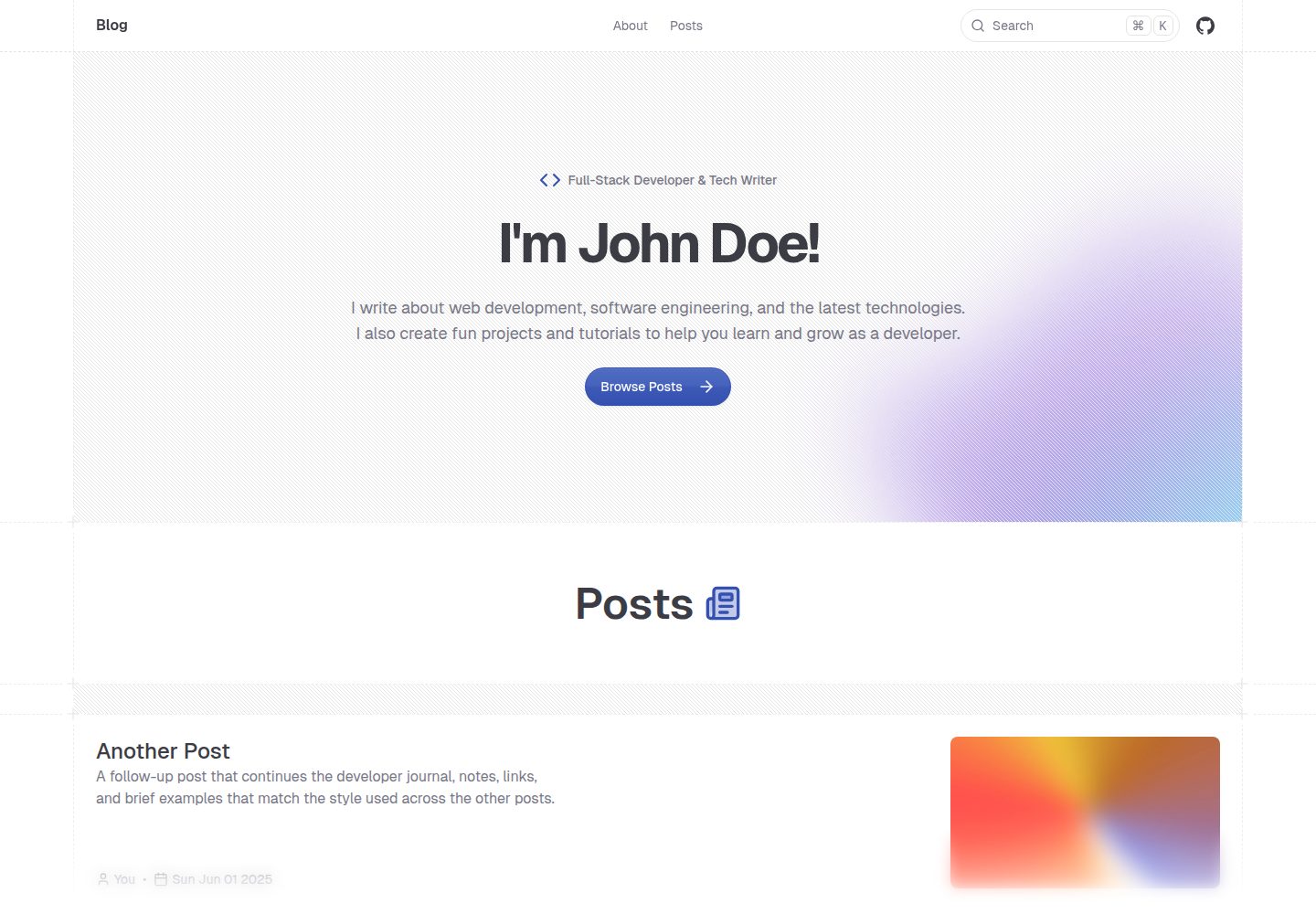
shadcn-blog
A Next.js 15 blog template that renders MDX articles from content/blog/ with Fumadocs, built on shadcn/ui and Tailwind CSS.
Next.js · Blog