Fumadocs 基础设置,使用 Next.js App Router 与 Fumadocs MDX
Next.jsReact文档
fumadocs-template — Next.js 文档模板
作者 weaponsforge
基于 Create Fumadocs 生成的 Next.js App Router 文档站模板,包含公开与 Google 登录保护的私有文档页、Docker 配置和 ESLint。
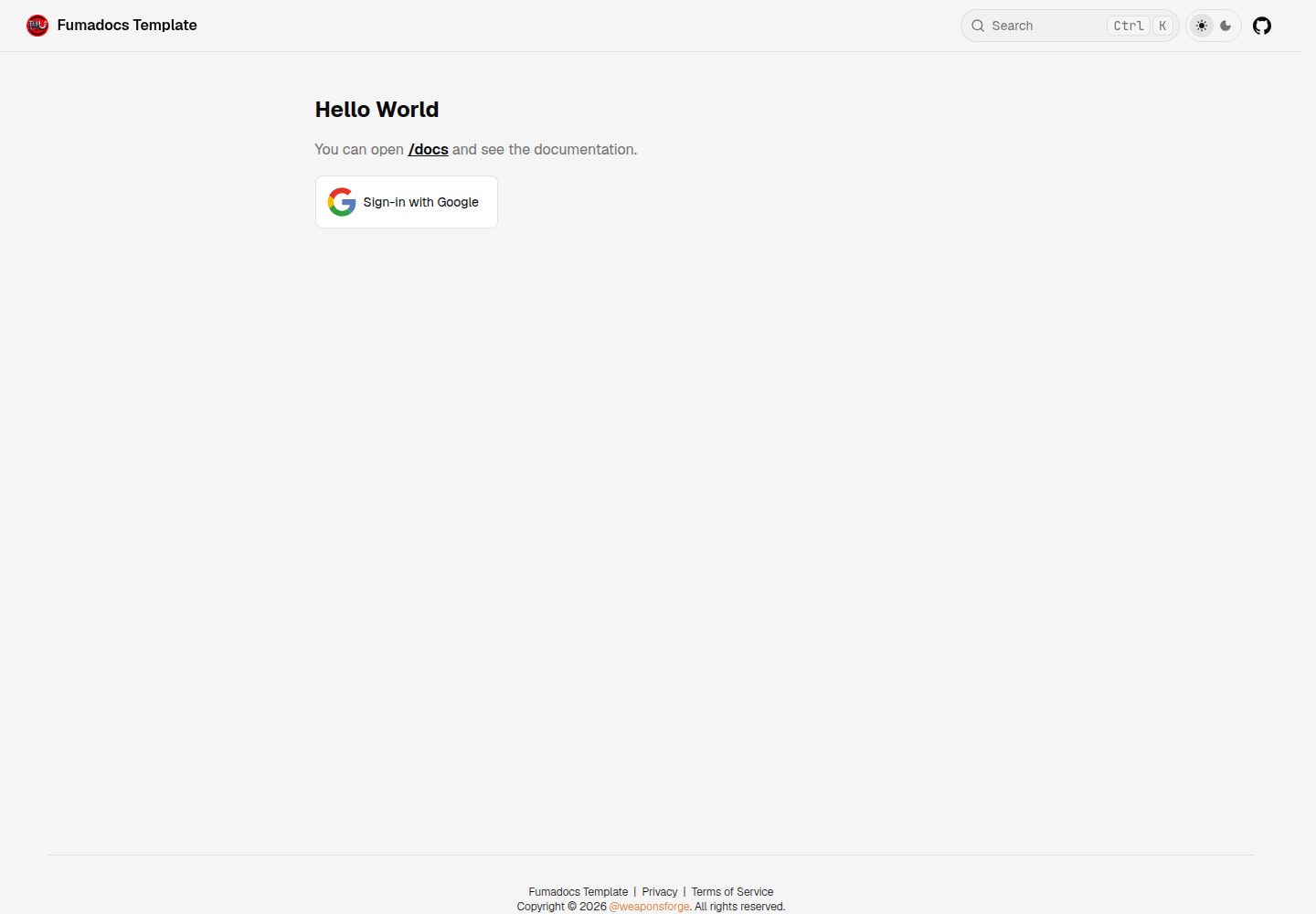
看看你的网站会是什么样
浏览真实页面截图,比较内容排版与手机效果。点击下方缩略图切换,放大查看整页细节。
全部页面与视图 2
截图用于了解视觉与布局,交互效果请以实际项目为准。
采集于 2026-10-14查看来源
值得关注的模板亮点
从已有项目资料中,快速了解它的特点。
公开文档页与需 Google 登录才能访问的私有文档页
通过 Google OAuth 进行登录,可限制允许登录的邮箱域名或邮箱列表
提供 Docker 配置,用于本地开发及 Vercel 之外的生产部署
包含 ESLint 设置
应用代码位于 /docsapp/src 目录
模板详细介绍
该模板由 Create Fumadocs 的「Next.js: Fumadocs MDX」选项生成,是一个 Next.js App Router 应用,应用代码位于 /docsapp/src 目录。README 说明其提供 Fumadocs 基础设置、公开文档页、通过 Google OAuth 登录后才能访问的私有文档页、用于本地开发与 Vercel 之外生产部署的 Docker 配置,以及 ESLint 设置。
使用前需要 Node.js v24(项目使用 node v24.11.0、npm v11.6.1)。Google OAuth2 客户端为可选项,仅在需要启用 Google 登录时配置,需在 Google Cloud Platform 项目中设置 OAuth2 同意屏幕与凭据,并把 https://<部署域名>/api/auth/callback/google 加入授权重定向 URI。若希望所有路由不受限制访问,可在 /docsapp/src/proxy.ts 中设置 matcher: []。
README 未提供模板的页面结构细节、性能数据或生产就绪程度说明;静态导出部分明确提示使用大量 React Server Components 和 Next.js 服务端特性的应用会构建失败,需要先调整 next.config.mjs 与整体应用。
Next.js文档
适合你的项目吗?
适用场景
- 搭建带公开与登录保护私有页面的文档站点
- 在 Vercel 之外使用 Docker 部署 Fumadocs 文档应用
- 以 Create Fumadocs 生成的 Next.js App Router 项目为起点进行定制
- 需要按 Google 邮箱域名或指定邮箱限制访问的文档场景
适合人群
- 需要公开与私有文档分区的团队
- 使用 Google 账号体系控制文档访问的项目
- 希望在 Docker 环境运行或部署文档站的开发者
- 以 Fumadocs 和 Next.js App Router 为基础二次开发的用户
上手与定制指南
结合仓库当前版本的说明,按下面的资料检查内容、配置与运行要求。
- 1
需要 Node.js v24,项目使用 node v24.11.0 与 npm v11.6.1
- 2
进入 /docsapp 目录后执行 npm install,再用 npm run dev 启动,访问 http://localhost:3000
- 3
Google OAuth2 为可选配置,需在 Google Cloud Platform 创建 OAuth2 凭据,并将 https://<部署域名>/api/auth/callback/google 加入授权重定向 URI
- 4
从 .env.example 创建 .env.local,配置 GOOGLE_CLIENT_ID、GOOGLE_CLIENT_SECRET、BETTER_AUTH_SECRET、BETTER_AUTH_URL 等变量
- 5
IS_BUILD_STATIC 与 IS_BUILD_DOCKER 只能有一个设为 1;在 Windows 上通过 Docker 运行时需设置 IS_WEBPACK=1 和 WATCHPACK_POLLING=true 以启用热重载
授权与来源资料
使用条件与限制
免费使用 · 保留许可声明本次收录的是公开仓库中采用 MIT 许可的免费版本;免费范围为该版本代码,不代表外部服务或第三方素材免费。
使用时需要遵守
- 允许免费使用、修改、商用和分发该版本代码。
- 分发代码副本或实质性部分时,保留原作者版权声明和完整 MIT 许可声明。
- 代码按现状提供;担保与责任限制以原许可证及适用法律为准。
额外费用与待核对事项
- 演示图片、字体、图标及其他第三方素材需按各自许可核对,不能仅凭代码的 MIT 许可判断。
- 域名、托管、数据库、支付或 AI 等外部服务可能另外收费。
- Google OAuth2 客户端为可选配置;仅在需要启用 Google 登录时,才需在 Google Cloud Platform 项目中配置 OAuth2 同意屏幕与凭据。
- 启用 Google 登录需要自行创建并配置 Google Cloud Platform 项目,设置 OAuth2 同意屏幕与凭据,属于外部服务依赖。
- 需要从 Google Cloud Platform 获取 GOOGLE_CLIENT_ID 与 GOOGLE_CLIENT_SECRET 环境变量值。
- 必须将 https://<部署域名>/api/auth/callback/google 添加到 Google 客户端 ID 的授权重定向 URI 中,否则登录回调无法完成。
- 若希望所有路由不受限制访问,需在 /docsapp/src/proxy.ts 中设置 matcher: [],即默认配置会启用访问限制。
- 在 Windows 上通过 Docker 运行时,需设置 IS_WEBPACK=1 和 WATCHPACK_POLLING=true 才能启用热重载,因为 Turbopack 在该环境下不可靠。
- IS_BUILD_STATIC 与 IS_BUILD_DOCKER 只能有一个设为 1,否则会产生构建冲突。
- ALLOWED_EMAIL_DOMAINS 用于限制允许登录的 Google 邮箱域名;留空或不设置则允许所有 Gmail 域名登录。
- ALLOWED_EMAILS 用于硬编码允许登录的邮箱列表;留空或不设置则允许所有 Google 账号登录。
- 使用大量 React Server Components 和 Next.js 服务端特性的应用无法静态导出,需先调整 next.config.mjs 与整体应用设置。
- 在 Windows 上通过 Docker 运行应用时,必须将 IS_WEBPACK 设为 1 才能启用热重载。
- 在 Docker + Windows 环境下需将 WATCHPACK_POLLING 设为 true 以启用基于 Webpack 的热重载,因为 Turbopack 热重载在该环境下不可靠。
查看原文依据
Permission is hereby granted, free of charge
许可证原文
#### 2. Google OAuth2 Client (optional)
README 原文
- This requires a Google Cloud Platform project configured with [OAuth2](https://developers.google.com/workspace/guides/configure-oauth-consent) settings and [credentials](https://developers.google.com/workspace/guides/manage-credentials).
README 原文
- Retrieve the `GOOGLE_CLIENT_ID` and `GOOGLE_CLIENT_SECRET` environment variable values here.
README 原文
- Add the following in your Google Client ID's **Authorized redirect URIs**:
README 原文
> To allow unrestricted access on all routes, set `matcher: []` in the `/docsapp/src/proxy.ts` file.
README 原文
> Set `IS_WEBPACK=1` and `WATCHPACK_POLLING=true` to enable hot reloading in development mode when running in Docker on Windows, as Turbopack is currently unreliable in this setup.
README 原文
> Ensure only one of `IS_BUILD_STATIC` or `IS_BUILD_DOCKER` has a value of `1` to avoid build conflicts.
README 原文
| ALLOWED_EMAIL_DOMAINS | Allowed Google email domains to sign-in with Google eg., `gmail.com`, `company.com`.<br><quote>Leave it blank or unset if you want to allow sign-in from all **Gmail domains**.</quote> |
README 原文
| ALLOWED_EMAILS | Hard-coded list of comma-separated emails allowed to sign-in with Google.<br><quote>Leave it blank or unset if you want to allow sign-in from all **Google accounts**.</quote> |
README 原文
| IS_BUILD_STATIC | If value is `1`, builds and exports the NextJS app into a static build in the `/docsapp/out` directory when running `"npm run build"`<br><br>⚠️ Fumadocs (or any Next.js) app that uses heavy React Server Components (RSC) and Next.js server features will fail to build as a static output. Te enable true static export, [adjust necessary settings](https://nextjs.org/docs/app/guides/static-exports) in the `next.config.mjs` file and the overall app before export. |
README 原文
| IS_WEBPACK | Set to `1` to run the app in development mode using **Webpack**. <br><br>⭐ **IMPORTANT**: When running the app via **Docker** on Windows OS (`docker compose up`), this must be set to `1` to enable hot reload.|
README 原文
https://github.com/weaponsforge/fumadocs-template/blob/dev/LICENSEhttps://github.com/weaponsforge/fumadocs-template/blob/dev/README.md| WATCHPACK_POLLING | Set to `true` to enable Webpack-based hot reloading when running the app in Docker on Windows. Required because Turbopack hot reload is currently unreliable in this setup (Docker + Windows). |
README 原文
DeepSeek 根据仓库许可证和 README 整理 ·2026-10-14。结果仅覆盖已读取资料,依赖、图片、字体及后续条款变更以各自原文为准。
项目核对记录与介绍依据
模板资料
- 来源平台
- GitHub
- 资料与维护参考分
- 资料较完整 · 80 / 100
- 技术栈
- Next.js · React
- 网站类型
- 文档
这个分数如何计算
本站按许可资料(最高30分)、演示链接(12分)、预览图(10分)、Star数(15分)、记录的维护时间(15分)、描述完整度(8分)、功能记录(5分)和分类资料(5分)计算。它不是代码、安全或性能测试,也不是 Google 评分;有链接不代表已实测可用。
这个项目需要核对什么
- 记录的仓库更新时间
- 2026-08-07
- 截图检查日期
- 2026-10-14
已收录演示链接。请用你的内容与屏幕尺寸检查;有演示不代表表单、认证或支付已经可用。
目录记录的主要技术栈是 Next.js。请通过依赖清单和锁文件核对实际版本与托管要求。这些说明基于收录资料,不代表代码审计或部署实测。
查看具体选型方法 →介绍的制作与核对状态
介绍由 AI 辅助整理目录与仓库资料。仓库作者不等于这篇介绍的审核者。
审核声明: codex-user-requested-batch-review-20261015 · 2026-10-15
查看当时使用的来源资料
SHA-256: df841e3b033ed46f645a2e9de1cb154f624e656e6347c1197fcd82678eab4374
2026-10-14T14:41:05.880Z
来源文件 / 仓库# fumadocs-template This is a Next.js (App Router) application generated with [Create Fumadocs](https://github.com/fuma-nama/fumadocs) using the **Next.js: Fumadocs MDX** option. It features basic setup, configurations, sign-in authentication, and tooling to standardize using Fumadocs as a template. > Next application code lives inside the `/docsapp/src` directory. ### 🎬 Demo https://fumadocs-template-ten.vercel.app/ ### 🎯 Features - [Fumadocs](https://www.fumadocs.dev/) basic setup - Public docs pages - Private docs pages gated by Google sign-in (via Google OAuth) - Docker setup for local development and production deployment outside Vercel - ESLint setup --- ### 📋 Requirements #### 1. NodeJS v24 ```text Recommended version (used within this project) node v24.11.0 npm v11.6.1 ``` #### 2. Google OAuth2 Client (optional) - This requires a Google Cloud Platform project configured with [OAuth2](https://developers.google.com/workspace/guides/configure-oauth-consent) settings and [credentials](https://developers.google.com/workspace/guides/manage-credentials). - Read the [GOOGLE_OAUTH.md](/docs/GOOGLE_OAUTH.md) for more information in setting up Google OAuth for sign-in. - Retrieve the `GOOGLE_CLIENT_ID` and `GOOGLE_CLIENT_SECRET` environment variable values here. - Add the following in your Google Client ID's **Authorized redirect URIs**: - https://<YOUR_DEPLOYED_APP_BASE_URL>/api/auth/callback/google<br> - eg., `http://localhost:3000/api/auth/callback/google` (when working in local development) > [!TIP] > Setup required only if you want to enable Google sign-in<br> > To allow unrestricted access on all routes, set `matcher: []` in the `/docsapp/src/proxy.ts` file. #### 3. Docker (optional) ## 📖 Run development server #### 1. Navigate to the `/docsapp` directory ```sh cd docsapp ``` #### 2. Install dependencies. ```sh npm install ``` #### 3. Run the app ```bash npm run dev ``` #### 4. Launch the local website. Open http://localhost:3000 with your browser to see the result. > [!NOTE] > Look over the [Ennvironment Variables](#environment-variables) section for more building and Authentication options. <br> ## Contributing We welcome contributions! Please see [CONTRIBUTING.md](./CONTRIBUTING.md) for guidelines. <br> ## ⚡ Quickstart > [!TIP] > Set `IS_WEBPACK=1` and `WATCHPACK_POLLING=true` to enable hot reloading in development mode when running in Docker on Windows, as Turbopack is currently unreliable in this setup. Using Docker 1. Set up the environment variables in the `/docsapp` directory. Refer to the [Environment Variables](#environment-variables) for more information. 2. Build the image for local development..<br> ```sh docker compose build --no-cache ``` 3. Run the container for local development.<br> ```sh docker compose up ``` Open http://localhost:3000 with your browser to see the result. ## Explore > [!NOTE] > The Fumadocs app lives inside the `/docsapp` directory. > All files and folders referenced in the following sections are relative to the `/docsapp` directory. In the project, you can see: - `lib/source.ts`: Code for content source adapter, [`loader()`](https://fumadocs.dev/docs/headless/source-api) provides the interface to access your content. - `lib/layout.shared.tsx`: Shared options for layouts, optional but preferred to keep. | Route | Description | | ------------------------- | ------------------------------------------------------ | | `app/(home)` | The route group for your landing page and other pages. | | `app/docs` | The documentation layout and pages. | | `app/api/search/route.ts` | The Route Handler for search. | ### Fumadocs MDX A `source.config.ts` config file has been included, you can customise different options like frontmatter schema. Read the [Introduction](https://fumadocs.dev/docs/mdx) for further details. ## Learn More To learn more about Next.js and Fumadocs, take a look at the following resources: - [Next.js Documentation](https://nextjs.org/docs) - learn about Next.js features and API. - [Learn Next.js](https://nextjs.org/learn) - an interactive Next.js tutorial. - [Fumadocs](https://fumadocs.dev) - learn about Fumadocs ## Environment Variables > [!WARNING] > Ensure only one of `IS_BUILD_STATIC` or `IS_BUILD_DOCKER` has a value of `1` to avoid build conflicts. Create a `.env.local` file from the `.env.example` file. | Variable | Description | | --- | --- | | GOOGLE_CLIENT_ID | Google OAuth2 client ID linked with your Google Cloud Platform project. | | GOOGLE_CLIENT_SECRET | Google OAuth2 client secret associated with the `GOOGLE_CLIENT_ID` | | BETTER_AUTH_SECRET | Your nextauth secret (any random string will do) | | BETTER_AUTH_URL | Your root domain URL, beginning with `http://` or `https://` protocol. | | ALLOWED_EMAIL_DOMAINS | Allowed Google email domains to sign-in with Google eg., `gmail.com`, `company.com`.<br><quote>Leave it blank or unset if you want to allow sign-in from all **Gmail domains**.</quote> | | ALLOWED_EMAILS | Hard-coded list of comma-separated emails allowed to sign-in with Google.<br><quote>Leave it blank or unset if you want to allow sign-in from all **Google accounts**.</quote> | | IS_BUILD_DOCKER | If value is `1`, builds the NextJS app for Docker in production using the standalone mode build into the `/docsapp/.next/standalone` and `/docsapp/.next/static` directories. | | IS_BUILD_STATIC | If value is `1`, builds and exports the NextJS app into a static build in the `/docsapp/out` directory when running `"npm run build"`<br><br>⚠️ Fumadocs (or any Next.js) app that uses heavy React Server Components (RSC) and Next.js server features will fail to build as a static output. Te enable true static export, [adjust necessary settings](https://nextjs.org/docs/app/guides/static-exports) in the `next.config.mjs` file and the overall app before export. | | IS_WEBPACK | Set to `1` to run the app in development mode using **Webpack**. <br><br>⭐ **IMPORTANT**: When running the app via **Docker** on Windows OS (`docker compose up`), this must be set to `1` to enable hot reload.| | WATCHPACK_POLLING | Set to `true` to enable Webpack-based hot reloading when running the app in Docker on Windows. Required because Turbopack hot reload is currently unreliable in this setup (Docker + Windows). | | APP_NAME | Name of your Fumadocs documentation app. Defaults to `"Fumadocs Template"` | | APP_SHORT_NAME | Shortname for this documentation app. Defaults to `"Fumadocs"` | | APP_DESCRIPTION | Documentation website short description. Defaults to `"Documentation website demo"` | | GH_USERNAME | Your GitHub username | | GH_REPOSITORY | GitHub repository containing this documentation app | | GH_REPO_DEFAULT_BRANCH | Default branch of the `GH_REPOSITORY`. Defaults to `"main"` | @weaponsforge<br> 20251118<br> 20260320
看看同类模板
对比同技术栈与用途的模板,找到更适合的视觉与内容结构。

nextjs-prisma-boilerplate
nemanjam/nextjs-prisma-boilerplate 是一个面向中小型全栈应用的生产级启动器,围绕 Next.js 12、React 18、Prisma 4 和 Postgres 构建。
Next.js · 文档

rubix-documents
Documents is a powerful and flexible Next.js documentation starter kit designed to simplify the process of cre…
Next.js · 文档
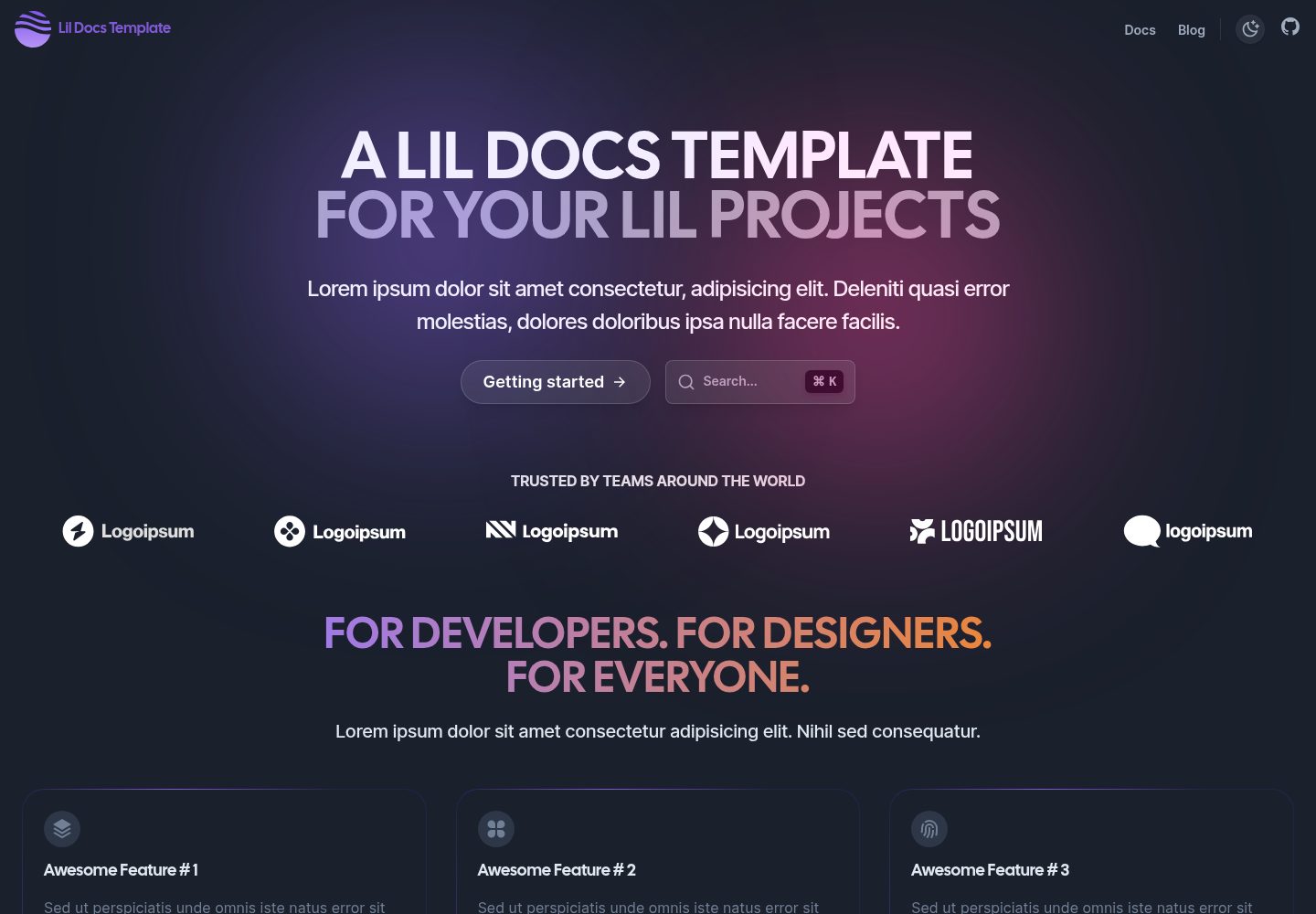
lil-docs-template
A lil docs template for lil projects.
Next.js · 文档
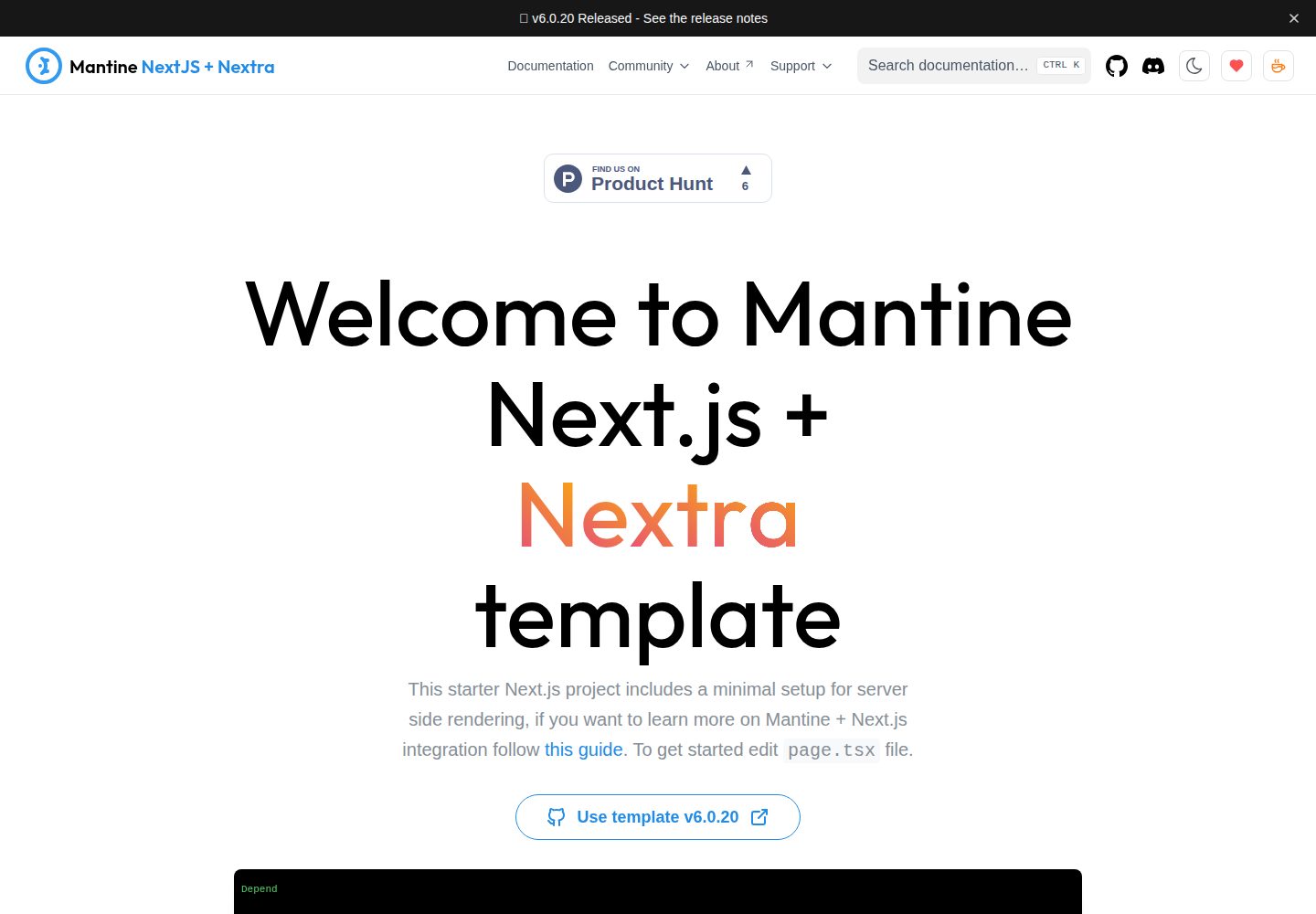
next-app-nextra-template
Template for Next.js 16 app router + Mantine 9 UI + Nextra 4
Next.js · 文档
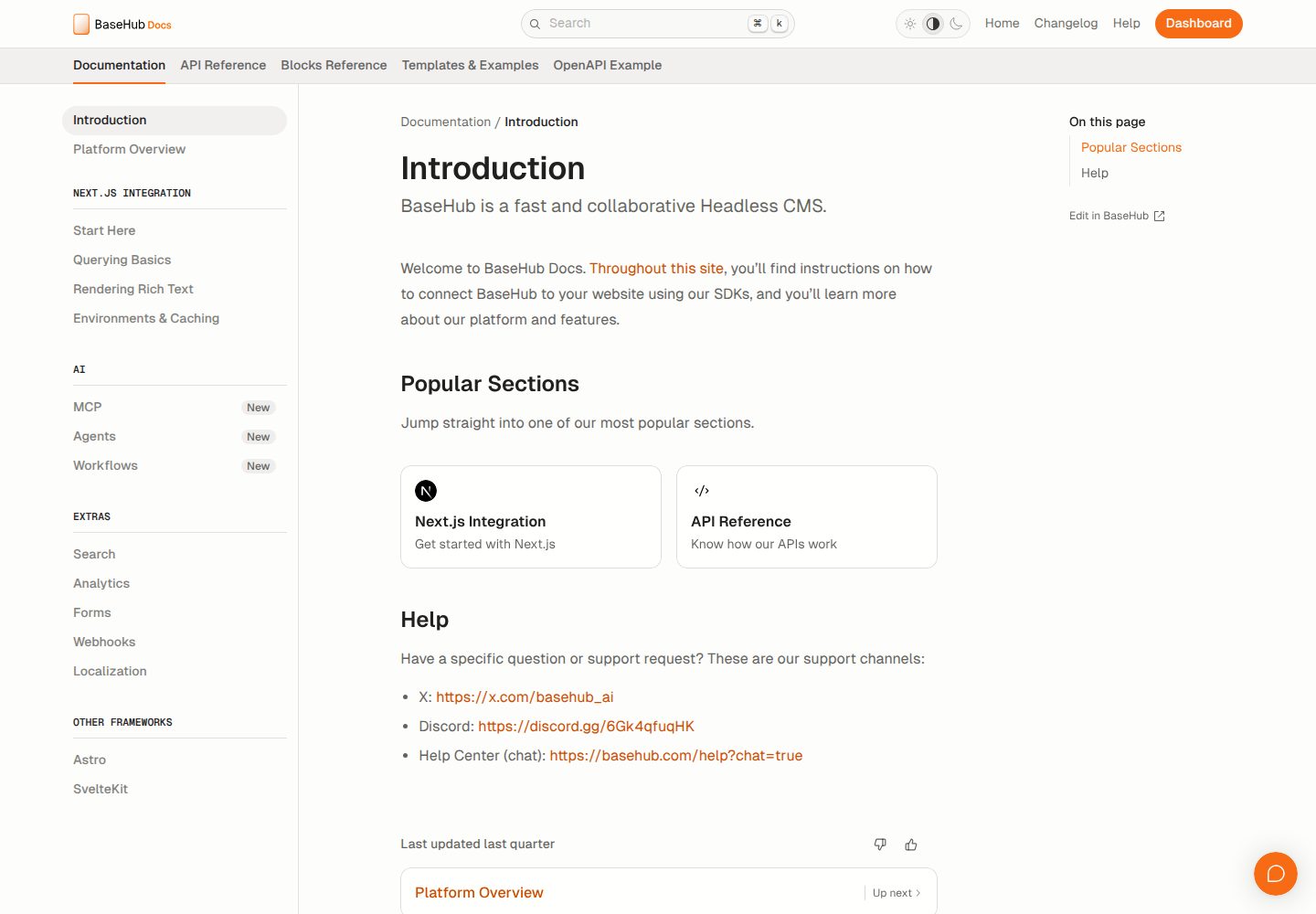
docs-template
Fully featured documentation website, powered by Next.js, Radix Themes, and BaseHub.
Next.js · 文档
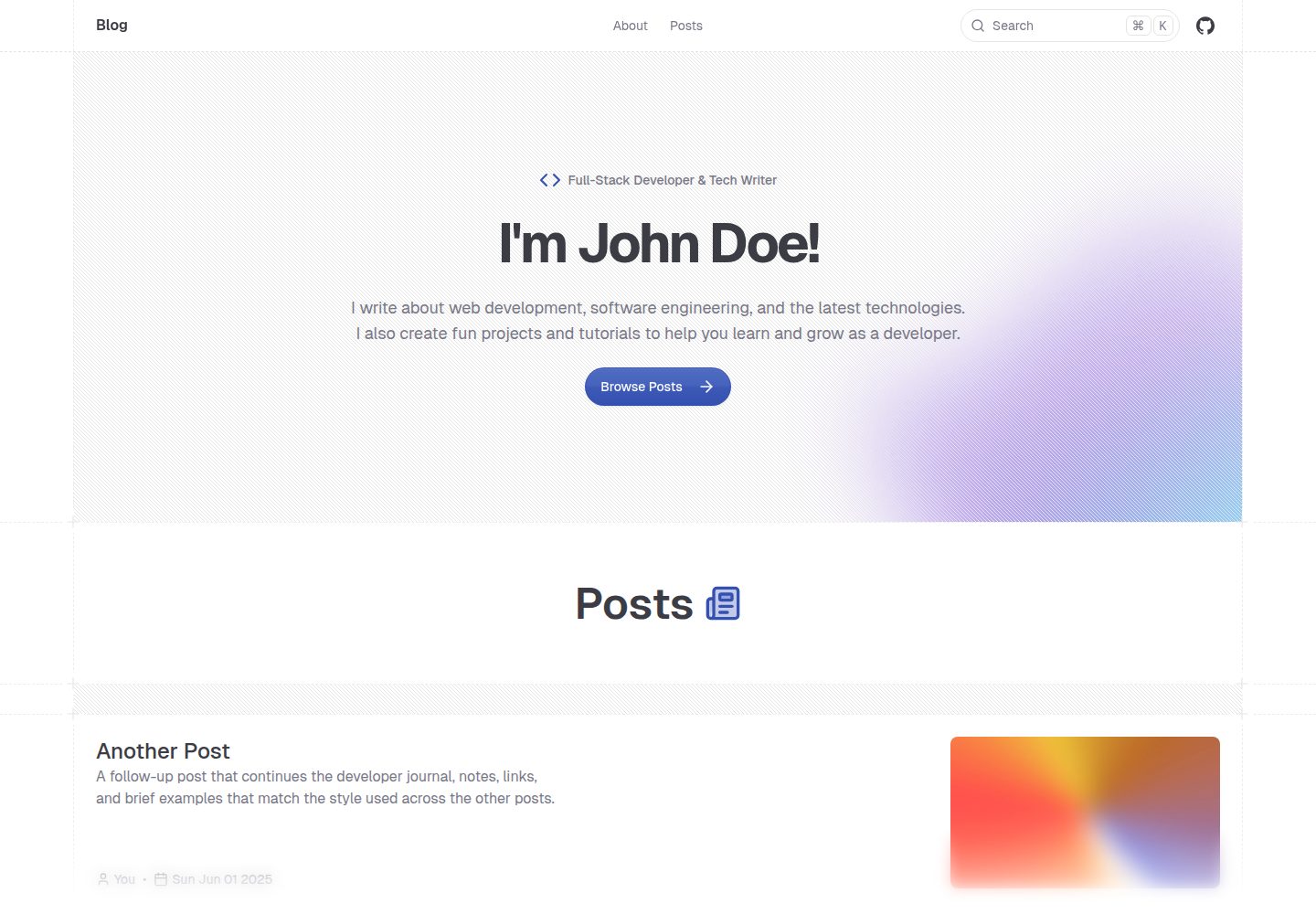
shadcn-blog
A blog template built using Next.JS 15, shadcn/ui, and fumadocs.
Next.js · 博客