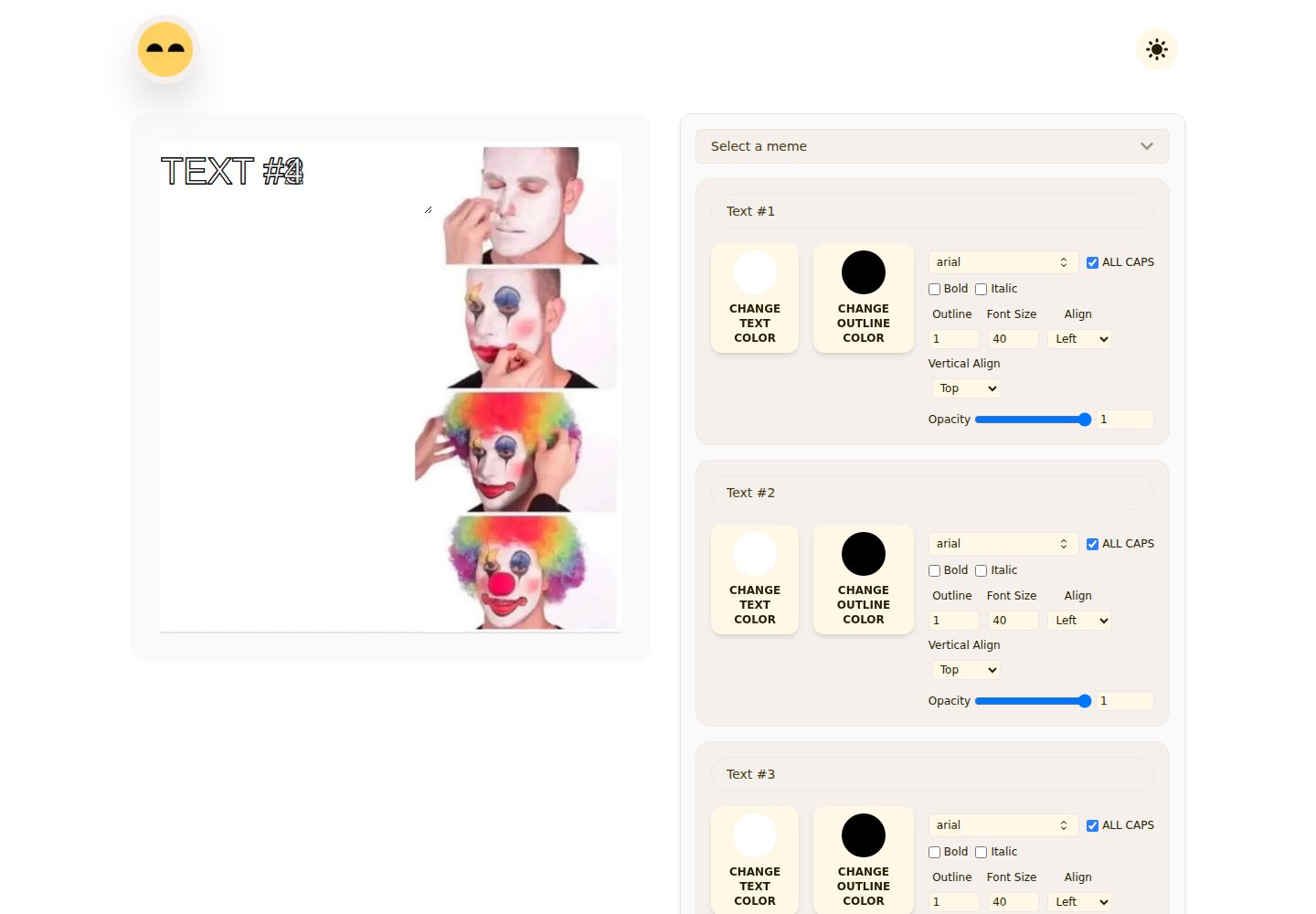
Fetches meme templates from the Imgflip API and supports searching by name
Next.jsReactHTMLTool Site
giggle-charisma — Next.js Tool Template
By whoashish115
Giggle Charisma is a browser-based meme generator built with Next.js, React, Tailwind CSS, and Framer Motion. It fetches templates from the Imgflip API or accepts custom image uploads, lets you edit text, and exports PNGs.
Explore the design
Compare the page layouts and mobile experience. Open any screenshot for a closer look.
Desktop homepage1 / 2
Desktop captureTop of page
Actual screenshot captured by the server browser.
All pages & views 2
Screenshots show visual appearance; interactive behavior may differ.
Recorded 2026-10-14View source
What stands out
A quick read of the recorded project description.
Supports uploading custom images as templates, processed locally via browser object URLs
Automatically generates editable text fields based on the number of text boxes in the template
Text can be adjusted for color, stroke, font size, opacity, alignment, font, and bold/italic styles
Text boxes can be dragged to position on the canvas, double-clicked to toggle drag mode, and resized from the corners
Exports the preview as meme.png via html-to-image
Template Details
Giggle Charisma is a meme-making tool that runs in the browser. It fetches popular templates from the Imgflip API (https://api.imgflip.com/get_memes) and also supports uploading local images as templates, automatically generating editable text fields based on the number of text boxes in each template. Text can be adjusted for content, color, stroke color and width, font size, opacity, alignment, vertical alignment, and all-caps, bold, and italic styles; built-in fonts include Arial, Impact, Open Sans, Roboto, Helvetica, Courier Prime, Georgia, Palatino, Garamond, Bookman, and Arial Black. Text boxes can be dragged to position on the canvas, double-clicked to toggle drag mode, and resized from the corners. When finished, the preview DOM node is exported as meme.png via html-to-image.
The project uses the Next.js App Router and includes a responsive layout, light/dark theme switching based on next-themes, custom local fonts, generated metadata, favicon assets, and custom loading, 404, and error screens. The README states that browsing templates requires an internet connection; custom uploads are processed locally via browser object URLs; edited content is kept only in React state and is not retained after a refresh. The README does not provide further details on offline use, multi-user collaboration, or edit persistence.
For the tech stack, the README lists Next.js 15 App Router, React 19, Tailwind CSS 4, Framer Motion, html-to-image, next-themes, react-icons, the Imgflip API (noting that the SWR dependency is available), Next Image, and Sharp. The deployment section states that the project can be deployed to Vercel or any platform that supports Next.js; the Vercel process is to push the repository, import it, keep the default build settings, and deploy.
Next.jsReactHTMLTool site
Is it right for your project?
Use Cases
- Quickly create memes with custom text and download them as PNGs
- Search and apply ready-made meme formats using popular Imgflip templates
- Upload your own images and add draggable text captions
- Edit memes on desktop or mobile in light or dark theme
Suitable For
- Individual users who need to create and export memes in the browser
- Developers who want to build on a meme editor based on the Next.js App Router
- Lightweight editing scenarios that require uploading custom images and adjusting text styles
Getting started & customization
Use these recorded setup notes alongside the repository instructions for your chosen version.
- 1
Requires Node.js 20 or newer, plus one of npm, pnpm, yarn, or bun
- 2
After cloning the repository, run npm install, then start the local development server with npm run dev (default http://localhost:3000)
- 3
Use npm run build and npm run start for production builds, and npm run lint for code checking
- 4
Browsing templates depends on the Imgflip API and requires an internet connection; edited content exists only in React state and is not retained after a refresh
- 5
Can be deployed to Vercel or any platform that supports Next.js; on Vercel, keep the default build settings
License & source material
Usage conditions & limitations
Free to use · keep license noticeThis entry covers the free version under the MIT license in the public repository; the free scope is the code of that version and does not mean that external services or third-party assets are free.
Must comply with when using
- Allows free use, modification, commercial use, and distribution of that version's code.
- When distributing copies or substantial portions of the code, retain the original author's copyright notice and the full MIT license notice.
- The code is provided as is; warranties and limitations of liability are governed by the original license and applicable law.
Additional costs & items to verify
- Demo images, fonts, icons, and other third-party assets must be checked against their respective licenses and cannot be judged solely by the code's MIT license.
- External services such as domains, hosting, databases, payments, or AI may incur separate charges.
- Browsing meme templates requires an internet connection to the Imgflip API (https://api.imgflip.com/get_memes); templates cannot load offline.
- Edited content is kept only in React state and is not retained after refreshing the page.
View Original Text Basis
Permission is hereby granted, free of charge
Original License Text
- Meme templates are loaded from `https://api.imgflip.com/get_memes`, so template browsing requires an internet connection.
Original README
https://github.com/whoashish115/giggle-charisma/blob/main/LICENSEhttps://github.com/whoashish115/giggle-charisma/blob/main/README.md- The app currently stores meme edits in React state only; edits are not persisted after refresh.
Original README
Compiled by DeepSeek based on repository license and README ·2026-10-14. Results only cover the materials read; dependencies, images, fonts, and subsequent term changes are subject to their respective original texts.
Project checks & description sources
Template Information
- Source platforms
- GitHub
- Documentation and maintenance reference score
- More documented · 88 / 100
- Technologies
- Next.js · React · HTML
- Website type
- Tool Site
How this score is calculated
Our heuristic uses license records (up to 30), a demo link (12), a preview (10), stars (15), recorded maintenance (15), description completeness (8), feature records (5) and classification data (5). It is not a code, security or performance test, or a Google score. A link does not establish tested functionality.
What to verify for this project
- Repository update recorded
- 2026-06-28
- Screenshot last checked
- 2026-10-14
A demo link is listed. Check it with your own content and viewport sizes; its presence does not confirm that forms, authentication or payments work.
The catalog identifies Next.js as the primary stack. Check the actual dependency manifest and lockfile for versions and hosting requirements. These notes use recorded metadata, not a code audit or a deployment test.
Use a selection guide →How this description was prepared
AI-assisted description based on catalog records and repository material. Repository authors are not automatically the reviewers of this description.
Review declaration: codex-user-requested-batch-review-20261015 · 2026-10-15
Inspect the recorded source material
SHA-256: 27e78f9223e6ba3d79f11b71c7e085edd495ce379ef805066147970e7a162b29
2026-10-14T17:07:09.325Z
Source file / repository<p align="center"> <img src="banner.png" alt="Giggle Charisma banner" width="100%"> </p> <h1 align="center">🔰Giggle Charisma</h1> <p align="center"> <strong>A modern, responsive meme generator built with Next.js, React, Tailwind CSS, and Framer Motion.</strong> </p> <p align="center"> <img src="https://img.shields.io/badge/Next.js-15.3.1-000000?logo=nextdotjs&logoColor=white" alt="Next.js"> <img src="https://img.shields.io/badge/React-19.0.0-61DAFB?logo=react&logoColor=111111" alt="React"> <img src="https://img.shields.io/badge/Tailwind%20CSS-4-38B2AC?logo=tailwindcss&logoColor=white" alt="Tailwind CSS"> <img src="https://img.shields.io/badge/License-MIT-yellow" alt="MIT License"> </p> ## Overview Giggle Charisma is a browser-based meme maker that helps users create and download custom memes quickly. It fetches popular meme templates from the Imgflip API, lets users upload their own images, and provides editable text boxes with styling controls for color, outline, typography, alignment, opacity, and positioning. The app is built with the Next.js App Router and includes responsive layouts, light/dark theme support, custom local fonts, generated metadata, favicon assets, and export-to-PNG functionality. ## Screenshots <p align="center"> <img src="screenshots/1.png" alt="Giggle Charisma editor screenshot" width="48%"> <img src="screenshots/2.png" alt="Giggle Charisma meme controls screenshot" width="48%"> </p> ## Features - Browse meme templates from the Imgflip meme API. - Search templates by name. - Upload a custom image and use it as a meme template. - Auto-generate editable text fields based on each template's text box count. - Drag and resize text boxes directly on the meme canvas. - Toggle text box drag mode with a double click. - Customize text content, color, outline color, outline width, font size, opacity, alignment, and vertical alignment. - Choose from several bundled font families, including Arial, Impact, Open Sans, Roboto, Helvetica, Courier Prime, Georgia, Palatino, Garamond, Bookman, and Arial Black. - Toggle all-caps, bold, and italic text styles. - Download the finished meme as a PNG using `html-to-image`. - Switch between light and dark themes with `next-themes`. - Responsive interface for desktop and mobile screens. - SEO metadata, Open Graph image generation, web manifest, favicon, and app icons. - Custom loading, not-found, and error UI components. ## Tech Stack | Area | Technology | | --- | --- | | Framework | Next.js 15 App Router | | UI Library | React 19 | | Styling | Tailwind CSS 4 | | Animation and Dragging | Framer Motion | | Image Export | html-to-image | | Theme Handling | next-themes | | Icons | react-icons | | Data Fetching | Imgflip API, SWR dependency available | | Image Optimization | Next Image, Sharp | ## Project Structure ```text id="5h3dqm" giggle-charisma/ ├── public/ │ ├── assets/ │ │ ├── fonts/ │ │ └── images/ │ ├── favicon.ico │ └── site.webmanifest ├── screenshots/ │ ├── 1.png │ └── 2.png ├── src/ │ ├── app/ │ │ ├── (main)/ │ │ │ ├── about/ │ │ │ ├── contact/ │ │ │ ├── works/ │ │ │ └── page.js │ │ ├── error.js │ │ ├── global-error.js │ │ ├── layout.js │ │ ├── manifest.js │ │ ├── not-found.js │ │ ├── opengraph-image.js │ │ └── sitemap.js │ ├── components/ │ │ ├── customs/ │ │ ├── error/ │ │ ├── home/ │ │ └── layout/ │ ├── lib/ │ │ ├── fontFamily.js │ │ └── stateHandlers.js │ ├── styles/ │ │ └── globals.css │ └── utils/ │ └── getMemes.js ├── banner.png ├── package.json └── README.md ``` ## Getting Started ### Prerequisites - Node.js 20 or newer - npm, pnpm, yarn, or bun ### Installation ```bash git clone <repository-url> cd giggle-charisma npm install ``` ### Development ```bash npm run dev ``` Open `http://localhost:3000` in your browser. ### Production Build ```bash npm run build npm run start ``` ### Linting ```bash npm run lint ``` ## Available Scripts | Command | Description | | --- | --- | | `npm run dev` | Starts the local development server with Turbopack. | | `npm run build` | Creates a production build. | | `npm run start` | Starts the production server. | | `npm run lint` | Runs the configured Next.js lint command. | ## How To Use 1. Start the app and open the home page. 2. Select a meme template from the dropdown or upload your own image. 3. Use the generated text fields to write meme captions. 4. Adjust text color, outline, font, size, opacity, alignment, bold, italic, and all-caps options. 5. Drag each text box on the meme preview to position it. 6. Resize a text box from its corner when needed. 7. Click **Download Meme** to export the final image as `meme.png`. #### Note - Meme templates are loaded from `https://api.imgflip.com/get_memes`, so template browsing requires an internet connection. - Custom uploads are handled locally in the browser with object URLs. - The generated download captures the meme preview DOM node as a PNG. - The app currently stores meme edits in React state only; edits are not persisted after refresh. ## Deployment This project is ready for deployment on Vercel or any platform that supports Next.js. For Vercel: 1. Push the project to a Git repository. 2. Import the repository in Vercel. 3. Keep the default Next.js build settings. 4. Deploy. ## License This project is licensed under the MIT License. See [LICENSE](LICENSE) for details. ## Author Ashish Kumar
Explore similar templates
Compare previews and descriptions within the same stack and category.
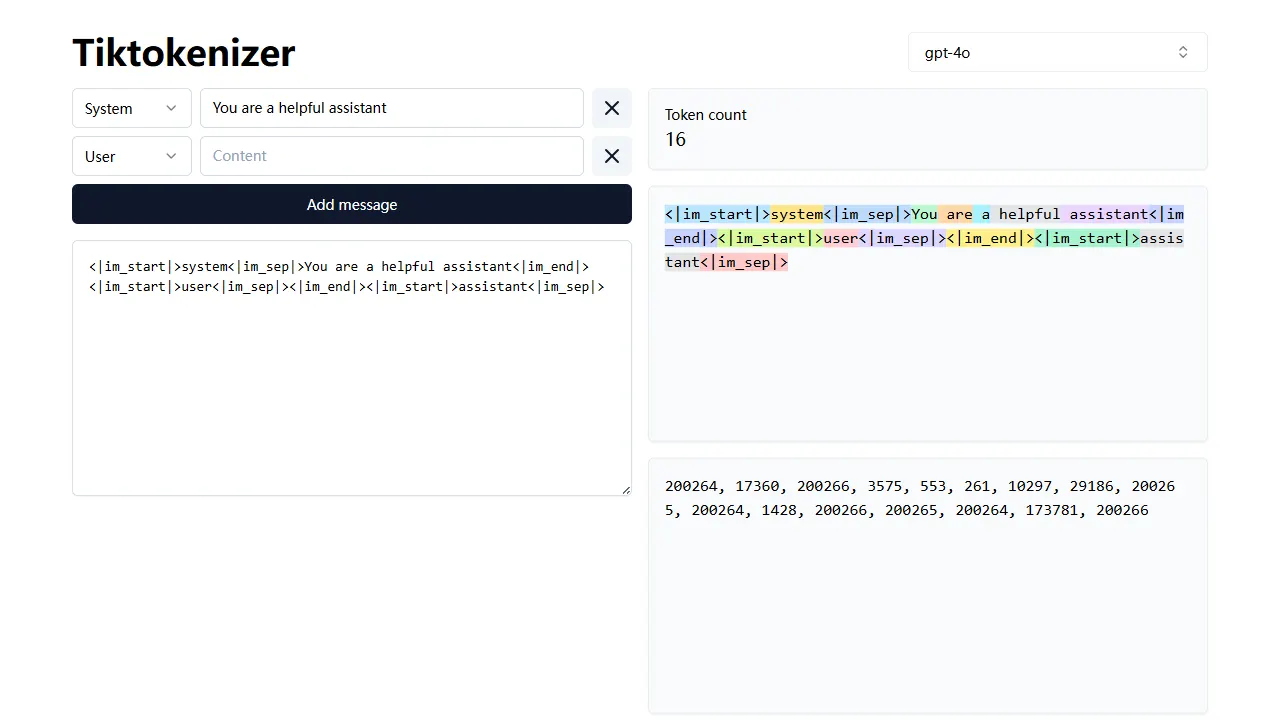
tiktokenizer
tiktokenizer is an open-source online tool site built with Next.js, TypeScript, and React that calculates token counts for text using the openai/tiktoken library.
Next.js · Tool Site
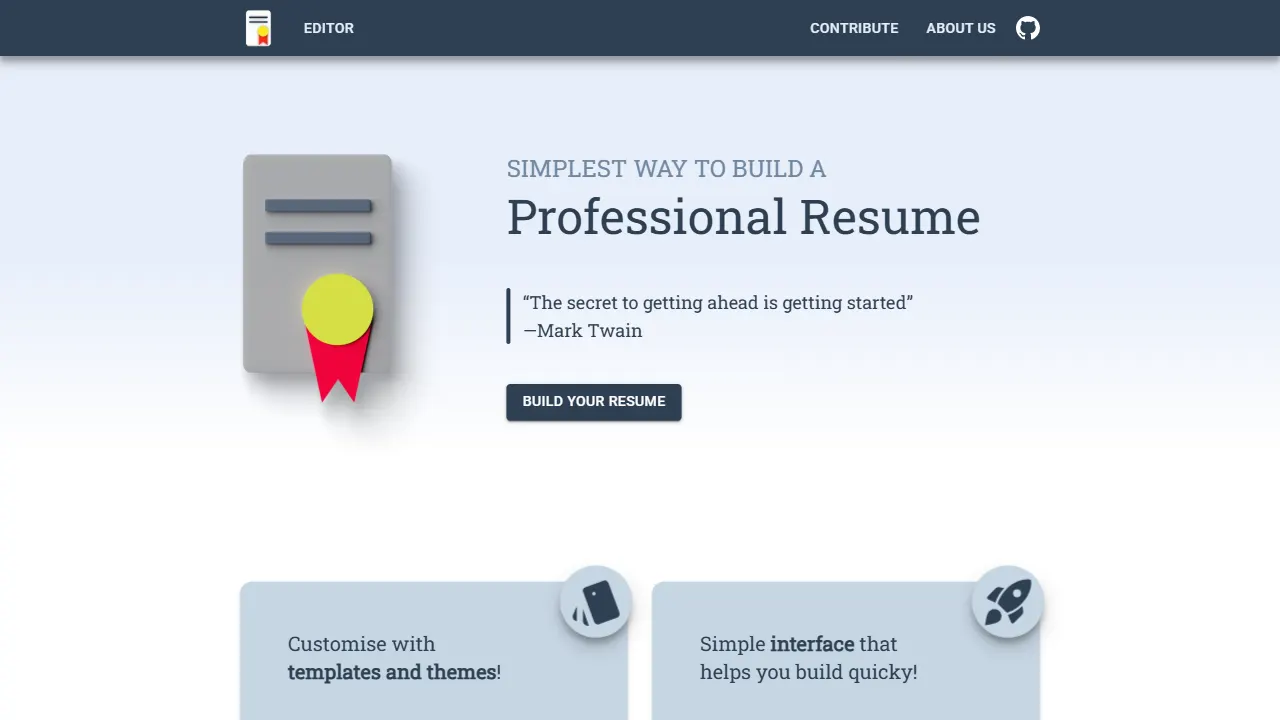
resume builder
An open-source resume builder built with Next.js, TypeScript, Material UI, and Zustand. It offers multiple templates and themes, real-time editing and preview, and requires no registration.
Next.js · Tool Site
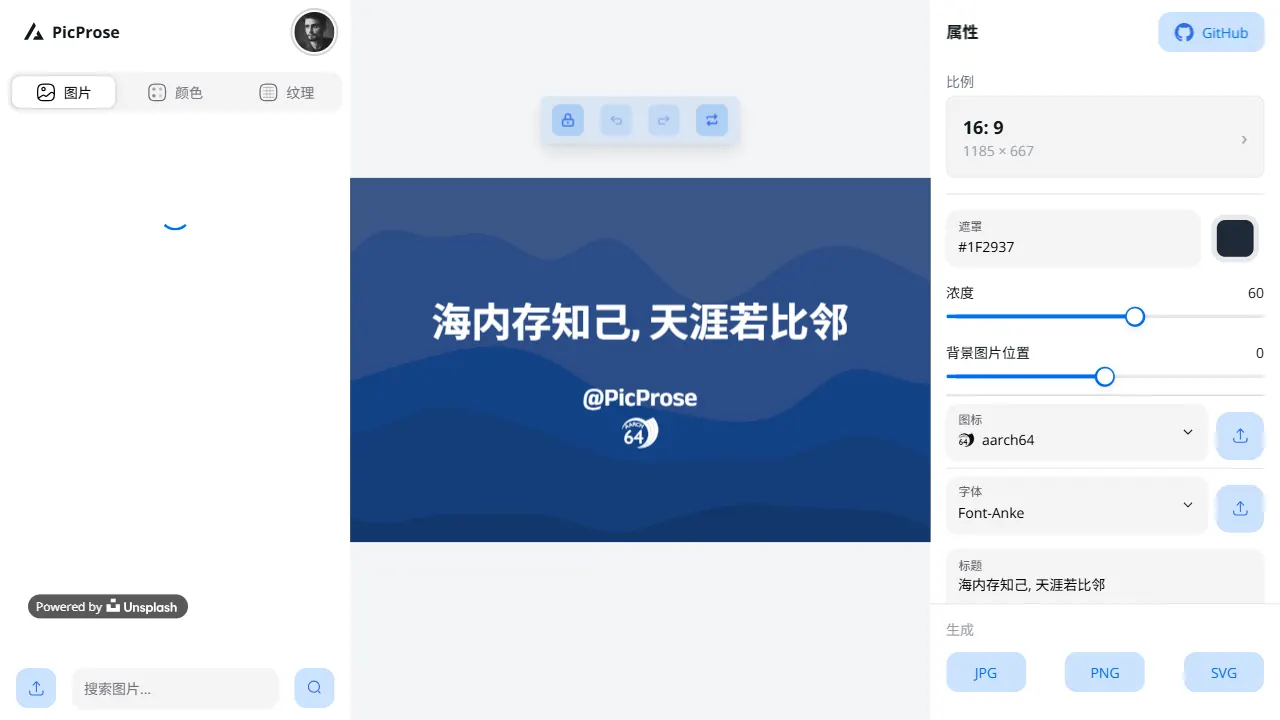
picprose
PicProse is an open-source, Next.js-based cover image generator for bloggers, content creators, and developers. It fetches images via the Unsplash API, supports custom titles, author info, fonts, colors, and transparency, offers multiple aspect ratios, and exports to JPG, PNG, and SVG.
Next.js · Tool Site
notty
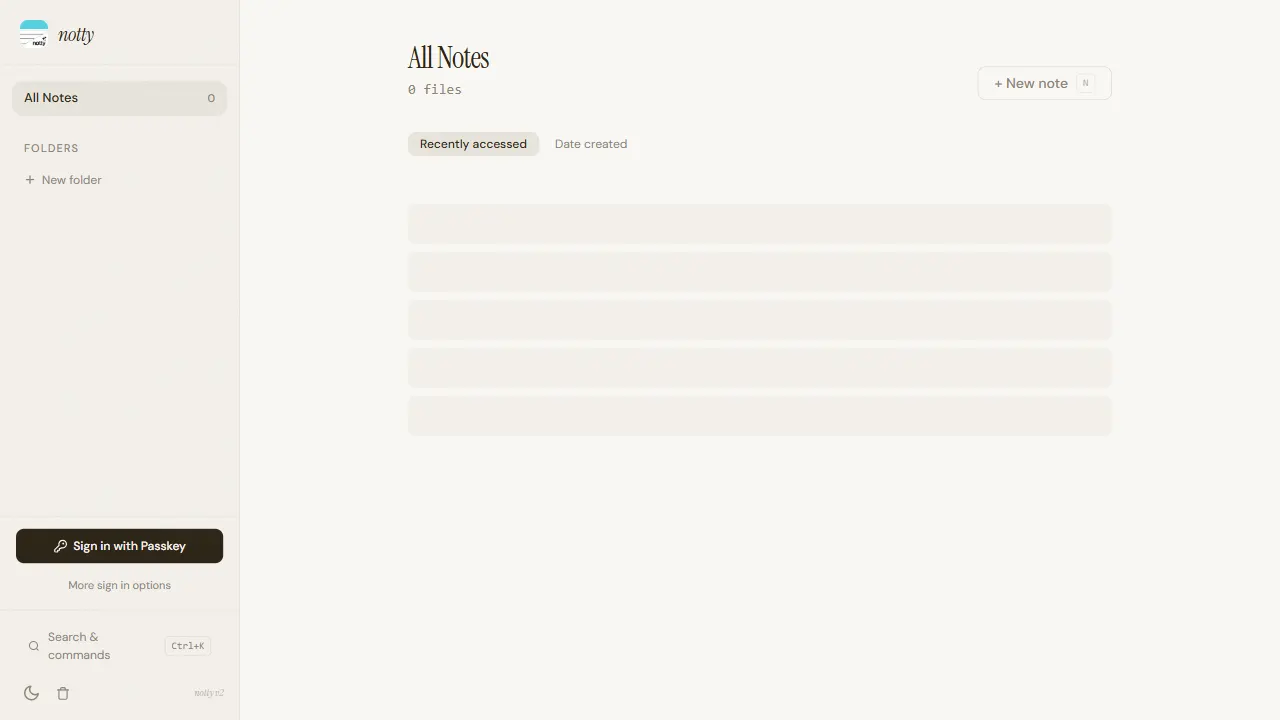
Notty is an offline-first note-taking app template built with Next.js, TypeScript, React, Cloudflare Workers, and Yjs.
Next.js · Tool Site
gfw
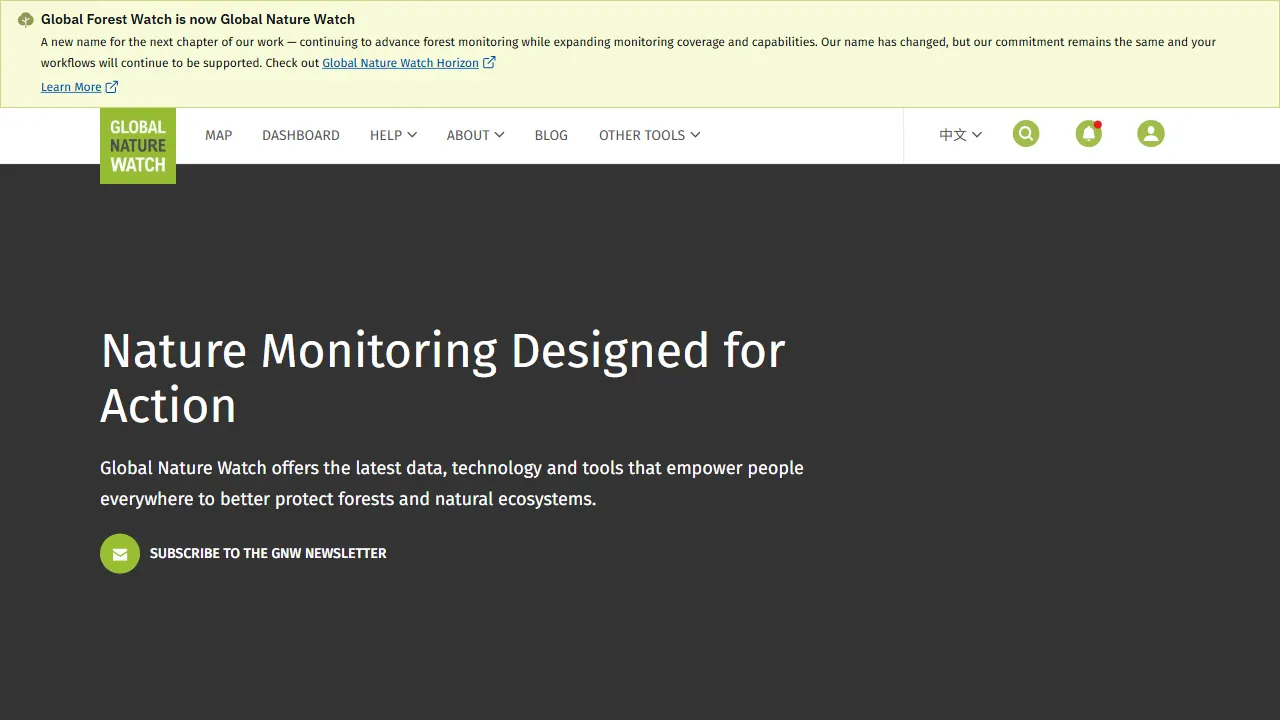
gfw is the official Global Forest Watch web application, an open-source tool site with a live online demo.
Next.js · Tool Site

la resume
la resume is an open-source online resume builder built with Next.js, TypeScript, and React. It provides ATS-optimized templates, one-click PDF/LaTeX export, requires no registration, and supports PWA installation.
Next.js · Tool Site