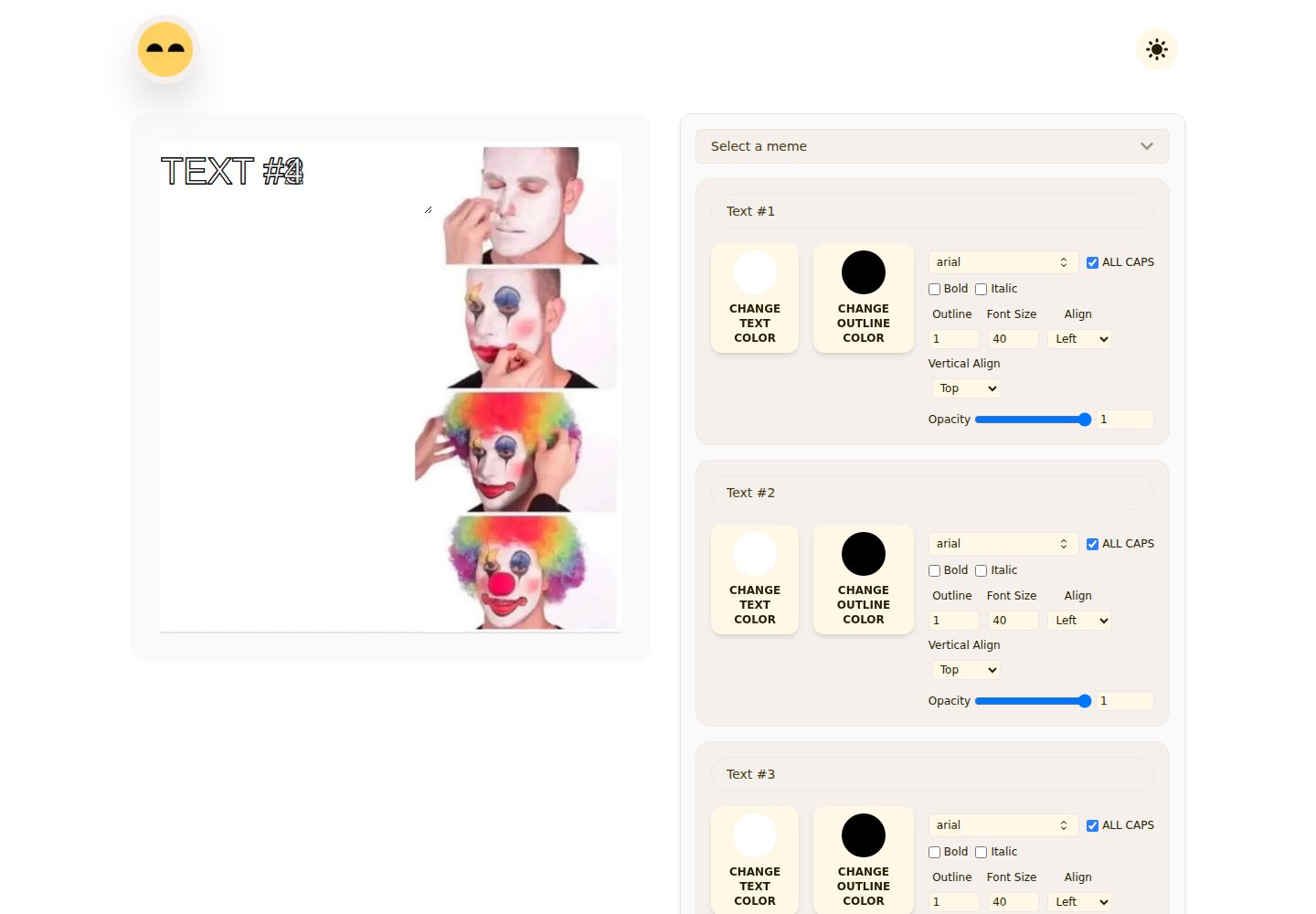
从 Imgflip API 获取 meme 模板,支持按名称搜索
Next.jsReactHTML工具站
giggle-charisma — Next.js 工具站模板
作者 whoashish115
Giggle Charisma 是一个基于浏览器的表情包生成器,使用 Next.js、React、Tailwind CSS 和 Framer Motion 构建,可从 Imgflip API 获取模板或上传自定义图片,编辑文字后导出 PNG。
看看你的网站会是什么样
浏览真实页面截图,比较内容排版与手机效果。点击下方缩略图切换,放大查看整页细节。
全部页面与视图 2
截图用于了解视觉与布局,交互效果请以实际项目为准。
采集于 2026-10-14查看来源
值得关注的模板亮点
从已有项目资料中,快速了解它的特点。
支持上传自定义图片作为模板,使用浏览器 object URL 本地处理
根据模板文本框数量自动生成可编辑文字字段
文字可调整颜色、描边、字号、透明度、对齐、字体及粗斜体等样式
文字框可在画布上拖动定位、双击切换拖动模式,并从角落调整大小
通过 html-to-image 将预览导出为 meme.png
模板详细介绍
Giggle Charisma 是一个在浏览器中运行的 meme 制作工具。它从 Imgflip API(https://api.imgflip.com/get_memes)获取热门模板,也支持用户上传本地图片作为模板,并根据每个模板的文本框数量自动生成可编辑文字字段。文字可调整内容、颜色、描边颜色与宽度、字号、透明度、对齐方式、垂直对齐,以及全大写、粗体、斜体样式;内置字体包括 Arial、Impact、Open Sans、Roboto、Helvetica、Courier Prime、Georgia、Palatino、Garamond、Bookman 和 Arial Black。文字框可在画布上拖动定位,双击可切换拖动模式,也可从角落调整大小。完成后通过 html-to-image 将预览 DOM 节点导出为 meme.png。
项目采用 Next.js App Router,包含响应式布局、基于 next-themes 的明暗主题切换、自定义本地字体、生成的元数据、favicon 资源,以及自定义的加载、404 和错误界面。README 说明模板浏览需要联网;自定义上传通过浏览器 object URL 在本地处理;编辑内容仅保存在 React 状态中,刷新后不会保留。README 未提供关于离线使用、多用户协作或编辑持久化的进一步说明。
技术栈方面,README 列出 Next.js 15 App Router、React 19、Tailwind CSS 4、Framer Motion、html-to-image、next-themes、react-icons、Imgflip API(并注明 SWR 依赖可用)、Next Image 与 Sharp。部署部分说明项目可部署到 Vercel 或任何支持 Next.js 的平台,Vercel 流程为推送仓库、导入、保持默认构建设置并部署。
Next.jsReactHTML工具站
适合你的项目吗?
适用场景
- 快速制作带自定义文字的表情包并下载为 PNG
- 使用 Imgflip 热门模板搜索并套用现成 meme 格式
- 上传自己的图片并添加可拖动的文字说明
- 在明暗主题下于桌面或移动端编辑 meme
适合人群
- 需要浏览器内制作和导出表情包的个人用户
- 希望基于 Next.js App Router 二次开发 meme 编辑器的开发者
- 需要可上传自定义图片并调整文字样式的轻量编辑场景
上手与定制指南
结合仓库当前版本的说明,按下面的资料检查内容、配置与运行要求。
- 1
需要 Node.js 20 或更新版本,以及 npm、pnpm、yarn 或 bun 之一
- 2
克隆仓库后执行 npm install,再用 npm run dev 启动本地开发服务器(默认 http://localhost:3000)
- 3
生产构建使用 npm run build 和 npm run start,代码检查使用 npm run lint
- 4
模板浏览依赖 Imgflip API,需要联网;编辑内容仅存于 React 状态,刷新后不保留
- 5
可部署到 Vercel 或任何支持 Next.js 的平台,Vercel 上保持默认构建设置
授权与来源资料
使用条件与限制
免费使用 · 保留许可声明本次收录的是公开仓库中采用 MIT 许可的免费版本;免费范围为该版本代码,不代表外部服务或第三方素材免费。
使用时需要遵守
- 允许免费使用、修改、商用和分发该版本代码。
- 分发代码副本或实质性部分时,保留原作者版权声明和完整 MIT 许可声明。
- 代码按现状提供;担保与责任限制以原许可证及适用法律为准。
额外费用与待核对事项
- 演示图片、字体、图标及其他第三方素材需按各自许可核对,不能仅凭代码的 MIT 许可判断。
- 域名、托管、数据库、支付或 AI 等外部服务可能另外收费。
- 浏览表情包模板需联网访问 Imgflip API(https://api.imgflip.com/get_memes),离线时无法加载模板。
- 编辑内容仅保存在 React 状态中,刷新页面后不会保留。
查看原文依据
Permission is hereby granted, free of charge
许可证原文
- Meme templates are loaded from `https://api.imgflip.com/get_memes`, so template browsing requires an internet connection.
README 原文
https://github.com/whoashish115/giggle-charisma/blob/main/LICENSEhttps://github.com/whoashish115/giggle-charisma/blob/main/README.md- The app currently stores meme edits in React state only; edits are not persisted after refresh.
README 原文
DeepSeek 根据仓库许可证和 README 整理 ·2026-10-14。结果仅覆盖已读取资料,依赖、图片、字体及后续条款变更以各自原文为准。
项目核对记录与介绍依据
模板资料
- 来源平台
- GitHub
- 资料与维护参考分
- 资料较完整 · 88 / 100
- 技术栈
- Next.js · React · HTML
- 网站类型
- 工具站
这个分数如何计算
本站按许可资料(最高30分)、演示链接(12分)、预览图(10分)、Star数(15分)、记录的维护时间(15分)、描述完整度(8分)、功能记录(5分)和分类资料(5分)计算。它不是代码、安全或性能测试,也不是 Google 评分;有链接不代表已实测可用。
这个项目需要核对什么
- 记录的仓库更新时间
- 2026-06-28
- 截图检查日期
- 2026-10-14
已收录演示链接。请用你的内容与屏幕尺寸检查;有演示不代表表单、认证或支付已经可用。
目录记录的主要技术栈是 Next.js。请通过依赖清单和锁文件核对实际版本与托管要求。这些说明基于收录资料,不代表代码审计或部署实测。
查看具体选型方法 →介绍的制作与核对状态
介绍由 AI 辅助整理目录与仓库资料。仓库作者不等于这篇介绍的审核者。
审核声明: codex-user-requested-batch-review-20261015 · 2026-10-15
查看当时使用的来源资料
SHA-256: 27e78f9223e6ba3d79f11b71c7e085edd495ce379ef805066147970e7a162b29
2026-10-14T17:07:09.325Z
来源文件 / 仓库<p align="center"> <img src="banner.png" alt="Giggle Charisma banner" width="100%"> </p> <h1 align="center">🔰Giggle Charisma</h1> <p align="center"> <strong>A modern, responsive meme generator built with Next.js, React, Tailwind CSS, and Framer Motion.</strong> </p> <p align="center"> <img src="https://img.shields.io/badge/Next.js-15.3.1-000000?logo=nextdotjs&logoColor=white" alt="Next.js"> <img src="https://img.shields.io/badge/React-19.0.0-61DAFB?logo=react&logoColor=111111" alt="React"> <img src="https://img.shields.io/badge/Tailwind%20CSS-4-38B2AC?logo=tailwindcss&logoColor=white" alt="Tailwind CSS"> <img src="https://img.shields.io/badge/License-MIT-yellow" alt="MIT License"> </p> ## Overview Giggle Charisma is a browser-based meme maker that helps users create and download custom memes quickly. It fetches popular meme templates from the Imgflip API, lets users upload their own images, and provides editable text boxes with styling controls for color, outline, typography, alignment, opacity, and positioning. The app is built with the Next.js App Router and includes responsive layouts, light/dark theme support, custom local fonts, generated metadata, favicon assets, and export-to-PNG functionality. ## Screenshots <p align="center"> <img src="screenshots/1.png" alt="Giggle Charisma editor screenshot" width="48%"> <img src="screenshots/2.png" alt="Giggle Charisma meme controls screenshot" width="48%"> </p> ## Features - Browse meme templates from the Imgflip meme API. - Search templates by name. - Upload a custom image and use it as a meme template. - Auto-generate editable text fields based on each template's text box count. - Drag and resize text boxes directly on the meme canvas. - Toggle text box drag mode with a double click. - Customize text content, color, outline color, outline width, font size, opacity, alignment, and vertical alignment. - Choose from several bundled font families, including Arial, Impact, Open Sans, Roboto, Helvetica, Courier Prime, Georgia, Palatino, Garamond, Bookman, and Arial Black. - Toggle all-caps, bold, and italic text styles. - Download the finished meme as a PNG using `html-to-image`. - Switch between light and dark themes with `next-themes`. - Responsive interface for desktop and mobile screens. - SEO metadata, Open Graph image generation, web manifest, favicon, and app icons. - Custom loading, not-found, and error UI components. ## Tech Stack | Area | Technology | | --- | --- | | Framework | Next.js 15 App Router | | UI Library | React 19 | | Styling | Tailwind CSS 4 | | Animation and Dragging | Framer Motion | | Image Export | html-to-image | | Theme Handling | next-themes | | Icons | react-icons | | Data Fetching | Imgflip API, SWR dependency available | | Image Optimization | Next Image, Sharp | ## Project Structure ```text id="5h3dqm" giggle-charisma/ ├── public/ │ ├── assets/ │ │ ├── fonts/ │ │ └── images/ │ ├── favicon.ico │ └── site.webmanifest ├── screenshots/ │ ├── 1.png │ └── 2.png ├── src/ │ ├── app/ │ │ ├── (main)/ │ │ │ ├── about/ │ │ │ ├── contact/ │ │ │ ├── works/ │ │ │ └── page.js │ │ ├── error.js │ │ ├── global-error.js │ │ ├── layout.js │ │ ├── manifest.js │ │ ├── not-found.js │ │ ├── opengraph-image.js │ │ └── sitemap.js │ ├── components/ │ │ ├── customs/ │ │ ├── error/ │ │ ├── home/ │ │ └── layout/ │ ├── lib/ │ │ ├── fontFamily.js │ │ └── stateHandlers.js │ ├── styles/ │ │ └── globals.css │ └── utils/ │ └── getMemes.js ├── banner.png ├── package.json └── README.md ``` ## Getting Started ### Prerequisites - Node.js 20 or newer - npm, pnpm, yarn, or bun ### Installation ```bash git clone <repository-url> cd giggle-charisma npm install ``` ### Development ```bash npm run dev ``` Open `http://localhost:3000` in your browser. ### Production Build ```bash npm run build npm run start ``` ### Linting ```bash npm run lint ``` ## Available Scripts | Command | Description | | --- | --- | | `npm run dev` | Starts the local development server with Turbopack. | | `npm run build` | Creates a production build. | | `npm run start` | Starts the production server. | | `npm run lint` | Runs the configured Next.js lint command. | ## How To Use 1. Start the app and open the home page. 2. Select a meme template from the dropdown or upload your own image. 3. Use the generated text fields to write meme captions. 4. Adjust text color, outline, font, size, opacity, alignment, bold, italic, and all-caps options. 5. Drag each text box on the meme preview to position it. 6. Resize a text box from its corner when needed. 7. Click **Download Meme** to export the final image as `meme.png`. #### Note - Meme templates are loaded from `https://api.imgflip.com/get_memes`, so template browsing requires an internet connection. - Custom uploads are handled locally in the browser with object URLs. - The generated download captures the meme preview DOM node as a PNG. - The app currently stores meme edits in React state only; edits are not persisted after refresh. ## Deployment This project is ready for deployment on Vercel or any platform that supports Next.js. For Vercel: 1. Push the project to a Git repository. 2. Import the repository in Vercel. 3. Keep the default Next.js build settings. 4. Deploy. ## License This project is licensed under the MIT License. See [LICENSE](LICENSE) for details. ## Author Ashish Kumar
看看同类模板
对比同技术栈与用途的模板,找到更适合的视觉与内容结构。
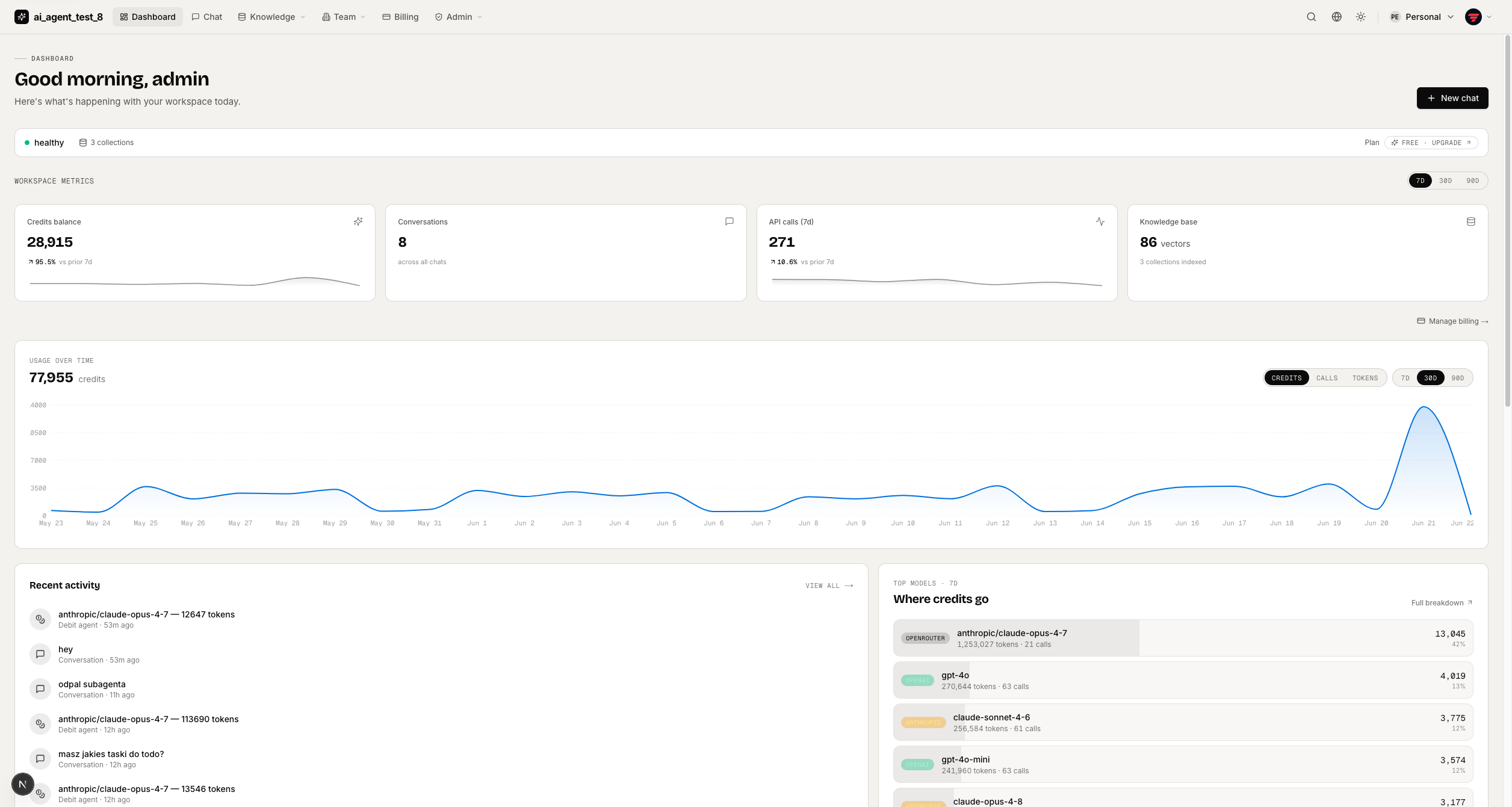
full-stack-ai-agent-template
Full-stack AI app generator — FastAPI + Next.js with AI Agents, RAG, streaming, auth, and 20+ integrations out…
Next.js · 工具站
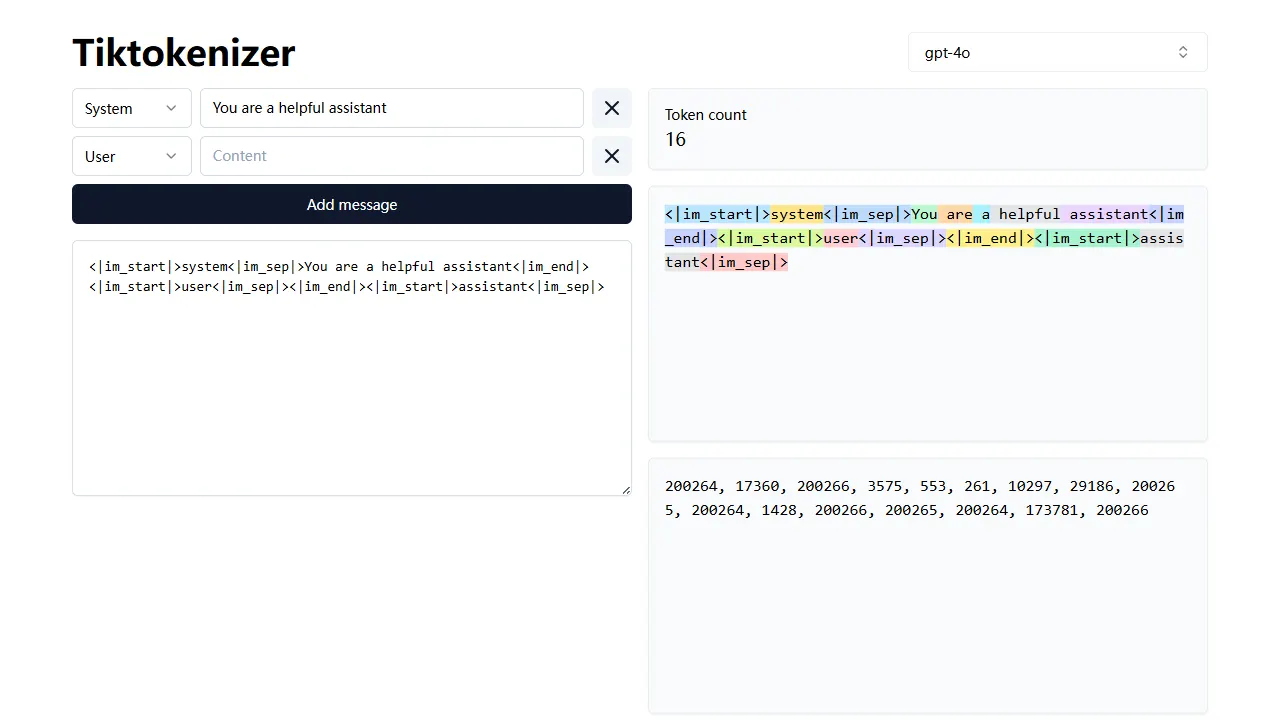
tiktokenizer
tiktokenizer 是一个开源的在线工具站项目,核心功能是计算文本对应的 token 数量,服务于 openai/tiktoken 库。
Next.js · 工具站
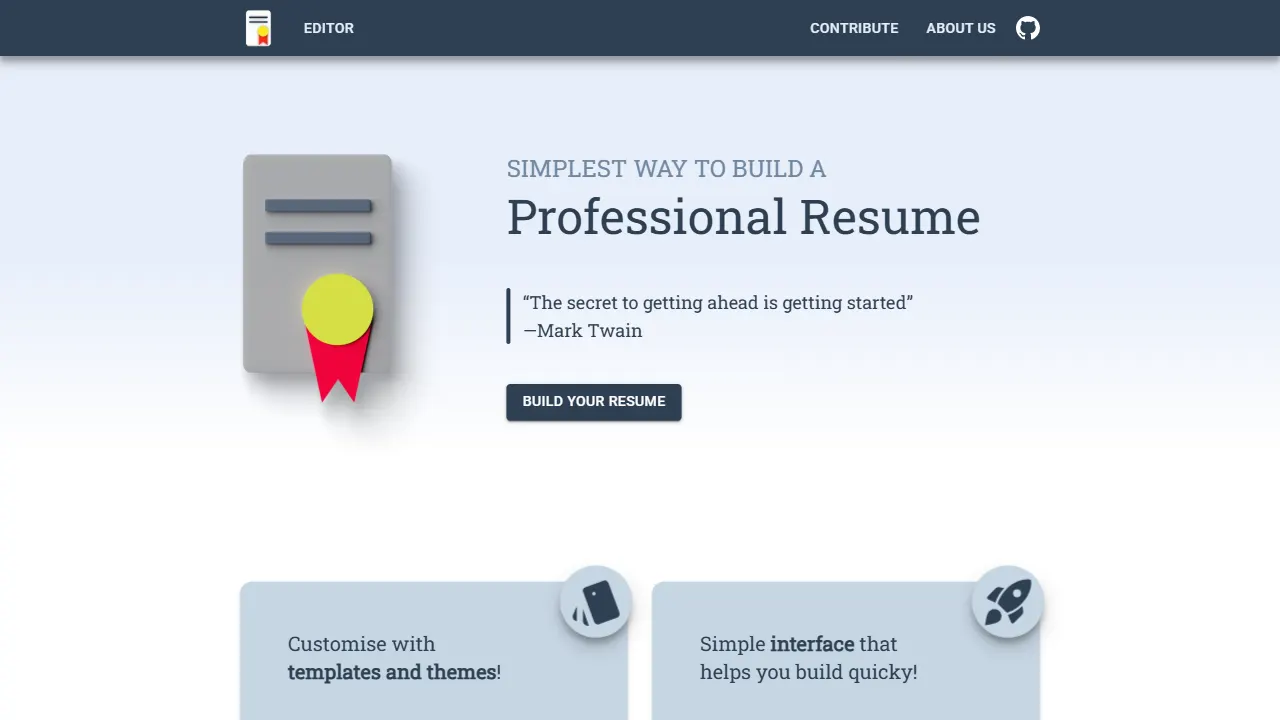
resume builder
resume builder 是一个开源的在线简历生成工具,演示站点可直接体验。 它基于 Next.js、TypeScript 和 Material UI 构建,前端状态管理采用 Zustand,整体界面简洁,交互流畅。
Next.js · 工具站
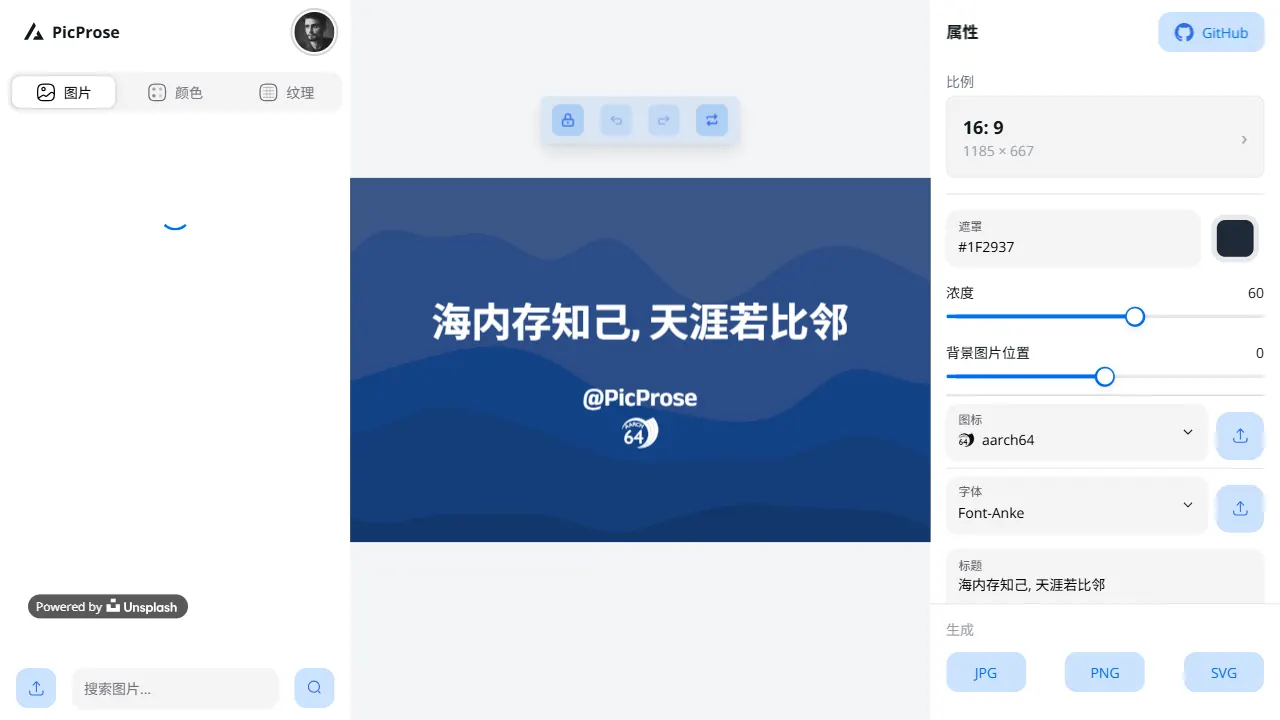
picprose
PicProse 是一个开源的封面图生成工具,专为博客作者、内容创作者和开发者设计。 它通过直观的界面,让用户快速为 Medium、YouTube、B站等平台生成专业封面。
Next.js · 工具站
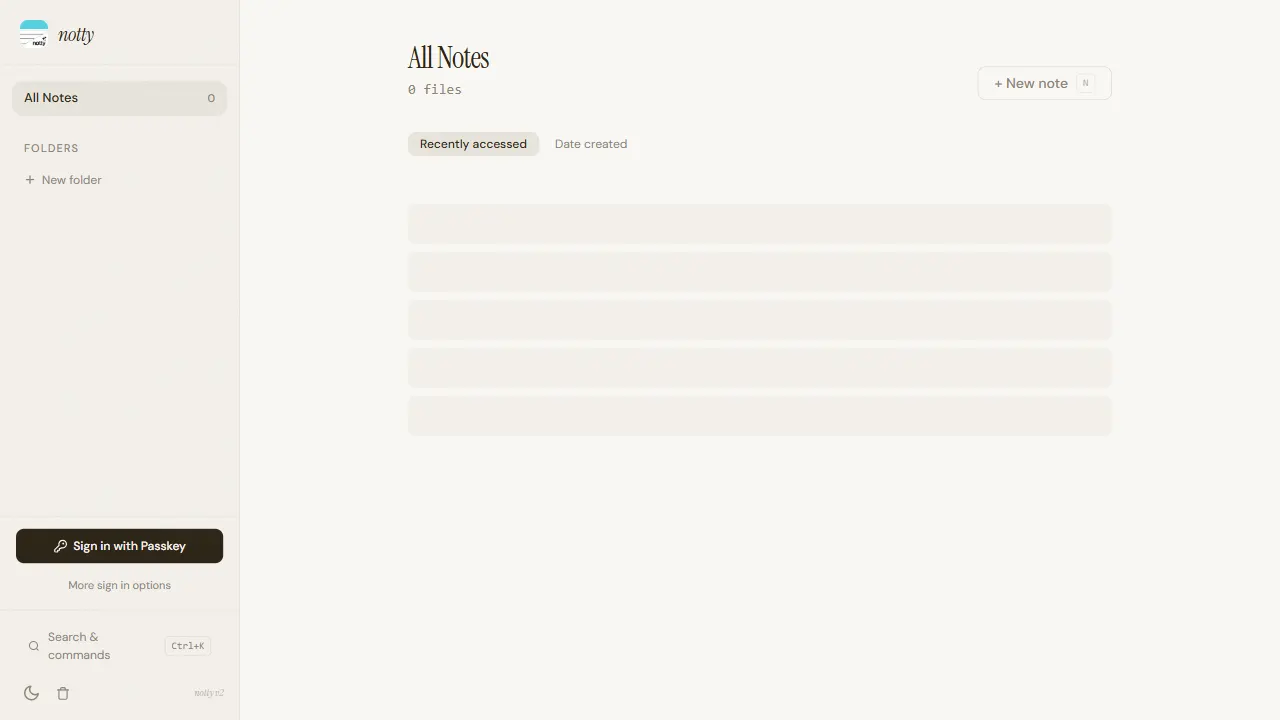
notty
Notty 是一个定位明确的笔记应用模板,核心卖点是“离线优先 + 实时协作 + 数据自主”。
Next.js · 工具站
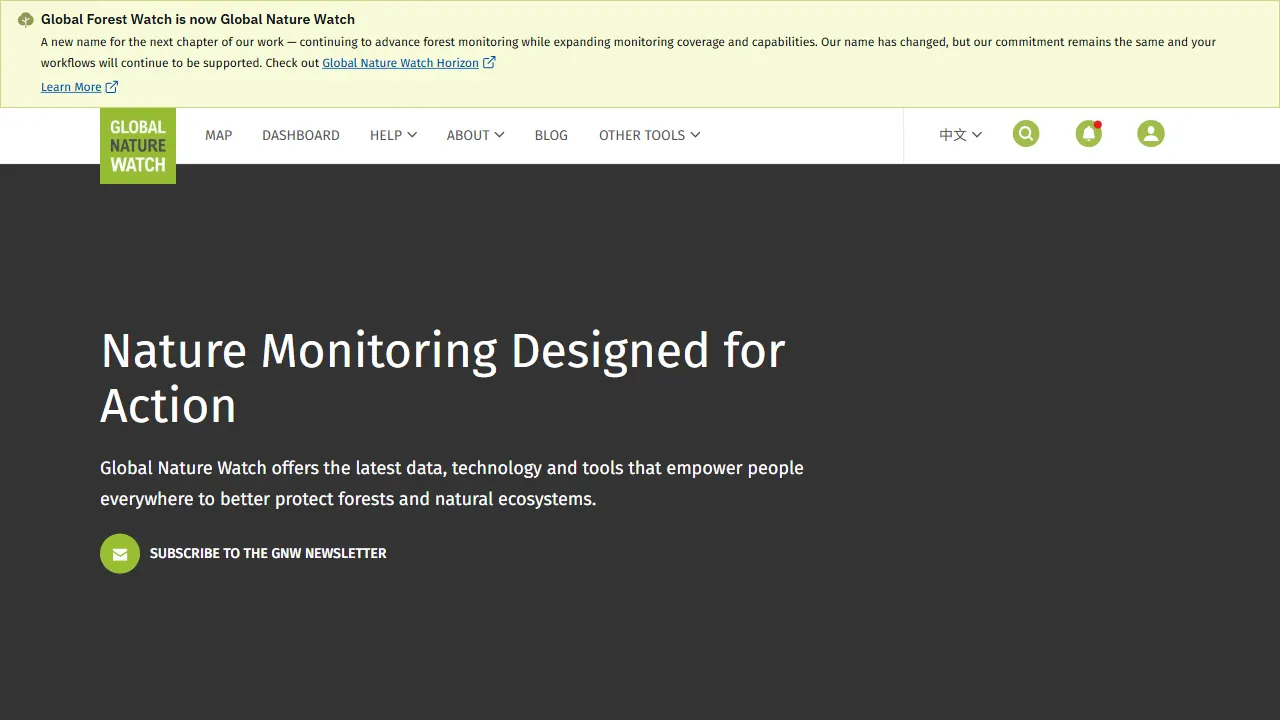
gfw
gfw 是 Global Forest Watch 的官方 Web 应用,一个面向森林监测与告警的在线工具站。
Next.js · 工具站