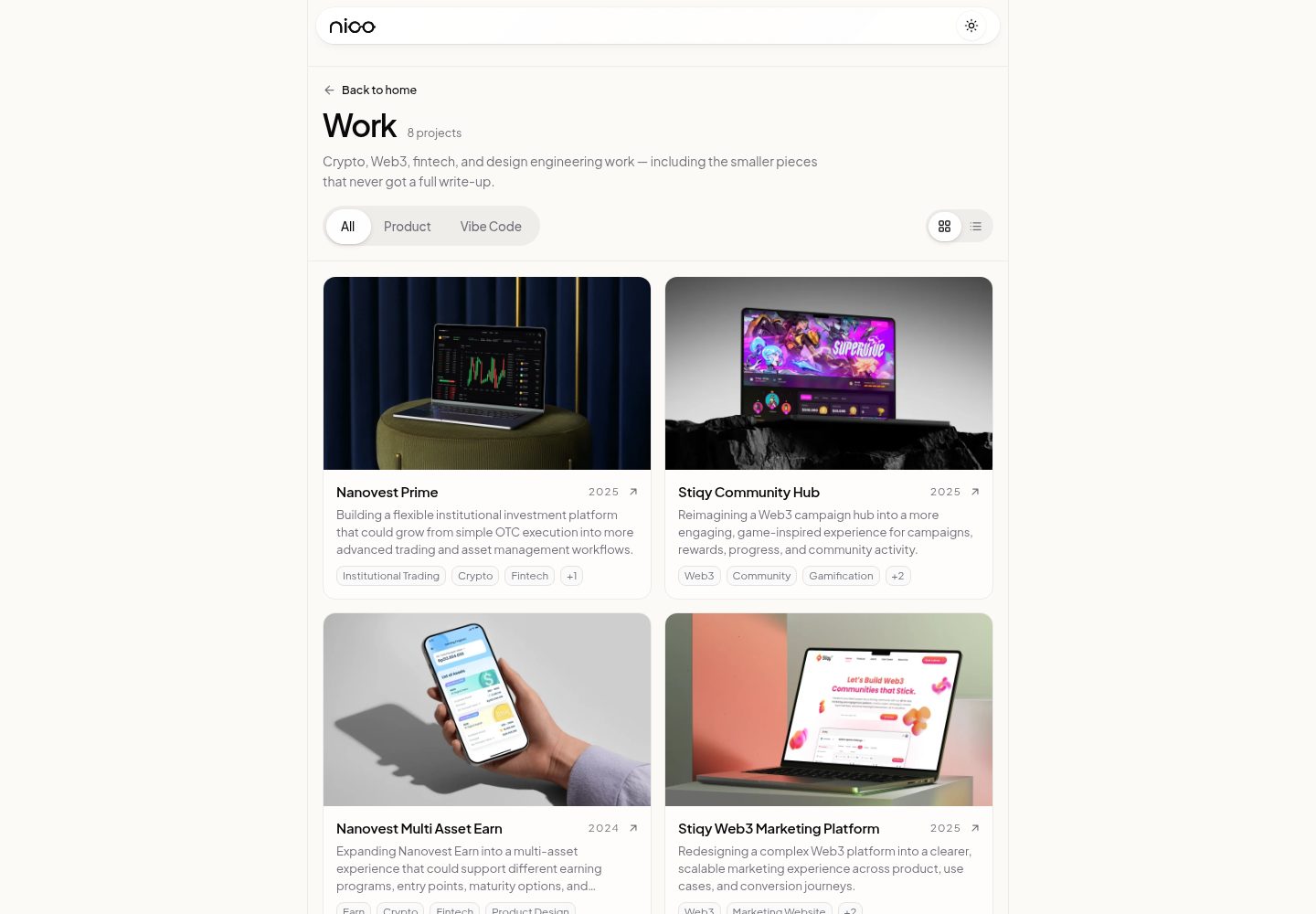
Includes four independent templates: Scalar.ai SaaS landing page, Maren Botanical beauty storefront, Norte Studio fashion editorial page, Sorrel Studio interior design company profile
ViteReactE-commerceCorporate Website
templatevibecode — Vite Ecommerce Template
By yohanes66
This is a collection of free, MIT-licensed website templates, including four independent applications: a SaaS landing page, a beauty storefront, a fashion editorial page, and an interior design company profile. Each template can be fetched individually with npx degit.
Explore the design
Compare the page layouts and mobile experience. Open any screenshot for a closer look.
Desktop homepage1 / 3
Desktop captureTop of page
Actual screenshot captured by the server browser.
All pages & views 3
Screenshots show visual appearance; interactive behavior may differ.
Recorded 2026-10-05View source
What stands out
A quick read of the recorded project description.
Each template is an independent application under apps/ with its own dependencies, fonts, and assets, and can be built and deployed separately
You can use npx degit to fetch just one template folder without cloning the entire repository
The repository has no root package.json or workspace; installation and running are done within each template directory
The code is MIT-licensed, and self-hosted fonts are OFL-licensed with license files included
Template Details
templatevibecode is a free website template repository maintained by yohanes66 on GitHub, released under the MIT license. The repository is not a single site; it places multiple templates under the apps/ directory, each an independent application with its own package.json, dependencies, fonts, and assets, and each can be built and deployed separately.
Four templates are currently included: Scalar.ai is a SaaS landing page for an AI visibility platform (SEO, GEO, AEO); Maren Botanical is a beauty storefront with a shade carousel; Norte Studio is an editorial landing page for fashion, beauty, and lifestyle studios; Sorrel Studio is a company profile page for an interior and hospitality design studio. Each template's README describes its tech stack, local port, Figma file, and where to edit content.
For usage, you can fetch a single template with npx degit yohanes66/templatevibecode/apps/<template-name>, or clone the entire repository and run it from the corresponding apps subdirectory. The repository has no root package.json and no workspace; installation and running are done within each folder.
Limitations to note: images and fonts in the repository are for layout demonstration only and should be replaced with your own content before production use; self-hosted fonts are under the OFL license, with license files in public/fonts/. The code itself is MIT-licensed, but third-party assets such as demo images, fonts, and icons must be checked separately under their respective licenses, and external services such as domains, hosting, databases, payments, or AI may incur additional fees.
ViteReactE-commerceCorporate Website
Is it right for your project?
Use Cases
- Building a landing page for an AI visibility platform or SaaS product
- Building a storefront page with a shade carousel for a beauty brand
- Creating an editorial landing page for a fashion, beauty, or lifestyle studio
- Creating a company profile website for an interior and hospitality design studio
Suitable For
- Front-end developers who need ready-made React page structures and will replace brand copy and images
- Projects that want to start from a single template and deploy independently to platforms like Vercel
- Users who accept the MIT license and are willing to verify third-party asset licenses themselves
Getting started & customization
Use these recorded setup notes alongside the repository instructions for your chosen version.
- 1
Use npx degit yohanes66/templatevibecode/apps/<template-name> my-site to fetch a single template, or clone the entire repository and enter the corresponding directory under apps
- 2
Run npm ci in the template directory to install dependencies, then npm run dev to start local development
- 3
Before production use, replace demo content such as brand names, copy, metrics, contact information, social links, and images
- 4
Self-hosted fonts are OFL-licensed, with license files in public/fonts/; other third-party assets must be checked under their respective licenses
- 5
When deploying to Vercel, each template is a separate project with the Root Directory pointing to the corresponding apps subdirectory
License & source material
Usage conditions & limitations
Free to use · keep license noticeThis entry covers the free version under the MIT license in the public repository; the free scope is the code of this version and does not mean external services or third-party assets are free.
Must comply with when using
- You may use, modify, commercially use, and distribute the code of this version for free.
- When distributing copies or substantial portions of the code, retain the original author's copyright notice and the full MIT license notice.
- The code is provided as is; warranties and limitations of liability are governed by the original license and applicable law.
Additional costs & items to verify
- Demo images, fonts, icons, and other third-party assets must be checked under their respective licenses and cannot be judged solely by the code's MIT license.
- External services such as domains, hosting, databases, payments, or AI may incur additional fees.
- Before production use, demo content must be replaced, including brand names, copy, metrics, contact information, and social links; the example information in the templates cannot be used directly.
- Images included in the repository are for layout demonstration only and must be replaced with your own images before production use; they cannot be used directly on a live website.
- Self-hosted fonts are under the OFL license; use of the fonts must comply with the OFL license terms, and license files are located in the public/fonts/ directory.
View Original Text Basis
Permission is hereby granted, free of charge
Original License Text
Replace the demo content: brand name, copy, metrics, contact details, social links.
Original README
Replace the photos and images with your own. The bundled images are there to show the layout.
Original README
https://github.com/yohanes66/templatevibecode/blob/main/LICENSEhttps://github.com/yohanes66/templatevibecode/blob/main/README.mdSelf-hosted fonts are OFL licensed. The license files are in `public/fonts/`.
Original README
Compiled by DeepSeek based on repository license and README ·2026-10-05. Results only cover the materials read; dependencies, images, fonts, and subsequent term changes are subject to their respective original texts.
Project checks & description sources
Template Information
- Source platforms
- GitHub
- Documentation and maintenance reference score
- More documented · 88 / 100
- Technologies
- Vite · React
- Website type
- E-commerce · Corporate Website
How this score is calculated
Our heuristic uses license records (up to 30), a demo link (12), a preview (10), stars (15), recorded maintenance (15), description completeness (8), feature records (5) and classification data (5). It is not a code, security or performance test, or a Google score. A link does not establish tested functionality.
What to verify for this project
- Repository update recorded
- 2026-10-05
- Screenshot last checked
- 2026-10-05
A demo link is listed. Check it with your own content and viewport sizes; its presence does not confirm that forms, authentication or payments work.
The catalog identifies Vite as the primary stack. Check the actual dependency manifest and lockfile for versions and hosting requirements. These notes use recorded metadata, not a code audit or a deployment test.
Use a selection guide →How this description was prepared
AI-assisted description based on catalog records and repository material. Repository authors are not automatically the reviewers of this description.
Review declaration: [email protected] · 2026-10-06
Inspect the recorded source material
SHA-256: ba7c318d01815c28c4d9bd94f00e224736a277b1554dc5fd0ccb355b345dfb57
2026-10-05T19:50:36.397Z
Source file / repository# Template Vibe Code Free website templates (landing pages, company profiles, storefronts) you can grab and use for your own projects. [MIT licensed](LICENSE). Each template is a **standalone app** in `apps/` with its own dependencies, fonts, and assets. Take one folder and it builds on its own. --- ## Templates <table> <tr> <td width="50%"><a href="https://yohanesnickscalar.vercel.app"><img src="apps/scalar-ai/cover.jpg" alt="Scalar.ai" /></a><br /><b>Scalar.ai</b> · <a href="apps/scalar-ai">apps/scalar-ai</a></td> <td width="50%"><a href="https://yohanesnickmarenbotanical.vercel.app"><img src="apps/maren-botanical/cover.jpg" alt="Maren Botanical" /></a><br /><b>Maren Botanical</b> · <a href="apps/maren-botanical">apps/maren-botanical</a></td> </tr> <tr> <td width="50%"><a href="https://yohanesnicknorte.vercel.app"><img src="apps/norte-studio/cover.jpg" alt="Norte Studio" /></a><br /><b>Norte Studio</b> · <a href="apps/norte-studio">apps/norte-studio</a></td> <td width="50%"><a href="https://yohanesnicksorrel.vercel.app"><img src="apps/sorrel-studio/cover.jpg" alt="Sorrel Studio" /></a><br /><b>Sorrel Studio</b> · <a href="apps/sorrel-studio">apps/sorrel-studio</a></td> </tr> </table> | Template | Description | Live demo | Folder | |---|---|---|---| | Scalar.ai | SaaS landing page for an AI visibility platform (SEO, GEO, AEO) | [yohanesnickscalar.vercel.app](https://yohanesnickscalar.vercel.app) | [`apps/scalar-ai`](apps/scalar-ai) | | Maren Botanical | Beauty storefront with a shade carousel | [yohanesnickmarenbotanical.vercel.app](https://yohanesnickmarenbotanical.vercel.app) | [`apps/maren-botanical`](apps/maren-botanical) | | Norte Studio | Editorial landing page for a fashion, beauty & lifestyle studio | [yohanesnicknorte.vercel.app](https://yohanesnicknorte.vercel.app) | [`apps/norte-studio`](apps/norte-studio) | | Sorrel Studio | Company profile for an interior & hospitality design studio | [yohanesnicksorrel.vercel.app](https://yohanesnicksorrel.vercel.app) | [`apps/sorrel-studio`](apps/sorrel-studio) | Each template's README covers its stack, local port, Figma file, and where to edit content. The full showcase lives on my portfolio: [yohanesnick.site/work](https://yohanesnick.site/work) (Vibe Code section). --- ## Using a Template Grab a single template without cloning the whole repo: ```bash npx degit yohanes66/templatevibecode/apps/sorrel-studio my-site cd my-site npm ci npm run dev ``` Replace `sorrel-studio` with the folder you want (see the table above). Every template is self-contained, so the folder you get from `degit` builds and deploys as is. Before you use it for a real website: - Replace the demo content: brand name, copy, metrics, contact details, social links. The **Editing** section of each template's README tells you where they live. - Replace the photos and images with your own. The bundled images are there to show the layout. - Self-hosted fonts are OFL licensed. The license files are in `public/fonts/`. To clone every template at once: ```bash git clone https://github.com/yohanes66/templatevibecode.git cd templatevibecode/apps/<template-name> npm ci npm run dev ``` --- ## Repository Structure ```text templatevibecode/ ├── apps/ # 1 folder = 1 standalone app with its own package.json │ ├── scalar-ai/ │ ├── maren-botanical/ │ ├── norte-studio/ │ └── sorrel-studio/ │ ├── docs/ │ ├── ADD_NEW_PROJECT.md # How to add a new template │ ├── README_TEMPLATE.md # README format for each template + checklists │ └── VERCEL_SETUP.md # Per-template Vercel deployment │ ├── AGENTS.md # Rules for coding agents (Codex, Claude Code) ├── LICENSE # MIT ├── .gitignore └── README.md ``` There is no root `package.json` and no workspace. Install and run each app from its own folder. --- ## Maintaining This Repo ### Adding a template 1. Create a **kebab-case** folder in `apps/`, e.g. `apps/fintech-dashboard`. 2. Scaffold the app with whatever stack suits the design. 3. Add a `README.md` following [`docs/README_TEMPLATE.md`](docs/README_TEMPLATE.md) and a `cover.jpg` thumbnail. 4. Make sure `npm run build` passes. 5. Add the template to the gallery and the table above. 6. Create a new Vercel project whose Root Directory points to the folder. Full workflow: [`docs/ADD_NEW_PROJECT.md`](docs/ADD_NEW_PROJECT.md). ### Deployment All templates deploy from this one GitHub repo. Each Vercel project uses a different **Root Directory**: | Vercel project | Root Directory | |---|---| | `scalar.ai` | `apps/scalar-ai` | | `marenbotanical` | `apps/maren-botanical` | | `norte` | `apps/norte-studio` | | `sorrel-studio` | `apps/sorrel-studio` | Pushing to `main` deploys to production. Don't move or rename an app folder without updating its Root Directory in Vercel. Setup details: [`docs/VERCEL_SETUP.md`](docs/VERCEL_SETUP.md). ### Principles - **Isolated.** Each template is its own website, not a page inside a bigger site. No navigation between templates. - **Any stack.** Templates can use different frameworks and tooling depending on the design. - **No shared UI package.** Each template has its own visual identity. A shared package only makes sense for technical utilities (analytics, SEO), never for a design system. - **Just enough structure.** Small templates can stay simple. Don't add architecture for the sake of consistency. ### Commits One commit, one app. Keep messages short and lowercase: ```text add scalar ai landing page fix mobile layout for scalar ai reviews optimize images for fintech dashboard ```
Explore similar templates
Compare previews and descriptions within the same stack and category.
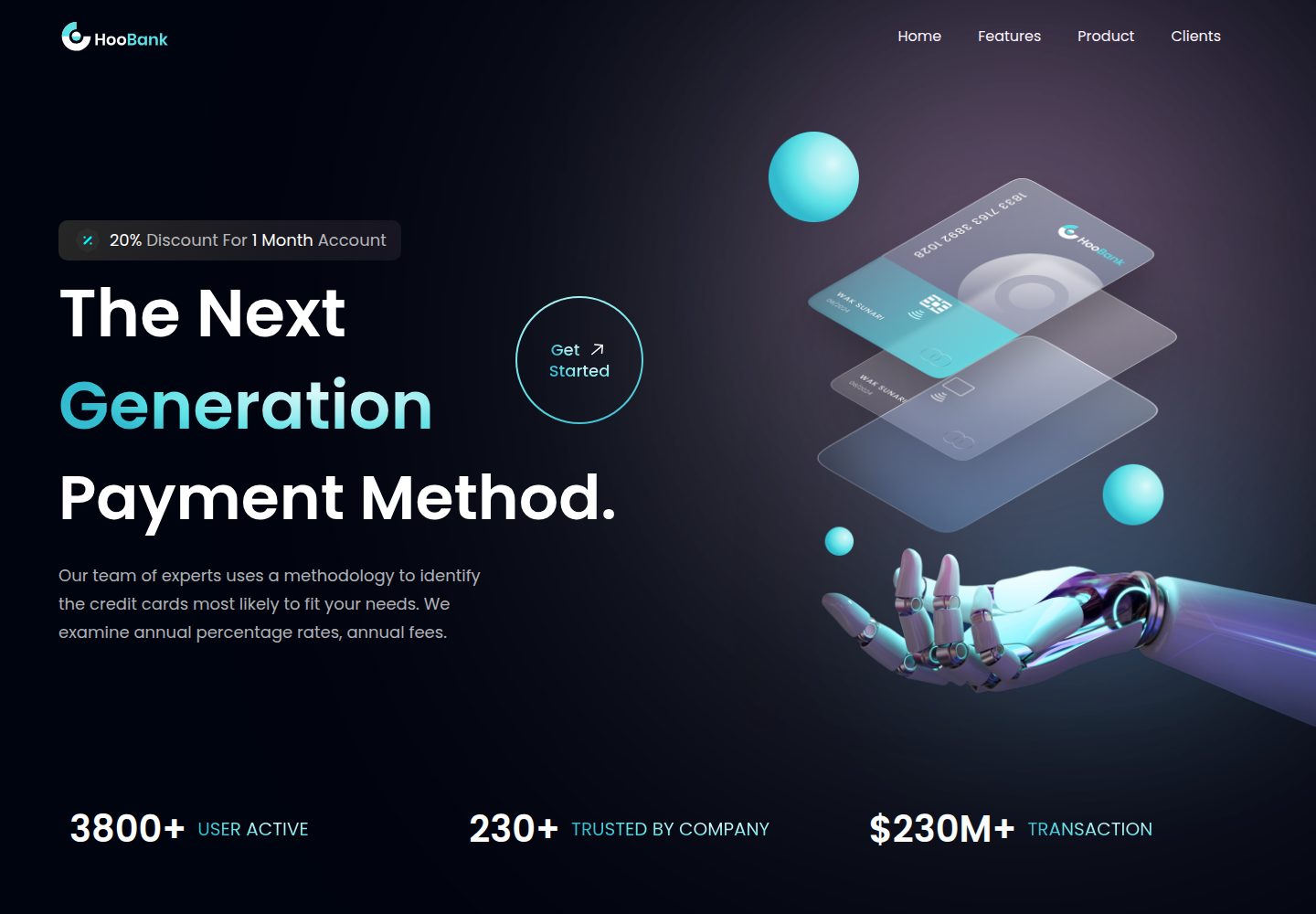
business-website-template
A React, Tailwind CSS, and Vite corporate website template with a single-page structure covering header, hero, features, billing, product showcase, testimonials, clients, call-to-action, and footer.
Vite · Corporate Website

kiaalap
Kiaalap is a free, open-source admin template from Colorlib for education, online courses, and school management.
Vite · Admin dashboard
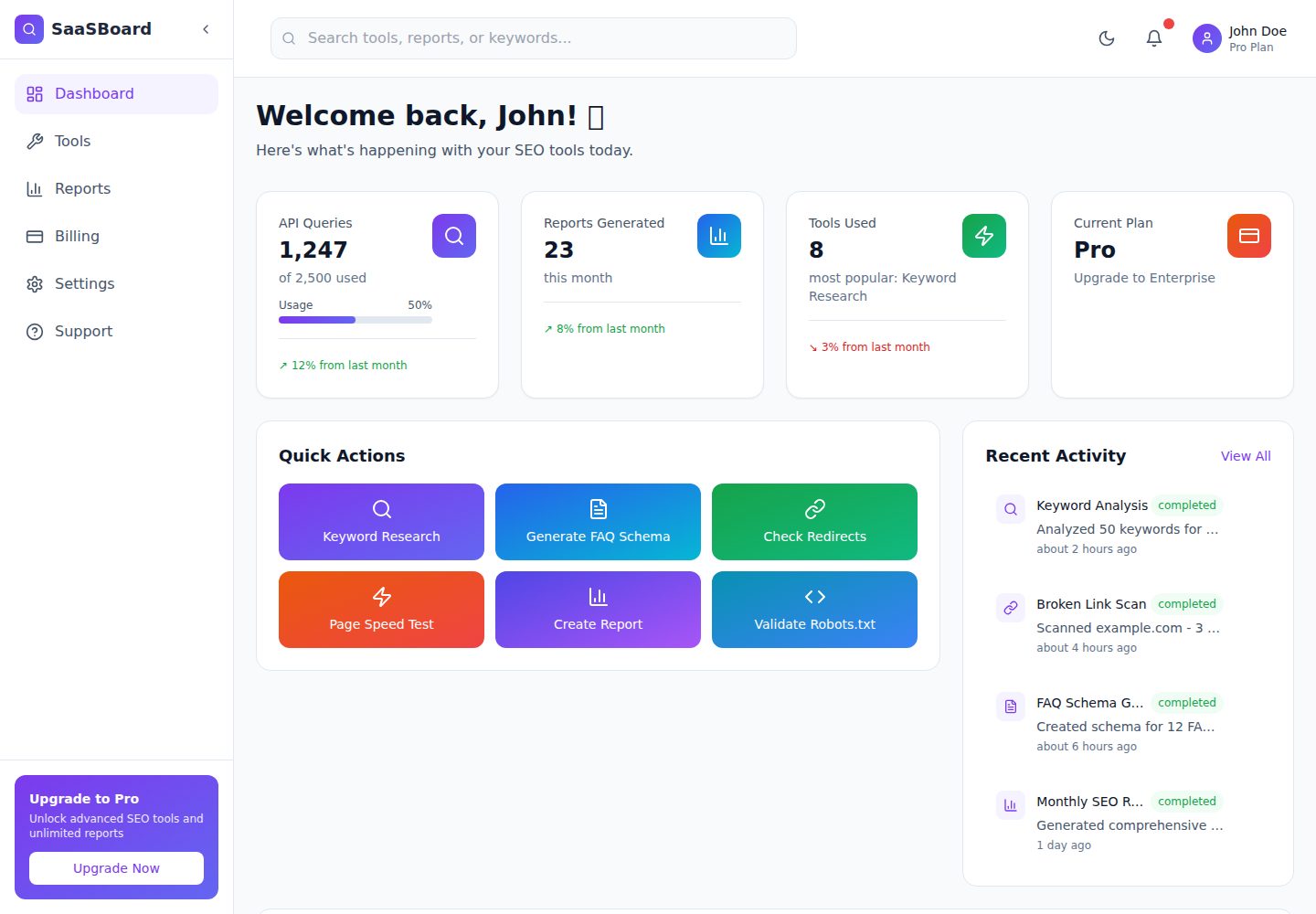
saasboard
SaaSBoard is an open-source SaaS admin dashboard template from MekuHQ, built with React, Vite, and Tailwind CSS. It provides pages for Tools, Reports, Billing, Settings, and Support, along with shared components such as Sidebar, Layout, and Topbar.
Vite · Admin dashboard
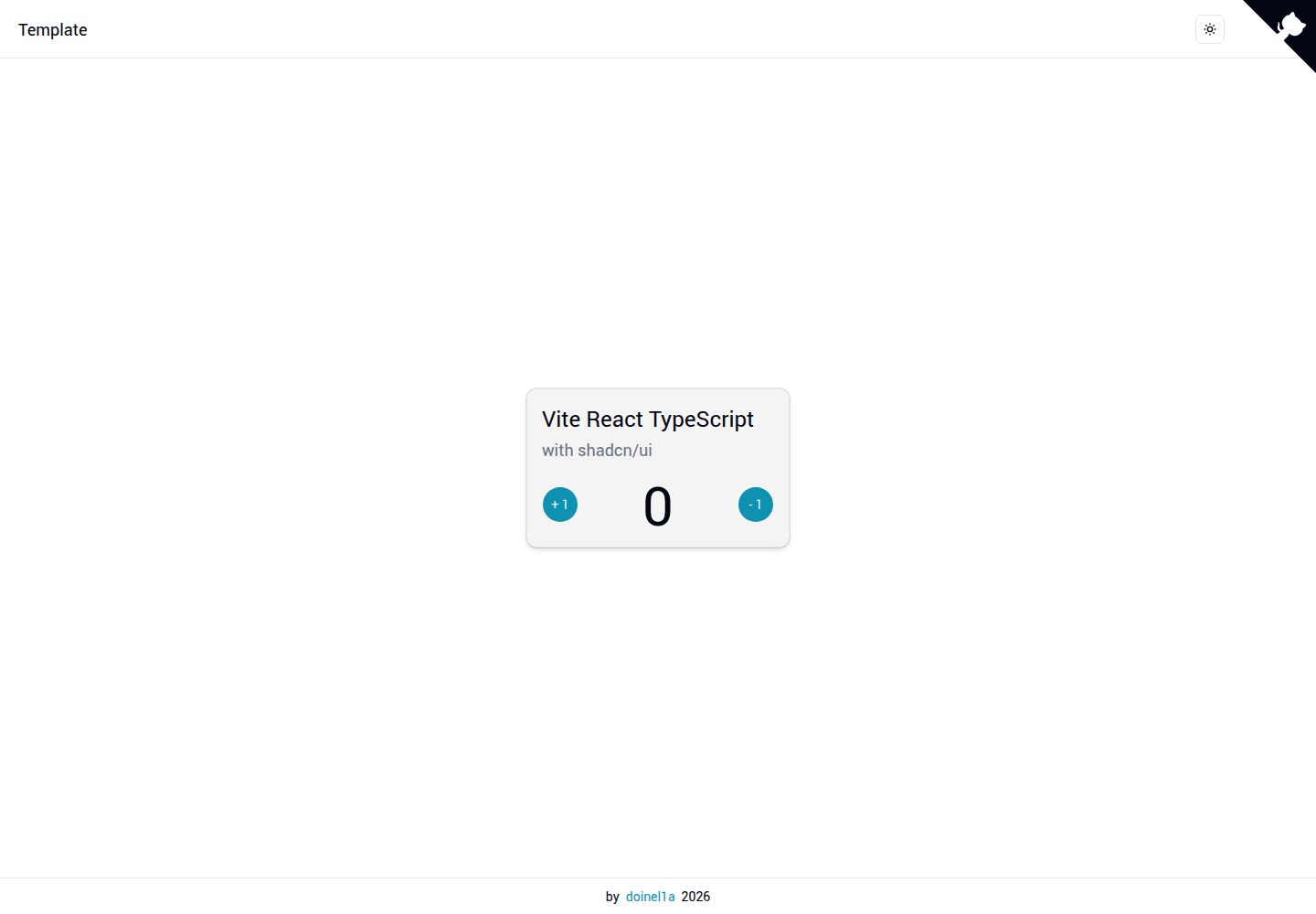
vite-react-ts-shadcn-ui
A Vite-based React + TypeScript frontend starter template with Shadcn/ui and TailwindCSS, plus ESLint, Prettier, Husky, Commitlint, Lint-staged and Playwright built in.
Vite · Corporate Website
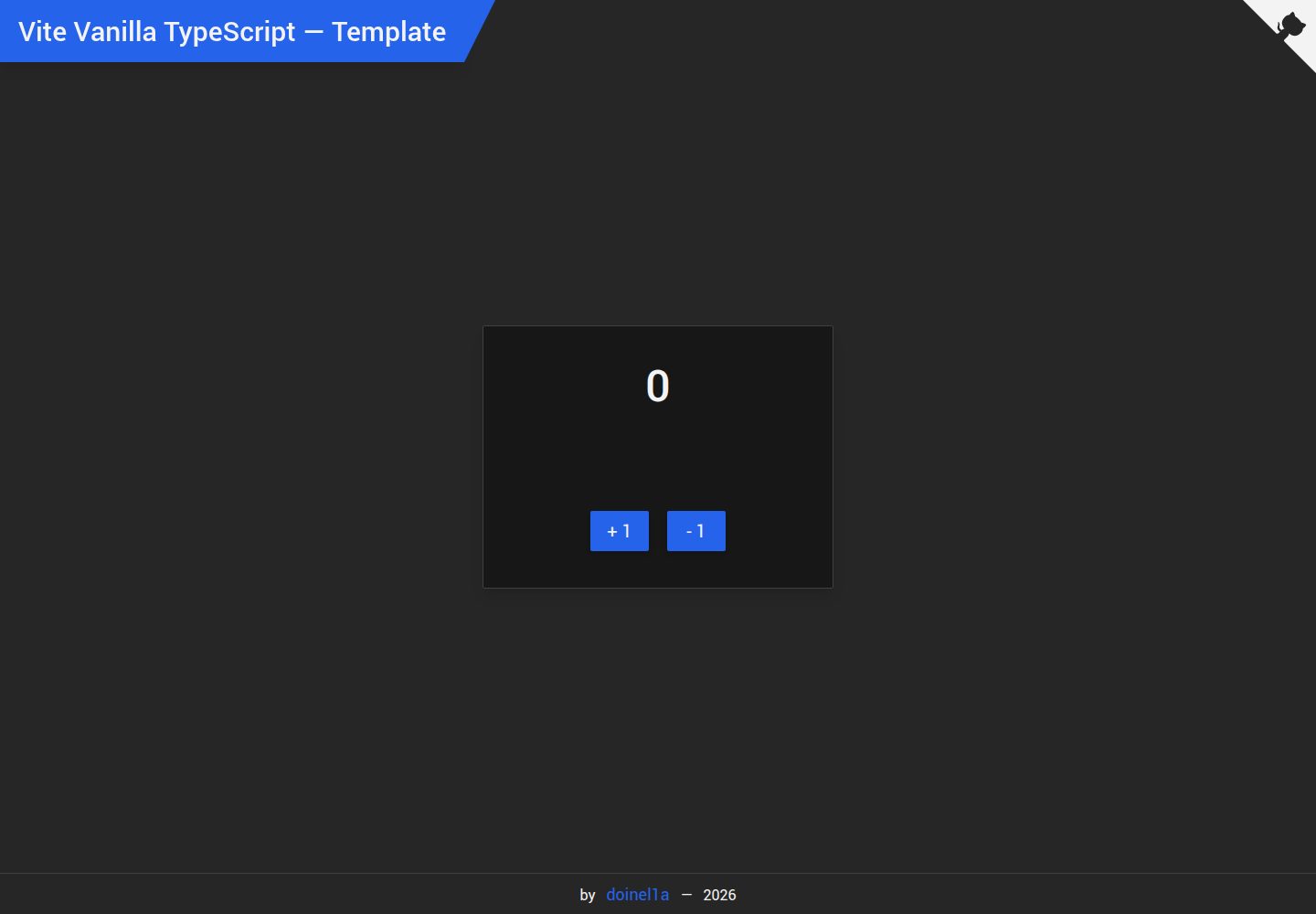
vite-vanilla-ts
A Vite-based Vanilla TypeScript starter template for native HTML and TypeScript websites, SPAs, or landing pages without a UI framework. It presets TypeScript, TailwindCSS, SASS, PostCSS, and Playwright, and integrates ESLint, Prettier, Husky, and Commitlint.
Vite · Corporate Website
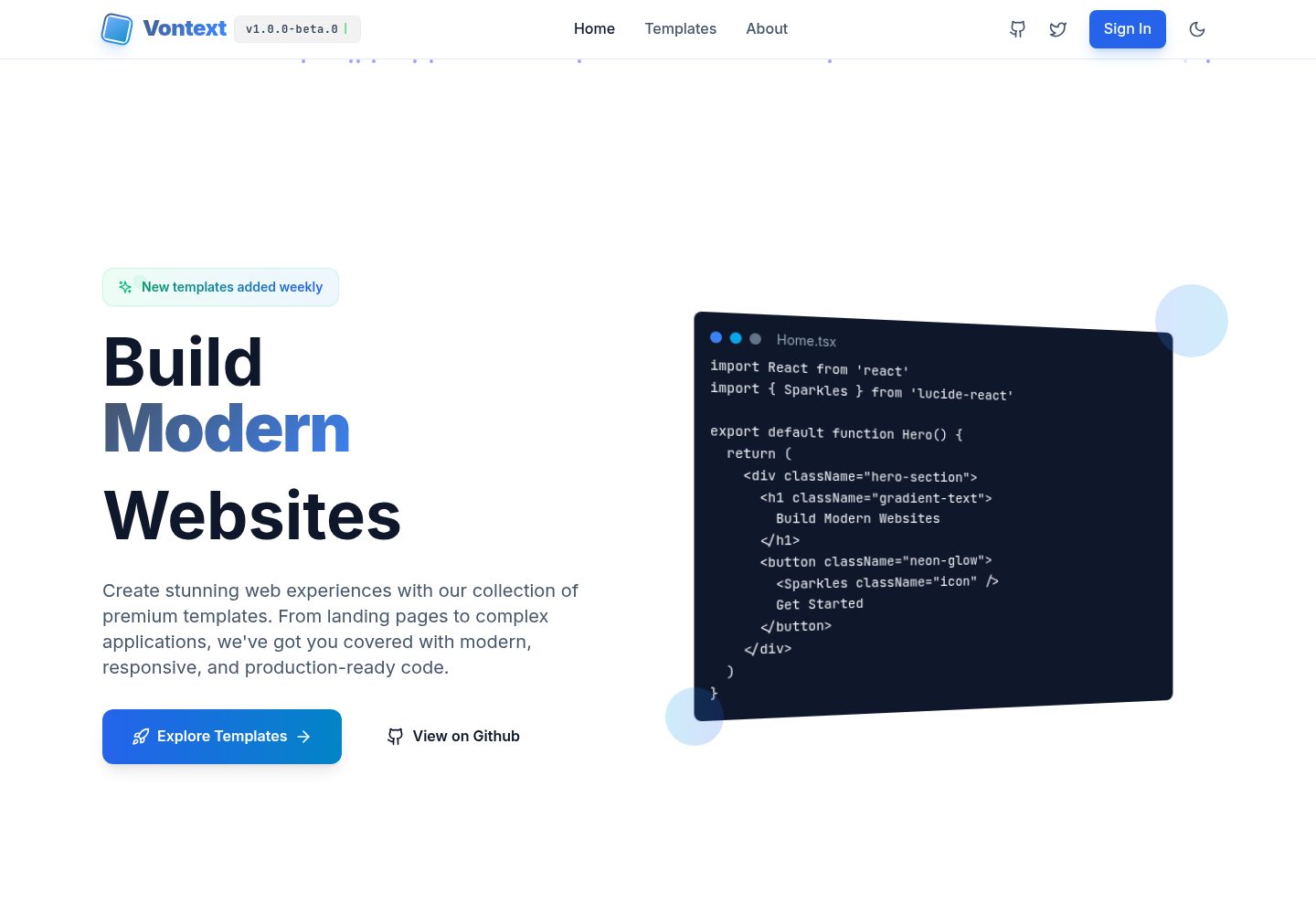
free.website.templates
A free open-source web template collection maintained by Vontext, built on Vite, React, TypeScript, and TailwindCSS. It currently offers 8 independent landing page templates covering SaaS, AI, blogs, design tools, and more, each installable and runnable separately.
Vite · Admin dashboard