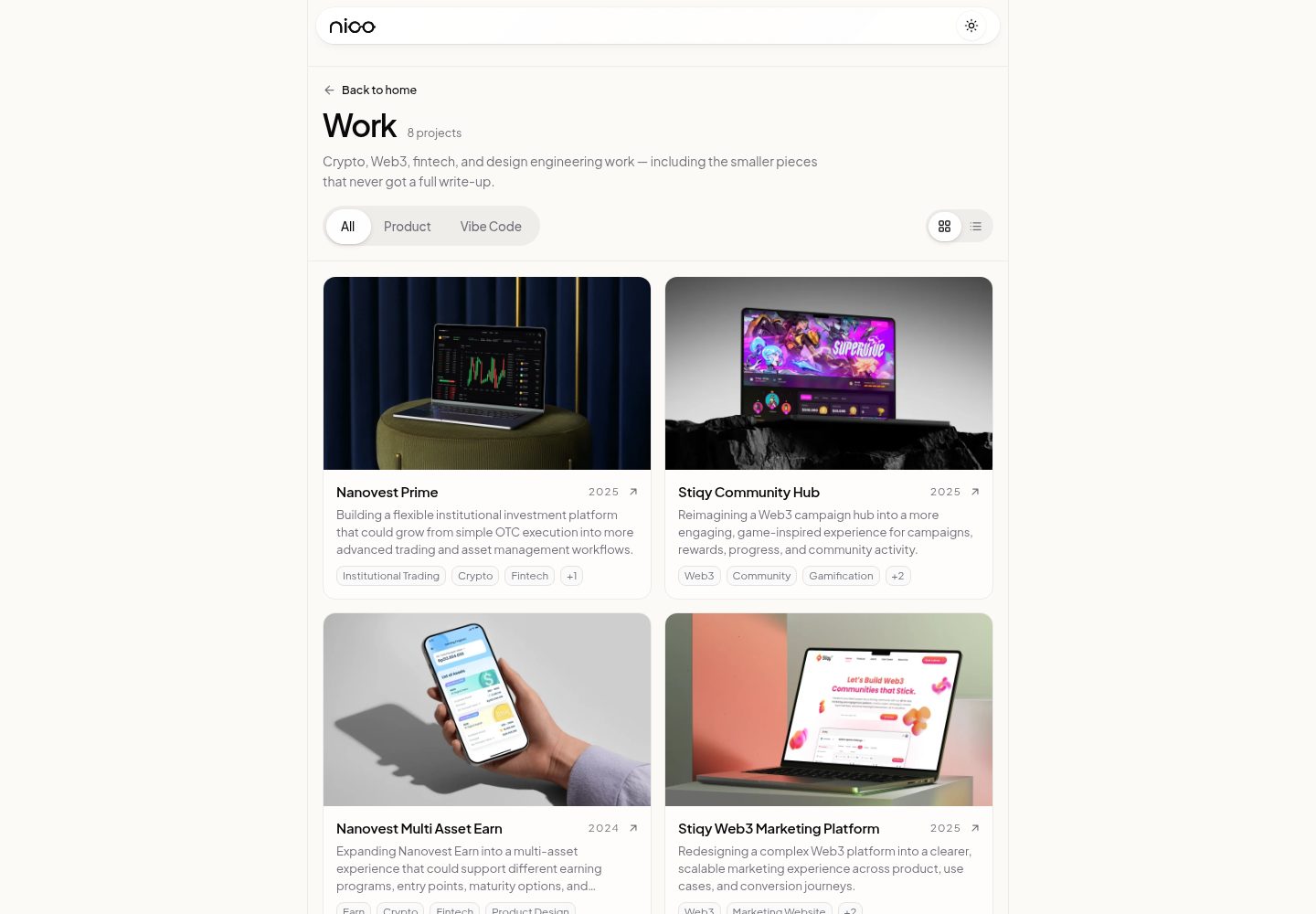
包含四个独立模板:Scalar.ai SaaS 落地页、Maren Botanical 美妆店面、Norte Studio 时尚编辑页、Sorrel Studio 室内设计公司简介
ViteReact电商企业官网
templatevibecode — Vite 电商模板
作者 yohanes66
这是一个 MIT 许可的免费网站模板集合,包含 SaaS 落地页、美妆店面、时尚编辑页与室内设计公司简介四个独立应用,每个模板可单独用 npx degit 取出使用。
看看你的网站会是什么样
浏览真实页面截图,比较内容排版与手机效果。点击下方缩略图切换,放大查看整页细节。
全部页面与视图 3
截图用于了解视觉与布局,交互效果请以实际项目为准。
采集于 2026-10-05查看来源
值得关注的模板亮点
从已有项目资料中,快速了解它的特点。
每个模板是 apps/ 下的独立应用,有自己的依赖、字体和素材,可单独构建部署
可用 npx degit 只取出某一个模板文件夹,无需克隆整个仓库
仓库无根 package.json 与 workspace,安装和运行均在各自模板目录内进行
代码采用 MIT 许可,自托管字体为 OFL 许可并附带许可文件
模板详细介绍
templatevibecode 是 yohanes66 在 GitHub 上维护的免费网站模板仓库,采用 MIT 许可。仓库不是单一站点,而是把多个模板放在 apps/ 目录下,每个模板都是一个独立应用,拥有自己的 package.json、依赖、字体和素材,可以单独构建和部署。
目前收录四个模板:Scalar.ai 是面向 AI 可见性平台(SEO、GEO、AEO)的 SaaS 落地页;Maren Botanical 是带色号轮播的美妆店面;Norte Studio 是面向时尚、美妆与生活方式工作室的编辑型落地页;Sorrel Studio 是室内与酒店设计工作室的公司简介页。每个模板的 README 说明其技术栈、本地端口、Figma 文件和内容编辑位置。
使用方式上,可以用 npx degit yohanes66/templatevibecode/apps/<模板名> 取出单个模板,也可以克隆整个仓库后进入对应 apps 子目录运行。仓库没有根 package.json,也没有 workspace,安装与运行都在各自文件夹内完成。
需要注意的限制:仓库中的图片和字体等素材仅用于展示布局,正式使用前应替换为自己的内容;自托管字体为 OFL 许可,许可文件位于 public/fonts/。代码本身是 MIT 许可,但演示图片、字体、图标等第三方素材需按各自许可单独核对,域名、托管、数据库、支付或 AI 等外部服务也可能另行收费。
ViteReact电商企业官网
适合你的项目吗?
适用场景
- 为 AI 可见性平台或 SaaS 产品搭建落地页
- 为美妆品牌搭建带色号轮播的店面页面
- 为时尚、美妆或生活方式工作室制作编辑型落地页
- 为室内与酒店设计工作室制作公司简介网站
适合人群
- 需要现成 React 页面结构、再替换品牌文案与图片的前端开发者
- 希望以单个模板为起点、独立部署到 Vercel 等平台的项目
- 接受 MIT 许可并愿意自行核对第三方素材许可的使用者
上手与定制指南
结合仓库当前版本的说明,按下面的资料检查内容、配置与运行要求。
- 1
用 npx degit yohanes66/templatevibecode/apps/<模板名> my-site 取出单个模板,或克隆整个仓库后进入 apps 下对应目录
- 2
在模板目录内执行 npm ci 安装依赖,再执行 npm run dev 启动本地开发
- 3
正式使用前替换品牌名、文案、指标、联系方式、社交链接以及图片等演示内容
- 4
自托管字体为 OFL 许可,许可文件在 public/fonts/;其他第三方素材需按各自许可核对
- 5
部署到 Vercel 时每个模板作为独立项目,Root Directory 指向对应的 apps 子目录
授权与来源资料
使用条件与限制
免费使用 · 保留许可声明本次收录的是公开仓库中采用 MIT 许可的免费版本;免费范围为该版本代码,不代表外部服务或第三方素材免费。
使用时需要遵守
- 允许免费使用、修改、商用和分发该版本代码。
- 分发代码副本或实质性部分时,保留原作者版权声明和完整 MIT 许可声明。
- 代码按现状提供;担保与责任限制以原许可证及适用法律为准。
额外费用与待核对事项
- 演示图片、字体、图标及其他第三方素材需按各自许可核对,不能仅凭代码的 MIT 许可判断。
- 域名、托管、数据库、支付或 AI 等外部服务可能另外收费。
- 正式使用前必须替换演示内容,包括品牌名、文案、指标、联系方式和社交链接,不能直接沿用模板中的示例信息。
- 仓库内附带的图片仅用于展示布局,正式使用前需替换为自己的图片,不能直接用于实际网站。
- 自托管字体采用 OFL 许可,使用字体时需遵守 OFL 许可条款,许可文件位于 public/fonts/ 目录。
查看原文依据
Permission is hereby granted, free of charge
许可证原文
Replace the demo content: brand name, copy, metrics, contact details, social links.
README 原文
Replace the photos and images with your own. The bundled images are there to show the layout.
README 原文
https://github.com/yohanes66/templatevibecode/blob/main/LICENSEhttps://github.com/yohanes66/templatevibecode/blob/main/README.mdSelf-hosted fonts are OFL licensed. The license files are in `public/fonts/`.
README 原文
DeepSeek 根据仓库许可证和 README 整理 ·2026-10-05。结果仅覆盖已读取资料,依赖、图片、字体及后续条款变更以各自原文为准。
项目核对记录与介绍依据
模板资料
- 来源平台
- GitHub
- 资料与维护参考分
- 资料较完整 · 88 / 100
- 技术栈
- Vite · React
- 网站类型
- 电商 · 企业官网
这个分数如何计算
本站按许可资料(最高30分)、演示链接(12分)、预览图(10分)、Star数(15分)、记录的维护时间(15分)、描述完整度(8分)、功能记录(5分)和分类资料(5分)计算。它不是代码、安全或性能测试,也不是 Google 评分;有链接不代表已实测可用。
这个项目需要核对什么
- 记录的仓库更新时间
- 2026-10-05
- 截图检查日期
- 2026-10-05
已收录演示链接。请用你的内容与屏幕尺寸检查;有演示不代表表单、认证或支付已经可用。
目录记录的主要技术栈是 Vite。请通过依赖清单和锁文件核对实际版本与托管要求。这些说明基于收录资料,不代表代码审计或部署实测。
查看具体选型方法 →介绍的制作与核对状态
介绍由 AI 辅助整理目录与仓库资料。仓库作者不等于这篇介绍的审核者。
审核声明: [email protected] · 2026-10-06
查看当时使用的来源资料
SHA-256: ba7c318d01815c28c4d9bd94f00e224736a277b1554dc5fd0ccb355b345dfb57
2026-10-05T19:50:36.397Z
来源文件 / 仓库# Template Vibe Code Free website templates (landing pages, company profiles, storefronts) you can grab and use for your own projects. [MIT licensed](LICENSE). Each template is a **standalone app** in `apps/` with its own dependencies, fonts, and assets. Take one folder and it builds on its own. --- ## Templates <table> <tr> <td width="50%"><a href="https://yohanesnickscalar.vercel.app"><img src="apps/scalar-ai/cover.jpg" alt="Scalar.ai" /></a><br /><b>Scalar.ai</b> · <a href="apps/scalar-ai">apps/scalar-ai</a></td> <td width="50%"><a href="https://yohanesnickmarenbotanical.vercel.app"><img src="apps/maren-botanical/cover.jpg" alt="Maren Botanical" /></a><br /><b>Maren Botanical</b> · <a href="apps/maren-botanical">apps/maren-botanical</a></td> </tr> <tr> <td width="50%"><a href="https://yohanesnicknorte.vercel.app"><img src="apps/norte-studio/cover.jpg" alt="Norte Studio" /></a><br /><b>Norte Studio</b> · <a href="apps/norte-studio">apps/norte-studio</a></td> <td width="50%"><a href="https://yohanesnicksorrel.vercel.app"><img src="apps/sorrel-studio/cover.jpg" alt="Sorrel Studio" /></a><br /><b>Sorrel Studio</b> · <a href="apps/sorrel-studio">apps/sorrel-studio</a></td> </tr> </table> | Template | Description | Live demo | Folder | |---|---|---|---| | Scalar.ai | SaaS landing page for an AI visibility platform (SEO, GEO, AEO) | [yohanesnickscalar.vercel.app](https://yohanesnickscalar.vercel.app) | [`apps/scalar-ai`](apps/scalar-ai) | | Maren Botanical | Beauty storefront with a shade carousel | [yohanesnickmarenbotanical.vercel.app](https://yohanesnickmarenbotanical.vercel.app) | [`apps/maren-botanical`](apps/maren-botanical) | | Norte Studio | Editorial landing page for a fashion, beauty & lifestyle studio | [yohanesnicknorte.vercel.app](https://yohanesnicknorte.vercel.app) | [`apps/norte-studio`](apps/norte-studio) | | Sorrel Studio | Company profile for an interior & hospitality design studio | [yohanesnicksorrel.vercel.app](https://yohanesnicksorrel.vercel.app) | [`apps/sorrel-studio`](apps/sorrel-studio) | Each template's README covers its stack, local port, Figma file, and where to edit content. The full showcase lives on my portfolio: [yohanesnick.site/work](https://yohanesnick.site/work) (Vibe Code section). --- ## Using a Template Grab a single template without cloning the whole repo: ```bash npx degit yohanes66/templatevibecode/apps/sorrel-studio my-site cd my-site npm ci npm run dev ``` Replace `sorrel-studio` with the folder you want (see the table above). Every template is self-contained, so the folder you get from `degit` builds and deploys as is. Before you use it for a real website: - Replace the demo content: brand name, copy, metrics, contact details, social links. The **Editing** section of each template's README tells you where they live. - Replace the photos and images with your own. The bundled images are there to show the layout. - Self-hosted fonts are OFL licensed. The license files are in `public/fonts/`. To clone every template at once: ```bash git clone https://github.com/yohanes66/templatevibecode.git cd templatevibecode/apps/<template-name> npm ci npm run dev ``` --- ## Repository Structure ```text templatevibecode/ ├── apps/ # 1 folder = 1 standalone app with its own package.json │ ├── scalar-ai/ │ ├── maren-botanical/ │ ├── norte-studio/ │ └── sorrel-studio/ │ ├── docs/ │ ├── ADD_NEW_PROJECT.md # How to add a new template │ ├── README_TEMPLATE.md # README format for each template + checklists │ └── VERCEL_SETUP.md # Per-template Vercel deployment │ ├── AGENTS.md # Rules for coding agents (Codex, Claude Code) ├── LICENSE # MIT ├── .gitignore └── README.md ``` There is no root `package.json` and no workspace. Install and run each app from its own folder. --- ## Maintaining This Repo ### Adding a template 1. Create a **kebab-case** folder in `apps/`, e.g. `apps/fintech-dashboard`. 2. Scaffold the app with whatever stack suits the design. 3. Add a `README.md` following [`docs/README_TEMPLATE.md`](docs/README_TEMPLATE.md) and a `cover.jpg` thumbnail. 4. Make sure `npm run build` passes. 5. Add the template to the gallery and the table above. 6. Create a new Vercel project whose Root Directory points to the folder. Full workflow: [`docs/ADD_NEW_PROJECT.md`](docs/ADD_NEW_PROJECT.md). ### Deployment All templates deploy from this one GitHub repo. Each Vercel project uses a different **Root Directory**: | Vercel project | Root Directory | |---|---| | `scalar.ai` | `apps/scalar-ai` | | `marenbotanical` | `apps/maren-botanical` | | `norte` | `apps/norte-studio` | | `sorrel-studio` | `apps/sorrel-studio` | Pushing to `main` deploys to production. Don't move or rename an app folder without updating its Root Directory in Vercel. Setup details: [`docs/VERCEL_SETUP.md`](docs/VERCEL_SETUP.md). ### Principles - **Isolated.** Each template is its own website, not a page inside a bigger site. No navigation between templates. - **Any stack.** Templates can use different frameworks and tooling depending on the design. - **No shared UI package.** Each template has its own visual identity. A shared package only makes sense for technical utilities (analytics, SEO), never for a design system. - **Just enough structure.** Small templates can stay simple. Don't add architecture for the sake of consistency. ### Commits One commit, one app. Keep messages short and lowercase: ```text add scalar ai landing page fix mobile layout for scalar ai reviews optimize images for fintech dashboard ```
看看同类模板
对比同技术栈与用途的模板,找到更适合的视觉与内容结构。
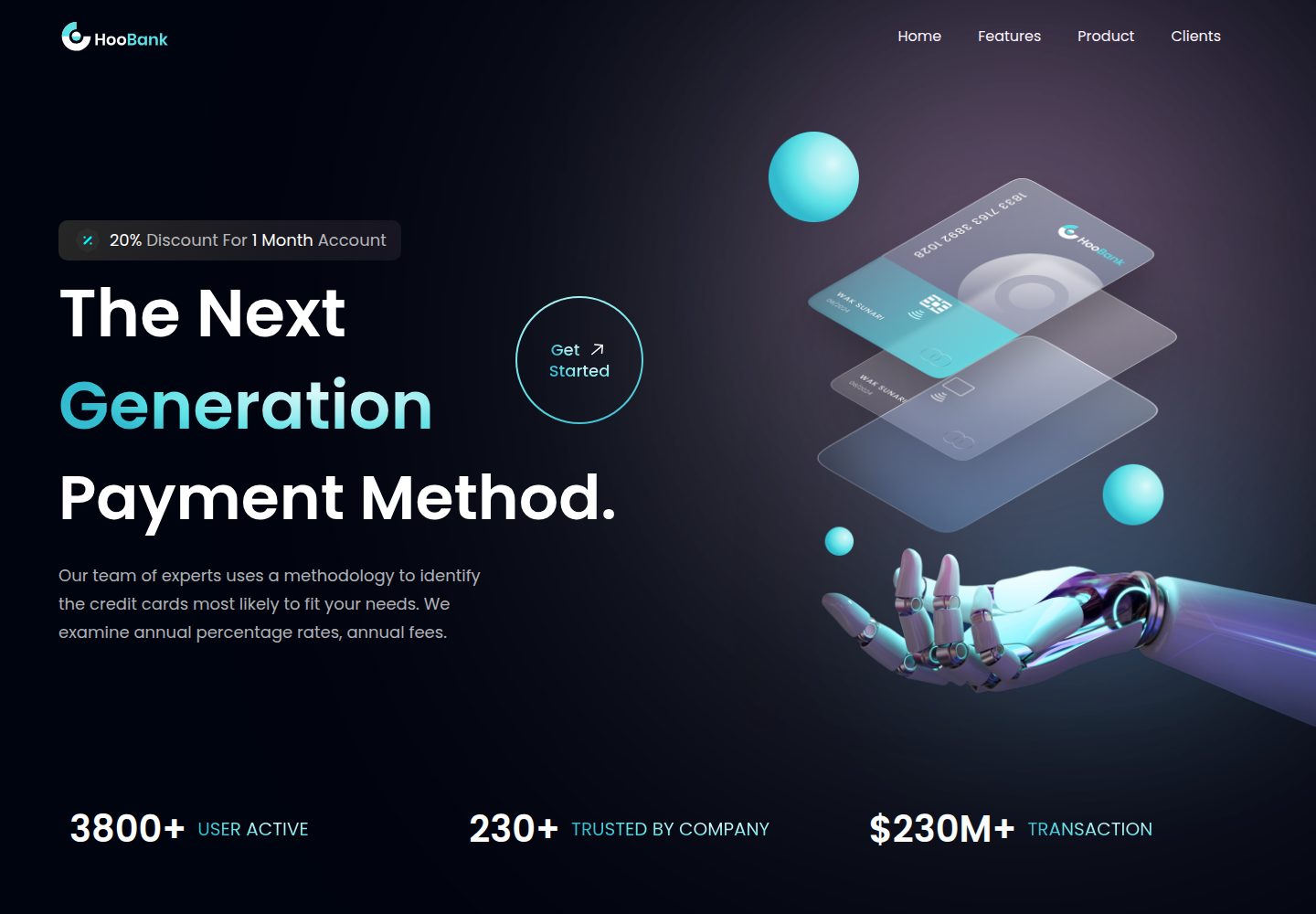
business-website-template
Modern UI/UX business website design made with React.
Vite · 企业官网

kiaalap
Free admin dashboard template focused on education, online course and school management. Build using Bootstrap…
Vite · 后台
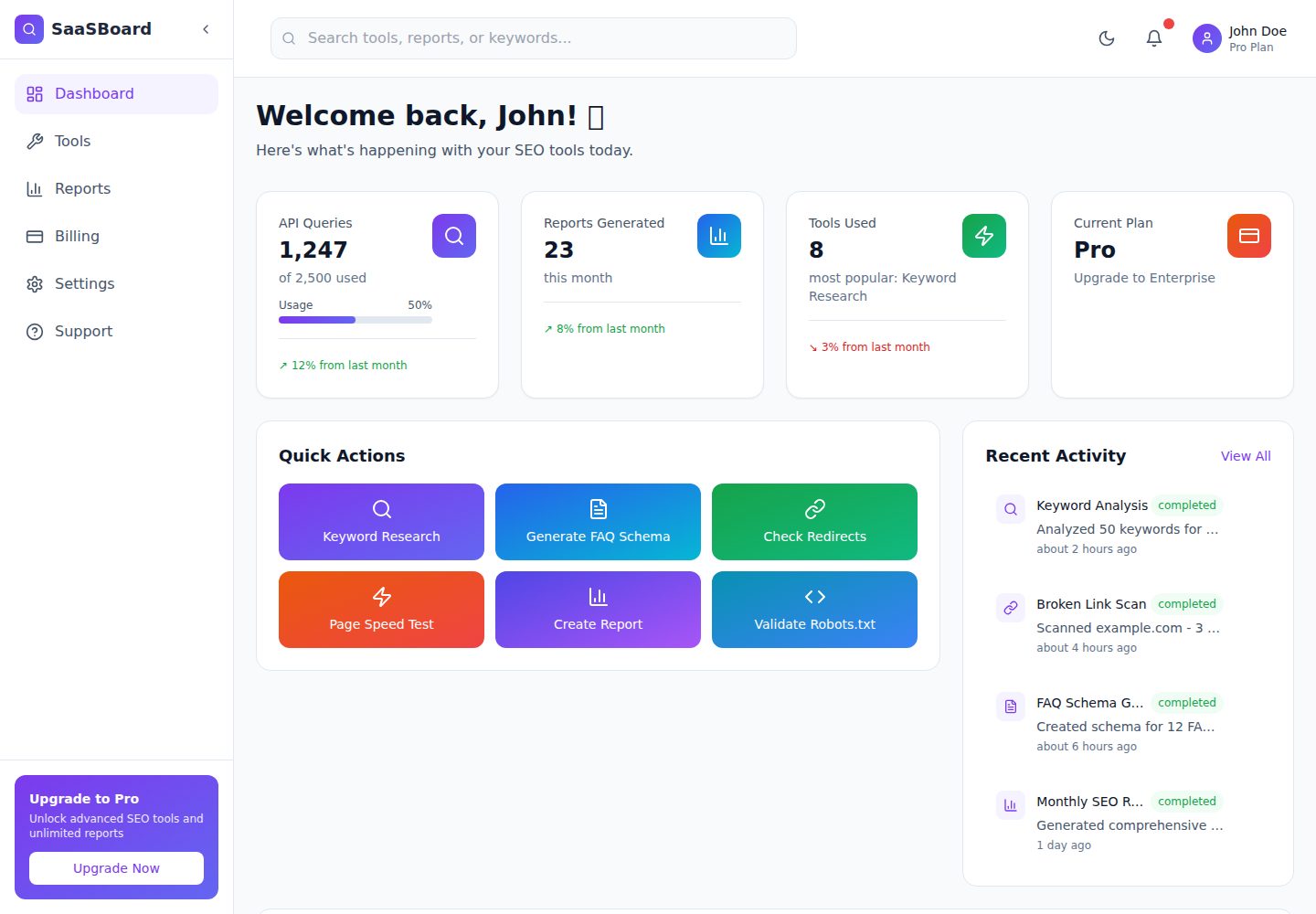
saasboard
Free and open-source SaaS dashboard template for startups, businesses, and AI Tools. | Built with Meku, React,…
Vite · 后台
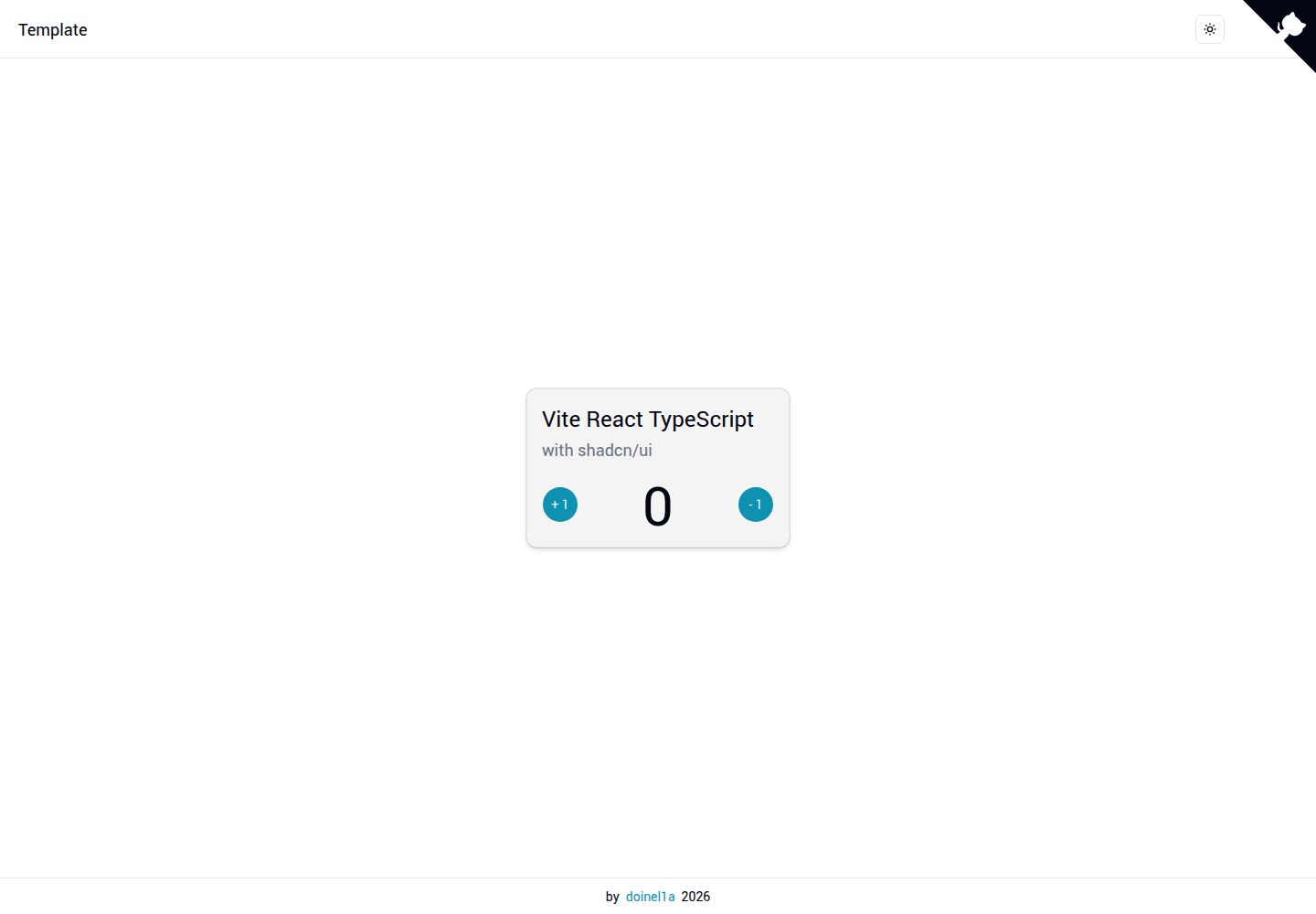
vite-react-ts-shadcn-ui
Boilerplate template designed to quickly bootstrap a React.js Web App, SPA, website or landing page with React…
Vite · 企业官网
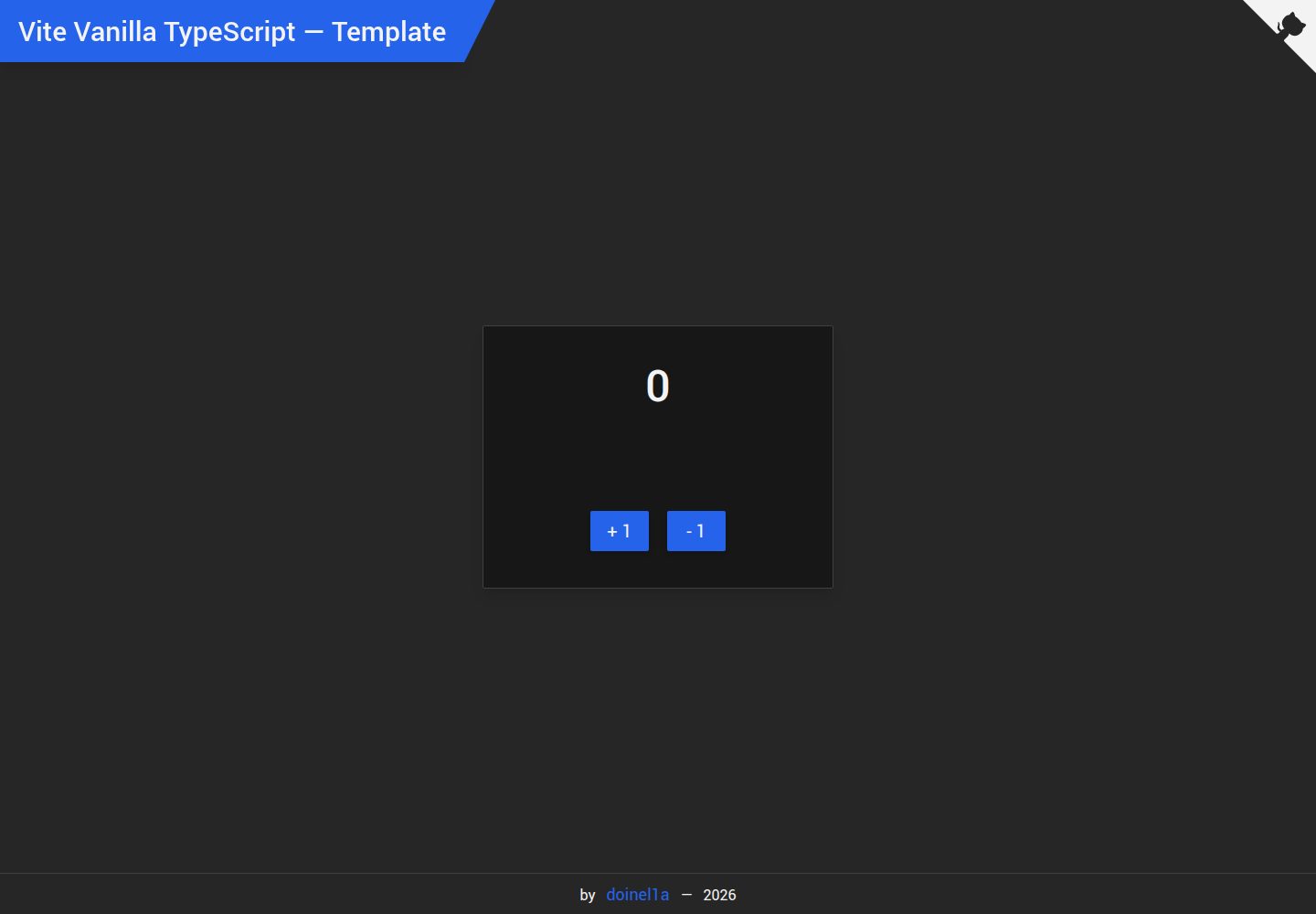
vite-vanilla-ts
Start a Vanilla TS Web App, SPA, website or landing page using TypeScript, Tailwind CSS 4, ESLint, Husky, Vite…
Vite · 企业官网
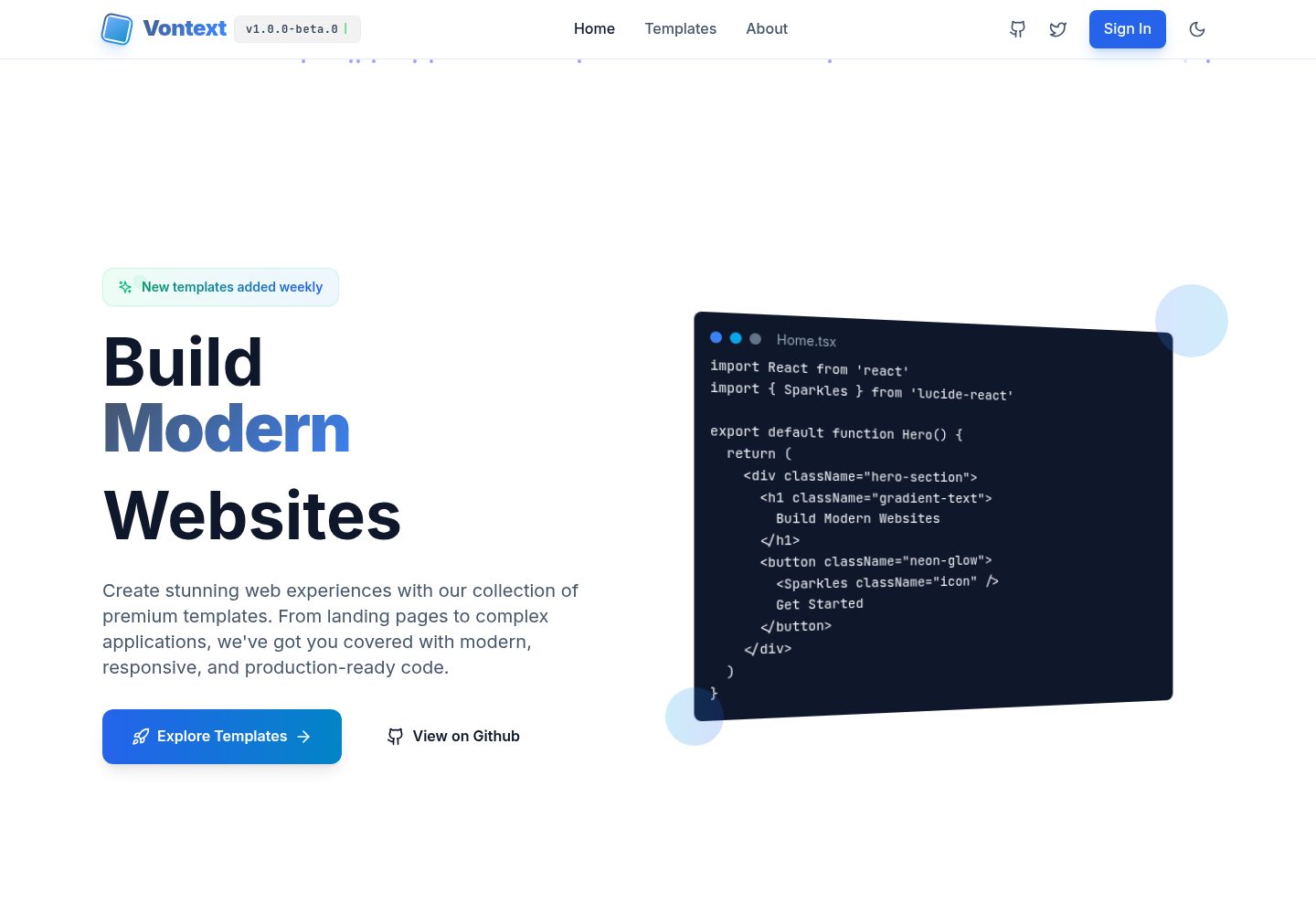
free.website.templates
Free OpenSource Website Page Templates Collection by Vontext: Vite + React + TypeScript + TailwindCSS
Vite · 后台