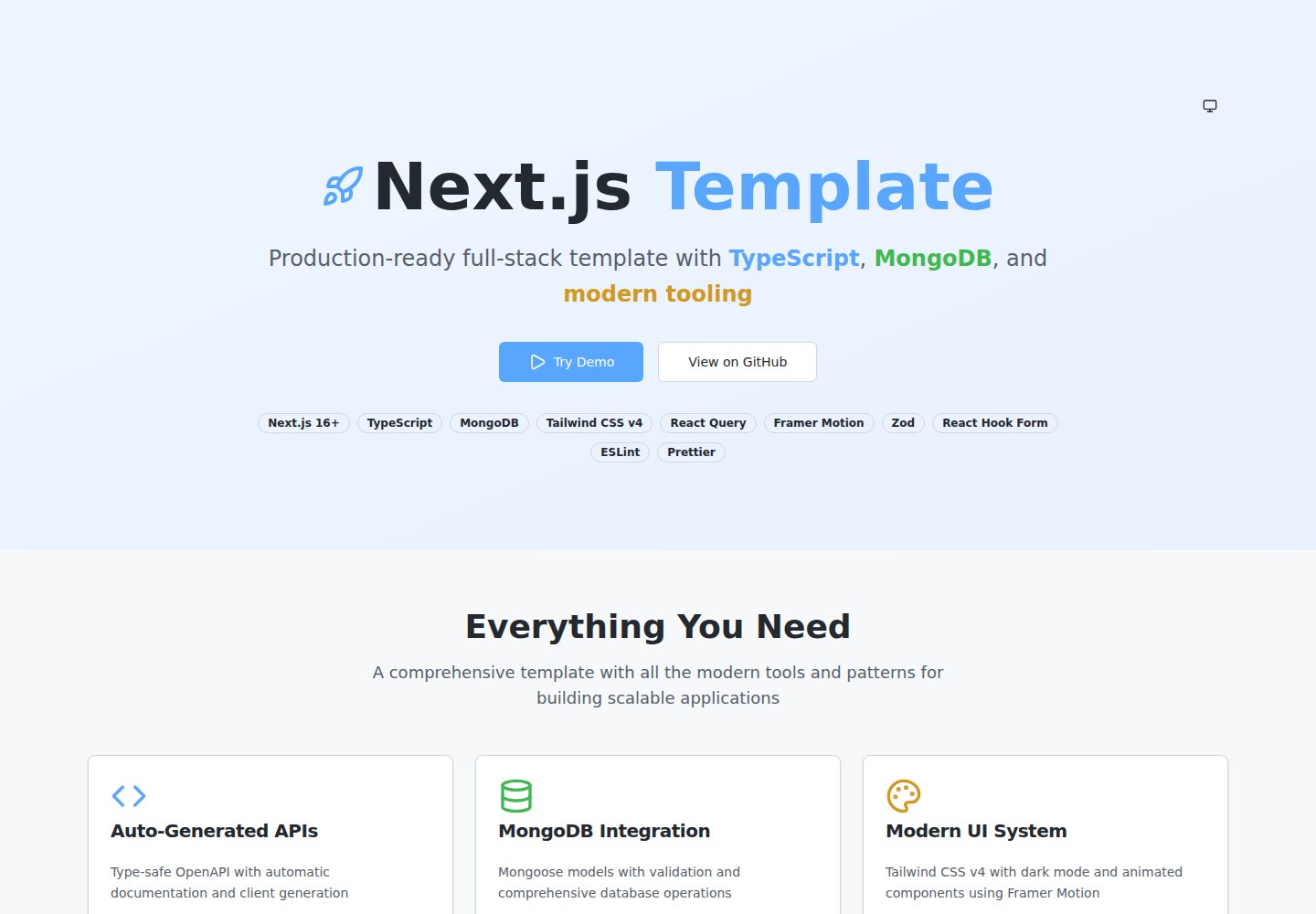
Define request and response schemas based on Zod, and register OpenAPI routes through @asteasolutions/zod-to-openapi
Next.jsReactDocumentation
template-nextjs-ts — Next.js Documentation Template
By YousifAbozid
A full-stack template built on the Next.js App Router and TypeScript, integrating MongoDB/Mongoose, Tailwind CSS, Zod, React Query, and Orval; it defines APIs through Zod and automatically generates OpenAPI documentation and a type-safe React Query SDK.
Explore the design
Compare the page layouts and mobile experience. Open any screenshot for a closer look.
Desktop homepage1 / 2
Desktop captureTop of page
Actual screenshot captured by the server browser.
All pages & views 2
Screenshots show visual appearance; interactive behavior may differ.
Recorded 2026-10-14View source
What stands out
A quick read of the recorded project description.
After running npm run api:generate and npm run api:sdk, automatically generate the OpenAPI specification and Orval-driven React Query hooks
Provides Swagger UI at /api/docs and a specification endpoint at /api/openapi.json, as well as a health check at /api/health
Integrates MongoDB and Mongoose, uses the withDatabase middleware to handle database connections, and includes connection caching
The frontend includes Tailwind CSS components, dark mode, Framer Motion animations, react-hook-form with Zod form validation, and a Toast context
Provides api:watch and api:dev scripts to watch and regenerate OpenAPI and the SDK during development
Template Details
This template targets Next.js projects that need to build both frontend pages and backend APIs. The README states that it uses the Next.js App Router, TypeScript, MongoDB (Mongoose ODM), Tailwind CSS, Framer Motion, react-hook-form, and Zod, and provides a Zod-based OpenAPI registration mechanism: under app/api, organize schema.ts, openapi.ts, and route.ts by route directory, run npm run api:generate to generate the OpenAPI specification, run npm run api:sdk to generate React Query hooks via Orval, with Swagger UI at /api/docs and the specification file at /api/openapi.json. Database connections are wrapped by the withDatabase middleware, models are placed under lib/api/models, and the README mentions connection caching to suit serverless environments. The frontend includes UI components, dark mode, a Toast context, and React Query configuration. Installation steps require Node.js 18+, a MongoDB instance, and configuration of environment variables such as MONGODB_URI, API_TITLE, API_VERSION, and API_DESCRIPTION. The README does not describe a testing framework, CI/CD, deployment platform configuration, an authentication solution, or a data migration approach.
Next.jsReactDocumentation
Is it right for your project?
Use Cases
- Next.js projects that need to organize API code by route directory and keep interface documentation and frontend calling code updated in sync
- Teams that want to use Zod for both request validation and OpenAPI metadata definition, avoiding hand-written interface documentation
- Applications that use MongoDB as data storage and want to organize the data access layer with Mongoose models plus middleware
- Frontend development that needs React Query to manage server state and wants generated hooks to call backend APIs directly
Suitable For
- Developers familiar with the Next.js App Router and TypeScript who plan to extend API routes themselves
- Those who need a full-stack project starting point that includes frontend components, form validation, and an API documentation generation workflow
- Teams using MongoDB that accept the Mongoose ODM
- Projects that want to maintain the OpenAPI specification through functional registration rather than relying on class decorators
Getting started & customization
Use these recorded setup notes alongside the repository instructions for your chosen version.
- 1
Environment requirements: Node.js 18+, a MongoDB Atlas account or a local MongoDB instance, and npm or yarn
- 2
After cloning the repository, run npm install, copy .env.example to .env, and fill in MONGODB_URI, API_TITLE, API_VERSION, and API_DESCRIPTION
- 3
Before the first run, execute npm run api:generate and npm run api:sdk to generate the OpenAPI specification and SDK
- 4
Use npm run dev to start the development server; npm run build includes the OpenAPI and SDK generation steps at build time
- 5
When adding an API route, you must import the openapi.ts in the same directory within route.ts to complete registration; otherwise it will not appear in the documentation or SDK
License & source material
Usage conditions & limitations
Free to use · keep license noticeThis entry covers the free version under the MIT license in a public repository; the free scope is the code of this version and does not mean that external services or third-party assets are free.
Must comply with when using
- Permits free use, modification, commercial use, and distribution of this version's code.
- When distributing copies or substantial portions of the code, retain the original author's copyright notice and the complete MIT license notice.
- The code is provided as is; warranties and limitations of liability are governed by the original license and applicable law.
Additional costs & items to verify
- Demo images, fonts, icons, and other third-party assets must be checked against their respective licenses and cannot be judged solely by the code's MIT license.
- External services such as domains, hosting, databases, payments, or AI may incur separate charges.
- Before use, a MongoDB Atlas account or a local MongoDB instance must be prepared, which is an external service dependency.
- You must edit .env yourself and fill in environment variables such as the MongoDB connection string before it can run.
- A MONGODB_URI connection string (including username, password, and cluster address) must be provided to connect to the database.
- When adding an API route, you must import the openapi.ts in the same directory within route.ts; otherwise the route will not appear in the documentation or SDK.
View Original Text Basis
Permission is hereby granted, free of charge
Original License Text
- MongoDB Atlas account or local MongoDB instance
Original README
# Edit .env with your MongoDB connection string
Original README
MONGODB_URI=mongodb+srv://username:[email protected]/database
Original README
https://github.com/YousifAbozid/template-nextjs-ts/blob/source/LICENSEhttps://github.com/YousifAbozid/template-nextjs-ts/blob/source/README.mdimport './openapi'; // ⚠️ CRITICAL: Import to register OpenAPI routes
Original README
Compiled by DeepSeek based on repository license and README ·2026-10-14. Results only cover the materials read; dependencies, images, fonts, and subsequent term changes are subject to their respective original texts.
Project checks & description sources
Template Information
- Source platforms
- GitHub
- Documentation and maintenance reference score
- More documented · 88 / 100
- Technologies
- Next.js · React
- Website type
- Documentation
How this score is calculated
Our heuristic uses license records (up to 30), a demo link (12), a preview (10), stars (15), recorded maintenance (15), description completeness (8), feature records (5) and classification data (5). It is not a code, security or performance test, or a Google score. A link does not establish tested functionality.
What to verify for this project
- Repository update recorded
- 2026-04-25
- Screenshot last checked
- 2026-10-14
A demo link is listed. Check it with your own content and viewport sizes; its presence does not confirm that forms, authentication or payments work.
The catalog identifies Next.js as the primary stack. Check the actual dependency manifest and lockfile for versions and hosting requirements. These notes use recorded metadata, not a code audit or a deployment test.
Use a selection guide →How this description was prepared
AI-assisted description based on catalog records and repository material. Repository authors are not automatically the reviewers of this description.
Review declaration: codex-user-requested-batch-review-20261017 · 2026-10-16
Inspect the recorded source material
SHA-256: b2571bd4ad6b8b356af679f62e90034e14fea4756856a7d72941f6f41c0f50eb
2026-10-14T07:22:50.084Z
Source file / repository# 🚀 Next.js Full-Stack Template A production-ready Next.js 16+ full-stack template with TypeScript, MongoDB, Tailwind CSS v4, and comprehensive tooling. Features auto-generated OpenAPI documentation, type-safe API client, React Query integration, dark mode support, custom UI components with Framer Motion, form validation with Zod, and complete developer experience. ## ✨ Features ### 🎯 **Dynamic OpenAPI System** - **Zod-Based Schemas**: Use Zod for validation with built-in OpenAPI metadata - **Functional Registry**: Declarative route registration with `@asteasolutions/zod-to-openapi` - **Type-Safe SDK**: Auto-generated React Query hooks with Orval - **Zero Decorators**: Clean, functional patterns without class decorators - **Live Documentation**: Interactive Swagger UI at `/api/docs` - **Full Type Safety**: End-to-end TypeScript with Zod inference ### 🗃️ **MongoDB Integration** - **Mongoose ODM**: Full MongoDB integration with schema validation - **Connection Caching**: Optimized for serverless environments - **Middleware Pattern**: `withDatabase` wrapper for seamless DB connections - **Model Organization**: Clean separation of concerns with organized models ### 🎨 **Frontend Components** - **Modern UI Library**: Comprehensive component system with Tailwind CSS v4 - **Dark Mode Support**: Built-in theme switching with CSS custom properties - **Framer Motion**: Smooth animations and page transitions - **Form Validation**: Type-safe forms with react-hook-form + Zod - **State Management**: React Query for server state, React hooks for client state ### 🔧 **Developer Experience** - **Hot Reload**: Watch mode for automatic OpenAPI regeneration - **Type Safety**: Full TypeScript support with strict type checking - **Route-Centric**: Co-located types and endpoints for better maintainability - **Modern Stack**: Next.js 16+ App Router with ES modules ## 🚀 Quick Start ### Prerequisites - Node.js 18+ - MongoDB Atlas account or local MongoDB instance - npm or yarn ### Installation ```bash # Clone the template git clone https://github.com/YousifAbozid/template-nextjs-ts.git cd template-nextjs-ts # Install dependencies npm install # Setup environment cp .env.example .env # Edit .env with your MongoDB connection string # Generate API documentation and SDK npm run api:generate npm run api:sdk # Start development server npm run dev ``` ### Environment Variables ```bash # .env MONGODB_URI=mongodb+srv://username:[email protected]/database API_TITLE="Your API Title" API_VERSION="1.0.0" API_DESCRIPTION="Your API Description" ``` ## 📁 Project Structure ``` app/ ├── api/ # 🟢 API Routes (You modify these) │ ├── users/ │ │ ├── route.ts # API endpoints (GET, POST, etc.) │ │ ├── schema.ts # Zod schemas for validation + OpenAPI │ │ └── openapi.ts # OpenAPI route registration │ ├── health/ # Health check endpoint │ ├── docs/ # Swagger UI documentation │ └── openapi.json/ # OpenAPI specification endpoint ├── components/ # 🟢 React components │ ├── ui/ # Base UI components (Button, Card, etc.) │ └── shared/ # Shared business components ├── context/ # 🟢 React context providers │ ├── Providers.tsx # App-level providers │ ├── ThemeProvider.tsx # Dark/light mode │ └── ToastContext.tsx # Toast notifications ├── lib/ # Shared utilities and business logic │ ├── api/ │ │ ├── database/ # 🟢 Database connection utilities │ │ ├── middleware/ # 🟢 Custom middleware │ │ ├── models/ # 🟢 Mongoose models │ │ ├── openapi/ # 🟢 OpenAPI registry and helpers │ │ ├── config.ts # 🟡 API configuration │ │ └── sdk-mutator.ts # 🟡 Orval custom fetch instance │ └── network/ # 🟢 React Query configuration ├── layout.tsx # Root layout with providers ├── page.tsx # Landing page with component showcase └── globals.css # Global styles with CSS custom properties ``` **Legend**: 🟢 Safe to modify | 🟡 Modify carefully | 🔴 Auto-generated (don't touch) ## 🎯 Adding New API Routes ### 1. Create Route Structure ```bash mkdir app/api/products touch app/api/products/route.ts app/api/products/schema.ts app/api/products/openapi.ts ``` ### 2. Define Schemas (`schema.ts`) ```typescript import { z } from 'zod'; import { extendZodWithOpenApi } from '@asteasolutions/zod-to-openapi'; extendZodWithOpenApi(z); export const CreateProductRequestSchema = z .object({ name: z .string() .min(1) .openapi({ description: 'Product name', example: 'Widget' }), price: z .number() .min(0) .openapi({ description: 'Price in USD', example: 29.99 }), category: z .string() .openapi({ description: 'Product category', example: 'Electronics' }), description: z .string() .optional() .openapi({ description: 'Product description' }) }) .openapi('CreateProductRequest'); export const ProductSchema = z .object({ _id: z.string().openapi({ example: '507f1f77bcf86cd799439011' }), name: z.string(), price: z.number(), category: z.string(), description: z.string().optional(), createdAt: z.coerce.date(), updatedAt: z.coerce.date() }) .openapi('Product'); export type CreateProductRequest = z.infer<typeof CreateProductRequestSchema>; export type Product = z.infer<typeof ProductSchema>; ``` ### 3. Register OpenAPI Routes (`openapi.ts`) ```typescript import { registry, createRouteConfig, createListResponse } from '@/lib/api/openapi'; import { CreateProductRequestSchema, ProductSchema } from './schema'; // GET /api/products registry.registerPath( createRouteConfig({ method: 'get', path: '/api/products', tags: ['Products'], summary: 'Get all products', responses: { 200: { description: 'List of products', content: { 'application/json': { schema: createListResponse(ProductSchema) } } } } }) ); // POST /api/products registry.registerPath( createRouteConfig({ method: 'post', path: '/api/products', tags: ['Products'], summary: 'Create a new product', request: { body: { content: { 'application/json': { schema: CreateProductRequestSchema } } } }, responses: { 201: { description: 'Product created successfully', content: { 'application/json': { schema: z.object({ success: z.literal(true), data: ProductSchema, message: z.string() }) } } } } }) ); ``` ### 4. Create Route Handler (`route.ts`) ```typescript import { NextRequest, NextResponse } from 'next/server'; import { withDatabase } from '@/lib/api/middleware'; import { Product } from '@/lib/api/models'; import { CreateProductRequestSchema } from './schema'; import './openapi'; // ⚠️ CRITICAL: Import to register OpenAPI routes export const GET = withDatabase(async () => { const products = await Product.find().sort({ createdAt: -1 }); return NextResponse.json({ success: true, data: products, count: products.length }); }); export const POST = withDatabase(async (req: NextRequest) => { try { const body = await req.json(); // Validate with Zod const validationResult = CreateProductRequestSchema.safeParse(body); if (!validationResult.success) { return NextResponse.json( { success: false, error: validationResult.error.errors[0].message }, { status: 400 } ); } const product = new Product(validationResult.data); const savedProduct = await product.save(); return NextResponse.json( { success: true, data: savedProduct, message: 'Product created successfully' }, { status: 201 } ); } catch (error) { console.error('Create product error:', error); return NextResponse.json( { success: false, error: 'Failed to create product' }, { status: 500 } ); } }); ``` ### 5. Create Database Model (`app/lib/api/models/Product.ts`) ```typescript import mongoose, { Schema, Document } from 'mongoose'; export interface IProduct extends Document { name: string; price: number; category: string; description?: string; createdAt: Date; updatedAt: Date; } const ProductSchema: Schema<IProduct> = new Schema( { name: { type: String, required: true, trim: true }, price: { type: Number, required: true, min: 0 }, category: { type: String, required: true, trim: true }, description: { type: String, trim: true } }, { timestamps: true } ); export const Product = mongoose.models.Product || mongoose.model<IProduct>('Product', ProductSchema); ``` ### 6. Generate Documentation and SDK ```bash npm run api:generate # Generate OpenAPI spec npm run api:sdk # Generate React Query SDK ``` **Result**: Your new route automatically appears in: - OpenAPI spec at `/api/openapi.json` - Interactive docs at `/api/docs` - Generated React Query hooks in `sdk/index.ts` ## 🎨 Frontend Development ### Using UI Components ```typescript import { Button } from '@/components/ui/Button'; import { Card, CardContent, CardHeader, CardTitle } from '@/components/ui/Card'; import { useToast } from '@/context/ToastContext'; export function ExampleComponent() { const { showToast } = useToast(); return ( <Card> <CardHeader> <CardTitle>Example Component</CardTitle> </CardHeader> <CardContent> <Button onClick={() => showToast('Success!', 'success')} variant="default" > Click me </Button> </CardContent> </Card> ); } ``` ### API Integration with Generated SDK ```typescript import { useGetApiUsers, usePostApiUsers } from 'sdk'; // Using auto-generated React Query hooks export function UsersList() { const { data: response, isLoading } = useGetApiUsers(); const createUser = usePostApiUsers(); if (isLoading) return <div>Loading...</div>; return ( <div> {response?.data?.map(user => ( <div key={user._id}>{user.name}</div> ))} <button onClick={() => createUser.mutate({ data: { name: 'John', email: '[email protected]' } })} > Add User </button> </div> ); } ``` ## 🔧 Available Scripts ```bash npm run dev # Start development server npm run build # Build for production (includes OpenAPI + SDK generation) npm run start # Start production server npm run api:generate # Generate OpenAPI spec from route definitions npm run api:sdk # Generate React Query SDK with Orval npm run api:watch # Watch mode: OpenAPI + SDK auto-regeneration npm run api:dev # Start dev server + watch OpenAPI + SDK npm run type-check # TypeScript type checking npm run lint # ESLint npm run lint:fix # ESLint with auto-fix npm run format # Prettier formatting npm run test # Run all checks (format, lint, type-check) ``` ## 📖 API Documentation Once running, access your documentation and app: - **Frontend App**: [http://localhost:3000](http://localhost:3000) (Landing page with component showcase) - **Interactive Docs**: [http://localhost:3000/api/docs](http://localhost:3000/api/docs) - **OpenAPI Spec**: [http://localhost:3000/api/openapi.json](http://localhost:3000/api/openapi.json) - **Health Check**: [http://localhost:3000/api/health](http://localhost:3000/api/health) ## 🔄 Auto-Generation Workflow The system uses a two-step generation process: 1. **OpenAPI Generation**: Imports all `openapi.ts` files to build the OpenAPI spec 2. **SDK Generation**: Uses Orval to generate React Query hooks from the spec ### How It Works: 1. Define **Zod schemas** in `schema.ts` with `.openapi()` metadata 2. Register routes in `openapi.ts` using `registry.registerPath()` 3. Import `'./openapi'` in `route.ts` to trigger registration 4. Run `npm run api:generate` to build `openapi.json` 5. Run `npm run api:sdk` to generate React Query hooks in `sdk/` ### Generated Files (Auto-updated) - `openapi.json` - OpenAPI 3.0 specification (project root) - `sdk/index.ts` - Type-safe React Query hooks and types ## 🛠️ Tech Stack ### Frontend - **Framework**: [Next.js 16+](https://nextjs.org/) (App Router) + [React 19](https://react.dev/) - **Styling**: [Tailwind CSS v4](https://tailwindcss.com/) with CSS custom properties - **Components**: Custom UI library with [Framer Motion](https://www.framer.com/motion/) - **State Management**: [React Query](https://tanstack.com/query) + React hooks - **Forms**: [React Hook Form](https://react-hook-form.com/) + [Zod](https://zod.dev/) - **Icons**: [Lucide React](https://lucide.dev/) ### Backend - **Language**: TypeScript with ES Modules - **Database**: [MongoDB](https://www.mongodb.com/) with [Mongoose](https://mongoosejs.com/) - **Validation**: [Zod](https://zod.dev/) schemas with OpenAPI extensions - **Documentation**: [OpenAPI 3.0](https://spec.openapis.org/oas/v3.0.3) + [Swagger UI](https://swagger.io/tools/swagger-ui/) - **SDK Generation**: [Orval](https://orval.dev/) for React Query hooks - **OpenAPI Tools**: [@asteasolutions/zod-to-openapi](https://github.com/asteasolutions/zod-to-openapi) ### Developer Tools - **Code Quality**: [ESLint](https://eslint.org/) + [Prettier](https://prettier.io/) + [TypeScript](https://www.typescriptlang.org/) - **Git Hooks**: [Husky](https://typicode.github.io/husky/) + [lint-staged](https://github.com/okonet/lint-staged) - **Development**: [Chokidar](https://github.com/paulmillr/chokidar) file watching + [Concurrently](https://github.com/open-cli-tools/concurrently) ## 🚀 Deployment ### Vercel (Recommended) ```bash # Install Vercel CLI npm i -g vercel # Deploy vercel --prod ``` ### Docker ```bash # Build image docker build -t nextjs-backend . # Run container docker run -p 3000:3000 nextjs-backend ``` ### Manual Deployment ```bash # Build for production npm run build # Start production server npm start ``` ## 📚 Additional Resources - **[Backend Development Guide](app/BACKEND_DEVELOPMENT_GUIDE.md)** - Comprehensive backend documentation - **[SDK Usage Examples](SDK_USAGE_EXAMPLES.md)** - Frontend integration with React Query - **[Middleware Guide](MIDDLEWARE_GUIDE.md)** - Understanding Next.js proxy vs route middleware - **[GitHub Copilot Instructions](.github/copilot-instructions.md)** - AI coding assistant setup ## 🤝 Contributing 1. Fork the repository 2. Create your feature branch (`git checkout -b feature/amazing-feature`) 3. Commit your changes (`git commit -m 'Add some amazing feature'`) 4. Push to the branch (`git push origin feature/amazing-feature`) 5. Open a Pull Request ## 📄 License This project is licensed under the MIT License - see the [LICENSE](LICENSE) file for details. ## 🙏 Acknowledgments - [Next.js](https://nextjs.org/) team for the amazing framework - [Mongoose](https://mongoosejs.com/) for MongoDB integration - [OpenAPI](https://www.openapis.org/) specification contributors - [Swagger](https://swagger.io/) for API documentation tools --- **Built with ❤️ by [Yousif Abozid](https://github.com/YousifAbozid)**
Explore similar templates
Compare previews and descriptions within the same stack and category.

nextjs-prisma-boilerplate
A production-grade full stack starter built on Next.js 12, React 18, Prisma 4, and Postgres, with layered frontend and backend architecture, Jest and Cypress testing, next-auth authentication, Docker and Gitpod development environments, GitHub Actions CI/CD, and Traefik-based production deployment.
Next.js · Documentation

rubix-documents
A Next.js and React documentation site starter template for product docs, technical manuals and knowledge bases.
Next.js · Documentation
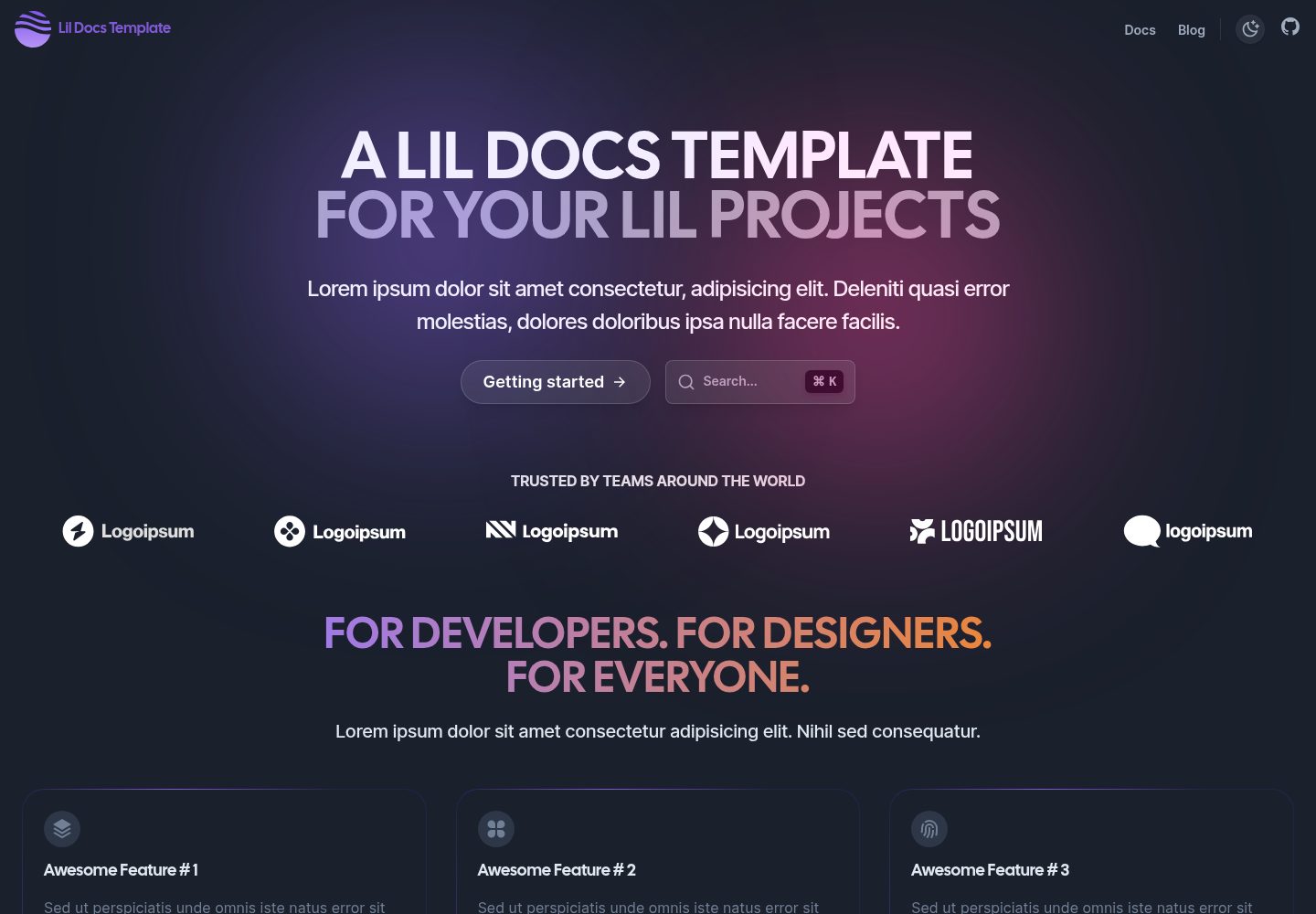
lil-docs-template
A lightweight documentation site template for small projects, built with Next.js, TypeScript, Chakra UI, and ContentLayer. It supports MDX content, light/dark mode, and SEO configuration, and offers a one-click Vercel deploy.
Next.js · Documentation
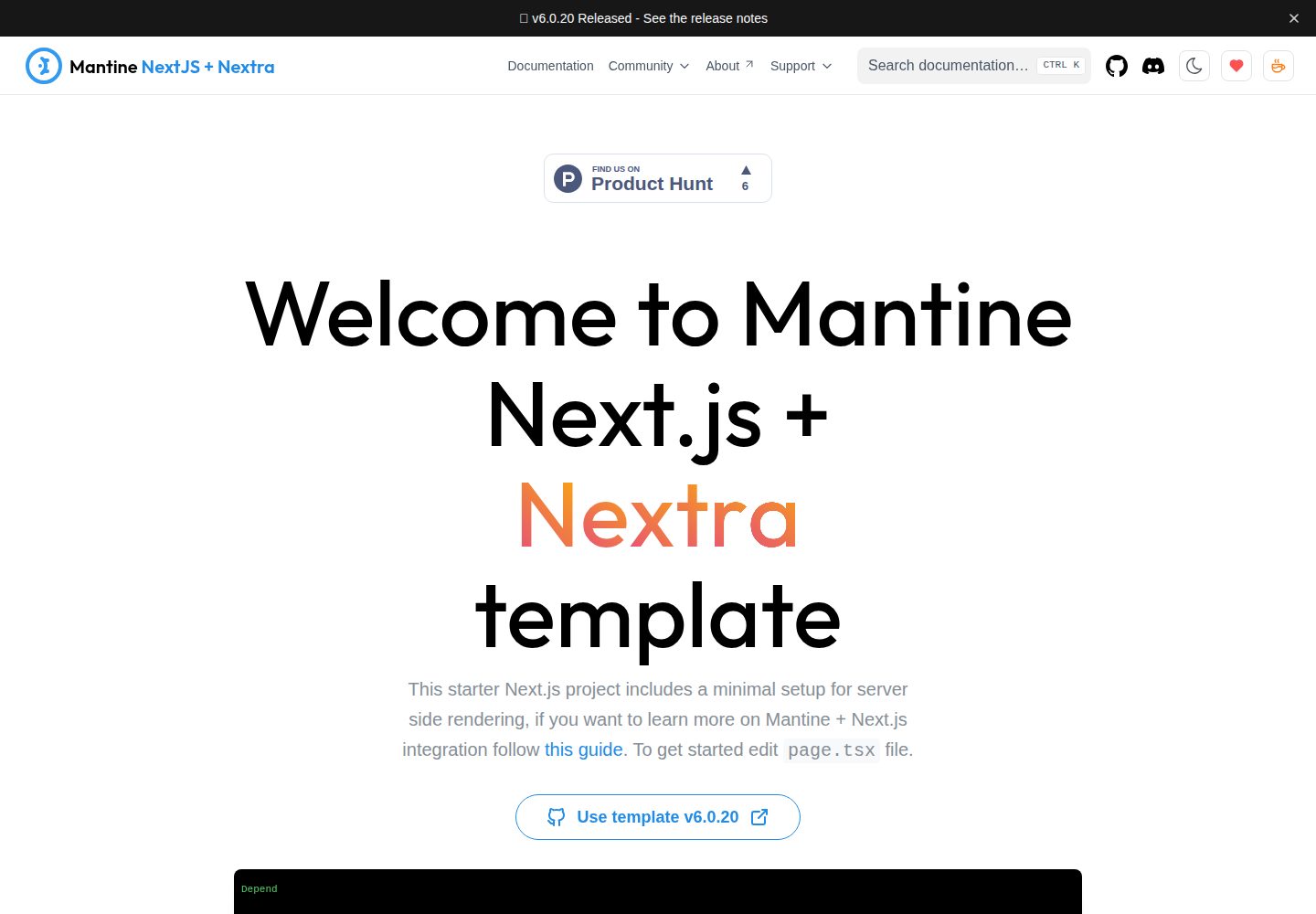
next-app-nextra-template
A documentation site template combining Next.js App Router, Mantine, and Nextra in one project, with synchronized dark mode, Pagefind search, Storybook, Jest, and GitHub Release Notes integration. Suitable for teams maintaining both a product application and its documentation.
Next.js · Documentation
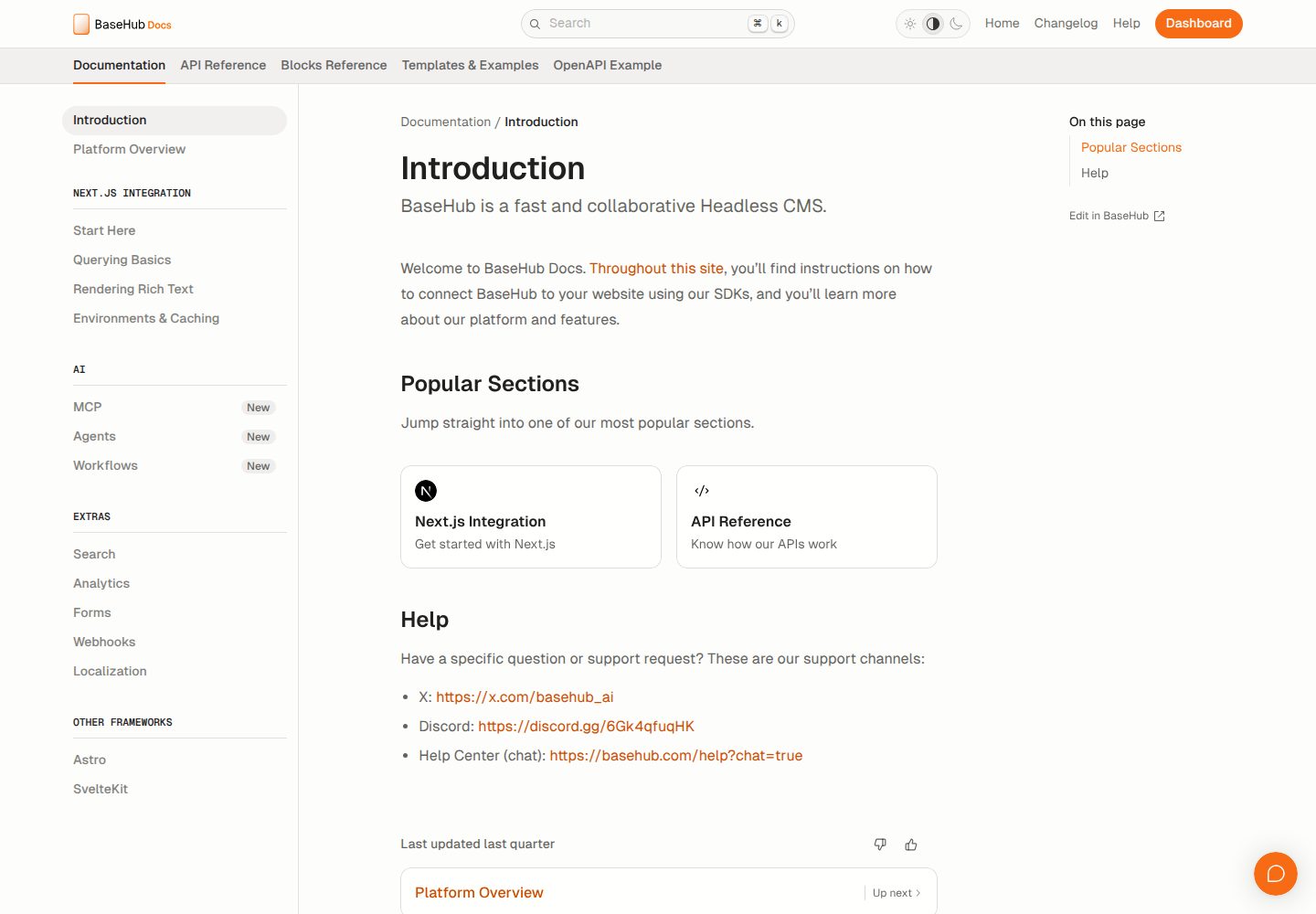
docs-template
A documentation website template built with Next.js, Radix Themes, and BaseHub. Content is edited in BaseHub, so documentation can be maintained without code changes.
Next.js · Documentation
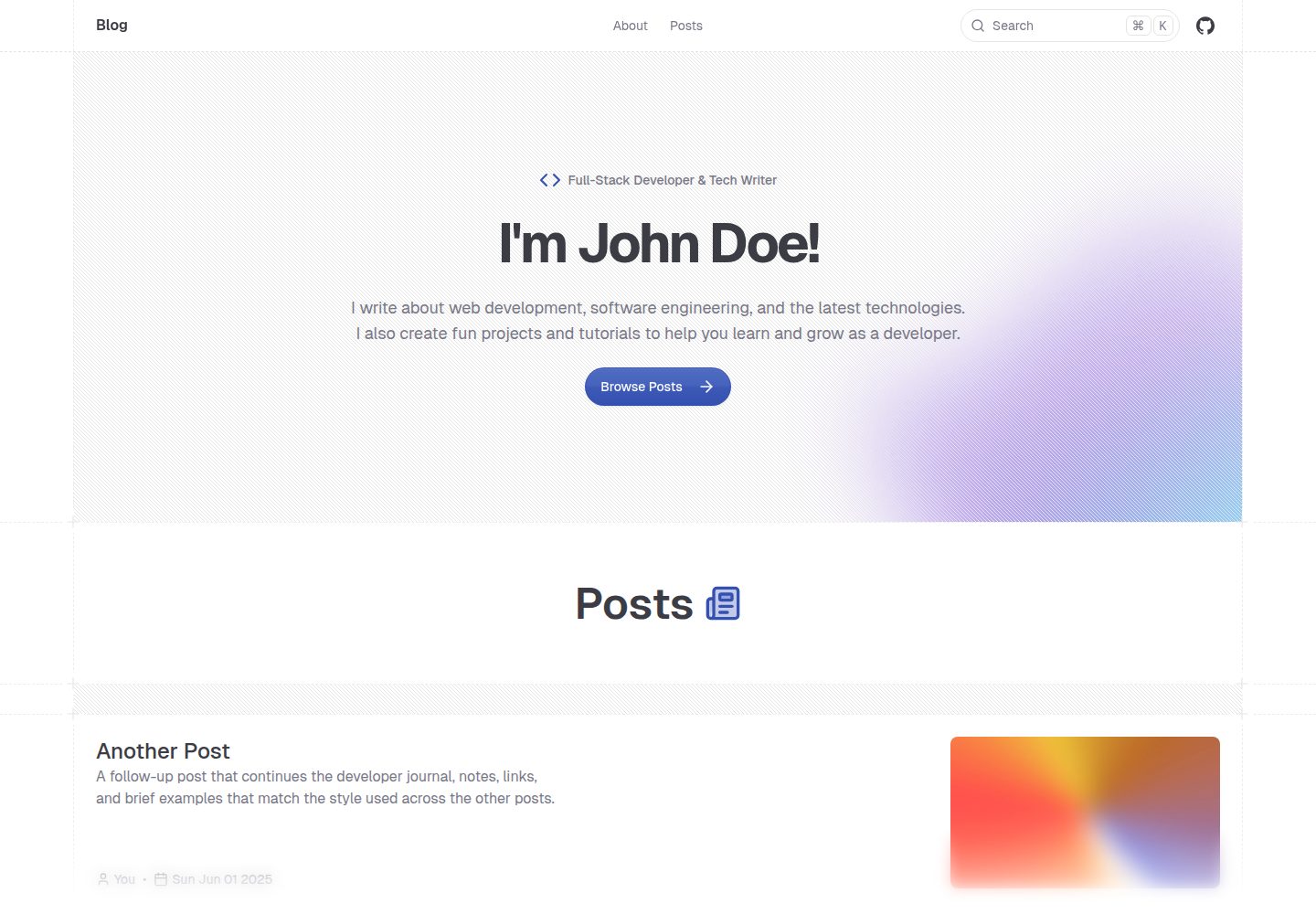
shadcn-blog
A Next.js 15 blog template that renders MDX articles from content/blog/ with Fumadocs, built on shadcn/ui and Tailwind CSS.
Next.js · Blog