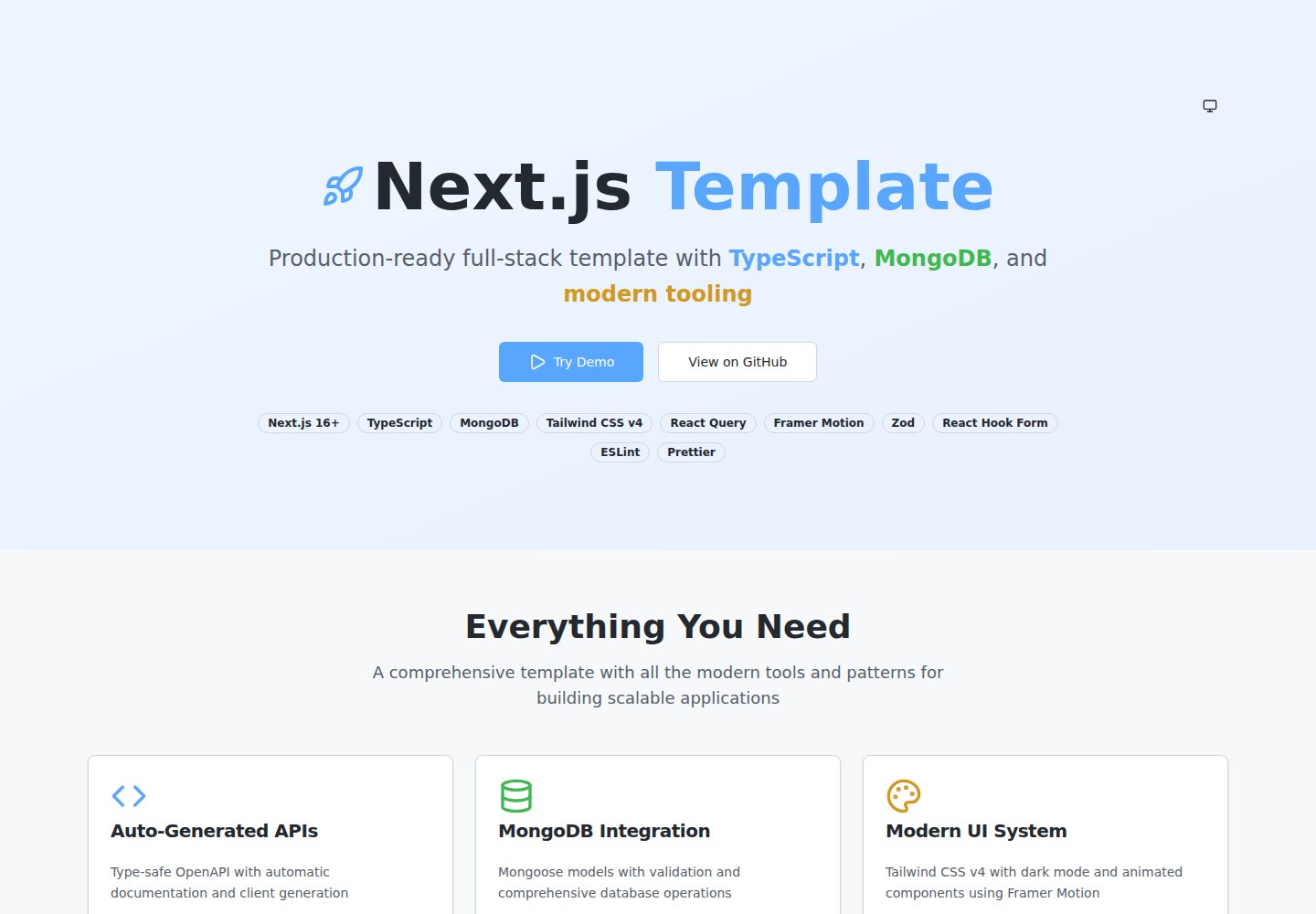
基于 Zod 定义请求与响应 schema,并通过 @asteasolutions/zod-to-openapi 注册 OpenAPI 路由
Next.jsReact文档
template-nextjs-ts — Next.js 文档模板
作者 YousifAbozid
一个基于 Next.js App Router 与 TypeScript 的全栈模板,集成 MongoDB/Mongoose、Tailwind CSS、Zod、React Query 与 Orval,通过 Zod 定义接口并自动生成 OpenAPI 文档与类型安全的 React Query SDK。
看看你的网站会是什么样
浏览真实页面截图,比较内容排版与手机效果。点击下方缩略图切换,放大查看整页细节。
全部页面与视图 2
截图用于了解视觉与布局,交互效果请以实际项目为准。
采集于 2026-10-14查看来源
值得关注的模板亮点
从已有项目资料中,快速了解它的特点。
运行 npm run api:generate 与 npm run api:sdk 后,自动生成 OpenAPI 规范与 Orval 驱动的 React Query hooks
提供 /api/docs 的 Swagger UI 与 /api/openapi.json 规范端点,以及 /api/health 健康检查
集成 MongoDB 与 Mongoose,使用 withDatabase 中间件处理数据库连接,并包含连接缓存
前端包含 Tailwind CSS 组件、暗色模式、Framer Motion 动画、react-hook-form 与 Zod 表单校验、Toast 上下文
提供 api:watch 与 api:dev 脚本,在开发时监听并重新生成 OpenAPI 与 SDK
模板详细介绍
该模板面向需要同时搭建前端页面与后端 API 的 Next.js 项目。README 说明其使用 Next.js App Router、TypeScript、MongoDB(Mongoose ODM)、Tailwind CSS、Framer Motion、react-hook-form 与 Zod,并提供基于 Zod 的 OpenAPI 注册机制:在 app/api 下按路由目录组织 schema.ts、openapi.ts 与 route.ts,运行 npm run api:generate 生成 OpenAPI 规范,npm run api:sdk 通过 Orval 生成 React Query hooks,Swagger UI 位于 /api/docs,规范文件位于 /api/openapi.json。数据库连接通过 withDatabase 中间件包装,模型放在 lib/api/models 下,README 提到连接缓存以适配 serverless 环境。前端部分包含 UI 组件、暗色模式、Toast 上下文与 React Query 配置。安装步骤要求 Node.js 18+、MongoDB 实例,并配置 MONGODB_URI、API_TITLE、API_VERSION、API_DESCRIPTION 等环境变量。README 未说明测试框架、CI/CD、部署平台配置、鉴权方案或数据迁移方式。
Next.jsReact文档
适合你的项目吗?
适用场景
- 需要按路由目录组织 API 代码,并让接口文档与前端调用代码同步更新的 Next.js 项目
- 希望用 Zod 同时完成请求校验与 OpenAPI 元数据定义,避免手写接口文档的团队
- 使用 MongoDB 作为数据存储,并希望以 Mongoose 模型加中间件方式组织数据访问层的应用
- 需要 React Query 管理服务端状态,并希望由生成的 hooks 直接调用后端接口的前端开发
适合人群
- 熟悉 Next.js App Router 与 TypeScript,并计划自行扩展 API 路由的开发者
- 需要一套包含前端组件、表单校验与 API 文档生成流程的全栈项目起点
- 使用 MongoDB 并接受 Mongoose ODM 的团队
- 希望以函数式注册方式维护 OpenAPI 规范,而非依赖类装饰器的项目
上手与定制指南
结合仓库当前版本的说明,按下面的资料检查内容、配置与运行要求。
- 1
环境要求:Node.js 18+、MongoDB Atlas 账户或本地 MongoDB 实例、npm 或 yarn
- 2
克隆仓库后执行 npm install,复制 .env.example 为 .env 并填写 MONGODB_URI、API_TITLE、API_VERSION、API_DESCRIPTION
- 3
首次运行前执行 npm run api:generate 与 npm run api:sdk 生成 OpenAPI 规范与 SDK
- 4
使用 npm run dev 启动开发服务器;npm run build 会在构建时包含 OpenAPI 与 SDK 生成步骤
- 5
新增 API 路由时需在 route.ts 中导入同目录的 openapi.ts 以完成注册,否则不会出现在文档与 SDK 中
授权与来源资料
使用条件与限制
免费使用 · 保留许可声明本次收录的是公开仓库中采用 MIT 许可的免费版本;免费范围为该版本代码,不代表外部服务或第三方素材免费。
使用时需要遵守
- 允许免费使用、修改、商用和分发该版本代码。
- 分发代码副本或实质性部分时,保留原作者版权声明和完整 MIT 许可声明。
- 代码按现状提供;担保与责任限制以原许可证及适用法律为准。
额外费用与待核对事项
- 演示图片、字体、图标及其他第三方素材需按各自许可核对,不能仅凭代码的 MIT 许可判断。
- 域名、托管、数据库、支付或 AI 等外部服务可能另外收费。
- 使用前需要准备 MongoDB Atlas 账户或本地 MongoDB 实例,属于外部服务依赖。
- 需要自行编辑 .env 并填写 MongoDB 连接字符串等环境变量后才能运行。
- 必须提供 MONGODB_URI 连接字符串(含用户名、密码、集群地址)才能连接数据库。
- 新增 API 路由时必须在 route.ts 中导入同目录的 openapi.ts,否则该路由不会出现在文档与 SDK 中。
查看原文依据
Permission is hereby granted, free of charge
许可证原文
- MongoDB Atlas account or local MongoDB instance
README 原文
# Edit .env with your MongoDB connection string
README 原文
MONGODB_URI=mongodb+srv://username:[email protected]/database
README 原文
https://github.com/YousifAbozid/template-nextjs-ts/blob/source/LICENSEhttps://github.com/YousifAbozid/template-nextjs-ts/blob/source/README.mdimport './openapi'; // ⚠️ CRITICAL: Import to register OpenAPI routes
README 原文
DeepSeek 根据仓库许可证和 README 整理 ·2026-10-14。结果仅覆盖已读取资料,依赖、图片、字体及后续条款变更以各自原文为准。
项目核对记录与介绍依据
模板资料
- 来源平台
- GitHub
- 资料与维护参考分
- 资料较完整 · 88 / 100
- 技术栈
- Next.js · React
- 网站类型
- 文档
这个分数如何计算
本站按许可资料(最高30分)、演示链接(12分)、预览图(10分)、Star数(15分)、记录的维护时间(15分)、描述完整度(8分)、功能记录(5分)和分类资料(5分)计算。它不是代码、安全或性能测试,也不是 Google 评分;有链接不代表已实测可用。
这个项目需要核对什么
- 记录的仓库更新时间
- 2026-04-25
- 截图检查日期
- 2026-10-14
已收录演示链接。请用你的内容与屏幕尺寸检查;有演示不代表表单、认证或支付已经可用。
目录记录的主要技术栈是 Next.js。请通过依赖清单和锁文件核对实际版本与托管要求。这些说明基于收录资料,不代表代码审计或部署实测。
查看具体选型方法 →介绍的制作与核对状态
介绍由 AI 辅助整理目录与仓库资料。仓库作者不等于这篇介绍的审核者。
审核声明: codex-user-requested-batch-review-20261017 · 2026-10-16
查看当时使用的来源资料
SHA-256: b2571bd4ad6b8b356af679f62e90034e14fea4756856a7d72941f6f41c0f50eb
2026-10-14T07:22:50.084Z
来源文件 / 仓库# 🚀 Next.js Full-Stack Template A production-ready Next.js 16+ full-stack template with TypeScript, MongoDB, Tailwind CSS v4, and comprehensive tooling. Features auto-generated OpenAPI documentation, type-safe API client, React Query integration, dark mode support, custom UI components with Framer Motion, form validation with Zod, and complete developer experience. ## ✨ Features ### 🎯 **Dynamic OpenAPI System** - **Zod-Based Schemas**: Use Zod for validation with built-in OpenAPI metadata - **Functional Registry**: Declarative route registration with `@asteasolutions/zod-to-openapi` - **Type-Safe SDK**: Auto-generated React Query hooks with Orval - **Zero Decorators**: Clean, functional patterns without class decorators - **Live Documentation**: Interactive Swagger UI at `/api/docs` - **Full Type Safety**: End-to-end TypeScript with Zod inference ### 🗃️ **MongoDB Integration** - **Mongoose ODM**: Full MongoDB integration with schema validation - **Connection Caching**: Optimized for serverless environments - **Middleware Pattern**: `withDatabase` wrapper for seamless DB connections - **Model Organization**: Clean separation of concerns with organized models ### 🎨 **Frontend Components** - **Modern UI Library**: Comprehensive component system with Tailwind CSS v4 - **Dark Mode Support**: Built-in theme switching with CSS custom properties - **Framer Motion**: Smooth animations and page transitions - **Form Validation**: Type-safe forms with react-hook-form + Zod - **State Management**: React Query for server state, React hooks for client state ### 🔧 **Developer Experience** - **Hot Reload**: Watch mode for automatic OpenAPI regeneration - **Type Safety**: Full TypeScript support with strict type checking - **Route-Centric**: Co-located types and endpoints for better maintainability - **Modern Stack**: Next.js 16+ App Router with ES modules ## 🚀 Quick Start ### Prerequisites - Node.js 18+ - MongoDB Atlas account or local MongoDB instance - npm or yarn ### Installation ```bash # Clone the template git clone https://github.com/YousifAbozid/template-nextjs-ts.git cd template-nextjs-ts # Install dependencies npm install # Setup environment cp .env.example .env # Edit .env with your MongoDB connection string # Generate API documentation and SDK npm run api:generate npm run api:sdk # Start development server npm run dev ``` ### Environment Variables ```bash # .env MONGODB_URI=mongodb+srv://username:[email protected]/database API_TITLE="Your API Title" API_VERSION="1.0.0" API_DESCRIPTION="Your API Description" ``` ## 📁 Project Structure ``` app/ ├── api/ # 🟢 API Routes (You modify these) │ ├── users/ │ │ ├── route.ts # API endpoints (GET, POST, etc.) │ │ ├── schema.ts # Zod schemas for validation + OpenAPI │ │ └── openapi.ts # OpenAPI route registration │ ├── health/ # Health check endpoint │ ├── docs/ # Swagger UI documentation │ └── openapi.json/ # OpenAPI specification endpoint ├── components/ # 🟢 React components │ ├── ui/ # Base UI components (Button, Card, etc.) │ └── shared/ # Shared business components ├── context/ # 🟢 React context providers │ ├── Providers.tsx # App-level providers │ ├── ThemeProvider.tsx # Dark/light mode │ └── ToastContext.tsx # Toast notifications ├── lib/ # Shared utilities and business logic │ ├── api/ │ │ ├── database/ # 🟢 Database connection utilities │ │ ├── middleware/ # 🟢 Custom middleware │ │ ├── models/ # 🟢 Mongoose models │ │ ├── openapi/ # 🟢 OpenAPI registry and helpers │ │ ├── config.ts # 🟡 API configuration │ │ └── sdk-mutator.ts # 🟡 Orval custom fetch instance │ └── network/ # 🟢 React Query configuration ├── layout.tsx # Root layout with providers ├── page.tsx # Landing page with component showcase └── globals.css # Global styles with CSS custom properties ``` **Legend**: 🟢 Safe to modify | 🟡 Modify carefully | 🔴 Auto-generated (don't touch) ## 🎯 Adding New API Routes ### 1. Create Route Structure ```bash mkdir app/api/products touch app/api/products/route.ts app/api/products/schema.ts app/api/products/openapi.ts ``` ### 2. Define Schemas (`schema.ts`) ```typescript import { z } from 'zod'; import { extendZodWithOpenApi } from '@asteasolutions/zod-to-openapi'; extendZodWithOpenApi(z); export const CreateProductRequestSchema = z .object({ name: z .string() .min(1) .openapi({ description: 'Product name', example: 'Widget' }), price: z .number() .min(0) .openapi({ description: 'Price in USD', example: 29.99 }), category: z .string() .openapi({ description: 'Product category', example: 'Electronics' }), description: z .string() .optional() .openapi({ description: 'Product description' }) }) .openapi('CreateProductRequest'); export const ProductSchema = z .object({ _id: z.string().openapi({ example: '507f1f77bcf86cd799439011' }), name: z.string(), price: z.number(), category: z.string(), description: z.string().optional(), createdAt: z.coerce.date(), updatedAt: z.coerce.date() }) .openapi('Product'); export type CreateProductRequest = z.infer<typeof CreateProductRequestSchema>; export type Product = z.infer<typeof ProductSchema>; ``` ### 3. Register OpenAPI Routes (`openapi.ts`) ```typescript import { registry, createRouteConfig, createListResponse } from '@/lib/api/openapi'; import { CreateProductRequestSchema, ProductSchema } from './schema'; // GET /api/products registry.registerPath( createRouteConfig({ method: 'get', path: '/api/products', tags: ['Products'], summary: 'Get all products', responses: { 200: { description: 'List of products', content: { 'application/json': { schema: createListResponse(ProductSchema) } } } } }) ); // POST /api/products registry.registerPath( createRouteConfig({ method: 'post', path: '/api/products', tags: ['Products'], summary: 'Create a new product', request: { body: { content: { 'application/json': { schema: CreateProductRequestSchema } } } }, responses: { 201: { description: 'Product created successfully', content: { 'application/json': { schema: z.object({ success: z.literal(true), data: ProductSchema, message: z.string() }) } } } } }) ); ``` ### 4. Create Route Handler (`route.ts`) ```typescript import { NextRequest, NextResponse } from 'next/server'; import { withDatabase } from '@/lib/api/middleware'; import { Product } from '@/lib/api/models'; import { CreateProductRequestSchema } from './schema'; import './openapi'; // ⚠️ CRITICAL: Import to register OpenAPI routes export const GET = withDatabase(async () => { const products = await Product.find().sort({ createdAt: -1 }); return NextResponse.json({ success: true, data: products, count: products.length }); }); export const POST = withDatabase(async (req: NextRequest) => { try { const body = await req.json(); // Validate with Zod const validationResult = CreateProductRequestSchema.safeParse(body); if (!validationResult.success) { return NextResponse.json( { success: false, error: validationResult.error.errors[0].message }, { status: 400 } ); } const product = new Product(validationResult.data); const savedProduct = await product.save(); return NextResponse.json( { success: true, data: savedProduct, message: 'Product created successfully' }, { status: 201 } ); } catch (error) { console.error('Create product error:', error); return NextResponse.json( { success: false, error: 'Failed to create product' }, { status: 500 } ); } }); ``` ### 5. Create Database Model (`app/lib/api/models/Product.ts`) ```typescript import mongoose, { Schema, Document } from 'mongoose'; export interface IProduct extends Document { name: string; price: number; category: string; description?: string; createdAt: Date; updatedAt: Date; } const ProductSchema: Schema<IProduct> = new Schema( { name: { type: String, required: true, trim: true }, price: { type: Number, required: true, min: 0 }, category: { type: String, required: true, trim: true }, description: { type: String, trim: true } }, { timestamps: true } ); export const Product = mongoose.models.Product || mongoose.model<IProduct>('Product', ProductSchema); ``` ### 6. Generate Documentation and SDK ```bash npm run api:generate # Generate OpenAPI spec npm run api:sdk # Generate React Query SDK ``` **Result**: Your new route automatically appears in: - OpenAPI spec at `/api/openapi.json` - Interactive docs at `/api/docs` - Generated React Query hooks in `sdk/index.ts` ## 🎨 Frontend Development ### Using UI Components ```typescript import { Button } from '@/components/ui/Button'; import { Card, CardContent, CardHeader, CardTitle } from '@/components/ui/Card'; import { useToast } from '@/context/ToastContext'; export function ExampleComponent() { const { showToast } = useToast(); return ( <Card> <CardHeader> <CardTitle>Example Component</CardTitle> </CardHeader> <CardContent> <Button onClick={() => showToast('Success!', 'success')} variant="default" > Click me </Button> </CardContent> </Card> ); } ``` ### API Integration with Generated SDK ```typescript import { useGetApiUsers, usePostApiUsers } from 'sdk'; // Using auto-generated React Query hooks export function UsersList() { const { data: response, isLoading } = useGetApiUsers(); const createUser = usePostApiUsers(); if (isLoading) return <div>Loading...</div>; return ( <div> {response?.data?.map(user => ( <div key={user._id}>{user.name}</div> ))} <button onClick={() => createUser.mutate({ data: { name: 'John', email: '[email protected]' } })} > Add User </button> </div> ); } ``` ## 🔧 Available Scripts ```bash npm run dev # Start development server npm run build # Build for production (includes OpenAPI + SDK generation) npm run start # Start production server npm run api:generate # Generate OpenAPI spec from route definitions npm run api:sdk # Generate React Query SDK with Orval npm run api:watch # Watch mode: OpenAPI + SDK auto-regeneration npm run api:dev # Start dev server + watch OpenAPI + SDK npm run type-check # TypeScript type checking npm run lint # ESLint npm run lint:fix # ESLint with auto-fix npm run format # Prettier formatting npm run test # Run all checks (format, lint, type-check) ``` ## 📖 API Documentation Once running, access your documentation and app: - **Frontend App**: [http://localhost:3000](http://localhost:3000) (Landing page with component showcase) - **Interactive Docs**: [http://localhost:3000/api/docs](http://localhost:3000/api/docs) - **OpenAPI Spec**: [http://localhost:3000/api/openapi.json](http://localhost:3000/api/openapi.json) - **Health Check**: [http://localhost:3000/api/health](http://localhost:3000/api/health) ## 🔄 Auto-Generation Workflow The system uses a two-step generation process: 1. **OpenAPI Generation**: Imports all `openapi.ts` files to build the OpenAPI spec 2. **SDK Generation**: Uses Orval to generate React Query hooks from the spec ### How It Works: 1. Define **Zod schemas** in `schema.ts` with `.openapi()` metadata 2. Register routes in `openapi.ts` using `registry.registerPath()` 3. Import `'./openapi'` in `route.ts` to trigger registration 4. Run `npm run api:generate` to build `openapi.json` 5. Run `npm run api:sdk` to generate React Query hooks in `sdk/` ### Generated Files (Auto-updated) - `openapi.json` - OpenAPI 3.0 specification (project root) - `sdk/index.ts` - Type-safe React Query hooks and types ## 🛠️ Tech Stack ### Frontend - **Framework**: [Next.js 16+](https://nextjs.org/) (App Router) + [React 19](https://react.dev/) - **Styling**: [Tailwind CSS v4](https://tailwindcss.com/) with CSS custom properties - **Components**: Custom UI library with [Framer Motion](https://www.framer.com/motion/) - **State Management**: [React Query](https://tanstack.com/query) + React hooks - **Forms**: [React Hook Form](https://react-hook-form.com/) + [Zod](https://zod.dev/) - **Icons**: [Lucide React](https://lucide.dev/) ### Backend - **Language**: TypeScript with ES Modules - **Database**: [MongoDB](https://www.mongodb.com/) with [Mongoose](https://mongoosejs.com/) - **Validation**: [Zod](https://zod.dev/) schemas with OpenAPI extensions - **Documentation**: [OpenAPI 3.0](https://spec.openapis.org/oas/v3.0.3) + [Swagger UI](https://swagger.io/tools/swagger-ui/) - **SDK Generation**: [Orval](https://orval.dev/) for React Query hooks - **OpenAPI Tools**: [@asteasolutions/zod-to-openapi](https://github.com/asteasolutions/zod-to-openapi) ### Developer Tools - **Code Quality**: [ESLint](https://eslint.org/) + [Prettier](https://prettier.io/) + [TypeScript](https://www.typescriptlang.org/) - **Git Hooks**: [Husky](https://typicode.github.io/husky/) + [lint-staged](https://github.com/okonet/lint-staged) - **Development**: [Chokidar](https://github.com/paulmillr/chokidar) file watching + [Concurrently](https://github.com/open-cli-tools/concurrently) ## 🚀 Deployment ### Vercel (Recommended) ```bash # Install Vercel CLI npm i -g vercel # Deploy vercel --prod ``` ### Docker ```bash # Build image docker build -t nextjs-backend . # Run container docker run -p 3000:3000 nextjs-backend ``` ### Manual Deployment ```bash # Build for production npm run build # Start production server npm start ``` ## 📚 Additional Resources - **[Backend Development Guide](app/BACKEND_DEVELOPMENT_GUIDE.md)** - Comprehensive backend documentation - **[SDK Usage Examples](SDK_USAGE_EXAMPLES.md)** - Frontend integration with React Query - **[Middleware Guide](MIDDLEWARE_GUIDE.md)** - Understanding Next.js proxy vs route middleware - **[GitHub Copilot Instructions](.github/copilot-instructions.md)** - AI coding assistant setup ## 🤝 Contributing 1. Fork the repository 2. Create your feature branch (`git checkout -b feature/amazing-feature`) 3. Commit your changes (`git commit -m 'Add some amazing feature'`) 4. Push to the branch (`git push origin feature/amazing-feature`) 5. Open a Pull Request ## 📄 License This project is licensed under the MIT License - see the [LICENSE](LICENSE) file for details. ## 🙏 Acknowledgments - [Next.js](https://nextjs.org/) team for the amazing framework - [Mongoose](https://mongoosejs.com/) for MongoDB integration - [OpenAPI](https://www.openapis.org/) specification contributors - [Swagger](https://swagger.io/) for API documentation tools --- **Built with ❤️ by [Yousif Abozid](https://github.com/YousifAbozid)**
看看同类模板
对比同技术栈与用途的模板,找到更适合的视觉与内容结构。

nextjs-prisma-boilerplate
nemanjam/nextjs-prisma-boilerplate 是一个面向中小型全栈应用的生产级启动器,围绕 Next.js 12、React 18、Prisma 4 和 Postgres 构建。
Next.js · 文档

rubix-documents
Documents is a powerful and flexible Next.js documentation starter kit designed to simplify the process of cre…
Next.js · 文档
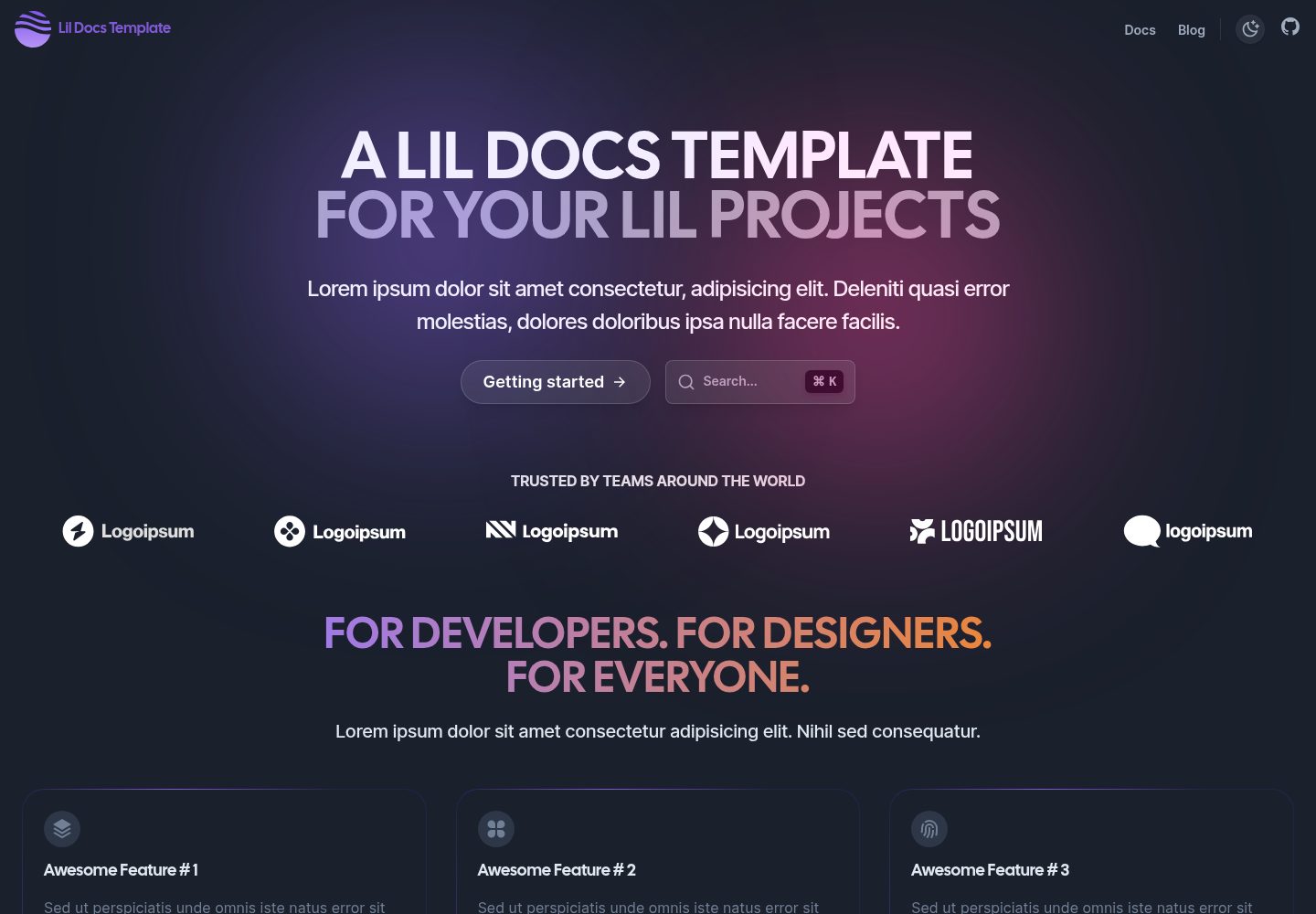
lil-docs-template
A lil docs template for lil projects.
Next.js · 文档
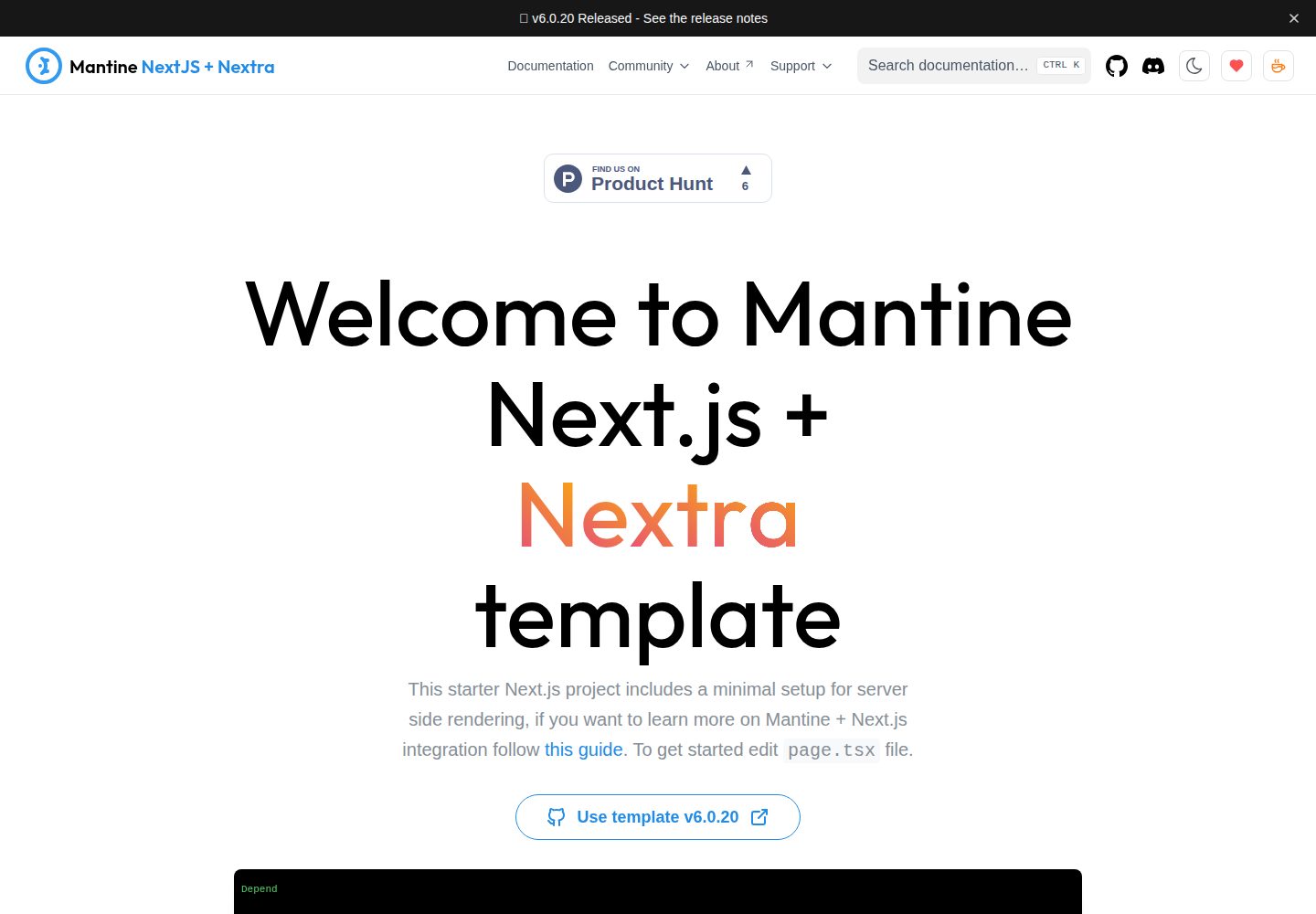
next-app-nextra-template
Template for Next.js 16 app router + Mantine 9 UI + Nextra 4
Next.js · 文档
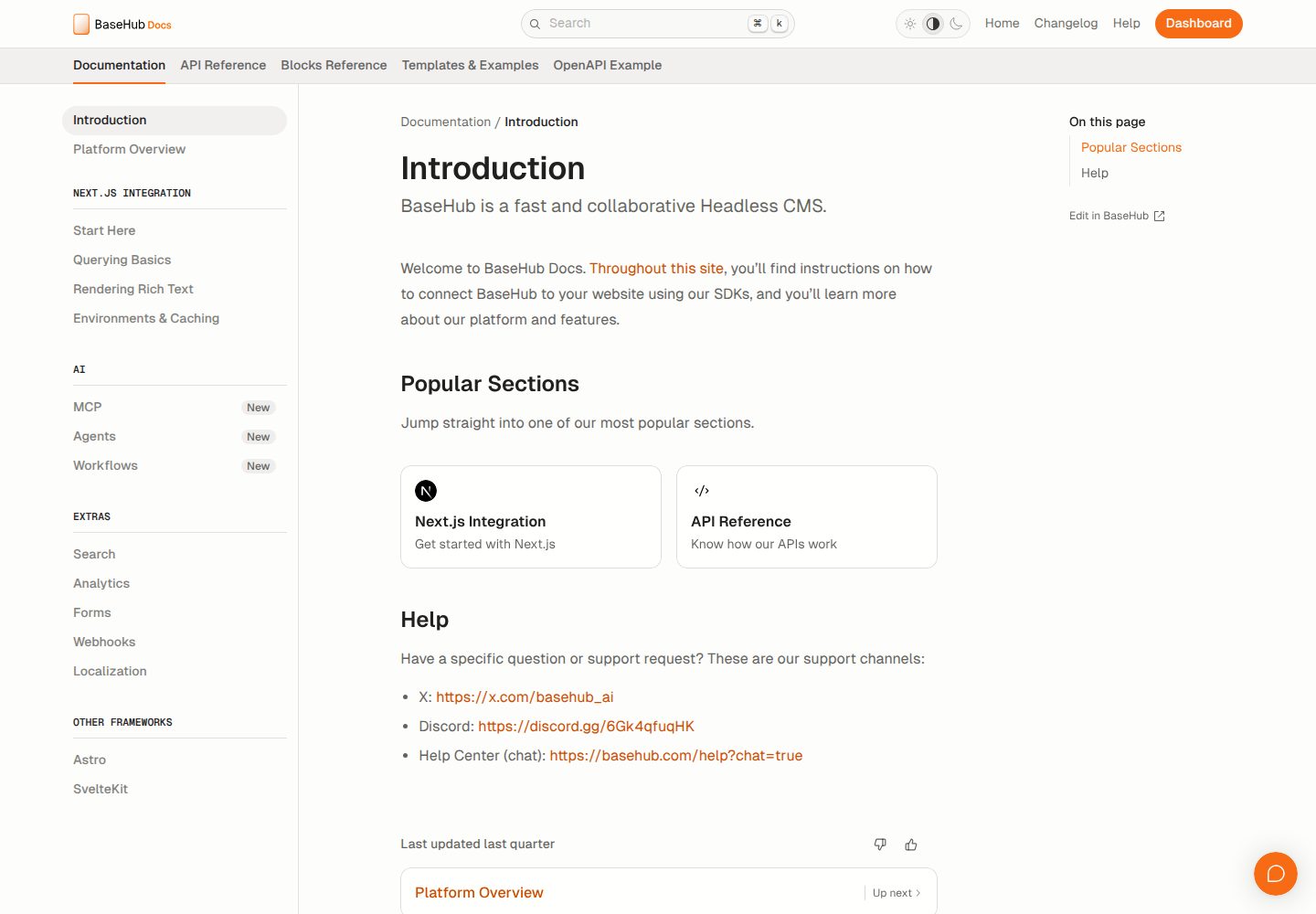
docs-template
Fully featured documentation website, powered by Next.js, Radix Themes, and BaseHub.
Next.js · 文档
shadcn-blog
A blog template built using Next.JS 15, shadcn/ui, and fumadocs.
Next.js · 博客