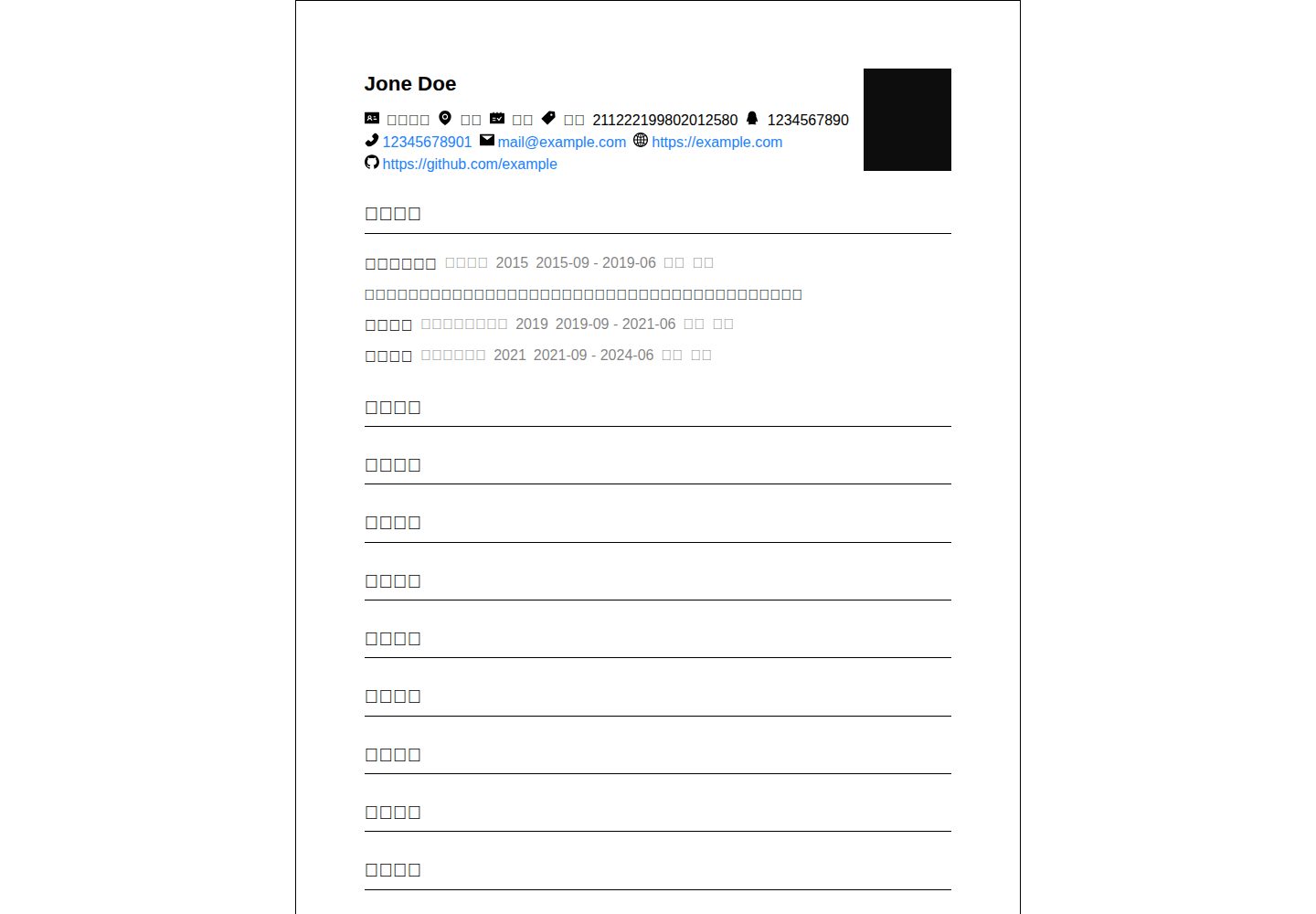
A resume template built on VitePress, described by the README as minimalist
VitePressPortfolio
resume-vitepress — VitePress Portfolio Template
By YumeAyai
A minimalist resume template based on VitePress, where resume content is written in markdown/index.md, and information such as education background and personal identity is defined through YAML front matter.
Explore the design
Compare the page layouts and mobile experience. Open any screenshot for a closer look.
Desktop homepage1 / 2
Desktop captureTop of page
Actual screenshot captured by the server browser.
All pages & views 2
Screenshots show visual appearance; interactive behavior may differ.
Recorded 2026-10-15View source
What stands out
A quick read of the recorded project description.
The resume body is concentrated in markdown/index.md, making it easy to replace the content directly
Information such as education background and personal identity is defined through YAML front matter
To remove an item of information, you can set it to false or delete the field directly
The README provides two startup commands: vitepress dev and npm run dev:doc
Template Details
This is a resume template based on VitePress, positioned by the README as a "minimalist resume." To use it, clone the repository and enter the directory, then edit markdown/index.md to insert your own resume information; information such as education background and personal identity is defined using YAML front matter, and if you need to remove an item, you can set it to false or delete it directly. For generation/preview, the README provides two commands: vitepress dev and npm run dev:doc. The README does not specify the dependency list, Node version requirements, or how to deploy the build output, nor does it describe any features beyond resume display.
VitePressPortfolio
Is it right for your project?
Use Cases
- You need a personal resume page whose content is maintained in Markdown
- You want to generate and locally preview a resume site with VitePress
- You need to show or hide resume modules such as education background and personal identity as needed
Suitable For
- Users who are familiar with Markdown and willing to edit source files directly
- Developers who use VitePress or are willing to start a local preview according to the README commands
- People who need a minimalist-style personal resume page with a simple content structure
Getting started & customization
Use these recorded setup notes alongside the repository instructions for your chosen version.
- 1
Clone the repository: git clone https://github.dev/YumeAyai/resume-vitepress
- 2
After entering the directory, edit markdown/index.md to insert your own resume information
- 3
Information such as education background and personal identity is defined in YAML front matter; to remove it, set it to false or delete the field
- 4
To start the preview, run vitepress dev or npm run dev:doc
- 5
The README does not provide instructions for dependency installation, building, or deployment
License & source material
Usage conditions & limitations
Free to use · keep license noticeWhat is included here is the free version under the MIT license in the public repository; the free scope covers the code of this version and does not mean that external services or third-party assets are free.
Must comply with when using
- You are allowed to use, modify, commercially use, and distribute the code of this version for free.
- When distributing copies or substantial portions of the code, retain the original author's copyright notice and the complete MIT license notice.
- The code is provided as is; warranties and limitations of liability are governed by the original license and applicable law.
Additional costs & items to verify
- Demo images, fonts, icons, and other third-party assets must be checked against their respective licenses and cannot be judged solely by the code's MIT license.
- External services such as domains, hosting, databases, payments, or AI may incur additional charges.
View Original Text Basis
https://github.com/YumeAyai/resume-vitepress/blob/main/LICENSEhttps://github.com/YumeAyai/resume-vitepress/blob/main/README.mdPermission is hereby granted, free of charge
Original License Text
Compiled by DeepSeek based on repository license and README ·2026-10-15. Results only cover the materials read; dependencies, images, fonts, and subsequent term changes are subject to their respective original texts.
Project checks & description sources
Template Information
- Source platforms
- GitHub
- Documentation and maintenance reference score
- Partly documented · 68 / 100
- Technologies
- VitePress
- Website type
- Portfolio
How this score is calculated
Our heuristic uses license records (up to 30), a demo link (12), a preview (10), stars (15), recorded maintenance (15), description completeness (8), feature records (5) and classification data (5). It is not a code, security or performance test, or a Google score. A link does not establish tested functionality.
What to verify for this project
- Repository update recorded
- 2024-06-19
- Screenshot last checked
- 2026-10-15
A demo link is listed. Check it with your own content and viewport sizes; its presence does not confirm that forms, authentication or payments work.
The catalog identifies VitePress as the primary stack. Check the actual dependency manifest and lockfile for versions and hosting requirements. These notes use recorded metadata, not a code audit or a deployment test.
Use a selection guide →How this description was prepared
AI-assisted description based on catalog records and repository material. Repository authors are not automatically the reviewers of this description.
Review declaration: codex-user-requested-batch-review-20261015 · 2026-10-15
Inspect the recorded source material
SHA-256: 577d5c63f3ce4e94139213fc65dd866e9e53341f827ac561272efc5731023cae
2026-10-15T04:45:34.752Z
Source file / repository# 极简风简历,基于Vitepress ## 下载 ```bash git clone https://github.dev/YumeAyai/resume-vitepress cd resume-vitepress vim markdown/index.md # 插入你自己的简历信息 ``` ## 使用说明 教育背景和个人身份等信息采用yaml头定义,如需删除某信息改为false或删除即可 ## 生成 ```bash vitepress dev ``` ```bash npm run dev:doc ```
Explore similar templates
Compare previews and descriptions within the same stack and category.
vitepress-portfolio
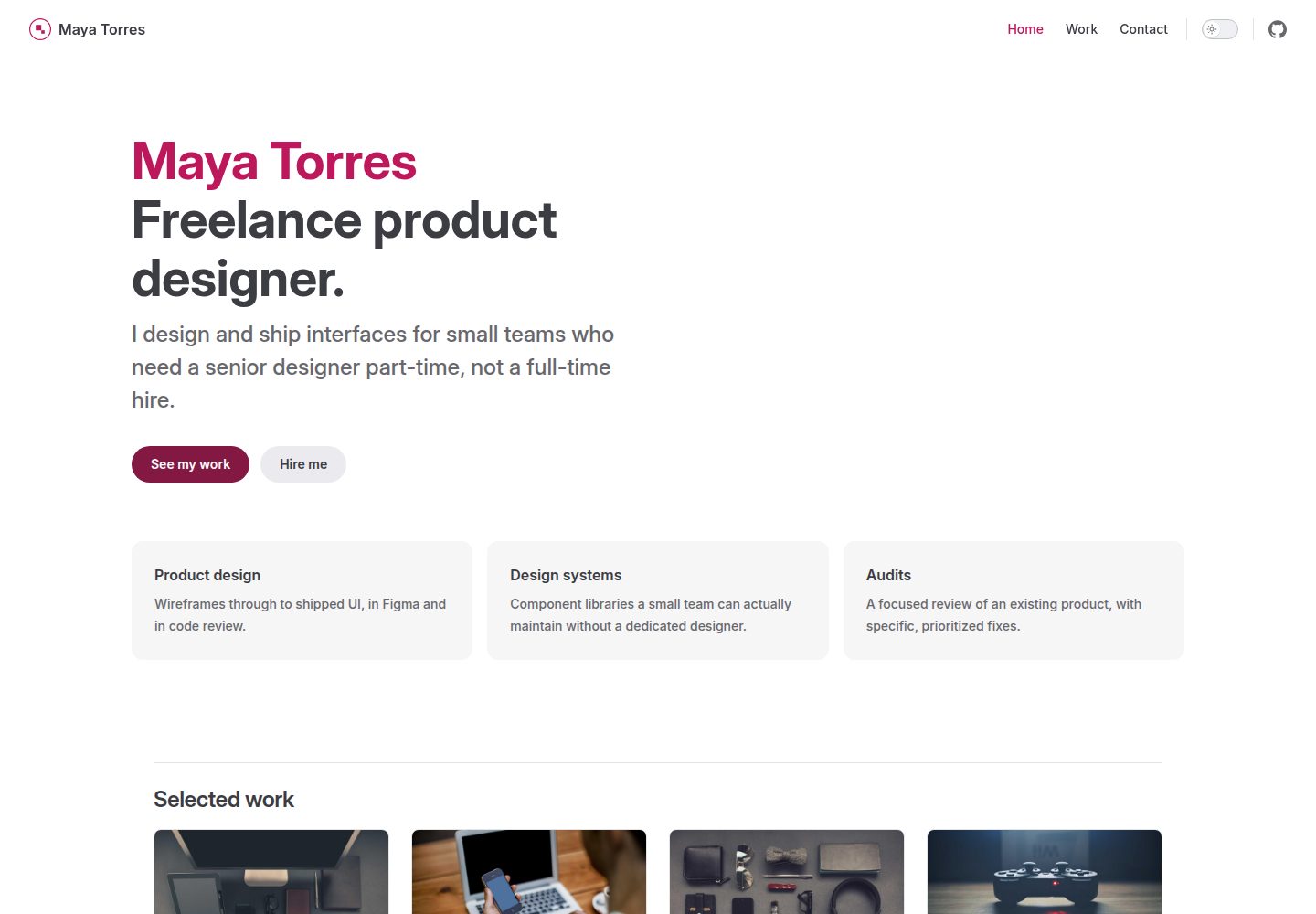
A VitePress and Vue portfolio template for freelancers and small studios, with a homepage, case study grid, and a working contact form.
Vue · Portfolio

al-folio
A Jekyll academic homepage theme for scholars and researchers, with a clean responsive design and out-of-the-box support for publication lists, project showcases, CVs, and blogs.
Jekyll · Portfolio

simplefolio
Simplefolio is a minimal single-page portfolio template for developers, built with HTML, Bootstrap, SCSS, and Parcel under the MIT license. It includes Hero, About, Projects, Contact, and Footer sections, with content edited in /src/index.html and theme colors controlled by two SCSS variables.
HTML · Portfolio

hugo-PaperMod
A fast, clean, responsive Hugo theme for blogs and lightweight portfolios, with three layout modes (Regular, Home-Info, Profile), automatic and manual light/dark themes, Fuse.js client-side search, multilingual support, and built-in Open Graph, Twitter Cards, and Schema.org data.
Hugo · Portfolio

minimal-mistakes
Minimal Mistakes is a two-column Jekyll theme for personal sites, blogs, project documentation, or portfolios.
Jekyll · Portfolio

Beautiful Jekyll
Beautiful Jekyll is a mature, easy-to-use Jekyll blog theme maintained by Dean Attali since 2015, with over 50,000 users.
Jekyll · Blog