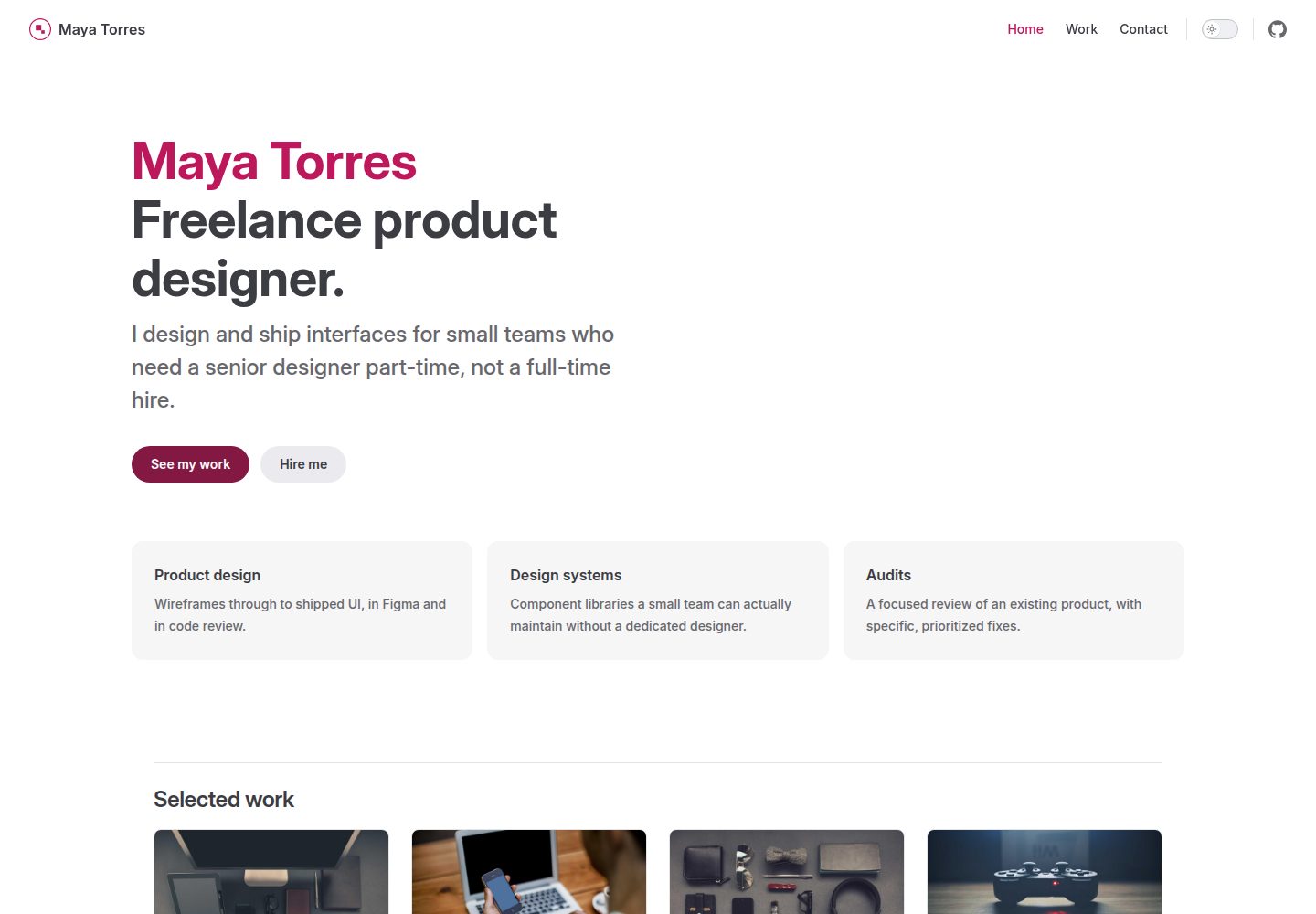
Case cards on the homepage and Work page are generated automatically from Markdown files under docs/work/; adding or removing files requires no changes to other code
VueVitePressPortfolio
vitepress-portfolio — Vue Portfolio Template
By BootForm
A portfolio template built on VitePress and Vue, featuring a homepage, a case study grid, and a working contact form, deployed automatically via GitHub Actions.
Explore the design
Compare the page layouts and mobile experience. Open any screenshot for a closer look.
Desktop homepage1 / 3
Desktop captureTop of page
Actual screenshot captured by the server browser.
All pages & views 3
Screenshots show visual appearance; interactive behavior may differ.
Recorded 2026-10-12View source
What stands out
A quick read of the recorded project description.
The contact form receives submissions through the BootForm service, requiring no self-hosted backend, but you must generate and claim your own form ID
Includes eight sample case studies demonstrating a four-column grid layout, with only the first four shown on the homepage
Brand colors are defined centrally in style.css; changing one value affects buttons, links, and VitePress accent colors
Includes a GitHub Actions workflow that automatically builds and deploys to GitHub Pages when pushed to the main branch
MIT licensed, allowing free use, modification, commercial use, and distribution, provided the copyright notice and license notice are retained
Template Details
This is a portfolio site template for freelancers or small studios, built with VitePress and Vue. It provides a homepage, case study pages, and a contact form that can actually submit. The "Selected work" cards on the homepage and the grid on the Work page are generated automatically from Markdown files under docs/work/; adding or removing case files requires no manual layout adjustments. The template includes eight sample case studies, enough to demonstrate the full width of a four-column grid; each case's frontmatter defines the title, description, image, order, and an optional external link, while the body reuses the same image as a top banner. The contact form relies on the BootForm service: the static site itself has no backend, and the form points to BootForm using a random UUID as the form ID. After submission, the form must be claimed within 48 hours, otherwise the submitted content will be deleted. The template is MIT licensed and free for commercial projects, but the demo images come from Unsplash (via Picsum Photos) and must be replaced with your own work screenshots; external services such as domain and hosting may incur costs.
VueVitePressPortfolio
Is it right for your project?
Use Cases
- Freelancers or small studios building a portfolio site to showcase case work
- Developers who need a static site but want the contact form to actually receive messages
- Projects using VitePress that want to build portfolio pages in a way other than the default documentation site
- Hosting a personal or team portfolio for free via GitHub Pages with automatic deployment
Suitable For
- Developers familiar with basic terminal operations (git clone, npm install, npm run dev)
- Users who have Node.js 20 or higher installed and a GitHub account
- Developers willing to use BootForm as the form backend and generate and claim a form ID themselves
- Freelancers or small teams needing a commercially usable portfolio template under the MIT license
Getting started & customization
Use these recorded setup notes alongside the repository instructions for your chosen version.
- 1
After cloning the repository, run npm install and npm run dev to start the local development server
- 2
Change the base in docs/.vitepress/config.mts to the actual repository name, otherwise styles will be lost after deployment
- 3
Replace docs/public/logo.svg and the brand colors in docs/.vitepress/theme/style.css
- 4
Generate and fill in your own BootForm form ID in docs/contact.md, and claim the form before going live
- 5
When deploying, select GitHub Actions under Settings → Pages → Source in the GitHub repository
License & source material
Usage conditions & limitations
Free to use · keep license noticeThis entry covers the free version under the MIT license in the public repository; the free scope applies to that version's code and does not imply that external services or third-party assets are free.
Must comply with when using
- Free use, modification, commercial use, and distribution of this version's code are permitted.
- When distributing copies or substantial portions of the code, retain the original author's copyright notice and the full MIT license notice.
- The code is provided as is; warranties and limitations of liability are governed by the original license and applicable law.
Additional costs & items to verify
- Demo images, fonts, icons, and other third-party assets must be checked against their respective licenses; the code's MIT license alone is not sufficient to judge them.
- External services such as domain, hosting, database, payment, or AI may incur additional charges.
- The contact form relies on the third-party service BootForm to receive submissions; the static site itself has no backend and the form must point to that service.
- You must generate a brand-new random form ID yourself and must not use the example or someone else's ID, otherwise submissions will be sent to others.
- The form must be claimed via the claim link before the site goes public; unclaimed submissions are kept for only 48 hours before deletion.
- The demo images included with the template come from Unsplash/Picsum and are placeholders only; they must be replaced with your own work screenshots before going live.
View Original Text Basis
Permission is hereby granted, free of charge
Original License Text
We will use [BootForm](https://bootform.com), because you can point a form at it and it works immediately, with no account.
Original README
**Use your own.** Do not use the one printed above, and do not use a friend's. Whoever claims a > form ID first owns it, and everything sent to it goes to them. Yours should be a fresh random one > that nobody else has seen.
Original README
**3c. Try it, then claim it** at the claim link it gives you, **before** the site goes live publicly. Held submissions are kept for 48 hours before they're deleted.
Original README
https://github.com/BootForm/vitepress-portfolio/blob/main/LICENSEhttps://github.com/BootForm/vitepress-portfolio/blob/main/README.mdThe images that ship with this template are real photos, not mockups: free-to-use ([Unsplash License](https://unsplash.com/license), via [Picsum Photos](https://picsum.photos)), so the demo looks like a real site, but they're standing in for actual screenshots of your own work. Replace them before this goes live.
Original README
Compiled by DeepSeek based on repository license and README ·2026-10-12. Results only cover the materials read; dependencies, images, fonts, and subsequent term changes are subject to their respective original texts.
Project checks & description sources
Template Information
- Source platforms
- GitHub
- Documentation and maintenance reference score
- More documented · 85 / 100
- Technologies
- Vue · VitePress
- Website type
- Portfolio
How this score is calculated
Our heuristic uses license records (up to 30), a demo link (12), a preview (10), stars (15), recorded maintenance (15), description completeness (8), feature records (5) and classification data (5). It is not a code, security or performance test, or a Google score. A link does not establish tested functionality.
What to verify for this project
- Repository update recorded
- 2026-10-11
- Screenshot last checked
- 2026-10-12
A demo link is listed. Check it with your own content and viewport sizes; its presence does not confirm that forms, authentication or payments work.
The catalog identifies Vue as the primary stack. Check the actual dependency manifest and lockfile for versions and hosting requirements. These notes use recorded metadata, not a code audit or a deployment test.
Use a selection guide →How this description was prepared
AI-assisted description based on catalog records and repository material. Repository authors are not automatically the reviewers of this description.
Review declaration: [email protected] · 2026-10-13
Inspect the recorded source material
SHA-256: 29ae8ab5ae07fcc33c8d6a1eec72324c4e509e19ae5ccef1c0ad313b75989a39
2026-10-12T18:57:30.726Z
Source file / repository# A portfolio site for VitePress A portfolio without a working contact form is just a gallery. This template is [vitepress-marketing](https://github.com/BootForm/vitepress-marketing)'s sibling, built for a freelancer or small studio: a home page, real case studies, and a form that actually reaches you. By the end you will have a home page, eight example case studies in a generated grid, and a working contact form, built with [VitePress](https://vitepress.dev) and deployed automatically by GitHub Actions. **[See what you are building →](https://bootform.github.io/vitepress-portfolio/)** --- ## Before you start You need: - A free GitHub account. - [Node.js](https://nodejs.org) 20 or later installed on your computer. - Some comfort with a terminal. `git clone`, `npm install`, `npm run dev`, that level. Don't have some of this yet, or not sure how? [Setting up your computer](https://bootform.com/docs/computer-setup) walks through installing Git and Node.js, a basic terminal tutorial, and installing and using VS Code, from scratch. If any of that sounds like too much right now, [first-website](https://github.com/BootForm/first-website) needs none of it and still ends with a real site and a working form. --- ## Step 1: Make your own copy Click **Use this template**, then **Create a new repository**. Name it `vitepress-portfolio`, or whatever you like. > **Naming it something other than `vitepress-portfolio`?** Open `docs/.vitepress/config.mts` and > change `base: '/vitepress-portfolio/'` (and the favicon path under `head`, in the same file) to match (`/your-repo-name/`). Get this wrong and the > deployed site looks completely unstyled, while `npm run dev` still works fine locally, since the > dev server never uses `base`. Then clone *your* new repository to your computer: ```bash git clone https://github.com/yourname/vitepress-portfolio.git cd vitepress-portfolio npm install npm run dev ``` Open the address it prints. That's your site, running on your own computer. It still says Maya Torres. We'll fix that next. --- ## Step 2: Make it yours Look for the lines marked `CHANGE ME`, across a few files: - **`docs/.vitepress/config.mts`**: your name, site description, and the nav links. - **`docs/public/logo.svg`**: your logo. Replace the file itself (any image format works, keep the filename `logo.svg` or update the two places that reference it, listed in `AGENTS.md`) and it updates in both the header and the footer. - **`docs/.vitepress/theme/style.css`**: your brand colour. One value, used everywhere: buttons, links, VitePress's own accent colour. - **`docs/index.md`**: the home page. The `hero` and `features` blocks are plain YAML frontmatter. The "Selected work" cards below them, and the Work page's own grid, are both generated: neither needs editing when you add or remove a case study. - **`docs/work/*.md`**: eight example case studies, enough to see the grid at its full 4-column width. Each one's frontmatter (`title`, `description`, `image`, `order`, and an optional `link` to a live site) is what shows up on its card, and `order` sets where it sits in the grid (the home page shows the first 4); the markdown below that is the page itself, with the same `image` reused as a hero banner at the top. The images that ship with this template are real photos, not mockups: free-to-use ([Unsplash License](https://unsplash.com/license), via [Picsum Photos](https://picsum.photos)), so the demo looks like a real site, but they're standing in for actual screenshots of your own work. Replace them before this goes live. Delete the ones you don't need; the grid and column count adjust automatically. - **`docs/contact.md`**: the hero heading, and the location, phone and email in the left-hand info column (or delete any of those three blocks you don't want to list). **Adding a new case study:** copy one of the example files, change its frontmatter and body, and you're done. It appears as a card on both the home page and the Work page automatically, with no other file to touch. Deleting a case study file removes its card the same way. > **Picking a colour is the hard part.** If you have no idea, `--color-brand-500: #2563eb` (a > plain blue) is a safe default. --- ## Step 3: Make the contact form actually work Here is the bit most tutorials skip. A static site has no program running behind it, so there is nowhere for a form to send anything. We will use [BootForm](https://bootform.com), because you can point a form at it and it works immediately, with no account. **3a. Generate your form ID.** It is just a random UUID, and it has to be yours alone. Open BootForm's own [UUID generator](https://bootform.com/uuidgenerator) and copy what it shows you (or run `crypto.randomUUID()` in any browser console). You'll get something like `11111111-1111-4111-8111-111111111111`, though a real one won't repeat digits like that. > **Use your own.** Do not use the one printed above, and do not use a friend's. Whoever claims a > form ID first owns it, and everything sent to it goes to them. Yours should be a fresh random one > that nobody else has seen. **3b. Paste it into `docs/contact.md`**, replacing `__YOUR_FORM_ID__` in the `action` attribute. **3c. Try it, then claim it** at the claim link it gives you, **before** the site goes live publicly. Held submissions are kept for 48 hours before they're deleted. --- ## Step 4: Deploy it ```bash git add -A git commit -m "Make it mine" git push ``` In your repository, **Settings → Pages → Source → GitHub Actions** (not "deploy from a branch"). The included workflow (`.github/workflows/deploy.yml`) builds and deploys on every push to `main`. **Optional: a real domain.** The same steps as [one-page-site's Step 5](https://github.com/BootForm/one-page-site#step-5-put-it-on-your-own-domain) apply here: a `CNAME` file in `docs/public/`, DNS records at your registrar, then **Enforce HTTPS** in the same Pages settings. Also change `base: '/vitepress-portfolio/'` to `base: '/'` in `docs/.vitepress/config.mts`, since a custom domain serves from the root, not a subpath. --- ## That's it You have a real portfolio, with case studies and a working contact form, built the way VitePress is meant to be used for this, not the docs-site defaults. ### Where to go next - [`site-skills`](https://github.com/BootForm/site-skills) if you use Claude Code: commands to add page sections, add a new kind of content (books, team members, events), change the theme and swap icons, all following this template's conventions. - [`site-sections`](https://bootform.github.io/site-sections/) for copy-paste page sections (heroes, pricing, FAQs, footers) that survive VitePress's own styles. | | | |---|---| | **A blog** | [vitepress-blog](https://github.com/BootForm/vitepress-blog) if you want to write about your work too, with real post tags and RSS. | | **A fuller marketing site** | [vitepress-marketing](https://github.com/BootForm/vitepress-marketing) if you need a pricing page and more sections than a portfolio calls for. | | **More form options** | File uploads, autoresponders, Discord and Slack: [bootform.com/docs](https://bootform.com/docs/). | ### Stuck? Open an [issue](https://github.com/BootForm/vitepress-portfolio/issues) and say what happened. --- ## Frequently hit problems **`npm run build` fails.** Check `node --version`; this needs Node.js 20 or later. **The site deploys but looks completely unstyled.** `base` in `docs/.vitepress/config.mts` almost certainly doesn't match your actual repo name. See the note in Step 1. **A new case study doesn't show up as a card.** Check its frontmatter has `title`, `description` and `image` set, and that the file lives directly in `docs/work/` (not a subfolder), matching `work/work.data.ts`'s `work/*.md` pattern. **A card's image is broken, or a card links nowhere.** These are both built from runtime data (`ProductCard.vue`'s props), not markdown text, so if you're editing that component directly rather than just adding a case study file, see `AGENTS.md`'s link-handling section: both `:src` and `:href` need `withBase(...)`, not a plain string. **The form shows raw text instead of a nice page.** You are seeing the response as JSON. That is normal for now. Once you claim the form you can set a redirect so people land back on your site. ## Licence MIT. Do whatever you like with it, including using it for a real business.
Explore similar templates
Compare previews and descriptions within the same stack and category.
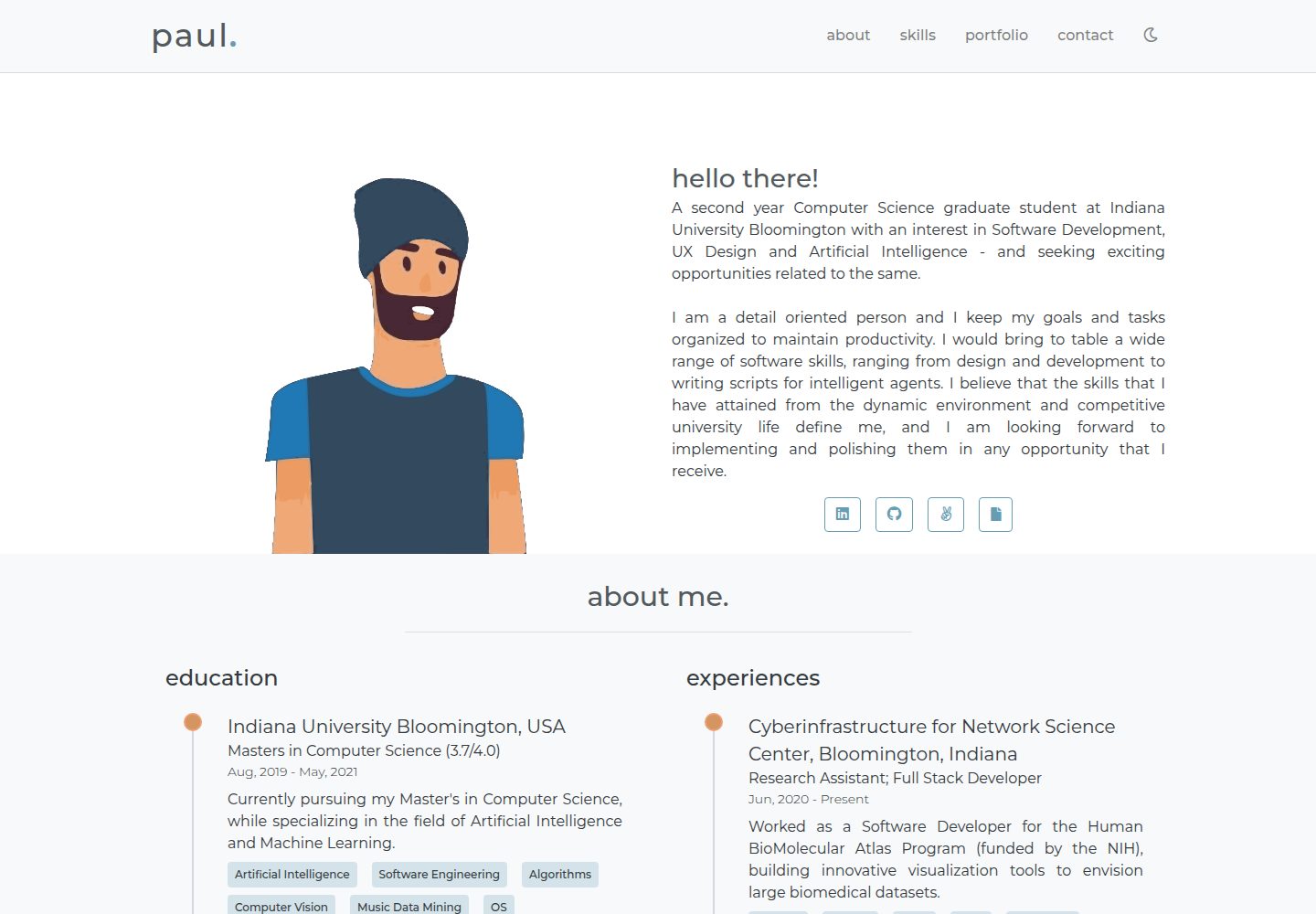
portfolio-template
A minimal personal portfolio website template built with Vue and HTML, with content configured in info.js.
Vue · Portfolio

vuejs-os-template
A Vue 2-based Web OS template for building desktop-style interactive interfaces, with draggable windows, a navigation bar, and three themes (Blueprint, Windows, MacOS). It uses Vuex for window data management and offers two ways to register windows.
Vue · Portfolio
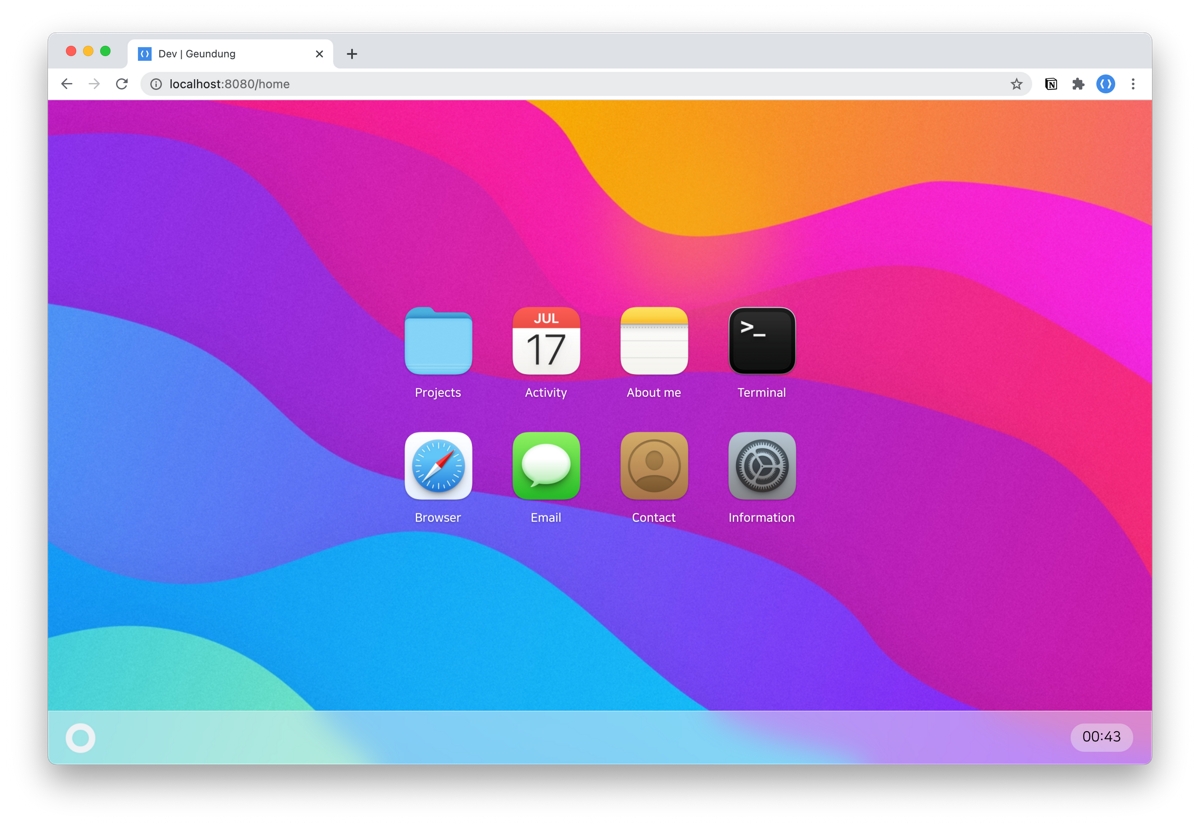
resume
A macOS Big Sur-style personal resume template built with Vue 3 + TypeScript, with content configured via JSON files under src/data. It includes dark mode, responsive layout, PWA support, and automatic GitHub star count fetching.
Vue · Portfolio

portfolio-template
A Vue and Tailwind CSS portfolio template with JSON-configured sections, Lucide icons, and a GitHub Pages deploy script. Suitable for developers who want a lightweight static portfolio and are comfortable editing code and JSON.
Vue · Portfolio
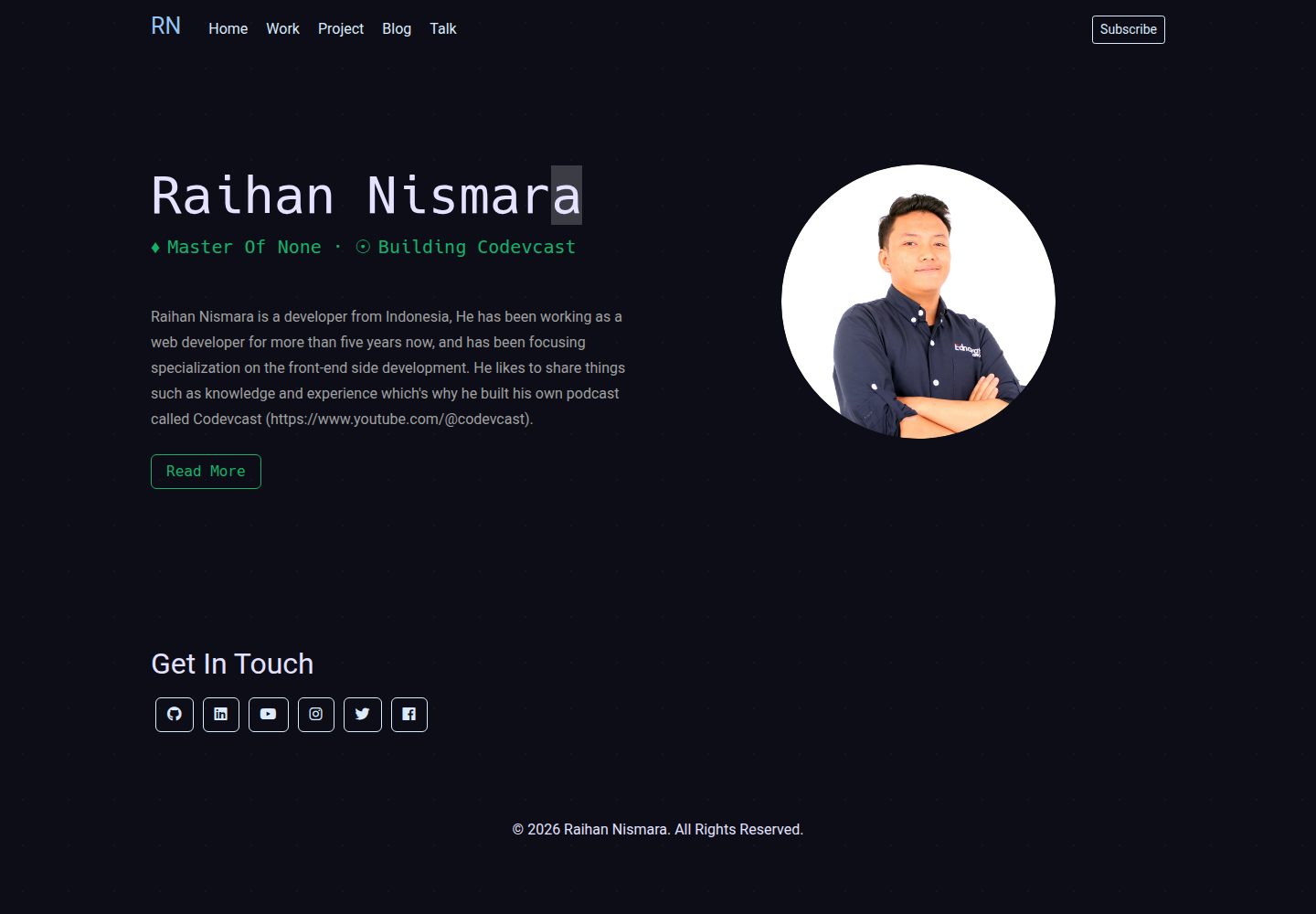
vue-porto
VuePorto is a Vue-based single-page resume and portfolio template adapted from StartBootstrap's Resume theme, adding animations and transitions. It suits personal resume or portfolio sites and is under the MIT license for free use and secondary development.
Vue · Portfolio
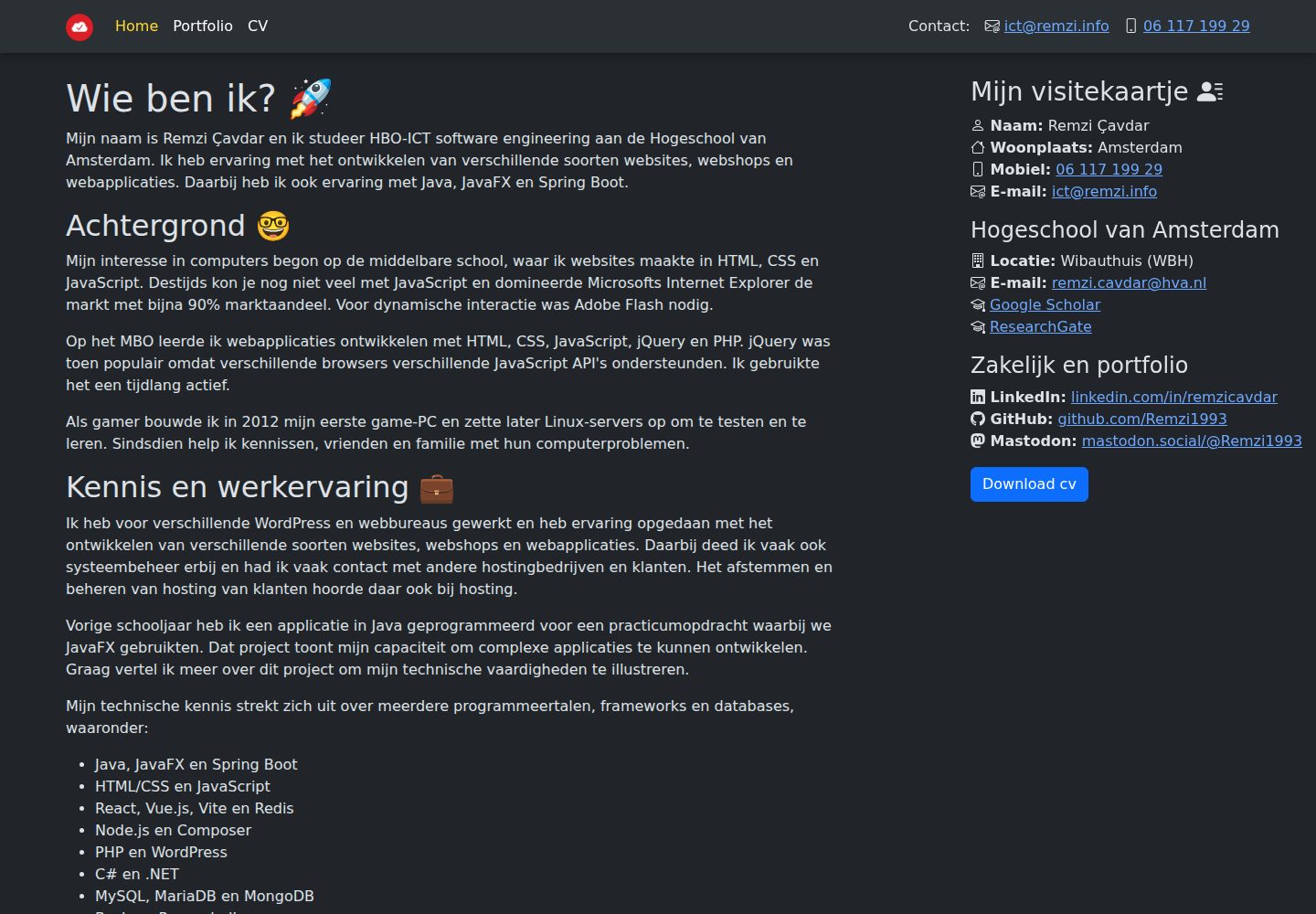
remzi.info
remzi.info is Remzi Cavdar's personal portfolio website built with Vite, Vue.js, TypeScript and Sass, open-sourced under the MIT license. The README states it can serve as a template for other portfolio sites.
Vue · Portfolio