Content is configured centrally in info.js in the root directory; replacing personal information requires no component code changes
VueHTMLPortfolio
portfolio-template (hrishikeshpaul) — Vue Portfolio Template
By hrishikeshpaul
A minimal personal portfolio website template built with Vue and HTML, with content configured in info.js, including a timeline, skill groups, portfolio cards, and a contact form.
Explore the design
Compare the page layouts and mobile experience. Open any screenshot for a closer look.
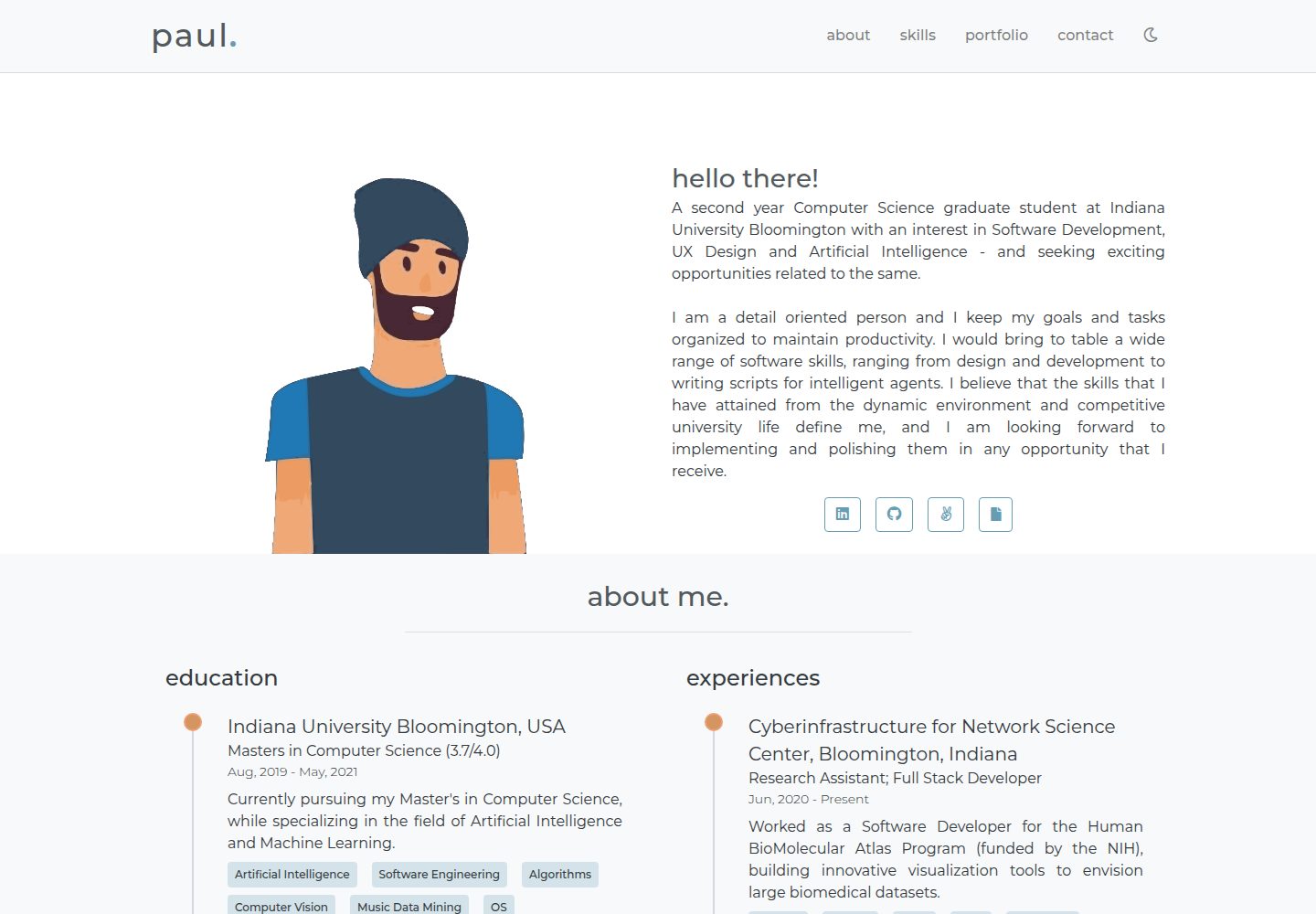
Desktop homepage
Desktop captureTop of page
Actual screenshot captured by the server browser.
One original preview is available. Open the full image to inspect the design.
Screenshots show visual appearance; interactive behavior may differ.
Recorded 2026-09-30View source
What stands out
A quick read of the recorded project description.
About uses a timeline component to display education and experience, including descriptions and keywords
Skills groups skills and pairs them with icons
Portfolio uses responsive cards to display work, with modal details and a gallery
The Contact form sends emails via emailjs and requires you to configure your own account and template variables
Template Details
This is a personal portfolio website template written with Vue and HTML/CSS, positioned as a simple, minimal, responsive personal homepage. Page content is driven centrally by info.js in the root directory; users can edit that file to replace site information. Image assets go under /src/assets (paths can also be configured separately in info.js).
The template contains four main modules: the timeline component in About displays education and experience, listing important details, short descriptions, and keywords in chronological order; the Skills component groups skills and pairs them with icons; the Portfolio component uses responsive cards to show work samples, tags, and brief descriptions, and clicking "read more" opens a modal with full details and a project gallery; the Contact component is a contact form that relies on the third-party service emailjs to send emails.
Before use, you need to configure emailjs yourself: register an account, choose an email service, create an email template (template variables must be from_name, to_name, message_html, user_email), and create config.js in the project root with serviceID, templateID, and userID. That file is already ignored by .gitignore to avoid leaking keys. Development depends on npm and git; install dependencies with npm install, start the development environment with hot reload via npm run serve, and run npm run build for a production build.
The repository README mentions that the author has released a new v2 template; this repository is an earlier version. The code uses the MIT license, allowing free use, modification, commercial use, and distribution, but the copyright and license notice must be retained. The availability and costs of third-party assets such as demo images, fonts, and icons, as well as external services such as emailjs, must be verified separately.
VueHTMLPortfolio
Is it right for your project?
Use Cases
- Building a personal resume and portfolio homepage
- Displaying education, work experience, and grouped skills
- Presenting multiple portfolio cases and their details with cards and modals
- Adding an emailjs-based contact form to a personal site
Suitable For
- Front-end developers who want to quickly build a minimal personal portfolio with Vue
- Users who need to maintain site content in a single configuration file
- Users who can register and configure emailjs themselves to enable the contact form
Getting started & customization
Use these recorded setup notes alongside the repository instructions for your chosen version.
- 1
Local development requires npm and git; after cloning the repository, run npm install to install dependencies
- 2
npm run serve starts development with hot reload; npm run build performs a production build
- 3
Create config.js in the root directory, fill in emailjs serviceID, templateID, and userID, and ensure it remains in .gitignore
- 4
emailjs email template variables must use from_name, to_name, message_html, user_email
- 5
Site information and image paths are modified in info.js; images are placed under /src/assets by default
License & source material
Usage conditions & limitations
Free to use · keep license noticeThis listing covers the free version under the MIT license in the public repository; the free scope is the code of this version and does not mean external services or third-party assets are free.
Must comply with when using
- Free use, modification, commercial use, and distribution of this version's code are allowed.
- When distributing copies or substantial portions of the code, retain the original author's copyright notice and the full MIT license notice.
- The code is provided as is; warranties and limitations of liability are governed by the original license and applicable law.
Additional costs & items to verify
- The contact form relies on the third-party service emailjs; users must register an emailjs account and configure serviceID, templateID, and userID to send emails normally. Without configuration, the contact form is unavailable.
- emailjs has a free quota of 200 emails per month; beyond that, payment may be required or sending may stop, which is a usage and cost limitation of an external service.
- Demo images, fonts, icons, and other third-party assets must be checked against their respective licenses and cannot be judged solely by the code's MIT license.
- External services such as domains, hosting, databases, payments, or AI may incur separate charges.
View Original Text Basis
Permission is hereby granted, free of charge
Original License Text
You will need to configure your own emailjs account for the service to work.
Original README
https://github.com/hrishikeshpaul/portfolio-template/blob/master/LICENSEhttps://github.com/hrishikeshpaul/portfolio-template/blob/master/README.mdIt is a good service that provides 200 email free every month.
Original README
Compiled by DeepSeek based on repository license and README ·2026-09-30. Results only cover the materials read; dependencies, images, fonts, and subsequent term changes are subject to their respective original texts.
Project checks & description sources
Template Information
- Source platforms
- GitHub
- Documentation and maintenance reference score
- More documented · 81 / 100
- Technologies
- Vue · HTML
- Website type
- Portfolio
How this score is calculated
Our heuristic uses license records (up to 30), a demo link (12), a preview (10), stars (15), recorded maintenance (15), description completeness (8), feature records (5) and classification data (5). It is not a code, security or performance test, or a Google score. A link does not establish tested functionality.
What to verify for this project
- Repository update recorded
- 2024-04-19
- Screenshot last checked
- 2026-09-30
A demo link is listed. Check it with your own content and viewport sizes; its presence does not confirm that forms, authentication or payments work.
The catalog identifies Vue as the primary stack. Check the actual dependency manifest and lockfile for versions and hosting requirements. These notes use recorded metadata, not a code audit or a deployment test.
Use a selection guide →How this description was prepared
AI-assisted description based on catalog records and repository material. Repository authors are not automatically the reviewers of this description.
Automatically checked against source and license rules; no manual editorial review.
Inspect the recorded source material
SHA-256: 5ed26a5a186cefffe0fe08fe37e1ca6fe94dffc2b54decd28e4c607131f308e6
2026-09-30T10:57:00.144Z
Source file / repository# Portfolio Template 🖐
> This is a simple, minimal and responsive personal website template, built using vue-js, html and css.
[](https://hrpaul.web.app/)
[](https://github.com/npm/cli)
[](https://github.com/hrishikeshpaul/portfolio-template/blob/master/LICENSE)
[](https://github.com/vuejs/vue)
### 🚀 New portoflio temaple [here](https://github.com/hrishikeshpaul/portfolio-template-v2)
---

<!--
 -->
💻 Live [demo](https://hrpaul.web.app/)
---
## Table of Contents
- [Installation](#installation)
- [Features](#features)
- [Usage](#usage)
- [Contributing](#contributing)
- [Connect](#connect)
- [License](#license)
---
## Installation
### Dependencies
These are the local dependencies that are needed for development,
- npm
- git
### Clone
Get this repo to your local machine using,
```shell
$ git clone https://github.com/hrishikeshpaul/portfolio-template.git
```
### Setup
To install the node packages used in the project:
```shell
$ cd portfolio-template
$ npm install
```
Compiles and hot-reloads for development
```shell
$ npm run serve
```
Compiles and minifies for production
```shell
$ npm run build
```
---
## Features
A few notable elements that makes the website intuitive to use,
| # | Feature | Screenshot |
| - | - | - |
| 1 |**Timeline**: Educations and Experiences are the in a timeline format. It shows most of the important details, a small description, and certain important keywords. The code to the timeline component can be found in [`/src/components/helpers/Timeline.vue`]("https://github.com/hrishikeshpaul/portfolio-template/blob/master/src/components/helpers/Timeline.vue"), that is placed in the `About.vue` component.| <img src="assets/timeline.png" width="800px"/> |
| 2 |**Skills**: These display your skills by grouping them together. Along with a logo to depict each group, gives a great perception experience. The code to the skills component can be found in [`/src/components/Skills.vue`]("https://github.com/hrishikeshpaul/portfolio-template/blob/master/src/components/Skills.vue").| <img src="assets/skills.png" width="800px"/> |
| 3 |**Portfolio**: This is the place where you can show off your work samples. It uses responsive cards to display a snippet of your work along with some important tags and a small description. Additional, it also gives you the option to read more, or visit your work sample. Upon clicking read more, a modal dialog is opened, that enlists all the details of your work sample. It also has a gallery that shows various snippets of your work. The code to the portfolio component can be found in [`/src/components/Portfolio.vue`]("https://github.com/hrishikeshpaul/portfolio-template/blob/master/src/components/Skills.vue"), with the respective components, `/helper/Card.vue`, `/helper/Modal.vue` and `/helper/Gallery.vue`| <img src="assets/portfolio.png" width="1800px"/> |
| 4 | **Contact:** A contact form has been added to recieve feedback or any sort of message. This form uses an API called [emailjs](https://www.emailjs.com/). A detailed guide to set up your own emailing service is mentioned below (don't worry, it's free). All the code for the contact form can be found in `src/components/Contact.vue`| <img src="assets/contact.png" width="1400px"/> |
---
## Usage
This section goes over the tweaks that need to be made, and where can they be made. It also talks about the free emailing service that is been used.
### Information
All the information on the template is present in `info.js` that can be found in the root director, or [here](https://github.com/hrishikeshpaul/portfolio-template/blob/master/info.js). This consists of various parameters that handle the information on the website. To add your own information, just edit the contents of this file, and the changes should be noticed. All the pictures need ot be present in `/src/assets` (or you can configure the path in the info.js file).
### Email.js
The **contact** section of the template makes use of this API called [emailjs](https://www.emailjs.com/). It is a good service that provides 200 email free every month. You will need to configure your own emailjs account for the service to work.
#### Configuration
1. Head over to [emailjs](https://www.emailjs.com/) and create your account.
2. Once logged in, select a service. In my case I selected **gmail**.
3. Head over to **Email Templates** on the side and click on **Email Template Example**. Here, there are few changes to be made if you don't want to change the template's javascript code.
- Change the subject attribute to: `New message from {{from_name}}!`
- Change the body to,
```js
Hello {{to_name}},
You got a new message from {{from_name}}:
{{{message_html}}}
My contact is: {{user_email}}.
```
You can configure this however you want, but the attributes in the `{{ }}` need to be those.
4. Create a file called `config.js` in the root of the project. You'll notice that the `.gitignore` has the name of this file. This is where all the data that links your web app to emailjs will be stores.
5. Create a object that looks like this,
```js
let config = {
emailjs: {
serviceID: '<serviceID>',
templateID: '<templateID>',
userID: '<userID>'
}
}
export default config;
```
6. You need to get the above mentioned IDs from your emailjs account,
- **serviceID**: From `Email Services`
- **templateID**: From `Email Templates`
- **userID**: From `Account` > `API Keys`
> Make sure your `config.js` is in `.gitignore` as you do not want to expose your keys to the public.
---
## Contributing
### Option 1
- Clone this repo to your local machine using `https://github.com/hrishikeshpaul/portfolio-template.git`
- Code code code!
- Create a new pull request using <a href="https://github.com/hrishikeshpaul/portfolio-template/compare/" target="_blank">`https://github.com/hrishikeshpaul/portfolio-template/compare/`</a>
### Option 2
- Create an issue request, and I'll be certain to look at it as soon as possible!
---
## Connect
Reach out to me at one of the following places!
- Website at <a href="https://hrishikeshpaul.github.io/" target="_blank">`https://hrishikeshpaul.github.io/`</a>
- LinkedIn at <a href="https://www.linkedin.com/in/hrishikeshpaul/" target="_blank">`hrishikeshpaul`</a>
---
## License
[](https://github.com/hrishikeshpaul/portfolio-template/blob/master/LICENSE)
- **[MIT license](http://opensource.org/licenses/mit-license.php)**
- Copyright 2020 © <a href="https://hrishikeshpaul.github.io/" target="_blank">Hrishikesh Paul</a>
Explore similar templates
Compare previews and descriptions within the same stack and category.

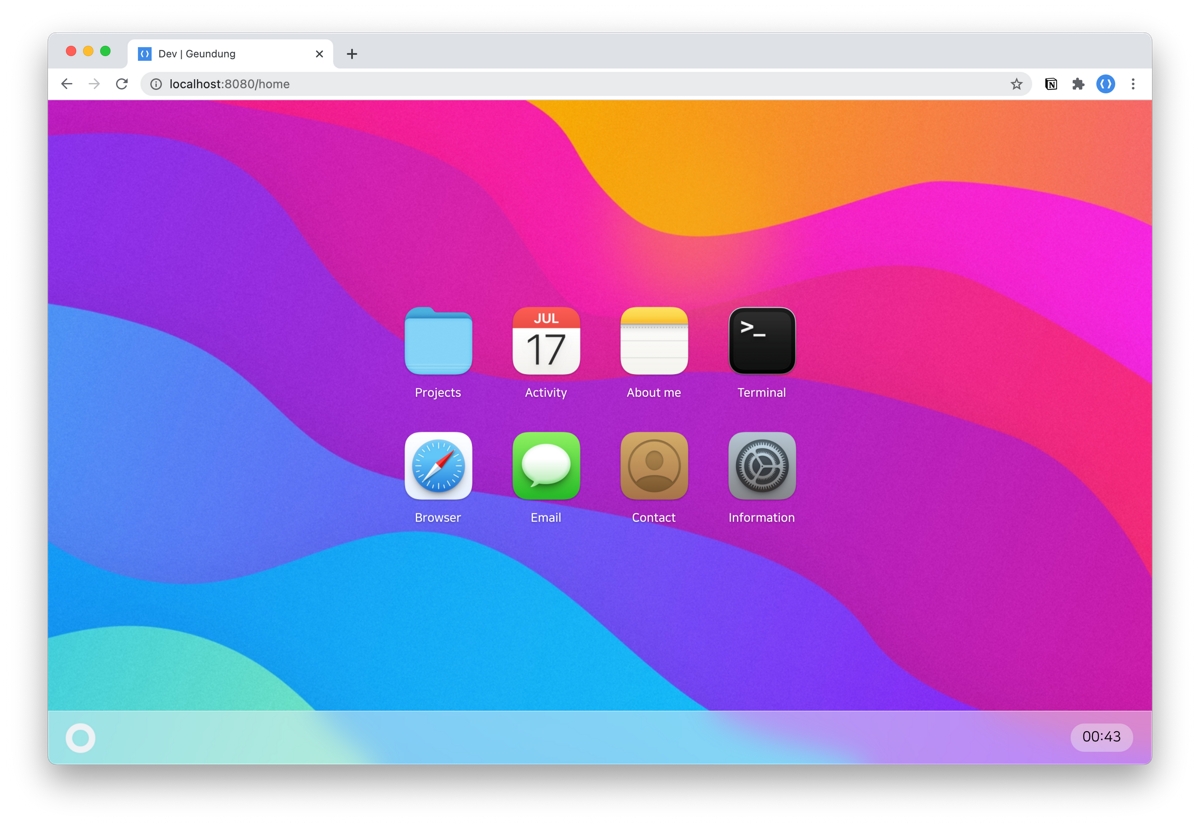
vuejs-os-template
A Vue 2-based Web OS template for building desktop-style interactive interfaces, with draggable windows, a navigation bar, and three themes (Blueprint, Windows, MacOS). It uses Vuex for window data management and offers two ways to register windows.
Vue · Portfolio
resume
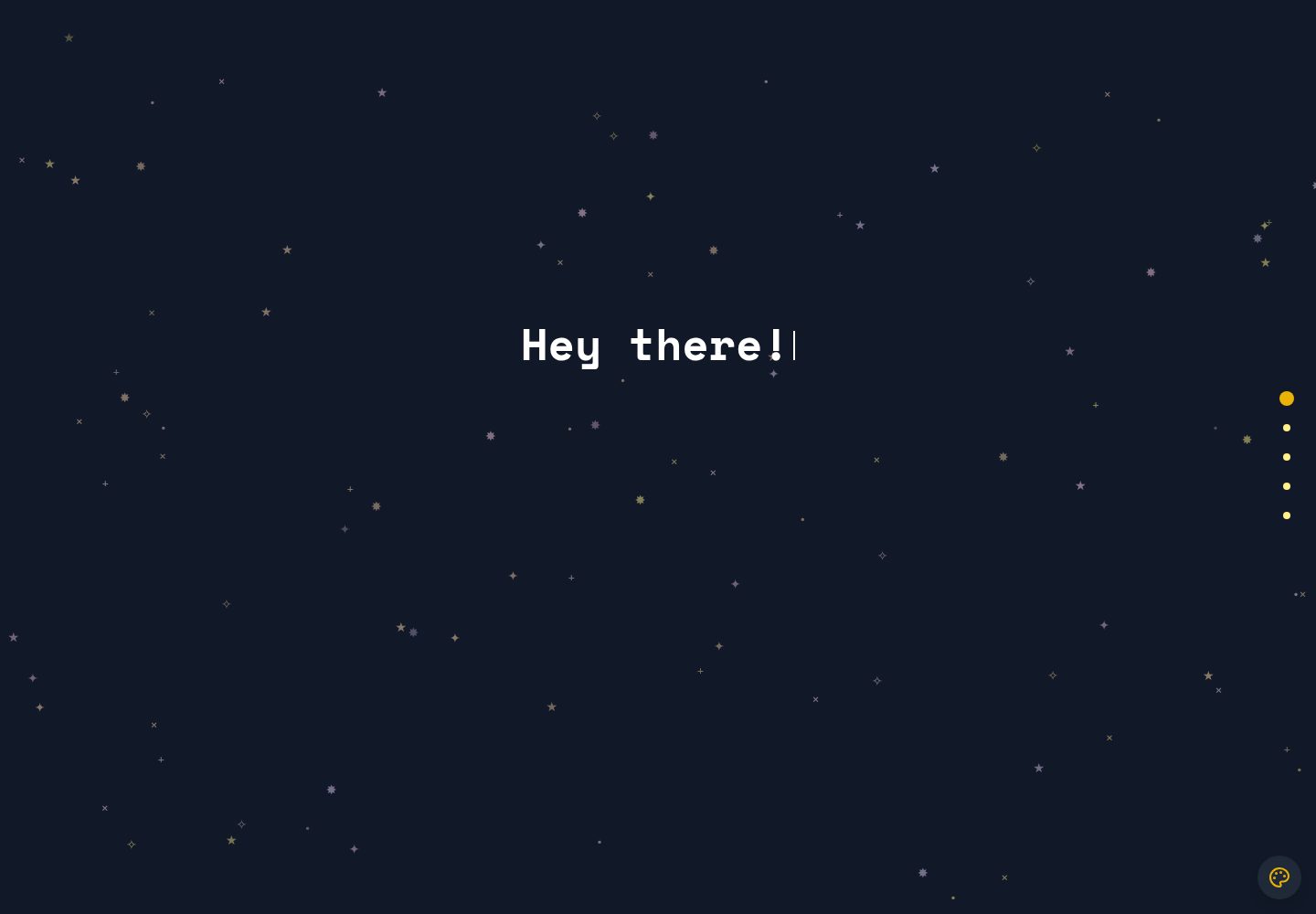
A macOS Big Sur-style personal resume template built with Vue 3 + TypeScript, with content configured via JSON files under src/data. It includes dark mode, responsive layout, PWA support, and automatic GitHub star count fetching.
Vue · Portfolio
portfolio-template
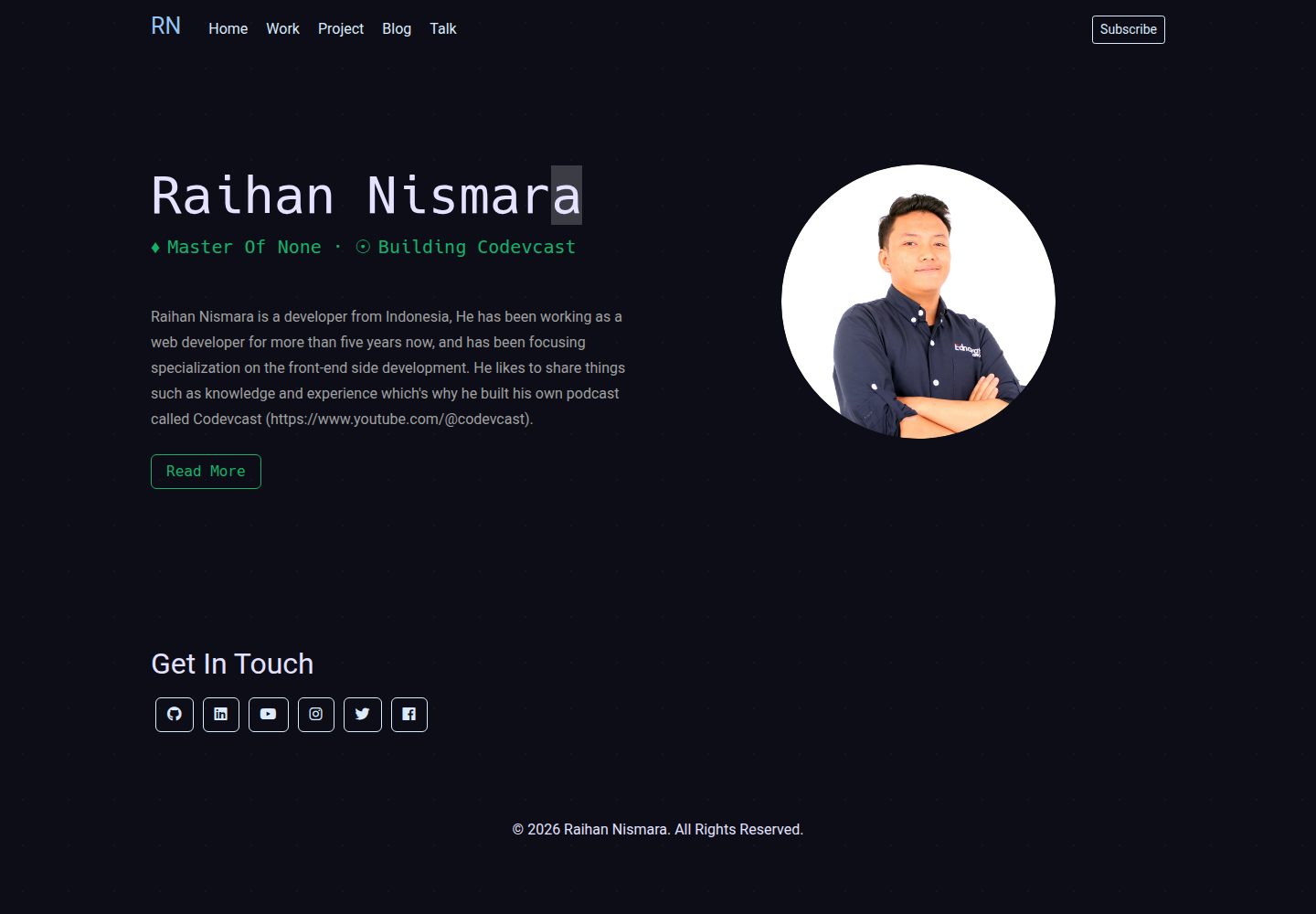
A Vue and Tailwind CSS portfolio template with JSON-configured sections, Lucide icons, and a GitHub Pages deploy script. Suitable for developers who want a lightweight static portfolio and are comfortable editing code and JSON.
Vue · Portfolio
vue-porto
VuePorto is a Vue-based single-page resume and portfolio template adapted from StartBootstrap's Resume theme, adding animations and transitions. It suits personal resume or portfolio sites and is under the MIT license for free use and secondary development.
Vue · Portfolio
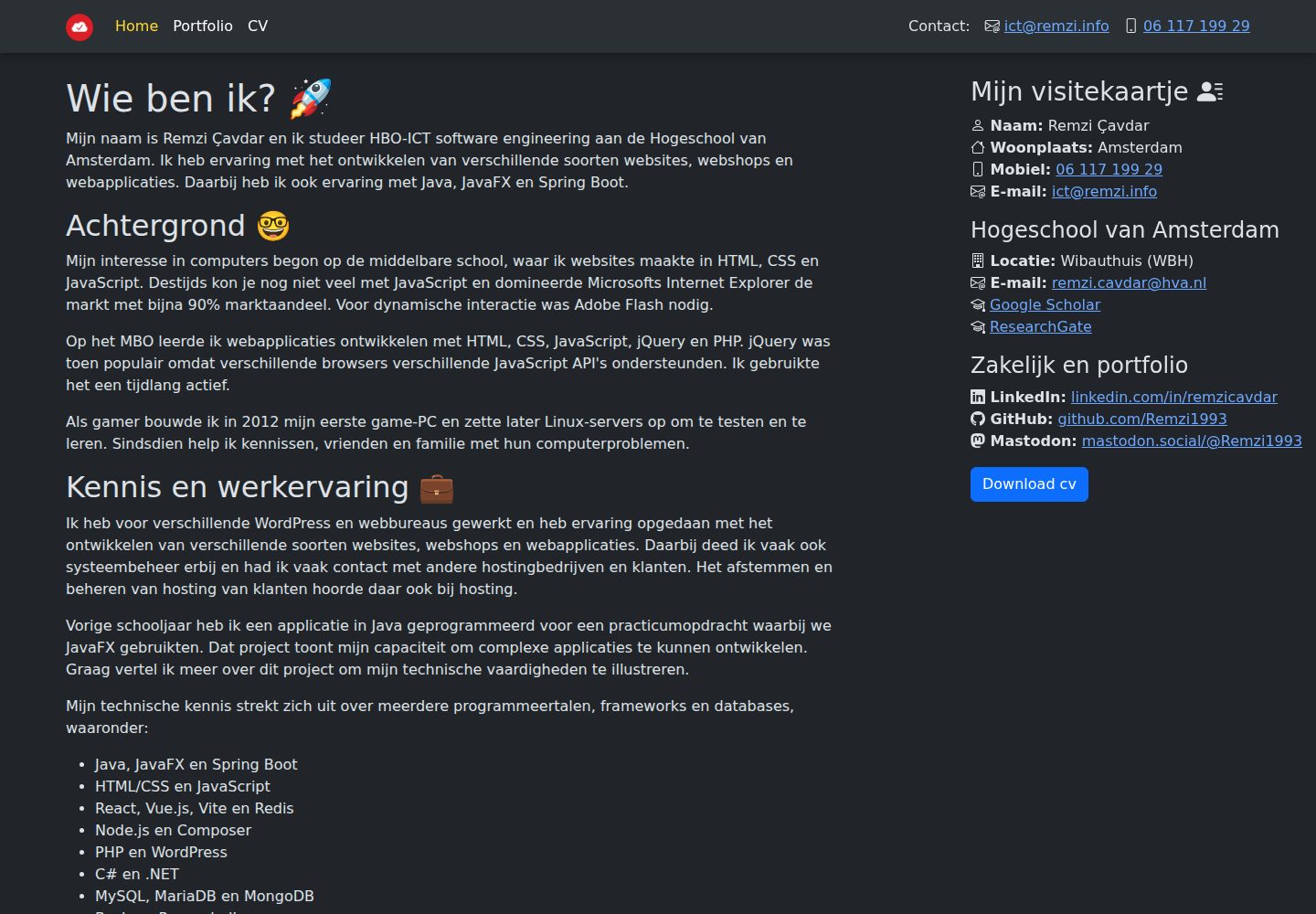
remzi.info
remzi.info is Remzi Cavdar's personal portfolio website built with Vite, Vue.js, TypeScript and Sass, open-sourced under the MIT license. The README states it can serve as a template for other portfolio sites.
Vue · Portfolio
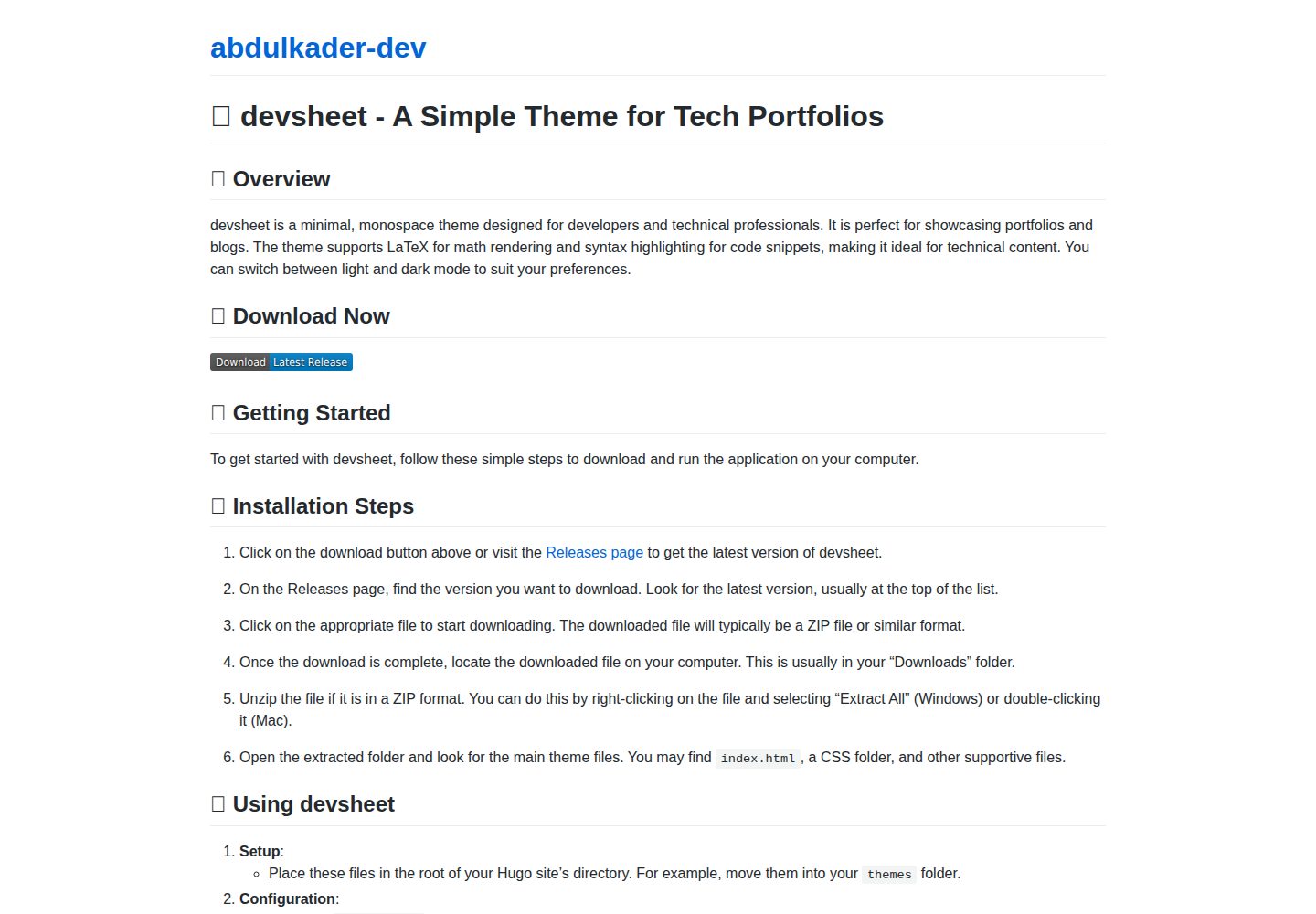
devsheet
devsheet is a minimal monospace Hugo theme for developer portfolios and blogs, offering light/dark modes, LaTeX math support, and code syntax highlighting. It requires Hugo 0.79.0 or later and runs on Windows, macOS, and Linux.
Vue · Portfolio