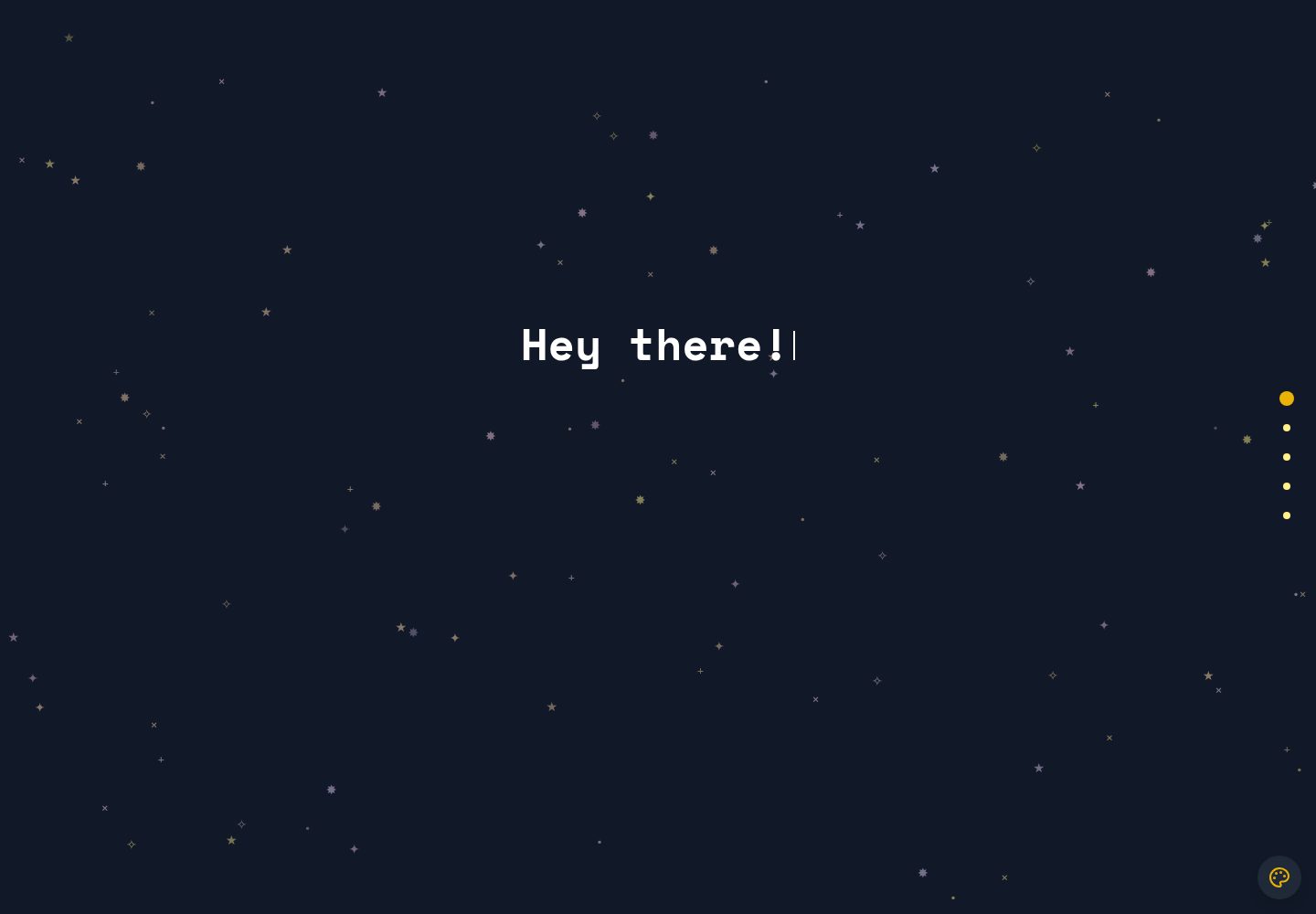
Sections are uniformly registered in portfolio-data.json; adding, removing, or reordering sections mainly involves editing this JSON
VuePortfolio
portfolio-template (AkberJag) — Vue Portfolio Template
By AkberJag
A customizable personal portfolio website template based on Vue and Tailwind CSS, managing section content via JSON configuration, with a GitHub Pages deployment script.
Explore the design
Compare the page layouts and mobile experience. Open any screenshot for a closer look.
Desktop homepage1 / 2
Desktop captureTop of page
Actual screenshot captured by the server browser.
All pages & views 2
Screenshots show visual appearance; interactive behavior may differ.
Recorded 2026-10-03View source
What stands out
A quick read of the recorded project description.
Each section corresponds to a Vue component; you can add new components and register them in the configuration
Uses Vue's provide/inject to share section data between components, without passing props layer by layer
Accent colors are directly selected from Tailwind CSS predefined colors
Icons use Lucide Icons integration
Provides a deploy_gh_pages.sh script for publishing to GitHub Pages
Template Details
This is a personal portfolio website template built with Vue, using Tailwind CSS for styling and Lucide Icons for icons. The template splits the page into several sections (such as Home, About, Projects, Contact), each corresponding to a Vue component, and registers the name, path, component name, and page title in portfolio-data.json; adding, removing, or reordering sections is mainly done by editing this JSON. Section data is passed down via Vue's provide/inject pattern, and child components use inject to read sections and then look up the required section by name, avoiding prop drilling.
The installation process is to enter the frontend directory and run npm install, start the development server with npm run dev, and the production files generated by npm run build are located in the dist directory and can be deployed to any static hosting. The repository also provides a deploy_gh_pages.sh script for publishing to GitHub Pages, or you can deploy manually according to the official Vue documentation; after deployment, you need to set the Pages source to the gh-pages branch in the repository settings.
The README clearly marks localization as TODO: the template currently only provides English content. To support other languages, you need to introduce a localization solution yourself, store text in JSON or other formats, and have components dynamically load based on user preference or browser settings. The template's accent colors are taken from Tailwind CSS predefined colors, and the design is a mobile-first minimalist style.
VuePortfolio
Is it right for your project?
Use Cases
- Personal developers or designers building a static portfolio site to showcase work and contact information
- Modifying the section structure based on the template, replacing with your own projects and introduction content
- Deploying to GitHub Pages or other static hosting services as an online resume entry point
Suitable For
- Users familiar with Vue component development who are willing to directly modify code and JSON configuration
- Personal sites that need a lightweight static portfolio and do not rely on backend services
- Developers who want to host their portfolio on GitHub Pages
Getting started & customization
Use these recorded setup notes alongside the repository instructions for your chosen version.
- 1
Installation and running are done within the frontend directory: npm install, npm run dev, npm run build
- 2
Build output is in the dist directory and can be deployed to any static hosting service
- 3
After using deploy_gh_pages.sh, you need to set the Pages source to the gh-pages branch in the repository settings
- 4
The template currently only provides English content; multilingual support is marked as TODO in the README and needs to be implemented yourself
- 5
The code is MIT licensed, free to use, modify, commercialize, and distribute, but you must retain the copyright and license notice; third-party assets such as demo images, fonts, and icons need separate license verification
License & source material
Usage conditions & limitations
Free to use · keep license noticeThis entry covers the free version under the MIT license in the public repository; the free scope is the code of this version and does not mean external services or third-party assets are free.
Must comply with when using
- Free use, modification, commercialization, and distribution of this version's code are allowed.
- When distributing copies or substantial portions of the code, retain the original author's copyright notice and the full MIT license notice.
- The code is provided as is; warranties and limitations of liability are governed by the original license and applicable law.
Additional costs & items to verify
- The template currently only provides English content; multilingual support is not yet implemented (marked as TODO in the README). If you need other languages, you must introduce a localization solution and modify components yourself.
- The build output needs to be deployed to a static hosting service yourself; the project itself does not provide hosting. When using GitHub Pages, you need to set the Pages source to the gh-pages branch in the repository settings.
- Demo images, fonts, icons, and other third-party assets need to be checked against their respective licenses; you cannot judge solely based on the code's MIT license.
- External services such as domains, hosting, databases, payments, or AI may incur additional charges.
View Original Text Basis
Permission is hereby granted, free of charge
Original License Text
The template currently supports English content. To extend this to other languages:
Original README
https://github.com/AkberJag/portfolio-template/blob/main/LICENSEhttps://github.com/AkberJag/portfolio-template/blob/main/README.mdDeploy these to your preferred web hosting service.
Original README
Compiled by DeepSeek based on repository license and README ·2026-10-03. Results only cover the materials read; dependencies, images, fonts, and subsequent term changes are subject to their respective original texts.
Project checks & description sources
Template Information
- Source platforms
- GitHub
- Documentation and maintenance reference score
- More documented · 81 / 100
- Technologies
- Vue
- Website type
- Portfolio
How this score is calculated
Our heuristic uses license records (up to 30), a demo link (12), a preview (10), stars (15), recorded maintenance (15), description completeness (8), feature records (5) and classification data (5). It is not a code, security or performance test, or a Google score. A link does not establish tested functionality.
What to verify for this project
- Repository update recorded
- 2025-03-10
- Screenshot last checked
- 2026-10-03
A demo link is listed. Check it with your own content and viewport sizes; its presence does not confirm that forms, authentication or payments work.
The catalog identifies Vue as the primary stack. Check the actual dependency manifest and lockfile for versions and hosting requirements. These notes use recorded metadata, not a code audit or a deployment test.
Use a selection guide →How this description was prepared
AI-assisted description based on catalog records and repository material. Repository authors are not automatically the reviewers of this description.
Automatically checked against source and license rules; no manual editorial review.
Inspect the recorded source material
SHA-256: 42f7bb8a79909e76761b75fffd87a39226f9ad2fe17322598340e23a9c1de74f
2026-10-03T04:45:00.917Z
Source file / repository# Portfolio Website Template
A fully customizable portfolio website template built using Vue.js, Tailwind CSS, and Lucide Icons. Easily modify the layout, add or remove sections, and showcase your work in a modern, responsive format. This project is perfect for developers, designers, or anyone looking for a clean and customizable online portfolio.
## Demo
[Live Demo](https://akberjag.github.io)
## Features
- **Fully customizable**: Add, remove, or rearrange sections as needed using a JSON file.
- **Accent colors**: Support for Tailwind CSS predefined colors as accent colors.
- **Modern design**: Minimalistic, mobile-first design using Tailwind CSS.
- **Fast and lightweight**: Powered by Vue.js for a responsive and dynamic experience.
- **Icon support**: Lucide Icons for seamless icon integration.
- **Responsive layout**: Works on all screen sizes, from mobile to desktop.
- **Easy setup**: Simple installation and configuration process.
## How It Works
### Adding a Section Component (e.g., ContactSection.vue)
To add a new section, you need to create a corresponding Vue component (e.g., `ContactSection.vue`) and manage its data using the JSON configuration file. Here's how to do it step-by-step:
1. **Create the Component:**
Create a new Vue component in your `components` folder. For example, `ContactSection.vue`
2. **Define the Section in the JSON File:**
Next, define the new section in your portfolio-data.json file. This is where you can manage the content of each section.
```json
{
"sections": [
{
"name": "Home",
"path": "home",
"component": "HomeSection",
"pageTitle": "John Doe | Web Developer & Designer"
},
{
"name": "About",
"path": "about",
"component": "AboutSection",
"pageTitle": "About Me | John Doe"
},
{
"name": "Projects",
"path": "projects",
"component": "ProjectsSection",
"pageTitle": "Projects | John Doe"
},
{
"name": "Contact",
"path": "contacts",
"component": "ContactSection",
"pageTitle": "Contact Me | John Doe"
}
]
}
```
### Vue.js provide/inject Pattern
We leverage Vue's `provide/inject` pattern to make the section data accessible to child components without the need to pass props down multiple levels. This pattern is particularly useful for managing shared state across components.
For example, take a look at the `contactSection` variable in the `HomeSection.vue` component:
```js
const sections = inject("sections");
const contactSection = computed(() =>
sections.find((section) => section.name === "Contact")
);
```
## Installation
1. Clone the repository:
```bash
git clone https://github.com/your-username/portfolio-template.git
cd portfolio-template/frontend
```
2. Install dependencies:
```bash
npm install
```
3. Run the development server:
```bash
npm run dev
```
4. Build for production:
```bash
npm run build
```
5. Deploy: After building, the production-ready files can be found in the `dist` folder. Deploy these to your preferred web hosting service.
### Deploying to GitHub Pages
You have two options for deploying to GitHub Pages:
#### Option 1: Using the Deployment Script
1. Run the deployment script from the root of the project:
```bash
./deploy_gh_pages.sh
```
2. Configure GitHub Pages settings:
- Go to your repository settings
- Navigate to Pages section
- Under "Build and deployment", select `gh-pages` branch
- Click Save
#### Option 2: Manual Deployment
For step-by-step instructions on manually deploying your Vue.js project to GitHub Pages, please refer to the official Vue.js documentation: [Vue CLI - Deployment to GitHub Pages](https://cli.vuejs.org/guide/deployment.html#github-pages)
## Customization
### Adding/Removing Sections
To add or remove sections, edit the `portfolio.json` file located in the root of the project. Add a new section object or remove an existing one. Each section requires a name, path, component, and pageTitle.
### Localization (TODO)
The template currently supports English content. To extend this to other languages:
1. Implement a localization system (e.g., Vue I18n).
2. Store localized strings in JSON files or other formats.
3. Modify components to dynamically load the appropriate language based on user preferences or browser settings.
## Dependencies
- [Vue.js 3](https://vuejs.org/): A progressive JavaScript framework for building user interfaces.
- [Tailwind CSS](https://tailwindcss.com/): A utility-first CSS framework for rapid UI development.
- [Lucide Icons](https://lucide.dev/): A flexible and customizable icon library.
## Contributing
Contributions are welcome! If you'd like to improve this template or add new features, feel free to open a pull request.
### How to contribute
1. Fork the repository.
2. Create a new branch (`git checkout -b feature-branch`).
3. Make your changes and commit them (`git commit -m 'Add new feature'`).
4. Push to the branch (`git push origin feature-branch`).
5. Open a pull request.
## License
This project is licensed under the MIT License. See the [LICENSE](LICENSE) file for details.
Explore similar templates
Compare previews and descriptions within the same stack and category.
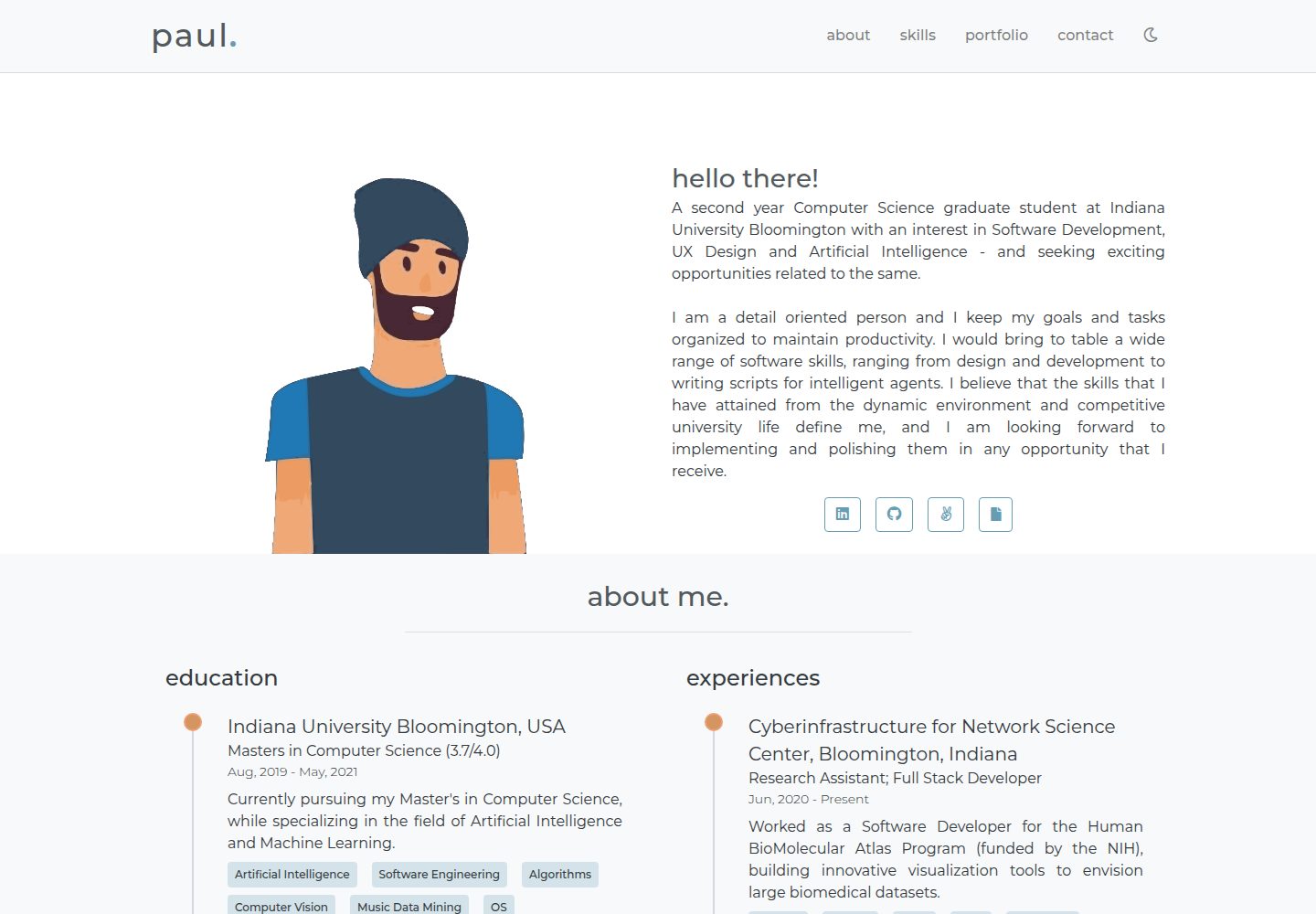
portfolio-template
A minimal personal portfolio website template built with Vue and HTML, with content configured in info.js.
Vue · Portfolio

vuejs-os-template
A Vue 2-based Web OS template for building desktop-style interactive interfaces, with draggable windows, a navigation bar, and three themes (Blueprint, Windows, MacOS). It uses Vuex for window data management and offers two ways to register windows.
Vue · Portfolio
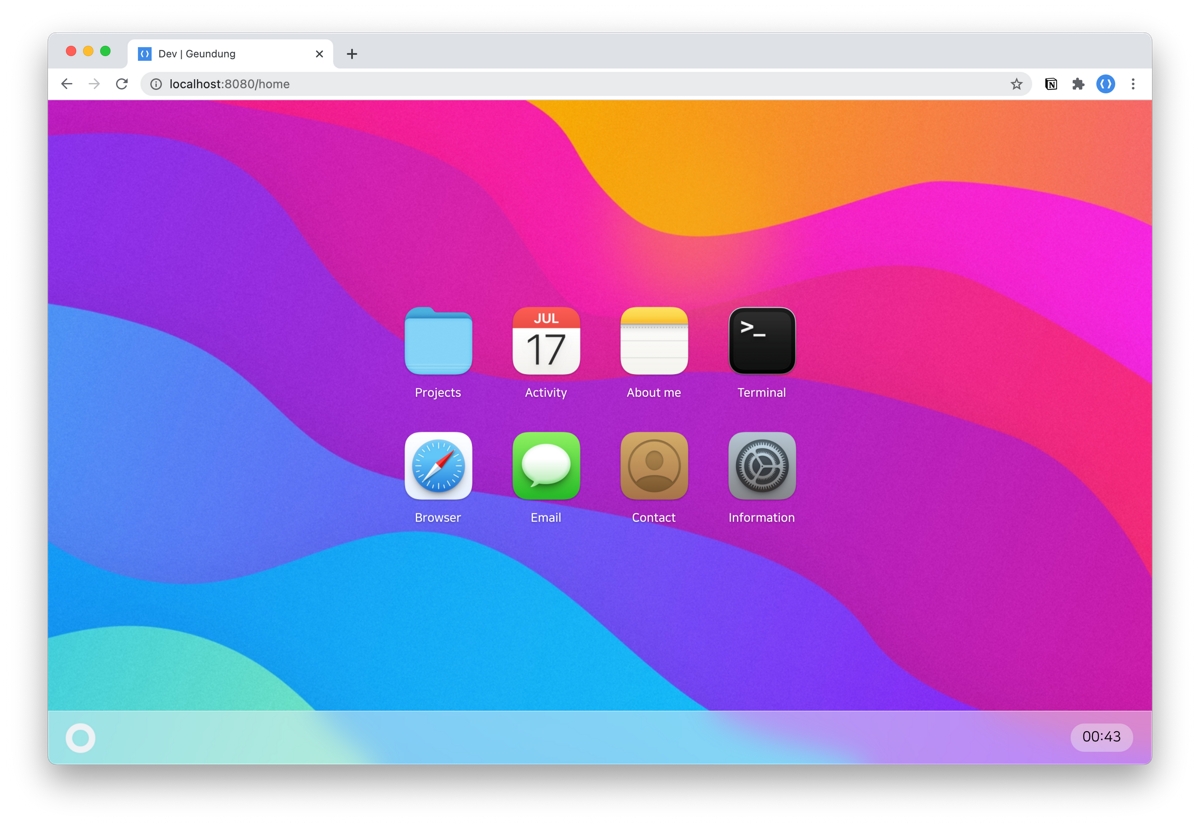
resume
A macOS Big Sur-style personal resume template built with Vue 3 + TypeScript, with content configured via JSON files under src/data. It includes dark mode, responsive layout, PWA support, and automatic GitHub star count fetching.
Vue · Portfolio
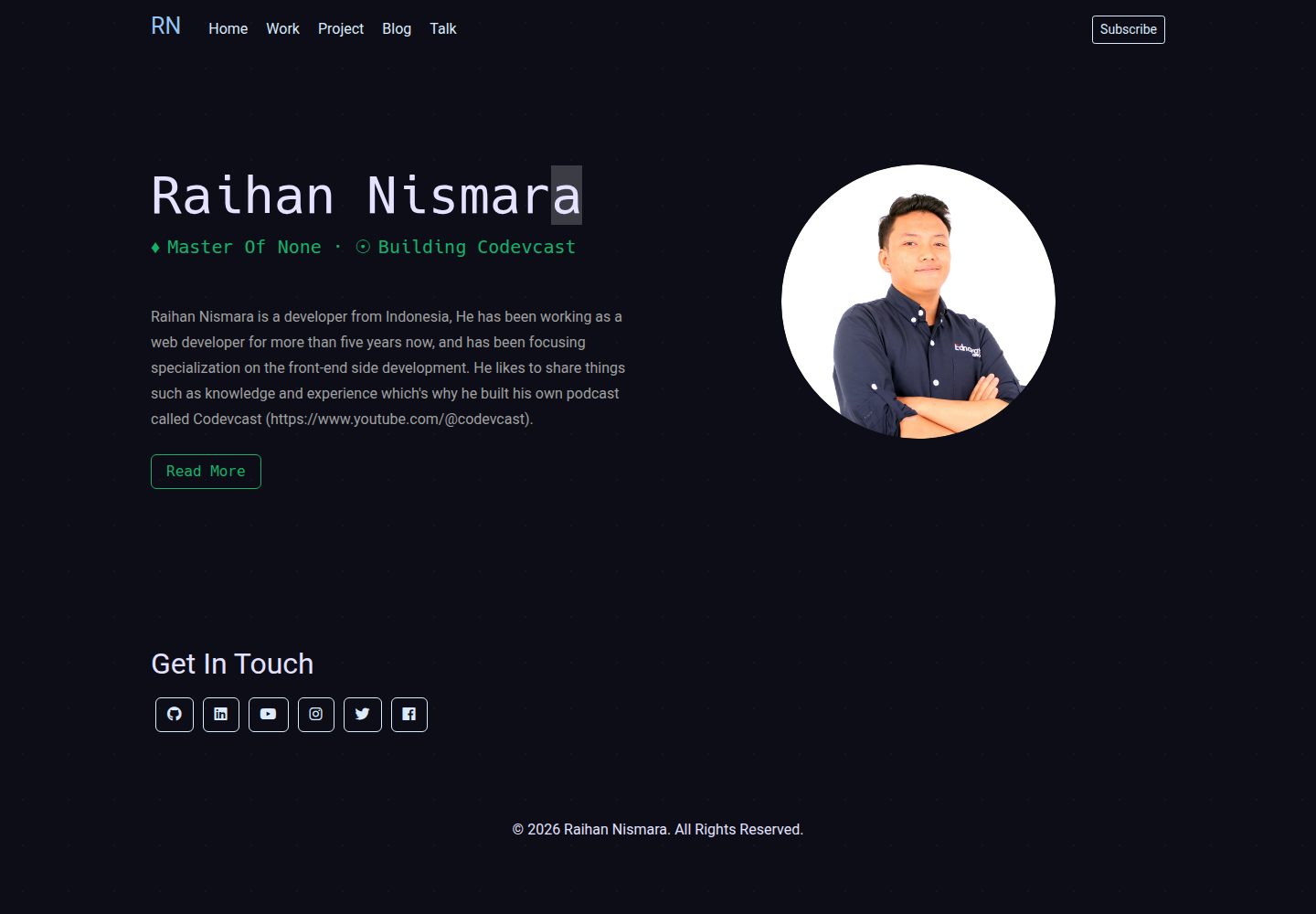
vue-porto
VuePorto is a Vue-based single-page resume and portfolio template adapted from StartBootstrap's Resume theme, adding animations and transitions. It suits personal resume or portfolio sites and is under the MIT license for free use and secondary development.
Vue · Portfolio
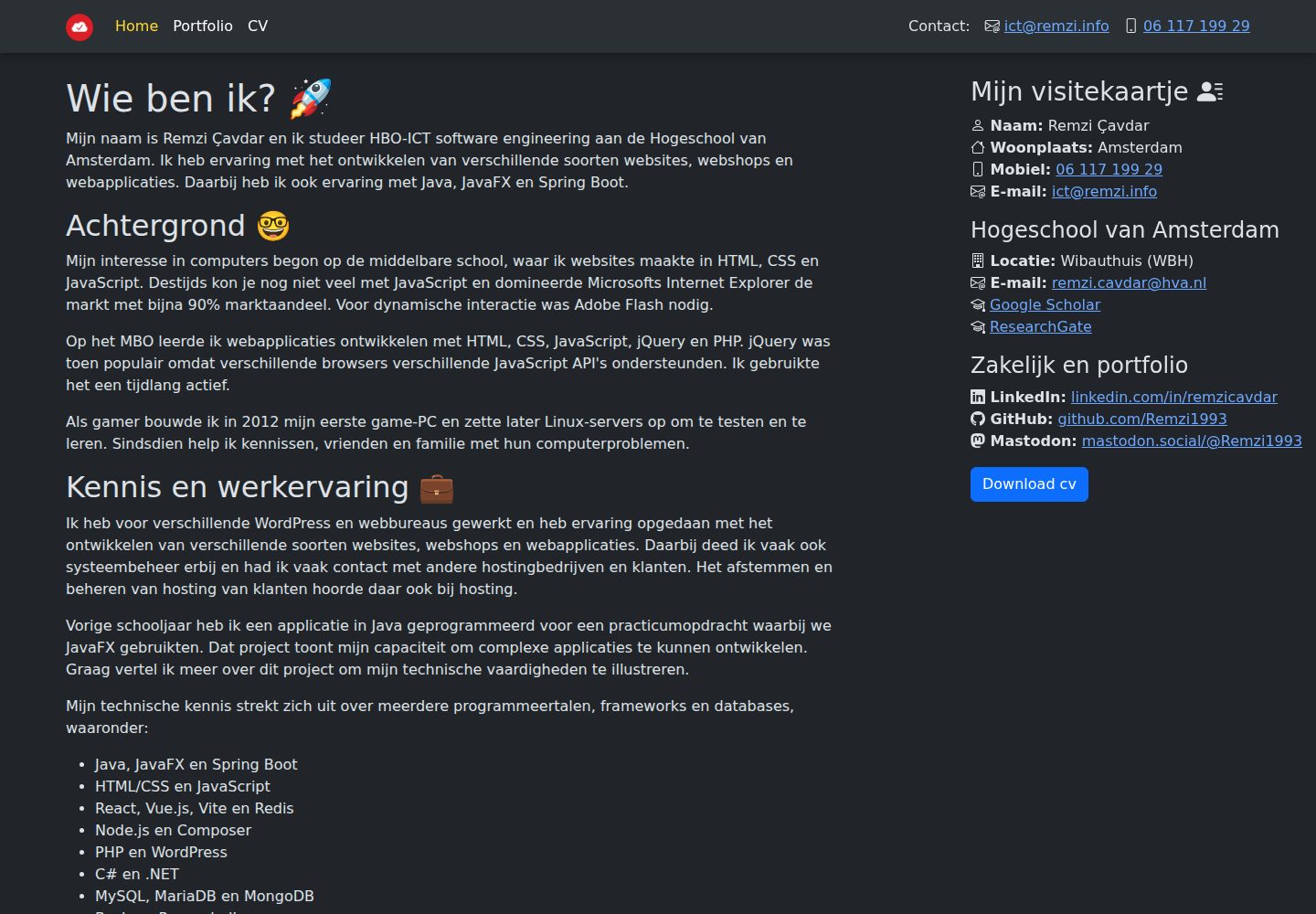
remzi.info
remzi.info is Remzi Cavdar's personal portfolio website built with Vite, Vue.js, TypeScript and Sass, open-sourced under the MIT license. The README states it can serve as a template for other portfolio sites.
Vue · Portfolio
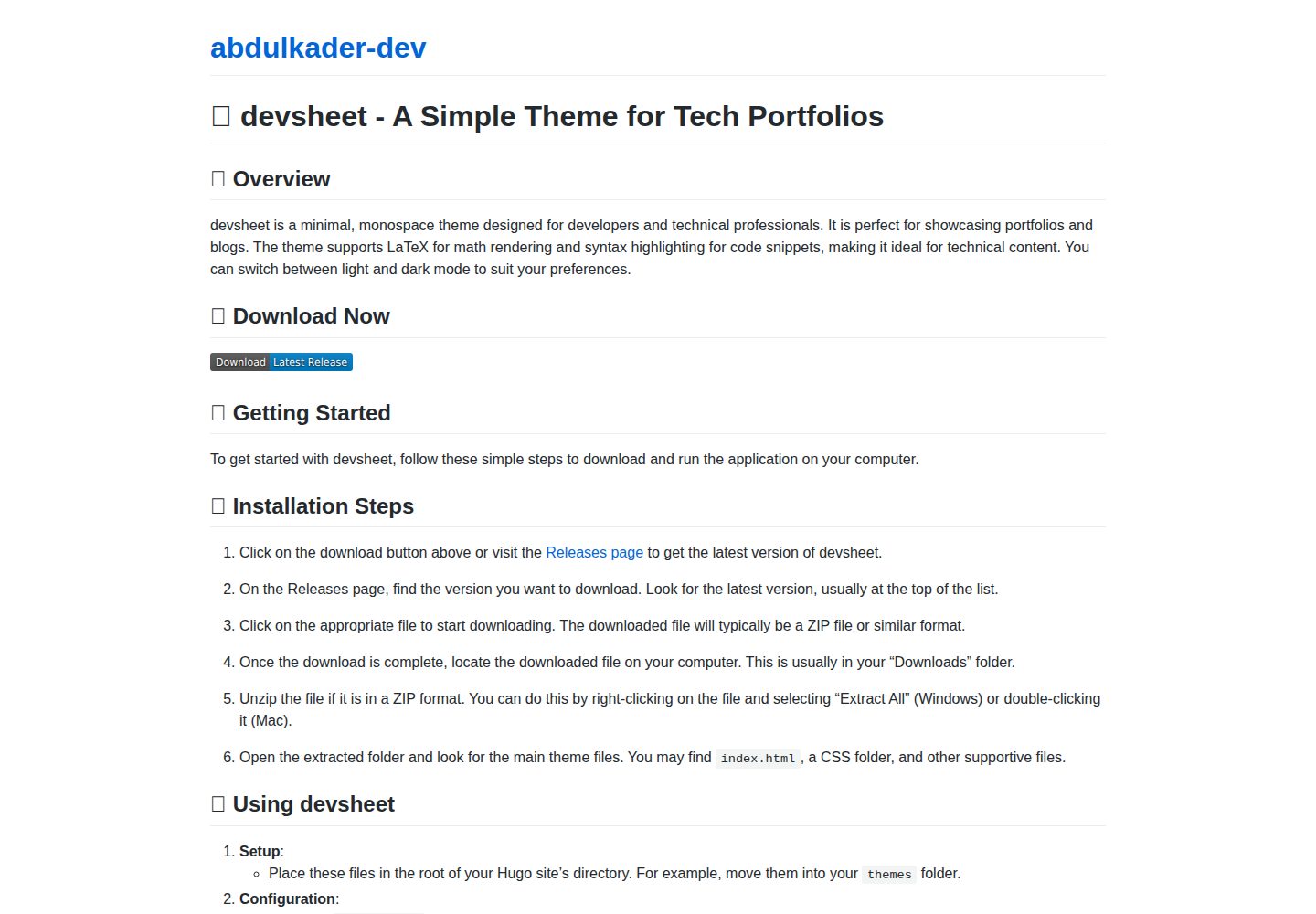
devsheet
devsheet is a minimal monospace Hugo theme for developer portfolios and blogs, offering light/dark modes, LaTeX math support, and code syntax highlighting. It requires Hugo 0.79.0 or later and runs on Windows, macOS, and Linux.
Vue · Portfolio