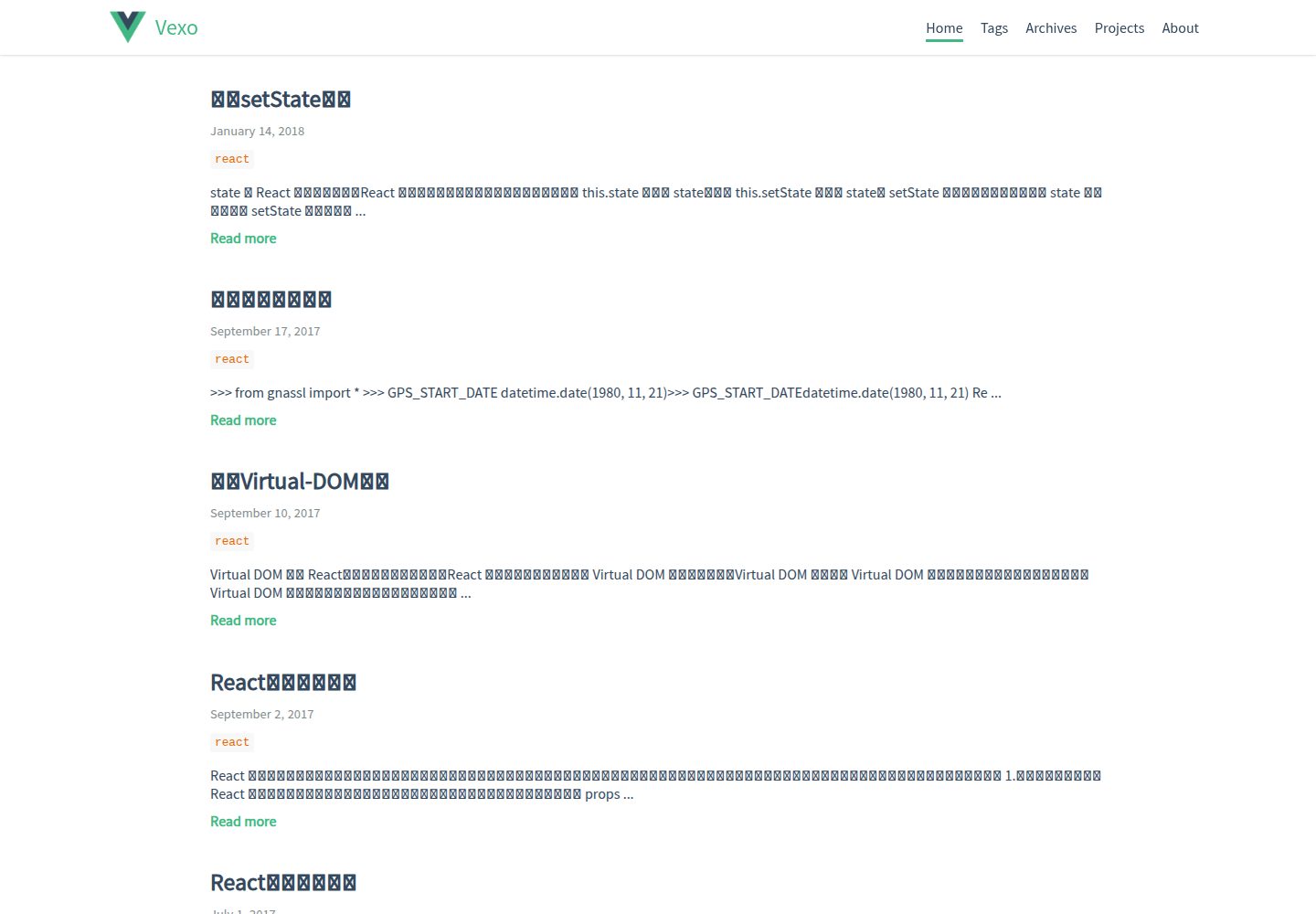
界面风格参考 Vue.js 官方网站
VueHexo博客
hexo-theme-vexo — Vue 博客模板
作者 yanm1ng
Vexo 是一款以 Vue.js 官网视觉为灵感的 Hexo 博客主题,支持响应式布局、文章目录、本地搜索与多种评论系统。
看看你的网站会是什么样
浏览真实页面截图,比较内容排版与手机效果。点击下方缩略图切换,放大查看整页细节。
全部页面与视图 3
截图用于了解视觉与布局,交互效果请以实际项目为准。
采集于 2026-10-02查看来源
值得关注的模板亮点
从已有项目资料中,快速了解它的特点。
响应式布局,适配桌面与移动端
支持文章目录、分享二维码与沉浸式状态栏
可在 Gitment、Utterances、有言与 Disqus 之间切换评论系统
可选本地搜索,需安装 hexo-generator-searchdb
内置归档页、关于页与 GitHub 项目展示页
模板详细介绍
Vexo 是一个 Hexo 主题,其界面风格参考 Vue.js 官方网站。它通过 Hexo 的模板与配置机制工作,安装方式是把主题克隆到 Hexo 项目的 themes/vexo 目录,并将主题的 _source 内容复制到站点 source 目录,然后在站点 _config.yml 中把 theme 设为 vexo,再按主题的 _config.yml 填写个人信息。
主题提供响应式布局、沉浸式状态栏、文章目录、分享二维码、SEO 相关配置,以及百度统计。评论系统可在 Gitment、Utterances、有言(Youyan)和 Disqus 之间切换,其中 Gitment 与 Utterances 需要在主题配置中填写仓库或 OAuth 信息。本地搜索需要额外安装 hexo-generator-searchdb,安装后在主题配置中启用,搜索按钮会出现在菜单栏右侧。文章可在 front-matter 中通过 banner 字段指定自定义横幅图。
主题还包含归档页、关于页和用于展示 GitHub 项目的项目页,并支持 GitHub、知乎、Twitter、微博等个人链接图标。打赏二维码需要自行替换主题 source/css/images 下的 alipay.jpg 或 wechat.jpg。主题以 MIT 许可发布,仓库最后更新于 2022 年,README 中的更新记录集中在 2017 年。
VueHexo博客
适合你的项目吗?
适用场景
- 使用 Hexo 搭建个人技术博客
- 希望博客视觉接近 Vue.js 官网风格
- 需要文章目录、分享二维码与评论区的写作站点
- 想用 GitHub Issues 作为评论存储的博客
适合人群
- 已使用 Hexo 并熟悉其配置方式的用户
- 偏好 Vue 风格界面、以中文写作为主的博主
- 需要评论、搜索、归档等常规博客功能的个人站点
上手与定制指南
结合仓库当前版本的说明,按下面的资料检查内容、配置与运行要求。
- 1
将主题克隆到 Hexo 项目的 themes/vexo 目录,并把 themes/vexo/_source 下的内容复制到站点 source 目录
- 2
在站点 _config.yml 中把 theme 设为 vexo,主题名需与主题文件夹名一致
- 3
在 themes/vexo/_config.yml 中填写个人信息、评论系统与社交账号等配置
- 4
本地搜索需先执行 npm install hexo-generator-searchdb,再在主题配置中启用 local_search
- 5
打赏二维码需替换主题 source/css/images 下的 alipay.jpg 或 wechat.jpg,文件名必须一致
授权与来源资料
使用条件与限制
免费使用 · 保留许可声明本次收录的是公开仓库中采用 MIT 许可的免费版本;免费范围为该版本代码,不代表外部服务或第三方素材免费。
使用时需要遵守
- 允许免费使用、修改、商用和分发该版本代码。
- 分发代码副本或实质性部分时,保留原作者版权声明和完整 MIT 许可声明。
- 代码按现状提供;担保与责任限制以原许可证及适用法律为准。
额外费用与待核对事项
- 本地搜索功能依赖外部插件 hexo-generator-searchdb,需先通过 npm 安装该插件,否则搜索按钮不可用。
- 评论功能依赖第三方服务 Gitment,需在配置中填写 gitment_owner、gitment_repo 及 OAuth id/secret,属于外部服务与账号要求。
- 使用 Utterances 评论需依赖 GitHub Issues 与 utterances 外部服务,并配置 utterances_repo 等参数。
- 打赏功能需自行替换支付宝/微信收款二维码图片,涉及个人收款账号,非主题自带资源。
- 演示图片、字体、图标及其他第三方素材需按各自许可核对,不能仅凭代码的 MIT 许可判断。
- 域名、托管、数据库、支付或 AI 等外部服务可能另外收费。
查看原文依据
Permission is hereby granted, free of charge
许可证原文
It requires `hexo-generator-searchdb` which can be installed with `npm install hexo-generator-searchdb`
README 原文
Vexo use [Gitment](https://github.com/imsun/gitment) as the third party discussion system.
README 原文
You can also take [Utterances](https://utteranc.es/) as your comment system. It is a lightweight comments widget built on Github issues.
README 原文
https://github.com/yanm1ng/hexo-theme-vexo/blob/master/LICENSEhttps://github.com/yanm1ng/hexo-theme-vexo/blob/master/README.mdYou can replace your own Alipay/Wechat qrcode in `themes/source/css/images`
README 原文
DeepSeek 根据仓库许可证和 README 整理 ·2026-10-02。结果仅覆盖已读取资料,依赖、图片、字体及后续条款变更以各自原文为准。
项目核对记录与介绍依据
模板资料
- 来源平台
- GitHub
- 资料与维护参考分
- 资料较完整 · 81 / 100
- 技术栈
- Vue · Hexo
- 网站类型
- 博客
这个分数如何计算
本站按许可资料(最高30分)、演示链接(12分)、预览图(10分)、Star数(15分)、记录的维护时间(15分)、描述完整度(8分)、功能记录(5分)和分类资料(5分)计算。它不是代码、安全或性能测试,也不是 Google 评分;有链接不代表已实测可用。
这个项目需要核对什么
- 记录的仓库更新时间
- 2022-11-22
- 截图检查日期
- 2026-10-02
已收录演示链接。请用你的内容与屏幕尺寸检查;有演示不代表表单、认证或支付已经可用。
目录记录的主要技术栈是 Vue。请通过依赖清单和锁文件核对实际版本与托管要求。这些说明基于收录资料,不代表代码审计或部署实测。
查看具体选型方法 →介绍的制作与核对状态
介绍由 AI 辅助整理目录与仓库资料。仓库作者不等于这篇介绍的审核者。
已完成服务器许可规则与 AI 来源核对;未经过人工编辑审核。
查看当时使用的来源资料
SHA-256: 27aaba3090023b81ce9c73083327dafac4551bec25db7e0d91df661995eed406
2026-10-02T08:02:18.762Z
来源文件 / 仓库# Vexo = Vue.js Style + Hexo > Vexo is a Hexo theme inspired by [Vue.js](https://cn.vuejs.org) official website. [](https://travis-ci.org/yanm1ng/hexo-theme-vexo) [](https://standardjs.com) ## Intro  ## Demo [Live Example](https://yanm1ng.github.io/) ## Features * Fully Responsive * Baidu Analytics * [Youyan](http://www.uyan.cc/) * [Gitment](https://imsun.github.io/gitment/) * Share Qrcode * SEO * Immersive Status Bar * Article Catalog ## Install 1. Download/Checkout this theme into your project ``` cd your-hexo-folder git clone https://github.com/yanm1ng/hexo-theme-vexo.git themes/vexo cp -R themes/vexo/_source/* source/ ``` 2. Update project `_config.yml` theme config, look like this ``` themes: vexo ``` Here theme's name must same as the theme folder name. 3. Modify theme `themes/vexo/_config.yml` with your own info. 4. That's all , hope you will like :) ## Update Version ``` cd themes/vexo git pull ``` ## Post The **front-matter** of a post looks like that: ``` --- title: "Hello World" date: 2016-06-10 23:00 banner: your-banner-link.jpg tags: - Movies - Life --- ``` Add this to the top of your article markdown file. ## Change Log **2017-09-21** * Added article catalog * Fixed bugs **2017-08-08** * Added article custom banner * Fixed gitment error **2017-06-27** * Added image-zoom * Added project-link **2017-06-25** * Added image load `onerror` replace default image * Added page [loading-bar](https://github.com/rstacruz/nprogress) * Fixed bugs **2017-06-23** * Added project page to show github project * Fixed share url error * Support markdown `table` & `hr` **2017-06-20** * Added personal link icons, support: * github * zhihu * twitter * weibo * Fixed bugs **2017-06-15** * Add personal about page * Replace font-family * Ignore text-autosizer/font-boosting on mobile-device * Fixed bugs **2017-06-12** * Added enter-out transition * Fixed bugs **2017-06-11** * Added archive page * Fixed HighLight code line-number bug * Adjust home post display problem * Thanks @ky0ncheng issue ## Comment #### 1. Gitment Vexo use [Gitment](https://github.com/imsun/gitment) as the third party discussion system. You can easily complete your comment configuration by just adding your settings into `_config.yml` ``` # comment # you can set utterances, gitment, uyan or disqus comment: gitment # Gitment gitment_owner: yanm1ng gitment_repo: yanm1ng.github.io gitment_oauth_id: gitment_oauth_secret: ``` How to use Gitment? [See](https://imsun.github.io/gitment/) #### 2. Utterances You can also take [Utterances](https://utteranc.es/) as your comment system. It is a lightweight comments widget built on Github issues. You can easily configure which comment system you use in `_config.yml` of this theme. ``` # comment # you can set utterances, gitment, uyan or disqus comment: utterances # utterances config utterances_repo: # GitHubAccount/RepoForUtterances utterances_issue_term: pathname utterances_theme: github-light ``` A simple introduction and guide for Utterances is [Here](https://utteranc.es/). ## Local Search (Search in the blog) You can add local search engine in your blog. It requires `hexo-generator-searchdb` which can be installed with `npm install hexo-generator-searchdb`. The full instruction can be found [Here](https://github.com/theme-next/hexo-generator-searchdb). After installing `hexo-generator-searchdb`, you can enable `local search` in `_config.yml`. It makes the search button visible at the right of the menu bar. ``` # Local Search Support local_search: enable: true ``` ## Reward You can replace your own Alipay/Wechat qrcode in `themes/source/css/images` Here the name must same as `alipay.jpg` or `wechat.jpg`. ## Links You can easily add your social account by just adding your settings into `_config.yml` ``` # Links weibo_username: your_weibo_account twitter_username: your_twitter_account github_username: your_github_account zhihu_username: your_zhihu_account ``` ## About - Give a star if you like , fork or just clone to use , and also you can help me fix bugs and add new feature :) - If you have any problem or requirement , just open an issue here and i will help you. - Thanks to [@imsun](https://github.com/imsun) , [@Evan You](https://github.com/yyx990803) and [@Hexo](https://hexo.io). ## LICENSE MIT
看看同类模板
对比同技术栈与用途的模板,找到更适合的视觉与内容结构。
vuepress-theme-simple
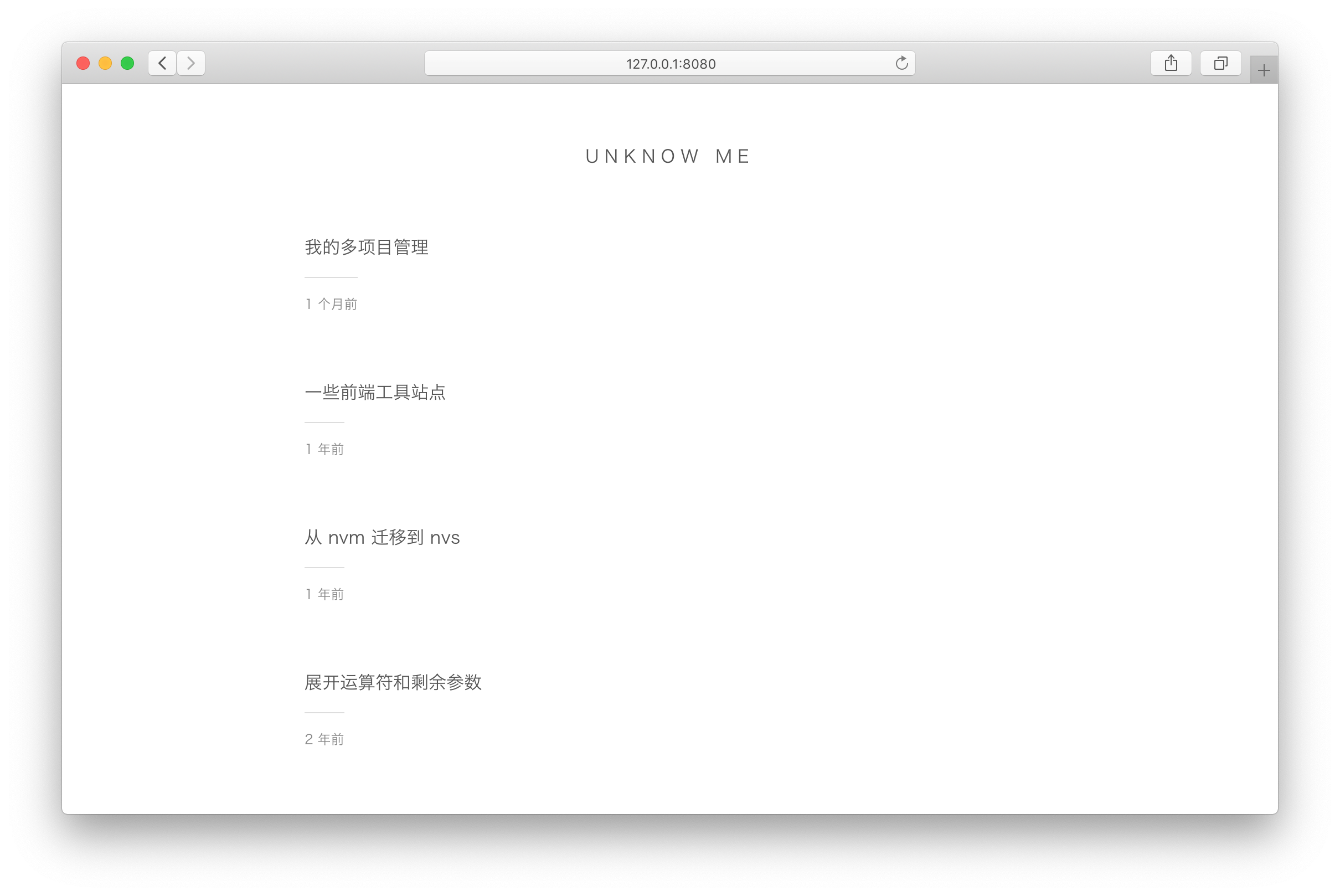
vuepress-theme-simple 是一个为 VuePress 1.x 设计的博客主题,定位非常明确:把 VuePress 默认的文档站首页改造成文章列表。
Vue · 博客
vuepress-theme-seeker
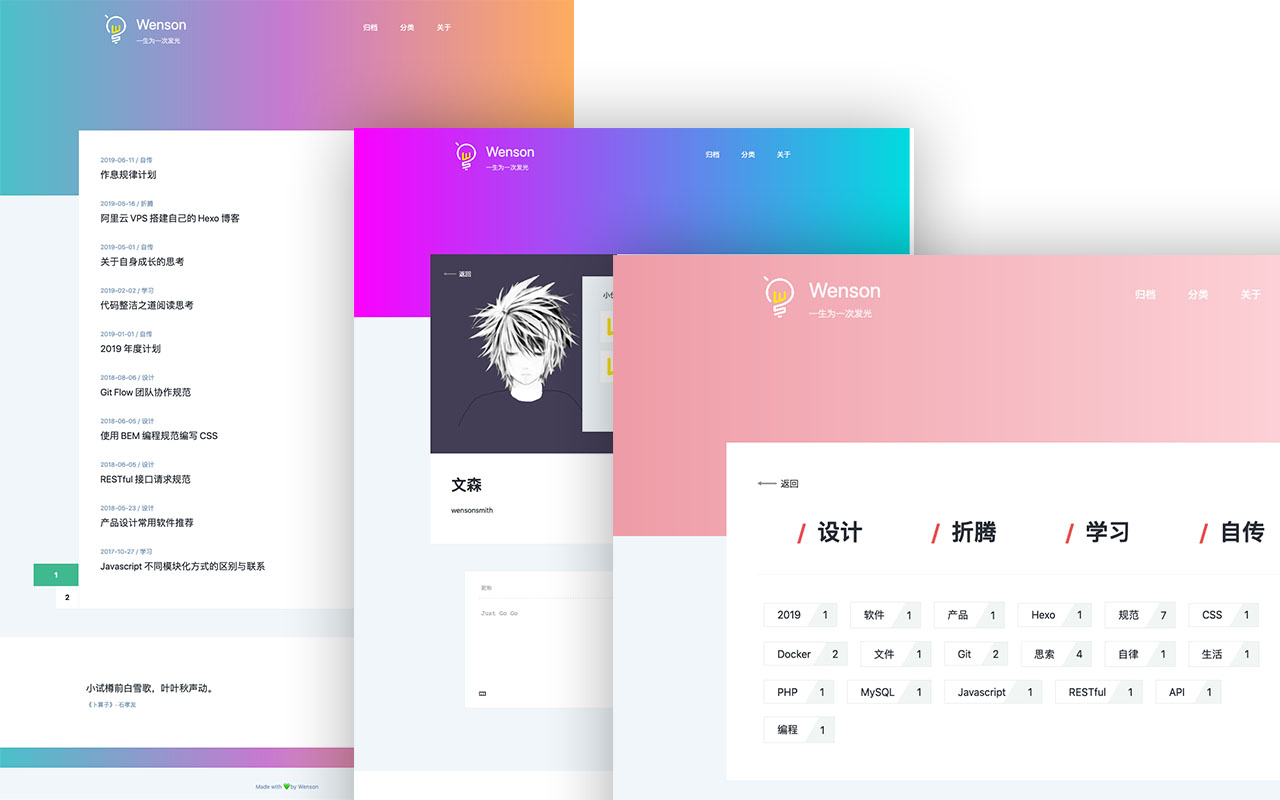
Seeker 是一款面向 VuePress 的博客主题,主打「五彩斑斓的简约」:每次刷新页面会随机生成一套配色,页脚则随机展示古诗词,这两点构成了它区别于多数静态博客主题的辨识度。
Vue · 博客
vitepress-template
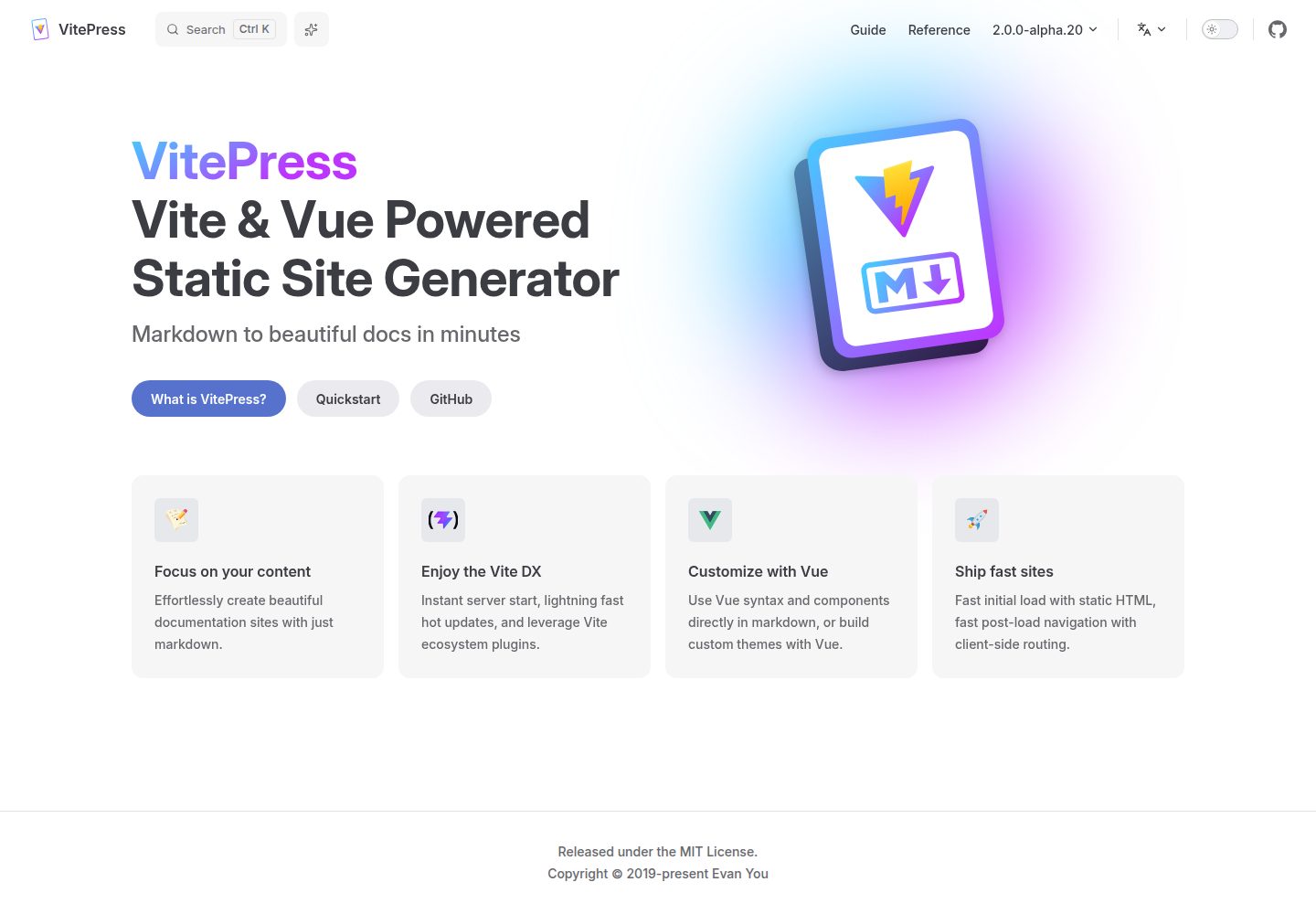
🍀 Vitepress 模板,开箱即用,快速搭建你的静态网站和博客。
Vue · 博客
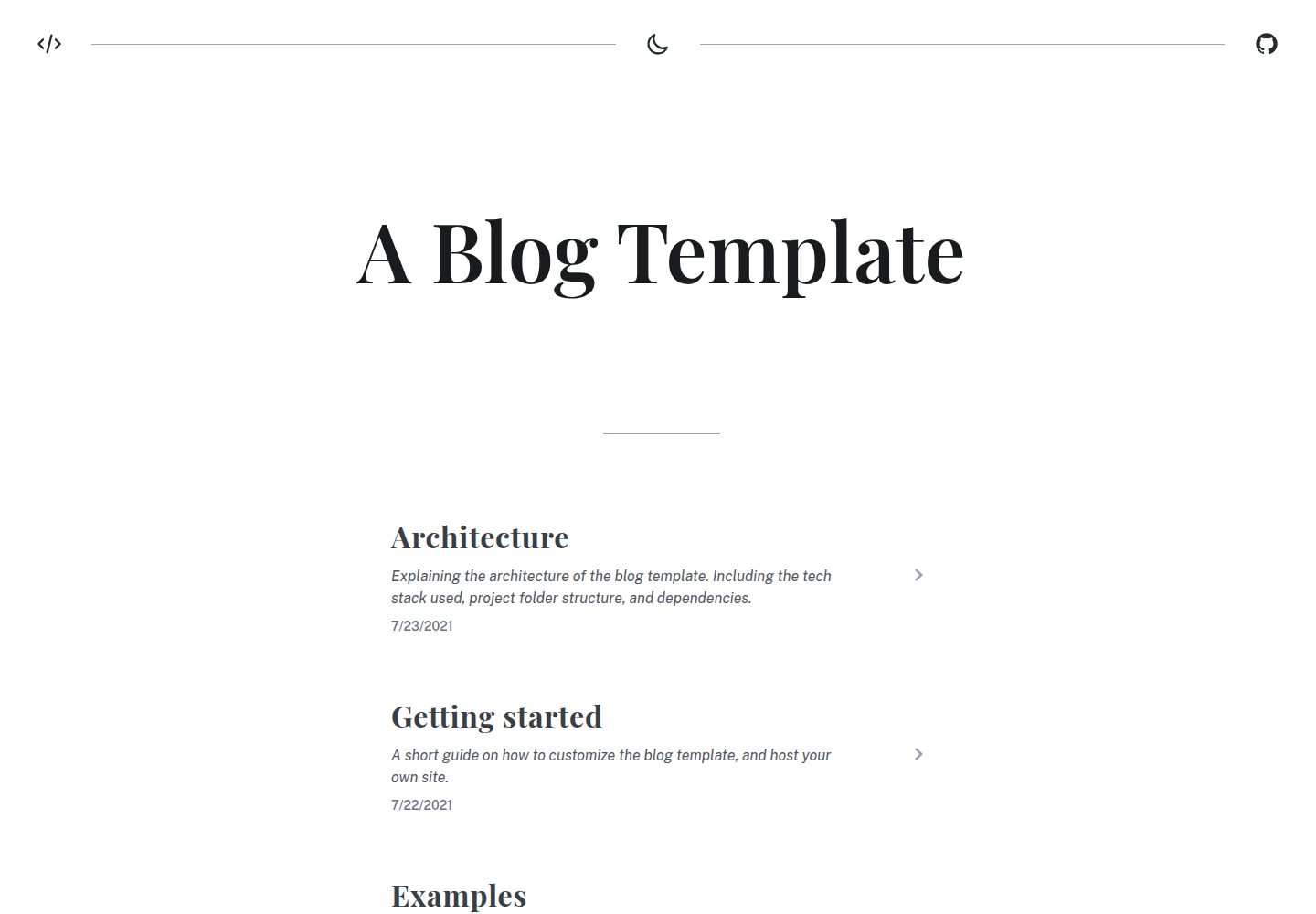
blog
A generated static site blog template, with Vite, Vue 3, markdown-it, and syntax highlighting.
Vue · 博客
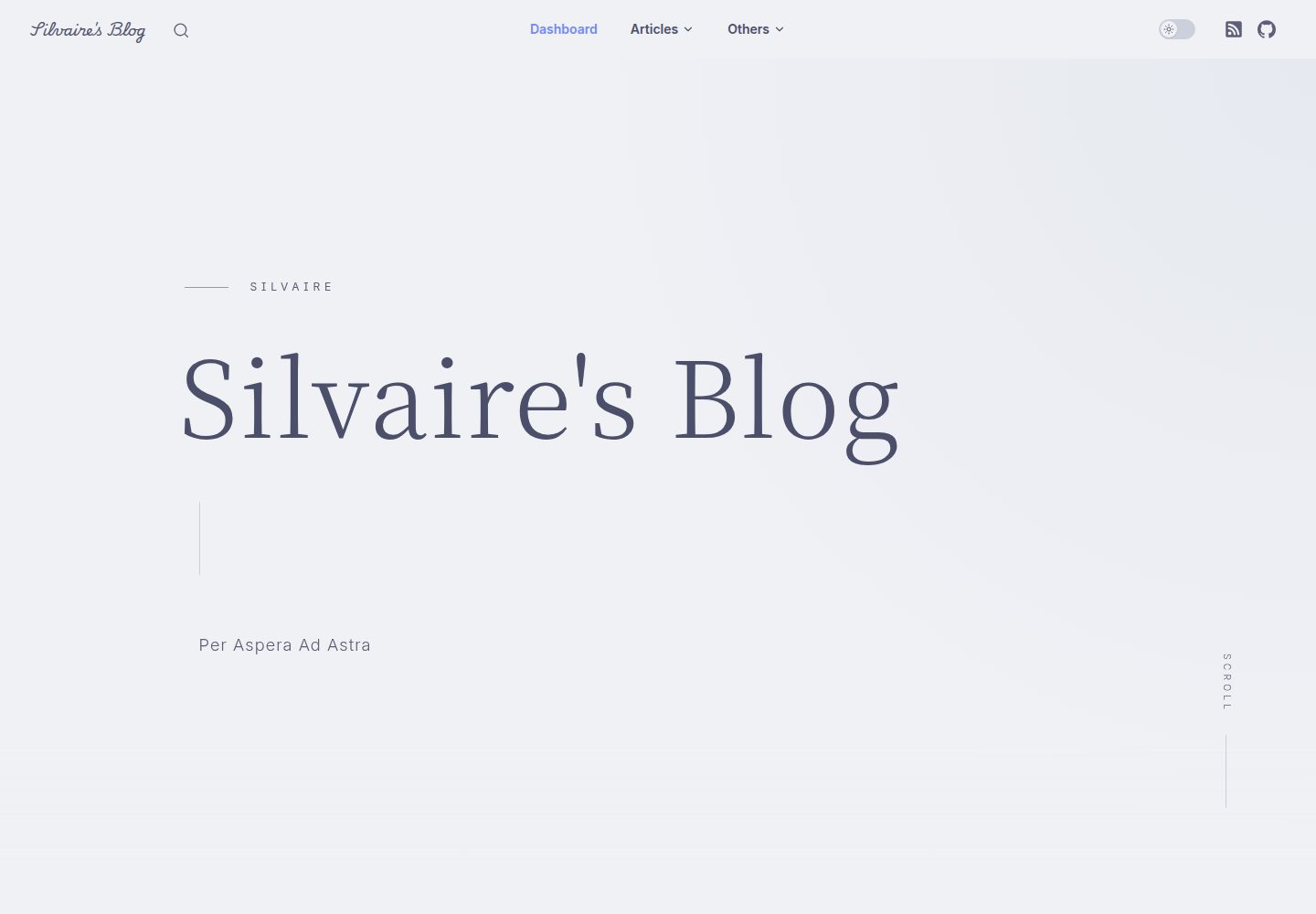
Miracle
A miracle blog theme based on VitePress after deleting accidentally.
Vue · 博客
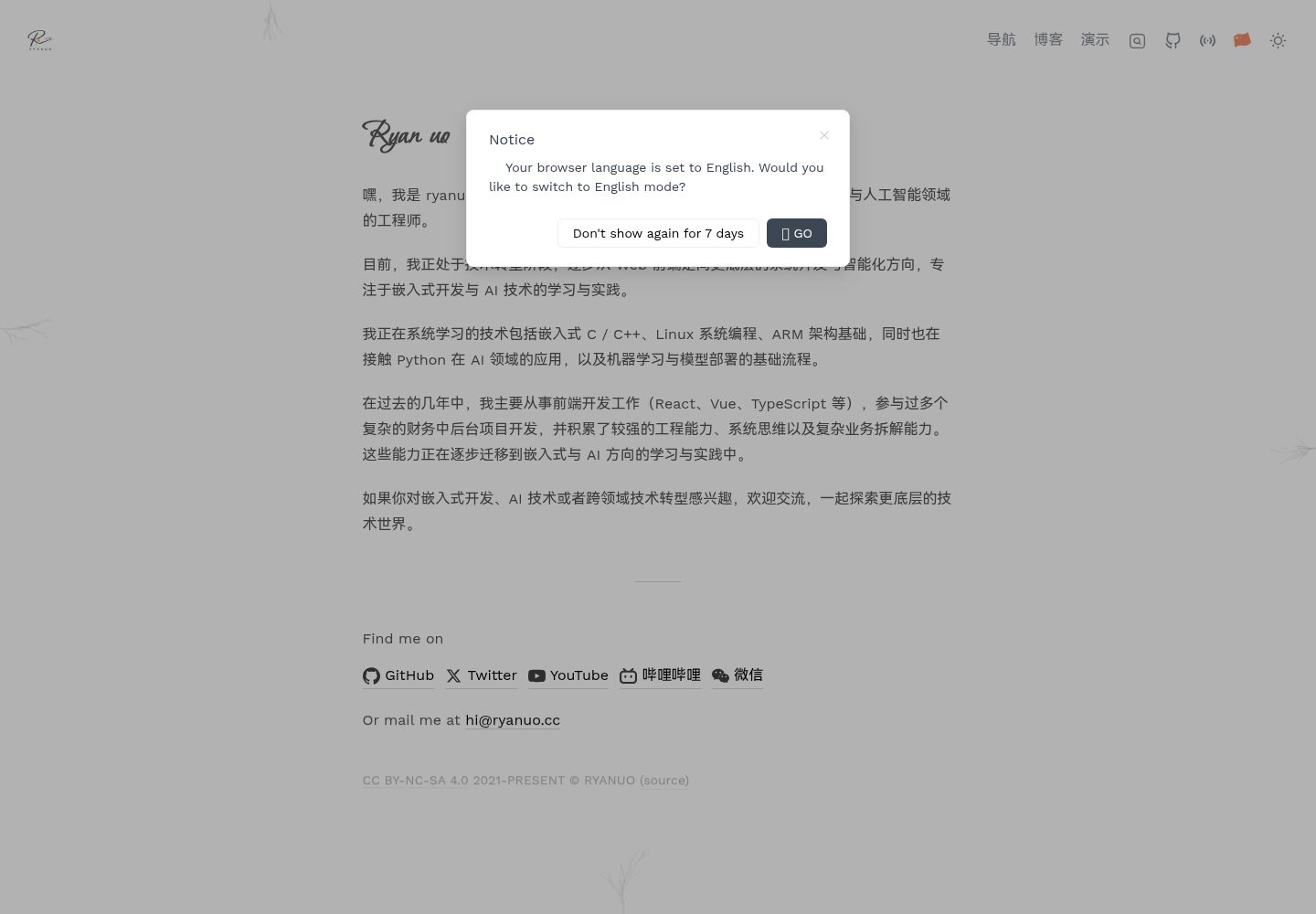
ryanuo.cc
🐲Personal Homepage (Introduction, Navigation, Blog, Projects).Refer Antfu Template
Vue · 博客