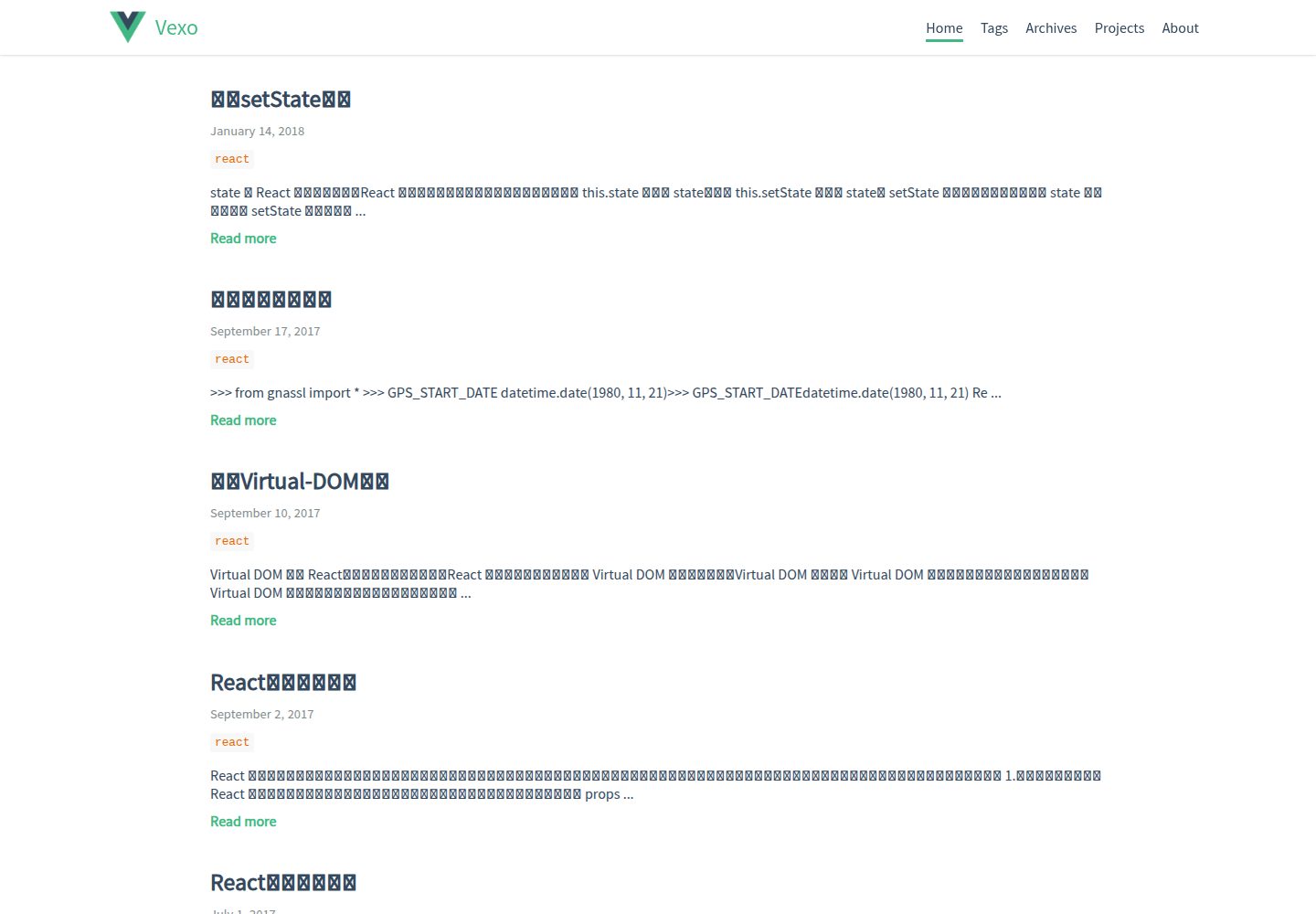
Interface style references the Vue.js official website
VueHexoBlog
hexo-theme-vexo — Vue Blog Template
By yanm1ng
Vexo is a Hexo blog theme inspired by the visual style of the Vue.js official website, supporting responsive layout, article table of contents, local search, and multiple comment systems.
Explore the design
Compare the page layouts and mobile experience. Open any screenshot for a closer look.
Desktop homepage1 / 3
Desktop captureTop of page
Actual screenshot captured by the server browser.
All pages & views 3
Screenshots show visual appearance; interactive behavior may differ.
Recorded 2026-10-02View source
What stands out
A quick read of the recorded project description.
Responsive layout, adaptable to desktop and mobile
Supports article table of contents, sharing QR codes, and immersive status bar
Comment system can be switched among Gitment, Utterances, Youyan, and Disqus
Optional local search, requires installing hexo-generator-searchdb
Built-in archive page, about page, and GitHub project showcase page
Template Details
Vexo is a Hexo theme whose interface style references the Vue.js official website. It works through Hexo's templating and configuration mechanisms. Installation involves cloning the theme into the themes/vexo directory of a Hexo project, copying the theme's _source content into the site's source directory, then setting theme to vexo in the site's _config.yml, and filling in personal information according to the theme's _config.yml.
The theme provides responsive layout, immersive status bar, article table of contents, sharing QR codes, SEO-related configuration, and Baidu Analytics. The comment system can be switched among Gitment, Utterances, Youyan, and Disqus, where Gitment and Utterances require repository or OAuth information in the theme configuration. Local search requires additionally installing hexo-generator-searchdb; after installation, enable it in the theme configuration, and the search button will appear on the right side of the menu bar. Articles can specify a custom banner image via the banner field in front-matter.
The theme also includes an archive page, an about page, and a projects page for displaying GitHub projects, and supports personal link icons such as GitHub, Zhihu, Twitter, and Weibo. The reward QR codes need to be replaced manually with alipay.jpg or wechat.jpg under the theme's source/css/images. The theme is released under the MIT license, the repository was last updated in 2022, and the update records in the README are concentrated in 2017.
VueHexoBlog
Is it right for your project?
Use Cases
- Building a personal tech blog with Hexo
- Wanting a blog visual close to the Vue.js official website style
- Writing sites that need article table of contents, sharing QR codes, and comment sections
- Blogs that want to use GitHub Issues as comment storage
Suitable For
- Users who already use Hexo and are familiar with its configuration
- Bloggers who prefer a Vue-style interface and mainly write in Chinese
- Personal sites that need common blog features such as comments, search, and archives
Getting started & customization
Use these recorded setup notes alongside the repository instructions for your chosen version.
- 1
Clone the theme into the themes/vexo directory of the Hexo project, and copy the contents under themes/vexo/_source to the site's source directory
- 2
Set theme to vexo in the site's _config.yml; the theme name must match the theme folder name
- 3
Fill in personal information, comment system, and social account configurations in themes/vexo/_config.yml
- 4
For local search, first run npm install hexo-generator-searchdb, then enable local_search in the theme configuration
- 5
The reward QR codes need to be replaced with alipay.jpg or wechat.jpg under the theme's source/css/images; the file names must remain the same
License & source material
Usage conditions & limitations
Free to use · keep license noticeThis entry covers the free version under the MIT license in the public repository; the free scope is the code of this version and does not mean that external services or third-party assets are free.
Must comply with when using
- Free use, modification, commercial use, and distribution of this version's code are permitted.
- When distributing copies or substantial portions of the code, retain the original author's copyright notice and the complete MIT license notice.
- The code is provided as is; warranties and limitations of liability are governed by the original license and applicable law.
Additional costs & items to verify
- The local search feature depends on the external plugin hexo-generator-searchdb, which must be installed via npm first; otherwise the search button is unavailable.
- The comment feature depends on the third-party service Gitment, requiring gitment_owner, gitment_repo, and OAuth id/secret in the configuration, which are external service and account requirements.
- Using Utterances comments depends on GitHub Issues and the external utterances service, and requires configuring parameters such as utterances_repo.
- The reward feature requires manually replacing the Alipay/WeChat payment QR code images, involving personal payment accounts, and is not a built-in asset of the theme.
- Demo images, fonts, icons, and other third-party assets must be checked against their respective licenses; they cannot be judged solely by the code's MIT license.
- External services such as domains, hosting, databases, payments, or AI may incur additional charges.
View Original Text Basis
Permission is hereby granted, free of charge
Original License Text
It requires `hexo-generator-searchdb` which can be installed with `npm install hexo-generator-searchdb`
Original README
Vexo use [Gitment](https://github.com/imsun/gitment) as the third party discussion system.
Original README
You can also take [Utterances](https://utteranc.es/) as your comment system. It is a lightweight comments widget built on Github issues.
Original README
https://github.com/yanm1ng/hexo-theme-vexo/blob/master/LICENSEhttps://github.com/yanm1ng/hexo-theme-vexo/blob/master/README.mdYou can replace your own Alipay/Wechat qrcode in `themes/source/css/images`
Original README
Compiled by DeepSeek based on repository license and README ·2026-10-02. Results only cover the materials read; dependencies, images, fonts, and subsequent term changes are subject to their respective original texts.
Project checks & description sources
Template Information
- Source platforms
- GitHub
- Documentation and maintenance reference score
- More documented · 81 / 100
- Technologies
- Vue · Hexo
- Website type
- Blog
How this score is calculated
Our heuristic uses license records (up to 30), a demo link (12), a preview (10), stars (15), recorded maintenance (15), description completeness (8), feature records (5) and classification data (5). It is not a code, security or performance test, or a Google score. A link does not establish tested functionality.
What to verify for this project
- Repository update recorded
- 2022-11-22
- Screenshot last checked
- 2026-10-02
A demo link is listed. Check it with your own content and viewport sizes; its presence does not confirm that forms, authentication or payments work.
The catalog identifies Vue as the primary stack. Check the actual dependency manifest and lockfile for versions and hosting requirements. These notes use recorded metadata, not a code audit or a deployment test.
Use a selection guide →How this description was prepared
AI-assisted description based on catalog records and repository material. Repository authors are not automatically the reviewers of this description.
Automatically checked against source and license rules; no manual editorial review.
Inspect the recorded source material
SHA-256: 27aaba3090023b81ce9c73083327dafac4551bec25db7e0d91df661995eed406
2026-10-02T08:02:18.762Z
Source file / repository# Vexo = Vue.js Style + Hexo > Vexo is a Hexo theme inspired by [Vue.js](https://cn.vuejs.org) official website. [](https://travis-ci.org/yanm1ng/hexo-theme-vexo) [](https://standardjs.com) ## Intro  ## Demo [Live Example](https://yanm1ng.github.io/) ## Features * Fully Responsive * Baidu Analytics * [Youyan](http://www.uyan.cc/) * [Gitment](https://imsun.github.io/gitment/) * Share Qrcode * SEO * Immersive Status Bar * Article Catalog ## Install 1. Download/Checkout this theme into your project ``` cd your-hexo-folder git clone https://github.com/yanm1ng/hexo-theme-vexo.git themes/vexo cp -R themes/vexo/_source/* source/ ``` 2. Update project `_config.yml` theme config, look like this ``` themes: vexo ``` Here theme's name must same as the theme folder name. 3. Modify theme `themes/vexo/_config.yml` with your own info. 4. That's all , hope you will like :) ## Update Version ``` cd themes/vexo git pull ``` ## Post The **front-matter** of a post looks like that: ``` --- title: "Hello World" date: 2016-06-10 23:00 banner: your-banner-link.jpg tags: - Movies - Life --- ``` Add this to the top of your article markdown file. ## Change Log **2017-09-21** * Added article catalog * Fixed bugs **2017-08-08** * Added article custom banner * Fixed gitment error **2017-06-27** * Added image-zoom * Added project-link **2017-06-25** * Added image load `onerror` replace default image * Added page [loading-bar](https://github.com/rstacruz/nprogress) * Fixed bugs **2017-06-23** * Added project page to show github project * Fixed share url error * Support markdown `table` & `hr` **2017-06-20** * Added personal link icons, support: * github * zhihu * twitter * weibo * Fixed bugs **2017-06-15** * Add personal about page * Replace font-family * Ignore text-autosizer/font-boosting on mobile-device * Fixed bugs **2017-06-12** * Added enter-out transition * Fixed bugs **2017-06-11** * Added archive page * Fixed HighLight code line-number bug * Adjust home post display problem * Thanks @ky0ncheng issue ## Comment #### 1. Gitment Vexo use [Gitment](https://github.com/imsun/gitment) as the third party discussion system. You can easily complete your comment configuration by just adding your settings into `_config.yml` ``` # comment # you can set utterances, gitment, uyan or disqus comment: gitment # Gitment gitment_owner: yanm1ng gitment_repo: yanm1ng.github.io gitment_oauth_id: gitment_oauth_secret: ``` How to use Gitment? [See](https://imsun.github.io/gitment/) #### 2. Utterances You can also take [Utterances](https://utteranc.es/) as your comment system. It is a lightweight comments widget built on Github issues. You can easily configure which comment system you use in `_config.yml` of this theme. ``` # comment # you can set utterances, gitment, uyan or disqus comment: utterances # utterances config utterances_repo: # GitHubAccount/RepoForUtterances utterances_issue_term: pathname utterances_theme: github-light ``` A simple introduction and guide for Utterances is [Here](https://utteranc.es/). ## Local Search (Search in the blog) You can add local search engine in your blog. It requires `hexo-generator-searchdb` which can be installed with `npm install hexo-generator-searchdb`. The full instruction can be found [Here](https://github.com/theme-next/hexo-generator-searchdb). After installing `hexo-generator-searchdb`, you can enable `local search` in `_config.yml`. It makes the search button visible at the right of the menu bar. ``` # Local Search Support local_search: enable: true ``` ## Reward You can replace your own Alipay/Wechat qrcode in `themes/source/css/images` Here the name must same as `alipay.jpg` or `wechat.jpg`. ## Links You can easily add your social account by just adding your settings into `_config.yml` ``` # Links weibo_username: your_weibo_account twitter_username: your_twitter_account github_username: your_github_account zhihu_username: your_zhihu_account ``` ## About - Give a star if you like , fork or just clone to use , and also you can help me fix bugs and add new feature :) - If you have any problem or requirement , just open an issue here and i will help you. - Thanks to [@imsun](https://github.com/imsun) , [@Evan You](https://github.com/yyx990803) and [@Hexo](https://hexo.io). ## LICENSE MIT
Explore similar templates
Compare previews and descriptions within the same stack and category.
vuepress-theme-simple
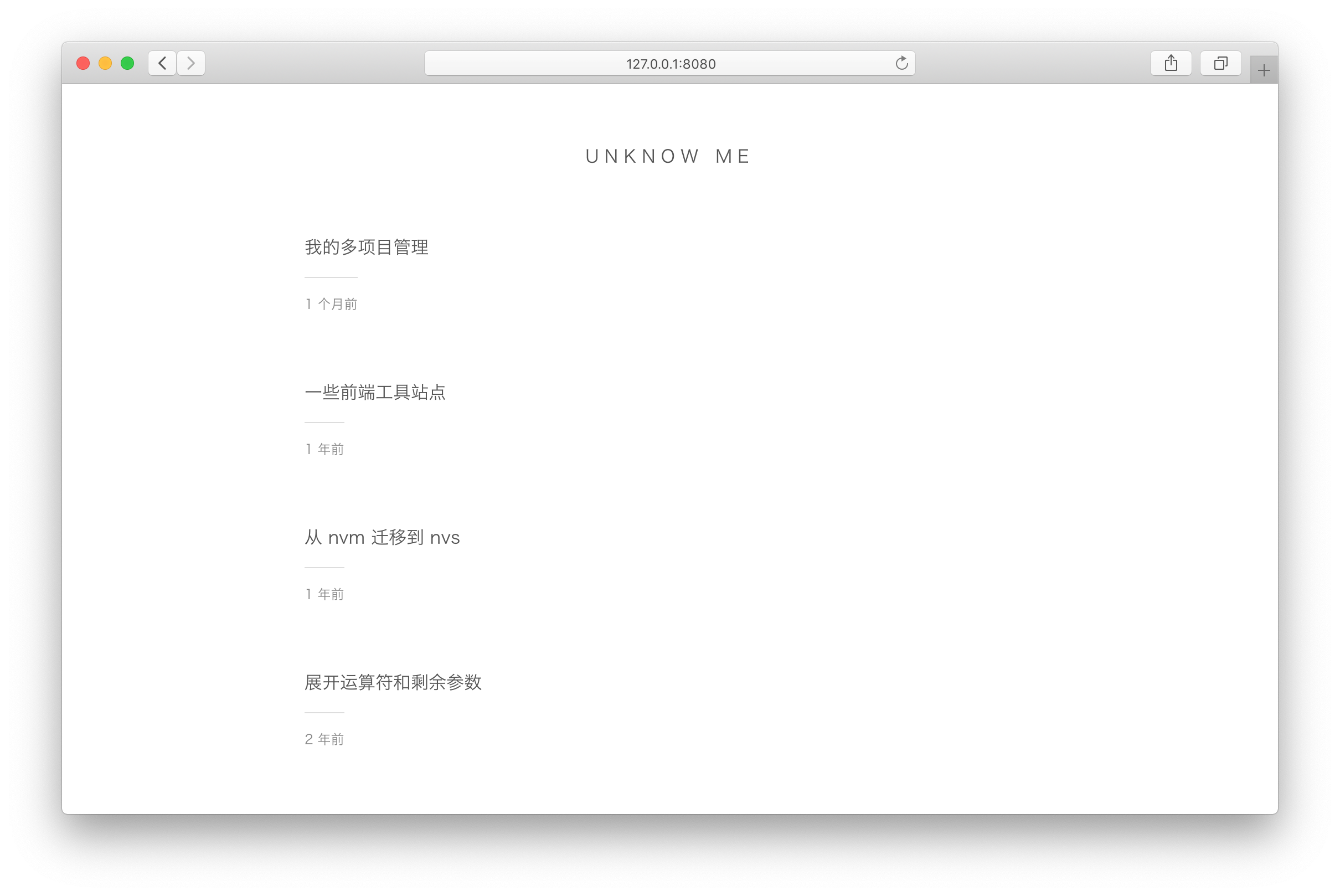
A minimalist blog theme for VuePress 1.x that replaces the homepage README with an article list sorted by Git commit time or FrontMatter date.
Vue · Blog
vuepress-theme-seeker
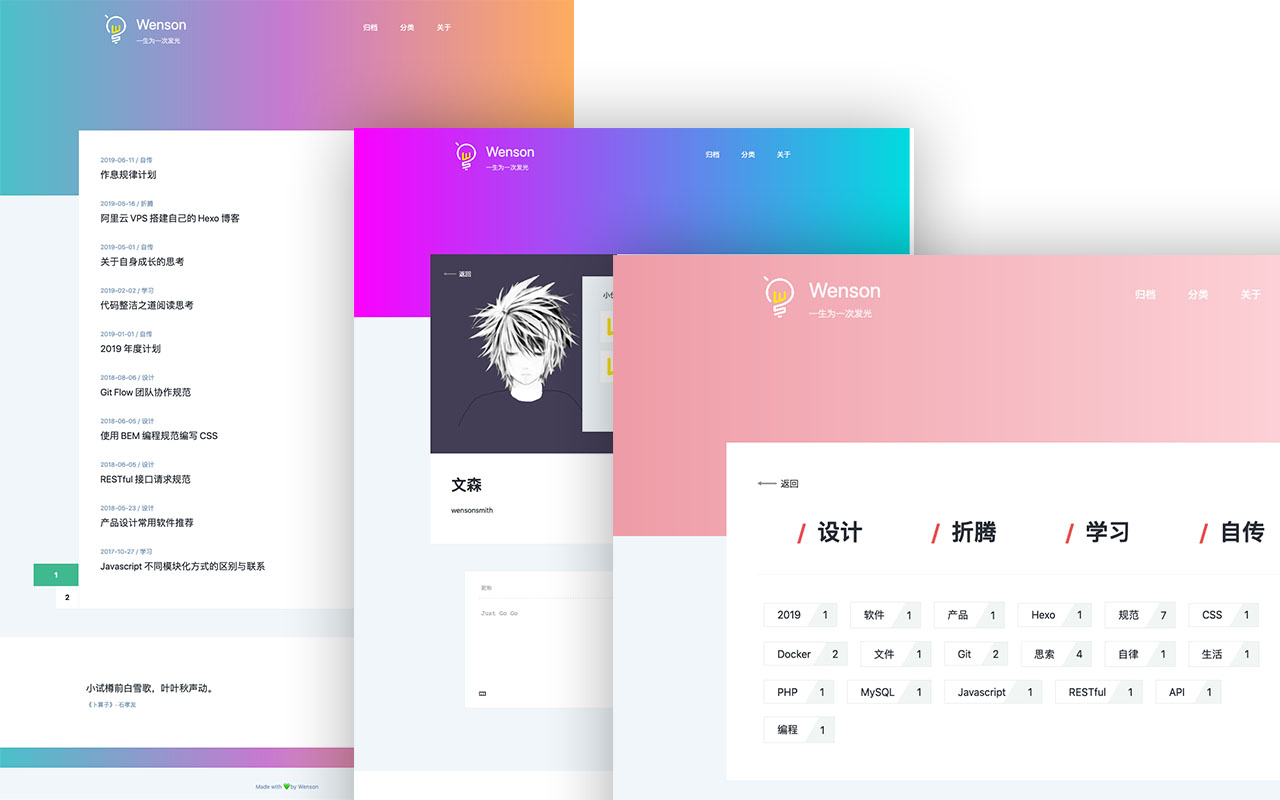
Seeker is a VuePress blog theme built around "colorful minimalism": each refresh randomly generates a color scheme, and the footer randomly shows classical Chinese poetry.
Vue · Blog
vitepress-template
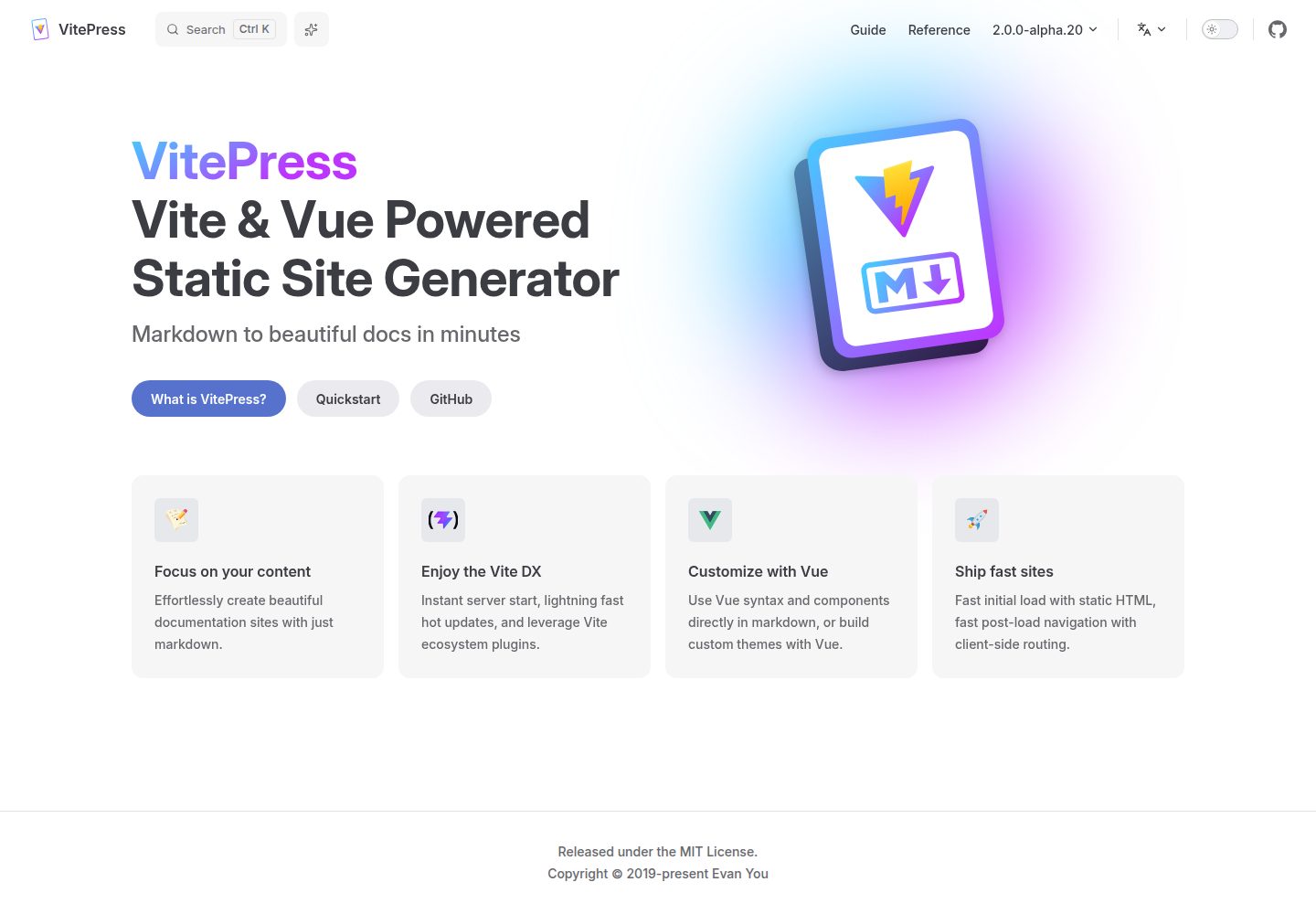
A VitePress-based template for static sites and blogs, built with Vue and Vite, with pnpm dev/build/serve scripts and support for using Vue components and setup syntax sugar directly in Markdown.
Vue · Blog
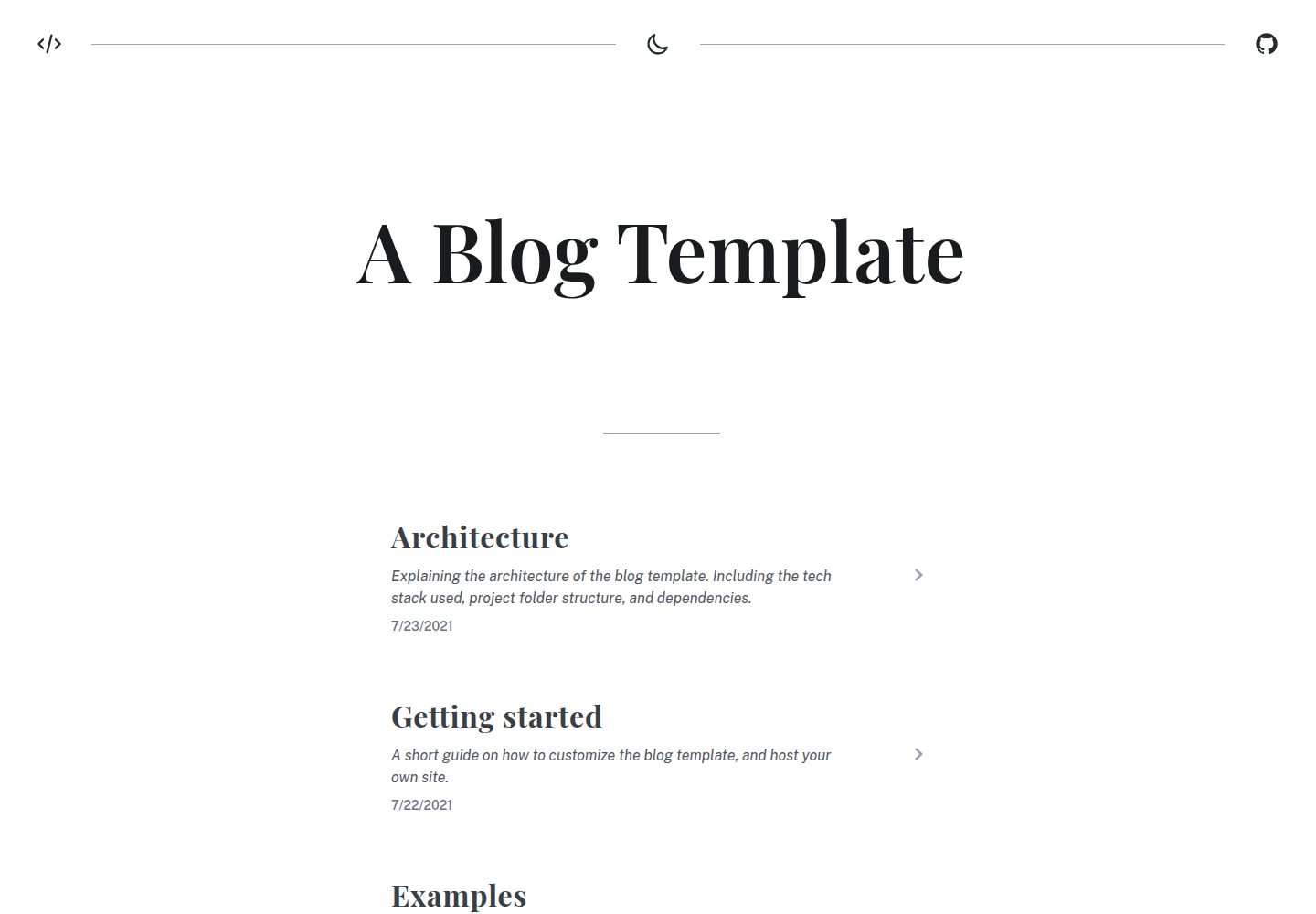
blog
A static blog template built with Vue 3 and Vite, using Markdown for writing with optional Vue components.
Vue · Blog
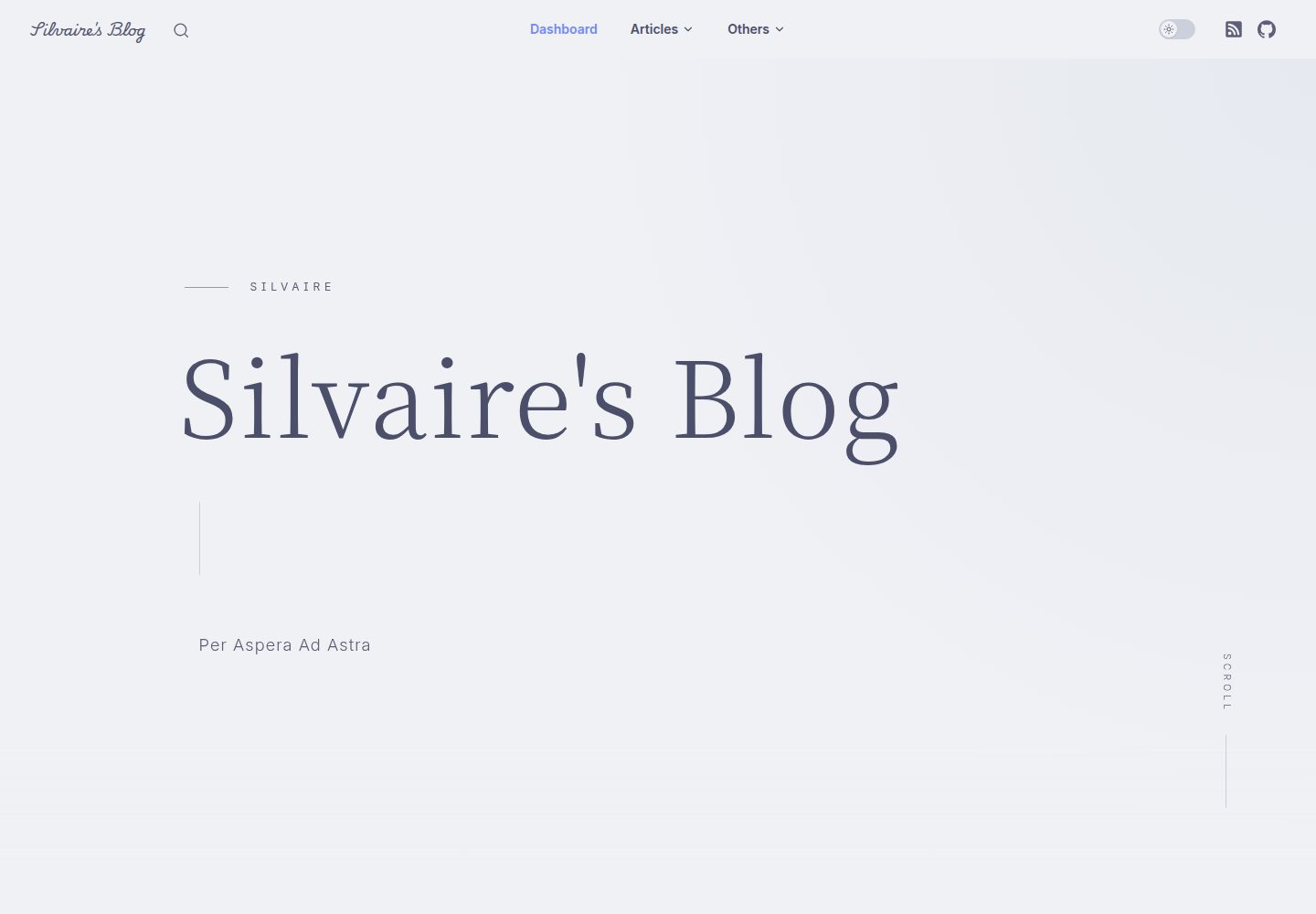
Miracle
Miracle is a Vue blog theme built on VitePress and released under the MIT license. It can be generated from a template repository or forked, cloned locally, and customized through config.ts.
Vue · Blog
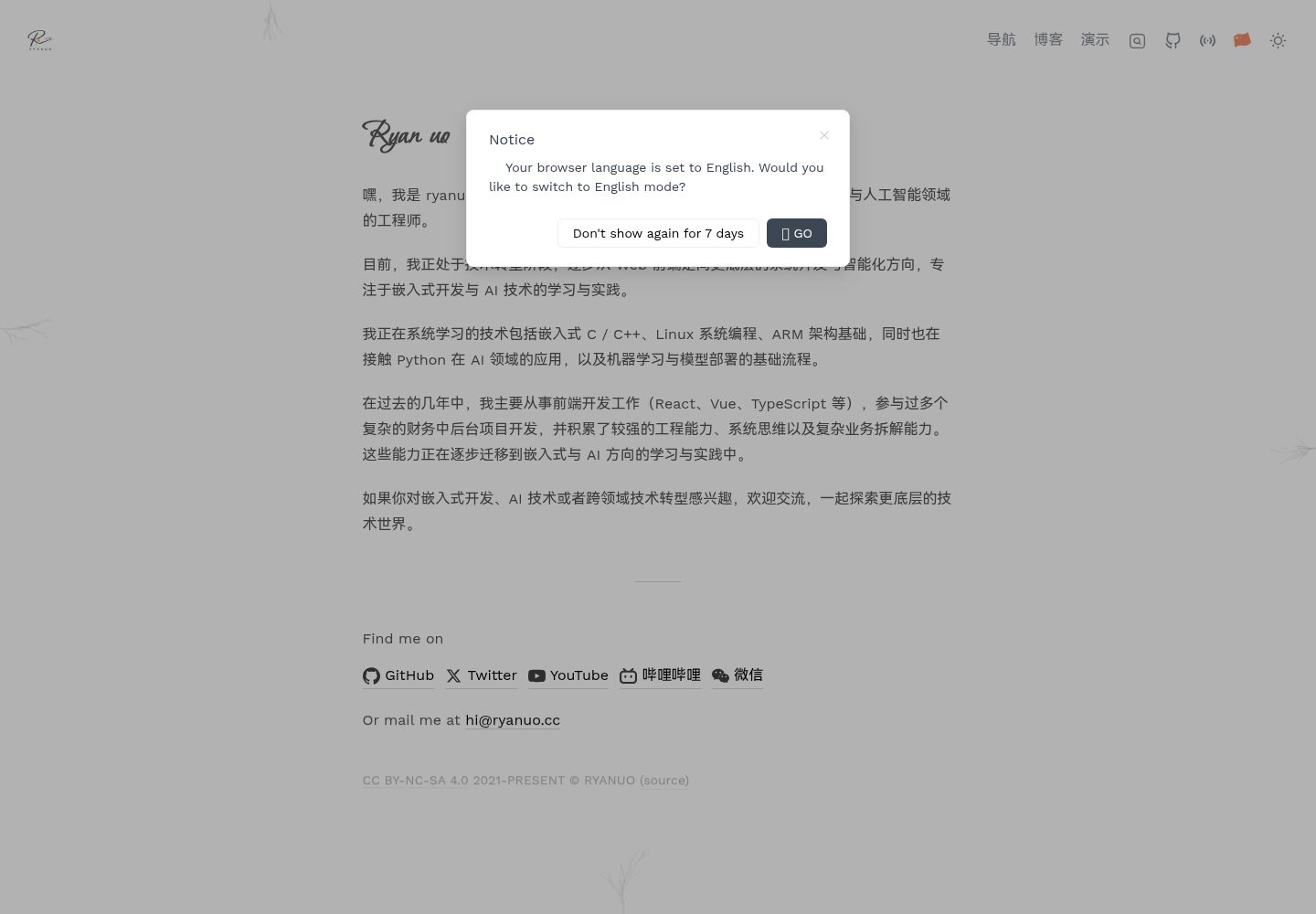
ryanuo.cc
A personal homepage template built with Vue and Vite, including personal introduction, navigation, blog, and project showcase. It references the antfu.me structure.
Vue · Blog