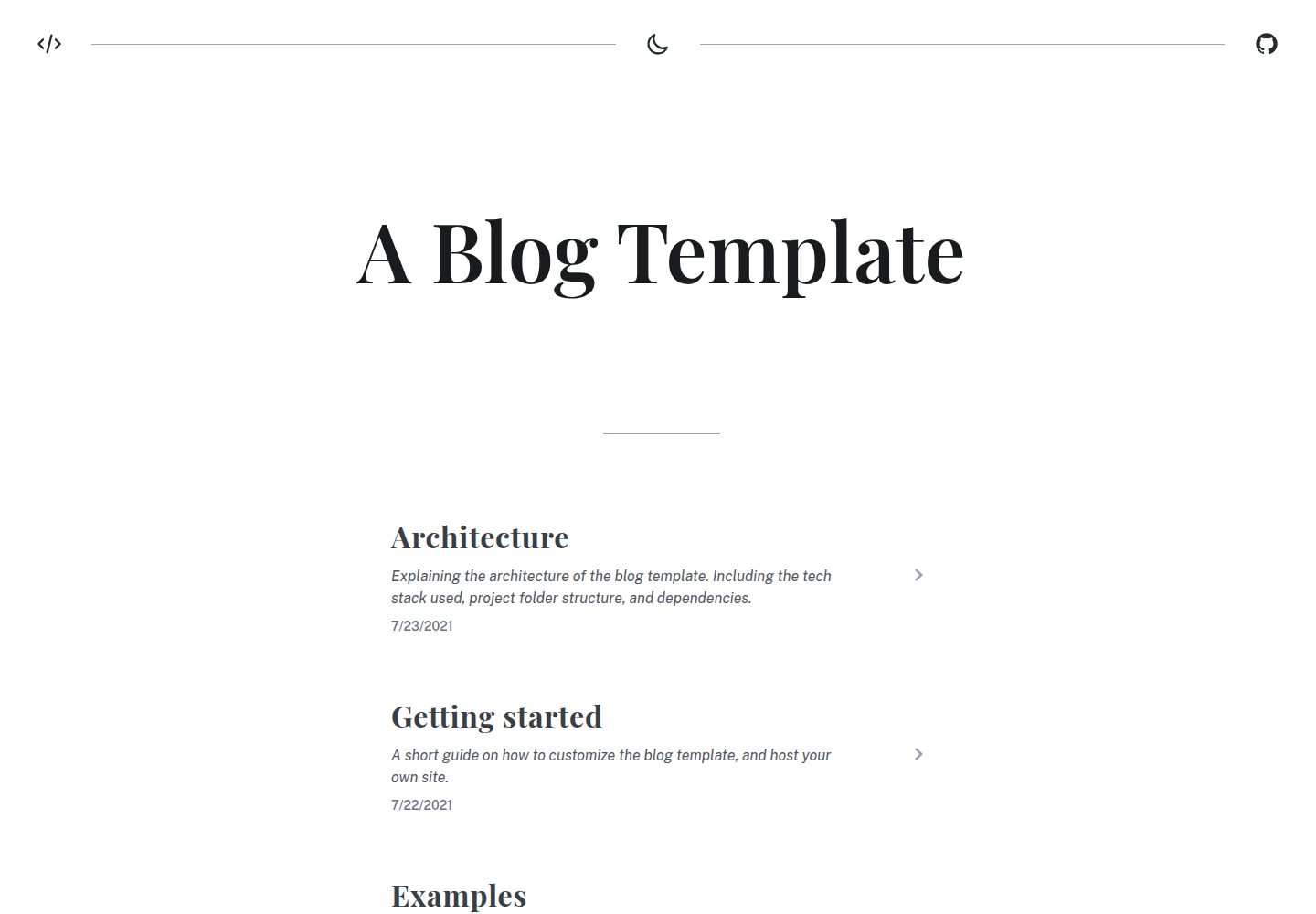
Built with Vue 3 and Vite, pages are pre-rendered to static HTML at build time
VueViteBlogTool Site
blog (FallDownTheSystem) — Vue Blog Template
By FallDownTheSystem
A static blog template based on Vue 3 and Vite, using Markdown for writing, with built-in syntax highlighting, automatic routing, PWA offline support, and a dark theme, plus preconfigured GitHub Pages and Netlify deployment scripts.
Explore the design
Compare the page layouts and mobile experience. Open any screenshot for a closer look.
Desktop homepage1 / 3
Desktop captureTop of page
Actual screenshot captured by the server browser.
All pages & views 3
Screenshots show visual appearance; interactive behavior may differ.
Recorded 2026-10-03View source
What stands out
A quick read of the recorded project description.
Markdown and Vue components can be written together, code blocks are syntax-highlighted by Shiki
Routes and layouts are automatically generated from directories via pages and layouts plugins
Components and icons are auto-imported, styles use Tailwind CSS and support a dark theme
Built-in PWA plugin supports offline access and installation to devices
Repository includes preconfigured deployment scripts for GitHub Pages and Netlify
Template Details
This is a static site generation template for personal blogs, positioned by its author as a "blog starter template with clear trade-offs." Content is primarily Markdown and can be mixed with Vue components. Pages are pre-rendered to static HTML at build time, so no server runtime is required for deployment.
The template sets up common blog engineering configurations in advance: routing and layouts are automatically generated from the directory structure by vite-plugin-pages and vite-plugin-vue-layouts, components and icons are auto-imported, code blocks use Shiki for syntax highlighting, styles are based on Tailwind CSS, and a dark theme is supported. The PWA plugin provides offline access and installability, and the repository includes deployment scripts for GitHub Pages and Netlify.
For usage, the README recommends starting via GitHub's "Use this template" or by forking the repository. During development, run npm install and npm run dev; build with npm run build; preview the build locally with npm run serve. The package manager can be switched to yarn or pnpm. The README's "Future ideas" section lists fuzzy search and tag search, KaTeX, Mermaid diagrams, image optimization, and a CLI for site generation as not yet implemented, indicating these capabilities are not currently included in the template.
VueViteBlogTool site
Is it right for your project?
Use Cases
- Writing and publishing personal technical blogs or notes in Markdown
- Embedding Vue components in articles to create interactive example pages
- Deploying to static hosting platforms such as GitHub Pages or Netlify
- Using as a reference for Vue 3 + Vite static site project structure
Suitable For
- Individual bloggers who are used to writing in Markdown and want content published as static files
- Front-end developers familiar with Vue 3 and Vite who need to modify the source code themselves
- Those who want a blog starter project with routing, styles, PWA, and deployment scripts already configured
Getting started & customization
Use these recorded setup notes alongside the repository instructions for your chosen version.
- 1
The README recommends creating your own project via GitHub's Use this template or by forking the repository
- 2
Run npm install to install dependencies, npm run dev for the development server, npm run build to build, and npm run serve to preview the build locally
- 3
Package manager can be npm, yarn, or pnpm
- 4
During development, installing VS Code extensions such as Volar, Tailwind CSS IntelliSense, Prettier, ESLint, Iconify IntelliSense, and PostCSS Language Support is recommended, all optional
- 5
Code is under the MIT license, free to use, modify, commercialize, and distribute, but copyright and license notices must be retained; third-party assets such as demo images, fonts, and icons require separate license verification
License & source material
Usage conditions & limitations
Free to use · keep license noticeThis entry covers the free version under the MIT license in the public repository; the free scope is the code of this version and does not imply that external services or third-party assets are free.
Must comply with when using
- Free use, modification, commercialization, and distribution of this version's code are permitted.
- When distributing copies or substantial portions of the code, retain the original author's copyright notice and the full MIT license notice.
- Code is provided as is; warranties and limitations of liability are governed by the original license and applicable law.
Additional costs & items to verify
- Usage is via GitHub's Use this template or forking the repository to create your own project, not a standalone ready-to-use site available by direct download.
- During development, installing VS Code extensions such as Volar, Tailwind CSS IntelliSense, Prettier, and ESLint is recommended but optional; they are not required.
- Package manager can be npm, yarn, or pnpm; the README does not mandate a specific package manager.
- The repository includes preconfigured deployment scripts for GitHub Pages and Netlify; deploying to other platforms requires your own configuration.
- Demo images, fonts, icons, and other third-party assets must be checked against their respective licenses; they cannot be judged solely by the code's MIT license.
- External services such as domain, hosting, database, payment, or AI may incur additional charges.
View Original Text Basis
Permission is hereby granted, free of charge
Original License Text
To get started ['Use this template'](https://github.com/FallDownTheSystem/blog/generate) or fork the repository if you want to keep track of the updates on this repo.
Original README
For development, the following [VS Code](https://code.visualstudio.com/) extensions are recommended, but optional:
Original README
The choice is package manager is optional, [yarn](https://yarnpkg.com/) or [pnpm](https://pnpm.js.org/) can also be used instead of npm.
Original README
https://github.com/FallDownTheSystem/blog/blob/master/LICENSEhttps://github.com/FallDownTheSystem/blog/blob/master/README.md- ☁️ Pre-configured Deployment scripts for GitHub Pages and Netlify
Original README
Compiled by DeepSeek based on repository license and README ·2026-10-03. Results only cover the materials read; dependencies, images, fonts, and subsequent term changes are subject to their respective original texts.
Project checks & description sources
Template Information
- Source platforms
- GitHub
- Documentation and maintenance reference score
- More documented · 77 / 100
- Technologies
- Vue · Vite
- Website type
- Blog · Tool Site
How this score is calculated
Our heuristic uses license records (up to 30), a demo link (12), a preview (10), stars (15), recorded maintenance (15), description completeness (8), feature records (5) and classification data (5). It is not a code, security or performance test, or a Google score. A link does not establish tested functionality.
What to verify for this project
- Repository update recorded
- 2023-03-06
- Screenshot last checked
- 2026-10-03
A demo link is listed. Check it with your own content and viewport sizes; its presence does not confirm that forms, authentication or payments work.
The catalog identifies Vue as the primary stack. Check the actual dependency manifest and lockfile for versions and hosting requirements. These notes use recorded metadata, not a code audit or a deployment test.
Use a selection guide →How this description was prepared
AI-assisted description based on catalog records and repository material. Repository authors are not automatically the reviewers of this description.
Review declaration: [email protected] · 2026-10-04
Inspect the recorded source material
SHA-256: 501654781949e80aaab3375f37368bf6ff4d58f307c23737ee37bcf1f739b501
2026-10-03T18:54:04.162Z
Source file / repository<p align='center'>
<img src='https://falldownthesystem.github.io/blog/pwa-512x512.png' alt='Blog Template Logo' width='256'/>
</p>
<p align='center'>
An opinionated blog starter template - statically generated with Vite and Vue 3.
</p>
<p align='center'>
<a href="https://falldownthesystem.github.io/blog/">Live Demo</a>
</p>
## Features
- ⚡ Built with [Vue 3](https://github.com/vuejs/vue-next) and [Vite 2](https://github.com/vitejs/vite)
- 📑 Automatic routes based on [pages](https://github.com/hannoeru/vite-plugin-pages) and [layouts](https://github.com/JohnCampionJr/vite-plugin-vue-layouts)
- 📦 Auto import [components](https://github.com/antfu/unplugin-vue-components) and [icons](https://github.com/antfu/unplugin-icons)
- 📃 Use [markdown](https://github.com/antfu/vite-plugin-md) and Vue mixed together
- 🖋 Code syntax highlighting with [Shiki](https://shiki.matsu.io)
- 🎨 Styled with [Tailwind CSS](https://github.com/windicss/windicss)
- 💻 Pre-rendering pages with [Vite SSG](https://github.com/antfu/vite-ssg)
- 📱 Installable with Offline support - [PWA](https://github.com/antfu/vite-plugin-pwa)
- ☁️ Pre-configured Deployment scripts for GitHub Pages and Netlify
- 🕶 Dark theme support
## Documentation
To get started ['Use this template'](https://github.com/FallDownTheSystem/blog/generate) or fork the repository if you want to keep track of the updates on this repo.
Check out the live sample on [Netlify](https://static-blog-template.netlify.app/) or [GitHub Pages](https://falldownthesystem.github.io/blog/) for
- More information about the architecture
- A getting started guide
- Examples page
## Developers
`npm install` to install the dependencies.
`npm run dev` to start a development server (with Vite).
`npm run build` to build a production-ready site, with server-side generated pages.
`npm run serve` to run the built site locally.
The choice is package manager is optional, [yarn](https://yarnpkg.com/) or [pnpm](https://pnpm.js.org/) can also be used instead of npm.
For development, the following [VS Code](https://code.visualstudio.com/) extensions are recommended, but optional:
- [Volar](https://marketplace.visualstudio.com/items?itemName=johnsoncodehk.volar) for Vue 3 language support
- [Tailwind CSS IntelliSense](https://marketplace.visualstudio.com/items?itemName=bradlc.vscode-tailwindcss) for Tailwind CSS classes auto-completion
- [Prettier](https://marketplace.visualstudio.com/items?itemName=esbenp.prettier-vscode) for formatting
- [ESLint](https://marketplace.visualstudio.com/items?itemName=dbaeumer.vscode-eslint) for linting
- [Iconify IntelliSense](https://marketplace.visualstudio.com/items?itemName=antfu.iconify) for SVG icon component auto-completion
- [PostCSS Language Support](https://marketplace.visualstudio.com/items?itemName=csstools.postcss) for PostCSS syntax support
## Future ideas
- Add a fuzzy search and tag search
- Tags already exist on route object (parsed from meta keywords)
- Add KaTex support
- Add Mermaid Diagrams support
- Add vite-plugin-remote-assets
- Better animation support
- Motion one
- Image optimization
- CLI to generate a new site easier
- UI for creating a configuration
- Names, titles, descriptions, colors, etc
## Credits
- [Yuxi (Evan) You](https://evanyou.me/) for [Vite](https://vitejs.dev/) and [Vitepress](https://github.com/vuejs/vitepress), some of the markdown-it plugins are based on those found in Vitepress.
- [Anthony Fu](https://antfu.me/) for [Vitesse](https://github.com/antfu/vitesse) and [Slidev](https://sli.dev/), the template relies on a ton of the plugins found in Vitesse, and some of the features were inspired by Slidev.
- Everyone else whose libraries are used in this project ❤
Explore similar templates
Compare previews and descriptions within the same stack and category.
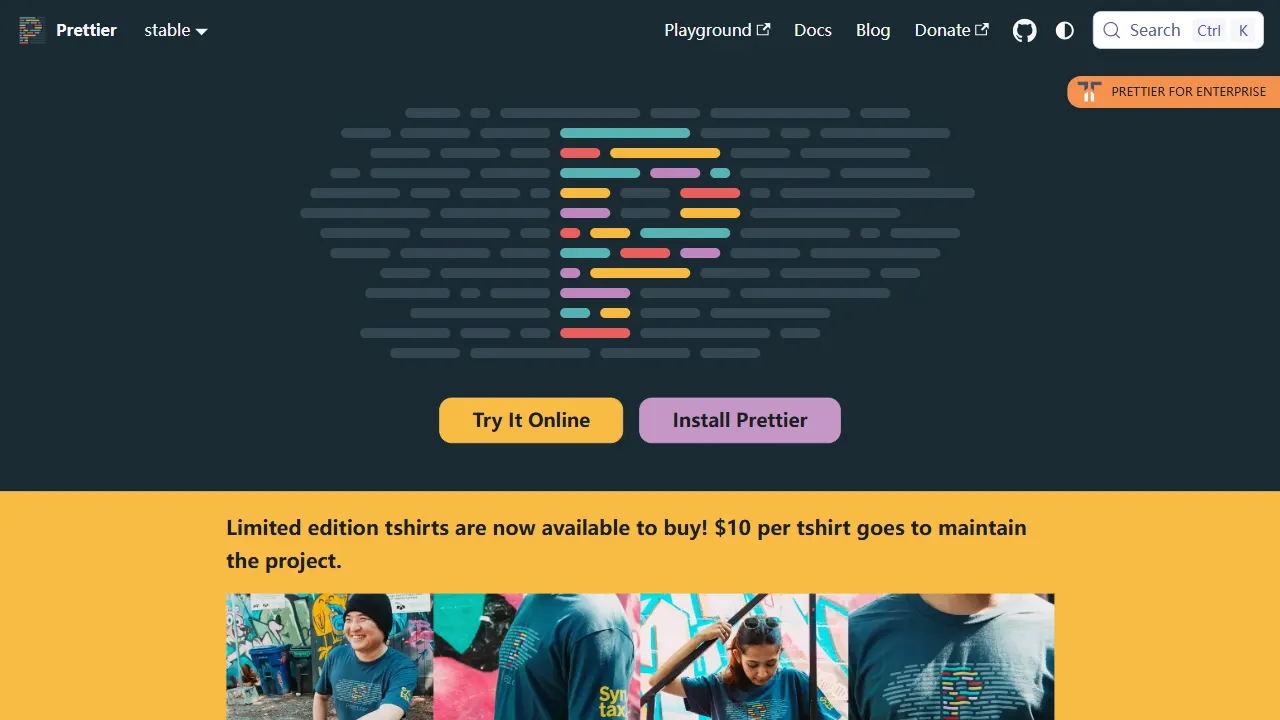
prettier
Prettier is an open-source code formatting tool whose official repository includes a runnable online Playground. It supports JavaScript, TypeScript, CSS, HTML, Vue, Angular, and more, and can be extended via plugins.
Vue · Tool Site
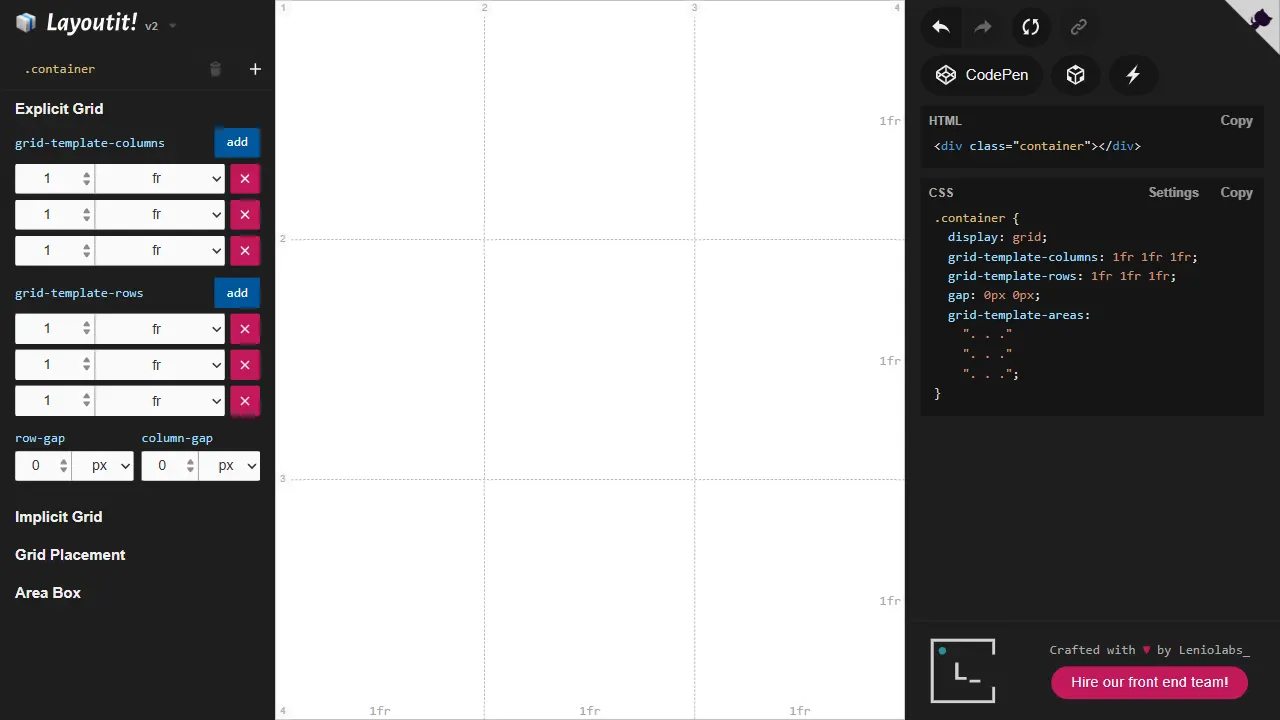
layoutit grid
Layoutit Grid is an open-source CSS Grid layout generator built on Vue 3 and Vite. It lets users drag and adjust grid structures in a visual editor and instantly generate HTML and CSS code.
Vue · Tool Site
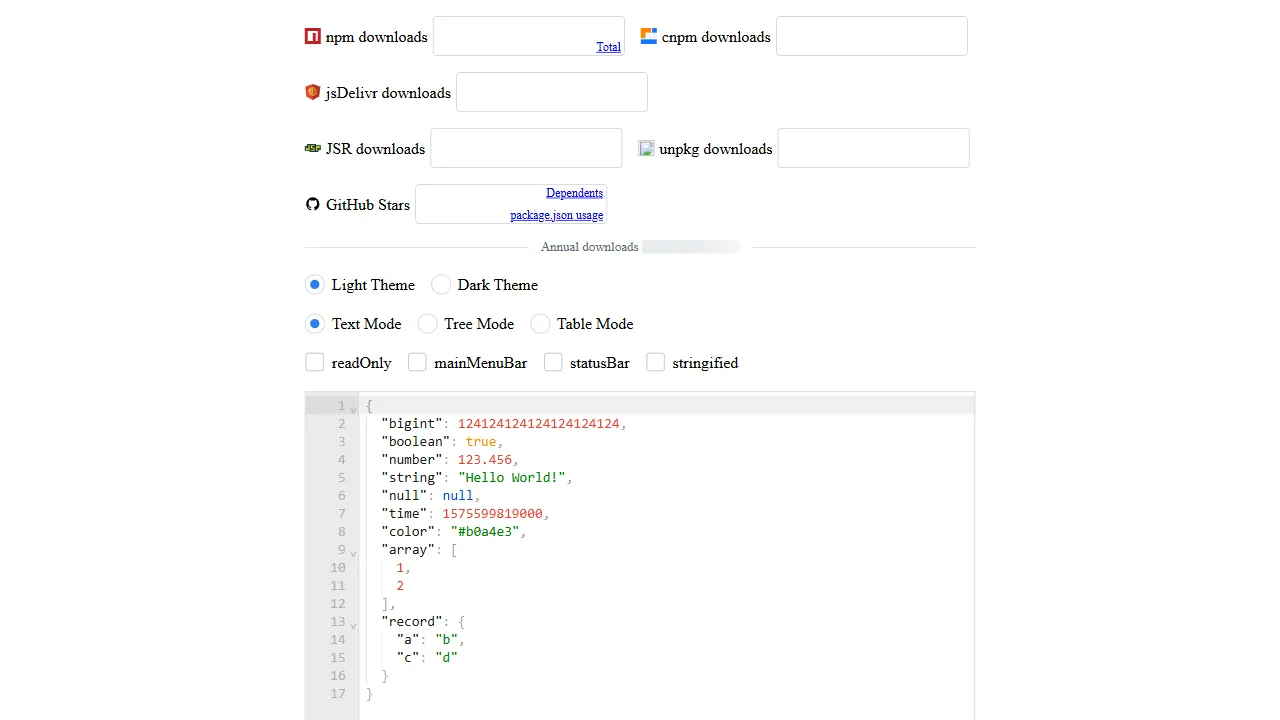
json editor vue
A Vue 2/3 isomorphic JSON editor component with text, tree, and table modes, SSR and Nuxt 2/3/4 support, and handling for large JSON documents.
Vue · Tool Site
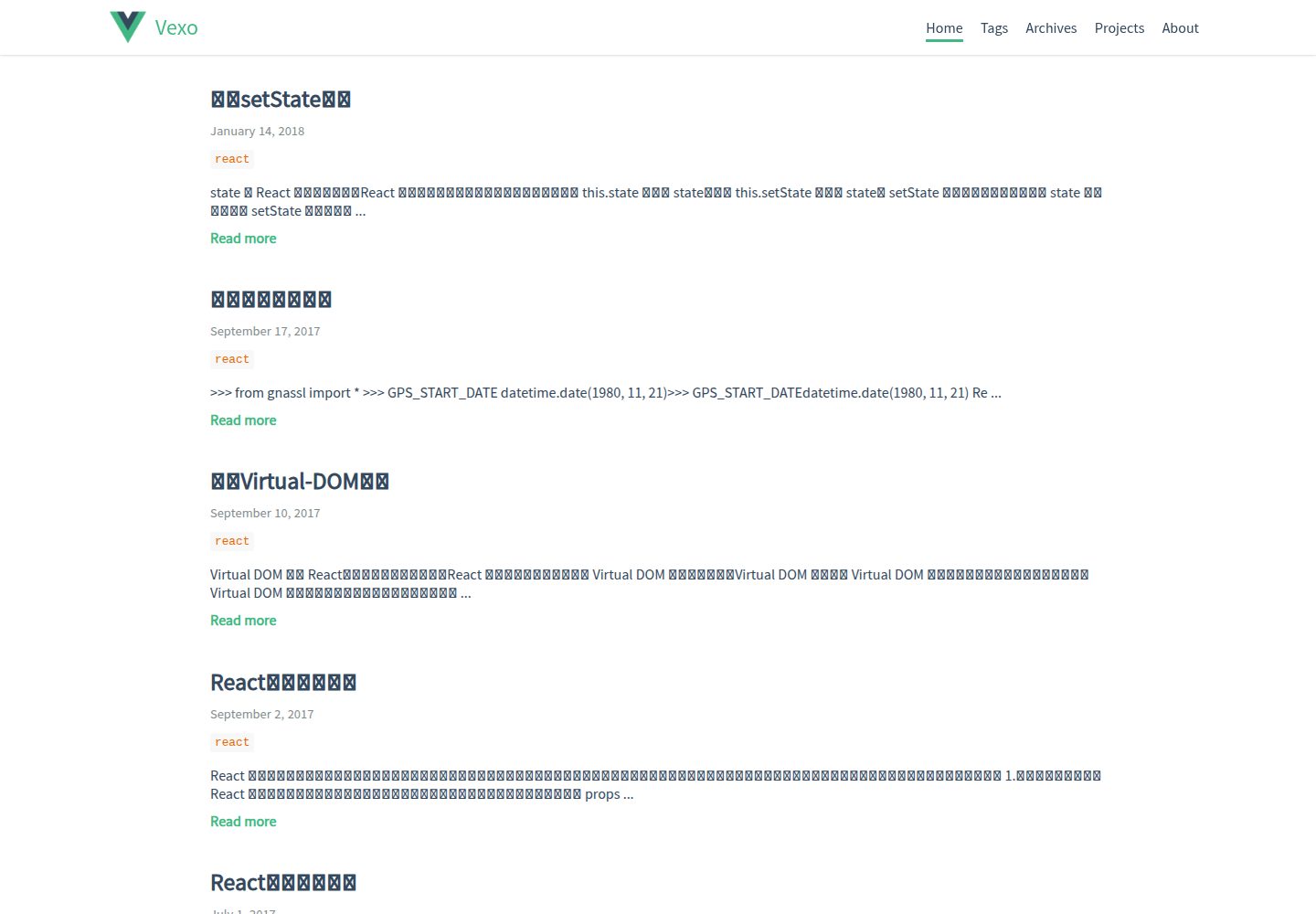
hexo-theme-vexo
Vexo is a Hexo blog theme inspired by the Vue.js official website, offering responsive layout, article table of contents, sharing QR codes, SEO configuration, Baidu Analytics, and switchable comment systems including Gitment, Utterances, Youyan, and Disqus. Local search requires installing hexo-generator-searchdb.
Vue · Blog
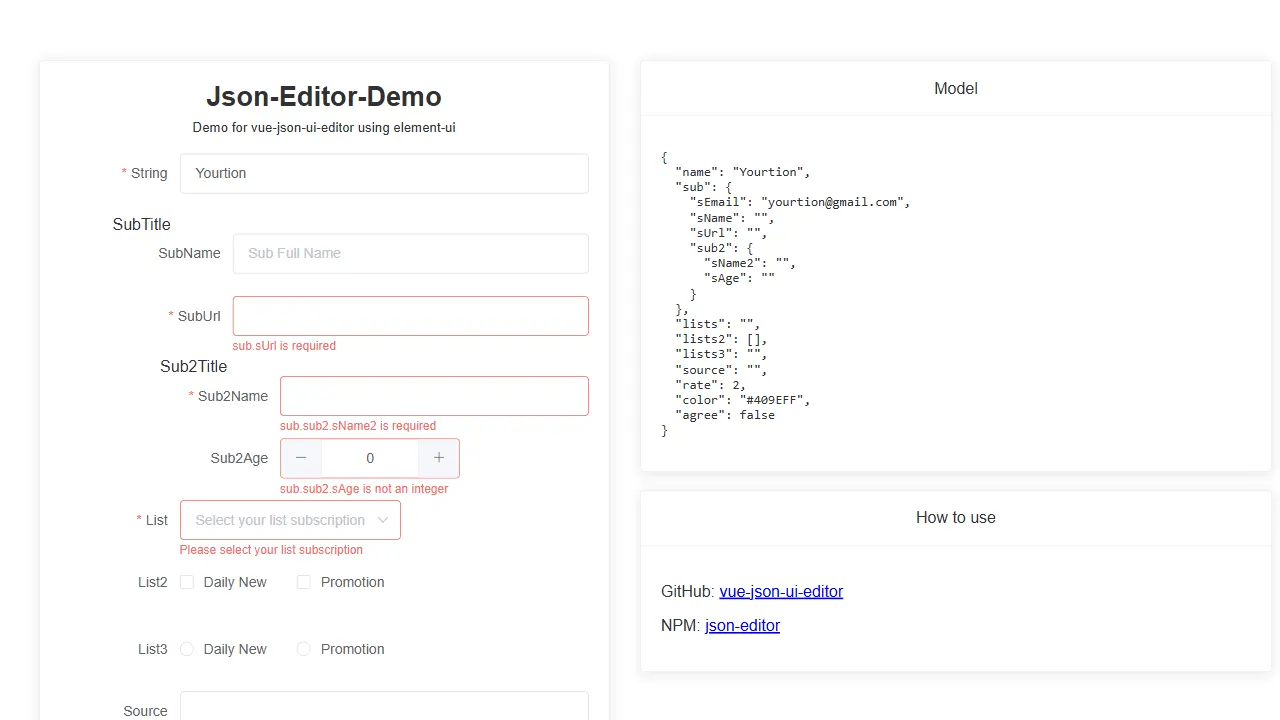
vue json ui editor
A Vue 3 JSON Schema form editor component that renders forms from a Schema, supports nested objects and object arrays, and can register UI libraries such as element-plus through a static API.
Vue · Tool Site
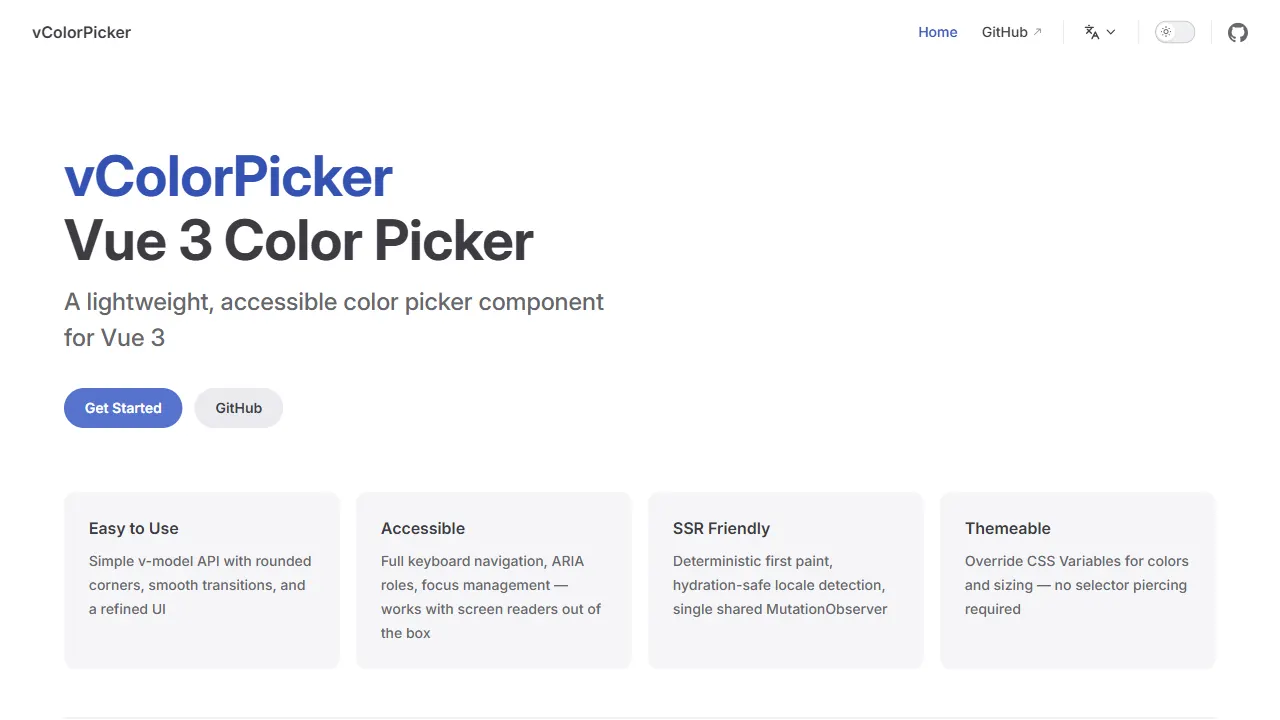
vue color picker
A Vue 3 color picker plugin with a Vue 2 version, supporting v-model, keyboard and screen reader accessibility, SSR-friendly fallback, CSS Variables theming, and built-in Chinese/English/Japanese localization.
Vue · Tool Site