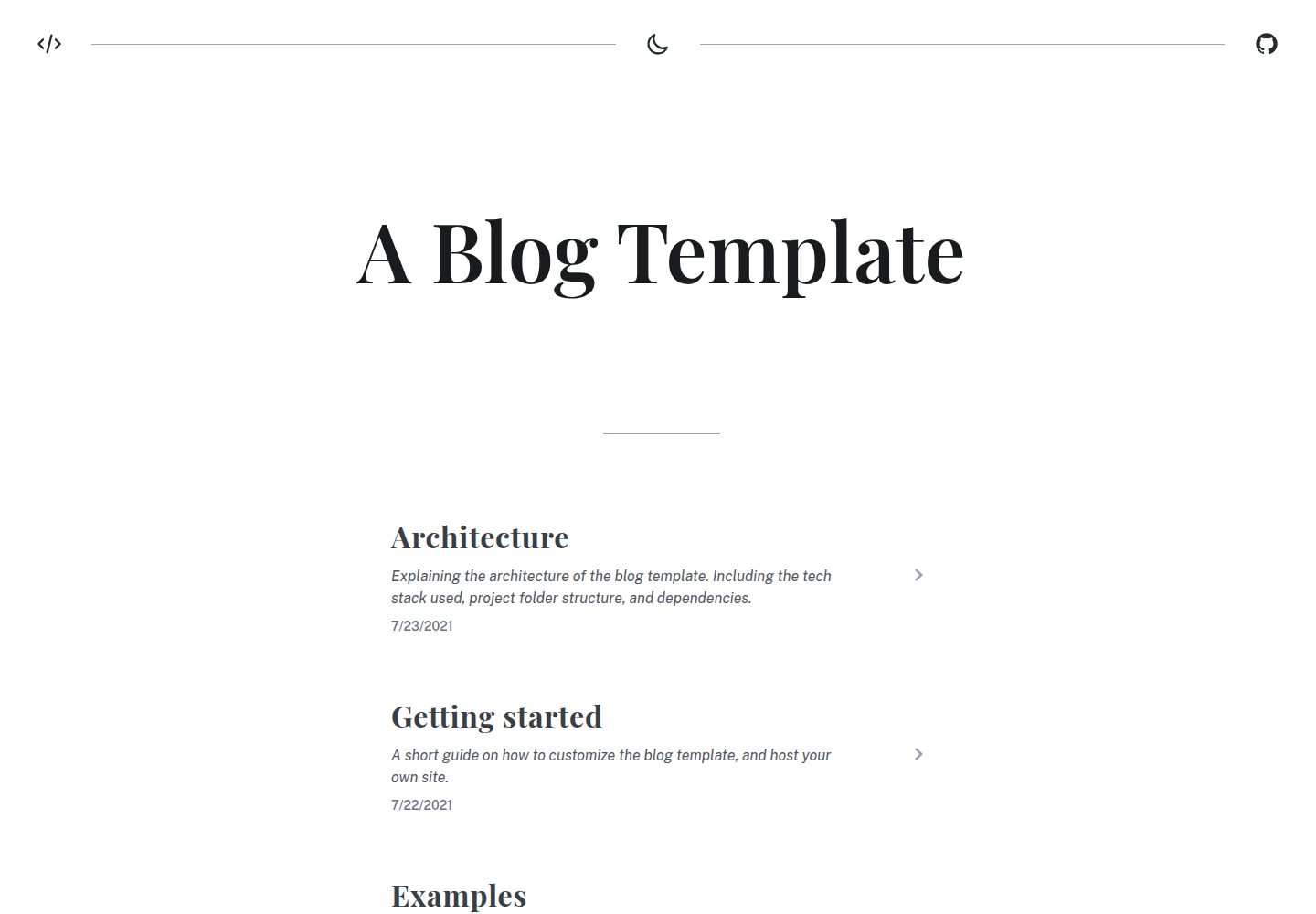
使用 Vue 3 与 Vite 构建,页面在构建阶段预渲染为静态 HTML
VueVite博客工具站
blog (FallDownTheSystem) — Vue 博客模板
作者 FallDownTheSystem
基于 Vue 3 与 Vite 的静态博客模板,使用 Markdown 写作,内置语法高亮、自动路由、PWA 离线支持与深色主题,并预置 GitHub Pages 和 Netlify 部署脚本。
看看你的网站会是什么样
浏览真实页面截图,比较内容排版与手机效果。点击下方缩略图切换,放大查看整页细节。
全部页面与视图 3
截图用于了解视觉与布局,交互效果请以实际项目为准。
采集于 2026-10-03查看来源
值得关注的模板亮点
从已有项目资料中,快速了解它的特点。
Markdown 与 Vue 组件可混合书写,代码块由 Shiki 提供语法高亮
基于 pages 与 layouts 插件按目录自动生成路由和布局
组件与图标自动导入,样式使用 Tailwind CSS 并支持深色主题
内置 PWA 插件,支持离线访问与安装到设备
仓库预置 GitHub Pages 与 Netlify 的部署脚本
模板详细介绍
这是一个面向个人博客的静态站点生成模板,作者将其定位为「有明确取舍的博客起步模板」。内容以 Markdown 为主,可与 Vue 组件混写,页面在构建阶段预渲染为静态 HTML,因此部署时不需要服务端运行时。
模板把常见博客工程配置提前搭好:路由和布局分别由 vite-plugin-pages、vite-plugin-vue-layouts 根据目录自动生成,组件与图标自动导入,代码块使用 Shiki 做语法高亮,样式基于 Tailwind CSS,并支持深色主题。PWA 插件提供离线访问与可安装能力,仓库内已包含 GitHub Pages 和 Netlify 的部署脚本。
使用方式上,README 建议通过 GitHub 的「Use this template」或 fork 仓库开始,开发时运行 npm install 与 npm run dev,构建用 npm run build,本地预览构建结果用 npm run serve,包管理器可换成 yarn 或 pnpm。README 的「Future ideas」列出了模糊搜索与标签搜索、KaTeX、Mermaid 图表、图片优化、CLI 生成站点等尚未实现的方向,说明这些能力当前并不包含在模板中。
VueVite博客工具站
适合你的项目吗?
适用场景
- 用 Markdown 撰写并发布个人技术博客或笔记
- 在文章中嵌入 Vue 组件,制作带交互的示例页面
- 部署到 GitHub Pages 或 Netlify 等静态托管平台
- 作为 Vue 3 + Vite 静态站点工程结构的参考
适合人群
- 习惯用 Markdown 写作、希望内容以静态文件发布的个人博主
- 熟悉 Vue 3 与 Vite、需要可自行修改源码的前端开发者
- 想要一个已配置好路由、样式、PWA 与部署脚本的博客起步项目的人
上手与定制指南
结合仓库当前版本的说明,按下面的资料检查内容、配置与运行要求。
- 1
README 建议通过 GitHub 的 Use this template 或 fork 仓库来创建自己的项目
- 2
安装依赖执行 npm install,开发服务器执行 npm run dev,构建执行 npm run build,本地预览构建结果执行 npm run serve
- 3
包管理器可选 npm、yarn 或 pnpm
- 4
开发时推荐安装 Volar、Tailwind CSS IntelliSense、Prettier、ESLint、Iconify IntelliSense、PostCSS Language Support 等 VS Code 扩展,均为可选
- 5
代码采用 MIT 许可,可免费使用、修改、商用和分发,但需保留版权与许可声明;演示图片、字体、图标等第三方素材需单独核对许可
授权与来源资料
使用条件与限制
免费使用 · 保留许可声明本次收录的是公开仓库中采用 MIT 许可的免费版本;免费范围为该版本代码,不代表外部服务或第三方素材免费。
使用时需要遵守
- 允许免费使用、修改、商用和分发该版本代码。
- 分发代码副本或实质性部分时,保留原作者版权声明和完整 MIT 许可声明。
- 代码按现状提供;担保与责任限制以原许可证及适用法律为准。
额外费用与待核对事项
- 使用方式为通过 GitHub 的 Use this template 或 fork 仓库来创建自己的项目,并非直接下载即用的独立成品站点。
- 开发时推荐安装 Volar、Tailwind CSS IntelliSense、Prettier、ESLint 等 VS Code 扩展,但均为可选,不安装也可使用。
- 包管理器可选用 npm、yarn 或 pnpm,README 未强制要求特定包管理器。
- 仓库预置的是 GitHub Pages 与 Netlify 的部署脚本,部署到其他平台需自行配置。
- 演示图片、字体、图标及其他第三方素材需按各自许可核对,不能仅凭代码的 MIT 许可判断。
- 域名、托管、数据库、支付或 AI 等外部服务可能另外收费。
查看原文依据
Permission is hereby granted, free of charge
许可证原文
To get started ['Use this template'](https://github.com/FallDownTheSystem/blog/generate) or fork the repository if you want to keep track of the updates on this repo.
README 原文
For development, the following [VS Code](https://code.visualstudio.com/) extensions are recommended, but optional:
README 原文
The choice is package manager is optional, [yarn](https://yarnpkg.com/) or [pnpm](https://pnpm.js.org/) can also be used instead of npm.
README 原文
https://github.com/FallDownTheSystem/blog/blob/master/LICENSEhttps://github.com/FallDownTheSystem/blog/blob/master/README.md- ☁️ Pre-configured Deployment scripts for GitHub Pages and Netlify
README 原文
DeepSeek 根据仓库许可证和 README 整理 ·2026-10-03。结果仅覆盖已读取资料,依赖、图片、字体及后续条款变更以各自原文为准。
项目核对记录与介绍依据
模板资料
- 来源平台
- GitHub
- 资料与维护参考分
- 资料较完整 · 77 / 100
- 技术栈
- Vue · Vite
- 网站类型
- 博客 · 工具站
这个分数如何计算
本站按许可资料(最高30分)、演示链接(12分)、预览图(10分)、Star数(15分)、记录的维护时间(15分)、描述完整度(8分)、功能记录(5分)和分类资料(5分)计算。它不是代码、安全或性能测试,也不是 Google 评分;有链接不代表已实测可用。
这个项目需要核对什么
- 记录的仓库更新时间
- 2023-03-06
- 截图检查日期
- 2026-10-03
已收录演示链接。请用你的内容与屏幕尺寸检查;有演示不代表表单、认证或支付已经可用。
目录记录的主要技术栈是 Vue。请通过依赖清单和锁文件核对实际版本与托管要求。这些说明基于收录资料,不代表代码审计或部署实测。
查看具体选型方法 →介绍的制作与核对状态
介绍由 AI 辅助整理目录与仓库资料。仓库作者不等于这篇介绍的审核者。
审核声明: [email protected] · 2026-10-04
查看当时使用的来源资料
SHA-256: 501654781949e80aaab3375f37368bf6ff4d58f307c23737ee37bcf1f739b501
2026-10-03T18:54:04.162Z
来源文件 / 仓库<p align='center'>
<img src='https://falldownthesystem.github.io/blog/pwa-512x512.png' alt='Blog Template Logo' width='256'/>
</p>
<p align='center'>
An opinionated blog starter template - statically generated with Vite and Vue 3.
</p>
<p align='center'>
<a href="https://falldownthesystem.github.io/blog/">Live Demo</a>
</p>
## Features
- ⚡ Built with [Vue 3](https://github.com/vuejs/vue-next) and [Vite 2](https://github.com/vitejs/vite)
- 📑 Automatic routes based on [pages](https://github.com/hannoeru/vite-plugin-pages) and [layouts](https://github.com/JohnCampionJr/vite-plugin-vue-layouts)
- 📦 Auto import [components](https://github.com/antfu/unplugin-vue-components) and [icons](https://github.com/antfu/unplugin-icons)
- 📃 Use [markdown](https://github.com/antfu/vite-plugin-md) and Vue mixed together
- 🖋 Code syntax highlighting with [Shiki](https://shiki.matsu.io)
- 🎨 Styled with [Tailwind CSS](https://github.com/windicss/windicss)
- 💻 Pre-rendering pages with [Vite SSG](https://github.com/antfu/vite-ssg)
- 📱 Installable with Offline support - [PWA](https://github.com/antfu/vite-plugin-pwa)
- ☁️ Pre-configured Deployment scripts for GitHub Pages and Netlify
- 🕶 Dark theme support
## Documentation
To get started ['Use this template'](https://github.com/FallDownTheSystem/blog/generate) or fork the repository if you want to keep track of the updates on this repo.
Check out the live sample on [Netlify](https://static-blog-template.netlify.app/) or [GitHub Pages](https://falldownthesystem.github.io/blog/) for
- More information about the architecture
- A getting started guide
- Examples page
## Developers
`npm install` to install the dependencies.
`npm run dev` to start a development server (with Vite).
`npm run build` to build a production-ready site, with server-side generated pages.
`npm run serve` to run the built site locally.
The choice is package manager is optional, [yarn](https://yarnpkg.com/) or [pnpm](https://pnpm.js.org/) can also be used instead of npm.
For development, the following [VS Code](https://code.visualstudio.com/) extensions are recommended, but optional:
- [Volar](https://marketplace.visualstudio.com/items?itemName=johnsoncodehk.volar) for Vue 3 language support
- [Tailwind CSS IntelliSense](https://marketplace.visualstudio.com/items?itemName=bradlc.vscode-tailwindcss) for Tailwind CSS classes auto-completion
- [Prettier](https://marketplace.visualstudio.com/items?itemName=esbenp.prettier-vscode) for formatting
- [ESLint](https://marketplace.visualstudio.com/items?itemName=dbaeumer.vscode-eslint) for linting
- [Iconify IntelliSense](https://marketplace.visualstudio.com/items?itemName=antfu.iconify) for SVG icon component auto-completion
- [PostCSS Language Support](https://marketplace.visualstudio.com/items?itemName=csstools.postcss) for PostCSS syntax support
## Future ideas
- Add a fuzzy search and tag search
- Tags already exist on route object (parsed from meta keywords)
- Add KaTex support
- Add Mermaid Diagrams support
- Add vite-plugin-remote-assets
- Better animation support
- Motion one
- Image optimization
- CLI to generate a new site easier
- UI for creating a configuration
- Names, titles, descriptions, colors, etc
## Credits
- [Yuxi (Evan) You](https://evanyou.me/) for [Vite](https://vitejs.dev/) and [Vitepress](https://github.com/vuejs/vitepress), some of the markdown-it plugins are based on those found in Vitepress.
- [Anthony Fu](https://antfu.me/) for [Vitesse](https://github.com/antfu/vitesse) and [Slidev](https://sli.dev/), the template relies on a ton of the plugins found in Vitesse, and some of the features were inspired by Slidev.
- Everyone else whose libraries are used in this project ❤
看看同类模板
对比同技术栈与用途的模板,找到更适合的视觉与内容结构。
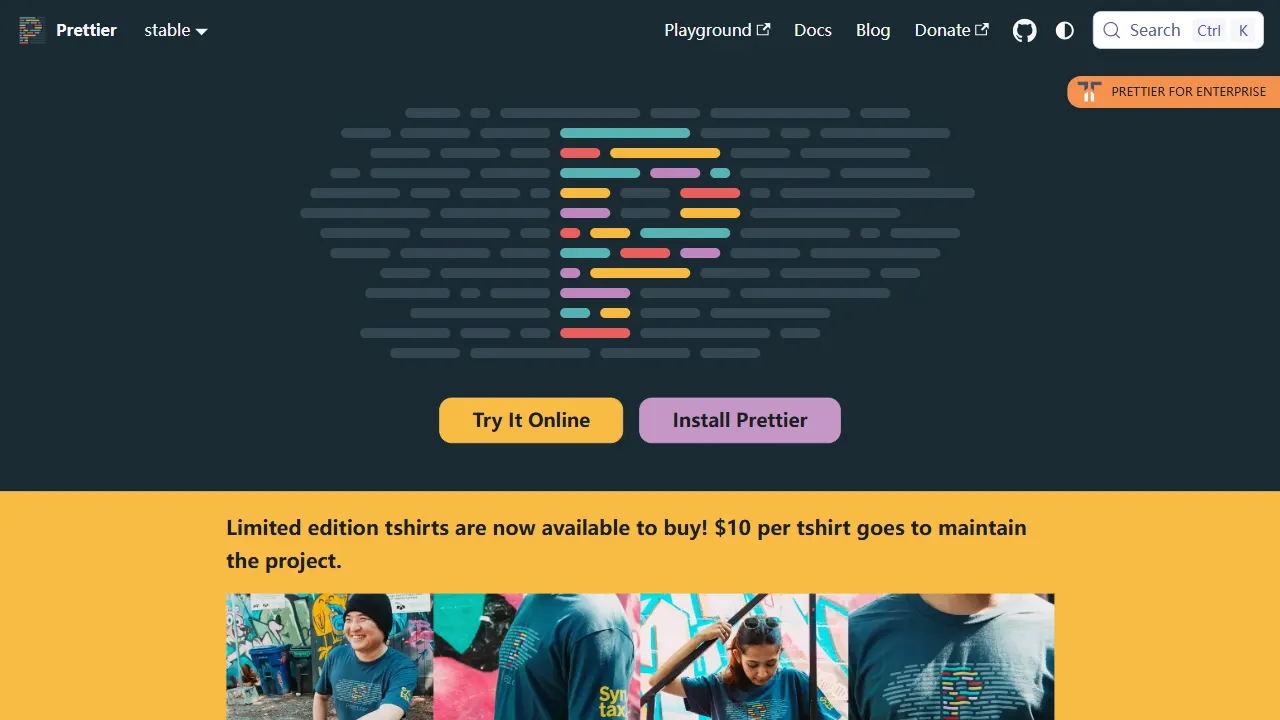
prettier
Prettier 是一个广受欢迎的开源代码格式化工具,其 GitHub 仓库本身也是一个带有真实在线演示的工具站项目。
Vue · 工具站
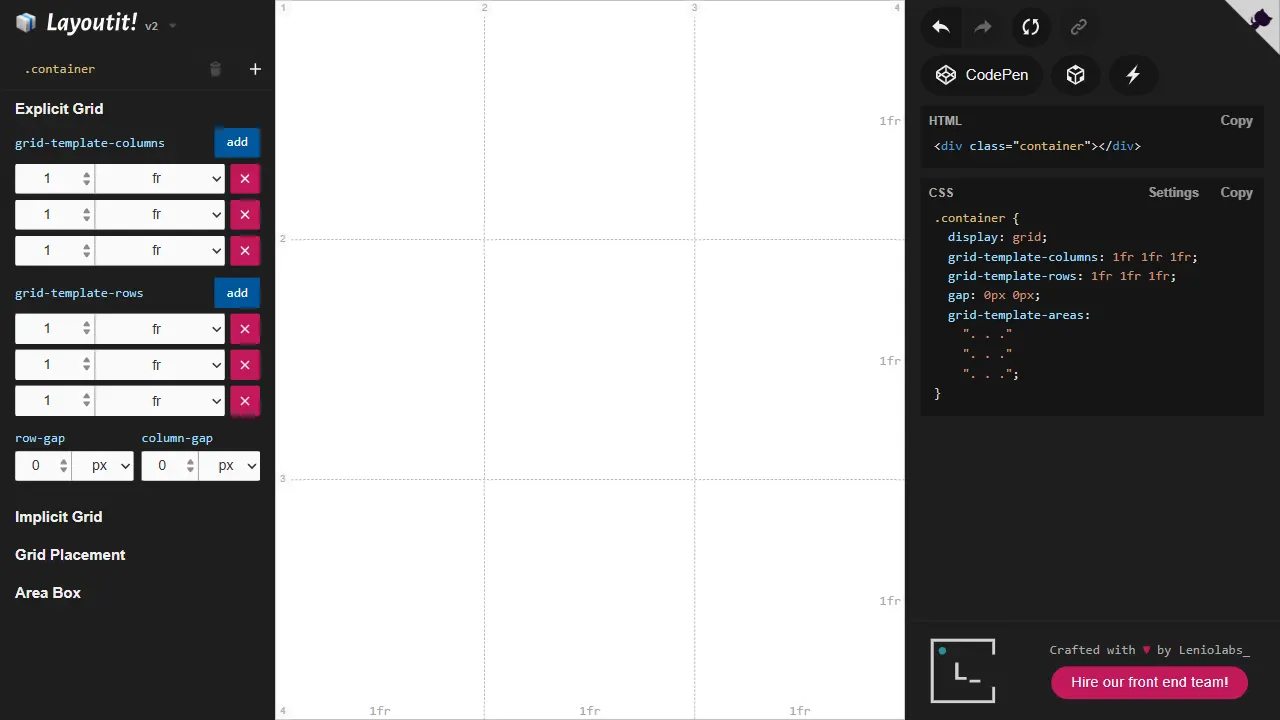
layoutit grid
Layoutit Grid 是一个开源的 CSS Grid 布局生成器,核心功能是让用户通过可视化编辑器拖拽调整网格结构,并即时生成对应的 HTML 与 CSS 代码。
Vue · 工具站
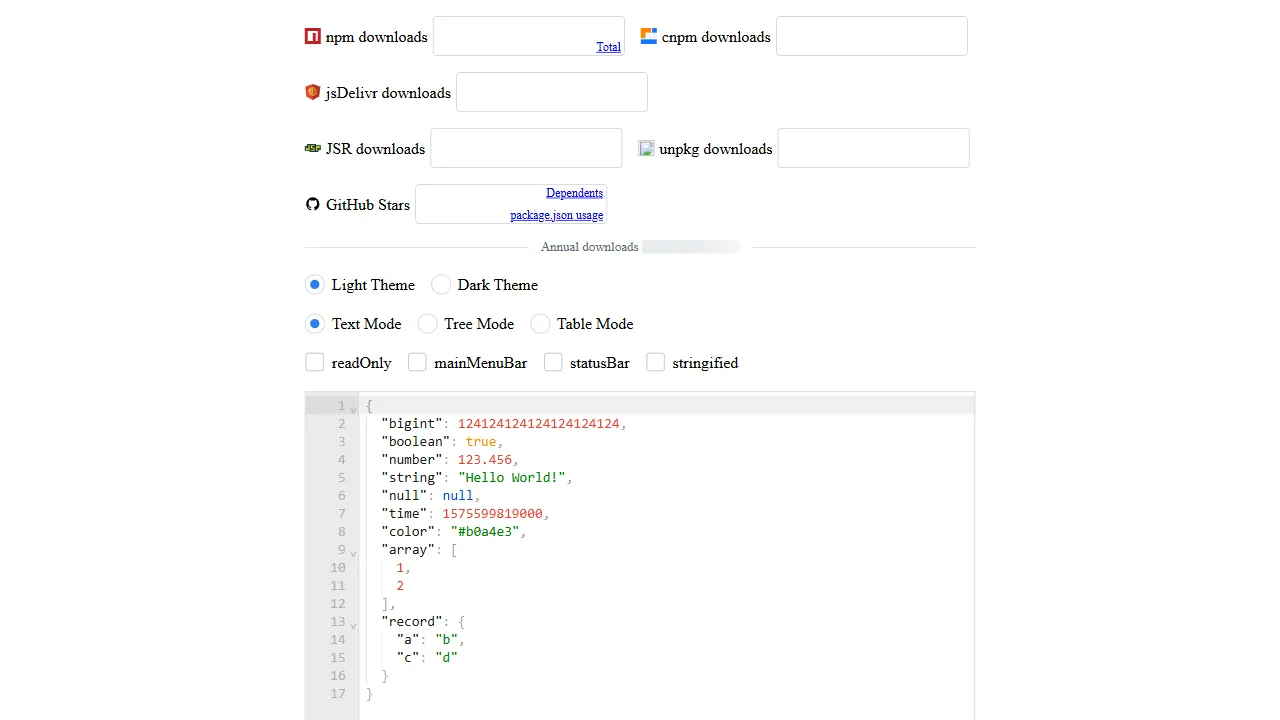
json editor vue
json editor vue 是一个面向 Vue 生态的 JSON 编辑器组件,而非完整的工具站模板。
Vue · 工具站
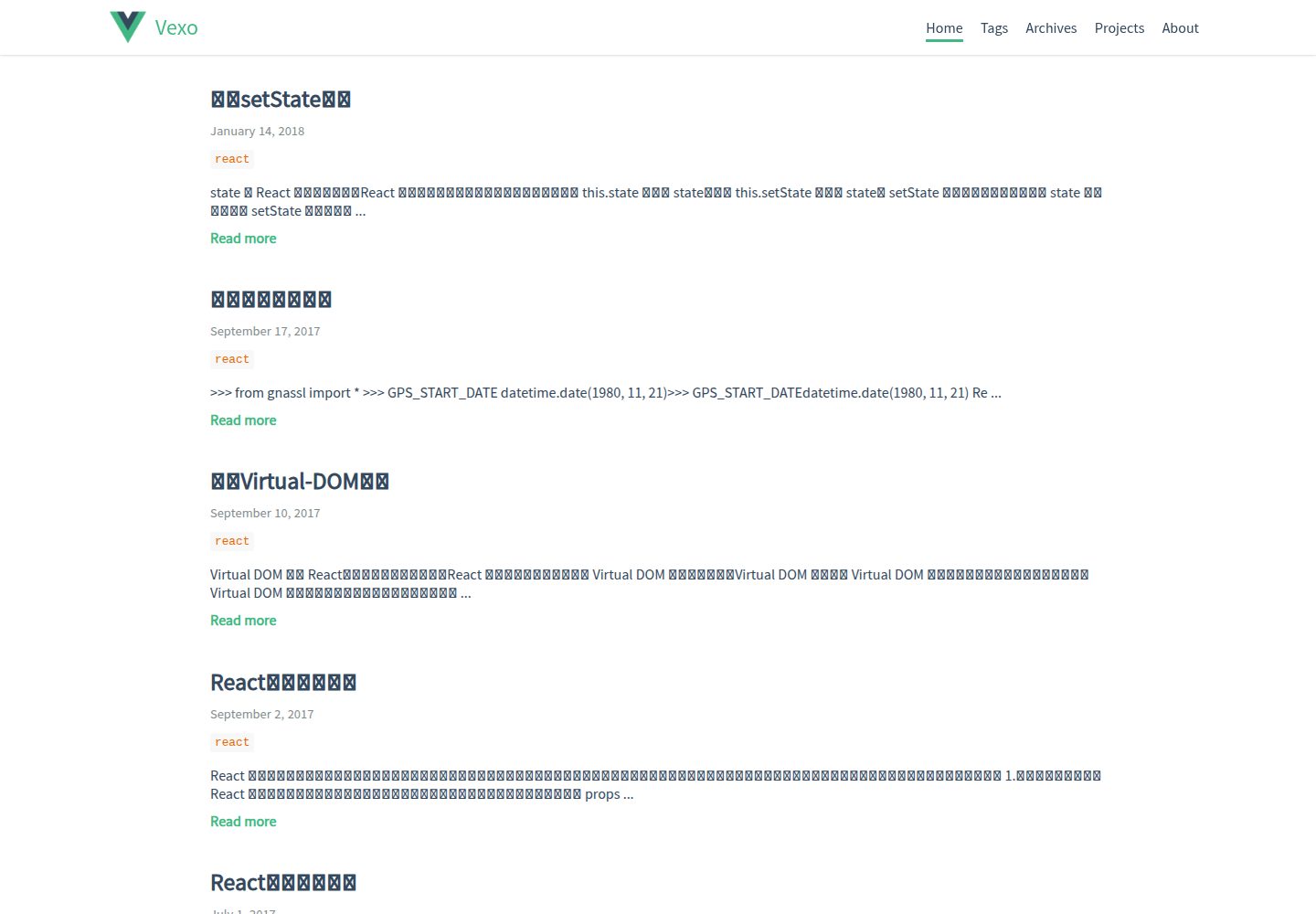
hexo-theme-vexo
🍟 Vexo is a Hexo theme inspired by Vue's official website.
Vue · 博客
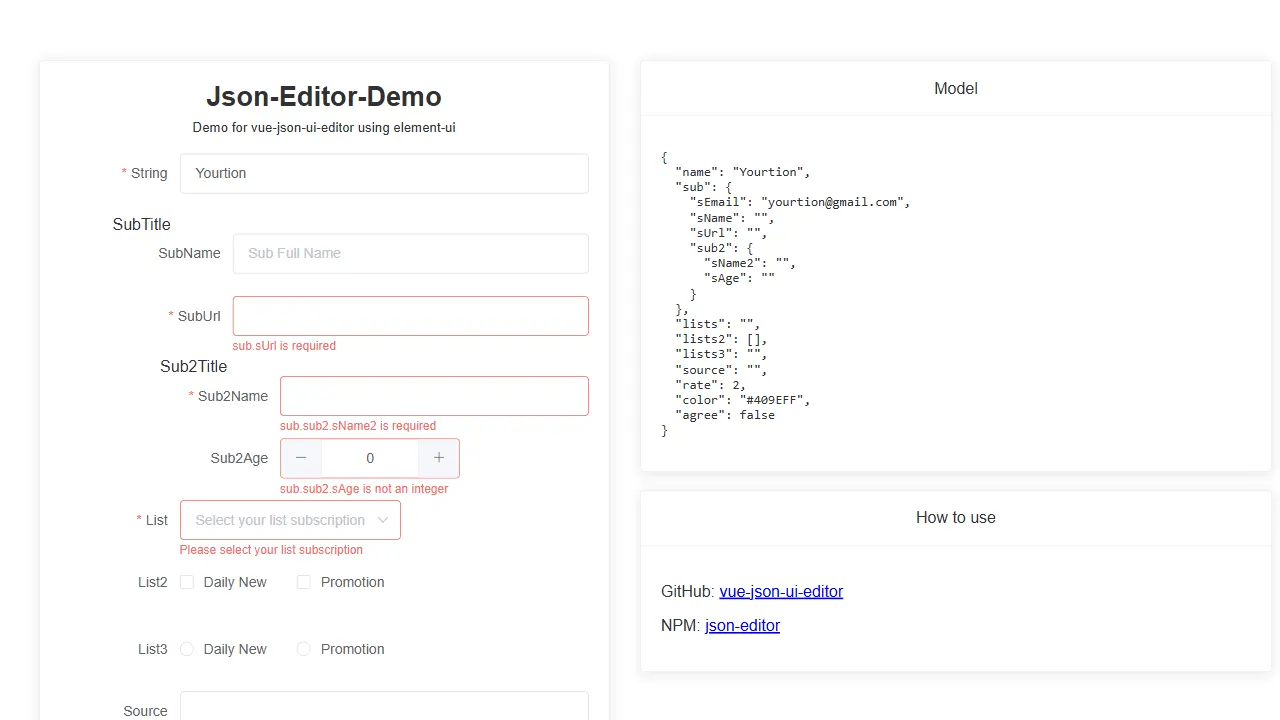
vue json ui editor
vue-json-ui-editor 是一个以 JSON Schema 驱动的表单编辑器组件,核心思路是让开发者用一份 JSON Schema 描述表单结构,再由组件自动渲染出对应的 UI 控件。
Vue · 工具站
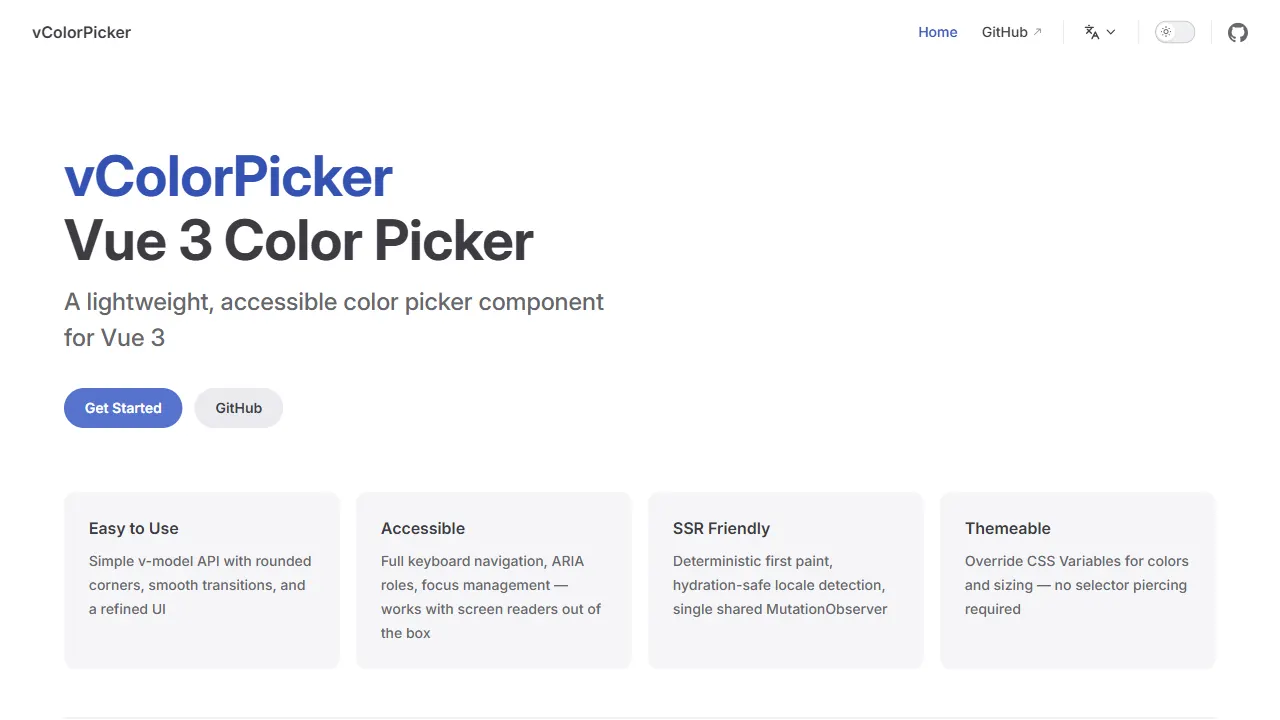
vue color picker
vue color picker 是一个面向 Vue 3 的颜色选择器组件,仓库同时提供 Vue 2 版本。 它不是一个完整的工具站,而是可嵌入项目的 UI 插件,核心能力是让用户通过面板选取颜色,并回传色值。
Vue · 工具站