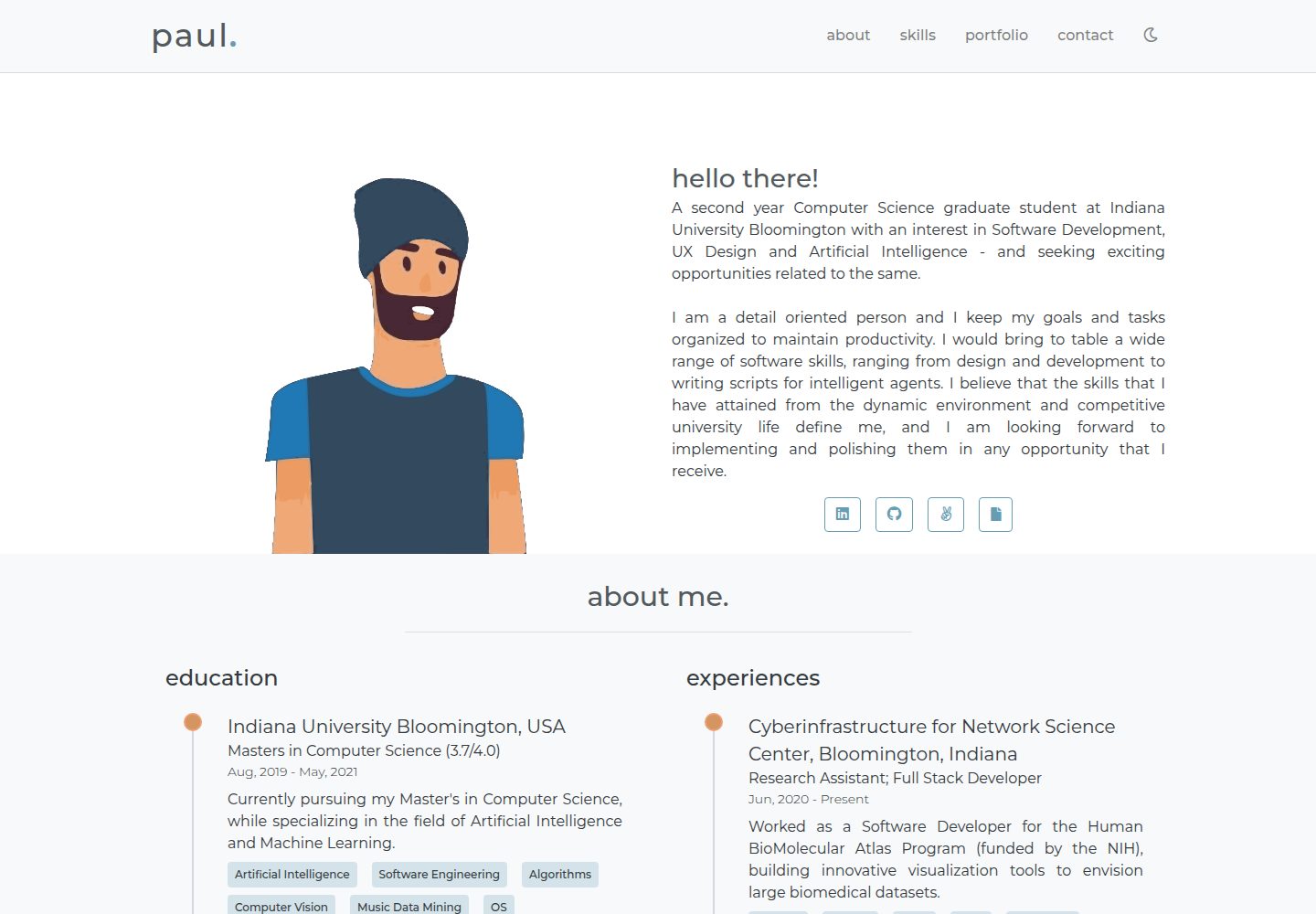
内容集中在根目录 info.js 中配置,替换个人信息无需改动组件代码
VueHTML作品集
portfolio-template (hrishikeshpaul) — Vue 作品集模板
作者 hrishikeshpaul
基于 Vue 与 HTML 的极简个人作品集网站模板,内容集中在 info.js 中配置,包含时间线、技能分组、作品卡片与联系表单。
看看你的网站会是什么样
浏览真实页面截图,比较内容排版与手机效果。点击下方缩略图切换,放大查看整页细节。
目前有 1 张原始预览,可打开完整图片查看设计细节。
截图用于了解视觉与布局,交互效果请以实际项目为准。
采集于 2026-09-30查看来源
值得关注的模板亮点
从已有项目资料中,快速了解它的特点。
About 使用时间线组件展示教育与经历,含描述和关键词
Skills 按组归类技能并配以图标
Portfolio 用响应式卡片展示作品,支持模态框详情与画廊
Contact 表单通过 emailjs 发送邮件,需自行配置账号与模板变量
模板详细介绍
这是一个用 Vue 和 HTML/CSS 编写的个人作品集网站模板,定位为简单、极简、响应式的个人主页。页面内容由根目录的 info.js 统一驱动,用户编辑该文件即可替换站点信息,图片资源放在 /src/assets 下(也可在 info.js 中另行配置路径)。
模板包含四个主要模块:About 中的时间线组件用于展示教育与经历,按时间顺序列出重要细节、简短描述和关键词;Skills 组件把技能按组归类并配以图标;Portfolio 组件用响应式卡片展示作品片段、标签和简介,点击“阅读更多”会打开模态框显示完整细节,并带有作品画廊;Contact 组件是联系表单,依赖第三方服务 emailjs 发送邮件。
使用前需要自行配置 emailjs:注册账号、选择邮件服务、创建邮件模板(模板变量需为 from_name、to_name、message_html、user_email),并在项目根目录新建 config.js 填入 serviceID、templateID 和 userID,该文件已被 .gitignore 忽略以避免密钥外泄。开发依赖 npm 和 git,通过 npm install 安装依赖,npm run serve 启动开发环境并热重载,npm run build 进行生产构建。
仓库 README 提到作者已发布新的 v2 版本模板,本仓库为较早版本。代码采用 MIT 许可,可免费使用、修改、商用和分发,但需保留版权与许可声明;演示图片、字体、图标等第三方素材以及 emailjs 等外部服务的可用性与费用需另行核对。
VueHTML作品集
适合你的项目吗?
适用场景
- 搭建个人简历与作品展示型主页
- 展示教育经历、工作经历与技能分组
- 用卡片和模态框呈现多个作品案例及其细节
- 为个人站点添加基于 emailjs 的联系表单
适合人群
- 希望用 Vue 快速搭建极简个人作品集的前端开发者
- 需要集中在一个配置文件里维护站点内容的用户
- 能自行注册并配置 emailjs 以启用联系表单的使用者
上手与定制指南
结合仓库当前版本的说明,按下面的资料检查内容、配置与运行要求。
- 1
本地开发需要 npm 与 git,克隆仓库后执行 npm install 安装依赖
- 2
npm run serve 启动开发并热重载,npm run build 执行生产构建
- 3
在根目录创建 config.js,填入 emailjs 的 serviceID、templateID、userID,并确保其保留在 .gitignore 中
- 4
emailjs 邮件模板变量需使用 from_name、to_name、message_html、user_email
- 5
站点信息与图片路径在 info.js 中修改,图片默认放在 /src/assets
授权与来源资料
使用条件与限制
免费使用 · 保留许可声明本次收录的是公开仓库中采用 MIT 许可的免费版本;免费范围为该版本代码,不代表外部服务或第三方素材免费。
使用时需要遵守
- 允许免费使用、修改、商用和分发该版本代码。
- 分发代码副本或实质性部分时,保留原作者版权声明和完整 MIT 许可声明。
- 代码按现状提供;担保与责任限制以原许可证及适用法律为准。
额外费用与待核对事项
- 联系表单依赖第三方服务 emailjs,使用者必须自行注册 emailjs 账号并配置 serviceID、templateID、userID 才能正常发送邮件;未配置时联系表单不可用。
- emailjs 免费额度为每月 200 封邮件,超出后可能需付费或无法继续发送,属于外部服务的用量与费用限制。
- 演示图片、字体、图标及其他第三方素材需按各自许可核对,不能仅凭代码的 MIT 许可判断。
- 域名、托管、数据库、支付或 AI 等外部服务可能另外收费。
查看原文依据
Permission is hereby granted, free of charge
许可证原文
You will need to configure your own emailjs account for the service to work.
README 原文
https://github.com/hrishikeshpaul/portfolio-template/blob/master/LICENSEhttps://github.com/hrishikeshpaul/portfolio-template/blob/master/README.mdIt is a good service that provides 200 email free every month.
README 原文
DeepSeek 根据仓库许可证和 README 整理 ·2026-09-30。结果仅覆盖已读取资料,依赖、图片、字体及后续条款变更以各自原文为准。
项目核对记录与介绍依据
模板资料
- 来源平台
- GitHub
- 资料与维护参考分
- 资料较完整 · 81 / 100
- 技术栈
- Vue · HTML
- 网站类型
- 作品集
这个分数如何计算
本站按许可资料(最高30分)、演示链接(12分)、预览图(10分)、Star数(15分)、记录的维护时间(15分)、描述完整度(8分)、功能记录(5分)和分类资料(5分)计算。它不是代码、安全或性能测试,也不是 Google 评分;有链接不代表已实测可用。
这个项目需要核对什么
- 记录的仓库更新时间
- 2024-04-19
- 截图检查日期
- 2026-09-30
已收录演示链接。请用你的内容与屏幕尺寸检查;有演示不代表表单、认证或支付已经可用。
目录记录的主要技术栈是 Vue。请通过依赖清单和锁文件核对实际版本与托管要求。这些说明基于收录资料,不代表代码审计或部署实测。
查看具体选型方法 →介绍的制作与核对状态
介绍由 AI 辅助整理目录与仓库资料。仓库作者不等于这篇介绍的审核者。
已完成服务器许可规则与 AI 来源核对;未经过人工编辑审核。
查看当时使用的来源资料
SHA-256: 5ed26a5a186cefffe0fe08fe37e1ca6fe94dffc2b54decd28e4c607131f308e6
2026-09-30T10:57:00.144Z
来源文件 / 仓库# Portfolio Template 🖐
> This is a simple, minimal and responsive personal website template, built using vue-js, html and css.
[](https://hrpaul.web.app/)
[](https://github.com/npm/cli)
[](https://github.com/hrishikeshpaul/portfolio-template/blob/master/LICENSE)
[](https://github.com/vuejs/vue)
### 🚀 New portoflio temaple [here](https://github.com/hrishikeshpaul/portfolio-template-v2)
---

<!--
 -->
💻 Live [demo](https://hrpaul.web.app/)
---
## Table of Contents
- [Installation](#installation)
- [Features](#features)
- [Usage](#usage)
- [Contributing](#contributing)
- [Connect](#connect)
- [License](#license)
---
## Installation
### Dependencies
These are the local dependencies that are needed for development,
- npm
- git
### Clone
Get this repo to your local machine using,
```shell
$ git clone https://github.com/hrishikeshpaul/portfolio-template.git
```
### Setup
To install the node packages used in the project:
```shell
$ cd portfolio-template
$ npm install
```
Compiles and hot-reloads for development
```shell
$ npm run serve
```
Compiles and minifies for production
```shell
$ npm run build
```
---
## Features
A few notable elements that makes the website intuitive to use,
| # | Feature | Screenshot |
| - | - | - |
| 1 |**Timeline**: Educations and Experiences are the in a timeline format. It shows most of the important details, a small description, and certain important keywords. The code to the timeline component can be found in [`/src/components/helpers/Timeline.vue`]("https://github.com/hrishikeshpaul/portfolio-template/blob/master/src/components/helpers/Timeline.vue"), that is placed in the `About.vue` component.| <img src="assets/timeline.png" width="800px"/> |
| 2 |**Skills**: These display your skills by grouping them together. Along with a logo to depict each group, gives a great perception experience. The code to the skills component can be found in [`/src/components/Skills.vue`]("https://github.com/hrishikeshpaul/portfolio-template/blob/master/src/components/Skills.vue").| <img src="assets/skills.png" width="800px"/> |
| 3 |**Portfolio**: This is the place where you can show off your work samples. It uses responsive cards to display a snippet of your work along with some important tags and a small description. Additional, it also gives you the option to read more, or visit your work sample. Upon clicking read more, a modal dialog is opened, that enlists all the details of your work sample. It also has a gallery that shows various snippets of your work. The code to the portfolio component can be found in [`/src/components/Portfolio.vue`]("https://github.com/hrishikeshpaul/portfolio-template/blob/master/src/components/Skills.vue"), with the respective components, `/helper/Card.vue`, `/helper/Modal.vue` and `/helper/Gallery.vue`| <img src="assets/portfolio.png" width="1800px"/> |
| 4 | **Contact:** A contact form has been added to recieve feedback or any sort of message. This form uses an API called [emailjs](https://www.emailjs.com/). A detailed guide to set up your own emailing service is mentioned below (don't worry, it's free). All the code for the contact form can be found in `src/components/Contact.vue`| <img src="assets/contact.png" width="1400px"/> |
---
## Usage
This section goes over the tweaks that need to be made, and where can they be made. It also talks about the free emailing service that is been used.
### Information
All the information on the template is present in `info.js` that can be found in the root director, or [here](https://github.com/hrishikeshpaul/portfolio-template/blob/master/info.js). This consists of various parameters that handle the information on the website. To add your own information, just edit the contents of this file, and the changes should be noticed. All the pictures need ot be present in `/src/assets` (or you can configure the path in the info.js file).
### Email.js
The **contact** section of the template makes use of this API called [emailjs](https://www.emailjs.com/). It is a good service that provides 200 email free every month. You will need to configure your own emailjs account for the service to work.
#### Configuration
1. Head over to [emailjs](https://www.emailjs.com/) and create your account.
2. Once logged in, select a service. In my case I selected **gmail**.
3. Head over to **Email Templates** on the side and click on **Email Template Example**. Here, there are few changes to be made if you don't want to change the template's javascript code.
- Change the subject attribute to: `New message from {{from_name}}!`
- Change the body to,
```js
Hello {{to_name}},
You got a new message from {{from_name}}:
{{{message_html}}}
My contact is: {{user_email}}.
```
You can configure this however you want, but the attributes in the `{{ }}` need to be those.
4. Create a file called `config.js` in the root of the project. You'll notice that the `.gitignore` has the name of this file. This is where all the data that links your web app to emailjs will be stores.
5. Create a object that looks like this,
```js
let config = {
emailjs: {
serviceID: '<serviceID>',
templateID: '<templateID>',
userID: '<userID>'
}
}
export default config;
```
6. You need to get the above mentioned IDs from your emailjs account,
- **serviceID**: From `Email Services`
- **templateID**: From `Email Templates`
- **userID**: From `Account` > `API Keys`
> Make sure your `config.js` is in `.gitignore` as you do not want to expose your keys to the public.
---
## Contributing
### Option 1
- Clone this repo to your local machine using `https://github.com/hrishikeshpaul/portfolio-template.git`
- Code code code!
- Create a new pull request using <a href="https://github.com/hrishikeshpaul/portfolio-template/compare/" target="_blank">`https://github.com/hrishikeshpaul/portfolio-template/compare/`</a>
### Option 2
- Create an issue request, and I'll be certain to look at it as soon as possible!
---
## Connect
Reach out to me at one of the following places!
- Website at <a href="https://hrishikeshpaul.github.io/" target="_blank">`https://hrishikeshpaul.github.io/`</a>
- LinkedIn at <a href="https://www.linkedin.com/in/hrishikeshpaul/" target="_blank">`hrishikeshpaul`</a>
---
## License
[](https://github.com/hrishikeshpaul/portfolio-template/blob/master/LICENSE)
- **[MIT license](http://opensource.org/licenses/mit-license.php)**
- Copyright 2020 © <a href="https://hrishikeshpaul.github.io/" target="_blank">Hrishikesh Paul</a>
看看同类模板
对比同技术栈与用途的模板,找到更适合的视觉与内容结构。

vuejs-os-template
vuejs-os-template 是一个面向 Vue 2 的 Web OS 模板,目标是让开发者快速搭建一个带有桌面、窗口和导航栏的交互式网页。
Vue · 作品集
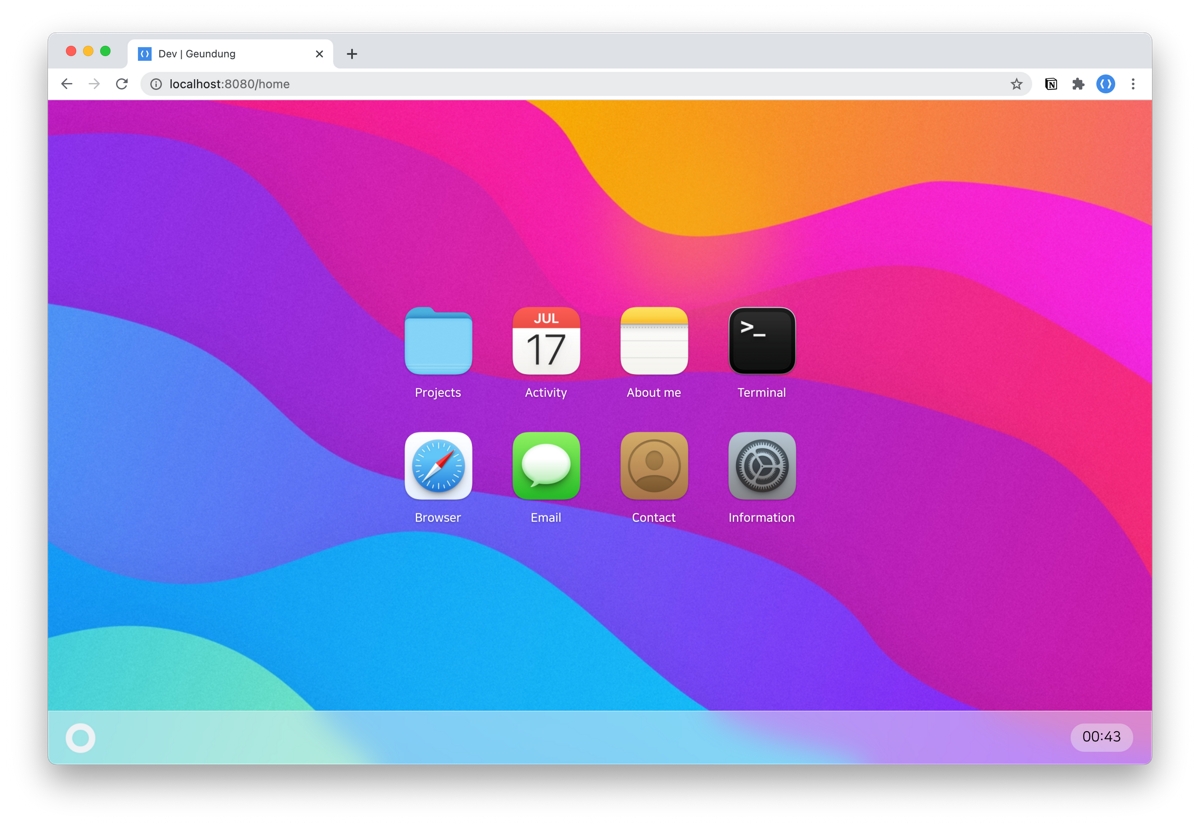
resume
leegeunhyeok/resume 是一份以 Vue 3 + TypeScript 构建的个人简历模板,视觉上模仿 macOS Big Sur 风格,适合开发者展示个人经历与作品。
Vue · 作品集
portfolio-template
A fully customizable portfolio website template built using Vue.js and Tailwind CSS.
Vue · 作品集
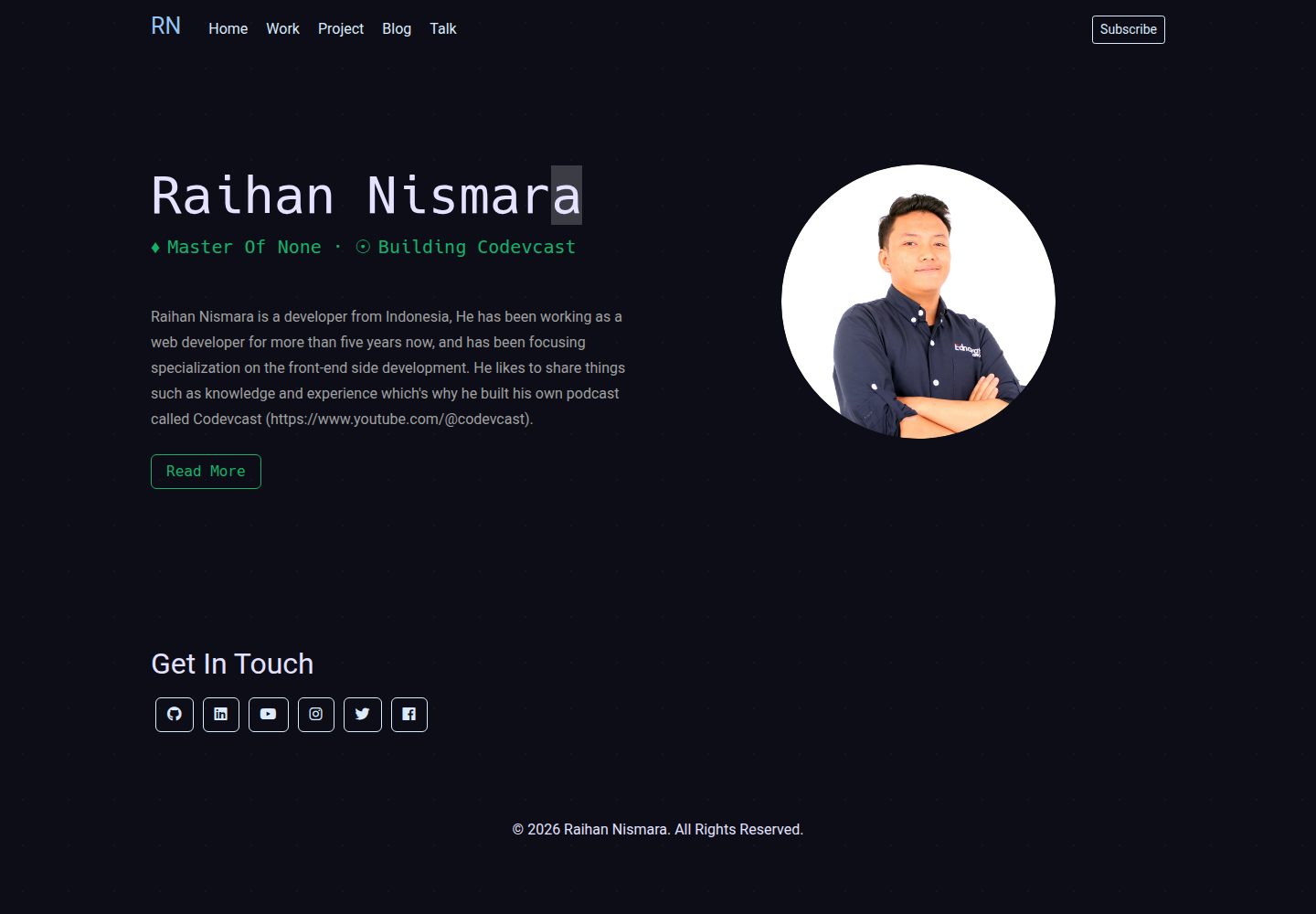
vue-porto
VuePorto is a Bootstrap resume or CV landing page theme using Vuejs spa to help you create easy to use, stylis…
Vue · 作品集
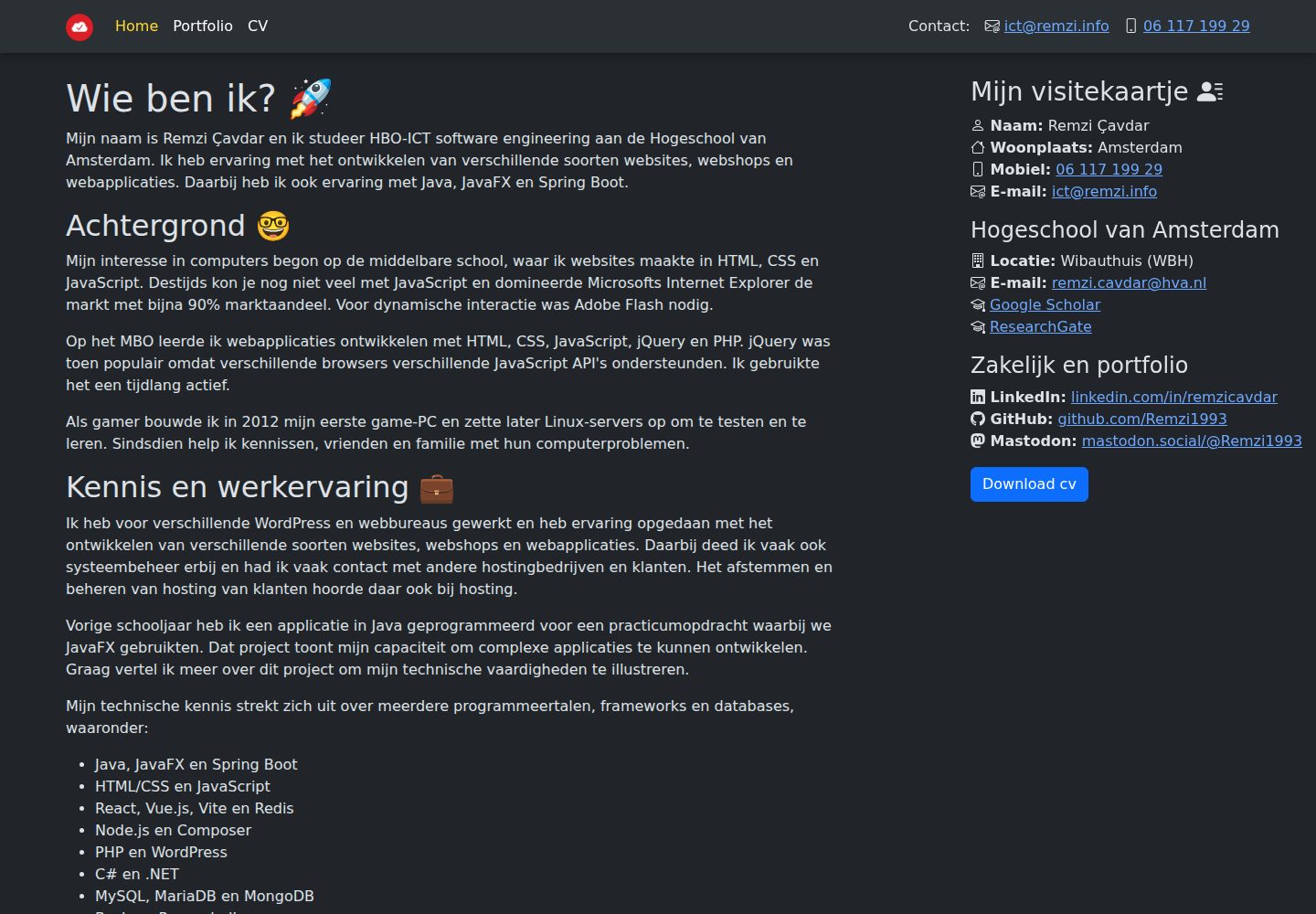
remzi.info
My personal website built with Vite, Vue.js, TypeScript and Sass. Which can also be used as a template for oth…
Vue · 作品集
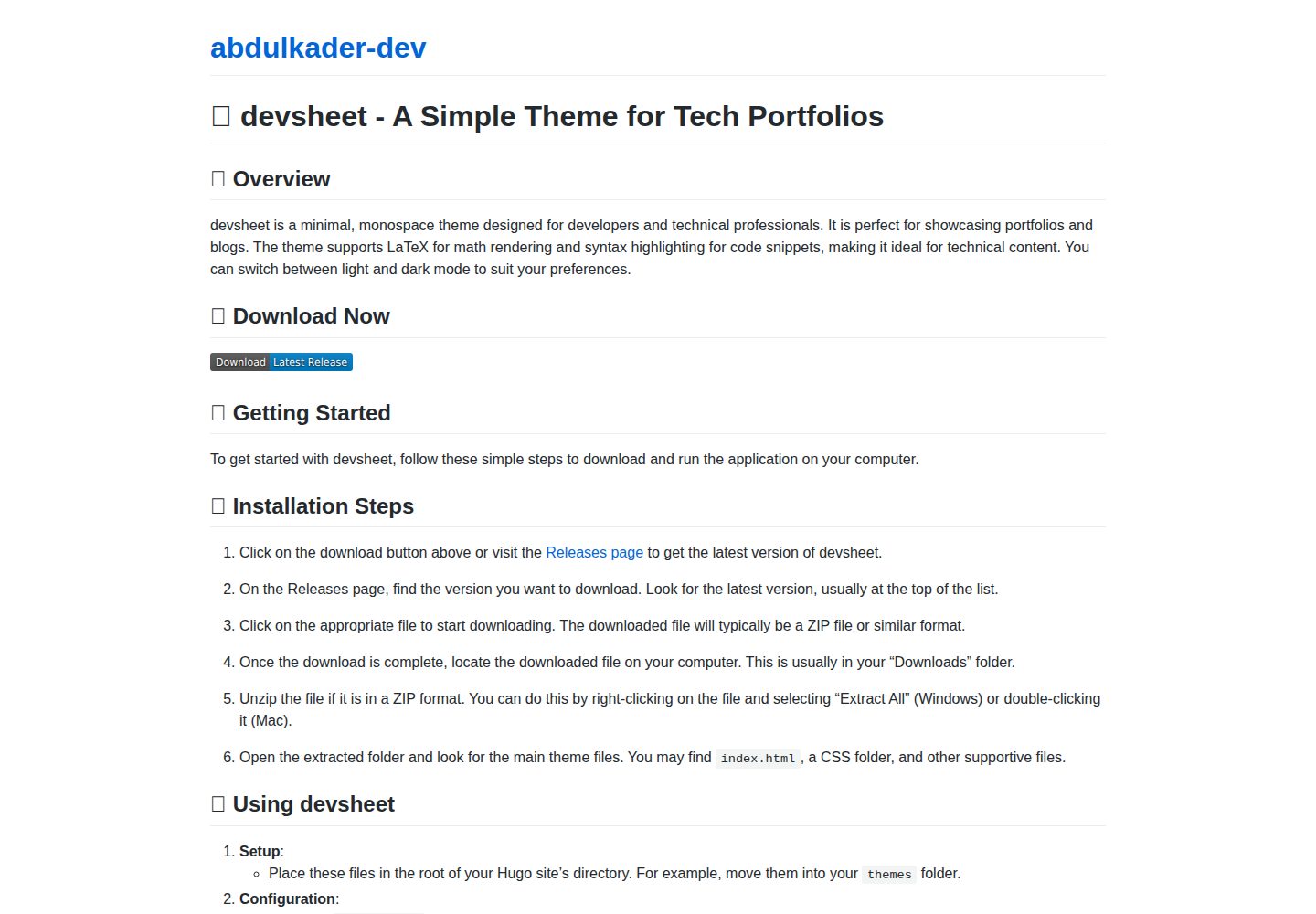
devsheet
📝 Build your portfolio effortlessly with this minimal monospace Hugo theme, perfect for showcasing your proje…
Vue · 作品集