
分区由 portfolio-data.json 统一登记,增删或重排分区主要改这份 JSON
Vue作品集
portfolio-template (AkberJag) — Vue 作品集模板
作者 AkberJag
基于 Vue 与 Tailwind CSS 的可定制个人作品集网站模板,通过 JSON 配置管理分区内容,附带 GitHub Pages 部署脚本。
看看你的网站会是什么样
浏览真实页面截图,比较内容排版与手机效果。点击下方缩略图切换,放大查看整页细节。
全部页面与视图 2
截图用于了解视觉与布局,交互效果请以实际项目为准。
采集于 2026-10-03查看来源
值得关注的模板亮点
从已有项目资料中,快速了解它的特点。
每个分区对应一个 Vue 组件,可自行新增组件并注册到配置中
使用 Vue 的 provide/inject 在组件间共享分区数据,无需逐层传 props
强调色直接选用 Tailwind CSS 预定义颜色
图标使用 Lucide Icons 集成
提供 deploy_gh_pages.sh 脚本,可发布到 GitHub Pages
模板详细介绍
这是一个用 Vue 构建的个人作品集网站模板,样式层使用 Tailwind CSS,图标来自 Lucide Icons。模板把页面拆成若干分区(如 Home、About、Projects、Contact),每个分区对应一个 Vue 组件,并在 portfolio-data.json 中登记名称、路径、组件名和页面标题;增删或调整分区顺序主要通过编辑这份 JSON 完成。分区数据通过 Vue 的 provide/inject 模式向下传递,子组件用 inject 读取 sections 后按名称查找所需分区,避免逐层传递 props。
安装流程为进入 frontend 目录后执行 npm install,用 npm run dev 启动开发服务器,npm run build 生成的生产文件位于 dist 目录,可部署到任意静态托管。仓库另提供 deploy_gh_pages.sh 脚本用于发布到 GitHub Pages,也可按 Vue 官方文档手动部署,部署后需在仓库设置中把 Pages 来源指向 gh-pages 分支。
README 明确标注本地化(Localization)仍为 TODO:模板当前只提供英文内容,若要支持其他语言,需要自行引入本地化方案、把文案存入 JSON 等格式,并让组件按用户偏好或浏览器设置动态加载。模板的强调色取自 Tailwind CSS 预定义颜色,设计为移动优先的极简风格。
Vue作品集
适合你的项目吗?
适用场景
- 个人开发者或设计师搭建展示作品与联系方式的静态作品集站点
- 以模板为基础改造分区结构,替换为自己的项目与介绍内容
- 部署到 GitHub Pages 或其他静态托管服务作为在线简历入口
适合人群
- 熟悉 Vue 组件开发、愿意直接改代码和 JSON 配置的使用者
- 需要轻量静态作品集、不依赖后端服务的个人站点
- 希望把作品集托管在 GitHub Pages 上的开发者
上手与定制指南
结合仓库当前版本的说明,按下面的资料检查内容、配置与运行要求。
- 1
安装与运行在 frontend 目录内进行:npm install、npm run dev、npm run build
- 2
构建产物在 dist 目录,可部署到任意静态托管服务
- 3
使用 deploy_gh_pages.sh 后,需在仓库设置中将 Pages 来源设为 gh-pages 分支
- 4
模板当前仅提供英文内容,多语言支持在 README 中标记为 TODO,需自行实现
- 5
代码为 MIT 许可,可免费使用、修改、商用和分发,但需保留版权与许可声明;演示图片、字体、图标等第三方素材需单独核对许可
授权与来源资料
使用条件与限制
免费使用 · 保留许可声明本次收录的是公开仓库中采用 MIT 许可的免费版本;免费范围为该版本代码,不代表外部服务或第三方素材免费。
使用时需要遵守
- 允许免费使用、修改、商用和分发该版本代码。
- 分发代码副本或实质性部分时,保留原作者版权声明和完整 MIT 许可声明。
- 代码按现状提供;担保与责任限制以原许可证及适用法律为准。
额外费用与待核对事项
- 模板当前仅提供英文内容,多语言支持尚未实现(README 标注为 TODO),如需其他语言需自行引入本地化方案并改造组件。
- 构建产物需自行部署到静态托管服务,项目本身不提供托管;使用 GitHub Pages 时需在仓库设置中把 Pages 来源指向 gh-pages 分支。
- 演示图片、字体、图标及其他第三方素材需按各自许可核对,不能仅凭代码的 MIT 许可判断。
- 域名、托管、数据库、支付或 AI 等外部服务可能另外收费。
查看原文依据
Permission is hereby granted, free of charge
许可证原文
The template currently supports English content. To extend this to other languages:
README 原文
https://github.com/AkberJag/portfolio-template/blob/main/LICENSEhttps://github.com/AkberJag/portfolio-template/blob/main/README.mdDeploy these to your preferred web hosting service.
README 原文
DeepSeek 根据仓库许可证和 README 整理 ·2026-10-03。结果仅覆盖已读取资料,依赖、图片、字体及后续条款变更以各自原文为准。
项目核对记录与介绍依据
模板资料
- 来源平台
- GitHub
- 资料与维护参考分
- 资料较完整 · 81 / 100
- 技术栈
- Vue
- 网站类型
- 作品集
这个分数如何计算
本站按许可资料(最高30分)、演示链接(12分)、预览图(10分)、Star数(15分)、记录的维护时间(15分)、描述完整度(8分)、功能记录(5分)和分类资料(5分)计算。它不是代码、安全或性能测试,也不是 Google 评分;有链接不代表已实测可用。
这个项目需要核对什么
- 记录的仓库更新时间
- 2025-03-10
- 截图检查日期
- 2026-10-03
已收录演示链接。请用你的内容与屏幕尺寸检查;有演示不代表表单、认证或支付已经可用。
目录记录的主要技术栈是 Vue。请通过依赖清单和锁文件核对实际版本与托管要求。这些说明基于收录资料,不代表代码审计或部署实测。
查看具体选型方法 →介绍的制作与核对状态
介绍由 AI 辅助整理目录与仓库资料。仓库作者不等于这篇介绍的审核者。
已完成服务器许可规则与 AI 来源核对;未经过人工编辑审核。
查看当时使用的来源资料
SHA-256: 42f7bb8a79909e76761b75fffd87a39226f9ad2fe17322598340e23a9c1de74f
2026-10-03T04:45:00.917Z
来源文件 / 仓库# Portfolio Website Template
A fully customizable portfolio website template built using Vue.js, Tailwind CSS, and Lucide Icons. Easily modify the layout, add or remove sections, and showcase your work in a modern, responsive format. This project is perfect for developers, designers, or anyone looking for a clean and customizable online portfolio.
## Demo
[Live Demo](https://akberjag.github.io)
## Features
- **Fully customizable**: Add, remove, or rearrange sections as needed using a JSON file.
- **Accent colors**: Support for Tailwind CSS predefined colors as accent colors.
- **Modern design**: Minimalistic, mobile-first design using Tailwind CSS.
- **Fast and lightweight**: Powered by Vue.js for a responsive and dynamic experience.
- **Icon support**: Lucide Icons for seamless icon integration.
- **Responsive layout**: Works on all screen sizes, from mobile to desktop.
- **Easy setup**: Simple installation and configuration process.
## How It Works
### Adding a Section Component (e.g., ContactSection.vue)
To add a new section, you need to create a corresponding Vue component (e.g., `ContactSection.vue`) and manage its data using the JSON configuration file. Here's how to do it step-by-step:
1. **Create the Component:**
Create a new Vue component in your `components` folder. For example, `ContactSection.vue`
2. **Define the Section in the JSON File:**
Next, define the new section in your portfolio-data.json file. This is where you can manage the content of each section.
```json
{
"sections": [
{
"name": "Home",
"path": "home",
"component": "HomeSection",
"pageTitle": "John Doe | Web Developer & Designer"
},
{
"name": "About",
"path": "about",
"component": "AboutSection",
"pageTitle": "About Me | John Doe"
},
{
"name": "Projects",
"path": "projects",
"component": "ProjectsSection",
"pageTitle": "Projects | John Doe"
},
{
"name": "Contact",
"path": "contacts",
"component": "ContactSection",
"pageTitle": "Contact Me | John Doe"
}
]
}
```
### Vue.js provide/inject Pattern
We leverage Vue's `provide/inject` pattern to make the section data accessible to child components without the need to pass props down multiple levels. This pattern is particularly useful for managing shared state across components.
For example, take a look at the `contactSection` variable in the `HomeSection.vue` component:
```js
const sections = inject("sections");
const contactSection = computed(() =>
sections.find((section) => section.name === "Contact")
);
```
## Installation
1. Clone the repository:
```bash
git clone https://github.com/your-username/portfolio-template.git
cd portfolio-template/frontend
```
2. Install dependencies:
```bash
npm install
```
3. Run the development server:
```bash
npm run dev
```
4. Build for production:
```bash
npm run build
```
5. Deploy: After building, the production-ready files can be found in the `dist` folder. Deploy these to your preferred web hosting service.
### Deploying to GitHub Pages
You have two options for deploying to GitHub Pages:
#### Option 1: Using the Deployment Script
1. Run the deployment script from the root of the project:
```bash
./deploy_gh_pages.sh
```
2. Configure GitHub Pages settings:
- Go to your repository settings
- Navigate to Pages section
- Under "Build and deployment", select `gh-pages` branch
- Click Save
#### Option 2: Manual Deployment
For step-by-step instructions on manually deploying your Vue.js project to GitHub Pages, please refer to the official Vue.js documentation: [Vue CLI - Deployment to GitHub Pages](https://cli.vuejs.org/guide/deployment.html#github-pages)
## Customization
### Adding/Removing Sections
To add or remove sections, edit the `portfolio.json` file located in the root of the project. Add a new section object or remove an existing one. Each section requires a name, path, component, and pageTitle.
### Localization (TODO)
The template currently supports English content. To extend this to other languages:
1. Implement a localization system (e.g., Vue I18n).
2. Store localized strings in JSON files or other formats.
3. Modify components to dynamically load the appropriate language based on user preferences or browser settings.
## Dependencies
- [Vue.js 3](https://vuejs.org/): A progressive JavaScript framework for building user interfaces.
- [Tailwind CSS](https://tailwindcss.com/): A utility-first CSS framework for rapid UI development.
- [Lucide Icons](https://lucide.dev/): A flexible and customizable icon library.
## Contributing
Contributions are welcome! If you'd like to improve this template or add new features, feel free to open a pull request.
### How to contribute
1. Fork the repository.
2. Create a new branch (`git checkout -b feature-branch`).
3. Make your changes and commit them (`git commit -m 'Add new feature'`).
4. Push to the branch (`git push origin feature-branch`).
5. Open a pull request.
## License
This project is licensed under the MIT License. See the [LICENSE](LICENSE) file for details.
看看同类模板
对比同技术栈与用途的模板,找到更适合的视觉与内容结构。
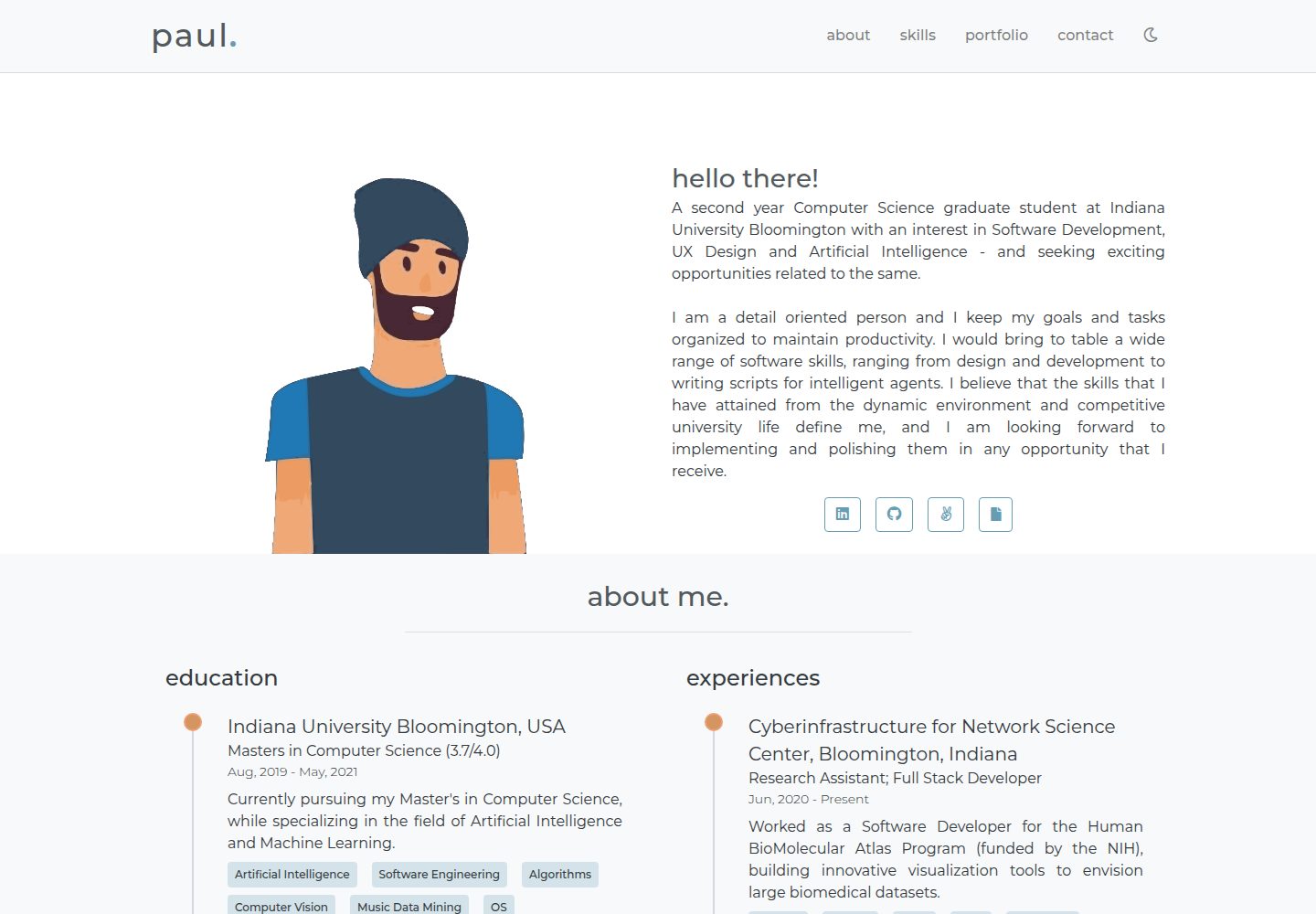
portfolio-template
👋A simple, minimal portfolio website!
Vue · 作品集

vuejs-os-template
vuejs-os-template 是一个面向 Vue 2 的 Web OS 模板,目标是让开发者快速搭建一个带有桌面、窗口和导航栏的交互式网页。
Vue · 作品集
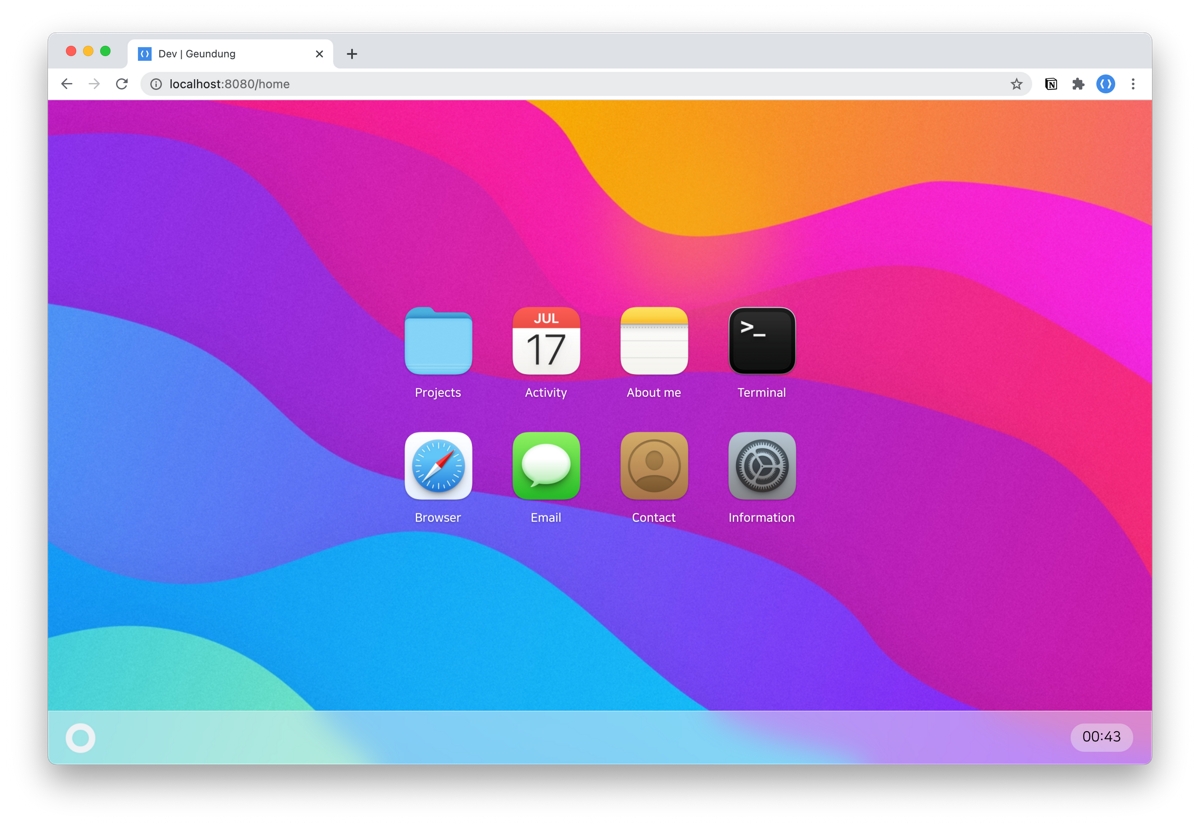
resume
leegeunhyeok/resume 是一份以 Vue 3 + TypeScript 构建的个人简历模板,视觉上模仿 macOS Big Sur 风格,适合开发者展示个人经历与作品。
Vue · 作品集
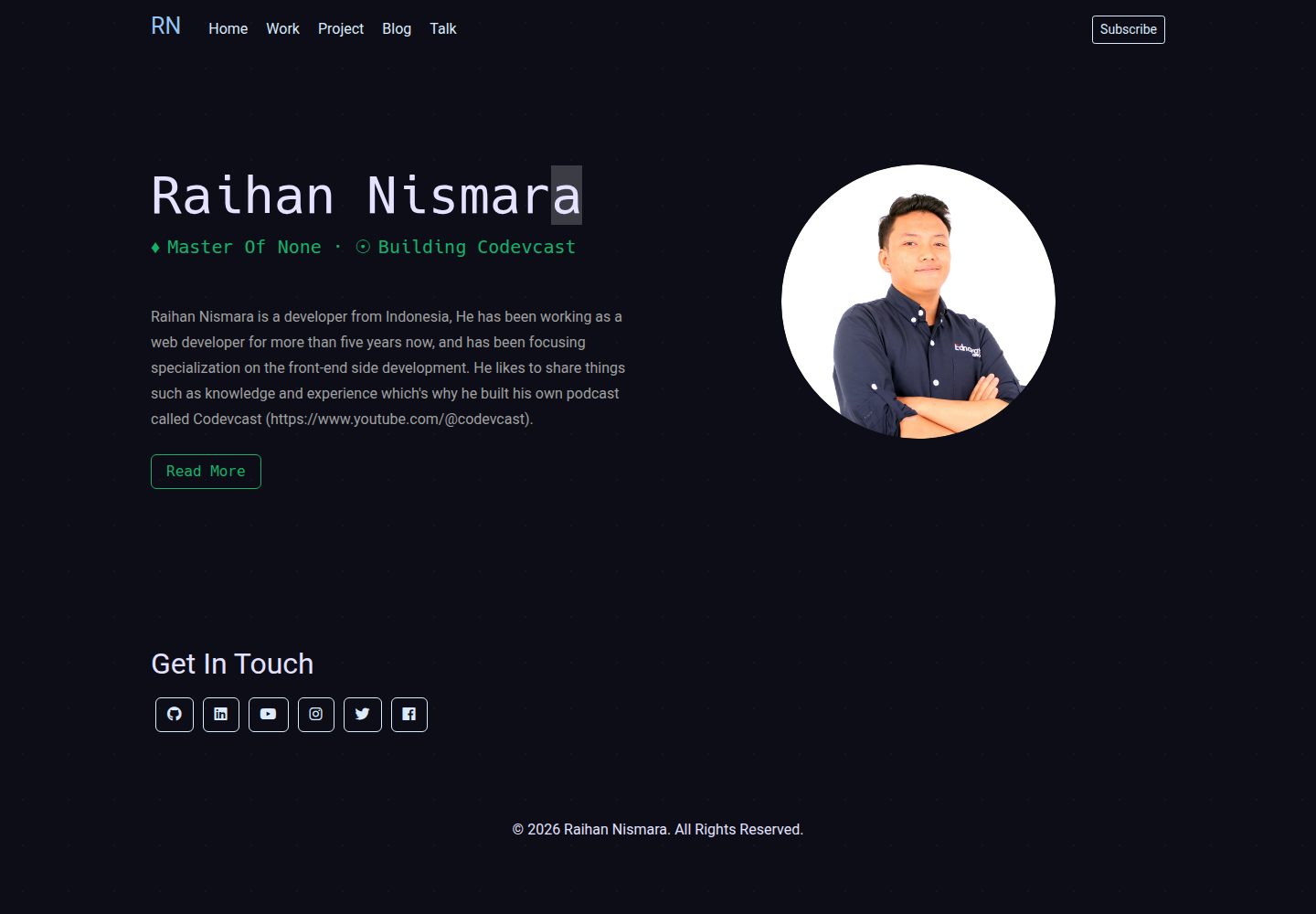
vue-porto
VuePorto is a Bootstrap resume or CV landing page theme using Vuejs spa to help you create easy to use, stylis…
Vue · 作品集
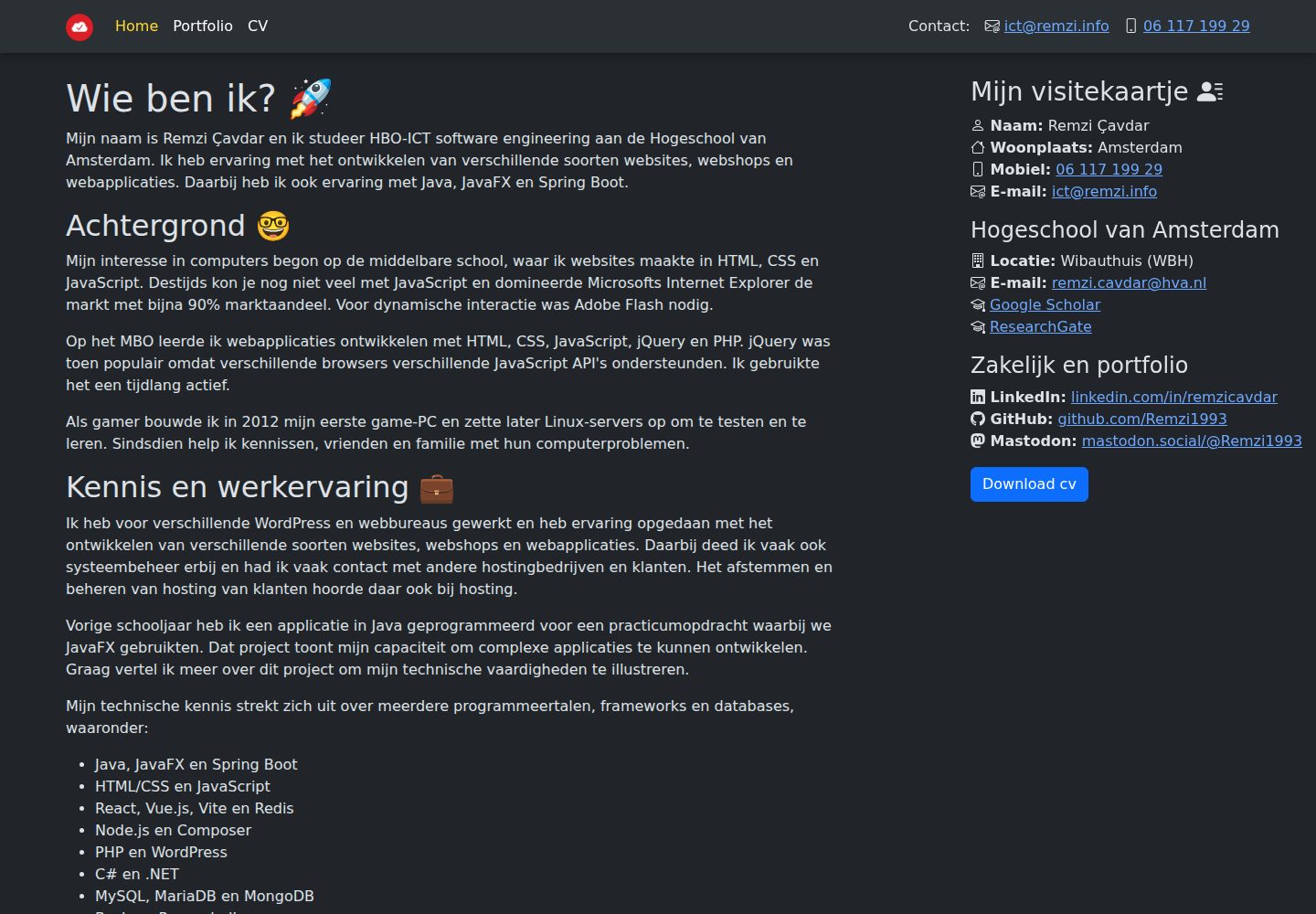
remzi.info
My personal website built with Vite, Vue.js, TypeScript and Sass. Which can also be used as a template for oth…
Vue · 作品集
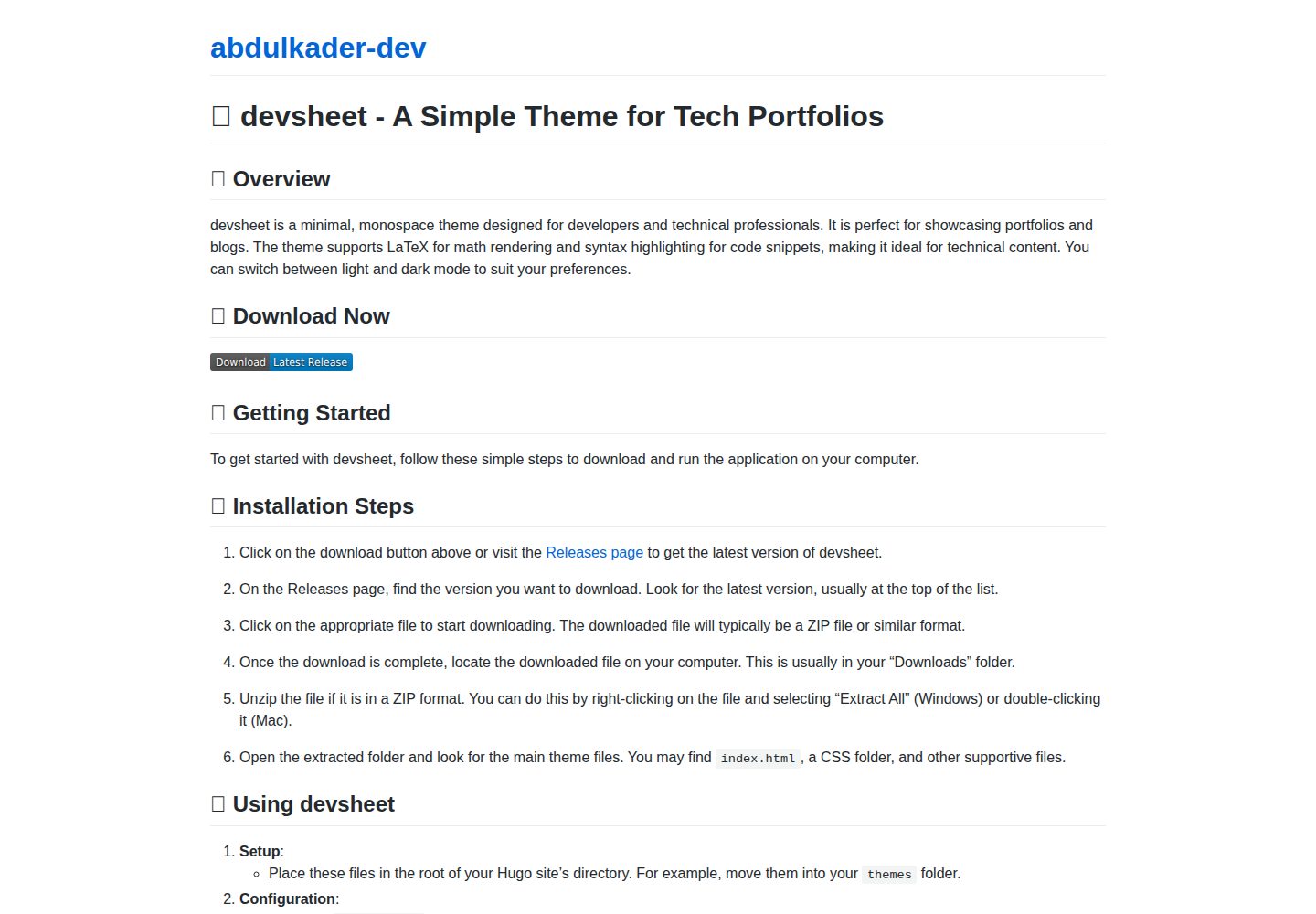
devsheet
📝 Build your portfolio effortlessly with this minimal monospace Hugo theme, perfect for showcasing your proje…
Vue · 作品集