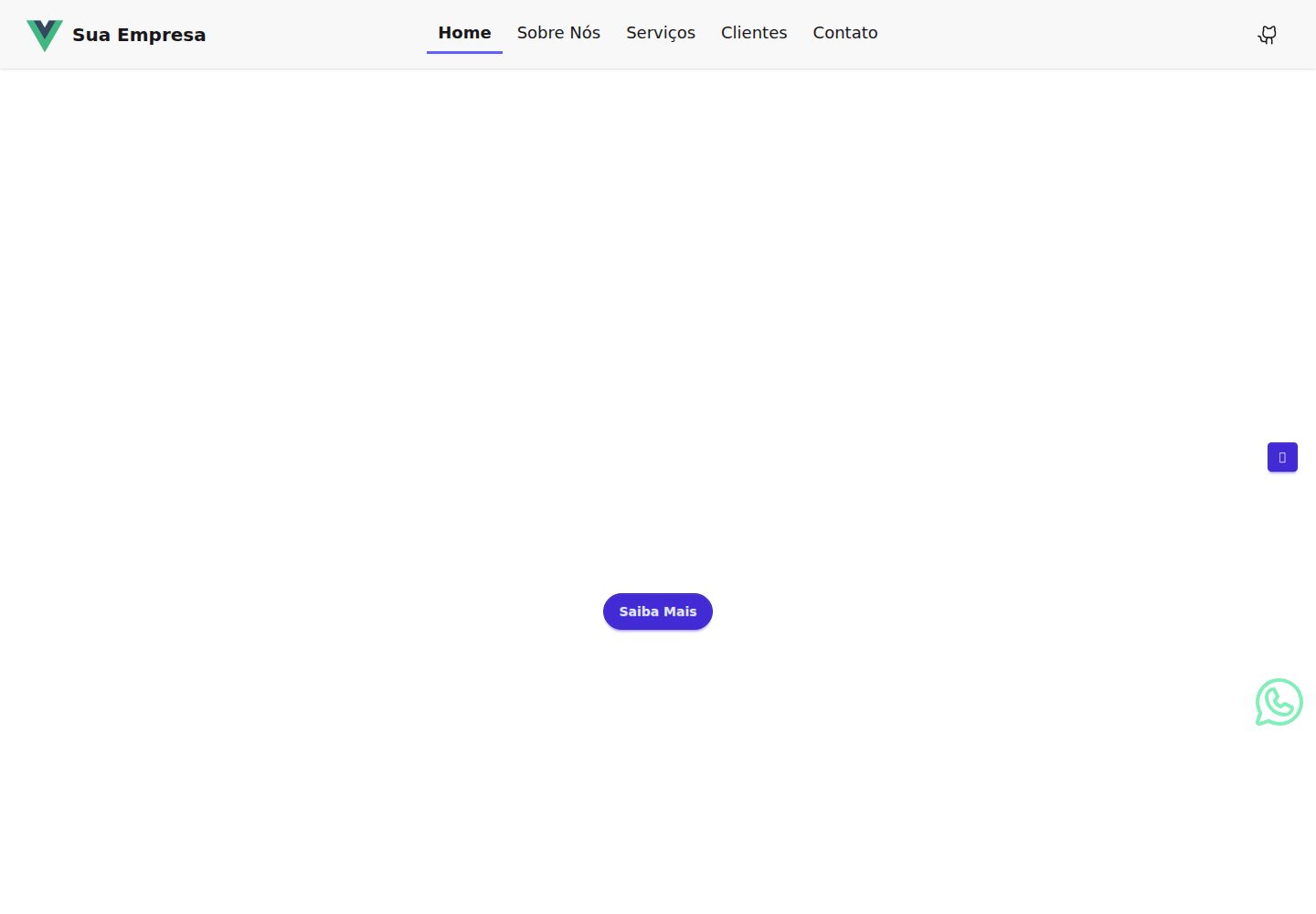
Content and structure are centralized in partials.yaml and sections.yaml; replacing the YAML updates site information
VueViteCorporate Website
vue-landing-page-template — Vue Business Template
By zapsys
A corporate landing page template based on Vue 3 and Vite, with content replaced via YAML files, featuring responsive layout, light/dark mode, and an EmailJS contact form.
Explore the design
Compare the page layouts and mobile experience. Open any screenshot for a closer look.
Desktop homepage1 / 2
Desktop captureTop of page
Actual screenshot captured by the server browser.
All pages & views 2
Screenshots show visual appearance; interactive behavior may differ.
Recorded 2026-09-30View source
What stands out
A quick read of the recorded project description.
Responsive layout with scroll animations when entering sections
Light/dark mode follows browser settings and persists
Contact form sends emails via EmailJS; map uses the vue-google-map component
Styling based on TailwindCSS and daisyUI, icons use Iconify, fonts imported via FontSource
Template Details
This is a corporate website/landing page template built with Vue 3 and Vite. The author's goal is to fill the gap in the Vue ecosystem for complete site templates. The template stores page copy and structural data in src/components/partials/partials.yaml and src/components/sections/sections.yaml. Replacing the content of these two YAML files completes most customization; the injected content of the homepage index.html is configured in the data property of vite.config.js.
Functionally, the template provides responsive layout, scroll animations when entering sections, light/dark mode that follows browser settings and persists, and a contact form based on EmailJS. The map section uses the vue-google-map component and requires you to apply for a Google Maps JavaScript API key. Styling is based on TailwindCSS and daisyUI, icons use Iconify, input masking uses maska, and fonts are imported as npm packages via FontSource.
Before use, note: the contact form and map depend on external services. You must register with EmailJS and configure service_id, template_id, and public key, as well as the Google Maps api_key. These values are written to the .env file in the project root and exposed to the frontend with the VITE_ prefix. The captcha and daisyUI theme integration listed in the README's to-do are not yet complete. The licensing of third-party assets such as demo images, fonts, and icons in the repository must be verified separately; the code itself is under the MIT license.
VueViteCorporate website
Is it right for your project?
Use Cases
- Quickly building a corporate website or product landing page on the Vue stack
- Sites where copy is maintained in YAML to reduce code changes
- Showcase websites needing light/dark mode, scroll animations, and a contact form
- As a learning or secondary development starting point for a Vue 3 + Vite project structure
Suitable For
- Developers familiar with basic Vue 3 and Vite usage
- Teams willing to maintain page content via YAML files
- Users who can apply for EmailJS and Google Maps API keys themselves
Getting started & customization
Use these recorded setup notes alongside the repository instructions for your chosen version.
- 1
After cloning the repository, enter the project directory and install dependencies using npm, yarn, or pnpm
- 2
Run npm run dev for development and visit http://localhost:5173; for production build, run npm run build and preview with npm run serve at http://localhost:4173
- 3
Edit src/components/partials/partials.yaml and src/components/sections/sections.yaml to fill in site content; homepage injection data is modified in the data property of vite.config.js
- 4
Create a .env in the root directory and configure VITE_EMAILJS_SERVICE_ID, VITE_EMAILJS_TEMPLATE_ID, VITE_EMAILJS_PUBLIC_KEY, and VITE_GOOGLE_MAPS_API_KEY
- 5
EmailJS and Google Maps require you to register and obtain keys yourself; third-party asset licensing must be verified separately
License & source material
Usage conditions & limitations
Free to use · keep license noticeThis entry covers the free version under the MIT license in the public repository; the free scope applies to that version's code and does not imply that external services or third-party assets are free.
Must comply with when using
- You are allowed to use, modify, commercialize, and distribute the code of this version for free.
- When distributing copies or substantial portions of the code, retain the original author's copyright notice and the full MIT license notice.
- The code is provided as is; warranties and limitations of liability are governed by the original license and applicable law.
Additional costs & items to verify
- For the contact form to work, you must register an EmailJS account and configure service_id, template_id, and public key; otherwise the form cannot send emails.
- The map in the contact section requires applying for a Maps JavaScript API key from Google Maps Platform and writing it to .env; otherwise the map will not display properly.
- The captcha for the contact form listed in the README's to-do is not yet implemented; the current form lacks anti-bot verification.
- daisyUI theme integration is still on the to-do list and has not been applied to the site, so theme customization is limited.
- Demo images, fonts, icons, and other third-party assets must be verified under their respective licenses; they cannot be judged solely by the code's MIT license.
- External services such as domain, hosting, database, payment, or AI may incur additional charges.
View Original Text Basis
Permission is hereby granted, free of charge
Original License Text
Formulario de contato funcional (necessário se cadastrar na plataforma *EmailJS*)
Original README
Para mostrar o mapa corretamente na seção de contato é necessário fazer login no [Google Maps Platform]
Original README
Adicionar *captcha* ao formulário de contato
Original README
https://github.com/zapsys/vue-landing-page-template/blob/master/LICENSE.mdhttps://github.com/zapsys/vue-landing-page-template/blob/master/README.mdIntegrar os temas do plugin *daisyUI* para serem aplicados ao site
Original README
Compiled by DeepSeek based on repository license and README ·2026-10-01. Results only cover the materials read; dependencies, images, fonts, and subsequent term changes are subject to their respective original texts.
Project checks & description sources
Template Information
- Source platforms
- GitHub
- Documentation and maintenance reference score
- More documented · 85 / 100
- Technologies
- Vue · Vite
- Website type
- Corporate Website
How this score is calculated
Our heuristic uses license records (up to 30), a demo link (12), a preview (10), stars (15), recorded maintenance (15), description completeness (8), feature records (5) and classification data (5). It is not a code, security or performance test, or a Google score. A link does not establish tested functionality.
What to verify for this project
- Repository update recorded
- 2026-01-03
- Screenshot last checked
- 2026-10-01
A demo link is listed. Check it with your own content and viewport sizes; its presence does not confirm that forms, authentication or payments work.
The catalog identifies Vue as the primary stack. Check the actual dependency manifest and lockfile for versions and hosting requirements. These notes use recorded metadata, not a code audit or a deployment test.
Use a selection guide →How this description was prepared
AI-assisted description based on catalog records and repository material. Repository authors are not automatically the reviewers of this description.
Automatically checked against source and license rules; no manual editorial review.
Inspect the recorded source material
SHA-256: 2c21f18882aadddb8d50bddef419bc5b187576912caea4bb70195eb5ba4242b9
2026-10-01T15:18:27.500Z
Source file / repository# Vue landing page template Um belo e completo *template* para website desenvolvido com **Vue 3** e outras ferramentas com fácil personalização. ## Motivação Decidi desenvolver esse template devido à falta de soluções completas e funcionais desenvolvidas em *Vue*. Esse modelo fornece a possibilidade de implementar um site completo, totalmente funcional, apenas substituindo o conteúdo dos arquivos *.yaml*. Além disso, possibilita a adição de novas páginas, menus, serviços e clientes de maneira descomplicada, podendo ser facilmente estendido adicionando novos componentes. ## Características - Layout responsivo - Animações ao acessar as seções - Modo **claro/escuro** automático (a partir das definiçoes do navegador) e persistente - Totalmente SEO *friendly* - Formulario de contato funcional (necessário se cadastrar na plataforma *EmailJS*) ## Ferramentas utilizadas - [Vue 3](https://vuejs.org/) - The progressive Javascript framework - [Vite](https://vite.dev/guide/) - Build Tool for the web - [TailwindCSS](https://tailwindcss.com/) - A utility-first CSS framework - [daisyUI](https://daisyui.com/docs/intro/) - TailwindCSS plugin for faster, easer and cleaner development - ~~[Phosphor Icons](https://phosphoricons.com/) - A flexible icon family for interfaces, diagrams, presentations~~ [removed] - [Iconify](https://iconify.design/) - All popular icon sets, one framework [added] - [maska](https://beholdr.github.io/maska/v3/#/) - Simple zero-dependency input mask library - [vite-plugin-yaml](https://github.com/Modyfi/vite-plugin-yaml) - Transform YAML file into Javascript object - [vite-html-plugin](https://www.npmjs.com/package/vite-plugin-html-template) - A vite plugin for processing html - [vue-google-map](https://vue3-google-map.com/getting-started/) - Composable components for easy use of Google Maps in Vue 3 - [vue-router](https://router.vuejs.org/installation.html) - Expressive, configurable and convenient routing for Vue.js [added] - [VueUse](https://v8-9-4.vueuse.org/guide/) - UseDark component for reactive dark mode with auto data persistence - [EmailJS](https://www.emailjs.com/) - Send Email Directly From Your Code - [AOS](https://michalsnik.github.io/aos/) - Animate on scroll Javascript library - [FontSource](https://fontsource.org/docs/getting-started/introduction) - Collection of open-source fonts that are packaged into individual *npm* packages ## Instalação No terminal clone o projeto: ``` git clone https://github.com/zapsys/site-template-vuejs.git ``` Entre na pasta do projeto: ``` cd site-template-vuejs ``` Instale as dependências (use o *npm*, *yarn* ou *pnpm*): ``` npm install ``` ## Execução Rode o comando: ``` npm run dev ``` Acesse a url http://localhost:5173 no navegador para ver o resultado. ## Construção para produção ``` npm run build ``` Então execute: ``` npm run serve ``` Acesse a url http://localhost:4173 no navegador para ver o resultado. ## Configurações Edite os arguivos [partials.yaml](/src/components/partials/partials.yaml) e [sections.yaml](/src/components/sections/sections.yaml) e adicione as suas informações. Para o conteúdo do arquivo [index.html](index.html) edite o arquvivo [vite.config.js](vite.config.js) e altere as informações da propriedade *data*, pois as mesmas serão injetadas na página inicial. Para o envio de emails pelo formulário de contato é necessário se cadastrar na plataforma do [EmailJS](https://www.emailjs.com/) e configurar um serviço (*service_id*), um template (*template_id*) e uma chave-pública (*public key*). De posse desses valores crie um arquivo **.env** na raiz do projeto e adicione os valores como segue: **VITE_EMAILJS_SERVICE_ID**=service_id<br> **VITE_EMAILJS_TEMPLATE_ID**=template_id<br> **VITE_EMAILJS_PUBLIC_KEY**=public_key<br> **VITE_GOOGLE_MAPS_API_KEY**=google_maps_api_key Para mostrar o mapa corretamente na seção de contato é necessário fazer login no [Google Maps Platform](https://developers.google.com/maps/documentation/javascript/get-api-key) e gerar uma *api_key* (Maps Javascript API). De posse de sua chave adicione-a no arquivo **.env** como mostrado acima. O **Vite** ficará responsável de ler as variáveis de ambiente para usá-las no componente desejado. É usada a diretiva *import.meta.env.nome_variavel*, contudo, é importante o prefixo *VITE_* para que a mesma seja exposta no frontend. ## Demonstração [vue-landing-page-template](https://vue-landing-page-template.vercel.app/) ## Erros e dificuldades de instalação Para esses casos se deve abrir um [issue](https://github.com/zapsys/vue-landing-page-template/issues). ## Dúvidas e sugestões Caso tenha alguma dúvida ou sugestão sinta-se a vontade para nos contactar e contribuir. ## To Do - Adicionar *captcha* ao formulário de contato - Integrar os temas do plugin *daisyUI* para serem aplicados ao site ## Licença Este projeto está sob a licença MIT, que permite o download, execução, alteração, redistribuição, tanto para uso privado como comercial do código fonte, desde que citado o autor. [MIT License](LICENSE.md)
Explore similar templates
Compare previews and descriptions within the same stack and category.

shadcn-vue-landing-page
A Vue + Shadcn-Vue + TypeScript + Tailwind landing page template with sections like Navbar, Hero, Pricing, FAQ, Team, and Contact, plus dark mode and responsive layout.
Vue · Corporate Website
dasos
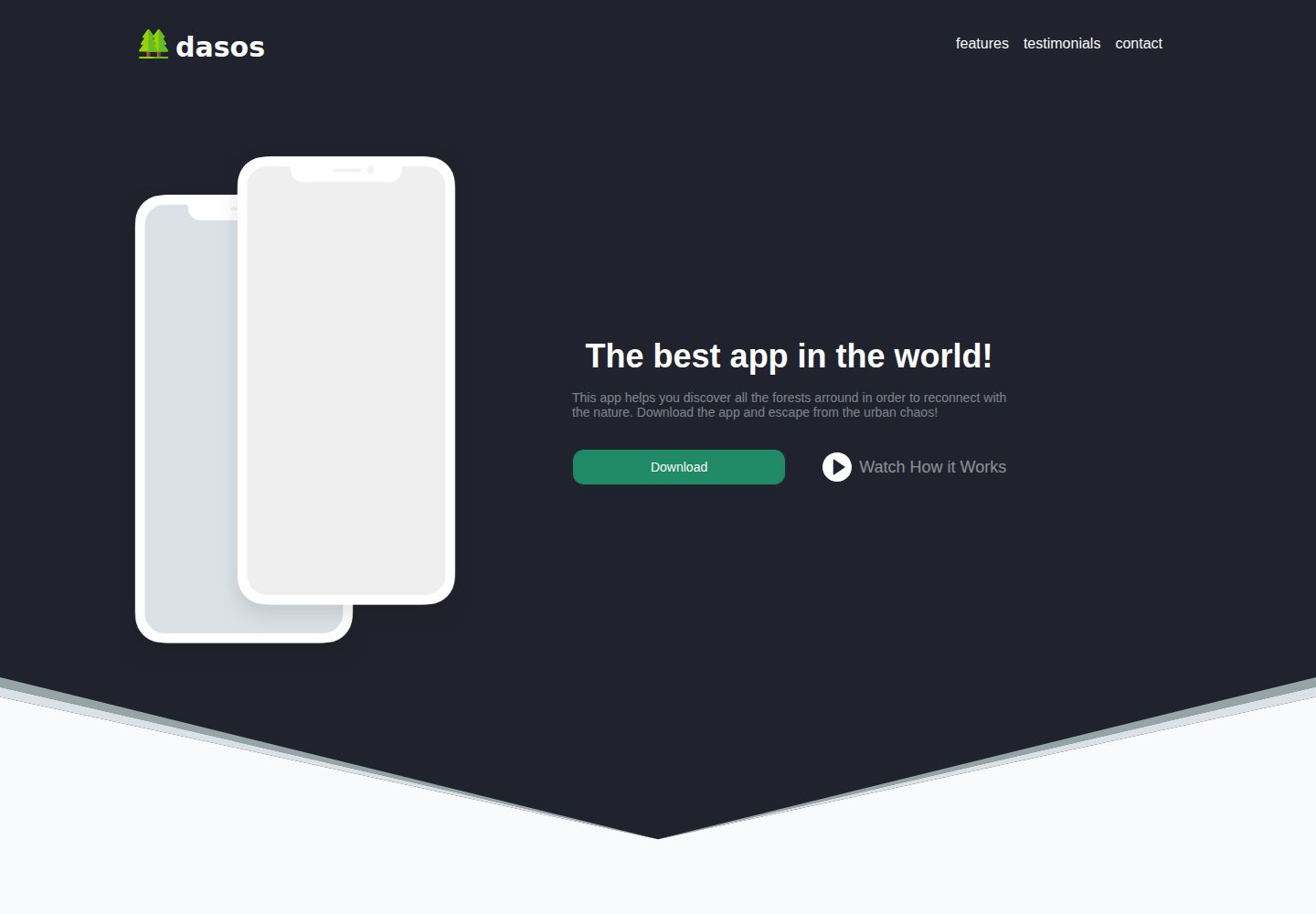
dasos is an App landing page template built with Vue and Tailwind CSS, scaffolded with vue-cli. It includes Features, Testimonials, Download App, and Contact sections, and integrates vuefire and firebase for database connectivity, along with vue-carousel and vue-scrollto.
Vue · Corporate Website
hero-header-template
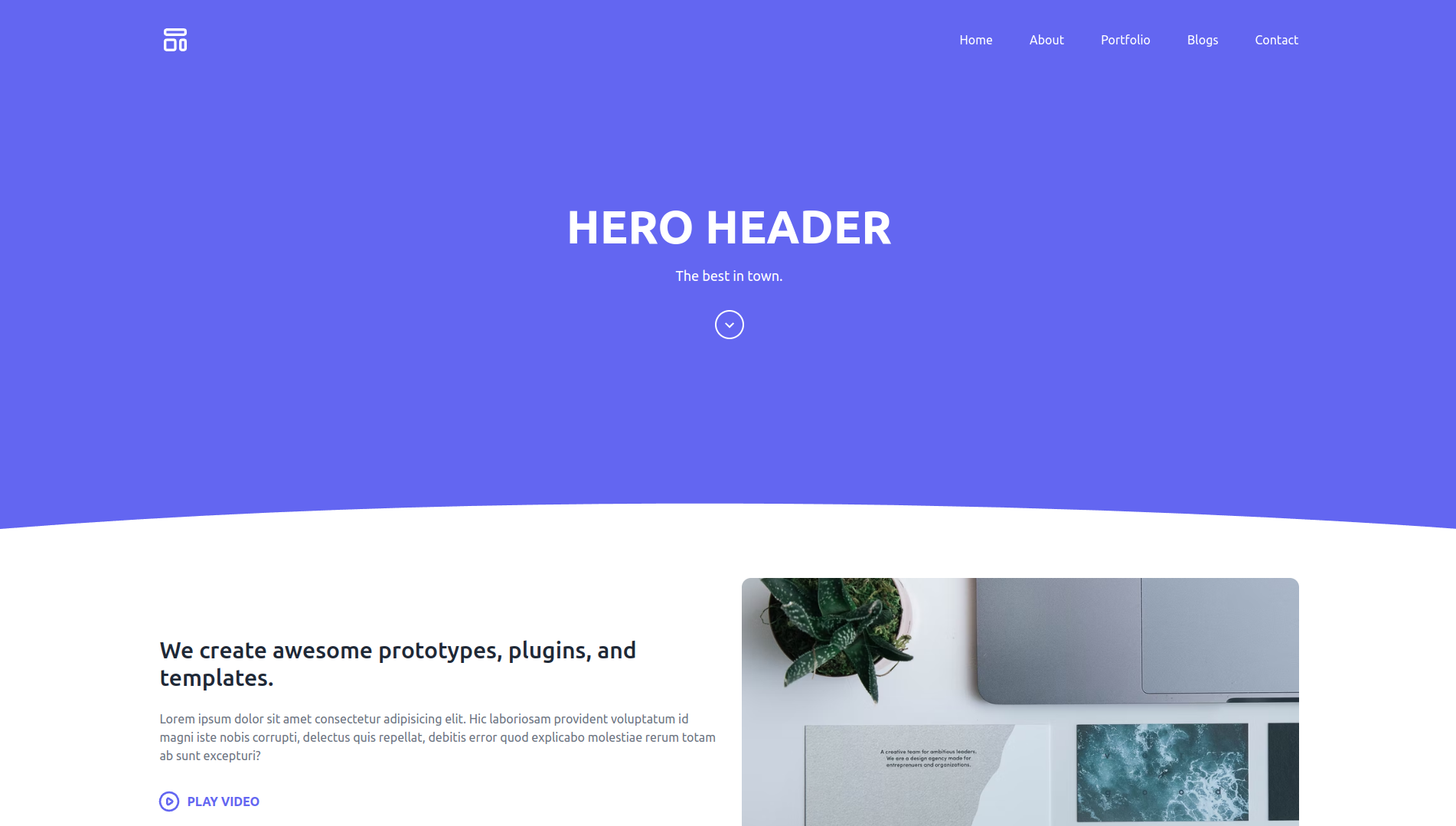
A Vue 3, Vite, and Tailwind CSS landing page template for agencies, featuring a Hero section and header with RTL language support.
Vue · Corporate Website
vue-porto
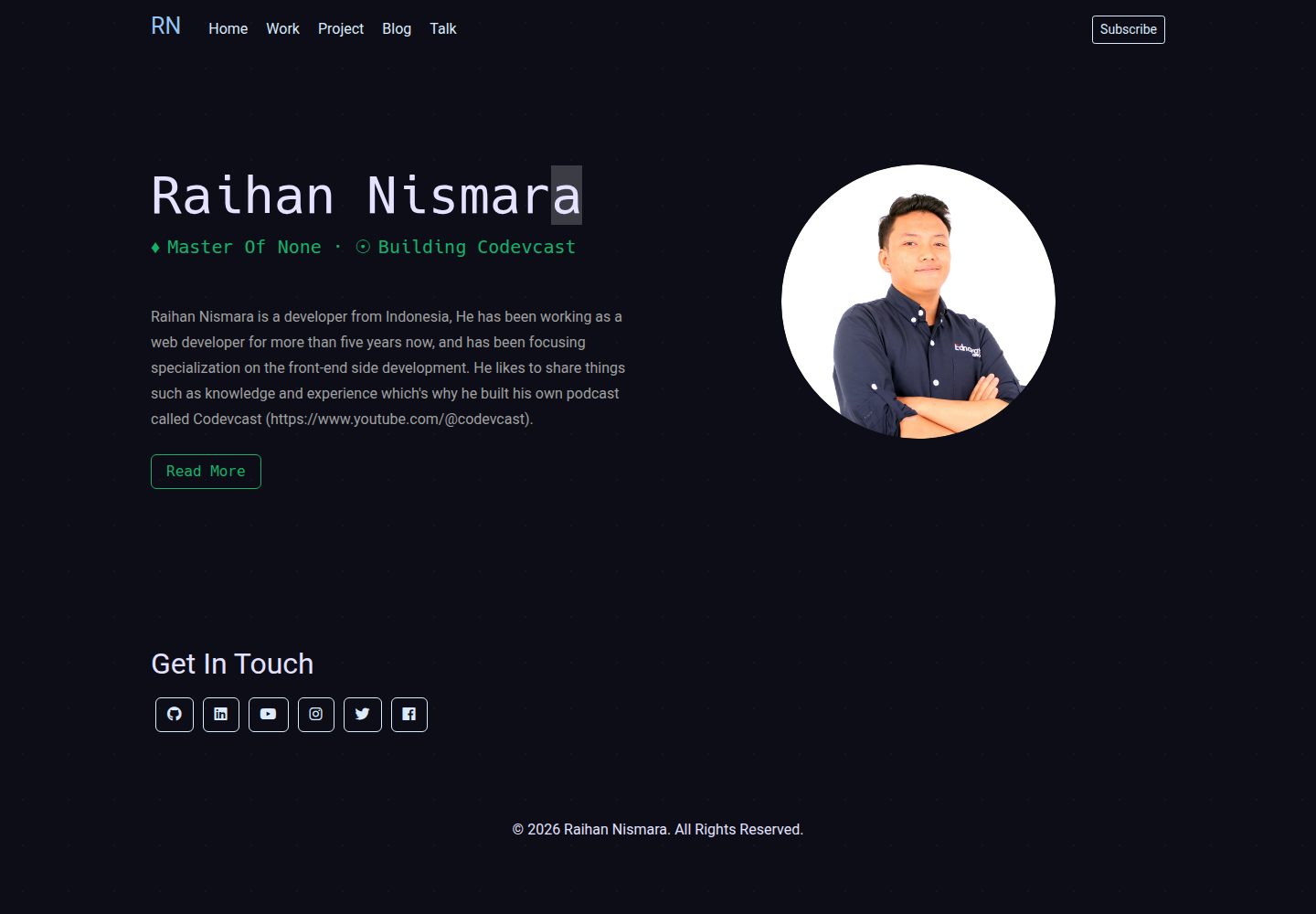
VuePorto is a Vue-based single-page resume and portfolio template adapted from StartBootstrap's Resume theme, adding animations and transitions. It suits personal resume or portfolio sites and is under the MIT license for free use and secondary development.
Vue · Portfolio
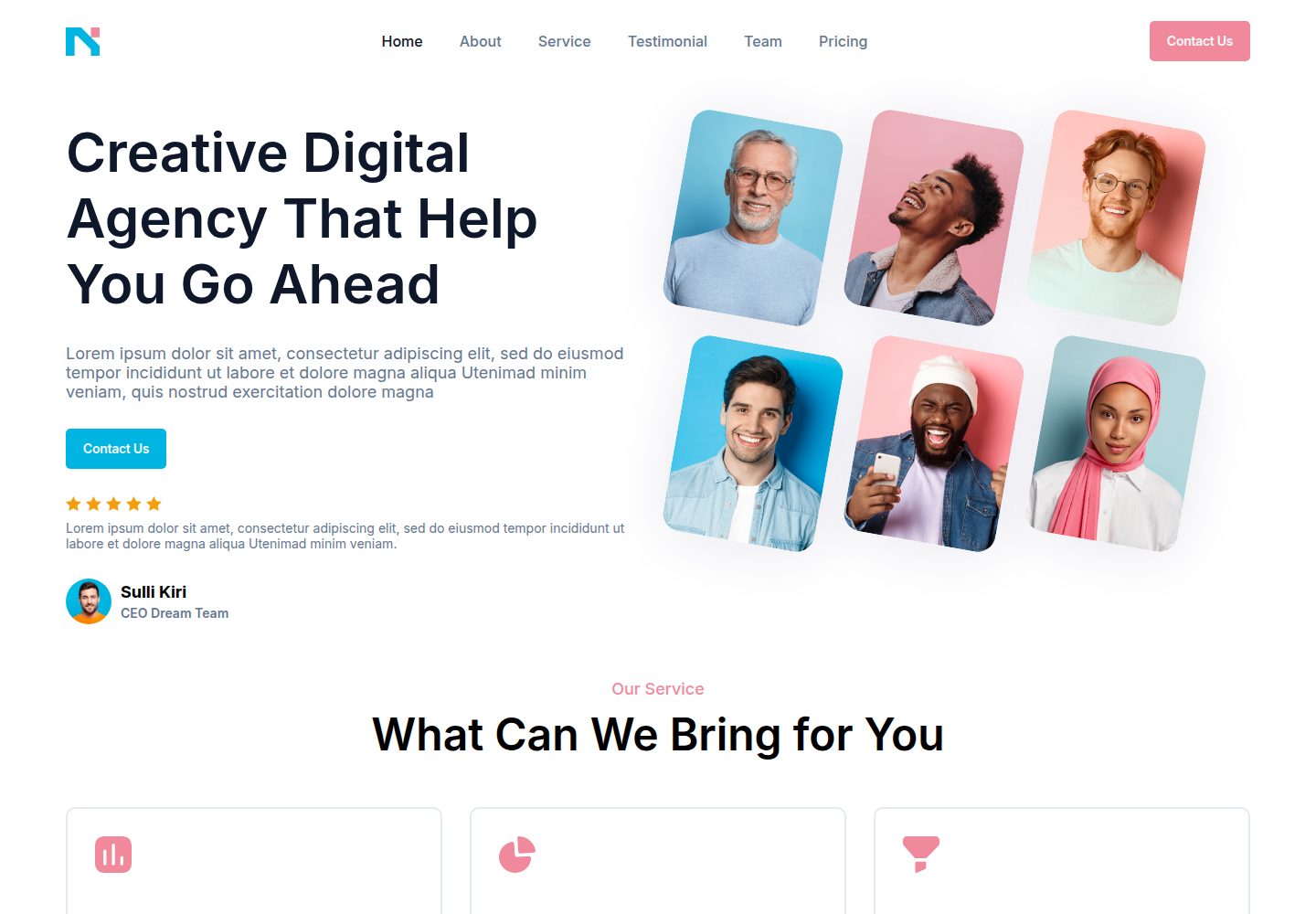
nagency
nagency is a digital agency website template built with Vue 3 and Vite, released under the MIT license. It includes desktop (1440×1000) and mobile (390×844) home page screenshots and provides basic install, development, and build commands.
Vue · Corporate Website
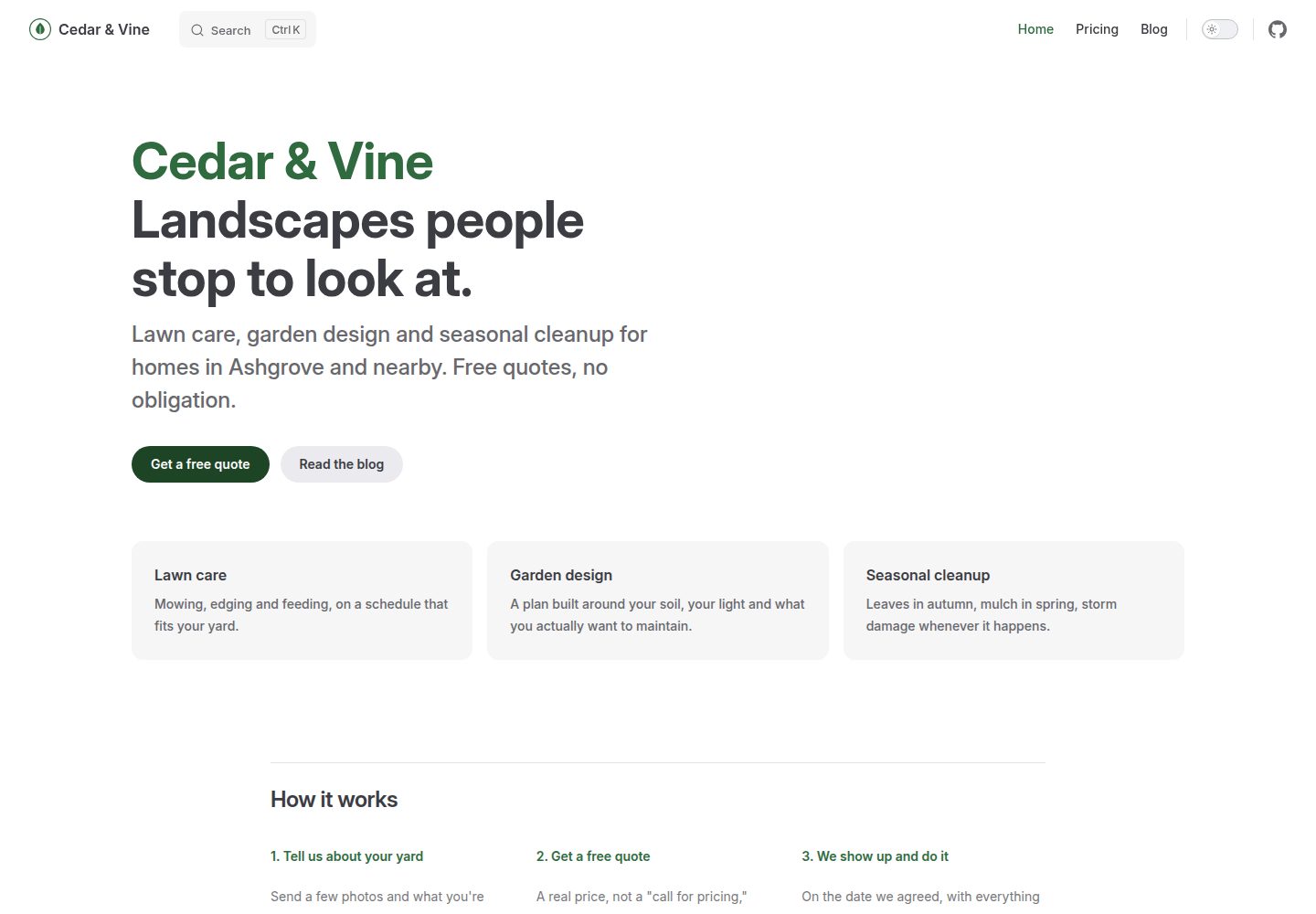
vitepress-marketing
A VitePress-based multi-page marketing site template with a home page, blog, and submittable contact form, deployed automatically to GitHub Pages via GitHub Actions.
Vue · Blog