单项目同时承载 .NET 10 API 与 Angular 22 客户端,开发时无需 ng serve 或代理
AngularHTML后台启动器
claude-starter — Angular 后台模板
作者 aamcatamney
一个 .NET 10 与 Angular 22 组合的单项目启动模板,内置 PostgreSQL、Dapper、DbUp 迁移与 Cookie 认证,可选通行密钥、邮件验证和 OpenTelemetry 指标。
看看你的网站会是什么样
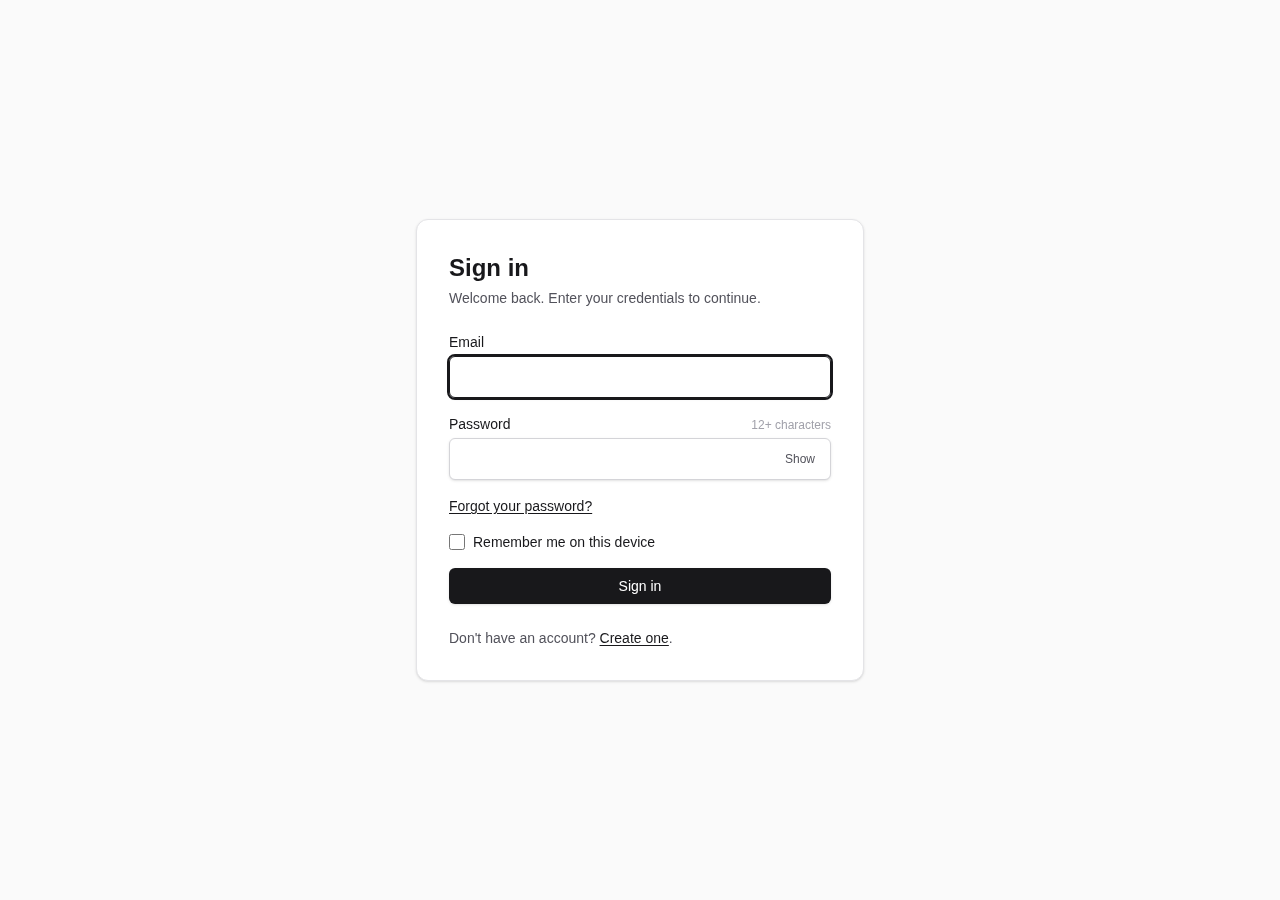
浏览真实页面截图,比较内容排版与手机效果。点击下方缩略图切换,放大查看整页细节。
目前有 1 张原始预览,可打开完整图片查看设计细节。
截图用于了解视觉与布局,交互效果请以实际项目为准。
采集于 2026-09-30查看来源
值得关注的模板亮点
从已有项目资料中,快速了解它的特点。
Dapper + Npgsql 仓储模式访问 PostgreSQL,DbUp 启动时按名称顺序应用嵌入式 SQL 迁移
Cookie 认证配合 BCrypt 密码哈希,Data Protection 密钥存入 PostgreSQL
注册默认关闭,首次启动日志输出管理员引导链接;SMTP 默认关闭,开启后支持邮箱验证与密码重置
通行密钥(Fido2/WebAuthn)与 OpenTelemetry 指标推送均为可选,默认关闭
提供单元、集成与端到端测试结构,集成测试用 Testcontainers 共享容器并按数据库隔离
模板详细介绍
claude-starter 是一个面向后台应用的启动模板,把 .NET 10 服务端与 Angular 22 客户端放在同一个项目里:.NET 主机同时提供 API 和 Angular 构建产物,开发时不需要 ng serve 或代理。数据访问使用 Dapper + Npgsql 的仓储模式,不引入 EF Core;数据库迁移由 DbUp 在启动时按文件名顺序执行,脚本嵌入在 Migrations/Scripts/*.sql 中,重复运行是幂等的。
认证部分默认使用 Cookie,密码以 BCrypt 哈希存储,Data Protection 密钥持久化到 PostgreSQL。注册默认关闭,首次启动时会在日志中输出创建管理员账号的链接;SMTP 默认关闭,开启后才支持邮箱验证和密码重置。通行密钥(WebAuthn)和 OpenTelemetry 指标推送都是可选功能,默认关闭,开启后会分别注册 /api/auth/passkeys 路由或通过 OTLP 推送指标。
模板提供单元测试、集成测试和端到端测试目录,集成测试使用 Testcontainers 启动 PostgreSQL 容器并按数据库隔离。文档包含 ADR 与多篇专题说明,覆盖样式令牌、截图生成、管理员与注册、通行密钥、指标和 CI 等主题。使用方式支持 GitHub 的 “Use this template” 按钮自动重命名项目,或手动修改。
AngularHTML后台启动器
适合你的项目吗?
适用场景
- 需要快速搭建带完整认证流程的 .NET + Angular 后台项目
- 希望用 Dapper 和原生 SQL 迁移而非 EF Core 的 PostgreSQL 应用
- 需要 Cookie 认证、邮箱验证、密码重置和可选通行密钥的起步项目
- 想参考 ADR 文档了解模板中各项技术决策的取舍
适合人群
- 熟悉 .NET 与 Angular、希望减少初始配置工作的开发者
- 需要后台管理界面并自带认证与数据库迁移的项目
- 愿意按文档手动调整配置(如 SMTP、通行密钥、指标)的团队
- 希望以 MIT 许可自由修改和分发的使用者
上手与定制指南
结合仓库当前版本的说明,按下面的资料检查内容、配置与运行要求。
- 1
需要 .NET 10 SDK、Docker 以及 Node 22.22.3+ 或 24.15.0+
- 2
先执行 docker compose up -d 启动 PostgreSQL,再在 ClientApp 中运行 npm ci 和 npm run build,最后 dotnet run
- 3
注册默认关闭,首次启动时日志会输出创建管理员账号的链接
- 4
SMTP、通行密钥和指标默认关闭,需在配置中显式启用并填写对应参数
- 5
配置项可通过环境变量覆盖,嵌套键使用双下划线,例如 ConnectionStrings__Postgres
授权与来源资料
使用条件与限制
免费使用 · 保留许可声明本次收录的是公开仓库中采用 MIT 许可的免费版本;免费范围为该版本代码,不代表外部服务或第三方素材免费。
使用时需要遵守
- 允许免费使用、修改、商用和分发该版本代码。
- 分发代码副本或实质性部分时,保留原作者版权声明和完整 MIT 许可声明。
- 代码按现状提供;担保与责任限制以原许可证及适用法律为准。
额外费用与待核对事项
- 自动重命名项目的 GitHub Action 依赖自托管运行器(标签 self-hosted、linux、X64)。若新仓库无法访问该运行器,引导任务会一直排队、重命名不会执行;此时需改用 ubuntu-latest 或本地运行 rename-project.sh。
- SMTP 默认关闭,邮箱验证与密码重置功能需自行配置 SMTP 服务器(主机、端口、凭据、发件地址)后才可用。
- 通行密钥(WebAuthn)为可选功能,默认关闭;启用需配置 RelyingPartyId、Origins 等参数,且更改 RelyingPartyId 会使已有通行密钥失效。
- OpenTelemetry 指标推送为可选功能,默认关闭;启用后需自行提供 OTLP 收集器端点(默认 localhost:4317)。
- 运行与构建需要 .NET 10 SDK、Docker 以及 Node 22.22.3+ 或 24.15.0+,缺少这些环境无法启动或构建。
- 注册默认关闭,需通过启动日志中的引导链接创建首个管理员账号,或显式开启 Auth:AllowPublicRegistration 才能公开注册。
- 演示图片、字体、图标及其他第三方素材需按各自许可核对,不能仅凭代码的 MIT 许可判断。
- 域名、托管、数据库、支付或 AI 等外部服务可能另外收费。
查看原文依据
Permission is hereby granted, free of charge
许可证原文
This workflow runs on `[self-hosted, linux, X64]`, like the rest of CI. The generated repository must have a runner with those labels available to it
README 原文
Optional SMTP unlocks email verification and password reset.
README 原文
Passkeys via Fido2.AspNet (WebAuthn) — optional, off by default
README 原文
OpenTelemetry metrics, pushed over OTLP — optional, off by default
README 原文
You need the .NET 10 SDK, Docker, and Node 22.22.3+ or 24.15.0+ (Angular 22 sets that floor).
README 原文
https://github.com/aamcatamney/claude-starter/blob/main/LICENSEhttps://github.com/aamcatamney/claude-starter/blob/main/README.mdregistration is closed by default
README 原文
DeepSeek 根据仓库许可证和 README 整理 ·2026-09-30。结果仅覆盖已读取资料,依赖、图片、字体及后续条款变更以各自原文为准。
项目核对记录与介绍依据
模板资料
- 来源平台
- GitHub
- 资料与维护参考分
- 资料一般 · 73 / 100
- 技术栈
- Angular · HTML
- 网站类型
- 后台 · 启动器
这个分数如何计算
本站按许可资料(最高30分)、演示链接(12分)、预览图(10分)、Star数(15分)、记录的维护时间(15分)、描述完整度(8分)、功能记录(5分)和分类资料(5分)计算。它不是代码、安全或性能测试,也不是 Google 评分;有链接不代表已实测可用。
这个项目需要核对什么
- 记录的仓库更新时间
- 2026-09-29
- 截图检查日期
- 2026-09-30
目前没有记录演示链接。请依据仓库说明在本地评估;仅凭截图无法确认交互行为。
目录记录的主要技术栈是 Angular。请通过依赖清单和锁文件核对实际版本与托管要求。这些说明基于收录资料,不代表代码审计或部署实测。
查看具体选型方法 →介绍的制作与核对状态
介绍由 AI 辅助整理目录与仓库资料。仓库作者不等于这篇介绍的审核者。
已完成服务器许可规则与 AI 来源核对;未经过人工编辑审核。
查看当时使用的来源资料
SHA-256: aebb5edf0b808b1d7c88d9681403739dd76d3349617ad82118b528bb20b99573
2026-09-30T11:37:10.436Z
来源文件 / 仓库# claude-starter
[](https://github.com/aamcatamney/claude-starter/actions/workflows/ci.yml)
[](https://dotnet.microsoft.com/)
[](https://angular.dev/)
[](LICENSE)
A .NET 10 application serving an Angular client from a single project, with cookie authentication, Dapper against PostgreSQL, and SQL migrations applied on startup. Optional SMTP unlocks email verification and password reset.
Everything here is meant to be edited. The palette is neutral so you can brand it, the auth is complete so you can build past it, and the decisions that would otherwise puzzle you are written down in [`docs/adr/`](docs/adr/).
## Stack
- .NET 10, one project (`claude-starter.csproj`)
- PostgreSQL, reached through Dapper + Npgsql in a repository pattern — no EF Core
- DbUp migrations, embedded from `Migrations/Scripts/*.sql`
- Cookie authentication, with Data Protection keys persisted in Postgres
- BCrypt.Net-Next for password hashing
- MailKit for SMTP — optional, off by default
- OpenTelemetry metrics, pushed over OTLP — optional, off by default
- Passkeys via Fido2.AspNet (WebAuthn) — optional, off by default
- Angular 22 client in `ClientApp/`, served as static files
- Deployed as a container
## Getting started
You need the .NET 10 SDK, Docker, and Node 22.22.3+ or 24.15.0+ (Angular 22 sets that floor).
```bash
# 1. Postgres
docker compose up -d
# 2. Client dependencies
cd ClientApp && npm ci && cd ..
# 3. Build the client, then run the app — it serves the bundle too
cd ClientApp && npm run build && cd ..
dotnet run
```
The app creates the database if it is missing, then DbUp applies any pending scripts and records them in `schemaversions`. Re-running is idempotent.
There is no seed user, and **registration is closed by default**. While no account exists the application logs a link at startup for creating the first one, which becomes the administrator — see [docs/admin-and-registration.md](docs/admin-and-registration.md).
### Dev loop
Two terminals, same origin — no `ng serve`, no proxy. The .NET host serves the Angular build output from `ClientApp/dist/claude-starter/browser`.
```bash
# Terminal 1 — rebuild the client into dist/ on every change
cd ClientApp
npm run watch
# Terminal 2 — the API, which also serves the client and the SPA fallback
dotnet run
```
`npm ci` installs exactly what `package-lock.json` records, which is what CI does. Reach for `npm install` only when you mean to change dependencies.
### Docker Compose
```bash
docker compose down # stop, keep data
docker compose down -v # stop and wipe the volume
```
## Screenshots
<!-- SCREENSHOTS:START -->
| | |
| --- | --- |
| **Sign in** | **Create account** |
|  |  |
| **Reset password** | **Confirm email** |
|  |  |
Every page is captured in both themes from fixed data — see [docs/screenshots.md](docs/screenshots.md) for the full set and how to regenerate them.
<!-- SCREENSHOTS:END -->
## Project structure
```
Program.cs Wiring: auth, rate limiting, options, SPA fallback
Endpoints/ Minimal API endpoints — one endpoint per file
Auth/ Everything under /api/auth
Repositories/ Dapper repositories
Services/
Auth/ Password hashing, email links, token cleanup
Email/ SMTP and no-op senders, options
Diagnostics/ Metrics options and instruments
DataProtection/ Postgres-backed key storage
Data/ Npgsql connection factory, Dapper config
Models/ Domain types
Migrations/
DbMigrator.cs DbUp runner, applied on startup
Scripts/*.sql Embedded, applied in name order
ClientApp/ Angular 22 client
scripts/screenshots/ Seed data and Playwright capture
tests/
claude-starter.UnitTests/
claude-starter.IntegrationTests/
e2e/ Browser tests, including WebAuthn ceremonies
docs/adr/ Decisions worth explaining
```
## API
Every route lives under `/api/auth` and is rate-limited.
| Method | Route | Auth | Purpose |
| --- | --- | --- | --- |
| POST | `/api/auth/register` | — | Create an account; 403 while registration is closed unless a bootstrap invite is presented |
| POST | `/api/auth/login` | — | Sign in; sets auth and `XSRF-TOKEN` cookies |
| POST | `/api/auth/logout` | required | Sign out |
| GET | `/api/auth/me` | required | The current user |
| POST | `/api/auth/forgot-password` | — | Send a reset link |
| POST | `/api/auth/reset-password` | — | Set a new password from a link |
| POST | `/api/auth/verify-email` | — | Confirm an address from a link |
| POST | `/api/auth/resend-verification` | — | Send another confirmation link |
| GET | `/api/config` | — | Feature flags the client needs before sign-in |
With `Passkeys:Enabled`, six more routes appear under `/api/auth/passkeys` — options and verification for registration and sign-in, plus list and delete. They are unmapped when disabled. See [docs/passkeys.md](docs/passkeys.md).
Two behaviours are deliberate and easy to "fix" by accident:
- **`forgot-password` and `resend-verification` always answer 202**, whether or not the address exists. Anything else turns them into a way to test which addresses have accounts.
- **`logout` signs you out even if the antiforgery token is rejected.** Refusing would leave the cookie alive while the client cleared its own state — a signed-out screen in front of a live session. See [ADR 0003](docs/adr/0003-logout-is-not-gated-on-the-antiforgery-token.md).
## Configuration
| Setting | Default | What it does |
| --- | --- | --- |
| `ConnectionStrings:Postgres` | `localhost:5432`, `postgres`/`postgres` | Database |
| `Auth:AllowPublicRegistration` | `false` | Whether anyone may sign up. Closed, the first account comes from the link logged at startup |
| `Auth:RequireEmailVerification` | `false` | Refuse sign-in until the address is confirmed. Forced off while SMTP is disabled |
| `Auth:AppBaseUrl` | request origin | Origin used to build links in emails |
| `Auth:BCryptWorkFactor` | `12` | Password hashing cost. Raise as hardware improves |
| `Smtp:Enabled` | `false` | With this off, nothing is sent |
| `Smtp:Host` / `Port` / `UseStartTls` | — / `587` / `true` | Server |
| `Smtp:Username` / `Password` | — | Credentials, omitted for an open relay |
| `Smtp:FromAddress` / `FromName` | — | Sender |
| `RateLimit:Auth:PermitLimit` | `10` | Requests per window, per IP, across `/api/auth` |
| `RateLimit:Auth:WindowSeconds` | `60` | Length of that window |
| `Passkeys:Enabled` | `false` | Offer passkey registration and sign-in |
| `Passkeys:RelyingPartyId` | `localhost` | Host or parent domain credentials bind to; changing it orphans existing passkeys |
| `Passkeys:RelyingPartyName` | `claude-starter` | Name the device shows when prompting |
| `Passkeys:Origins` | `http://localhost:5000` | Origins allowed to complete a ceremony |
| `Metrics:Enabled` | `false` | Collect and push OpenTelemetry metrics |
| `Metrics:OtlpEndpoint` | `http://localhost:4317` | Collector to push to |
| `Metrics:ServiceName` | `claude-starter` | Name reported to the collector |
Override any of them with environment variables, doubling the underscore for nesting:
```bash
ConnectionStrings__Postgres="Host=db;Port=5432;Database=claude_starter;Username=...;Password=..."
Smtp__Enabled=true
Auth__RequireEmailVerification=true
```
Email verification and password reset have their own page: [docs/email-and-passwords.md](docs/email-and-passwords.md).
`Auth:BCryptWorkFactor` is worth understanding before you touch it: a hash at 12 costs a few hundred milliseconds by design, which is what makes guessing expensive. A unit test pins the default at 12 or above so it cannot quietly drop.
## Tests
```bash
dotnet test # backend; integration tests need Docker for Testcontainers
cd ClientApp
npm test -- --no-watch # frontend
```
Integration tests start one Postgres container for the whole run. Each collection then creates its own database inside it, migrates it, and boots one application against it — which is what lets collections run in parallel. See [ADR 0004](docs/adr/0004-integration-tests-share-a-container-and-isolate-by-database.md).
Adding a test class means adding a collection: a `[CollectionDefinition]` and a matching `[Collection]` attribute. Forget the attribute and xunit reports *"constructor parameters did not have matching fixture data"*, which sounds like a dependency-injection problem and is not.
Tests hash at work factor 4. At the production 12, a suite that hashes on nearly every case spends all its time there.
## Adding a migration
Create `Migrations/Scripts/NNNN_description.sql` with a zero-padded sequence number. It is picked up as an embedded resource automatically, and DbUp applies it in name order on the next startup.
## Documentation
| | |
| --- | --- |
| [Email verification and password reset](docs/email-and-passwords.md) | Enabling SMTP, what changes when verification is required, upgrading an existing database |
| [Frontend styling](docs/frontend-styling.md) | The token layer and component classes, and how to brand them |
| [Screenshots](docs/screenshots.md) | Every page in both themes, and how to regenerate them |
| [Administrators and registration](docs/admin-and-registration.md) | Creating the first account, closing sign-up, the admin flag |
| [Passkeys](docs/passkeys.md) | Enabling WebAuthn sign-in, and what it deliberately does not change |
| [Metrics](docs/metrics.md) | What is measured, and why nothing is exposed over HTTP |
| [Continuous integration](docs/continuous-integration.md) | The self-hosted runner, and why fork pull requests stay off it |
| [Versioning and releases](docs/releases.md) | CalVer, what a merge to `main` publishes, and what it does not |
### Decisions
Things a reader would otherwise have to reverse-engineer, and the trade-offs behind them:
| ADR | Decision |
| --- | --- |
| [0001](docs/adr/0001-neutral-token-layer-with-css-component-classes.md) | A neutral token layer with CSS component classes, rather than Angular components |
| [0002](docs/adr/0002-typescript-version-tracks-angular-peer-range.md) | TypeScript tracks Angular's build peer range, so its version looks perpetually behind |
| [0003](docs/adr/0003-logout-is-not-gated-on-the-antiforgery-token.md) | Logout signs you out even when the antiforgery token is rejected |
| [0004](docs/adr/0004-integration-tests-share-a-container-and-isolate-by-database.md) | Integration tests share one container and isolate by database |
| [0005](docs/adr/0005-email-links-are-hashed-single-use-and-cannot-outrun-smtp.md) | Email links are stored hashed and single-use, and verification cannot outrun SMTP |
## License
MIT — see [LICENSE](LICENSE).
<!-- TEMPLATE:START -->
## Using this template
### Option 1 — "Use this template" button (automatic)
Click **Use this template → Create a new repository**. A `Template bootstrap` GitHub Action runs on the new repo, derives the project name from the repository name (coerced to kebab-case), renames everything, and commits the result as `chore: bootstrap project from template`. Watch it under the **Actions** tab.
The workflow leaves itself in place (a GitHub token can't delete workflow files), but a sentinel check makes it a no-op on every later push. Delete `.github/workflows/template-bootstrap.yml` by hand once you're set up if you'd like it gone.
If your repository name can't be coerced to a valid kebab-case name (`^[a-z][a-z0-9-]{1,49}$`), the workflow fails with a clear error — rename the repo and re-run it from the Actions tab.
> **Runner requirement.** This workflow runs on `[self-hosted, linux, X64]`, like the rest of CI. The generated repository must have a runner with those labels available to it — an org-level runner shared with the new repo, or one registered against it directly. Without one the bootstrap job queues indefinitely and the rename never happens. If the new repo lives outside that runner's scope, change `runs-on` in `.github/workflows/template-bootstrap.yml` to `ubuntu-latest` (or run `./rename-project.sh` locally instead, Option 2 below).
### Option 2 — clone and rename locally
Clone the repo, then rename the project to your own name. The rename scripts replace every `claude-starter` / `claude_starter` placeholder in source + filenames, strip this section, delete `.git/`, clean `bin/` and `obj/`, and self-delete.
**Linux / macOS:**
```bash
./rename-project.sh my-new-app
```
**Windows (PowerShell):**
```powershell
./rename-project.ps1 my-new-app
```
Name must be kebab-case, 2-50 chars, starting with a letter (`^[a-z][a-z0-9-]{1,49}$`). The snake-case form (`my_new_app`) is derived automatically for namespaces and the Postgres database name.
Flags: `--yes` / `-y` skip the confirmation prompt; `--force` bypasses the safety guard that checks you are still in the template directory.
After it finishes:
```bash
git init && git add -A && git commit -m "Initial commit"
cd ClientApp && npm ci
dotnet restore my-new-app.sln
```
<!-- TEMPLATE:END -->
看看同类模板
对比同技术栈与用途的模板,找到更适合的视觉与内容结构。
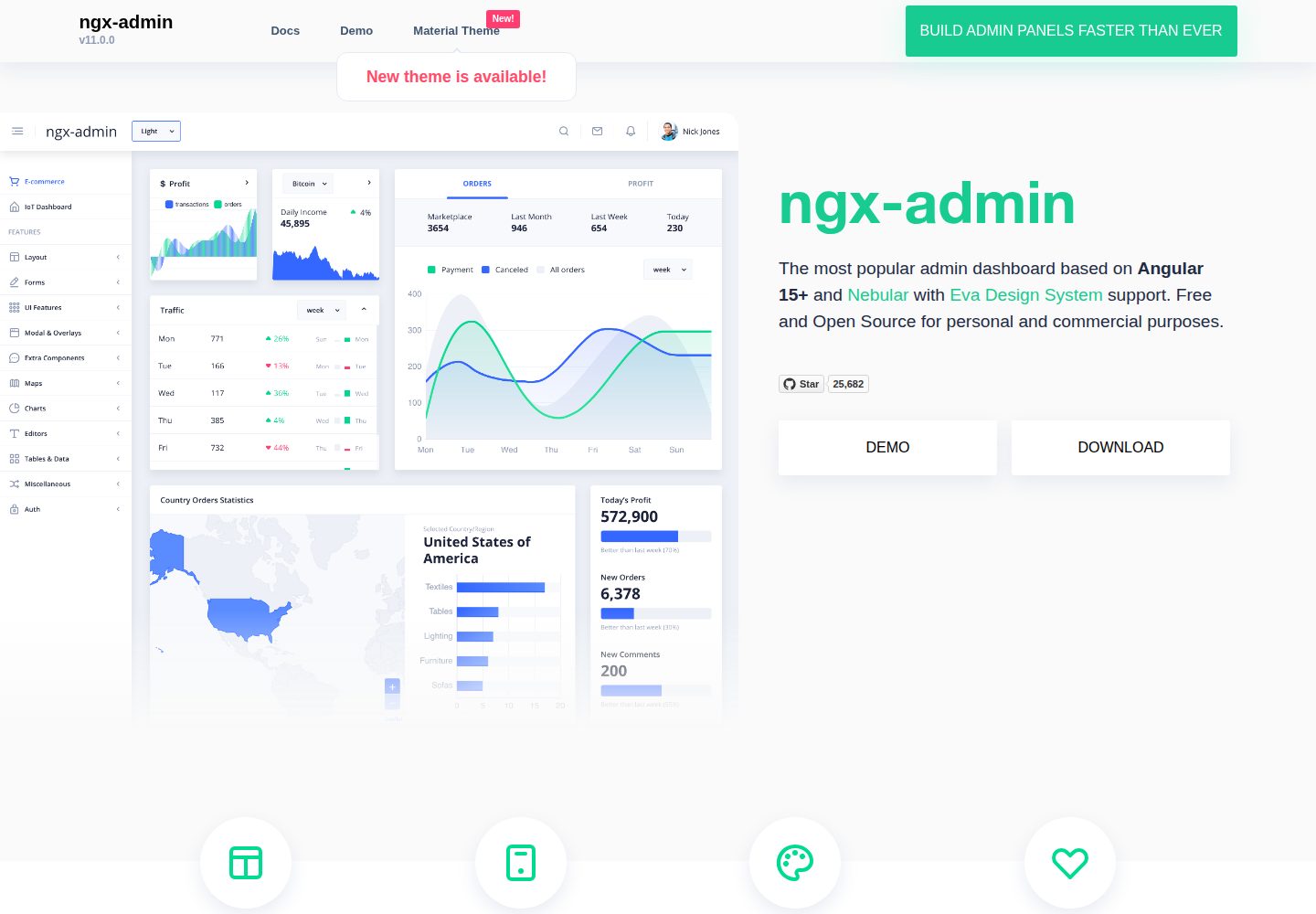
ngx-admin
Customizable admin dashboard template based on Angular 10+
Angular · 后台
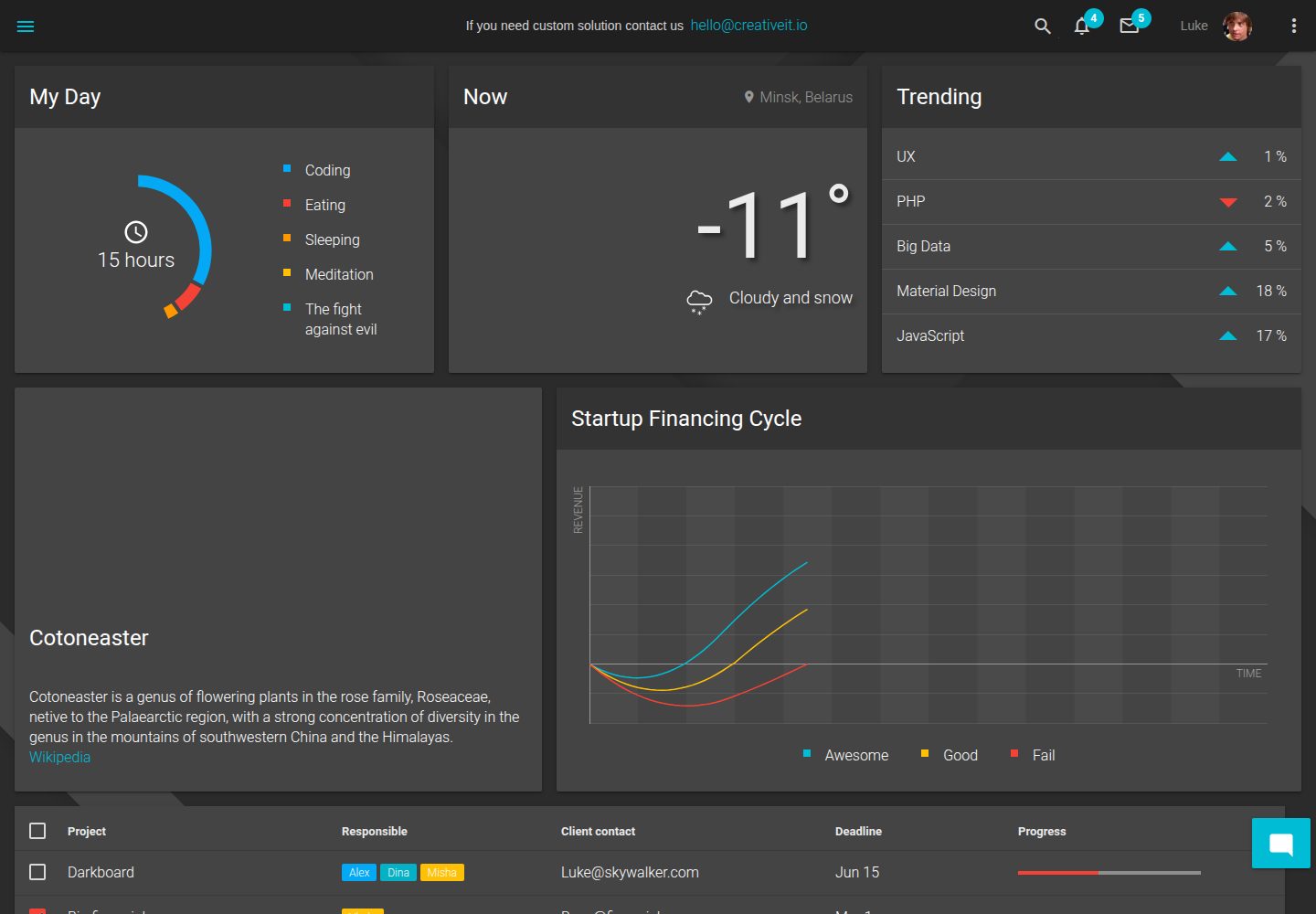
material-angular-dashboard
Material Angular Admin Template
Angular · 后台
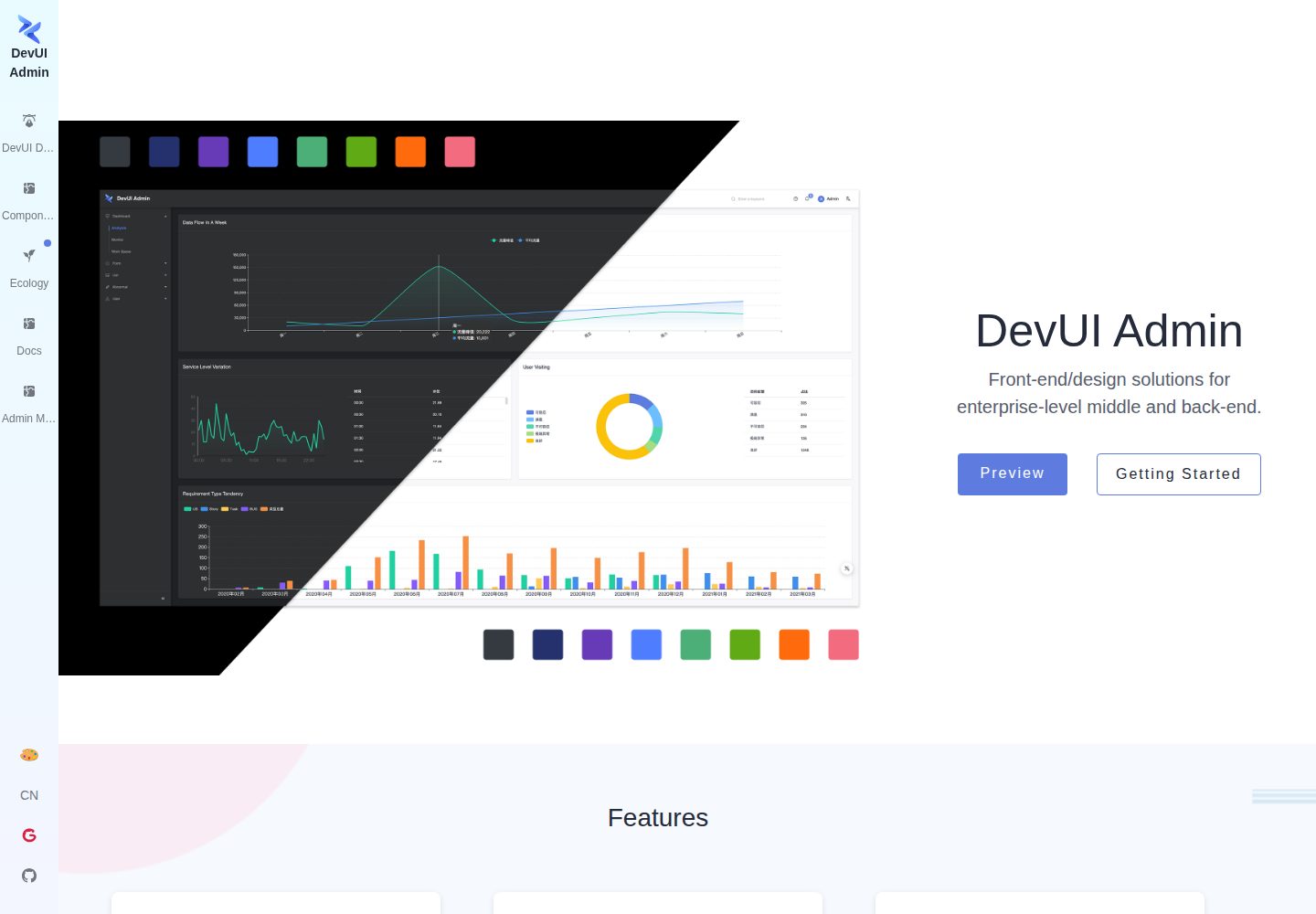
ng-devui-admin
Customizable admin dashboard template based on Angular and DevUI
Angular · 后台
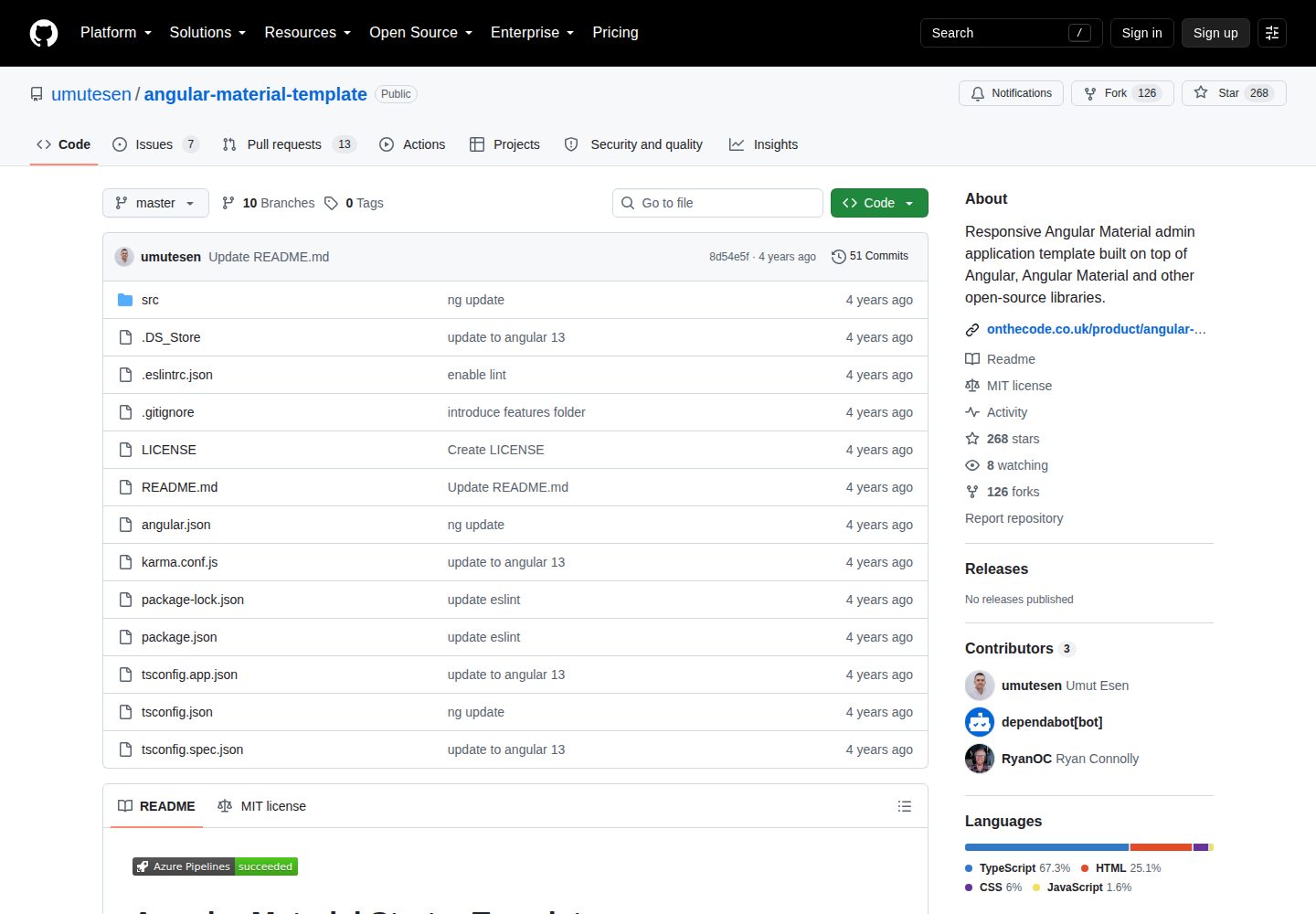
angular-material-template
Responsive Angular Material admin application template built on top of Angular, Angular Material and other ope…
Angular · 后台
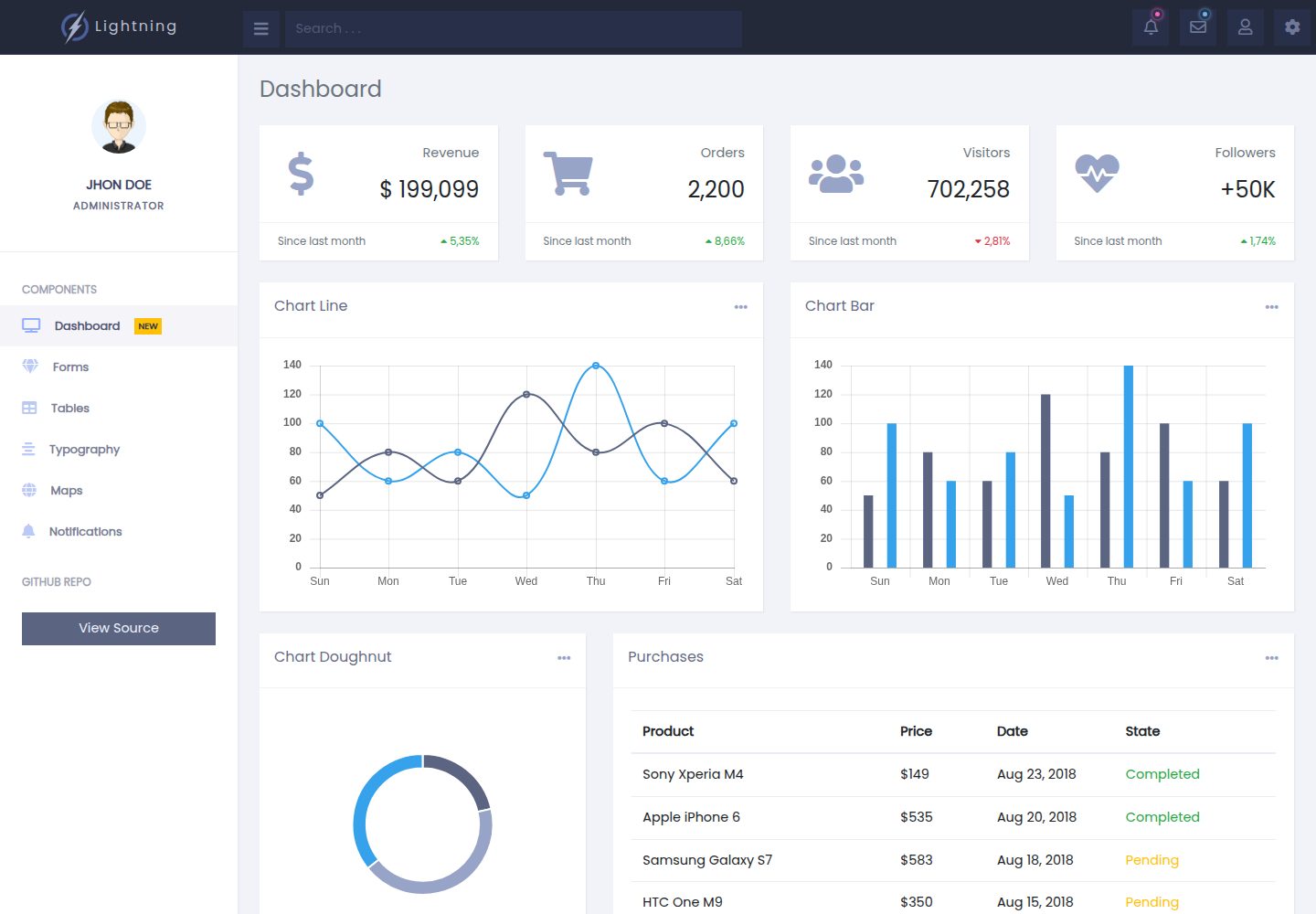
lightning-admin-angular
A mobile first design of a responsive admin template built with angular and bootstrap
Angular · 后台
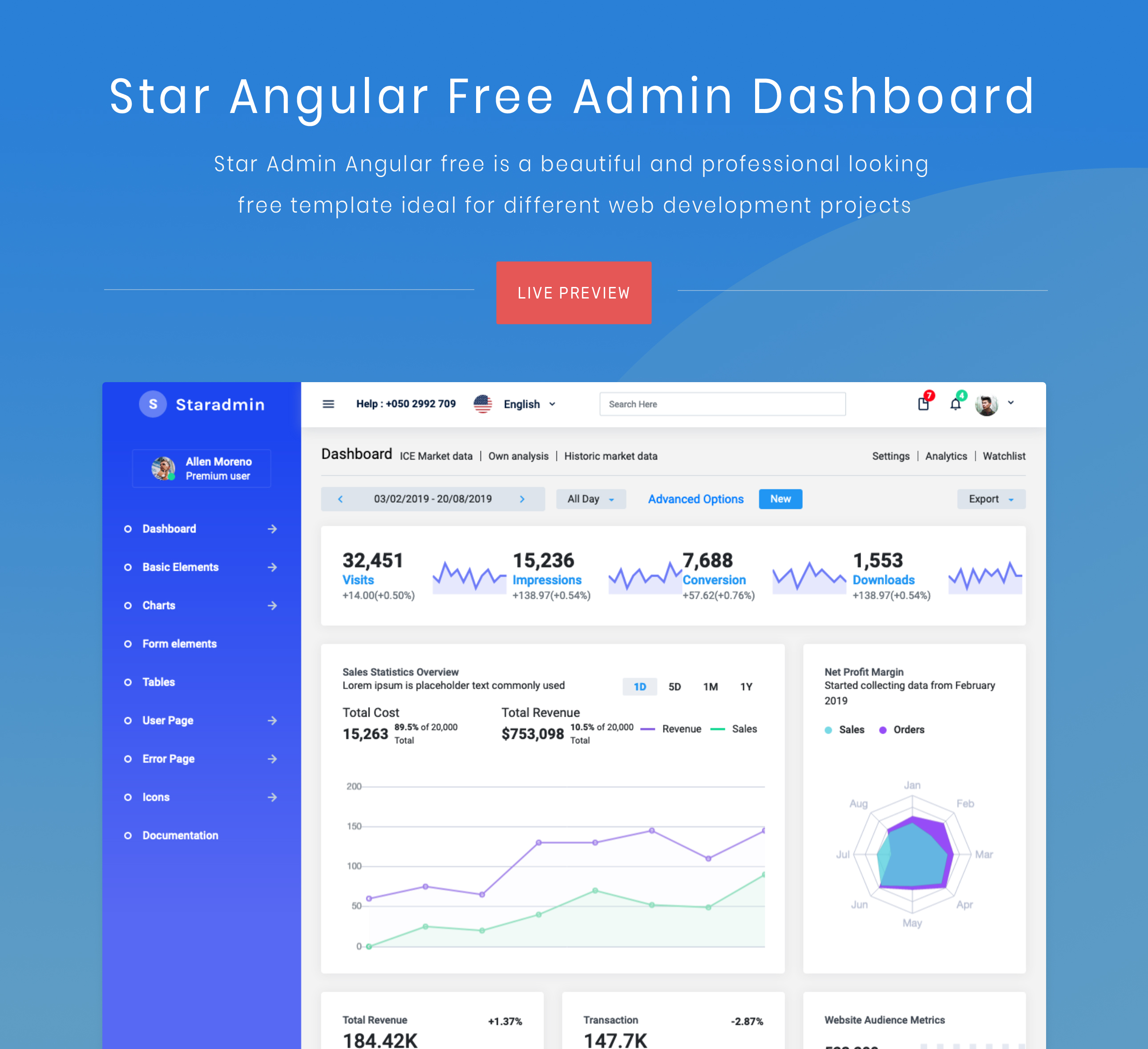
StarAdmin-Free-Angular-Admin-Template
StarAdmin Free Angular Admin Template 是一个基于 Angular 7 和 Bootstrap 4 的免费后台管理模板,由 BootstrapDash 团队维护。
Angular · 后台