使用 Svelte 构建的单页网站模板
Svelte企业官网
SvelteOnePager — Svelte 企业官网模板
作者 amirfahimnia
SvelteOnePager 是一个基于 Svelte 构建、并集成 Firebase Hosting 的单页网站模板,采用 MIT 许可,适合个人、教育或小型企业快速搭建响应式单页站点。
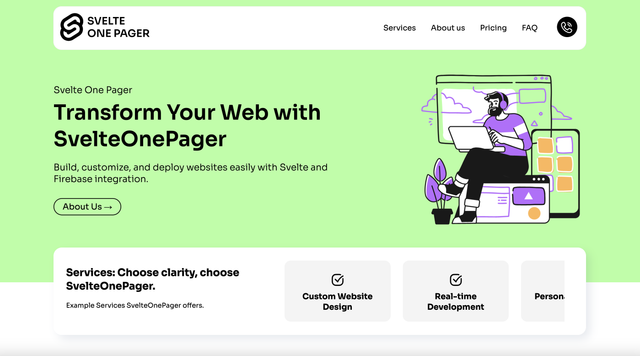
看看你的网站会是什么样
浏览真实页面截图,比较内容排版与手机效果。点击下方缩略图切换,放大查看整页细节。
目前有 1 张原始预览,可打开完整图片查看设计细节。
截图用于了解视觉与布局,交互效果请以实际项目为准。
采集于 2026-10-04查看来源
值得关注的模板亮点
从已有项目资料中,快速了解它的特点。
集成 Firebase Hosting,提供构建与部署命令
README 说明具备响应式设计,适配不同设备
提供克隆、安装依赖、本地开发、构建、部署的完整步骤
采用 MIT 许可,允许免费使用、修改、商用和分发代码
模板详细介绍
SvelteOnePager 是一个开源单页网站模板,使用 Svelte 编写,并在部署环节接入 Firebase Hosting。它的定位是让个人、教育用途或小型企业网站的开发与上线流程更简单:克隆仓库、安装依赖后即可通过 npm run dev 启动本地开发服务器,构建产物再用 firebase deploy 发布到 Firebase Hosting。
模板为单页结构,README 列出响应式设计、易于按需定制和 SEO 友好等特性,并提供了 Firebase CLI 的登录与初始化步骤。需要注意的是,README 中给出的克隆地址指向 Faktor22/SvelteOnePager,与当前收录的仓库地址不完全一致;Firebase 相关功能需要自行配置项目并核对 Firebase 的额度与收费。演示图片、字体、图标等第三方素材的许可需单独确认,代码本身的 MIT 许可不覆盖这些内容。
Svelte企业官网
适合你的项目吗?
适用场景
- 个人主页或作品展示的单页站点
- 教育用途的介绍型页面
- 小型企业的单页官网
- 需要部署到 Firebase Hosting 的静态站点
适合人群
- 希望用 Svelte 快速搭建单页站点的开发者
- 计划使用 Firebase Hosting 托管静态页面的用户
- 需要可自由修改和商用的 MIT 许可模板的个人或团队
上手与定制指南
结合仓库当前版本的说明,按下面的资料检查内容、配置与运行要求。
- 1
克隆仓库后进入项目目录执行 npm install 安装依赖
- 2
本地开发运行 npm run dev,默认端口可能为 5000,实际端口以终端输出为准
- 3
部署前需安装 firebase-tools,执行 firebase login 和 firebase init 关联项目
- 4
构建使用 npm run build,发布使用 firebase deploy
- 5
README 中的克隆地址指向 Faktor22/SvelteOnePager,与当前仓库地址不一致,使用前请核对
授权与来源资料
使用条件与限制
免费使用 · 保留许可声明本次收录的是公开仓库中采用 MIT 许可的免费版本;免费范围为该版本代码,不代表外部服务或第三方素材免费。
使用时需要遵守
- 允许免费使用、修改、商用和分发该版本代码。
- 分发代码副本或实质性部分时,保留原作者版权声明和完整 MIT 许可声明。
- 代码按现状提供;担保与责任限制以原许可证及适用法律为准。
额外费用与待核对事项
- 模板的托管与实时更新依赖 Firebase 服务,需自行创建 Firebase 项目并配置;使用前应核对 Firebase 的免费额度与计费政策,超出免费额度可能产生费用。
- 部署流程要求全局安装 firebase-tools 命令行工具,并执行 firebase login 登录 Firebase 账号,属于额外的外部服务与账号依赖。
- README 提及 Firebase 集成;启用相关动态功能前需自行配置,并核对 Firebase 的额度与收费。
- 演示图片、字体、图标及其他第三方素材需按各自许可核对,不能仅凭代码的 MIT 许可判断。
- 域名、托管、数据库、支付或 AI 等外部服务可能另外收费。
查看原文依据
Permission is hereby granted, free of charge
许可证原文
Firebase integration for easy hosting and real-time updates.
README 原文
https://github.com/amirfahimnia/SvelteOnePager/blob/main/LICENSEhttps://github.com/amirfahimnia/SvelteOnePager/blob/main/README.mdInstall Firebase CLI (if you haven't already):
README 原文
DeepSeek 根据仓库许可证和 README 整理 ·2026-10-04。结果仅覆盖已读取资料,依赖、图片、字体及后续条款变更以各自原文为准。
项目核对记录与介绍依据
模板资料
- 来源平台
- GitHub
- 资料与维护参考分
- 资料一般 · 56 / 100
- 技术栈
- Svelte
- 网站类型
- 企业官网
这个分数如何计算
本站按许可资料(最高30分)、演示链接(12分)、预览图(10分)、Star数(15分)、记录的维护时间(15分)、描述完整度(8分)、功能记录(5分)和分类资料(5分)计算。它不是代码、安全或性能测试,也不是 Google 评分;有链接不代表已实测可用。
这个项目需要核对什么
- 记录的仓库更新时间
- 2024-02-24
- 截图检查日期
- 2026-10-04
目前没有记录演示链接。请依据仓库说明在本地评估;仅凭截图无法确认交互行为。
目录记录的主要技术栈是 Svelte。请通过依赖清单和锁文件核对实际版本与托管要求。这些说明基于收录资料,不代表代码审计或部署实测。
查看具体选型方法 →介绍的制作与核对状态
介绍由 AI 辅助整理目录与仓库资料。仓库作者不等于这篇介绍的审核者。
审核声明: [email protected] · 2026-10-04
查看当时使用的来源资料
SHA-256: 58aa40c611f52be832b0aca6b80e4236f414ec613952602675f6afd216c9b800
2026-10-04T00:50:45.222Z
来源文件 / 仓库``` █▀ █░█ █▀▀ █░░ ▀█▀ █▀▀ █▀█ █▄░█ █▀▀ █▀█ ▄▀█ █▀▀ █▀▀ █▀█ ▄█ ▀▄▀ ██▄ █▄▄ ░█░ ██▄ █▄█ █░▀█ ██▄ █▀▀ █▀█ █▄█ ██▄ █▀▄ Check website @https://svelteonepager.web.app/ ``` [](https://faktor22.nl) ## About SvelteOnePager is an open-source, one-page website template built with Svelte, integrated with Firebase for easy deployment. It simplifies the development and deployment process, making it perfect for personal, educational, or small business websites. [](https://svelteonepager.web.app/) ## Features - Built with Svelte for reactive web development. - Firebase integration for easy hosting and real-time updates. - Responsive design for a great look on any device. - Easy to customize for your specific needs. - SEO friendly to help your site rank well. ## Quick Start ### Clone and Setup 1. Clone the repository: ```bash git clone https://github.com/Faktor22/SvelteOnePager.git ``` 2. Navigate to the project directory and install dependencies: ```bash cd SvelteOnePager npm install ``` ### Firebase Setup 3. Install Firebase CLI (if you haven't already): ```bash npm install -g firebase-tools ``` 4. Login to Firebase: ```bash firebase login ``` 5. Initialize your Firebase project: ```bash firebase init ``` Follow the prompts to link your Firebase project and configure the hosting settings. ### Develop & Run 6. Start the development server: ```bash npm run dev ``` Open http://localhost[port] in your browser to see your project live. Please note that [port] should be replaced with the actual port number your project is running on. This number can vary depending on your setup. By default, Svelte apps start on port 5000, but if this port is already in use or your setup is configured differently, the port number might be different. You can usually find the correct port number printed in the terminal where you ran the npm run dev command. ### Deploy on Firebase 7. Build your Svelte project: ```bash npm run build ``` 8. Deploy to Firebase Hosting: ```bash firebase deploy ``` ## Contributing Contributions are welcome! Feel free to fork the repo, make your improvements, and submit a pull request. ## License SvelteOnePager is open source and available under the MIT license. Free for both personal and commercial use.
看看同类模板
对比同技术栈与用途的模板,找到更适合的视觉与内容结构。

CMSaasStarter
A modern SaaS template/boilerplate built with SvelteKit, Tailwind, and Supabase. Includes marketing page, blog…
Svelte · 后台
shadcn-sveltekit-landing-page
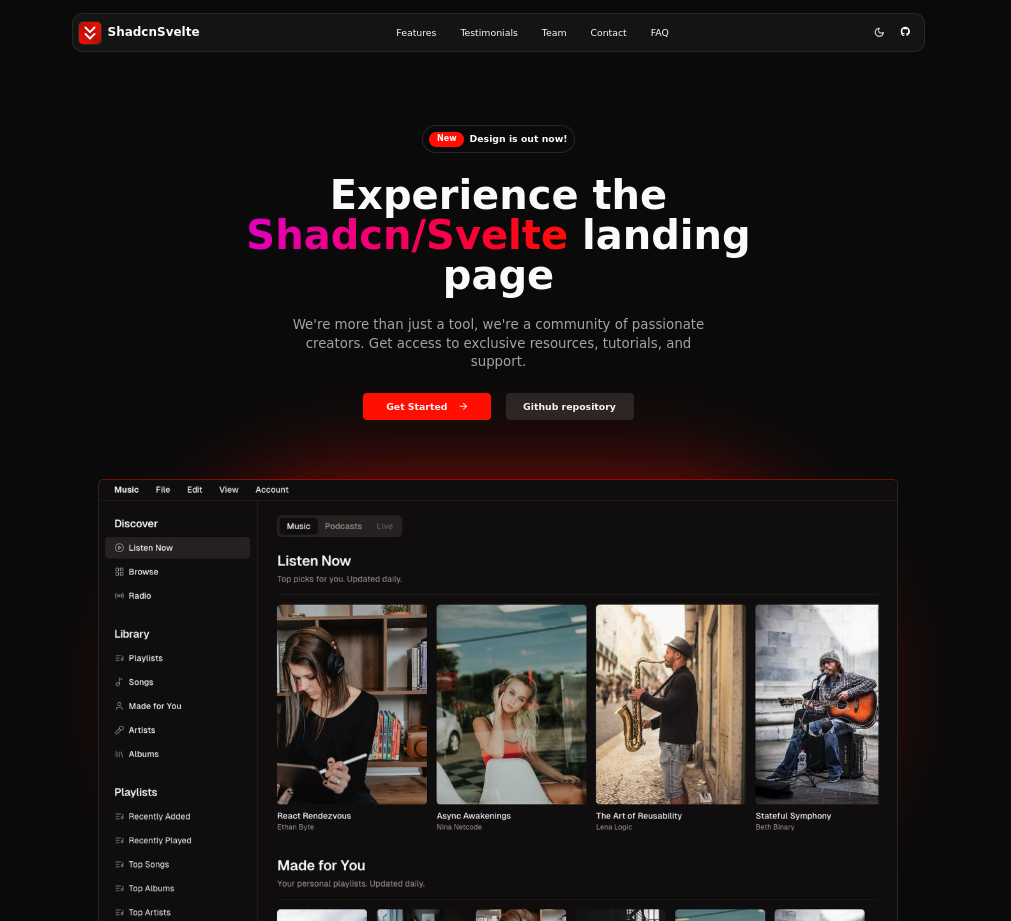
shadcn-sveltekit-landing-page 是一个从 shadcn-vue-landing-page 转换而来的 SvelteKit 落地页模板。
Svelte · 企业官网
mainline-svelte-template
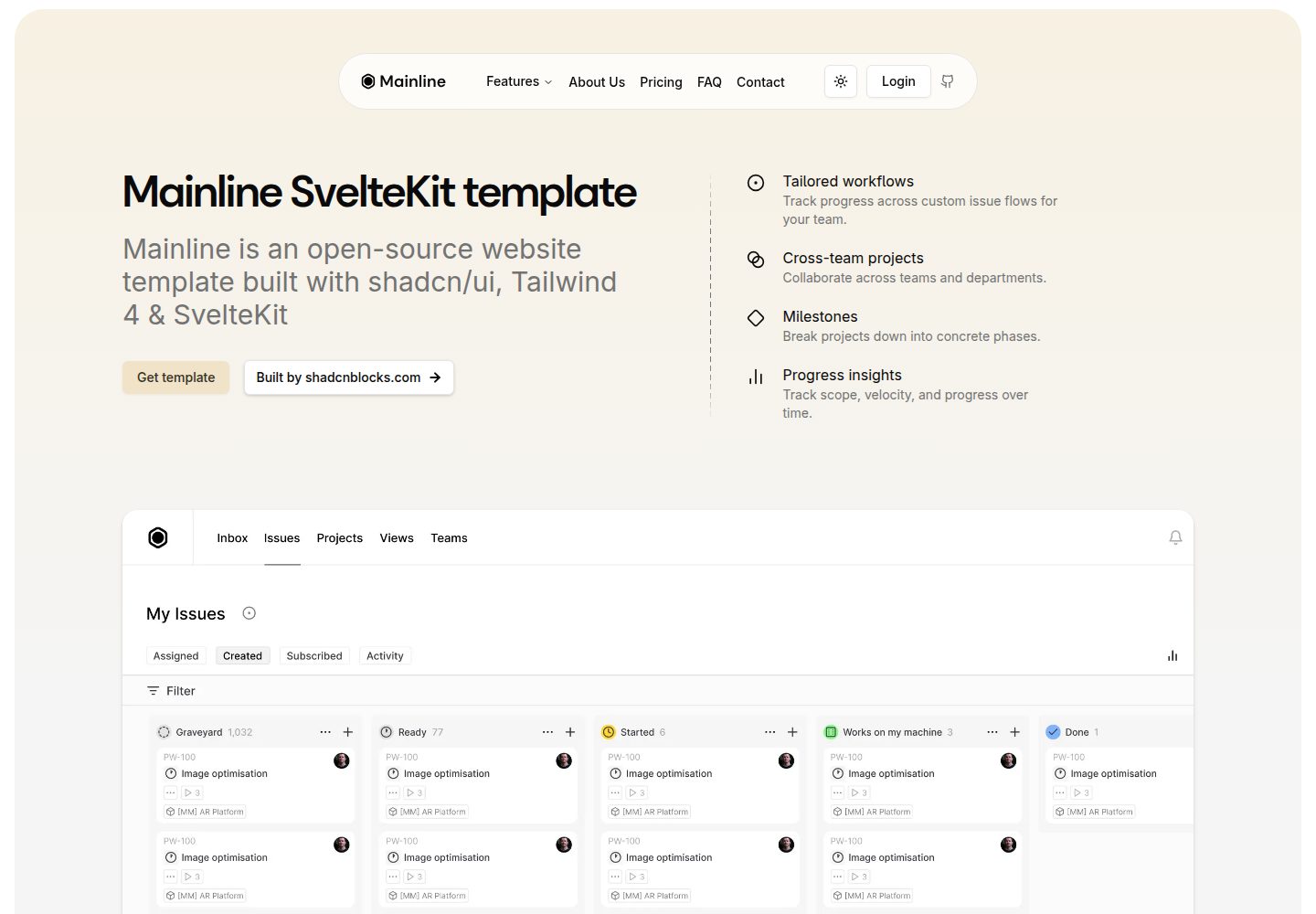
Free Modern Mainline Sveltekit Template
Svelte · 企业官网
Game-Presskit-Template
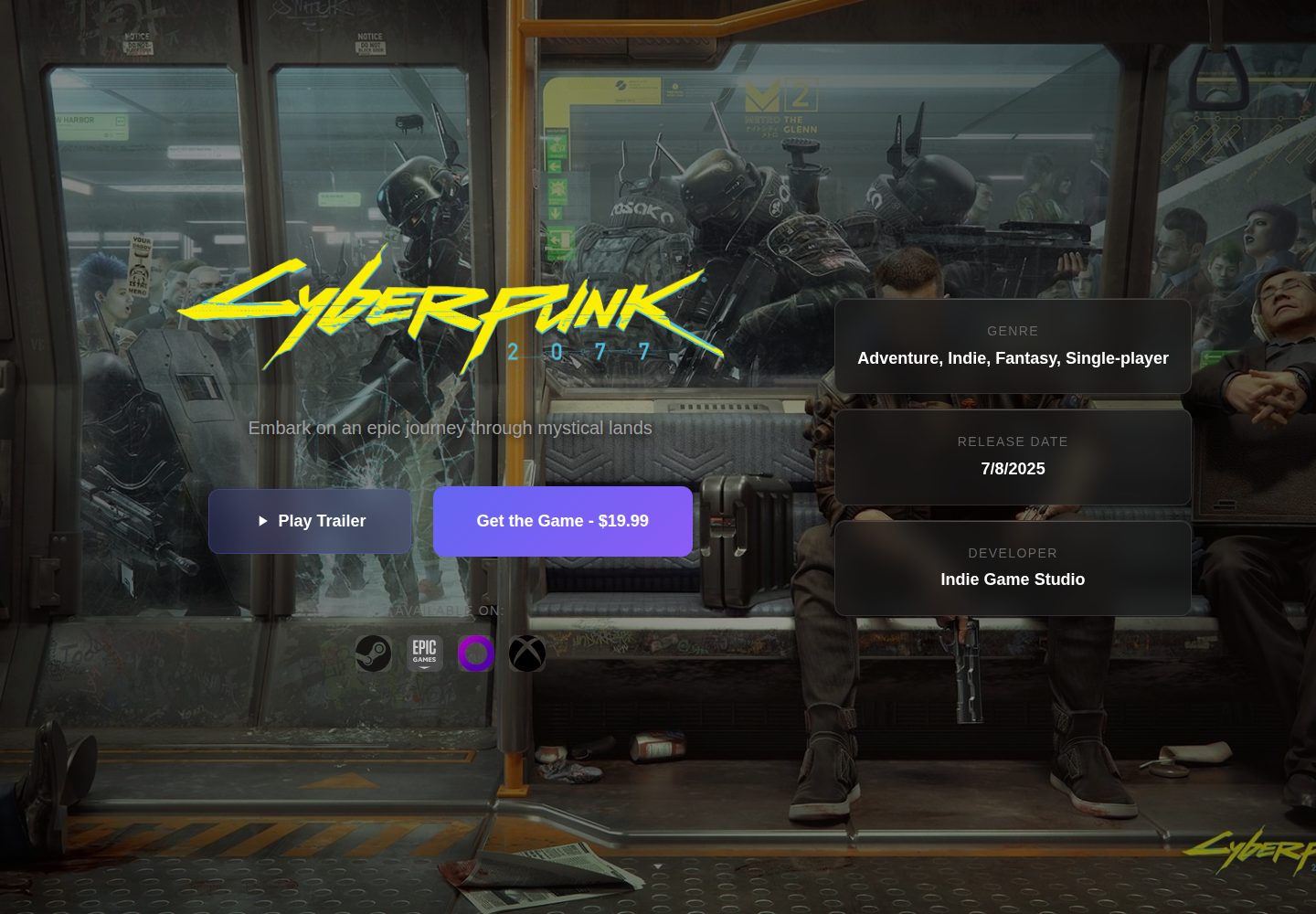
A modern, responsive, and highly customizable presskit template for indie game developers. Easily showcase you…
Svelte · 作品集
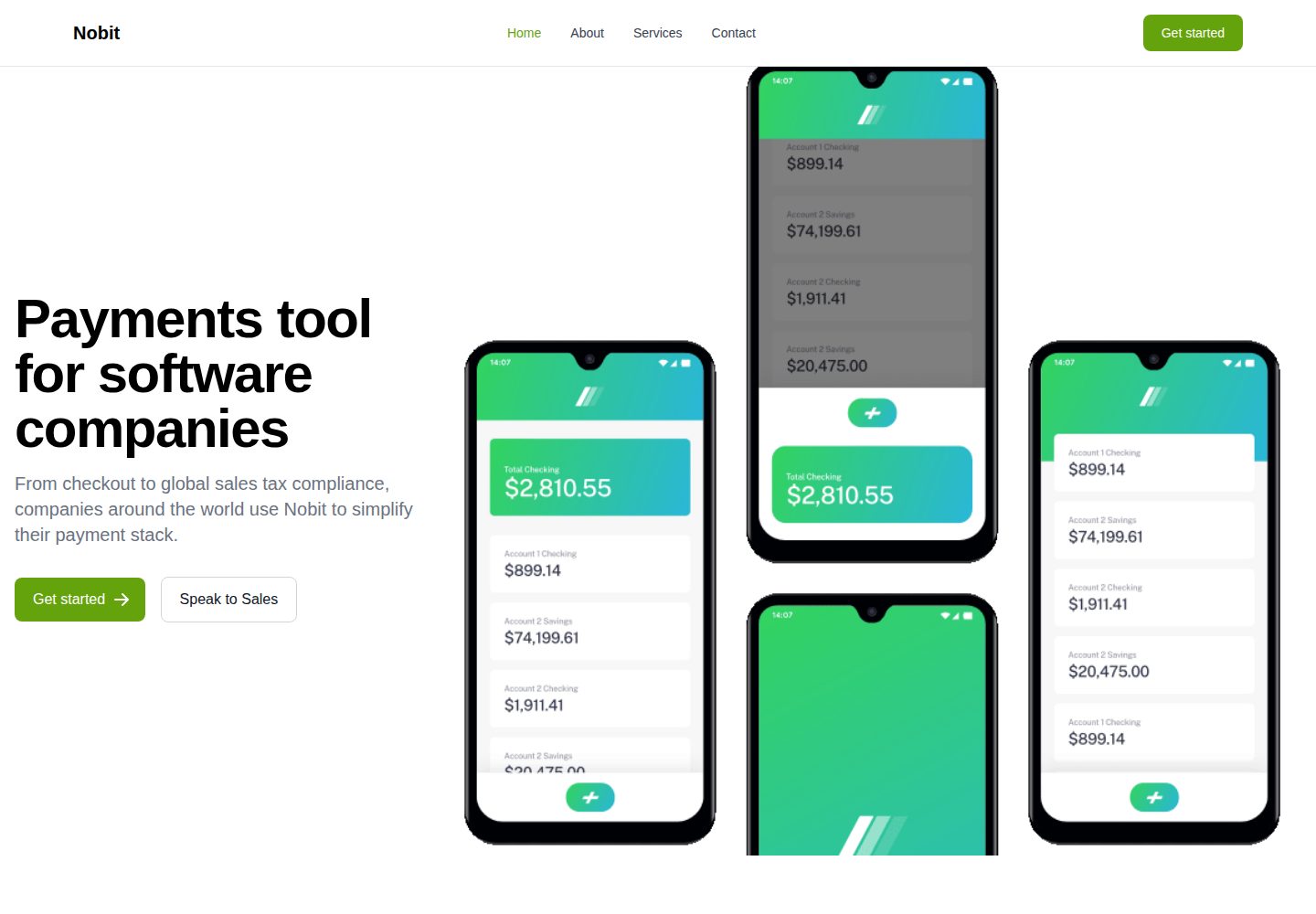
nobit-svelte
A marketing website template
Svelte · 企业官网
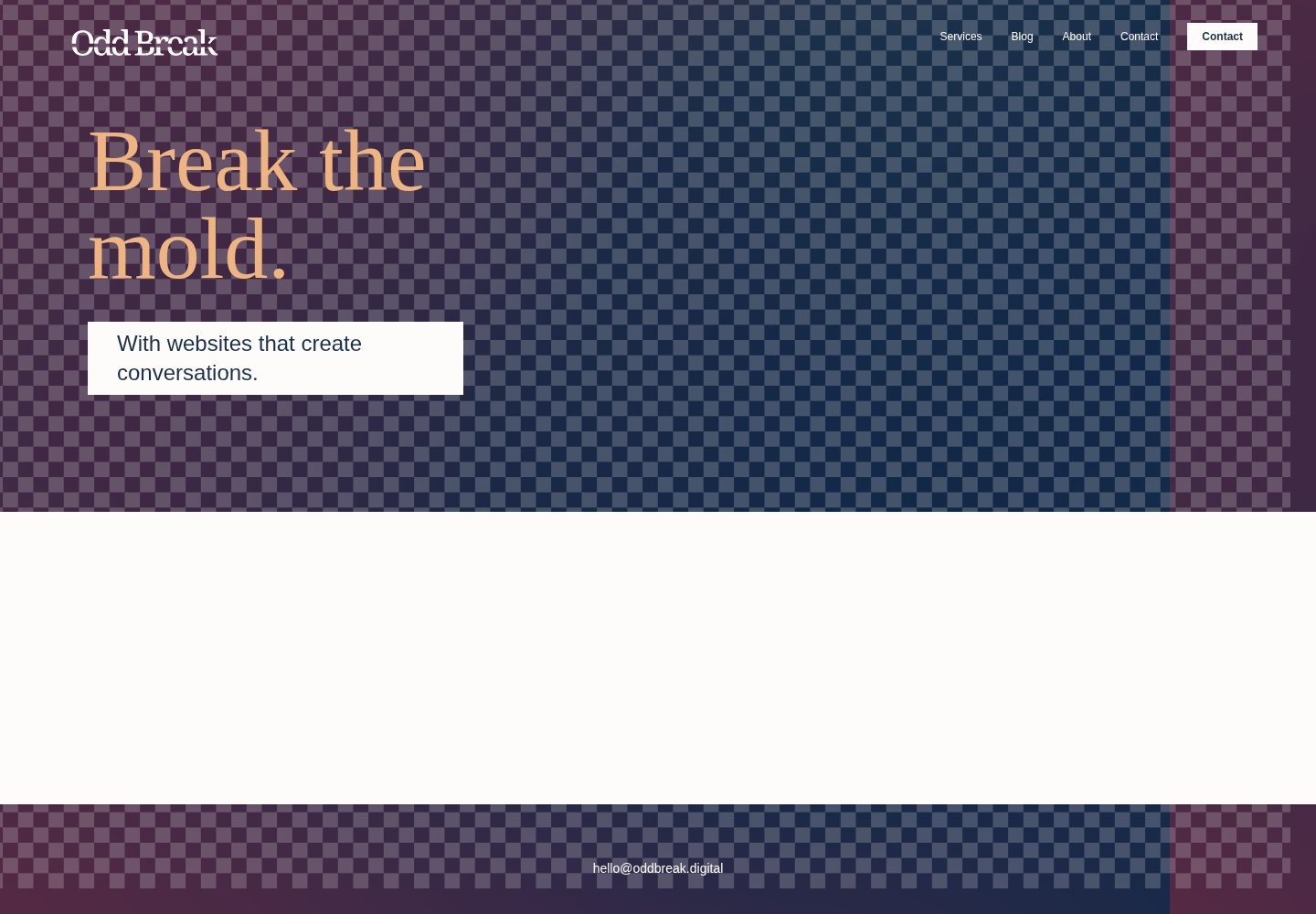
agency-template
A template site for a digital agency, built with Sveltekit.
Svelte · 企业官网