在 app/mcp/route.ts 中注册 MCP 工具与组件资源,并通过 templateUri 关联工具与组件
Next.jsReact启动器
chatgpt-app-template — Next.js 启动器模板
作者 amxv
基于 Next.js 的 OpenAI Apps SDK 起步模板,内置 MCP 服务器、ChatGPT iframe 组件渲染与医生查找示例。
看看你的网站会是什么样
浏览真实页面截图,比较内容排版与手机效果。点击下方缩略图切换,放大查看整页细节。
全部页面与视图 2
截图用于了解视觉与布局,交互效果请以实际项目为准。
采集于 2026-10-14查看来源
值得关注的模板亮点
从已有项目资料中,快速了解它的特点。
使用 OpenAI 专用元数据(如 openai/outputTemplate、openai/resultCanProduceWidget)控制工具调用与组件渲染
根页面 app/page.tsx 作为 ChatGPT 内渲染的组件,读取结构化工具输出并渲染医生卡片,支持全屏模式
通过 next.config.ts 的 assetPrefix 让 /_next/ 静态资源从正确源加载,避免 iframe 内 404
middleware.ts 处理跨源 React Server Component 请求所需的 CORS 预检与响应头
app/layout.tsx 中的 NextChatSDKBootstrap 修补 history、window.fetch 与 html 属性变更,适配 ChatGPT iframe
模板详细介绍
这是一个用于构建 OpenAI Apps SDK 应用的 Next.js 起步模板,仓库定位为可克隆的起点,用来开发自定义 ChatGPT 应用。README 说明它包含把 MCP 工具暴露给 ChatGPT、在 ChatGPT iframe 内渲染 UI,以及处理跨源组件渲染相关浏览器差异所需的代码。
模板自带一个医生查找(Doctor Finder)示例:在 app/mcp/route.ts 中注册 find_doctor MCP 工具,使用带专科与症状匹配的模拟医生数据,并在 ChatGPT 内以卡片形式渲染医生结果。README 建议把它当作参考,替换示例领域模型与 UI 来构建自己的应用。
README 未提供关于性能、生产就绪程度或除示例之外的业务功能的说明;其内容集中在 MCP 工具与资源注册、组件 UI、资源前缀、CORS 中间件和 SDK 引导这几部分。
Next.js启动器
适合你的项目吗?
适用场景
- 作为克隆起点,开发自定义 ChatGPT 应用并接入自有 MCP 工具
- 参考医生查找示例,把示例领域模型替换为电商、排期、运营面板或内部助手等场景
- 在本地通过 http://localhost:3000 与 /mcp 端点调试组件与 MCP 服务器
- 部署到 Vercel 后,在 ChatGPT 的 Settings -> Connectors -> Create 中添加 MCP 服务器 URL
适合人群
- 需要 Next.js + MCP 起步代码来构建 ChatGPT Apps SDK 应用的开发者
- 希望了解如何在 ChatGPT iframe 中渲染交互式组件并处理跨源问题的团队
- 需要可替换示例(医生查找)作为自有垂直场景参考的开发者
上手与定制指南
结合仓库当前版本的说明,按下面的资料检查内容、配置与运行要求。
- 1
安装依赖使用 bun install,开发使用 bun run dev,本地打开 http://localhost:3000 查看组件
- 2
MCP 服务器暴露在 http://localhost:3000/mcp
- 3
连接 ChatGPT 前需将应用部署到可公开访问的位置(如 Vercel),并在 ChatGPT 的 Settings -> Connectors -> Create 中添加带 /mcp 路径的服务器 URL
- 4
连接 MCP 服务器到 ChatGPT 需要开发者模式权限,README 指向 OpenAI 连接指南
- 5
layout.tsx 中需保留 suppressHydrationWarning,因为 ChatGPT 会在 hydration 前修改初始 HTML
授权与来源资料
使用条件与限制
免费使用 · 保留许可声明本次收录的是公开仓库中采用 Apache-2.0 许可的免费版本;免费范围为该版本代码,不代表外部服务或第三方素材免费。
使用时需要遵守
- 允许免费使用、修改、商用和分发;分发时需随附 Apache-2.0 许可证。
- 修改过的文件需显著标明改动,并保留相关版权、专利、商标及归属声明。
- 若原项目附有 NOTICE 文件,分发衍生作品时需保留其中适用的归属声明。
- 许可包含适用的贡献者专利授权;发起许可所述专利诉讼会终止该专利授权,且不授予商标使用权。
- 代码按现状提供;担保与责任限制以原许可证及适用法律为准。
额外费用与待核对事项
- 演示图片、字体、图标及其他第三方素材需按各自许可核对,不能仅凭代码的 Apache-2.0 许可判断。
- 域名、托管、数据库、支付或 AI 等外部服务可能另外收费。
- 将 MCP 服务器连接到 ChatGPT 需要开发者模式(developer mode)访问权限,普通账号可能无法使用该连接功能。
- 使用前需将应用部署到可公开访问的位置(如 Vercel),本地地址无法直接连接 ChatGPT。
- 模板针对 Vercel 部署做了适配,baseUrl.ts 依赖 Vercel 环境变量,部署到其他平台需自行调整。
查看原文依据
no-charge, royalty-free, irrevocable copyright license
许可证原文
Connecting MCP servers to ChatGPT requires developer mode access. See the [OpenAI connection guide](https://developers.openai.com/apps-sdk/deploy/connect-chatgpt).
README 原文
1. Deploy the app somewhere publicly reachable, such as Vercel.
README 原文
https://github.com/amxv/chatgpt-app-template/blob/main/LICENSEhttps://github.com/amxv/chatgpt-app-template/blob/main/README.mdThis template is designed to work well on [Vercel](https://vercel.com). `baseUrl.ts` automatically detects Vercel environment variables so the widget can resolve static assets and runtime fetches correctly across production and preview deployments.
README 原文
DeepSeek 根据仓库许可证和 README 整理 ·2026-10-14。结果仅覆盖已读取资料,依赖、图片、字体及后续条款变更以各自原文为准。
项目核对记录与介绍依据
模板资料
- 来源平台
- GitHub
- 资料与维护参考分
- 资料较完整 · 83 / 100
- 技术栈
- Next.js · React
- 网站类型
- 启动器
这个分数如何计算
本站按许可资料(最高30分)、演示链接(12分)、预览图(10分)、Star数(15分)、记录的维护时间(15分)、描述完整度(8分)、功能记录(5分)和分类资料(5分)计算。它不是代码、安全或性能测试,也不是 Google 评分;有链接不代表已实测可用。
这个项目需要核对什么
- 记录的仓库更新时间
- 2026-06-25
- 截图检查日期
- 2026-10-14
已收录演示链接。请用你的内容与屏幕尺寸检查;有演示不代表表单、认证或支付已经可用。
目录记录的主要技术栈是 Next.js。请通过依赖清单和锁文件核对实际版本与托管要求。这些说明基于收录资料,不代表代码审计或部署实测。
查看具体选型方法 →介绍的制作与核对状态
介绍由 AI 辅助整理目录与仓库资料。仓库作者不等于这篇介绍的审核者。
审核声明: codex-user-requested-batch-review-20261015 · 2026-10-15
查看当时使用的来源资料
SHA-256: 62240ac53f7ee21dedf0bd4c47c1b63697bb92bee867d06f4409760736745308
2026-10-14T13:38:58.901Z
来源文件 / 仓库# ChatGPT Apps SDK Template
Next.js starter template for building an [OpenAI Apps SDK](https://developers.openai.com/apps-sdk) app with a Model Context Protocol (MCP) server, ChatGPT widget rendering, and a working end-to-end example.
This repo is meant to be cloned as a starting point for custom ChatGPT apps. It includes the plumbing needed to expose MCP tools to ChatGPT, render a UI inside the ChatGPT iframe, and handle the browser quirks that come with cross-origin widget rendering.
## Included Example: Doctor Finder
The starter ships with a small doctor finder demo so the template is easy to understand in a real workflow instead of just abstract SDK code.
The example includes:
- a `find_doctor` MCP tool registered in `app/mcp/route.ts`
- mock doctor data with specialty and symptom matching
- a widget UI that renders doctor cards inside ChatGPT
- structured tool output passed from ChatGPT into the Next.js widget
Use it as a reference for how to build your own vertical-specific app, then swap the sample domain model and UI for your own tools.
## Overview
This project shows how to integrate a Next.js application with the ChatGPT Apps SDK using MCP. It includes a working MCP server that exposes tools and resources ChatGPT can call, with responses rendered natively in ChatGPT as an interactive widget.
## Key Components
### 1. MCP Server Route (`app/mcp/route.ts`)
The MCP server registers tools and widget resources for ChatGPT.
Key pieces:
- tool registration with OpenAI-specific metadata
- resource registration for iframe rendering
- cross-linking between tools and widgets via `templateUri`
- structured tool output that the widget can read directly
OpenAI-specific metadata:
```typescript
{
"openai/outputTemplate": widget.templateUri,
"openai/toolInvocation/invoking": "Loading...",
"openai/toolInvocation/invoked": "Loaded",
"openai/widgetAccessible": false,
"openai/resultCanProduceWidget": true
}
```
Reference: [OpenAI Apps SDK MCP documentation](https://developers.openai.com/apps-sdk/build/mcp-server)
### 2. Widget UI (`app/page.tsx`)
The root page is the widget rendered inside ChatGPT. In the sample app it:
- reads structured tool output through the Apps SDK hooks
- renders doctor search results as cards
- supports fullscreen mode
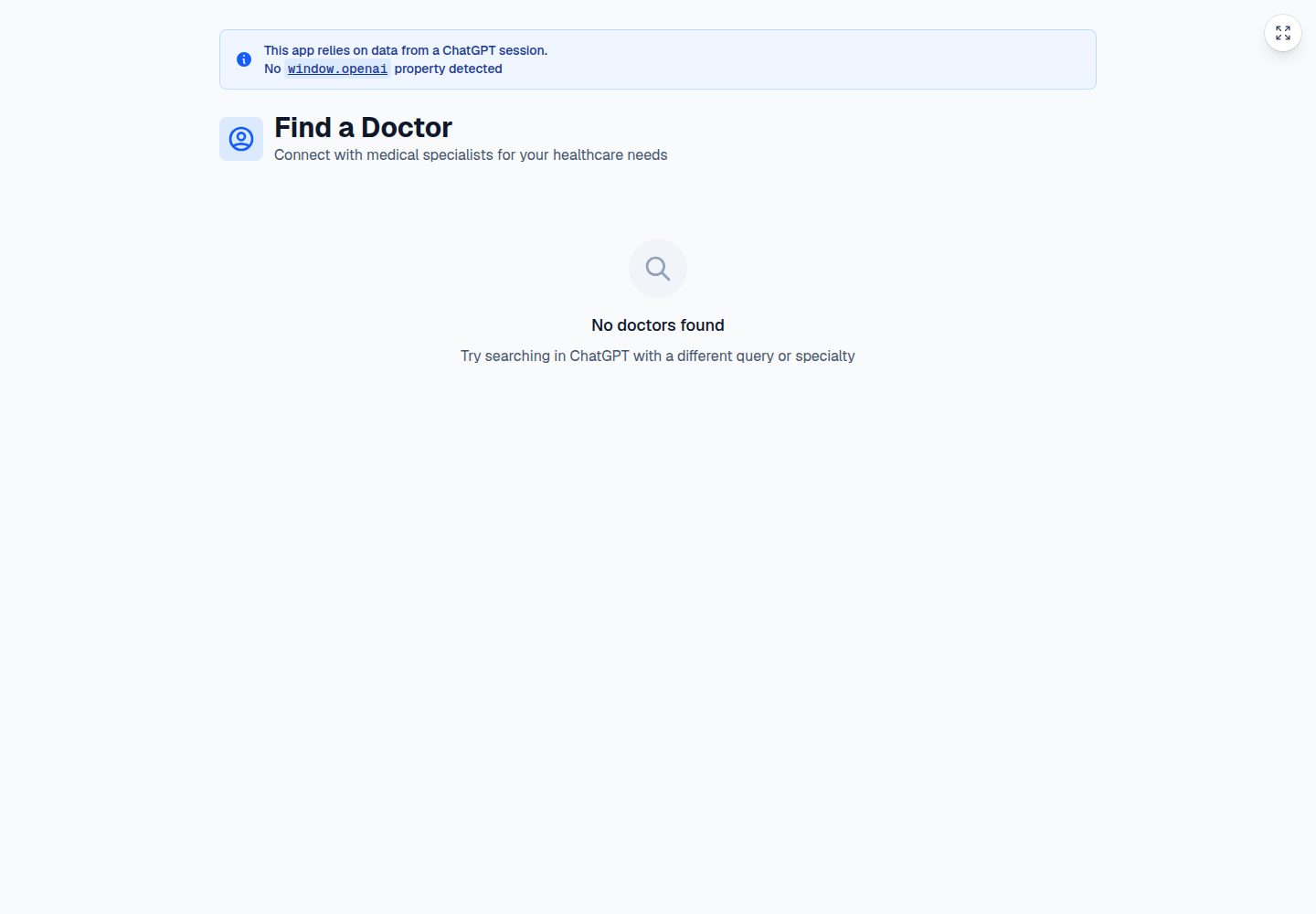
- shows a helpful fallback banner when opened outside ChatGPT
### 3. Asset Configuration (`next.config.ts`)
Set `assetPrefix` so `/_next/` static assets load from the correct origin:
```typescript
const nextConfig: NextConfig = {
assetPrefix: baseURL,
};
```
Without this, Next.js will try to load assets from the iframe URL and you will get 404s.
### 4. CORS Middleware (`middleware.ts`)
The middleware handles browser preflight requests needed for cross-origin React Server Component fetching during client-side navigation:
```typescript
export function middleware(request: NextRequest) {
if (request.method === "OPTIONS") {
// Return 204 with CORS headers
}
// Add CORS headers to all responses
}
```
### 5. SDK Bootstrap (`app/layout.tsx`)
`<NextChatSDKBootstrap>` patches browser behavior so the widget works correctly inside the ChatGPT iframe.
It handles:
- `history.pushState` and `history.replaceState`
- `window.fetch` origin rewriting
- `<html>` attribute mutations introduced by the ChatGPT host
Required setup:
```tsx
<html lang="en" suppressHydrationWarning>
<head>
<NextChatSDKBootstrap baseUrl={baseURL} />
</head>
<body>{children}</body>
</html>
```
`suppressHydrationWarning` is currently needed because ChatGPT modifies the initial HTML before hydration.
## Getting Started
### Installation
```bash
bun install
```
### Development
```bash
bun run dev
```
Open `http://localhost:3000` to inspect the widget locally.
### MCP Endpoint
The MCP server is exposed at:
```text
http://localhost:3000/mcp
```
### Connecting From ChatGPT
1. Deploy the app somewhere publicly reachable, such as Vercel.
2. In ChatGPT, go to `Settings -> Connectors -> Create`.
3. Add your MCP server URL with the `/mcp` path, for example `https://your-app.vercel.app/mcp`.
Connecting MCP servers to ChatGPT requires developer mode access. See the [OpenAI connection guide](https://developers.openai.com/apps-sdk/deploy/connect-chatgpt).
## Project Structure
```text
app/
├── components/ # Widget UI components
├── data/ # Sample doctor data
├── hooks/ # Apps SDK widget hooks
├── layout.tsx # Root layout with SDK bootstrap
├── mcp/
│ └── route.ts # MCP server with tool/resource registration
├── page.tsx # ChatGPT widget UI
└── custom-page/ # Example extra route
middleware.ts # CORS handling for RSC
next.config.ts # Asset prefix configuration
```
## How The Doctor Finder Example Works
1. ChatGPT invokes the `find_doctor` tool exposed by `app/mcp/route.ts`.
2. The tool searches mock doctor data by symptom or specialty.
3. The tool response includes structured content plus the widget `templateUri`.
4. ChatGPT renders the widget in an iframe.
5. The Next.js widget reads the tool result and displays doctor cards.
This is the core pattern to reuse when adapting the template for other workflows such as commerce tools, scheduling, operations dashboards, or internal assistants.
## Deployment
This template is designed to work well on [Vercel](https://vercel.com). `baseUrl.ts` automatically detects Vercel environment variables so the widget can resolve static assets and runtime fetches correctly across production and preview deployments.
The configuration handles:
- production URLs via `VERCEL_PROJECT_PRODUCTION_URL`
- preview URLs via `VERCEL_BRANCH_URL`
- asset prefixing for iframe-safe resource loading
## Learn More
- [OpenAI Apps SDK documentation](https://developers.openai.com/apps-sdk)
- [OpenAI Apps SDK MCP server guide](https://developers.openai.com/apps-sdk/build/mcp-server)
- [Model Context Protocol](https://modelcontextprotocol.io)
- [Next.js documentation](https://nextjs.org/docs)
## License
Apache License 2.0
看看同类模板
对比同技术栈与用途的模板,找到更适合的视觉与内容结构。

ai-website-cloner-template
Clone any website with one command using AI coding agents
Next.js · 启动器

Next.js SaaS Starter
Next.js SaaS Starter 是 Next.js 官方维护的 SaaS 起点模板,定位介于学习资源和可直接部署的脚手架之间。
Next.js · SaaS

Next.js Commerce
Next.js Commerce 是 Vercel 团队维护的电商启动模板,基于 Next.js App Router 构建,采用服务端渲染、React Server Components、Server Actions …
Next.js · 电商

Next-js-Boilerplate
Next-js-Boilerplate 是一个面向 Next.js 16、Tailwind CSS 4 和 TypeScript 的启动器,核心定位是开发者体验优先。
Next.js · 启动器

tailwind-nextjs-starter-blog
tailwind-nextjs-starter-blog 是一个面向个人技术博客的 Next.js 与 Tailwind CSS 启动模板,其 v2 版本基于 App Router 与 React Server Comp…
Next.js · 博客

next-forge
Production-grade Turborepo template for Next.js apps.
Next.js · 启动器