
基于 Vite 的开发流程,支持开发时热更新
VueVite启动器
vitesse-webext — Vue 启动器模板
作者 antfu-collective
vitesse-webext 是一个基于 Vite 的浏览器扩展启动模板,使用 Vue 3 与 TypeScript,内置 popup、options 与 content script 示例。
看看你的网站会是什么样
浏览真实页面截图,比较内容排版与手机效果。点击下方缩略图切换,放大查看整页细节。
目前有 1 张原始预览,可打开完整图片查看设计细节。
截图用于了解视觉与布局,交互效果请以实际项目为准。
采集于 2026-10-08查看来源
值得关注的模板亮点
从已有项目资料中,快速了解它的特点。
使用 Vue 3 Composition API 与 <script setup> 语法
提供 popup、options 页面以及可注入 Vue 应用的 content script 示例
集成 webextension-polyfill 与 webext-bridge 处理浏览器 API 兼容和上下文通信
内置 UnoCSS、VueUse、unplugin-auto-import、unplugin-vue-components、unplugin-icons 等工具链
使用 TypeScript,并提供带类型支持的动态 manifest.json
模板详细介绍
vitesse-webext 是 Vitesse 系列的一个变体,定位为 WebExtension 启动模板,由 Vite 驱动,目标浏览器包括 Chrome 与 Firefox 等。模板使用 Vue 3 Composition API 与 <script setup> 语法,并用 TypeScript 提供类型支持。
在结构上,源码放在 src 目录,包含 contentScript、background、components、styles、assets 以及 manifest.ts;extension 目录是扩展包根目录,其中 assets 存放 manifest.json 所需的静态资源,dist 存放构建产物并在开发时作为 Vite 的入口。
模板预置了 webextension-polyfill 与 webext-bridge 用于浏览器 API 兼容和上下文通信,并集成 unplugin-auto-import、unplugin-vue-components、unplugin-icons、VueUse 与 UnoCSS。开发时通过 pnpm dev 启动,然后在浏览器中加载 extension 文件夹;Firefox 可使用 pnpm dev-firefox 并借助 web-ext 自动重载。构建使用 pnpm build,产物在 extension 目录下,可打包为 crx 或 xpi 上传到扩展商店。
该模板最初为 volta.net 浏览器扩展而制作,属于 Vitesse 的变体之一。README 未说明具体框架版本号,也未对性能或生产就绪程度作出承诺。
VueVite启动器
适合你的项目吗?
适用场景
- 从零开始搭建 Chrome 或 Firefox 等浏览器的扩展项目
- 在浏览器扩展中复用 Vue 3 组件与 Composition API 开发 popup 或 options 页面
- 需要在 content script 中注入 Vue 应用并与其他扩展上下文通信的扩展开发
- 希望使用 Vite 热更新与 TypeScript 类型检查来开发浏览器扩展
适合人群
- 熟悉 Vue 3 与 TypeScript 的前端开发者
- 需要跨 Chrome、Firefox 等浏览器构建扩展的团队或个人
- 希望以模板方式快速启动 WebExtension 项目并自行扩展功能的开发者
上手与定制指南
结合仓库当前版本的说明,按下面的资料检查内容、配置与运行要求。
- 1
需要先安装 pnpm,若未安装可执行 npm install -g pnpm
- 2
可通过 GitHub 模板生成仓库,或使用 npx degit antfu/vitesse-webext my-webext 克隆到本地后执行 pnpm i
- 3
开发时运行 pnpm dev,并在浏览器中加载 extension 文件夹;Firefox 可改用 pnpm dev-firefox
- 4
构建时运行 pnpm build,产物位于 extension 目录,可打包为 crx 或 xpi 上传到扩展商店
- 5
模板采用 MIT 许可,分发代码副本或实质性部分时需保留版权声明和许可声明;第三方素材需单独核对许可
授权与来源资料
使用条件与限制
免费使用 · 保留许可声明本次收录的是公开仓库中采用 MIT 许可的免费版本;免费范围为该版本代码,不代表外部服务或第三方素材免费。
使用时需要遵守
- 允许免费使用、修改、商用和分发该版本代码。
- 分发代码副本或实质性部分时,保留原作者版权声明和完整 MIT 许可声明。
- 代码按现状提供;担保与责任限制以原许可证及适用法律为准。
额外费用与待核对事项
- 演示图片、字体、图标及其他第三方素材需按各自许可核对,不能仅凭代码的 MIT 许可判断。
- 域名、托管、数据库、支付或 AI 等外部服务可能另外收费。
- 使用该模板需要 pnpm 包管理器;若未安装,需先通过 npm 全局安装 pnpm。
- 开发调试时需手动在浏览器中加载 extension 文件夹作为未打包扩展。
- Firefox 开发流程依赖 web-ext 工具实现扩展自动重载。
- 发布扩展需自行打包 extension 目录下的文件,并上传到对应的浏览器扩展商店。
查看原文依据
Permission is hereby granted, free of charge
许可证原文
> If you don't have pnpm installed, run: npm install -g pnpm
README 原文
Then **load extension in browser with the `extension/` folder**.
README 原文
`web-ext` auto reload the extension when `extension/` files changed.
README 原文
https://github.com/antfu-collective/vitesse-webext/blob/main/LICENSEhttps://github.com/antfu-collective/vitesse-webext/blob/main/README.mdAnd then pack files under `extension`, you can upload `extension.crx` or `extension.xpi` to appropriate extension store.
README 原文
DeepSeek 根据仓库许可证和 README 整理 ·2026-10-08。结果仅覆盖已读取资料,依赖、图片、字体及后续条款变更以各自原文为准。
项目核对记录与介绍依据
模板资料
- 来源平台
- GitHub
- 资料与维护参考分
- 资料较完整 · 88 / 100
- 技术栈
- Vue · Vite
- 网站类型
- 启动器
这个分数如何计算
本站按许可资料(最高30分)、演示链接(12分)、预览图(10分)、Star数(15分)、记录的维护时间(15分)、描述完整度(8分)、功能记录(5分)和分类资料(5分)计算。它不是代码、安全或性能测试,也不是 Google 评分;有链接不代表已实测可用。
这个项目需要核对什么
- 记录的仓库更新时间
- 2026-03-03
- 截图检查日期
- 2026-10-08
目前没有记录演示链接。请依据仓库说明在本地评估;仅凭截图无法确认交互行为。
目录记录的主要技术栈是 Vue。请通过依赖清单和锁文件核对实际版本与托管要求。这些说明基于收录资料,不代表代码审计或部署实测。
查看具体选型方法 →介绍的制作与核对状态
介绍由 AI 辅助整理目录与仓库资料。仓库作者不等于这篇介绍的审核者。
审核声明: [email protected] · 2026-10-08
查看当时使用的来源资料
SHA-256: 0976b8f9cda1cc6dd8bdc0469c0e3e43a80e2bdabb8fd072bb8076d45d0b208b
2026-10-08T12:34:03.153Z
来源文件 / 仓库# WebExtension Vite Starter A [Vite](https://vitejs.dev/) powered WebExtension ([Chrome](https://developer.chrome.com/docs/extensions/reference/), [FireFox](https://addons.mozilla.org/en-US/developers/), etc.) starter template. <p align="center"> <sub>Popup</sub><br/> <img width="655" src="https://user-images.githubusercontent.com/11247099/126741643-813b3773-17ff-4281-9737-f319e00feddc.png"><br/> <sub>Options Page</sub><br/> <img width="655" src="https://user-images.githubusercontent.com/11247099/126741653-43125b62-6578-4452-83a7-bee19be2eaa2.png"><br/> <sub>Inject Vue App into the Content Script</sub><br/> <img src="https://user-images.githubusercontent.com/11247099/130695439-52418cf0-e186-4085-8e19-23fe808a274e.png"> </p> ## Features - ⚡️ **Instant HMR** - use **Vite** on dev (no more refresh!) - 🥝 Vue 3 - Composition API, [`<script setup>` syntax](https://github.com/vuejs/rfcs/blob/master/active-rfcs/0040-script-setup.md) and more! - 💬 Effortless communications - powered by [`webext-bridge`](https://github.com/serversideup/webext-bridge) and [VueUse](https://github.com/antfu/vueuse) storage - 🌈 [UnoCSS](https://github.com/unocss/unocss) - The instant on-demand Atomic CSS engine. - 🦾 [TypeScript](https://www.typescriptlang.org/) - type safe - 📦 [Components auto importing](./src/components) - 🌟 [Icons](./src/components) - Access to icons from any iconset directly - 🖥 Content Script - Use Vue even in content script - 🌍 WebExtension - isomorphic extension for Chrome, Firefox, and others - 📃 Dynamic `manifest.json` with full type support ## Pre-packed ### WebExtension Libraries - [`webextension-polyfill`](https://github.com/mozilla/webextension-polyfill) - WebExtension browser API Polyfill with types - [`webext-bridge`](https://github.com/serversideup/webext-bridge) - effortlessly communication between contexts ### Vite Plugins - [`unplugin-auto-import`](https://github.com/unplugin/unplugin-auto-import) - Directly use `browser` and Vue Composition API without importing - [`unplugin-vue-components`](https://github.com/unplugin/unplugin-vue-components) - components auto import - [`unplugin-icons`](https://github.com/unplugin/unplugin-icons) - icons as components - [Iconify](https://iconify.design) - use icons from any icon sets [🔍Icônes](https://icones.netlify.app/) ### Vue Plugins - [VueUse](https://github.com/antfu/vueuse) - collection of useful composition APIs ### UI Frameworks - [UnoCSS](https://github.com/unocss/unocss) - the instant on-demand Atomic CSS engine ### Coding Style - Use Composition API with [`<script setup>` SFC syntax](https://github.com/vuejs/rfcs/pull/227) - [ESLint](https://eslint.org/) with [@antfu/eslint-config](https://github.com/antfu/eslint-config), single quotes, no semi ### Dev tools - [TypeScript](https://www.typescriptlang.org/) - [pnpm](https://pnpm.js.org/) - fast, disk space efficient package manager - [esno](https://github.com/antfu/esno) - TypeScript / ESNext node runtime powered by esbuild - [npm-run-all](https://github.com/mysticatea/npm-run-all) - Run multiple npm-scripts in parallel or sequential - [web-ext](https://github.com/mozilla/web-ext) - Streamlined experience for developing web extensions ## Use the Template ### GitHub Template [Create a repo from this template on GitHub](https://github.com/antfu/vitesse-webext/generate). ### Clone to local If you prefer to do it manually with the cleaner git history > If you don't have pnpm installed, run: npm install -g pnpm ```bash npx degit antfu/vitesse-webext my-webext cd my-webext pnpm i ``` ## Usage ### Folders - `src` - main source. - `contentScript` - scripts and components to be injected as `content_script` - `background` - scripts for background. - `components` - auto-imported Vue components that are shared in popup and options page. - `styles` - styles shared in popup and options page - `assets` - assets used in Vue components - `manifest.ts` - manifest for the extension. - `extension` - extension package root. - `assets` - static assets (mainly for `manifest.json`). - `dist` - built files, also serve stub entry for Vite on development. - `scripts` - development and bundling helper scripts. ### Development ```bash pnpm dev ``` Then **load extension in browser with the `extension/` folder**. For Firefox developers, you can run the following command instead: ```bash pnpm dev-firefox ``` `web-ext` auto reload the extension when `extension/` files changed. > While Vite handles HMR automatically in the most of the case, [Extensions Reloader](https://chromewebstore.google.com/detail/extensions-reloader/fimgfedafeadlieiabdeeaodndnlbhid) is still recommended for cleaner hard reloading. ## Using Gitpod If you have a web browser, you can get a fully pre-configured development environment with one click: [](https://gitpod.io/#https://github.com/antfu/vitesse-webext) ### Build To build the extension, run ```bash pnpm build ``` And then pack files under `extension`, you can upload `extension.crx` or `extension.xpi` to appropriate extension store. ## Credits [](https://volta.net) This template is originally made for the [volta.net](https://volta.net) browser extension. ## Variations This is a variant of [Vitesse](https://github.com/antfu/vitesse), check out the [full variations list](https://github.com/antfu/vitesse#variations).
看看同类模板
对比同技术栈与用途的模板,找到更适合的视觉与内容结构。

vitesse
🏕 Opinionated Vite + Vue Starter Template
Vue · 启动器

laravel-vue-spa
A Laravel-Vue SPA starter kit.
Vue · 启动器

vue3-h5-template
vue3-h5-template 是一个面向移动端 H5 项目的启动模板,基于 Vue3、Vite 和 Vant4 构建,同时集成了 TypeScript、Tailwindcss、Pinia、Vue-router 等常用…
Vue · 启动器

tov-template
vite + vue3 + ts 开箱即用现代开发模板 | vite + vue3 + ts out-of-the-box modern development template
Vue · 启动器

shadcn-vue-landing-page
New design 🎉 Vue + Shadcn-vue + TypeScript + Tailwind. Landing page template ease-to-use
Vue · 企业官网
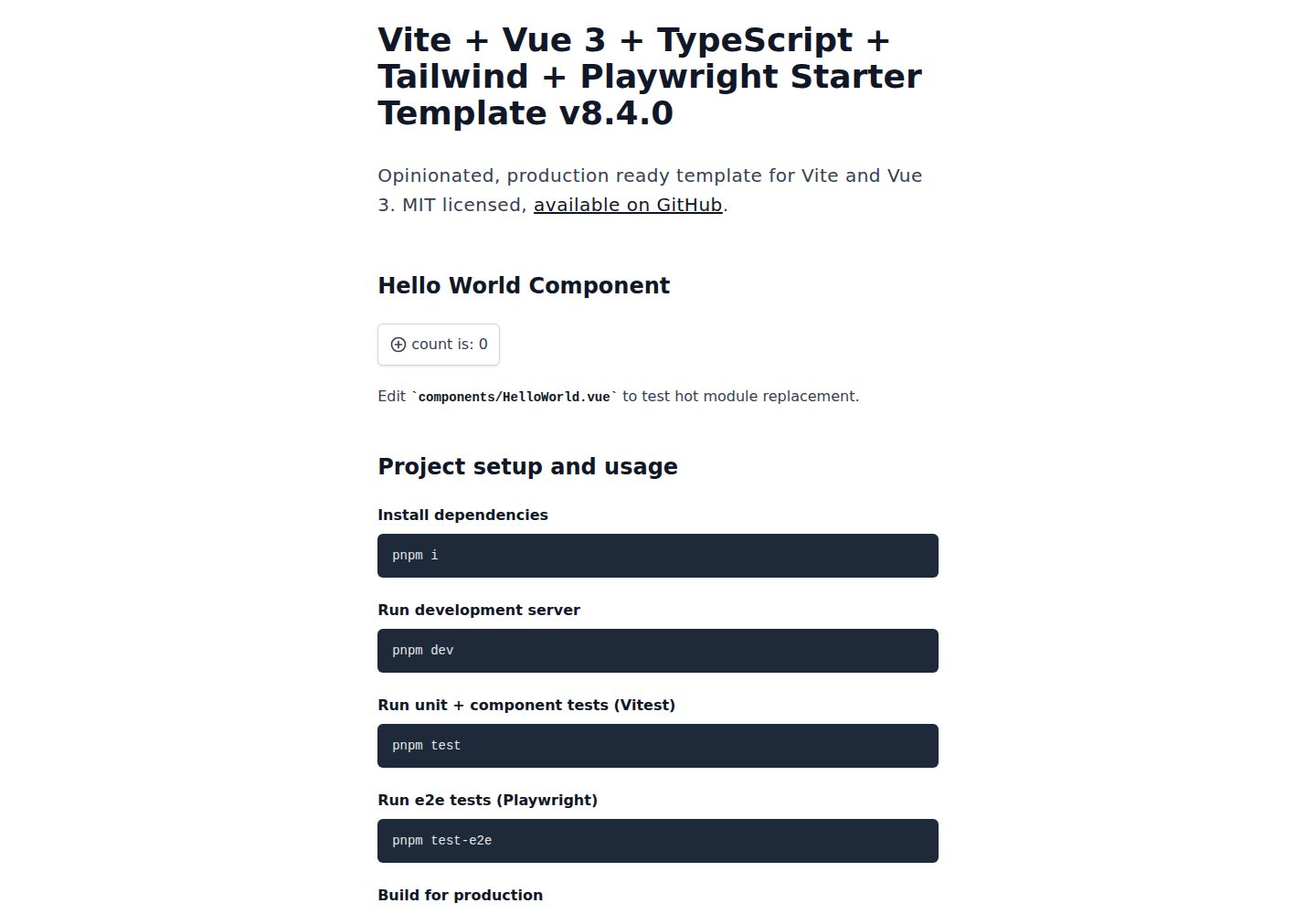
vite-ts-tailwind-starter
Opinionated Vite + Vue 3 + TypeScript + Tailwind CSS starter template w/ tests and CI.
Vue · 启动器