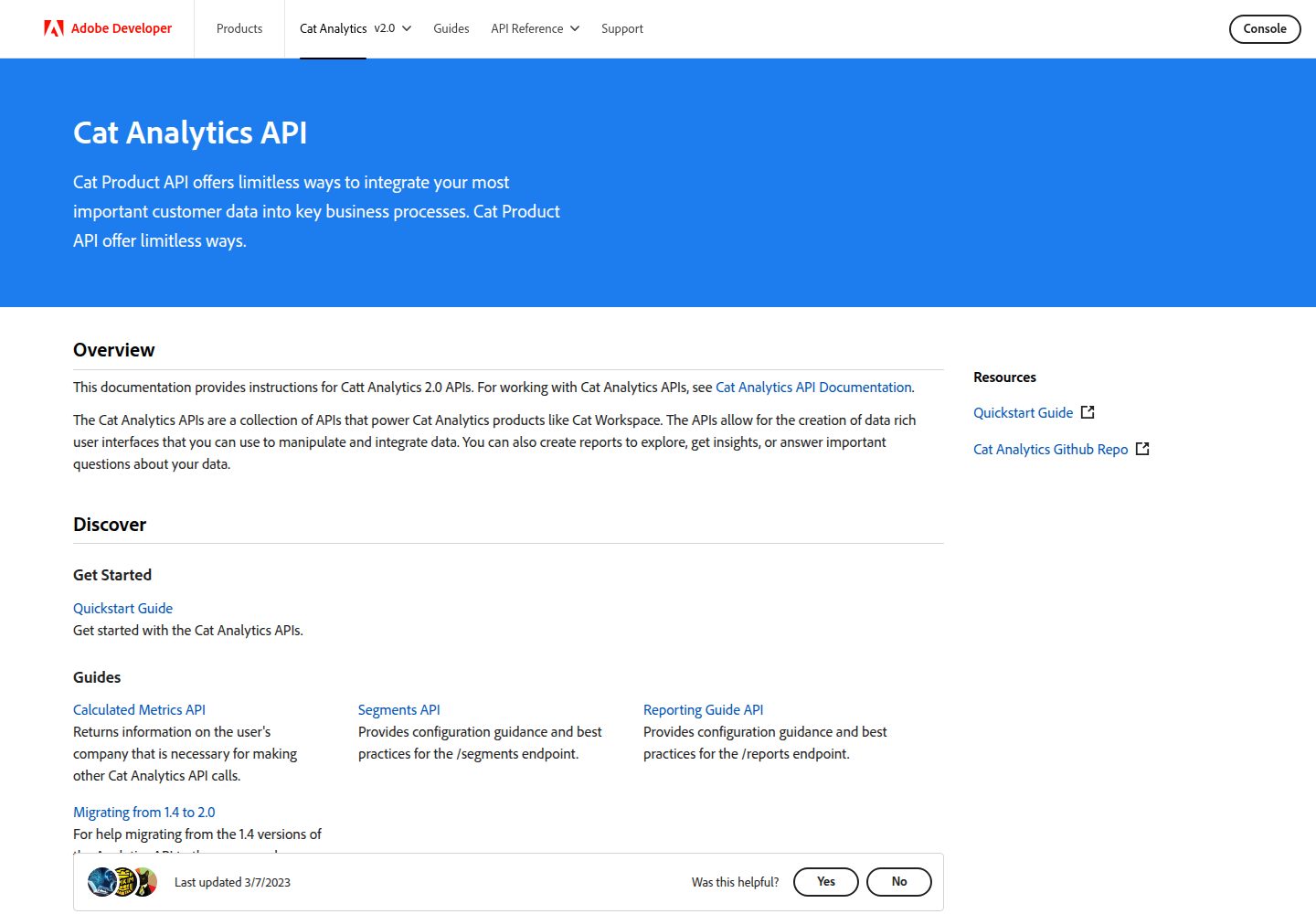
基于 Adobe I/O Theme 构建的文档站点模板
GatsbyReact文档
gatsby-theme-i-o — Gatsby 文档模板
作者 AntonViseven
基于 Adobe I/O Theme 构建的文档站点模板,用于搭建 Adobe 产品文档,支持本地开发与通过 GitHub Actions 部署。
看看你的网站会是什么样
浏览真实页面截图,比较内容排版与手机效果。点击下方缩略图切换,放大查看整页细节。
全部页面与视图 2
截图用于了解视觉与布局,交互效果请以实际项目为准。
采集于 2026-10-13查看来源
值得关注的模板亮点
从已有项目资料中,快速了解它的特点。
README 提供 npm install 与 npm run dev 的本地开发流程
文档结构、链接、资源、全局与侧边导航、内容块及 Markdown 写法均指向 Adobe I/O Theme 仓库说明
部署到 adobe.io 与 stage.adobe.io 需联系 dev-site 团队分配 adobe.io/{product}/ 路径
可通过 GitHub Actions 的 deploy workflow 发起部署
提供在 GitHub Pages 上运行的演示站点
模板详细介绍
该模板是使用 Adobe I/O Theme 搭建的文档站点模板,仓库为 AntonViseven/gatsby-theme-i-o,README 说明其用途是承载 Adobe 产品文档,并提供了在 GitHub Pages 上运行的演示站点。
开发方面,README 给出的本地流程为执行 npm install 安装依赖、npm run dev 启动开发。文档编写者需要参考 Adobe I/O Theme 仓库中的说明来组织内容结构、设置页面链接、使用资源、配置全局导航与侧边导航、使用内容块以及编写增强 Markdown。
部署方面,README 说明希望部署到 adobe.io 与 stage.adobe.io 的团队需要联系 dev-site 团队,由对方分配形如 adobe.io/{product}/ 的路径,文档开发者据此设置 docs、community 等子路径。部署可通过 GitHub Actions 的 deploy workflow 完成,具体步骤指向 Adobe I/O Theme 的部署说明。
README 未提供该模板所依赖的具体框架版本号,也未说明除上述内容外的其他功能、性能或生产就绪程度。
Gatsby文档
适合你的项目吗?
适用场景
- 为 Adobe 产品搭建文档站点
- 在本地开发并预览文档内容
- 按 adobe.io/{product}/ 路径组织 docs、community 等子路径
- 通过 GitHub Actions 工作流部署文档站点
适合人群
- 需要编写 Adobe 产品文档的团队
- 希望使用 Adobe I/O Theme 组织文档结构的开发者
- 计划将文档部署到 adobe.io 或 stage.adobe.io 的团队
上手与定制指南
结合仓库当前版本的说明,按下面的资料检查内容、配置与运行要求。
- 1
本地开发执行 npm install 安装依赖,再执行 npm run dev 启动
- 2
文档结构、链接、资源、导航与内容块等写法需参考 Adobe I/O Theme 仓库对应章节
- 3
部署到 adobe.io 与 stage.adobe.io 前需联系 dev-site 团队获取 adobe.io/{product}/ 路径
- 4
部署可通过 GitHub Actions 的 deploy workflow 进行,具体步骤见 Adobe I/O Theme 部署说明
- 5
README 未提供所依赖框架的具体版本号
授权与来源资料
使用条件与限制
免费使用 · 保留许可声明本次收录的是公开仓库中采用 Apache-2.0 许可的免费版本;免费范围为该版本代码,不代表外部服务或第三方素材免费。
使用时需要遵守
- 允许免费使用、修改、商用和分发;分发时需随附 Apache-2.0 许可证。
- 修改过的文件需显著标明改动,并保留相关版权、专利、商标及归属声明。
- 若原项目附有 NOTICE 文件,分发衍生作品时需保留其中适用的归属声明。
- 许可包含适用的贡献者专利授权;发起许可所述专利诉讼会终止该专利授权,且不授予商标使用权。
- 代码按现状提供;担保与责任限制以原许可证及适用法律为准。
额外费用与待核对事项
- 演示图片、字体、图标及其他第三方素材需按各自许可核对,不能仅凭代码的 Apache-2.0 许可判断。
- 域名、托管、数据库、支付或 AI 等外部服务可能另外收费。
- 部署到 adobe.io 与 stage.adobe.io 需先联系 dev-site 团队,由其分配形如 adobe.io/{product}/ 的路径。
- 主要求助渠道为 Slack 频道 #adobeio-onsite-onboarding,需要加入该频道提问。
查看原文依据
no-charge, royalty-free, irrevocable copyright license
许可证原文
For any team that wishes to deploy to the adobe.io and stage.adobe.io website, they must be in contact with the dev-site team. Teams will be given a path that will follow the pattern `adobe.io/{product}/`. This will allow doc developers to setup their subpaths to look something like:
README 原文
https://github.com/AntonViseven/gatsby-theme-i-o/blob/main/LICENSEhttps://github.com/AntonViseven/gatsby-theme-i-o/blob/main/README.mdThe slack channel #adobeio-onsite-onboarding is our main point of contact for help. Feel free to join the channel and ask any questions.
README 原文
DeepSeek 根据仓库许可证和 README 整理 ·2026-10-13。结果仅覆盖已读取资料,依赖、图片、字体及后续条款变更以各自原文为准。
项目核对记录与介绍依据
模板资料
- 来源平台
- GitHub
- 资料与维护参考分
- 资料一般 · 68 / 100
- 技术栈
- Gatsby · React
- 网站类型
- 文档
这个分数如何计算
本站按许可资料(最高30分)、演示链接(12分)、预览图(10分)、Star数(15分)、记录的维护时间(15分)、描述完整度(8分)、功能记录(5分)和分类资料(5分)计算。它不是代码、安全或性能测试,也不是 Google 评分;有链接不代表已实测可用。
这个项目需要核对什么
- 记录的仓库更新时间
- 2023-02-27
- 截图检查日期
- 2026-10-13
已收录演示链接。请用你的内容与屏幕尺寸检查;有演示不代表表单、认证或支付已经可用。
目录记录的主要技术栈是 Gatsby。请通过依赖清单和锁文件核对实际版本与托管要求。这些说明基于收录资料,不代表代码审计或部署实测。
查看具体选型方法 →介绍的制作与核对状态
介绍由 AI 辅助整理目录与仓库资料。仓库作者不等于这篇介绍的审核者。
审核声明: codex-user-requested-batch-review-20261017 · 2026-10-16
查看当时使用的来源资料
SHA-256: ee6c0c003dd64f4d82d81bc5f1380c80e4418d5ef88b0060273bc1c2941e7aa2
2026-10-13T20:03:58.277Z
来源文件 / 仓库# Adobe I/O Documentation Template
This is a site template built with the [Adobe I/O Theme](https://github.com/adobe/aio-theme).
View the [demo](https://adobedocs.github.io/dev-site-documentation-template/) running on Github Pages.
## Where to ask for help
The slack channel #adobeio-onsite-onboarding is our main point of contact for help. Feel free to join the channel and ask any questions.
## How to develop
For local development, simply use :
```
$ npm install
$ npm run dev
```
For the documentation developer, please read these sections on how to:
- [Arrange the structure content of your docs](https://github.com/adobe/aio-theme#content-structure)
- [Linking to pages](https://github.com/adobe/aio-theme#links)
- [Using assets](https://github.com/adobe/aio-theme-aio#assets)
- [Setting Global Navigation](https://github.com/adobe/aio-theme#global-navigation)
- [Setting Side Navigation](https://github.com/adobe/aio-theme#side-navigation)
- [Using content blocks](https://github.com/adobe/aio-theme#jsx-blocks)
- [Notes on using Markdown](https://github.com/adobe/aio-theme#writing-enhanced-markdown)
For more in-depth [instructions](https://github.com/adobe/aio-theme#getting-started).
## How to deploy
For any team that wishes to deploy to the adobe.io and stage.adobe.io website, they must be in contact with the dev-site team. Teams will be given a path that will follow the pattern `adobe.io/{product}/`. This will allow doc developers to setup their subpaths to look something like:
```
adobe.io/{product}/docs
adobe.io/{product}/community
adobe.io/{product}/community/code_of_conduct
adobe.io/{product}/community/contribute
```
### Launching a deploy
You can deploy using the GitHub actions deploy workflow see [deploy instructions](https://github.com/adobe/aio-theme#deploy-to-azure-storage-static-websites).看看同类模板
对比同技术栈与用途的模板,找到更适合的视觉与内容结构。
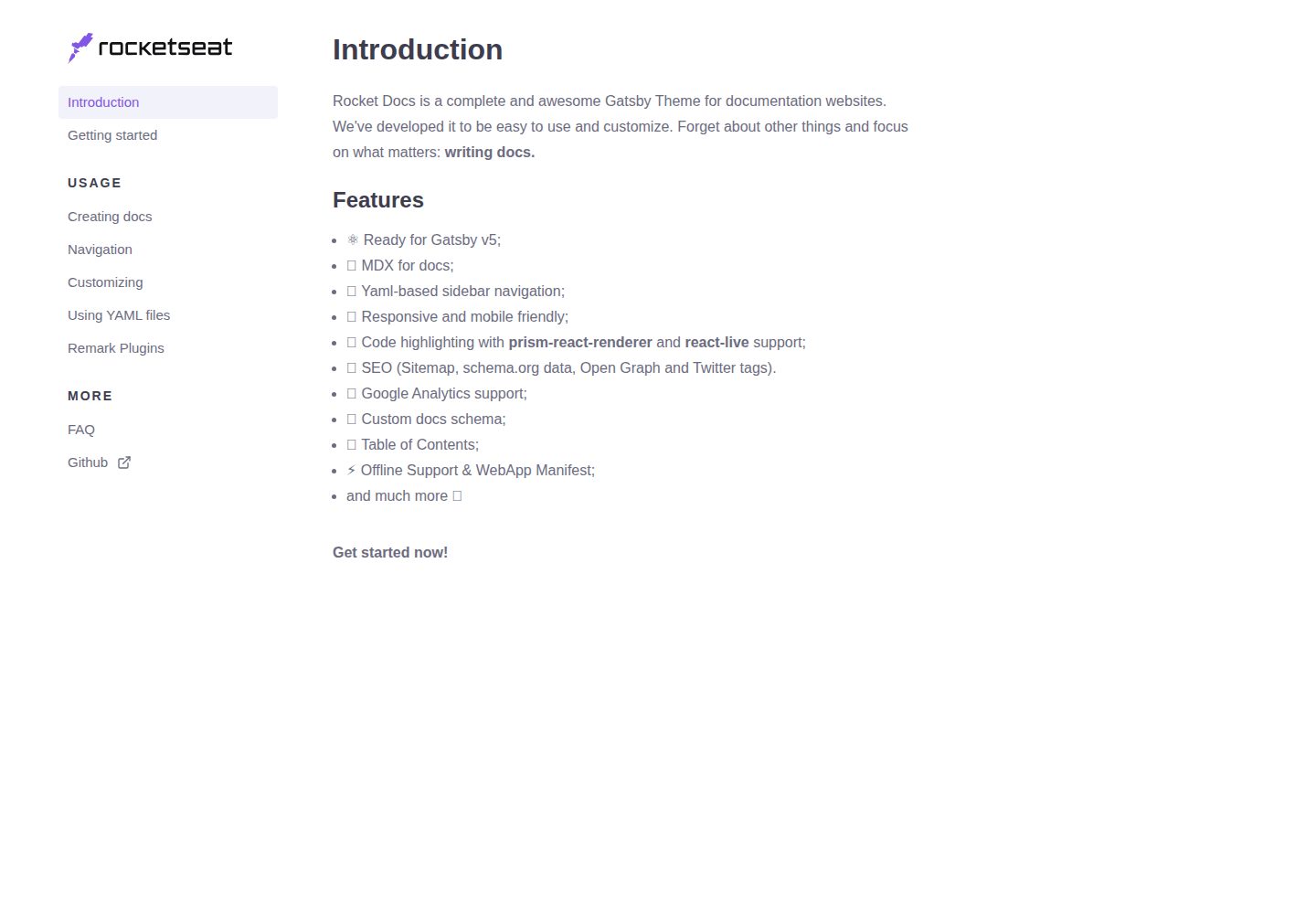
rocketdocs
Easy to use Gatsby Theme to create documentation websites ⚡️🔥
Gatsby · 文档
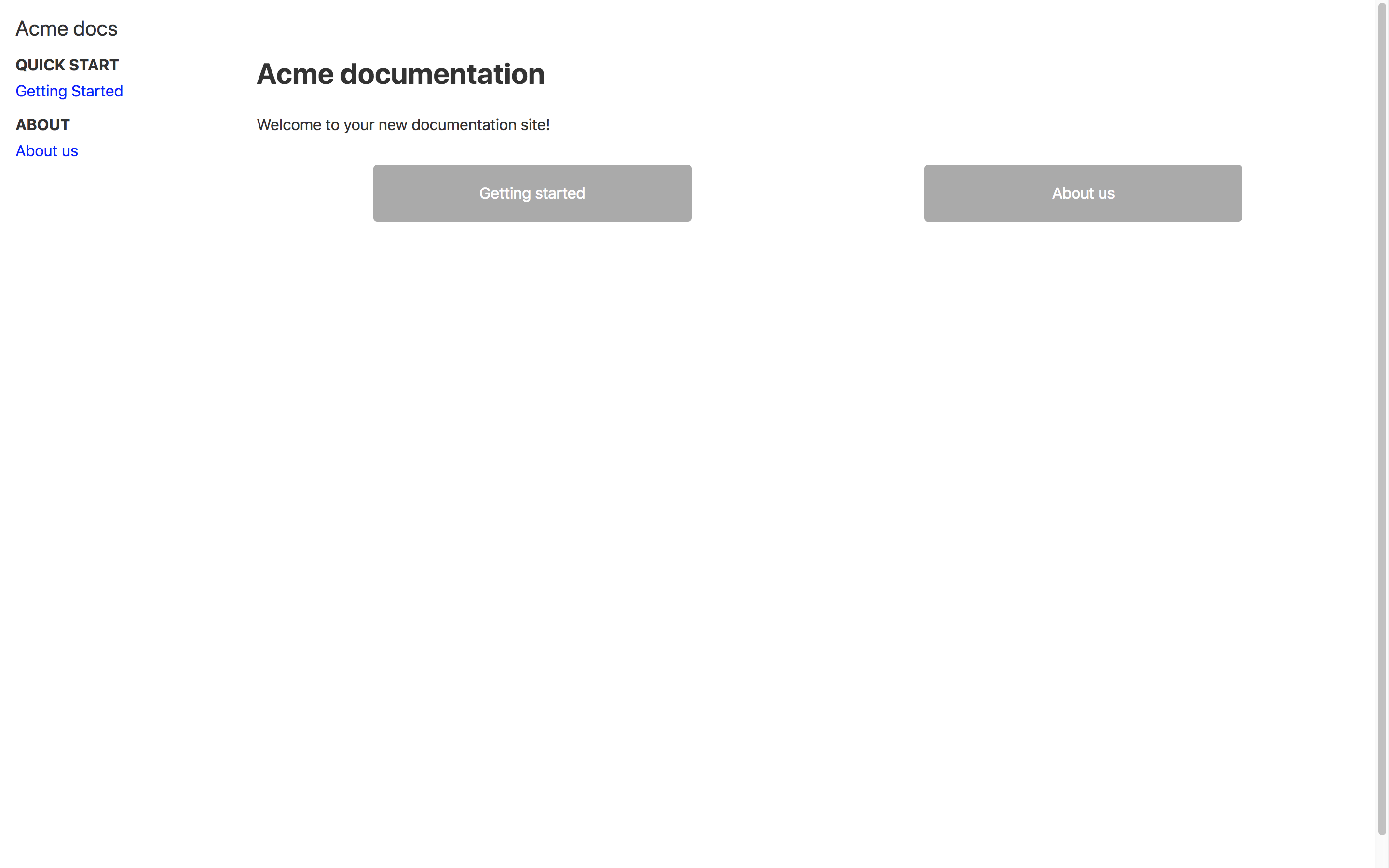
docs-as-code-starterkit
Use this template to start managing your documentation as code with Gatsby.js
Gatsby · 文档

nextjs-prisma-boilerplate
nemanjam/nextjs-prisma-boilerplate 是一个面向中小型全栈应用的生产级启动器,围绕 Next.js 12、React 18、Prisma 4 和 Postgres 构建。
Next.js · 文档

rubix-documents
Documents is a powerful and flexible Next.js documentation starter kit designed to simplify the process of cre…
Next.js · 文档
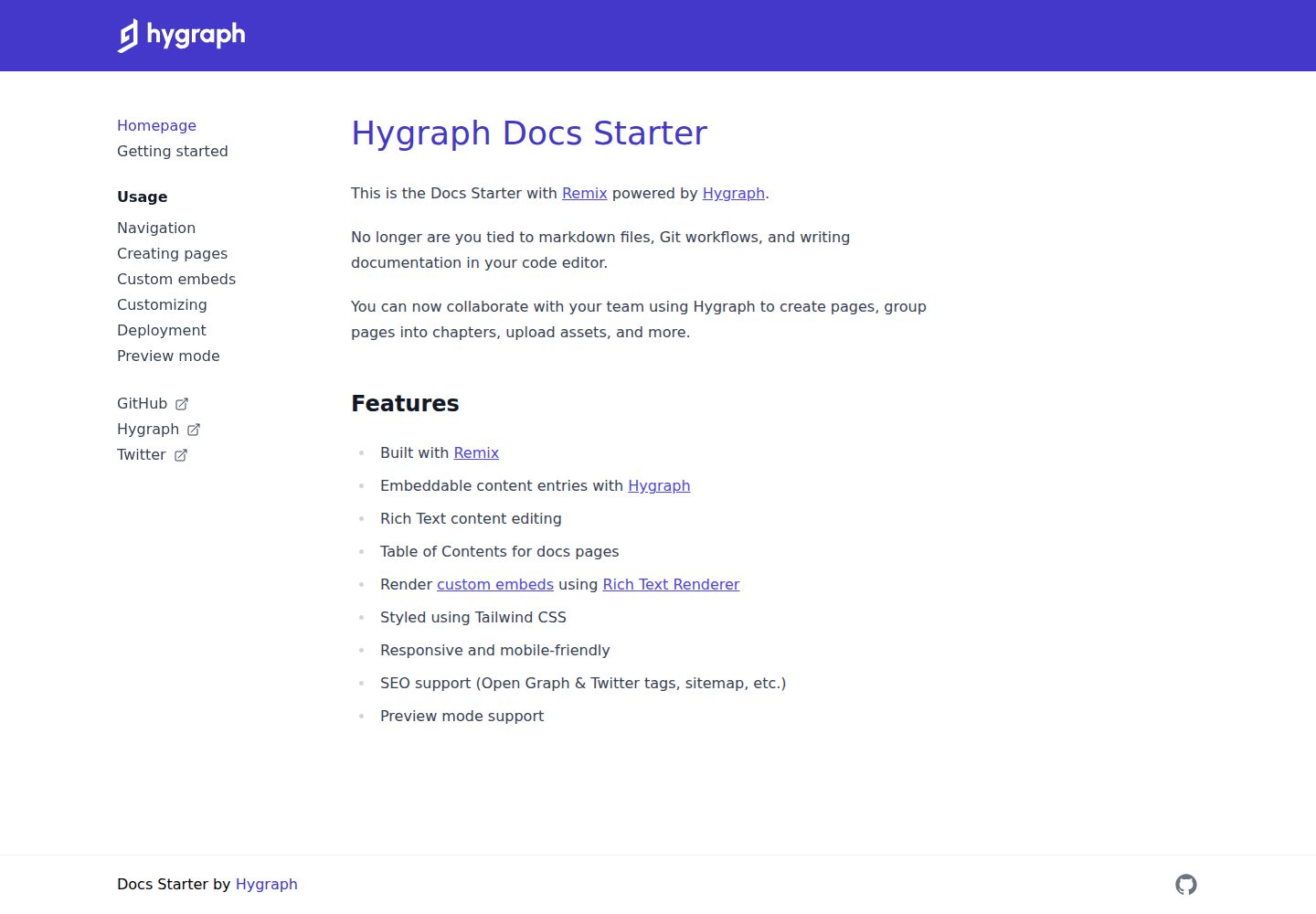
docs-starter
Remix starter for creating documentation websites with Hygraph
Remix · 文档
lil-docs-template
A lil docs template for lil projects.
Next.js · 文档