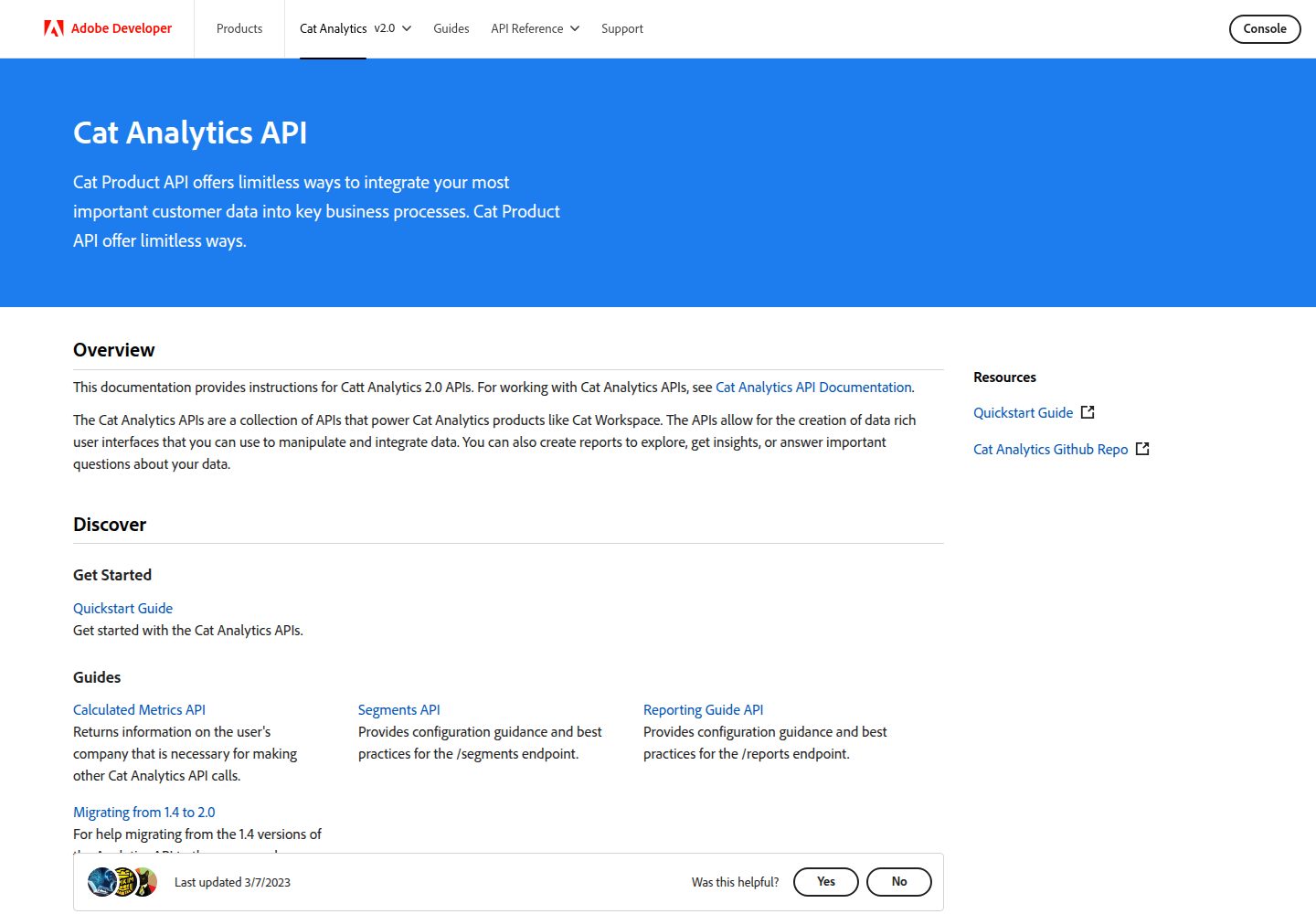
Documentation site template built on Adobe I/O Theme
GatsbyReactDocumentation
gatsby-theme-i-o — Gatsby Documentation Template
By AntonViseven
A documentation site template built on Adobe I/O Theme, used to set up Adobe product documentation, supporting local development and deployment via GitHub Actions.
Explore the design
Compare the page layouts and mobile experience. Open any screenshot for a closer look.
Desktop homepage1 / 2
Desktop captureTop of page
Actual screenshot captured by the server browser.
All pages & views 2
Screenshots show visual appearance; interactive behavior may differ.
Recorded 2026-10-13View source
What stands out
A quick read of the recorded project description.
README provides a local development workflow with npm install and npm run dev
Documentation structure, links, assets, global and side navigation, content blocks, and Markdown writing all point to the Adobe I/O Theme repository instructions
Deploying to adobe.io and stage.adobe.io requires contacting the dev-site team to assign an adobe.io/{product}/ path
Deployment can be initiated through the deploy workflow in GitHub Actions
Provides a demo site running on GitHub Pages
Template Details
This template is a documentation site template built with Adobe I/O Theme. The repository is AntonViseven/gatsby-theme-i-o. The README states its purpose is to host Adobe product documentation and provides a demo site running on GitHub Pages.
For development, the README gives the local workflow as running npm install to install dependencies and npm run dev to start development. Documentation writers need to refer to the instructions in the Adobe I/O Theme repository to organize content structure, set page links, use assets, configure global navigation and side navigation, use content blocks, and write enhanced Markdown.
For deployment, the README states that teams wishing to deploy to adobe.io and stage.adobe.io need to contact the dev-site team, which assigns a path of the form adobe.io/{product}/, and documentation developers set subpaths such as docs and community accordingly. Deployment can be done through the deploy workflow in GitHub Actions, with specific steps pointing to the Adobe I/O Theme deployment instructions.
The README does not provide the specific framework version numbers this template depends on, nor does it describe other features, performance, or production readiness beyond the above.
GatsbyDocumentation
Is it right for your project?
Use Cases
- Setting up documentation sites for Adobe products
- Developing and previewing documentation content locally
- Organizing subpaths such as docs and community under an adobe.io/{product}/ path
- Deploying documentation sites through a GitHub Actions workflow
Suitable For
- Teams that need to write Adobe product documentation
- Developers who want to organize documentation structure using Adobe I/O Theme
- Teams planning to deploy documentation to adobe.io or stage.adobe.io
Getting started & customization
Use these recorded setup notes alongside the repository instructions for your chosen version.
- 1
For local development, run npm install to install dependencies, then run npm run dev to start
- 2
Writing conventions for documentation structure, links, assets, navigation, and content blocks should refer to the corresponding sections in the Adobe I/O Theme repository
- 3
Before deploying to adobe.io and stage.adobe.io, contact the dev-site team to obtain an adobe.io/{product}/ path
- 4
Deployment can be done through the deploy workflow in GitHub Actions; see the Adobe I/O Theme deployment instructions for specific steps
- 5
The README does not provide the specific version numbers of the frameworks it depends on
License & source material
Usage conditions & limitations
Free to use · keep license noticeThis entry covers the free version under the Apache-2.0 license in the public repository; the free scope is the code of that version and does not mean external services or third-party assets are free.
Must comply with when using
- Free use, modification, commercial use, and distribution are permitted; when distributing, the Apache-2.0 license must be included.
- Modified files must be prominently marked as changed, and relevant copyright, patent, trademark, and attribution notices must be retained.
- If the original project includes a NOTICE file, applicable attribution notices in it must be retained when distributing derivative works.
- The license includes an applicable contributor patent grant; initiating patent litigation as described in the license terminates that patent grant, and no trademark use rights are granted.
- The code is provided as is; warranties and limitations of liability are governed by the original license and applicable law.
Additional costs & items to verify
- Demo images, fonts, icons, and other third-party assets must be checked against their respective licenses; the code's Apache-2.0 license alone is not sufficient to judge them.
- External services such as domains, hosting, databases, payments, or AI may incur separate charges.
- Deploying to adobe.io and stage.adobe.io requires first contacting the dev-site team, which assigns a path of the form adobe.io/{product}/.
- The main support channel is the Slack channel #adobeio-onsite-onboarding; you need to join that channel to ask questions.
View Original Text Basis
no-charge, royalty-free, irrevocable copyright license
Original License Text
For any team that wishes to deploy to the adobe.io and stage.adobe.io website, they must be in contact with the dev-site team. Teams will be given a path that will follow the pattern `adobe.io/{product}/`. This will allow doc developers to setup their subpaths to look something like:
Original README
https://github.com/AntonViseven/gatsby-theme-i-o/blob/main/LICENSEhttps://github.com/AntonViseven/gatsby-theme-i-o/blob/main/README.mdThe slack channel #adobeio-onsite-onboarding is our main point of contact for help. Feel free to join the channel and ask any questions.
Original README
Compiled by DeepSeek based on repository license and README ·2026-10-13. Results only cover the materials read; dependencies, images, fonts, and subsequent term changes are subject to their respective original texts.
Project checks & description sources
Template Information
- Source platforms
- GitHub
- Documentation and maintenance reference score
- Partly documented · 68 / 100
- Technologies
- Gatsby · React
- Website type
- Documentation
How this score is calculated
Our heuristic uses license records (up to 30), a demo link (12), a preview (10), stars (15), recorded maintenance (15), description completeness (8), feature records (5) and classification data (5). It is not a code, security or performance test, or a Google score. A link does not establish tested functionality.
What to verify for this project
- Repository update recorded
- 2023-02-27
- Screenshot last checked
- 2026-10-13
A demo link is listed. Check it with your own content and viewport sizes; its presence does not confirm that forms, authentication or payments work.
The catalog identifies Gatsby as the primary stack. Check the actual dependency manifest and lockfile for versions and hosting requirements. These notes use recorded metadata, not a code audit or a deployment test.
Use a selection guide →How this description was prepared
AI-assisted description based on catalog records and repository material. Repository authors are not automatically the reviewers of this description.
Review declaration: codex-user-requested-batch-review-20261017 · 2026-10-16
Inspect the recorded source material
SHA-256: ee6c0c003dd64f4d82d81bc5f1380c80e4418d5ef88b0060273bc1c2941e7aa2
2026-10-13T20:03:58.277Z
Source file / repository# Adobe I/O Documentation Template
This is a site template built with the [Adobe I/O Theme](https://github.com/adobe/aio-theme).
View the [demo](https://adobedocs.github.io/dev-site-documentation-template/) running on Github Pages.
## Where to ask for help
The slack channel #adobeio-onsite-onboarding is our main point of contact for help. Feel free to join the channel and ask any questions.
## How to develop
For local development, simply use :
```
$ npm install
$ npm run dev
```
For the documentation developer, please read these sections on how to:
- [Arrange the structure content of your docs](https://github.com/adobe/aio-theme#content-structure)
- [Linking to pages](https://github.com/adobe/aio-theme#links)
- [Using assets](https://github.com/adobe/aio-theme-aio#assets)
- [Setting Global Navigation](https://github.com/adobe/aio-theme#global-navigation)
- [Setting Side Navigation](https://github.com/adobe/aio-theme#side-navigation)
- [Using content blocks](https://github.com/adobe/aio-theme#jsx-blocks)
- [Notes on using Markdown](https://github.com/adobe/aio-theme#writing-enhanced-markdown)
For more in-depth [instructions](https://github.com/adobe/aio-theme#getting-started).
## How to deploy
For any team that wishes to deploy to the adobe.io and stage.adobe.io website, they must be in contact with the dev-site team. Teams will be given a path that will follow the pattern `adobe.io/{product}/`. This will allow doc developers to setup their subpaths to look something like:
```
adobe.io/{product}/docs
adobe.io/{product}/community
adobe.io/{product}/community/code_of_conduct
adobe.io/{product}/community/contribute
```
### Launching a deploy
You can deploy using the GitHub actions deploy workflow see [deploy instructions](https://github.com/adobe/aio-theme#deploy-to-azure-storage-static-websites).Explore similar templates
Compare previews and descriptions within the same stack and category.
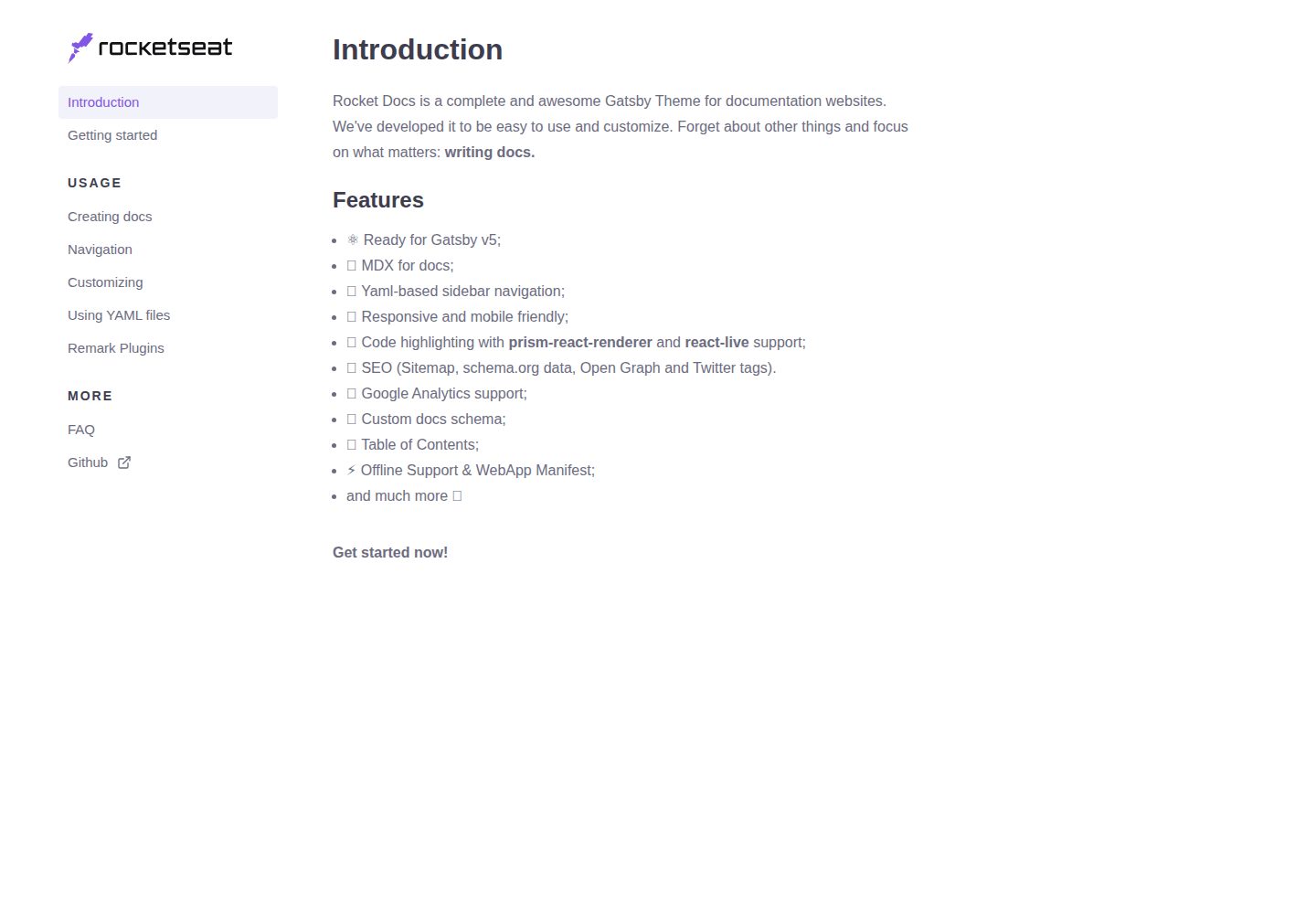
rocketdocs
rocketdocs is a Gatsby-based documentation website theme by jpedroschmitz, split into gatsby-theme-docs-core for the data layer and gatsby-theme-docs for a ready-to-use documentation site.
Gatsby · Documentation
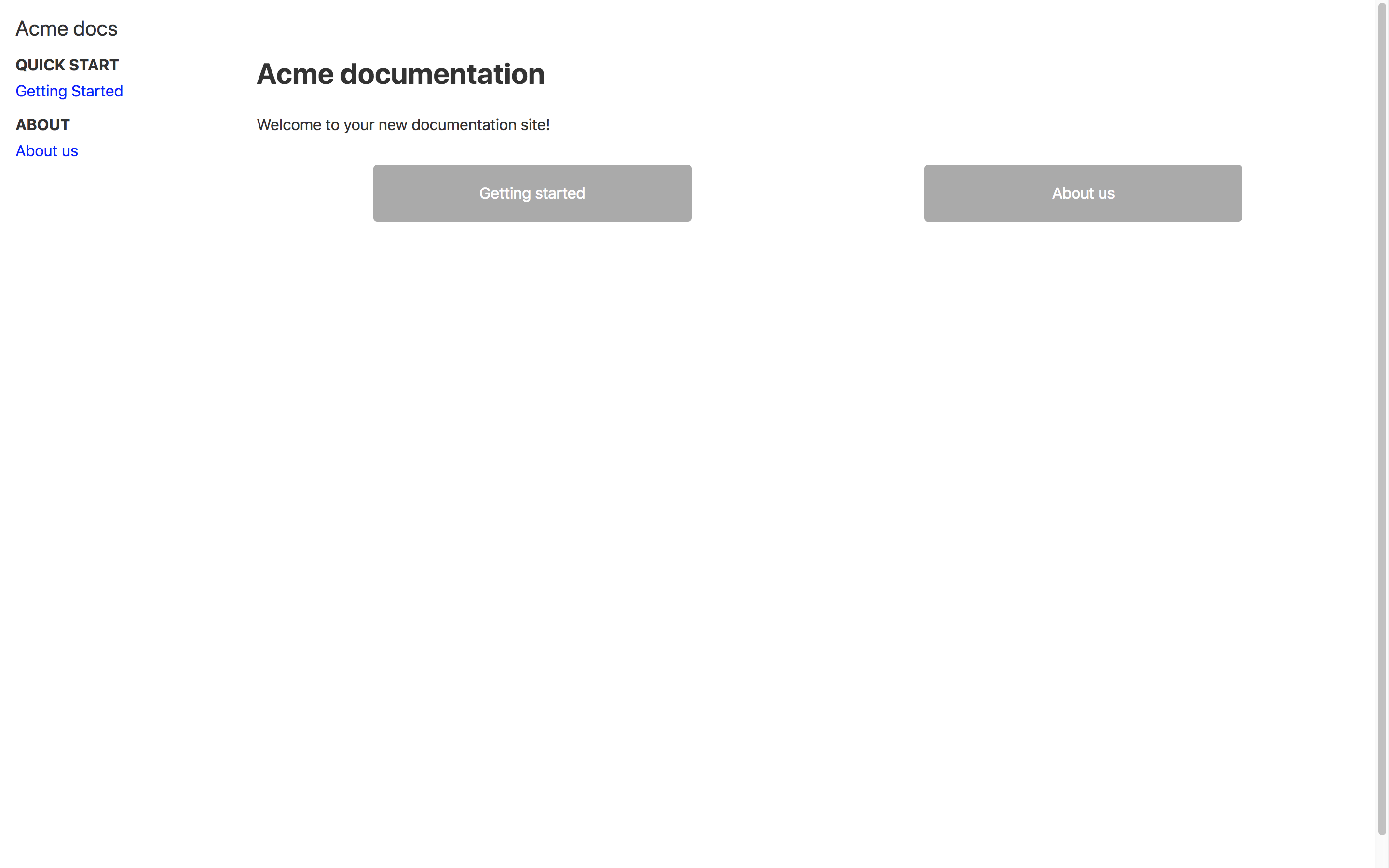
docs-as-code-starterkit
A Gatsby.js-based docs-as-code starter template that stores documentation as Markdown in /src/docs, with page paths and titles defined via Front Matter. It optionally integrates Mixpanel analytics and DocSearch search through environment variables, and the README provides Netlify deployment guidance.
Gatsby · Documentation

nextjs-prisma-boilerplate
A production-grade full stack starter built on Next.js 12, React 18, Prisma 4, and Postgres, with layered frontend and backend architecture, Jest and Cypress testing, next-auth authentication, Docker and Gitpod development environments, GitHub Actions CI/CD, and Traefik-based production deployment.
Next.js · Documentation

rubix-documents
A Next.js and React documentation site starter template for product docs, technical manuals and knowledge bases.
Next.js · Documentation
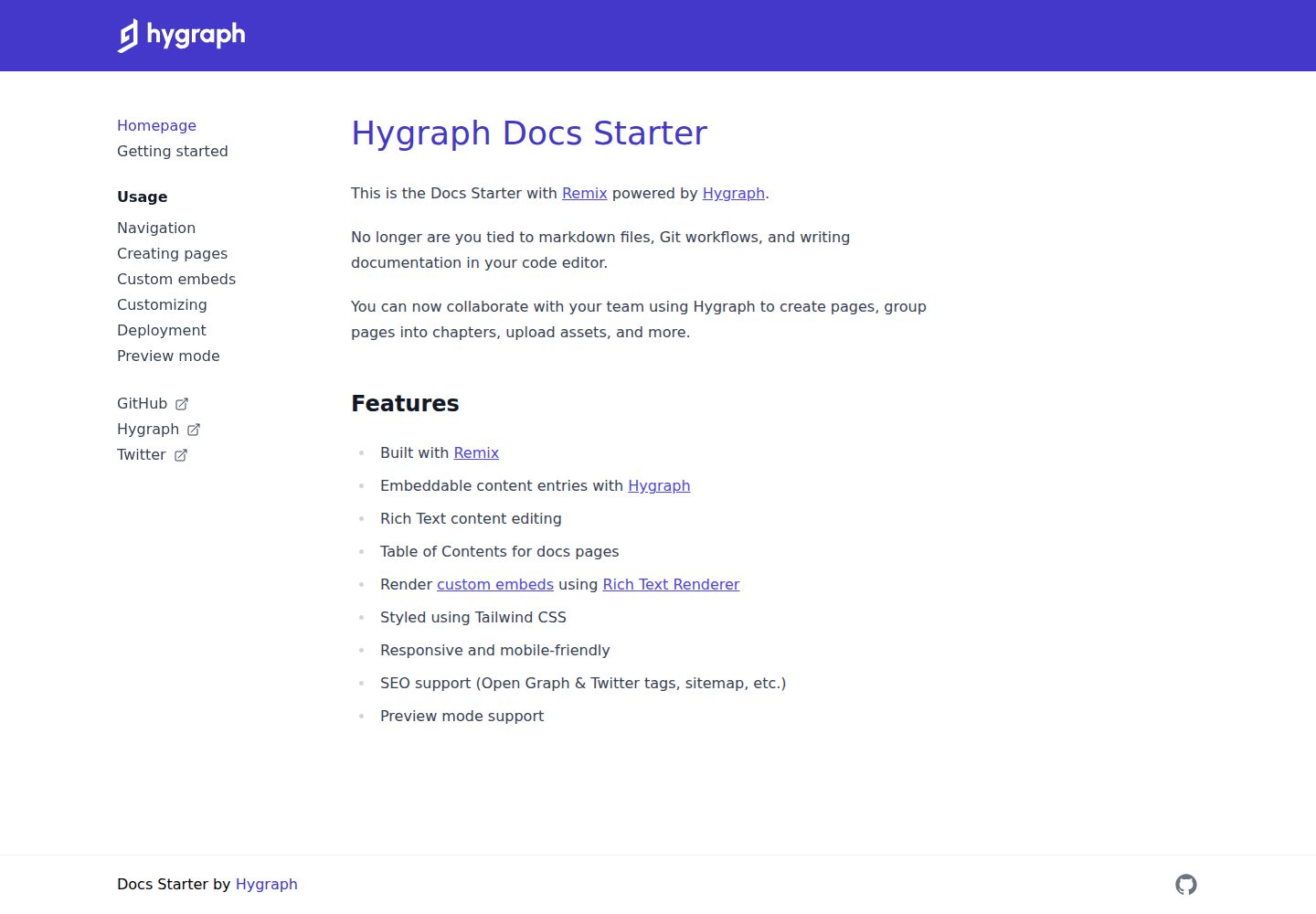
docs-starter
A Remix-based documentation site starter with content from the Hygraph headless CMS, styled with Tailwind CSS. It supports rich text editing, automatic table of contents, custom embeds, preview mode, and SEO output.
Remix · Documentation
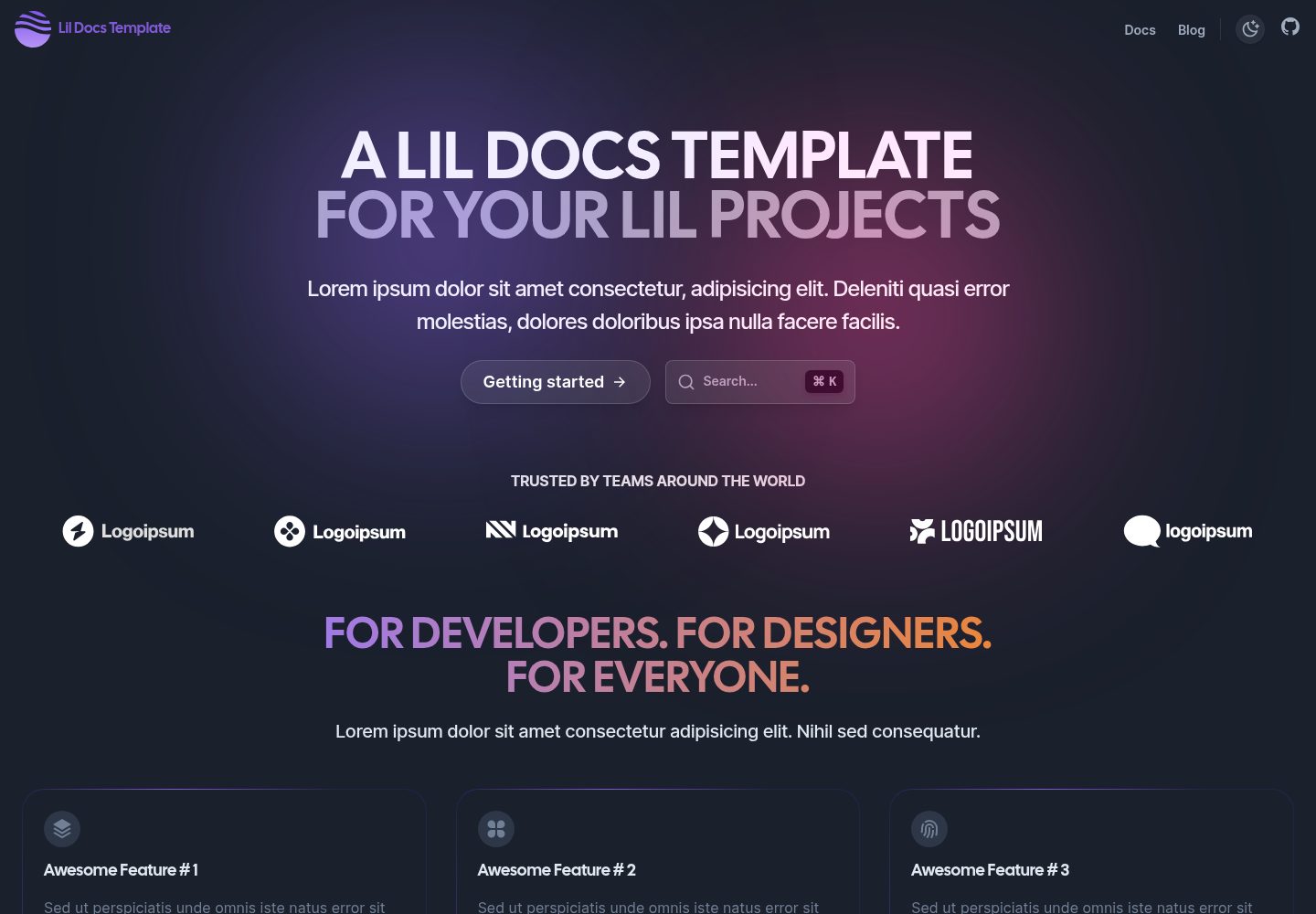
lil-docs-template
A lightweight documentation site template for small projects, built with Next.js, TypeScript, Chakra UI, and ContentLayer. It supports MDX content, light/dark mode, and SEO configuration, and offers a one-click Vercel deploy.
Next.js · Documentation