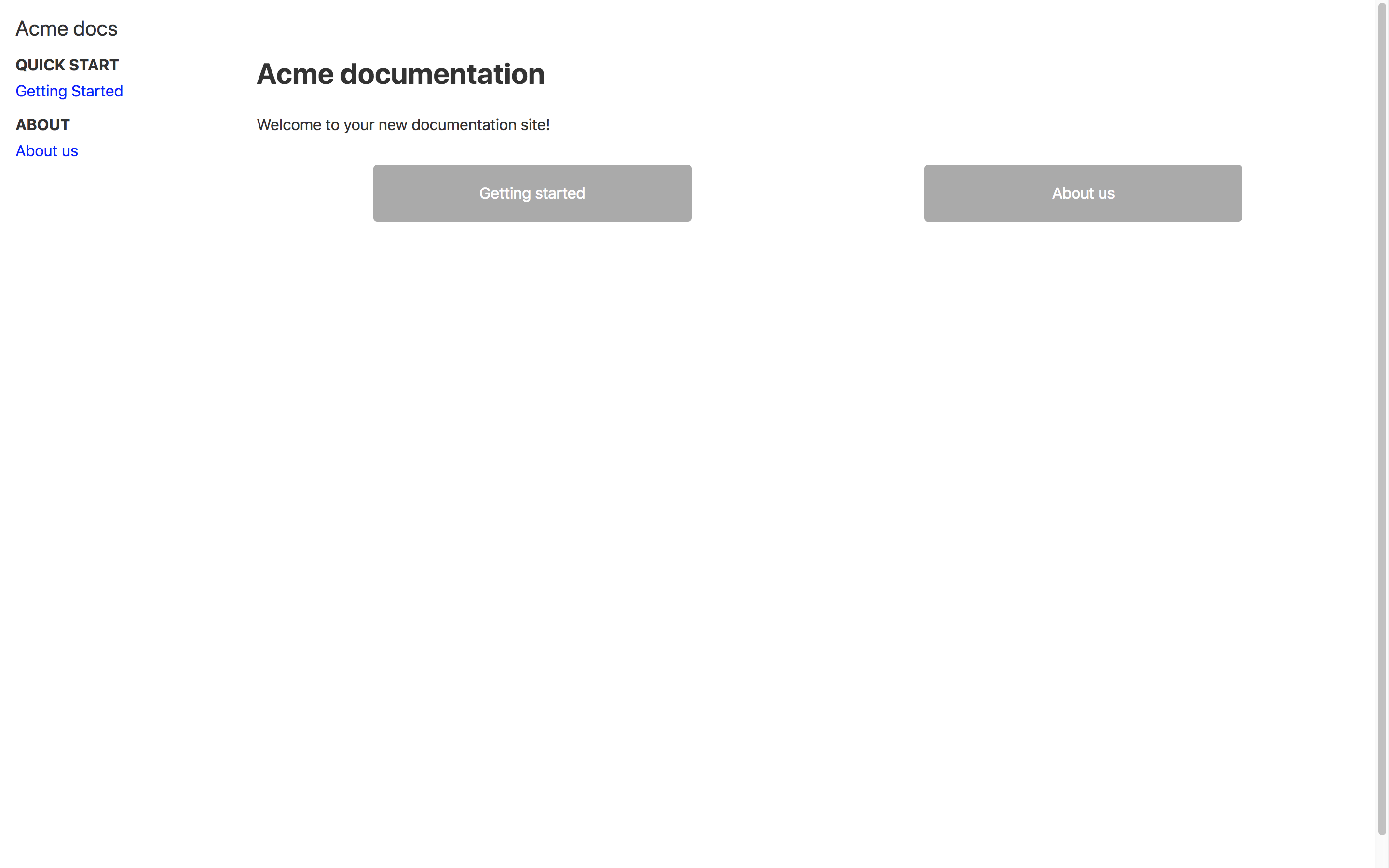
Documentation is stored centrally as Markdown in the /src/docs directory
GatsbyReactDocumentationStarter
docs-as-code-starterkit — Gatsby Documentation Template
By squadlytics
A docs-as-code starter template built on Gatsby.js, with documentation stored as Markdown in /src/docs and paths and titles defined via Front Matter.
Explore the design
Compare the page layouts and mobile experience. Open any screenshot for a closer look.
Author preview
Author-provided preview
Preview provided in the project README.
One original preview is available. Open the full image to inspect the design.
Screenshots show visual appearance; interactive behavior may differ.
Recorded 2026-09-30View source
What stands out
A quick read of the recorded project description.
Page paths and titles are controlled via the path and title fields in Front Matter
Optional integration with Mixpanel analytics and DocSearch search, configured via environment variables
README provides Netlify-based deployment guidance and links to accompanying tutorials
Uses the MIT license, allowing free use, modification, commercial use, and distribution
Template Details
This is a starter template for managing documentation in a docs-as-code manner, built on Gatsby.js, accompanied by a two-part tutorial published by the author on Medium.
All documentation content is written in Markdown files under the /src/docs directory. To add a new page, create a .md file in that directory and add Front Matter at the top of the file, which must include path and title: path determines the URL path for accessing the page, and title is the document title. After saving, you can view it in the browser at http://localhost:8000/<path>.
The template supports integration with Mixpanel analytics and DocSearch search. Both require registering with the respective services first, then configuring via environment variables: GATSBY_MIXPANEL_KEY, GATSBY_DOCSEARCH_API_KEY, GATSBY_DOCSEARCH_INDEX. For development, these can be placed in a .env.development file at the repository root; for production, the same variables must be set in the build configuration.
For deployment, the README recommends Netlify and points to the tutorial for step-by-step instructions. The repository uses the MIT license, allowing free use, modification, commercial use, and distribution, provided the copyright and license notice are retained; third-party assets such as sample images, fonts, and icons, as well as external services like domains and hosting, require separate verification of licensing and costs. The repository was last updated in 2018 and provides no further information about dependency versions or maintenance status.
GatsbyDocumentationStarter
Is it right for your project?
Use Cases
- Teams that want to keep product documentation and code in the same repository and maintain it in Markdown
- Projects needing a locally runnable (gatsby develop) documentation site skeleton to start from
- Those planning to deploy a static documentation site with Netlify and follow the author's tutorial to build it step by step
- Projects that need to add analytics or site search to a documentation site
Suitable For
- Developers or technical writers familiar with Markdown who want to manage documentation as files
- Projects using the Gatsby.js stack that need a starting point for a documentation site
- Teams willing to configure environment variables and a deployment platform (such as Netlify) themselves
Getting started & customization
Use these recorded setup notes alongside the repository instructions for your chosen version.
- 1
After cloning the repository, run npm install and then gatsby develop, and access http://localhost:8000/ locally
- 2
To add documentation, create a Markdown file under /src/docs and fill in path and title in the Front Matter
- 3
Before enabling Mixpanel or DocSearch, register with the respective services and set the GATSBY_MIXPANEL_KEY, GATSBY_DOCSEARCH_API_KEY, and GATSBY_DOCSEARCH_INDEX environment variables
- 4
Development environment variables can be written to a .env.development file at the repository root; for production, set them separately in the build configuration
- 5
The repository was last updated in 2018; before use, verify the licensing and availability of dependencies and third-party assets
License & source material
Usage conditions & limitations
Free to use · keep license noticeThis entry covers the free version under the MIT license in the public repository; the free scope is the code of this version and does not imply that external services or third-party assets are free.
Must comply with when using
- The code of this version may be used, modified, used commercially, and distributed free of charge.
- When distributing copies or substantial portions of the code, retain the original author's copyright notice and the full MIT license notice.
- The code is provided as is; warranties and limitations of liability are governed by the original license and applicable law.
Additional costs & items to verify
- Before enabling Mixpanel analytics and DocSearch search, you must register accounts with the respective services and configure the GATSBY_MIXPANEL_KEY, GATSBY_DOCSEARCH_API_KEY, and GATSBY_DOCSEARCH_INDEX environment variables; without registration, these two features cannot be used.
- The README recommends deploying with Netlify, which is an external hosting service; you must register an account yourself and comply with its terms of service and possible fees, independent of the code's MIT license.
- Demo images, fonts, icons, and other third-party assets must be checked against their respective licenses and cannot be judged solely by the code's MIT license.
- External services such as domains, hosting, databases, payments, or AI may incur additional charges.
View Original Text Basis
Permission is hereby granted, free of charge
Original License Text
You can add Mixpanel tracking and search via DocSearch (you'll need to sign up first) by defining environment variables
Original README
https://github.com/squadlytics/docs-as-code-starterkit/blob/master/LICENSEhttps://github.com/squadlytics/docs-as-code-starterkit/blob/master/README.mdYou can easily deploy your docs for free with [Netlify](https://netlify.com).
Original README
Compiled by DeepSeek based on repository license and README ·2026-10-01. Results only cover the materials read; dependencies, images, fonts, and subsequent term changes are subject to their respective original texts.
Project checks & description sources
Template Information
- Source platforms
- GitHub
- Documentation and maintenance reference score
- Partly documented · 65 / 100
- Technologies
- Gatsby · React
- Website type
- Documentation · Starter
How this score is calculated
Our heuristic uses license records (up to 30), a demo link (12), a preview (10), stars (15), recorded maintenance (15), description completeness (8), feature records (5) and classification data (5). It is not a code, security or performance test, or a Google score. A link does not establish tested functionality.
What to verify for this project
- Repository update recorded
- 2018-03-16
- Screenshot last checked
- 2026-10-01
No demo link is recorded. Use the repository instructions to evaluate the project locally; the screenshot alone cannot establish interactive behavior.
The catalog identifies Gatsby as the primary stack. Check the actual dependency manifest and lockfile for versions and hosting requirements. These notes use recorded metadata, not a code audit or a deployment test.
Use a selection guide →How this description was prepared
AI-assisted description based on catalog records and repository material. Repository authors are not automatically the reviewers of this description.
Automatically checked against source and license rules; no manual editorial review.
Inspect the recorded source material
SHA-256: 4a70a11d881537300c7d6097097bac5c95da4c50329ac07a0c6c22825478e3f0
2026-10-01T13:56:01.866Z
Source file / repository# Docs-as-code Starter Kit You can use this repository as a starting point to manage your documentation as code. This docs-as-code example is built on top of [Gatsby.js](https://www.gatsbyjs.org) and is part of a tutorial posted on Medium: * [How we switched to documentation-as-code with Gatsby.js and Netlify — part 1/2](https://blog.squadlytics.com/how-we-switched-to-documentation-as-code-with-gatsby-js-and-netlify-markdown-hosting-1-3/) ## Getting started Run the following commands in your CLI to serve your website locally. ```bash git clone [email protected]:squadlytics/docs-as-code-starterkit.git cd docs-as-code-starterkit npm install gatsby develop ``` You should be able to go to http://localhost:8000/ and see the docs homepage.  ## Editing the docs All the docs are written in Markdown in /src/docs. You can edit the existing pages or create new one with the following process: 1. Create a new Markdown file in /src/docs/, for instance /src/docs/mydoc.md. 2. Add a [Front Matter](https://jekyllrb.com/docs/frontmatter/) at the top of your doc. 3. Make sure that the Front Matter contains the _path_ and _title_ of your doc. The path is how people will get access to the page. 4. Write your doc in Markdown format and save it. 5. Go to http://localhost:8000/<path_of_the_doc> to view it in your browser. ## Adding Mixpanel and DocSearch You can add Mixpanel tracking and search via DocSearch (you'll need to sign up first) by defining environment variables in your dev environment and in your build configuration when deploying to production. Here's below a template for a dev environment set up using a .env.development file that you should put at the root of the repository. ``` #.env.development GATSBY_MIXPANEL_KEY=<your Mixpanel key> GATSBY_DOCSEARCH_API_KEY=<your DocSearch API Key> GATSBY_DOCSEARCH_INDEX=<your DocSearch index reference> ``` Check https://www.gatsbyjs.org/docs/environment-variables/ to know more about setting up environment variables. ## Deploying You can easily deploy your docs for free with [Netlify](https://netlify.com). Check out [the tutorial](https://medium.com/squadlytics/how-we-switched-to-documentation-as-code-with-gatsby-js-and-netlify-part-1-2-1f57ad732a05) if you want a step by step guide. ## Contributing Please feel free to submit contribution to this repository by forking it and submitting a pull request.
Explore similar templates
Compare previews and descriptions within the same stack and category.

gatsby-starter-gcn
A Gatsby starter for building static blogs with Contentful and Netlify.
Gatsby · Blog
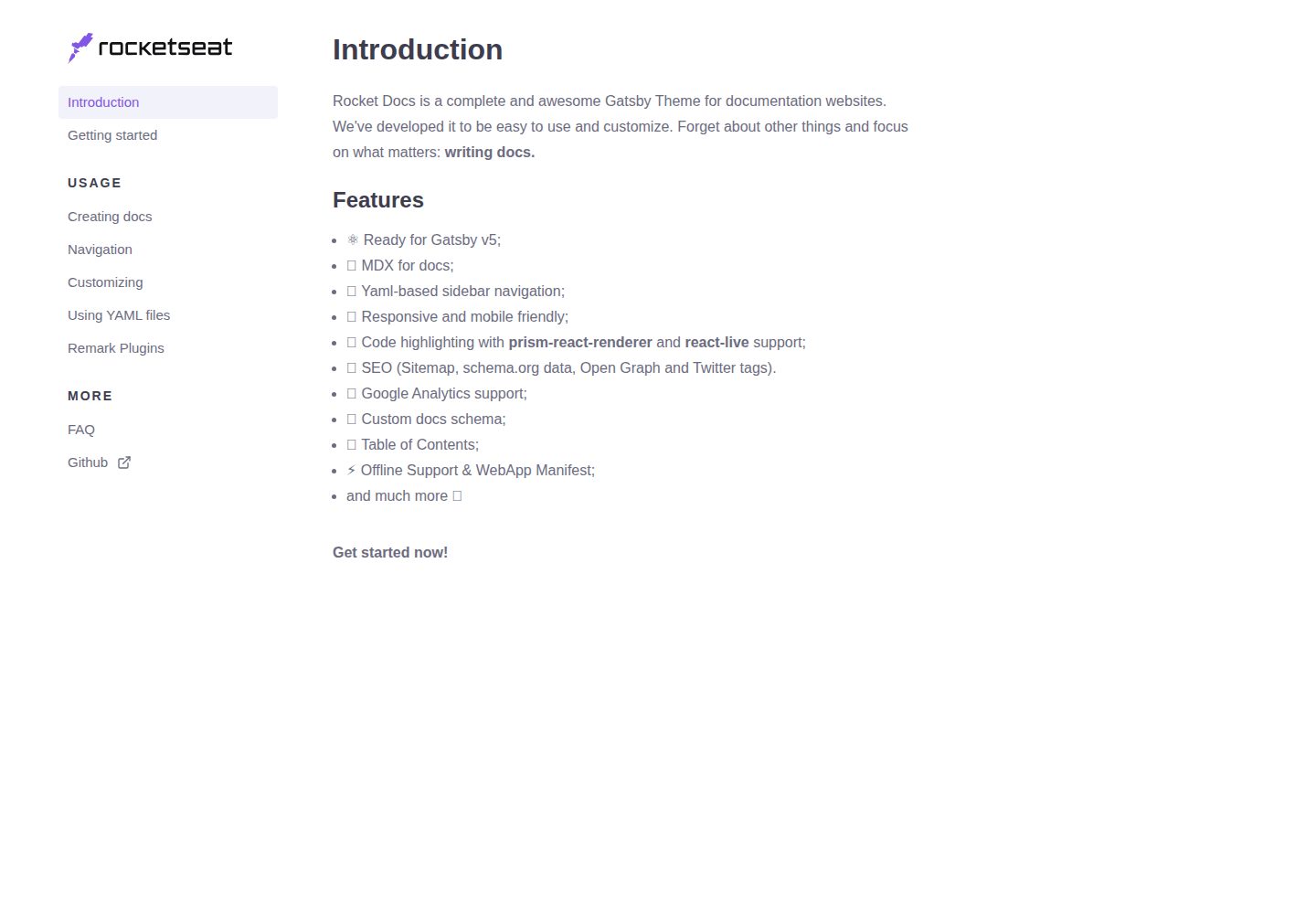
rocketdocs
rocketdocs is a Gatsby-based documentation website theme by jpedroschmitz, split into gatsby-theme-docs-core for the data layer and gatsby-theme-docs for a ready-to-use documentation site.
Gatsby · Documentation

gatsby-starter-morning-dew
A Gatsby and React blog starter/theme that uses Markdown or MDX for posts, supports multilingual content, dark mode, tag grouping, PWA, and Disqus comments, and is MIT licensed.
Gatsby · Blog

starter-gatsby-blog
A community-maintained Gatsby blog starter for Contentful, with a simple content model, npm run setup import, Sync API support, and gatsby-plugin-image. Suitable for quickly building a CMS-driven static blog or learning Gatsby and Headless CMS integration.
Gatsby · 社区

automatic-gatsbyjs-app-landing-page
A GatsbyJS template for iOS app landing pages, ported from Emil Baehr's Automatic App Landing Page. Configure content in site-config.js without writing HTML or CSS, upload video previews or screenshots, and deploy via Netlify or build for GitHub Pages.
Gatsby · Tool Site
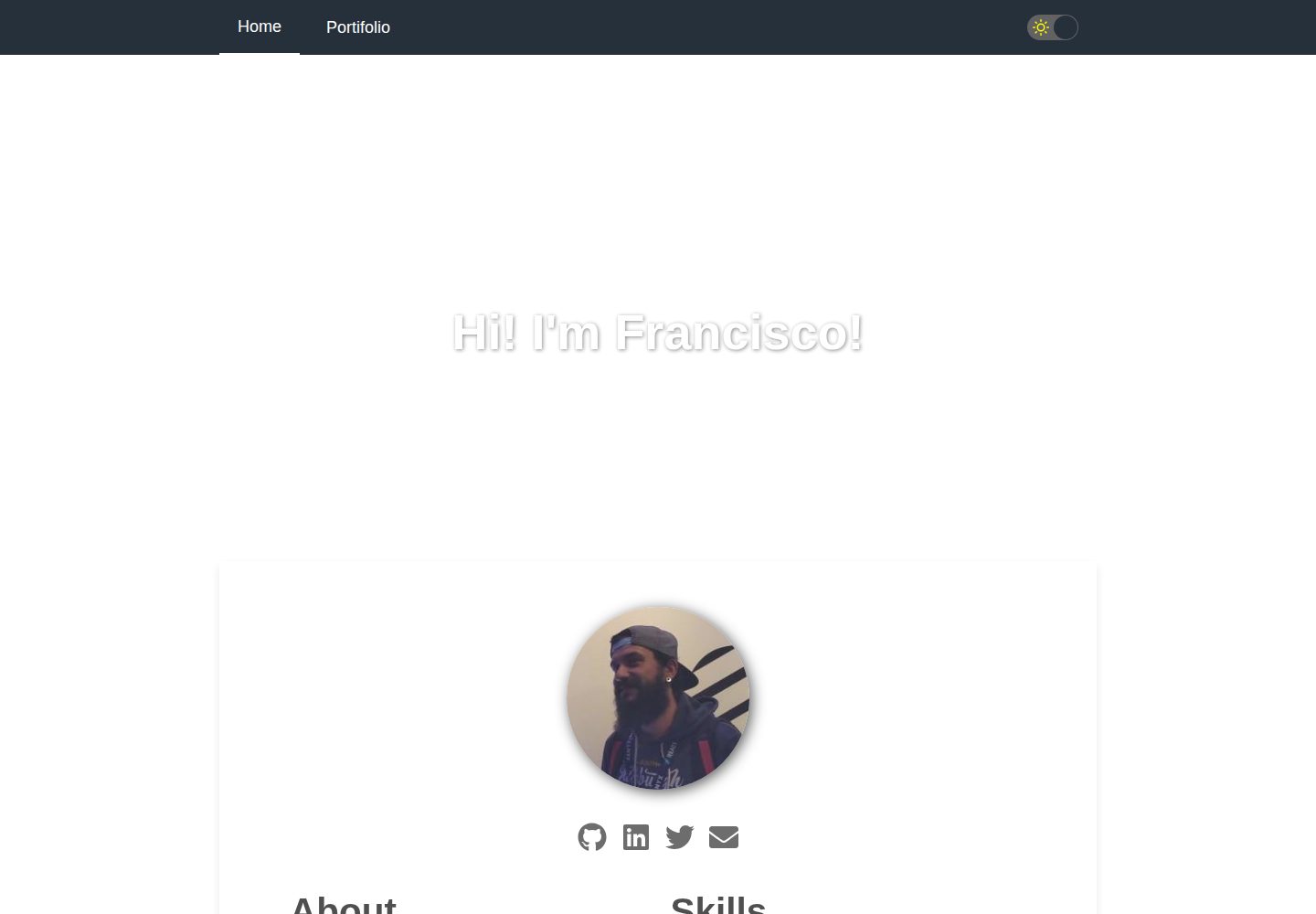
gatsby-starter-cv
A Gatsby and React starter for building a responsive personal digital resume. It includes sections for About, Skills, Job experiences, GitHub repositories, and Portfolio, with all personal data configured in data/siteConfig.js.
Gatsby · Starter