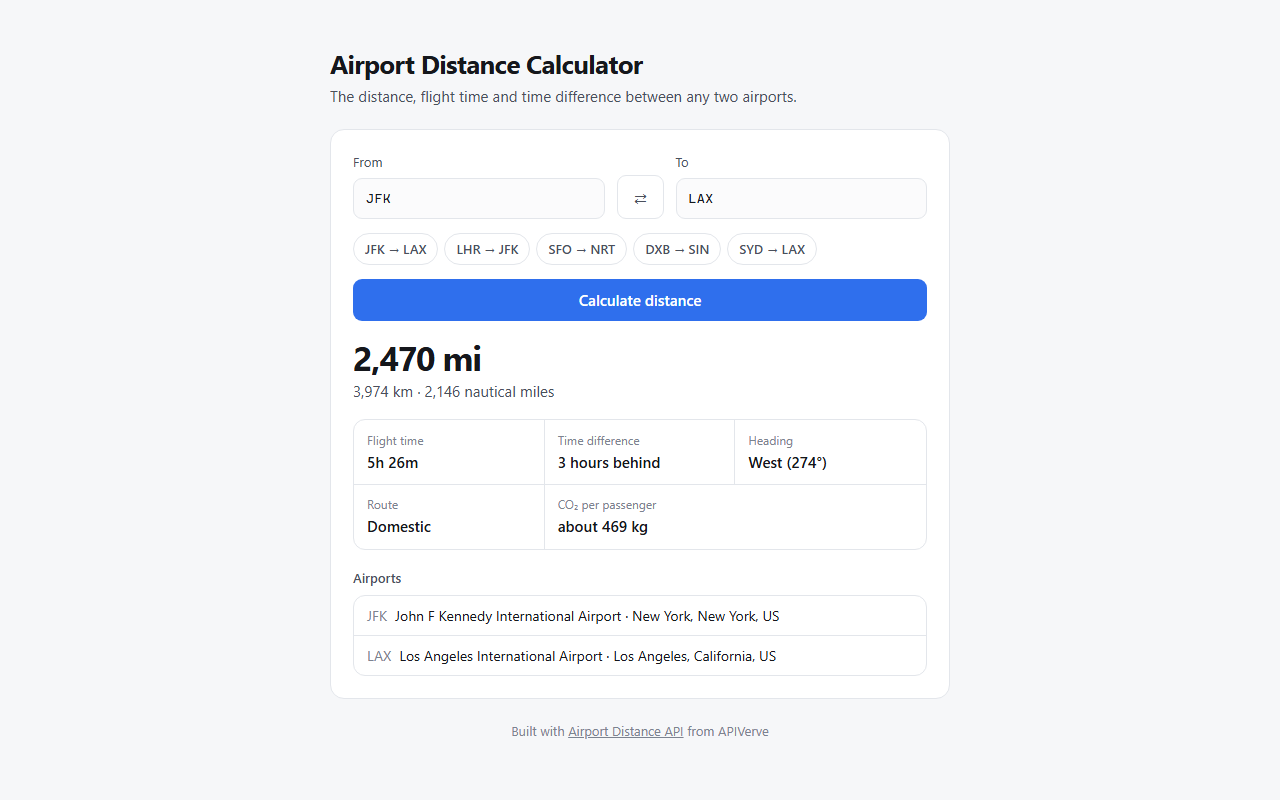
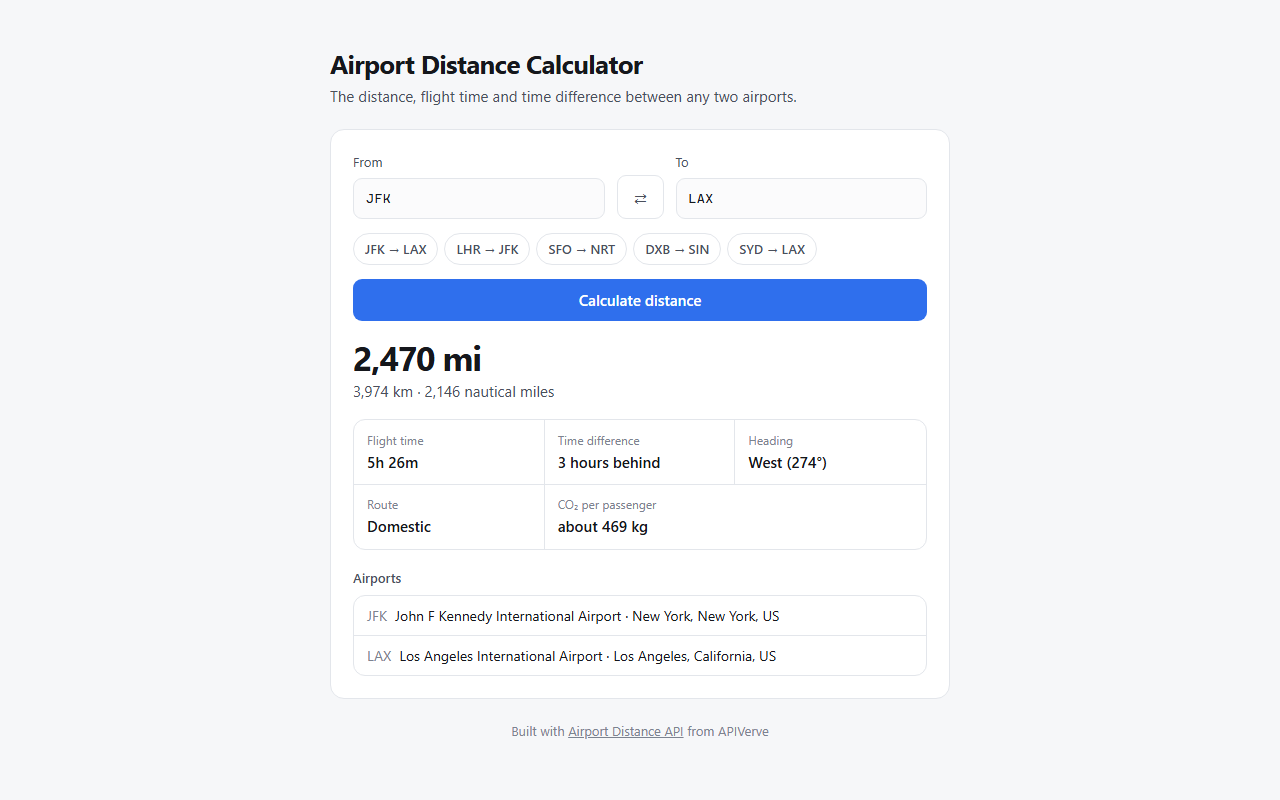
输入两个三字 IATA 机场代码,返回距离(英里/公里)与预计飞行时间
Flask工具站
airport-distance-python-tutorial — Flask 工具站模板
作者 apiverve
基于 Flask 的机场距离计算工具模板,通过三字 IATA 代码查询两座机场之间的距离与预计飞行时间,同时提供网页界面和命令行脚本,可一键部署到 Vercel。
看看你的网站会是什么样
浏览真实页面截图,比较内容排版与手机效果。点击下方缩略图切换,放大查看整页细节。
目前有 1 张原始预览,可打开完整图片查看设计细节。
截图用于了解视觉与布局,交互效果请以实际项目为准。
采集于 2026-10-01查看来源
值得关注的模板亮点
从已有项目资料中,快速了解它的特点。
同时提供 Flask 网页界面和 python distance.py 命令行工具
API Key 保存在服务端,浏览器端不会接触密钥
支持一键部署到 Vercel,app.py 转为 Python 函数,public/ 由 CDN 提供
页面使用原生 HTML/CSS/JavaScript,无框架、无构建步骤
模板详细介绍
该模板是一个 Python + Flask 的机场距离计算器,输入两个机场的三字 IATA 代码,即可获取两地之间的距离(英里与公里)以及预计飞行时间。项目同时提供网页应用和命令行工具:网页版由 public/index.html 调用 GET /api/distance 接口,命令行版通过 python distance.py JFK LAX 运行,两者共用同一份 .env 配置。
服务端逻辑集中在 app.py 与 apiverve.py:先校验两个代码均为 3 个字母,再携带 API Key 调用 APIVerve 的 Airport Distance 接口,API Key 保留在服务端,不会下发到浏览器。页面按实际返回字段渲染,免费计划下部分字段为空时会被省略。
使用前需要自行注册 APIVerve 并配置 APIVERVE_API_KEY。仓库内置的速率限制保存在内存中,在无服务器多实例之间不共享;README 建议在生产场景下改用共享存储(如 Upstash Redis)、增加自有登录,或仅从自己的后端调用该路由。项目采用 MIT 许可,依赖仅为 flask 与 requests,页面使用原生 HTML/CSS/JavaScript,无构建步骤。
Flask工具站
适合你的项目吗?
适用场景
- 在航班搜索或预订页面中展示两地机场之间的距离
- 为差旅报告估算行程里程或碳排放参考数据
- 作为学习 Flask 路由与第三方 API 调用的示例项目
- 通过命令行快速查询两个机场代码之间的距离
适合人群
- 需要机场距离与飞行时间查询功能的开发者
- 希望以 Flask 小项目学习 API 集成与 Vercel 部署的初学者
- 需要在网页或命令行中快速查询 IATA 代码距离的轻量场景
上手与定制指南
结合仓库当前版本的说明,按下面的资料检查内容、配置与运行要求。
- 1
需先注册 APIVerve 获取 API Key,并写入 .env 的 APIVERVE_API_KEY
- 2
本地运行:创建虚拟环境后 pip install -r requirements.txt,再执行 python app.py,访问 http://localhost:3000
- 3
命令行用法:python distance.py JFK LAX,不带参数时会提示输入
- 4
部署到 Vercel 时需在环境变量中提供 APIVERVE_API_KEY
- 5
内置速率限制为每访客每分钟 10 次且保存在内存中,生产使用前应改为共享存储或增加访问控制
授权与来源资料
使用条件与限制
免费使用 · 保留许可声明本次收录的是公开仓库中采用 MIT 许可的免费版本;免费范围为该版本代码,不代表外部服务或第三方素材免费。
使用时需要遵守
- 允许免费使用、修改、商用和分发该版本代码。
- 分发代码副本或实质性部分时,保留原作者版权声明和完整 MIT 许可声明。
- 代码按现状提供;担保与责任限制以原许可证及适用法律为准。
额外费用与待核对事项
- 使用该模板必须注册 APIVerve 并配置 APIVERVE_API_KEY,否则网页与命令行均无法调用机场距离接口。
- 免费计划下部分响应字段(如某些距离或飞行时间数据)会返回空值,完整字段需付费计划。
- 内置速率限制为每访客每分钟 10 次,仅适合演示用途。
- 速率限制保存在内存中,无服务器多实例之间不共享,生产环境需改用共享存储。
- 生产部署建议自行增加登录鉴权,否则任何访问者都会消耗你的 API Key 配额。
- 生产环境建议将速率限制迁移到 Upstash Redis 等共享存储,可能产生外部服务费用。
- 也可仅从自有后端调用该路由,以避免公开暴露 API Key 配额。
- 项目资料提及可选付费版本或功能;本次仅收录公开免费代码,不包含付费升级。
- 演示图片、字体、图标及其他第三方素材需按各自许可核对,不能仅凭代码的 MIT 许可判断。
- 域名、托管、数据库、支付或 AI 等外部服务可能另外收费。
查看原文依据
Permission is hereby granted, free of charge
许可证原文
This template needs an APIVerve API key.
README 原文
Some response fields are for paid plans and come back empty on the free plan.
README 原文
Each visitor can make 10 requests a minute, which is fine for a demo.
README 原文
The limit is kept in memory, so it isn't shared between serverless instances.
README 原文
Put the page behind your own sign-in, or
README 原文
Move the limit to a shared store such as [Upstash Redis](https://upstash.com/), or
README 原文
https://github.com/apiverve/airport-distance-python-tutorial/blob/main/LICENSEhttps://github.com/apiverve/airport-distance-python-tutorial/blob/main/README.mdCall the route only from your own backend.
README 原文
DeepSeek 根据仓库许可证和 README 整理 ·2026-10-01。结果仅覆盖已读取资料,依赖、图片、字体及后续条款变更以各自原文为准。
项目核对记录与介绍依据
模板资料
- 来源平台
- GitHub
- 资料与维护参考分
- 资料较完整 · 80 / 100
- 技术栈
- Flask
- 网站类型
- 工具站
这个分数如何计算
本站按许可资料(最高30分)、演示链接(12分)、预览图(10分)、Star数(15分)、记录的维护时间(15分)、描述完整度(8分)、功能记录(5分)和分类资料(5分)计算。它不是代码、安全或性能测试,也不是 Google 评分;有链接不代表已实测可用。
这个项目需要核对什么
- 记录的仓库更新时间
- 2026-09-19
- 截图检查日期
- 2026-10-01
已收录演示链接。请用你的内容与屏幕尺寸检查;有演示不代表表单、认证或支付已经可用。
目录记录的主要技术栈是 Flask。请通过依赖清单和锁文件核对实际版本与托管要求。这些说明基于收录资料,不代表代码审计或部署实测。
查看具体选型方法 →介绍的制作与核对状态
介绍由 AI 辅助整理目录与仓库资料。仓库作者不等于这篇介绍的审核者。
已完成服务器许可规则与 AI 来源核对;未经过人工编辑审核。
查看当时使用的来源资料
SHA-256: c605ed2ea506a29bae323c5c60fd1840307d10a4e797011c7397479110c8d2a0
2026-10-01T02:44:49.593Z
来源文件 / 仓库# Airport Distance Calculator | APIVerve Template
[](LICENSE)
[](requirements.txt) [](app.py)
[](https://apiverve.com/marketplace/airportdistance?utm_source=github&utm_medium=template&utm_campaign=airport-distance-python-tutorial)
The distance and flight time between any two airports, from their 3-letter codes. A web app you can deploy, and a command-line tool.
[](https://vercel.com/new/clone?repository-url=https%3A%2F%2Fgithub.com%2Fapiverve%2Fairport-distance-python-tutorial&project-name=airport-distance&repository-name=airport-distance&env=APIVERVE_API_KEY&envDescription=Your%20APIVerve%20API%20key.%20Free%20to%20create%2C%20no%20card%20needed.&envLink=https%3A%2F%2Fdashboard.apiverve.com%2Fsignup%3Fapi%3Dairportdistance%26utm_source%3Dvercel%26utm_medium%3Dtemplate%26utm_campaign%3Dairport-distance-python-tutorial)
---
### Get your free API key
This template needs an APIVerve API key. **[Sign up free](https://dashboard.apiverve.com/signup?api=airportdistance&utm_source=github&utm_medium=template&utm_campaign=airport-distance-python-tutorial)**, no credit card required.
---
## Deploy in one click
Click **Deploy with Vercel** above. Vercel copies this repo to your GitHub account, asks for your `APIVERVE_API_KEY`, and gives you a live URL about a minute later.
## Run it locally
1. **Clone the repository**
```bash
git clone https://github.com/apiverve/airport-distance-python-tutorial.git
cd airport-distance-python-tutorial
```
2. **Install the dependencies**
```bash
python -m venv .venv
source .venv/bin/activate # Windows: .venv\Scripts\activate
pip install -r requirements.txt
```
3. **Add your API key**
```bash
cp .env.example .env
```
Then open `.env` and set `APIVERVE_API_KEY`.
4. **Start it**
```bash
python app.py
```
5. **Open** `http://localhost:3000`
`python app.py` serves the page and the API route together, so you don't need the Vercel CLI.
## Use it from the command line
```bash
python distance.py JFK LAX
```
Run it with no arguments to be prompted instead. It reads the same `.env` as the web app.
## How it works
1. The page (`public/index.html`) calls `GET /api/distance?from=JFK&to=LAX`.
2. `app.py` checks both codes are 3 letters, then calls Airport Distance. Your API key stays on the server and never reaches the browser.
3. The page shows the result.
```
├── app.py # Flask app: the /api/distance route, which holds your key
├── apiverve.py # Shared by app.py and distance.py: the key, the APIVerve call, the rate limit
├── distance.py # The command-line version
├── public/ # The page: index.html, app.js, ui.js, style.css
├── requirements.txt # flask, requests
├── .python-version # 3.12, for Vercel
└── .env.example # Copy to .env and add your key
```
### The API call
```python
res = requests.get(
'https://api.apiverve.com/v1/airportdistance',
params={'iata1': 'JFK', 'iata2': 'LAX'},
headers={'x-api-key': os.environ['APIVERVE_API_KEY']},
)
data = res.json()['data']
# data['distanceMiles'], data['distanceKm'], data['estimatedFlightTime']
```
Some response fields are for paid plans and come back empty on the free plan. The page shows whatever it gets and leaves the rest out, so it works on every plan.
## Before you share your URL
Once deployed, anyone who finds your URL can use it on your API key. Each visitor can make 10 requests a minute, which is fine for a demo. The limit is kept in memory, so it isn't shared between serverless instances. For production:
- Put the page behind your own sign-in, or
- Move the limit to a shared store such as [Upstash Redis](https://upstash.com/), or
- Call the route only from your own backend.
## Ideas to extend it
- Show the distance on a flight search or booking page
- Estimate travel emissions for trip reports
- Look up the airports themselves with [Airports Lookup](https://apiverve.com/marketplace/airports?utm_source=github&utm_medium=template&utm_campaign=airport-distance-python-tutorial)
## API reference
- [Airport Distance](https://apiverve.com/marketplace/airportdistance?utm_source=github&utm_medium=template&utm_campaign=airport-distance-python-tutorial): `GET https://api.apiverve.com/v1/airportdistance?iata1=&iata2=`
- [Full documentation](https://docs.apiverve.com?utm_source=github&utm_medium=template&utm_campaign=airport-distance-python-tutorial)
## Tech stack
- **Flask** for the API route, with **requests** to call APIVerve (Python 3.12)
- Plain HTML, CSS and JavaScript for the page: no framework and no build step
- Deploys to Vercel as-is: `app.py` becomes a Python function and `public/` is served from the CDN
## License
MIT. See [LICENSE](LICENSE).
看看同类模板
对比同技术栈与用途的模板,找到更适合的视觉与内容结构。
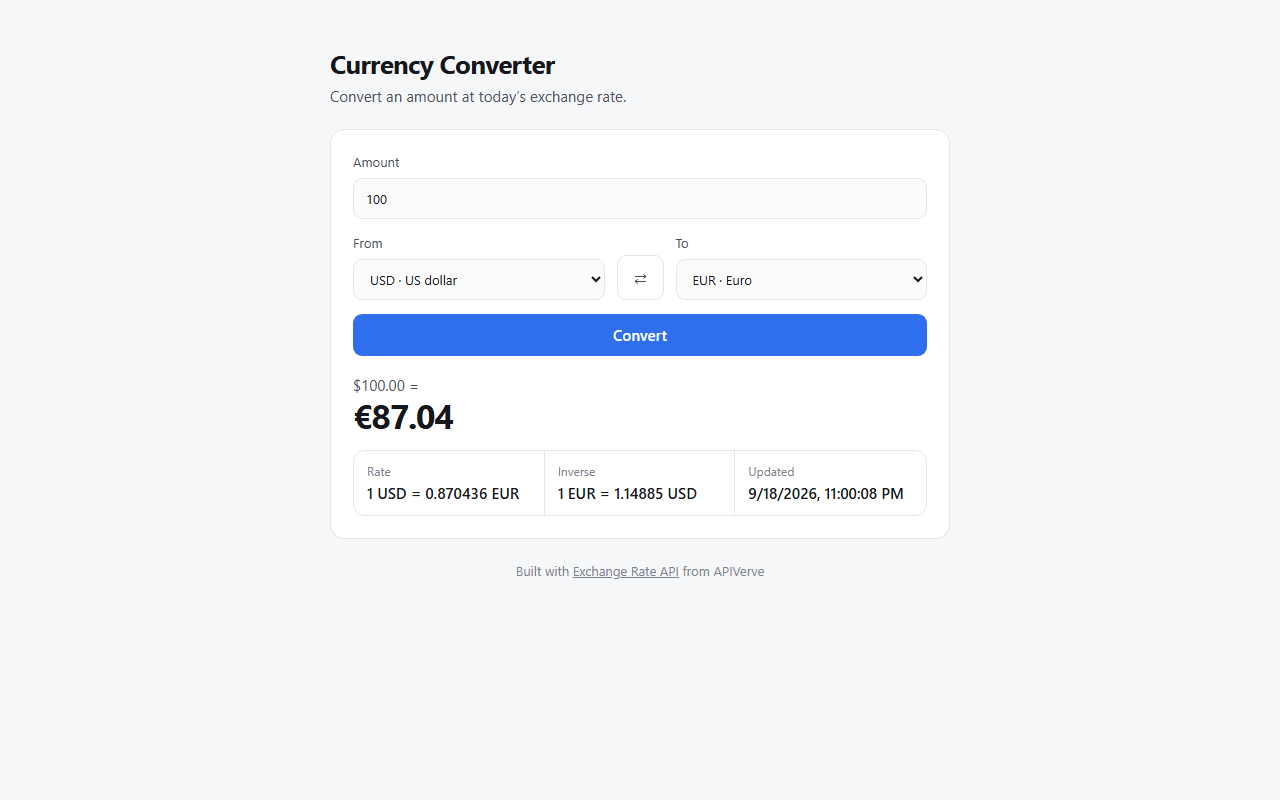
currency-converter-python-tutorial
Currency converter template in Python and Flask: convert between 21 currencies at today's rate. Deploy to Verc…
Flask · 工具站
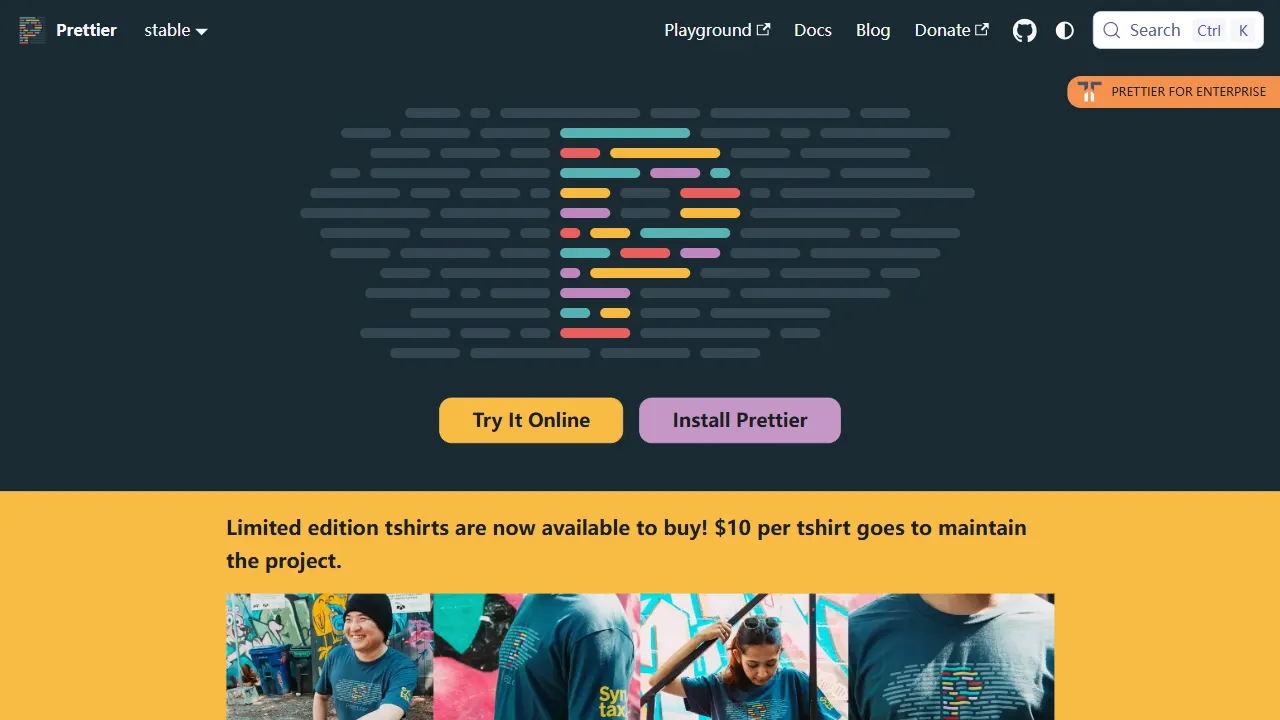
prettier
Prettier 是一个广受欢迎的开源代码格式化工具,其 GitHub 仓库本身也是一个带有真实在线演示的工具站项目。
Vue · 工具站
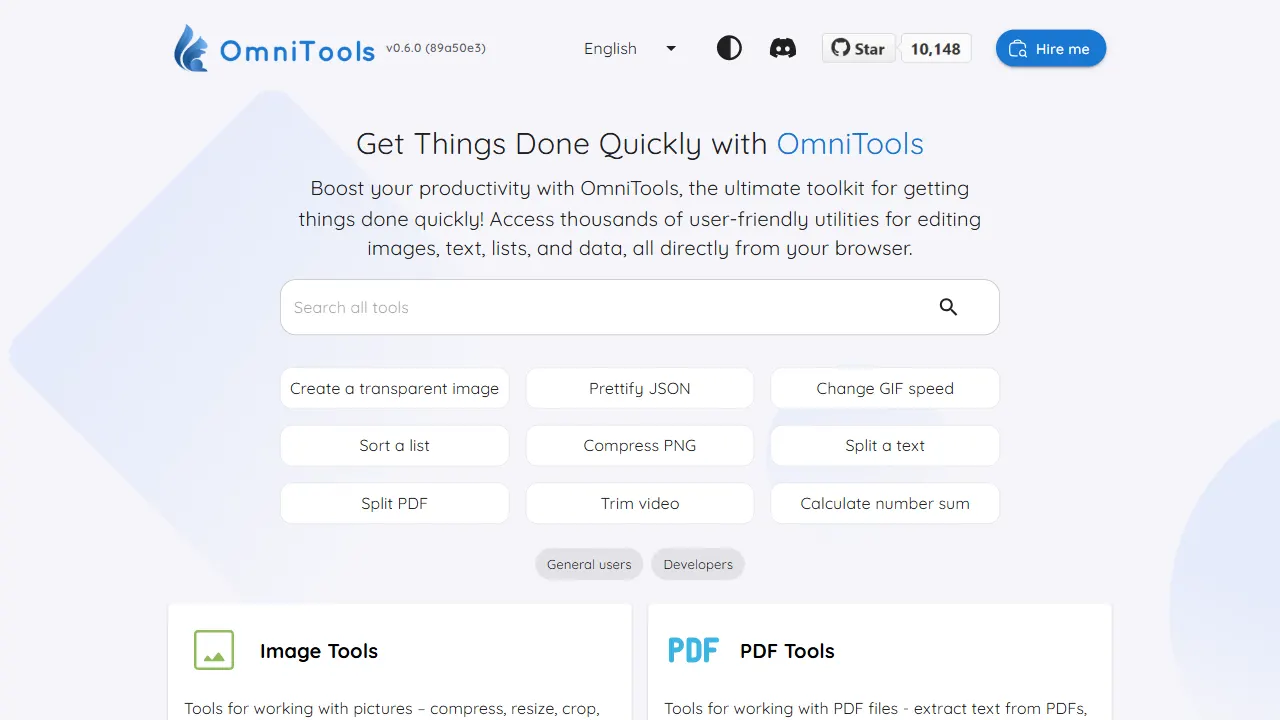
OmniTools
OmniTools 是一个基于 React 与 TypeScript 构建的自托管工具站,目标是把日常零散的小工具集中到一个界面里。
React · 工具站
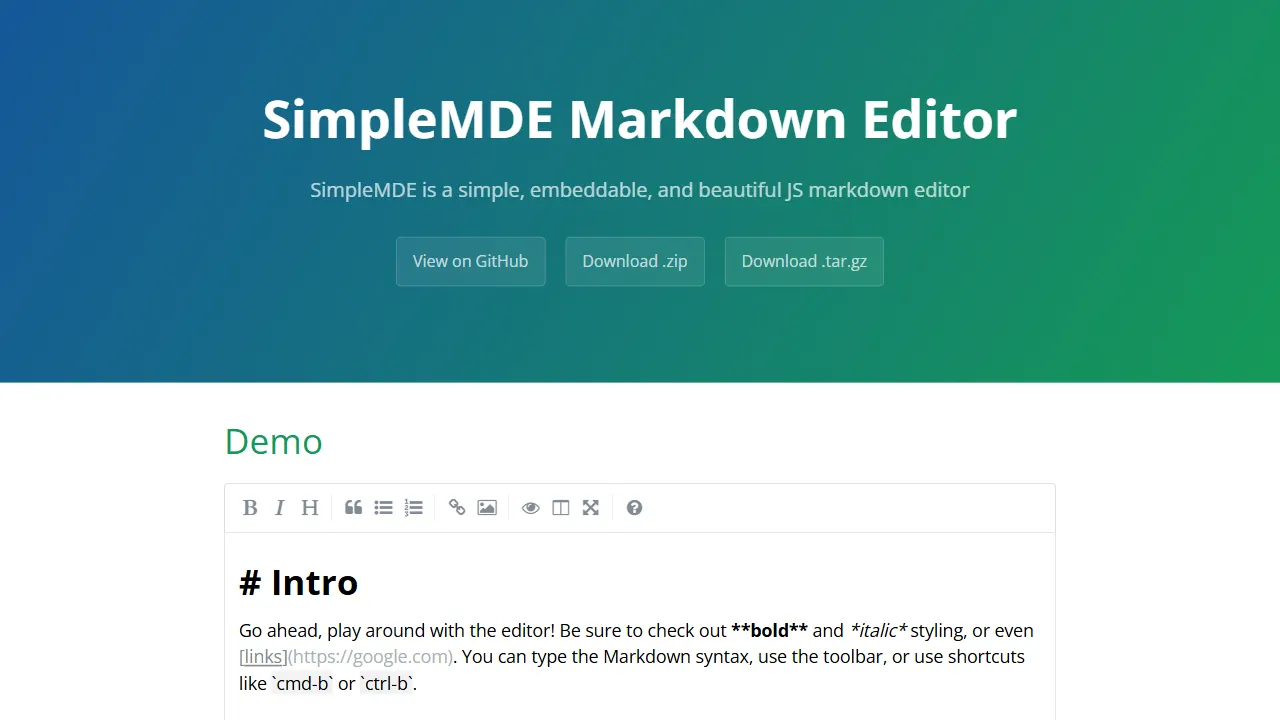
simplemde markdown editor
SimpleMDE 是一个开源的 Markdown 编辑器 JavaScript 组件,定位为 textarea 的替代品。
JavaScript · 工具站
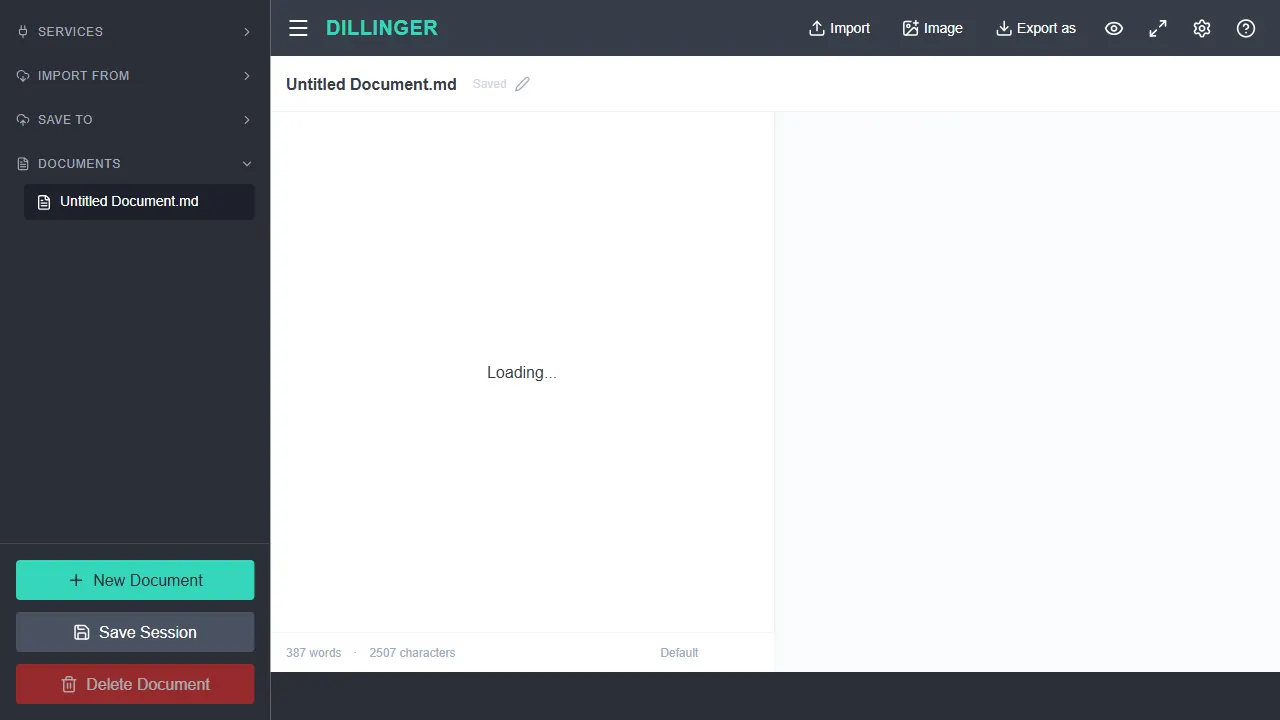
dillinger
Dillinger 是一个基于 Next.js 14 构建的 Markdown 编辑器,核心编辑能力由 Monaco Editor 提供,因此拥有接近 VS Code 的编辑体验。
TypeScript · 工具站
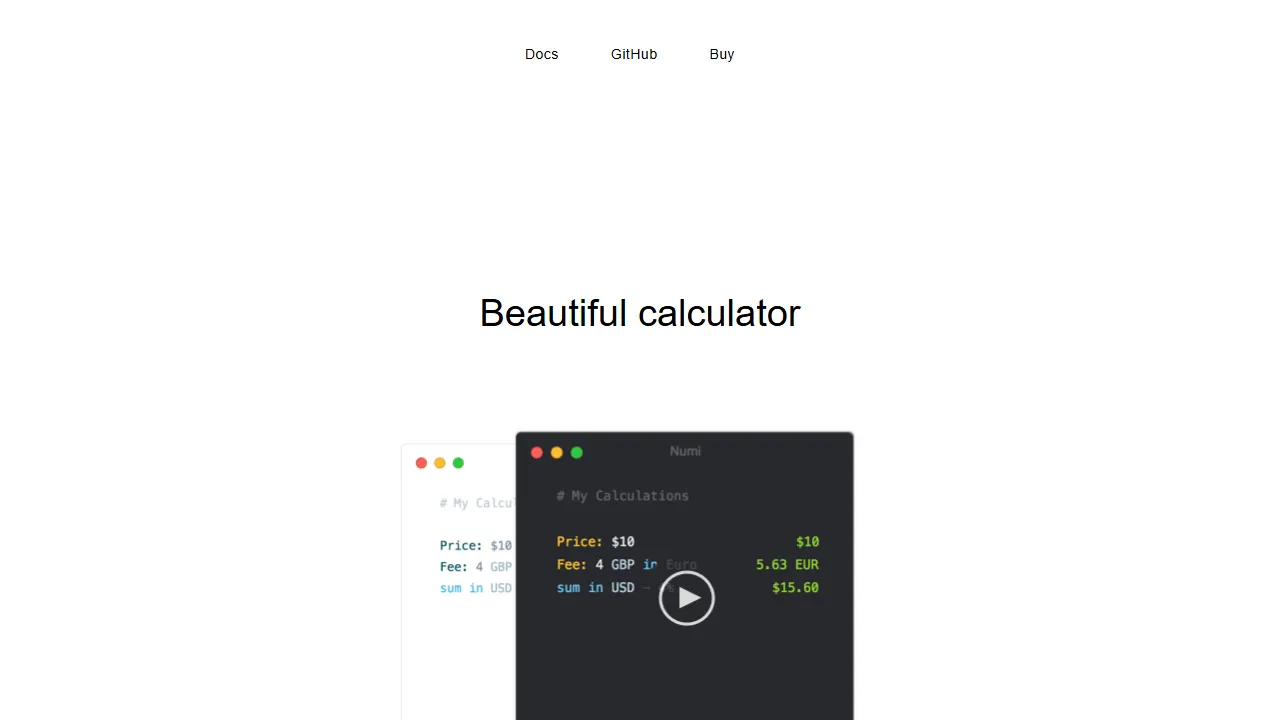
numi
numi 是一款以自然语言输入为核心的计算器工具,用户可以直接输入类似“$20 in euro - 5% discount”或“today + 2 weeks”这样的描述,系统会即时解析并返回结果。
JavaScript · 工具站