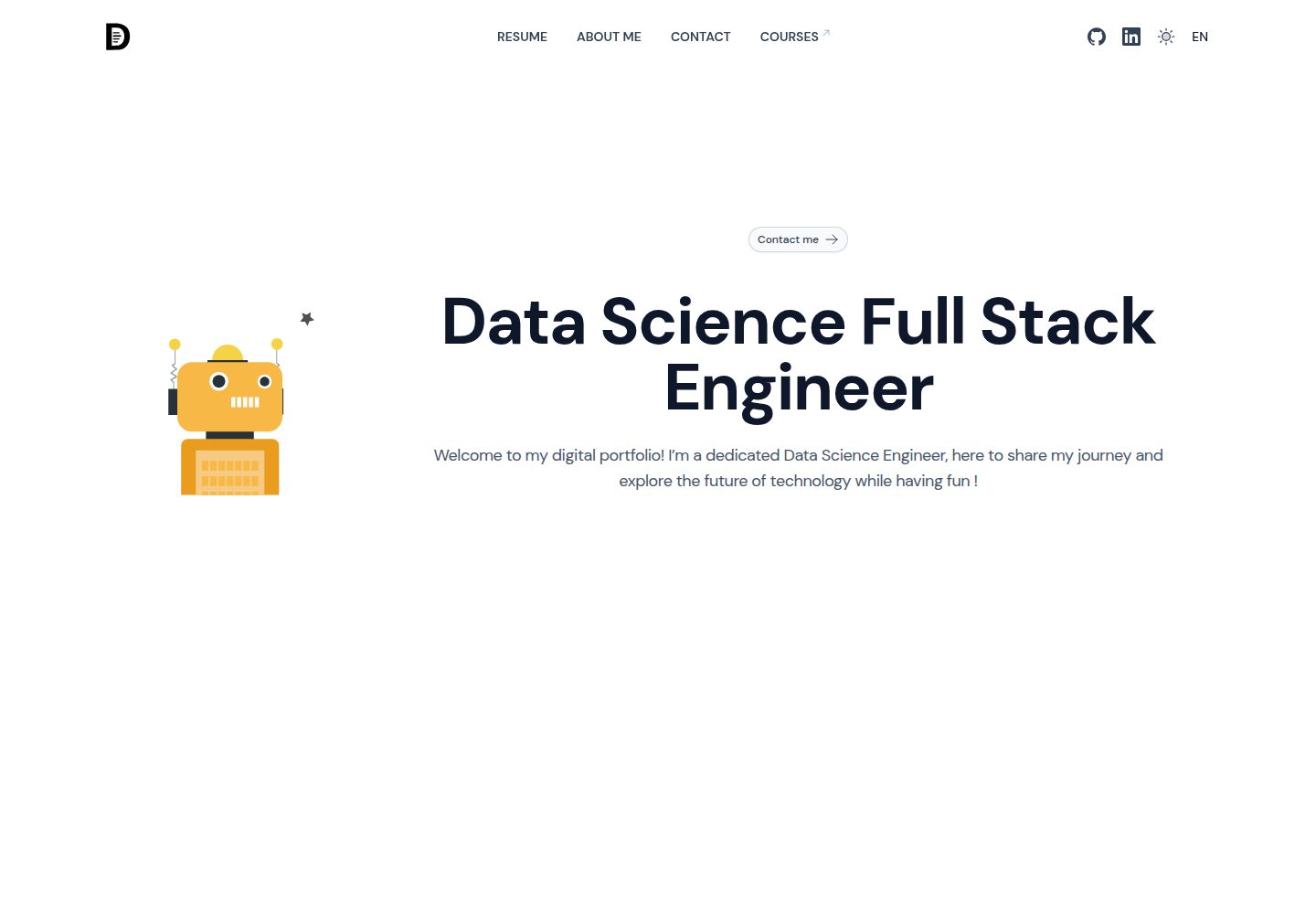
Nuxt 简历作品集模板,附带在线演示站点
NuxtVue作品集工具站
ai-resume-portfolio — Nuxt 作品集模板
作者 bdallard
基于 Nuxt 的简历作品集模板,内置由 Groq LLM 驱动的求职信生成功能,并集成 Minio 图片管理、Typebot 聊天机器人与 Lottiefiles 动画。
看看你的网站会是什么样
浏览真实页面截图,比较内容排版与手机效果。点击下方缩略图切换,放大查看整页细节。
全部页面与视图 3
截图用于了解视觉与布局,交互效果请以实际项目为准。
采集于 2026-10-02查看来源
值得关注的模板亮点
从已有项目资料中,快速了解它的特点。
集成 Groq LLM,用于生成个性化求职信
使用 Minio 管理并展示技术图标等静态图片
通过 Typebot 接入可自定义的交互式聊天机器人
使用 Lottiefiles 动画增强页面表现
代码采用 MIT 许可,可修改、商用与分发
模板详细介绍
这是一个用 Nuxt 构建的简历作品集模板,用于以现代视觉形式展示个人技能与经历。除常规作品集页面外,它还包含一个 LLM 网页应用,可根据求职申请生成个性化求职信。模板在技术层面依赖 Groq LLM 提供生成能力,使用 Minio 管理并分发技术图标等静态图片,通过 Typebot 接入可配置的交互式聊天机器人,并借助 Lottiefiles 添加动画。仓库采用 MIT 许可,免费范围限于该版本代码本身;演示图片、字体、图标等第三方素材以及域名、托管、数据库、AI 等外部服务需另行核对许可与费用。
Nuxt作品集工具站
适合你的项目吗?
适用场景
- 搭建个人简历与作品集网站,集中展示技能和经历
- 在求职流程中按职位生成定制化求职信
- 为作品集页面加入聊天机器人与动画等交互元素
- 以 Minio 或 public 目录管理并展示技术栈图标等图片
适合人群
- 熟悉 Nuxt 并希望快速搭建个人简历作品集的开发者
- 需要 LLM 求职信生成能力的求职者
- 愿意自行配置 Groq、Minio、Typebot 等外部服务的用户
上手与定制指南
结合仓库当前版本的说明,按下面的资料检查内容、配置与运行要求。
- 1
克隆仓库后使用 yarn、npm 等包管理器安装依赖,配置 .env 并运行开发命令启动
- 2
使用求职信生成功能需注册 Groq 账号、创建 API Key 并写入 .env,可选配置 nuxt.config.ts 中的限流模块
- 3
Minio 需按官方文档搭建实例,填写 .env.example 中的环境变量并接入静态文件;也可修改 ImageGrid.vue 改为从 public 目录直接加载图片
- 4
Typebot 需搭建服务,在 plugins/typebot.client.js 中填写机器人配置并集成到 nuxt.config.ts
- 5
动画可从 Lottiefiles 选取免费资源,参照 contact.vue 或 index.vue 的用法加入页面
授权与来源资料
使用条件与限制
免费使用 · 保留许可声明本次收录的是公开仓库中采用 MIT 许可的免费版本;免费范围为该版本代码,不代表外部服务或第三方素材免费。
使用时需要遵守
- 允许免费使用、修改、商用和分发该版本代码。
- 分发代码副本或实质性部分时,保留原作者版权声明和完整 MIT 许可声明。
- 代码按现状提供;担保与责任限制以原许可证及适用法律为准。
额外费用与待核对事项
- 使用求职信生成功能需注册 Groq 账号并创建 API Key,属于外部服务依赖,可能产生费用或受其条款约束。
- 图片管理依赖自行搭建的 Minio 实例,需额外部署与运维外部服务。
- 交互式聊天机器人需自行搭建 Typebot 服务并填写配置,属于外部服务依赖。
- 动画素材需从 Lottiefiles 获取,其许可与费用需自行核对,不包含在 MIT 代码许可内。
- 演示图片、字体、图标及其他第三方素材需按各自许可核对,不能仅凭代码的 MIT 许可判断。
- 域名、托管、数据库、支付或 AI 等外部服务可能另外收费。
查看原文依据
Permission is hereby granted, free of charge
许可证原文
Sign up for a [Groq](https://groq.com) account.
README 原文
Follow the official Minio documentation to set up your instance
README 原文
Set up your [Typebot](https://typebot.io/) server.
README 原文
https://github.com/bdallard/ai-resume-portfolio/blob/main/LICENSEhttps://github.com/bdallard/ai-resume-portfolio/blob/main/README.mdexplore free options available on [Lottiefiles](https://lottiefiles.com/)
README 原文
DeepSeek 根据仓库许可证和 README 整理 ·2026-10-02。结果仅覆盖已读取资料,依赖、图片、字体及后续条款变更以各自原文为准。
项目核对记录与介绍依据
模板资料
- 来源平台
- GitHub
- 资料与维护参考分
- 资料一般 · 73 / 100
- 技术栈
- Nuxt · Vue
- 网站类型
- 作品集 · 工具站
这个分数如何计算
本站按许可资料(最高30分)、演示链接(12分)、预览图(10分)、Star数(15分)、记录的维护时间(15分)、描述完整度(8分)、功能记录(5分)和分类资料(5分)计算。它不是代码、安全或性能测试,也不是 Google 评分;有链接不代表已实测可用。
这个项目需要核对什么
- 记录的仓库更新时间
- 2024-09-20
- 截图检查日期
- 2026-10-02
已收录演示链接。请用你的内容与屏幕尺寸检查;有演示不代表表单、认证或支付已经可用。
目录记录的主要技术栈是 Nuxt。请通过依赖清单和锁文件核对实际版本与托管要求。这些说明基于收录资料,不代表代码审计或部署实测。
查看具体选型方法 →介绍的制作与核对状态
介绍由 AI 辅助整理目录与仓库资料。仓库作者不等于这篇介绍的审核者。
已完成服务器许可规则与 AI 来源核对;未经过人工编辑审核。
查看当时使用的来源资料
SHA-256: 5725bac81536d8a01d664f3367fdcfd478ba31d6229d2f6e7f567a9d21abb3e6
2026-10-02T21:23:52.295Z
来源文件 / 仓库# AI Resume Portfolio This template portfolio is designed to showcase your skills and experience in a modern, visually appealing format. It comes with a Large Language Model (LLM) web application that generates personalized cover letters tailored to your job applications 😎 The template leverages Groq LLM, Minio for static asset management, Typebot for interactive chatbots, and Lottiefiles for animations. [Live demo here](https://dallard.tech/) ## Features - **LLM Integration:** Generate cover letters with ease using Groq LLM. - **Image Management:** Easily manage and display your tech logos and other images with Minio. - **Interactive Chatbot:** Enhance user experience with a customizable chatbot. - **Animations:** Bring your portfolio to life with animations from Lottiefiles. --- ## Set Up Guide ### 1. Groq LLM To utilize the cover letter generation feature, you need to set up Groq LLM: 1. Sign up for a [Groq](https://groq.com) account. 2. Create an API key. 3. Add the API key to your `.env` file. 4. (Optional) Set up the rate limiter module in the `nuxt.config.ts` ### 2. Minio Minio is used in this template to manage and serve static images, such as technology logos: 1. Follow the official Minio documentation to set up your instance [here](https://github.com/minio/minio-js). 2. Edit the `.env.example` file with your Minio environment variables. 3. Plug in your static files accordingly. You can further customize the Minio integration by editing the `minio.ts` and `images.ts` server files located in `server/api`. > **Note:** If you prefer not to use Minio, you can modify the `ImageGrid.vue` component to load images directly from the `public` directory in your Nuxt application. ### 3. Typebot For adding a custom, highly configurable chatbot: 1. Set up your [Typebot](https://typebot.io/) server. 2. Edit the `plugins/typebot.client.js` file with your bot's configuration. 3. Integrate it into your `nuxt.config.ts` file. ### 4. Animations To incorporate animations, explore free options available on [Lottiefiles](https://lottiefiles.com/). You can easily add these animations to your portfolio like you can see in the `contact.vue` or `index.vue` page. --- ## Installation Follow these steps to set up and run the project: 1. Clone the repository. 2. Install dependencies using your preferred package manager (`yarn`, `npm`, etc.). Example with `yarn`: ``` yarn install ``` 3. Edit your `.env` file and start the development server with: ``` yarn dev ``` --- ## Contributing Contributions are welcome! If you have ideas for features, improvements, or bug fixes, feel free to submit an issue/pull request. ## License This project is licensed under the MIT License. --- Feel free to tweak any section to better match your style or preferences. Happy coding 🚀
看看同类模板
对比同技术栈与用途的模板,找到更适合的视觉与内容结构。

canvas
Portfolio template made with Nuxt 3, Nuxt Content v3, NuxtUI v3 and TailwindCSS v4
Nuxt · 作品集
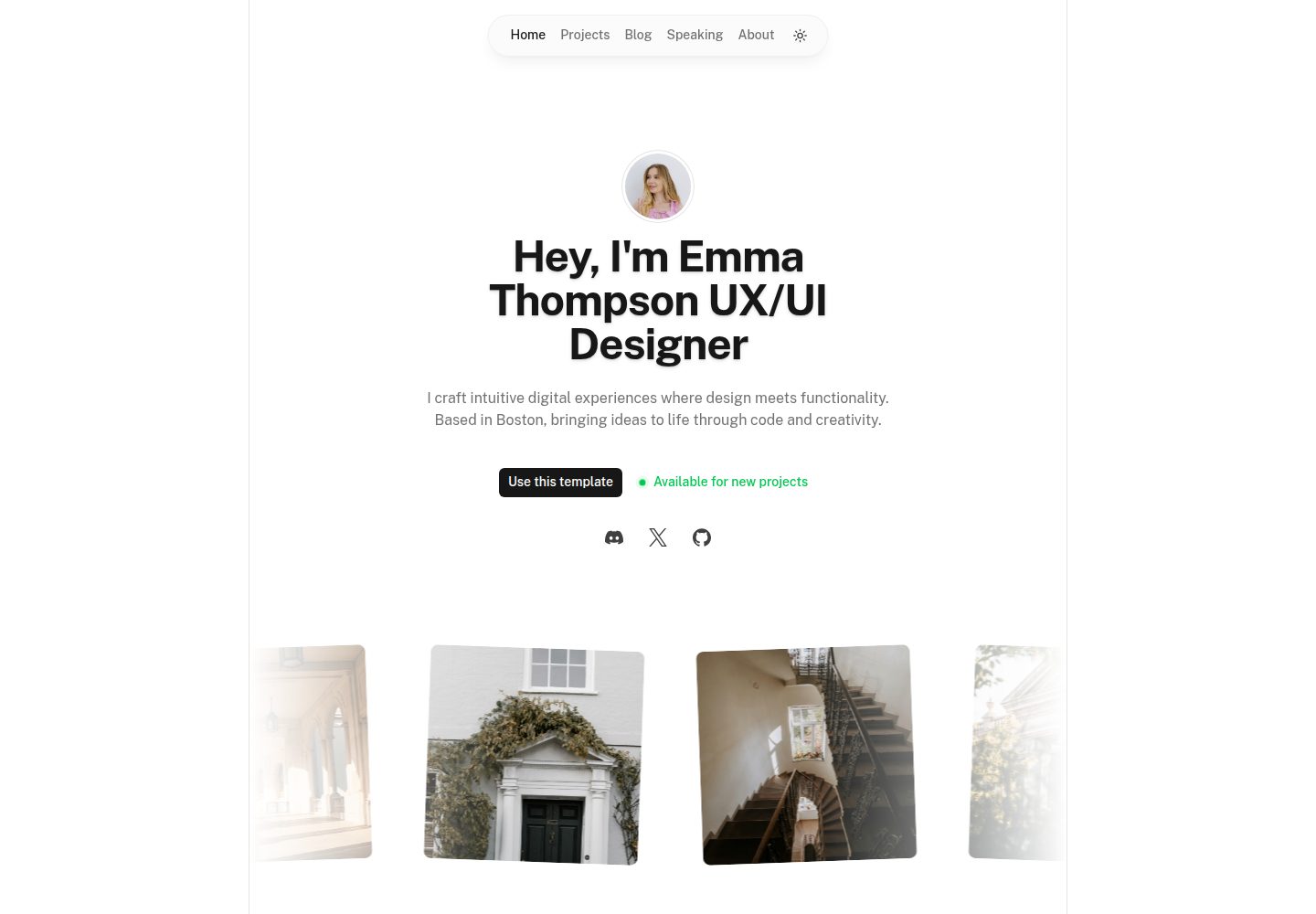
portfolio
Nuxt Portfolio Template made with Nuxt UI and Nuxt Content.
Nuxt · 作品集
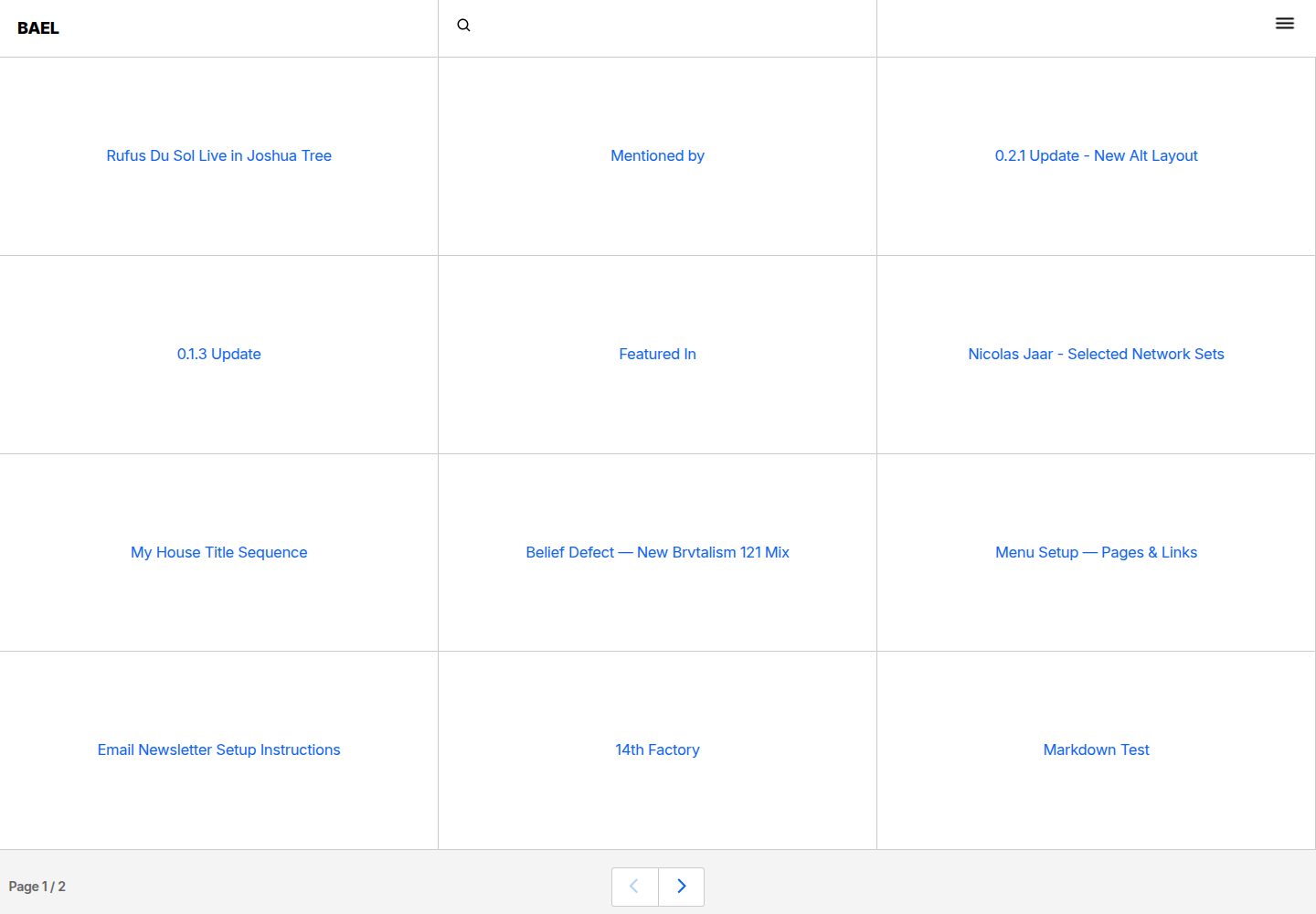
bael-template
Brutalist Blog theme for Netlify CMS
Nuxt · 博客

bloggrify
Run a blog from Markdown files. Themes, SEO, analytics, newsletter and comments preconfigured. Like Docus, but…
Nuxt · 博客
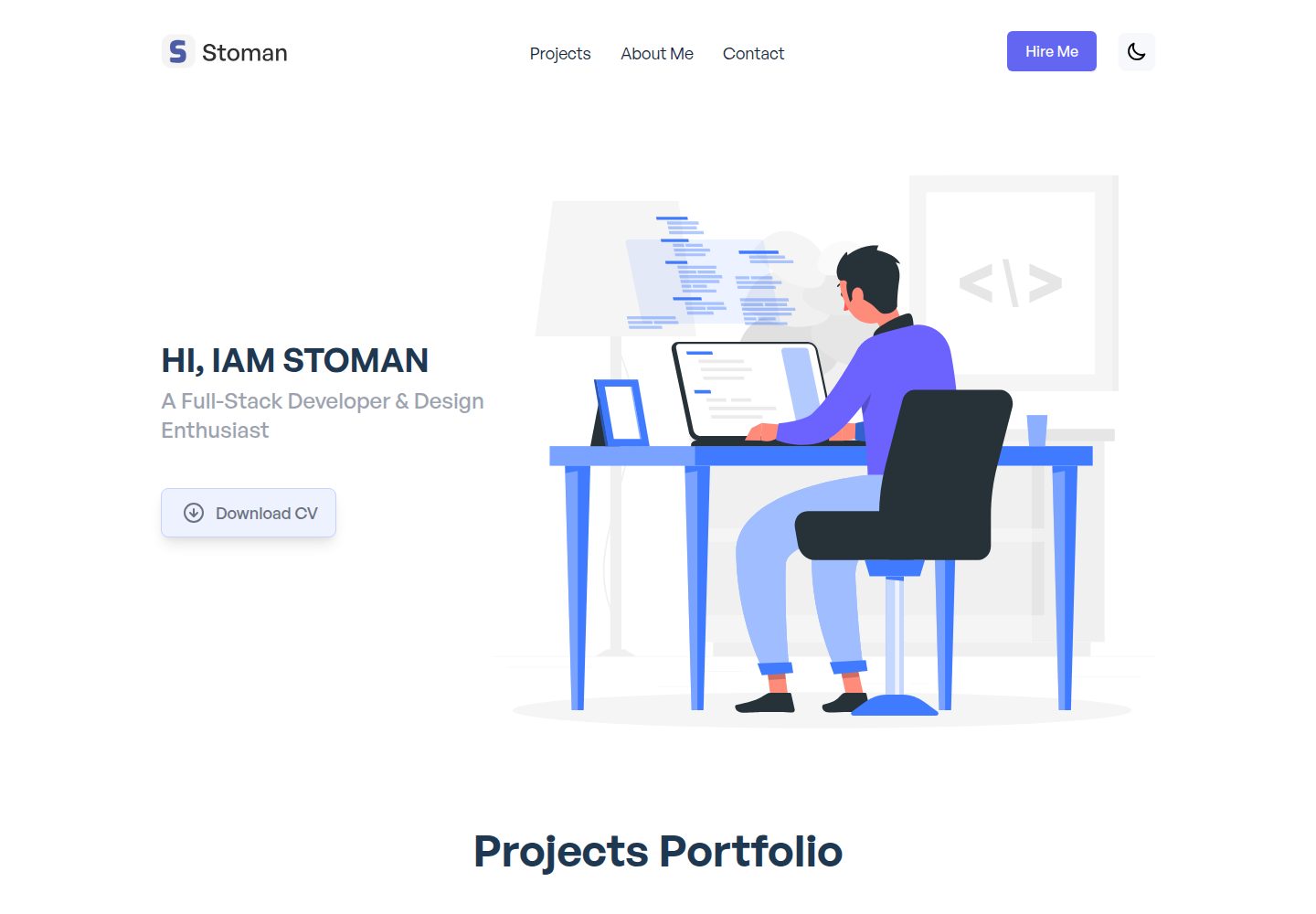
nuxtjs-tailwindcss-portfolio
Nuxt.js & Tailwind CSS version of the portfolio project.
Nuxt · 作品集
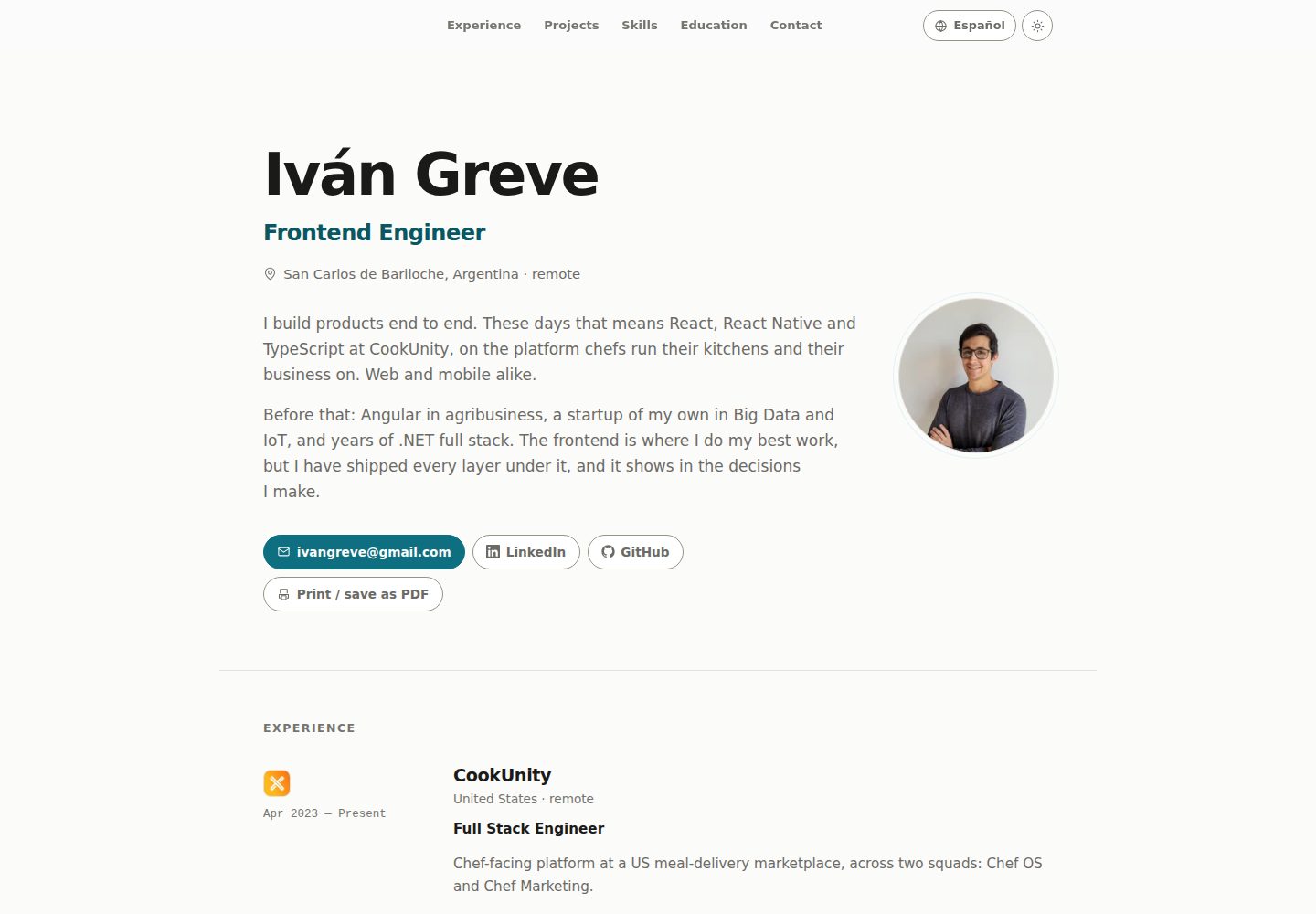
nuxt-resume
Personal resume template, VueJs + Nuxt
Nuxt · 作品集