
基于 al-folio 与 Jekyll 构建,采用以个人资料为核心的响应式学术布局,支持浅色与深色主题
Jekyll作品集
academic-signature — Jekyll 作品集模板
作者 BhattHarshit
Academic Signature 是一个基于 al-folio 与 Jekyll 的学术网站模板,采用以个人资料为核心的布局,支持浅色与深色主题,通过 YAML 与 Markdown 文件管理个人信息、论文、教学、项目与新闻等内容。
看看你的网站会是什么样
浏览真实页面截图,比较内容排版与手机效果。点击下方缩略图切换,放大查看整页细节。
全部页面与视图 3
截图用于了解视觉与布局,交互效果请以实际项目为准。
采集于 2026-10-15查看来源
值得关注的模板亮点
从已有项目资料中,快速了解它的特点。
通过 Jekyll Scholar 集成 BibTeX 论文列表,并提供适合较长学术记录的紧凑论文与教学视图
提供全站搜索,支持匹配高亮与键盘导航
CV 支持两种展示方式:嵌入官方 PDF,或使用 RenderCV 生成网页版 CV 并同时提供下载与打开 PDF
包含数学公式、图表、响应式图片、仓库卡片、RSS、站点地图、SEO/OpenGraph 与评论等功能
提供自动化验证与 GitHub Pages 部署流程
模板详细介绍
Academic Signature 是一个构建在 al-folio 和 Jekyll 之上的学术网站模板,采用以个人资料为核心的页面设计。README 说明其内容通过若干约定目录维护:姓名、所属机构、链接、站点 URL 与 CV 设置放在 `_data/profile.yml`,主页与主要页面位于 `_pages/`,论文使用 `_bibliography/papers.bib`,教学、项目、新闻分别放在 `_teachings/`、`_projects/`、`_news/`,笔记或博客放在 `_posts/`,网页版 CV 使用 `_data/cv.yml`,头像与官方 CV 分别放在 `assets/img/profile.png` 和 `assets/pdf/`。
模板的 CV 展示可在 `_data/cv.yml` 中配置:`website_view` 设为 `false` 时嵌入官方 PDF 并显示 Download CV;设为 `true` 时显示网页版 CV,并提供 Download CV 与 Open PDF。README 还列出响应式个人资料布局、浅色与深色主题、基于 Jekyll Scholar 的 BibTeX 论文列表、紧凑的论文与教学视图、全站搜索(含高亮匹配与键盘导航)、数学公式、图表、响应式图片、仓库卡片、RSS、站点地图、SEO/OpenGraph 与评论等功能。
部署方面,README 的快速开始步骤为:在 GitHub 上使用该模板创建名为 `your_Github_username.github.io` 的新仓库,在 Settings → Pages 中将 Source 设为 GitHub Actions,修改并提交 `data/profile.yml`,站点即可通过 `https://your_Github_username.github.io/` 访问。README 未说明除 GitHub Pages 之外的其他部署方式,也未提供依赖清单中的具体版本号。
Jekyll作品集
适合你的项目吗?
适用场景
- 学者或研究人员搭建个人学术主页,集中展示个人资料、论文、教学与项目
- 需要同时提供官方 PDF 简历与网页版 CV 的学术个人站点
- 以 BibTeX 维护论文列表、并希望获得紧凑论文与教学视图的学术记录展示
- 希望通过 GitHub Actions 自动部署到 GitHub Pages 的个人站点
适合人群
- 使用 GitHub 并希望以模板方式快速创建学术个人主页的学者与研究人员
- 已用 BibTeX 管理论文、需要 Jekyll Scholar 集成展示的学术用户
- 需要浅色与深色主题、全站搜索及 SEO/OpenGraph 支持的学术站点作者
- 希望用 YAML 与 Markdown 文件维护站点内容、而非依赖数据库或后台管理系统的用户
上手与定制指南
结合仓库当前版本的说明,按下面的资料检查内容、配置与运行要求。
- 1
在 GitHub 上点击 Use this template,创建名为 `your_Github_username.github.io` 的新仓库
- 2
在仓库 Settings → Pages 的 Build and deployment 中,将 Source 设为 GitHub Actions
- 3
修改并提交 `data/profile.yml`,或通过 Actions → Deploy Hugo site to GitHub Pages → Run workflow 手动触发部署
- 4
站点发布后可通过 `https://your_Github_username.github.io/` 访问
- 5
按需编辑 `data/profile.yml`、`data/cv.yml` 及 `assets/` 中的资料,并参考 README 表格更新各内容目录
授权与来源资料
使用条件与限制
免费使用 · 保留许可声明本次收录的是公开仓库中采用 MIT 许可的免费版本;免费范围为该版本代码,不代表外部服务或第三方素材免费。
使用时需要遵守
- 允许免费使用、修改、商用和分发该版本代码。
- 分发代码副本或实质性部分时,保留原作者版权声明和完整 MIT 许可声明。
- 代码按现状提供;担保与责任限制以原许可证及适用法律为准。
额外费用与待核对事项
- 演示图片、字体、图标及其他第三方素材需按各自许可核对,不能仅凭代码的 MIT 许可判断。
- 域名、托管、数据库、支付或 AI 等外部服务可能另外收费。
查看原文依据
https://github.com/BhattHarshit/academic-signature/blob/main/LICENSEhttps://github.com/BhattHarshit/academic-signature/blob/main/README.mdPermission is hereby granted, free of charge
许可证原文
DeepSeek 根据仓库许可证和 README 整理 ·2026-10-15。结果仅覆盖已读取资料,依赖、图片、字体及后续条款变更以各自原文为准。
项目核对记录与介绍依据
模板资料
- 来源平台
- GitHub
- 资料与维护参考分
- 资料较完整 · 80 / 100
- 技术栈
- Jekyll
- 网站类型
- 作品集
这个分数如何计算
本站按许可资料(最高30分)、演示链接(12分)、预览图(10分)、Star数(15分)、记录的维护时间(15分)、描述完整度(8分)、功能记录(5分)和分类资料(5分)计算。它不是代码、安全或性能测试,也不是 Google 评分;有链接不代表已实测可用。
这个项目需要核对什么
- 记录的仓库更新时间
- 2026-10-14
- 截图检查日期
- 2026-10-15
已收录演示链接。请用你的内容与屏幕尺寸检查;有演示不代表表单、认证或支付已经可用。
目录记录的主要技术栈是 Jekyll。请通过依赖清单和锁文件核对实际版本与托管要求。这些说明基于收录资料,不代表代码审计或部署实测。
查看具体选型方法 →介绍的制作与核对状态
介绍由 AI 辅助整理目录与仓库资料。仓库作者不等于这篇介绍的审核者。
审核声明: codex-user-requested-batch-review-20261015 · 2026-10-15
查看当时使用的来源资料
SHA-256: 3803a6c91e323f57e99fc0619e6108953e67316799972a27dd0fc0bfff004dd0
2026-10-15T01:40:05.648Z
来源文件 / 仓库# Academic Signature
An academic website template build on [al-folio](https://github.com/alshedivat/al-folio) and [Jekyll](https://jekyllrb.com/) with a distinct profile-led design!
<p align="center">
<a href="https://bhattharshit.github.io/academic-signature/">
<img src="assets/img/demo.gif" alt="Academic Signature website demo" width="900">
</a>
</p>
<p align="center">
<a href="https://bhattharshit.github.io/academic-signature/"><strong>View Live Demo →</strong></a>
</p>
## Quick start
1. Create a GitHub account if you don't have one and login with that.
2. Click **Use this template** on the top right corner.
3. Create a **new repository** and name it: `your_Github_username.github.io`
4. Open **Settings → Pages** and under **Build and deployment**, set **Source** to **GitHub Actions**.
5. Edit `data/profile.yml` slightly and commit changes. (OR, Open **Actions → Deploy Hugo site to GitHub Pages → Run workflow**.)
6. Your website will be available at: `https://your_Github_username.github.io/`
7. Edit `data/profile.yml` and `data/cv.yml` to update your information and update your data inside `assets/`.
## What you normally edit
| Content | Location |
|---|---|
| Name, affiliation, links, site URL, CV settings | `_data/profile.yml` |
| Home and main pages | `_pages/` |
| Publications | `_bibliography/papers.bib` |
| Teaching | `_teachings/` |
| Projects | `_projects/` |
| News | `_news/` |
| Notes/blog | `_posts/` |
| Web CV | `_data/cv.yml` |
| Profile image | `assets/img/profile.png` |
| Official CV | `assets/pdf/` |
### CV display
```yaml
cv:
pdf: /assets/pdf/demo-cv.pdf
website_view: false
```
- `false` embeds the official PDF and shows **Download CV**.
- `true` shows the web CV and provides **Download CV** and **Open PDF**.
## Highlights
- responsive profile-led academic layout with light and dark themes
- BibTeX publications with Jekyll Scholar
- compact publication and teaching views for longer academic records
- full-site search with highlighted matches and keyboard navigation
- embedded PDF CV or RenderCV-based web CV
- math, diagrams, charts, responsive images, repository cards, RSS, sitemap, SEO/OpenGraph, and comments
- automated validation and GitHub Pages deployment
## Contributing
Contributions are welcome. For substantial features or design changes, please open an issue first.
See [`.github/CONTRIBUTING.md`](.github/CONTRIBUTING.md) for the contribution workflow.
## Credits
Academic Signature directly builds on or uses:
- [al-folio](https://github.com/alshedivat/al-folio) — academic website foundation and plugin ecosystem, MIT License.
- [Jekyll](https://github.com/jekyll/jekyll) — static site generator, MIT License.
- [Jekyll Scholar](https://github.com/inukshuk/jekyll-scholar) — BibTeX bibliography integration, MIT License.
- [RenderCV](https://github.com/rendercv/rendercv) — optional web CV rendering, MIT License.
- [Font Awesome Free](https://github.com/FortAwesome/Font-Awesome) and [Academicons](https://github.com/jpswalsh/academicons) — interface and academic icons under their respective open-source licenses.
See [`NOTICE.md`](NOTICE.md) for attribution and license notes. Other dependencies are declared in the repository configuration files.
## Author and license
Academic Signature is created and maintained by [Harshit Bhatt](https://bhattharshit.github.io/).
The project is released under the MIT License. See [`LICENSE`](LICENSE) and [`NOTICE.md`](NOTICE.md). GitHub also reads [`CITATION.cff`](CITATION.cff) and provides a **Cite this repository** option.
看看同类模板
对比同技术栈与用途的模板,找到更适合的视觉与内容结构。

al-folio
al-folio 是一个面向学者与研究人员的 Jekyll 作品集主题,设计简洁、响应式,适合搭建个人学术主页。
Jekyll · 作品集

minimal-mistakes
:triangular_ruler: Jekyll theme for building a personal site, blog, project documentation, or portfolio.
Jekyll · 作品集

Beautiful Jekyll
Beautiful Jekyll 是一个在 Jekyll 生态中经过长期打磨的博客主题,由 Dean Attali 维护,自 2015 年起积累了超过 5 万用户。
Jekyll · 博客

So Simple
So Simple 是 Michael Rose 开发的 Jekyll 主题,定位清晰:为文字和图片提供一个干净、可读性强的展示框架。
Jekyll · 博客
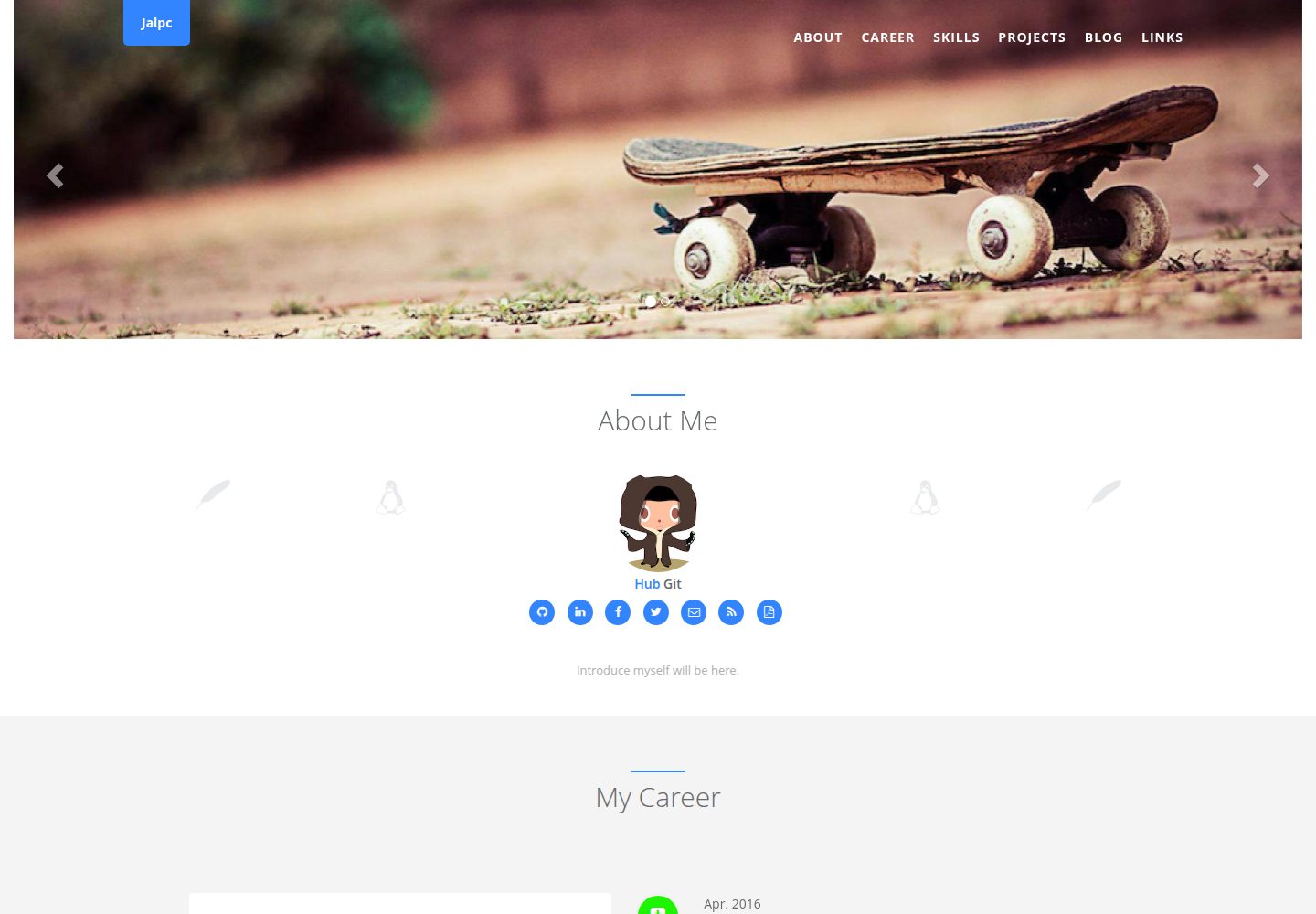
Jalpc
🍎Jalpc -- A flexible Jekyll theme, 3 steps to build your website.
Jekyll · 作品集
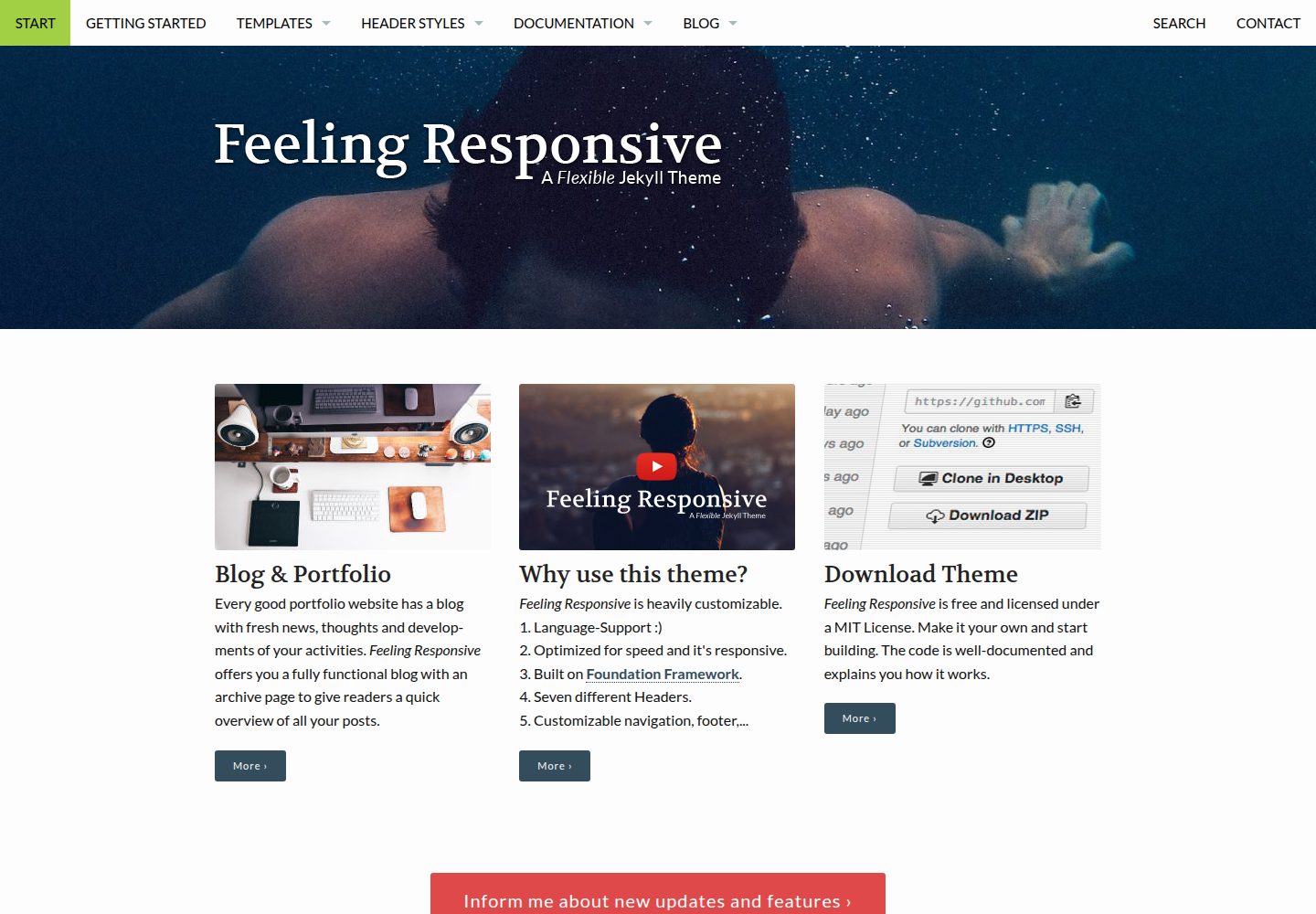
feeling-responsive
»Feeling Responsive« is a free flexible theme for Jekyll built on Foundation framework. You can use it for you…
Jekyll · 作品集