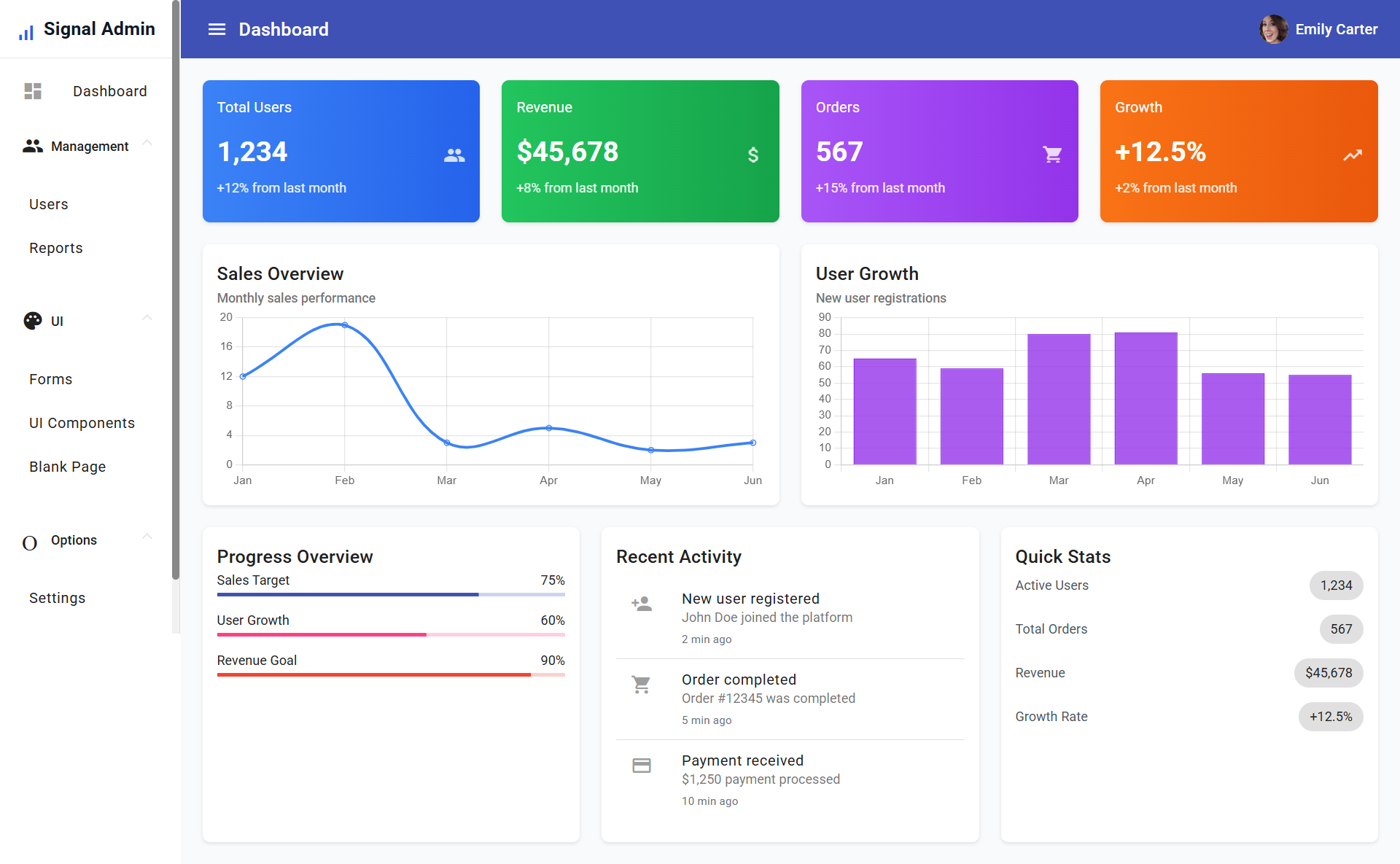
使用 Angular 与 Angular Material 构建,配合 Tailwind CSS 处理样式
Angular后台
signal-admin — Angular 后台模板
作者 codebangla
Signal Admin 是一个基于 Angular 与 Angular Material 的免费后台管理模板,包含登录页、仪表盘、用户管理与表单示例,使用 json-server 提供开发用模拟接口。
看看你的网站会是什么样
浏览真实页面截图,比较内容排版与手机效果。点击下方缩略图切换,放大查看整页细节。
目前有 1 张原始预览,可打开完整图片查看设计细节。
截图用于了解视觉与布局,交互效果请以实际项目为准。
采集于 2026-10-02查看来源
值得关注的模板亮点
从已有项目资料中,快速了解它的特点。
包含登录、注册页面及路由守卫的模拟认证流程
仪表盘含指标卡片、最近活动流与快捷操作按钮
用户管理支持搜索、筛选与增删改查,并带角色状态标识
提供表单验证示例和多种 Material 组件展示页面
内置 json-server 模拟 API,提供 /users 的增删改查端点
模板详细介绍
Signal Admin 是 codebangla 在 GitHub 上发布的 Angular 后台管理模板,采用 MIT 许可。项目使用 Angular 与 Angular Material 构建界面,并以 Tailwind CSS 处理样式,整体为移动优先的响应式布局,侧边栏可折叠。
模板包含登录与注册页面,通过路由守卫和模拟认证控制访问;仪表盘提供指标卡片、最近活动流和快捷操作按钮;用户管理模块支持列表搜索、筛选以及增删改查操作,并带有角色状态标识与头像展示。此外还提供表单验证示例和多种 Material 组件展示页面。
开发环境使用 json-server 作为模拟 API,提供 /users 的 GET、POST、PUT、DELETE 端点,数据来自 assets/mock-api 下的模拟数据。README 给出的演示账号为 [email protected] / admin123。项目结构按 core(模型、服务、守卫)、features(dashboard、user、admin)、layouts(auth-layout、main-layout)、pages(login、signup)和 shared 划分,组件均为 standalone 形式。
需要注意,认证与数据接口均为模拟实现,并非生产级后端;预览图来自 README,演示图片、字体、图标等第三方素材需单独核对许可。
Angular后台
适合你的项目吗?
适用场景
- 作为企业内部管理后台的起步模板,在此基础上添加业务模块
- 学习 Angular standalone 组件、路由守卫与 Angular Material 的示例项目
- 需要快速搭建带登录页、仪表盘和用户列表的演示原型
- 在本地使用 json-server 模拟接口进行前端功能开发与测试
适合人群
- 熟悉 Angular 并希望快速启动后台界面的开发者
- 需要 Angular Material 与 Tailwind CSS 组合示例的团队
- 寻找 MIT 许可免费后台模板用于二次开发的项目
- 用于教学或演示 Angular 管理端结构的场景
上手与定制指南
结合仓库当前版本的说明,按下面的资料检查内容、配置与运行要求。
- 1
需要 Node.js 20+ 以及 npm 或 yarn
- 2
克隆仓库后执行 npm install 安装依赖
- 3
使用 npm start 启动开发服务器,默认地址为 http://localhost:4200
- 4
另开终端执行 npm run api 启动 json-server 模拟接口
- 5
演示登录账号为 [email protected],密码为 admin123
授权与来源资料
使用条件与限制
免费使用 · 保留许可声明本次收录的是公开仓库中采用 MIT 许可的免费版本;免费范围为该版本代码,不代表外部服务或第三方素材免费。
使用时需要遵守
- 允许免费使用、修改、商用和分发该版本代码。
- 分发代码副本或实质性部分时,保留原作者版权声明和完整 MIT 许可声明。
- 代码按现状提供;担保与责任限制以原许可证及适用法律为准。
额外费用与待核对事项
- 认证为模拟实现,仅用于开发演示,并非生产级后端,不能直接用于真实登录鉴权。
- 数据接口由 json-server 模拟提供,仅用于本地开发测试,需自行替换为真实后端服务。
- 模拟 API 仅面向开发与测试用途,不构成生产环境可用的接口。
- 演示图片、字体、图标及其他第三方素材需按各自许可核对,不能仅凭代码的 MIT 许可判断。
- 域名、托管、数据库、支付或 AI 等外部服务可能另外收费。
查看原文依据
Permission is hereby granted, free of charge
许可证原文
The app includes mock authentication with the following credentials:
README 原文
The project includes a json-server setup with the following endpoints:
README 原文
https://github.com/codebangla/signal-admin/blob/main/LICENSEhttps://github.com/codebangla/signal-admin/blob/main/README.md- **Mock API**: json-server for development and testing
README 原文
DeepSeek 根据仓库许可证和 README 整理 ·2026-10-02。结果仅覆盖已读取资料,依赖、图片、字体及后续条款变更以各自原文为准。
项目核对记录与介绍依据
模板资料
- 来源平台
- GitHub
- 资料与维护参考分
- 资料一般 · 65 / 100
- 技术栈
- Angular
- 网站类型
- 后台
这个分数如何计算
本站按许可资料(最高30分)、演示链接(12分)、预览图(10分)、Star数(15分)、记录的维护时间(15分)、描述完整度(8分)、功能记录(5分)和分类资料(5分)计算。它不是代码、安全或性能测试,也不是 Google 评分;有链接不代表已实测可用。
这个项目需要核对什么
- 记录的仓库更新时间
- 2025-07-22
- 截图检查日期
- 2026-10-02
目前没有记录演示链接。请依据仓库说明在本地评估;仅凭截图无法确认交互行为。
目录记录的主要技术栈是 Angular。请通过依赖清单和锁文件核对实际版本与托管要求。这些说明基于收录资料,不代表代码审计或部署实测。
查看具体选型方法 →介绍的制作与核对状态
介绍由 AI 辅助整理目录与仓库资料。仓库作者不等于这篇介绍的审核者。
已完成服务器许可规则与 AI 来源核对;未经过人工编辑审核。
查看当时使用的来源资料
SHA-256: eb0e951aff4f9b8e8e17d617035fdf66c530ab5aed6099ce2a9e5e09958e4501
2026-10-02T11:03:11.473Z
来源文件 / 仓库 # Signal Admin Panel A modern admin panel built with Angular 20, Angular Material, and TailwindCSS. Features a responsive design with collapsible sidebar, user management, forms, and UI components. ## Features - **Modern Stack**: Angular 20 with standalone components and lazy loading - **UI Framework**: Angular Material with TailwindCSS for styling - **Responsive Design**: Mobile-first approach with collapsible sidebar - **Authentication**: Mock login/signup with route guards - **User Management**: CRUD operations with search and filtering - **Form Components**: Comprehensive form examples with validation - **UI Components**: Showcase of various Material Design components - **Mock API**: json-server for development and testing ## Project Structure ``` src/ ├── app/ │ ├── core/ │ │ ├── models/ # Data models │ │ ├── services/ # Core services │ │ └── guards/ # Route guards │ ├── features/ │ │ ├── dashboard/ # Dashboard feature │ │ ├── user/ # User management │ │ └── admin/ # Admin features │ ├── layouts/ │ │ ├── auth-layout/ # Authentication layout │ │ └── main-layout/ # Main app layout │ ├── pages/ │ │ ├── login/ # Login page │ │ └── signup/ # Signup page │ └── shared/ # Shared components ├── assets/ │ └── mock-api/ # Mock API data └── environments/ # Environment configs ``` ## Getting Started ### Prerequisites - Node.js 20+ - npm or yarn ### Installation 1. Clone the repository: ```bash git clone https://github.com/codebangla/signal-admin.git cd signal-admin ``` 2. Install dependencies: ```bash npm install ``` 3. Start the development server: ```bash npm start ``` 4. Start the mock API server (in a separate terminal): ```bash npm run api ``` The application will be available at `http://localhost:4200` ## Available Scripts - `npm start` - Start development server - `npm run build` - Build for production - `npm run api` - Start json-server mock API - `npm run test` - Run unit tests - `npm run lint` - Run ESLint ## Authentication The app includes mock authentication with the following credentials: - **Email**: [email protected] - **Password**: admin123 ## Features Overview ### Dashboard - Overview cards with key metrics - Recent activity feed - Quick action buttons ### User Management - User list with search and filtering - Add/Edit/Delete operations - Role-based status indicators - Avatar support ### Forms - Comprehensive form examples - Validation patterns - Various input types (text, email, select, date, etc.) - Form submission handling ### UI Components - Buttons, cards, chips - Progress indicators - Badges and icons - Lists and tabs - Expansion panels ## Mock API The project includes a json-server setup with the following endpoints: - `GET /users` - Get all users - `GET /users/:id` - Get user by ID - `POST /users` - Create new user - `PUT /users/:id` - Update user - `DELETE /users/:id` - Delete user ## Styling The project uses: - **TailwindCSS 3.4.0** for utility classes - **Angular Material** for components - **Custom CSS** for specific styling needs ## Development ### Adding New Features 1. Create feature folder in `src/app/features/` 2. Add routes to appropriate layout 3. Create standalone components 4. Add to navigation if needed ### Component Structure All components are standalone and follow this pattern: ```typescript @Component({ selector: "app-component-name", standalone: true, imports: [ /* Material modules */ ], template: `/* Inline template */`, }) export class ComponentName {} ``` ## Deployment 1. Build the application: ```bash npm run build ``` 2. Deploy the `dist/signal-admin` folder to your hosting provider. ## Contributing 1. Fork the repository 2. Create a feature branch 3. Make your changes 4. Submit a pull request ## License This project is licensed under the MIT License.
看看同类模板
对比同技术栈与用途的模板,找到更适合的视觉与内容结构。
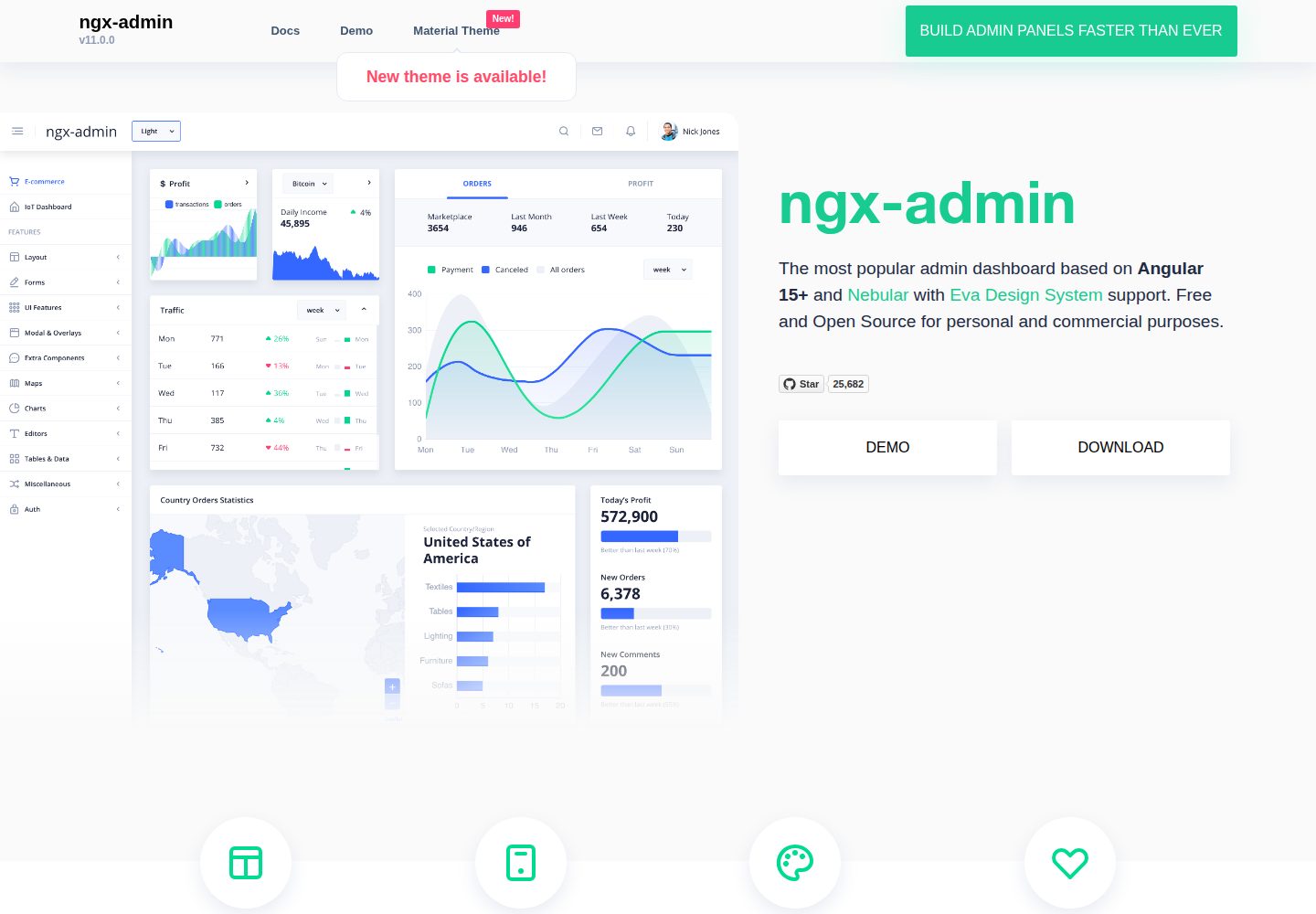
ngx-admin
Customizable admin dashboard template based on Angular 10+
Angular · 后台
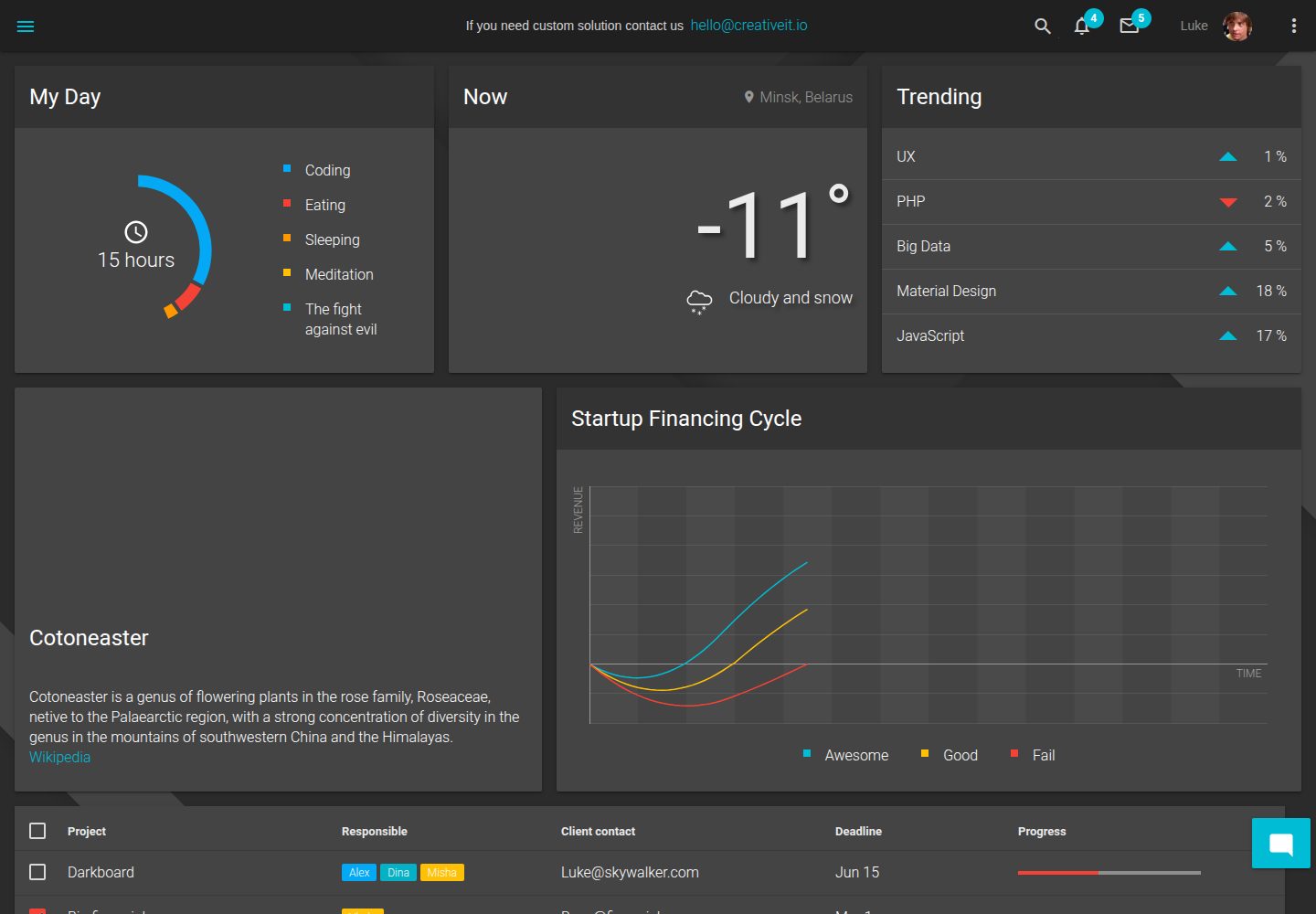
material-angular-dashboard
Material Angular Admin Template
Angular · 后台
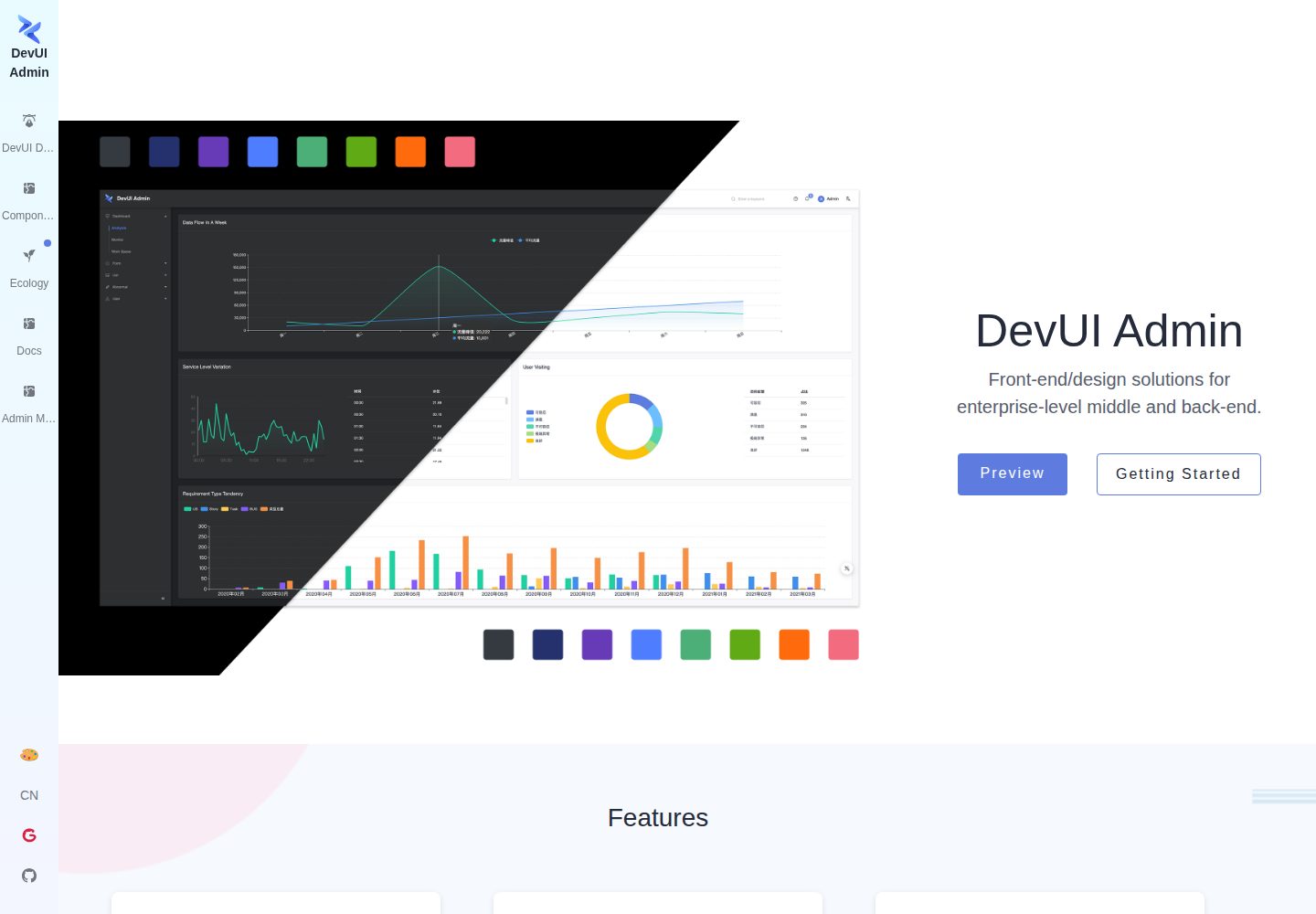
ng-devui-admin
Customizable admin dashboard template based on Angular and DevUI
Angular · 后台
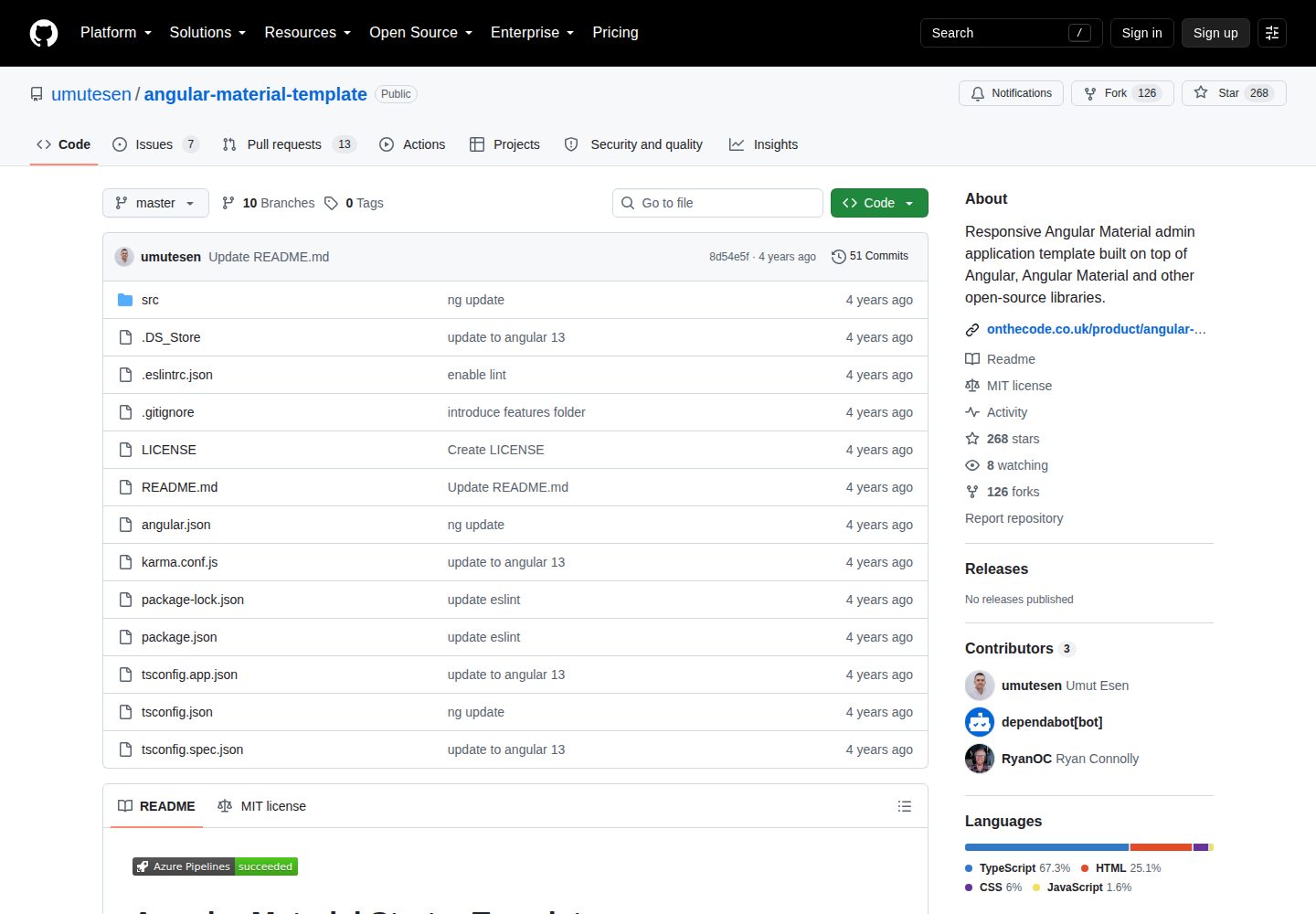
angular-material-template
Responsive Angular Material admin application template built on top of Angular, Angular Material and other ope…
Angular · 后台
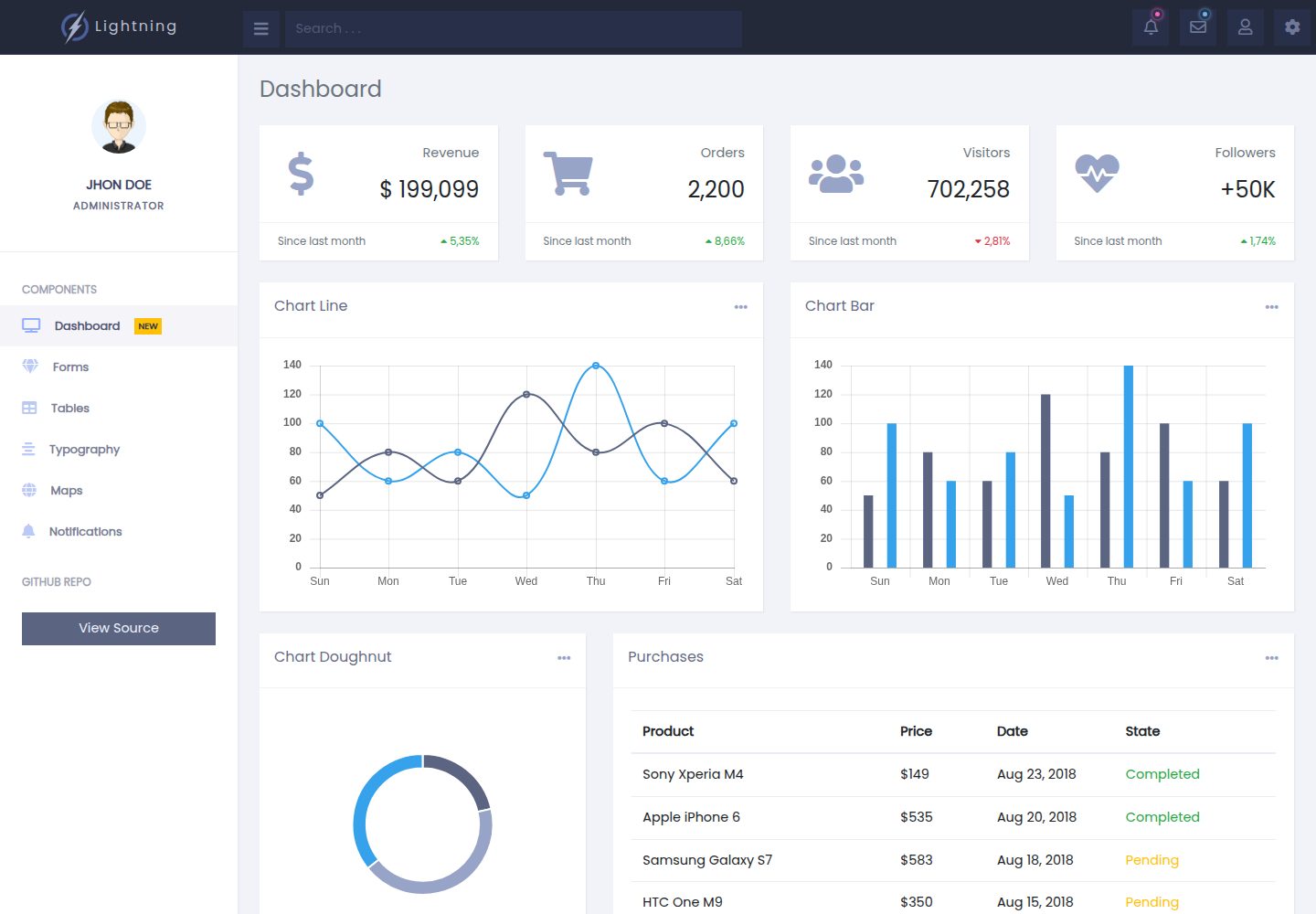
lightning-admin-angular
A mobile first design of a responsive admin template built with angular and bootstrap
Angular · 后台
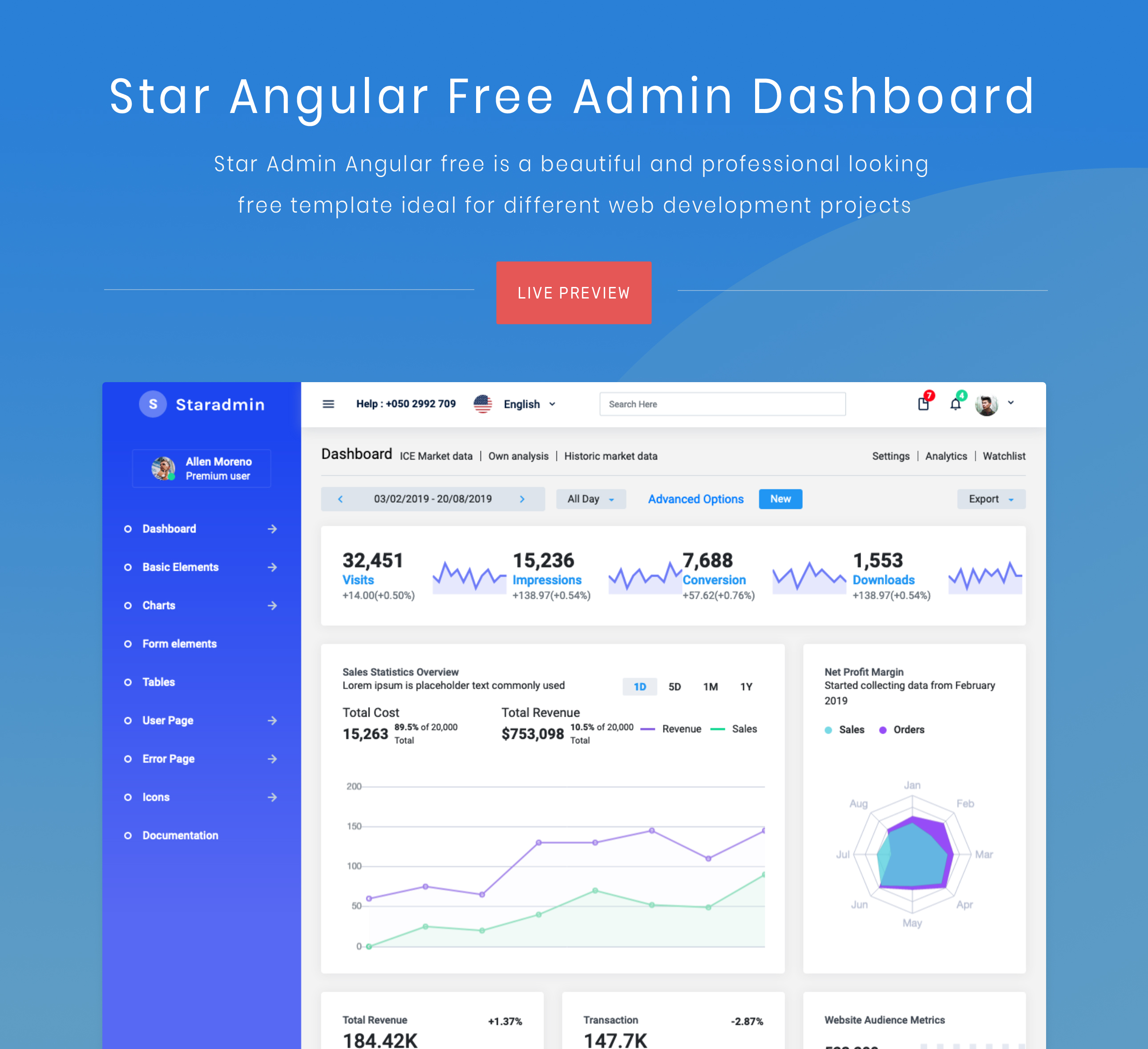
StarAdmin-Free-Angular-Admin-Template
StarAdmin Free Angular Admin Template 是一个基于 Angular 7 和 Bootstrap 4 的免费后台管理模板,由 BootstrapDash 团队维护。
Angular · 后台