Built with Angular and Angular Material, with Tailwind CSS for styling
AngularAdmin dashboard
signal-admin — Angular Admin dashboard Template
By codebangla
Signal Admin is a free admin template built on Angular and Angular Material. It includes a login page, dashboard, user management, and form examples, with a json-server mock API for development.
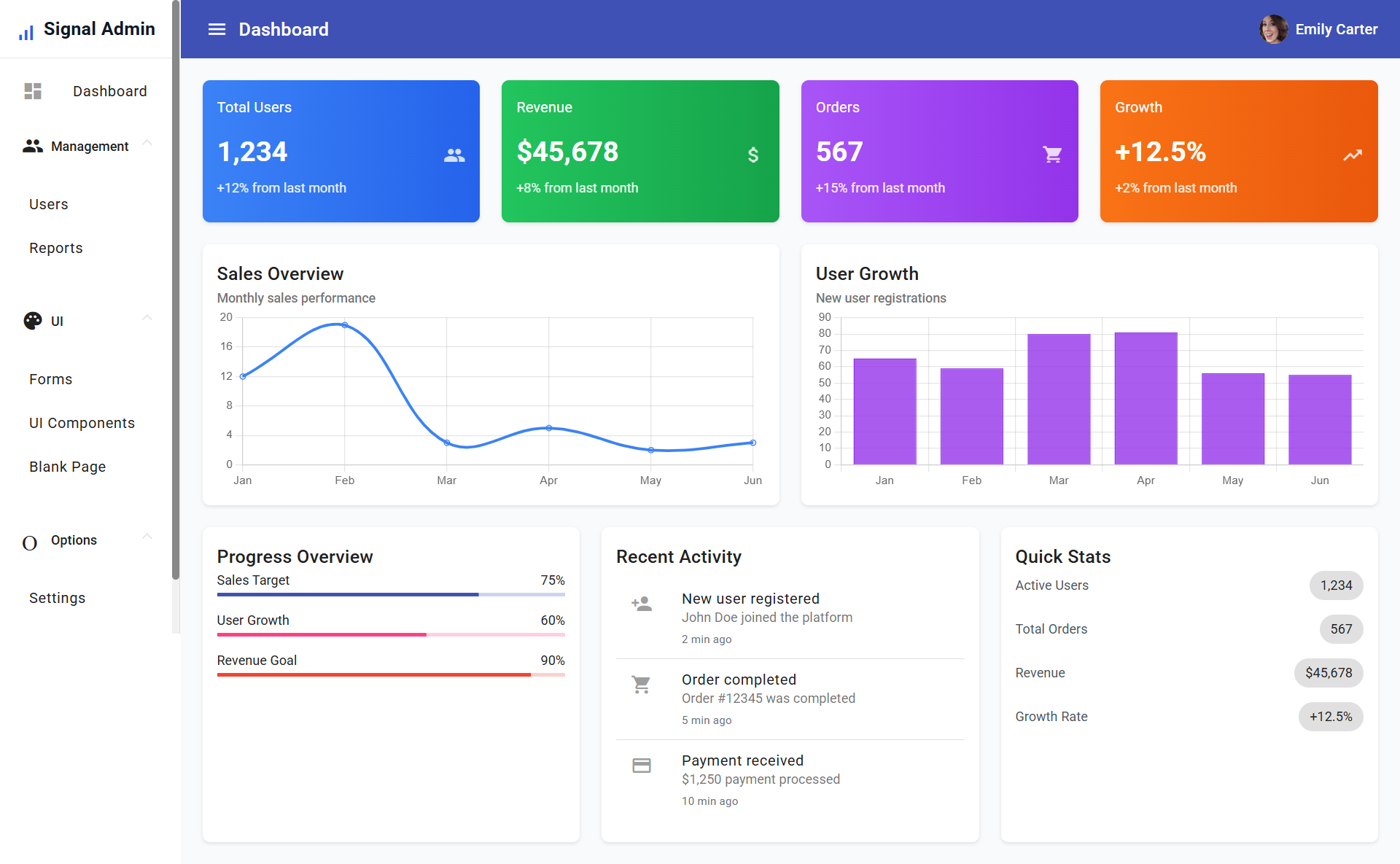
Explore the design
Compare the page layouts and mobile experience. Open any screenshot for a closer look.
Author preview
Author-provided preview
Preview provided in the project README.
One original preview is available. Open the full image to inspect the design.
Screenshots show visual appearance; interactive behavior may differ.
Recorded 2026-10-02View source
What stands out
A quick read of the recorded project description.
Includes login and signup pages with a mock authentication flow using route guards
Dashboard features metric cards, a recent activity feed, and quick action buttons
User management supports search, filtering, and CRUD, with role status indicators
Provides form validation examples and several Material component showcase pages
Includes a built-in json-server mock API with CRUD endpoints for /users
Template Details
Signal Admin is an Angular admin template published by codebangla on GitHub under the MIT license. The interface is built with Angular and Angular Material, styled with Tailwind CSS, and uses a mobile-first responsive layout with a collapsible sidebar.
The template includes login and signup pages, with access controlled by route guards and mock authentication. The dashboard provides metric cards, a recent activity feed, and quick action buttons. The user management module supports list search, filtering, and CRUD operations, with role status indicators and avatar display. It also provides form validation examples and several Material component showcase pages.
The development environment uses json-server as a mock API, exposing GET, POST, PUT, and DELETE endpoints for /users, with data from mock data under assets/mock-api. The README lists the demo account as [email protected] / admin123. The project structure is divided into core (models, services, guards), features (dashboard, user, admin), layouts (auth-layout, main-layout), pages (login, signup), and shared; all components are standalone.
Note that authentication and data APIs are mock implementations, not production-grade backends. Preview images come from the README, and third-party assets such as demo images, fonts, and icons require separate license verification.
AngularAdmin panel
Is it right for your project?
Use Cases
- As a starting template for an internal enterprise admin panel, adding business modules on top
- As a sample project for learning Angular standalone components, route guards, and Angular Material
- For quickly building a demo prototype with a login page, dashboard, and user list
- For local front-end development and testing using json-server to mock APIs
Suitable For
- Developers familiar with Angular who want to quickly start an admin interface
- Teams needing an example combining Angular Material and Tailwind CSS
- Projects looking for a free MIT-licensed admin template for secondary development
- Teaching or demo scenarios for Angular admin structure
Getting started & customization
Use these recorded setup notes alongside the repository instructions for your chosen version.
- 1
Requires Node.js 20+ and npm or yarn
- 2
After cloning the repository, run npm install to install dependencies
- 3
Start the development server with npm start; the default address is http://localhost:4200
- 4
In a separate terminal, run npm run api to start the json-server mock API
- 5
The demo login account is [email protected] with password admin123
License & source material
Usage conditions & limitations
Free to use · keep license noticeThis entry covers the free version from the public repository under the MIT license; the free scope applies to that version's code and does not imply that external services or third-party assets are free.
Must comply with when using
- The code of this version may be used, modified, used commercially, and distributed free of charge.
- When distributing copies or substantial portions of the code, retain the original author's copyright notice and the full MIT license notice.
- The code is provided as is; warranties and limitations of liability are governed by the original license and applicable law.
Additional costs & items to verify
- Authentication is a mock implementation for development demos only, not a production-grade backend, and cannot be used directly for real login authentication.
- Data APIs are provided by a json-server mock for local development and testing only; you must replace them with a real backend service.
- The mock API is intended for development and testing only and does not constitute a production-ready interface.
- Demo images, fonts, icons, and other third-party assets require verification under their respective licenses; the code's MIT license alone is not sufficient to determine this.
- External services such as domains, hosting, databases, payments, or AI may incur separate charges.
View Original Text Basis
Permission is hereby granted, free of charge
Original License Text
The app includes mock authentication with the following credentials:
Original README
The project includes a json-server setup with the following endpoints:
Original README
https://github.com/codebangla/signal-admin/blob/main/LICENSEhttps://github.com/codebangla/signal-admin/blob/main/README.md- **Mock API**: json-server for development and testing
Original README
Compiled by DeepSeek based on repository license and README ·2026-10-02. Results only cover the materials read; dependencies, images, fonts, and subsequent term changes are subject to their respective original texts.
Project checks & description sources
Template Information
- Source platforms
- GitHub
- Documentation and maintenance reference score
- Partly documented · 65 / 100
- Technologies
- Angular
- Website type
- Admin dashboard
How this score is calculated
Our heuristic uses license records (up to 30), a demo link (12), a preview (10), stars (15), recorded maintenance (15), description completeness (8), feature records (5) and classification data (5). It is not a code, security or performance test, or a Google score. A link does not establish tested functionality.
What to verify for this project
- Repository update recorded
- 2025-07-22
- Screenshot last checked
- 2026-10-02
No demo link is recorded. Use the repository instructions to evaluate the project locally; the screenshot alone cannot establish interactive behavior.
The catalog identifies Angular as the primary stack. Check the actual dependency manifest and lockfile for versions and hosting requirements. These notes use recorded metadata, not a code audit or a deployment test.
Use a selection guide →How this description was prepared
AI-assisted description based on catalog records and repository material. Repository authors are not automatically the reviewers of this description.
Automatically checked against source and license rules; no manual editorial review.
Inspect the recorded source material
SHA-256: eb0e951aff4f9b8e8e17d617035fdf66c530ab5aed6099ce2a9e5e09958e4501
2026-10-02T11:03:11.473Z
Source file / repository # Signal Admin Panel A modern admin panel built with Angular 20, Angular Material, and TailwindCSS. Features a responsive design with collapsible sidebar, user management, forms, and UI components. ## Features - **Modern Stack**: Angular 20 with standalone components and lazy loading - **UI Framework**: Angular Material with TailwindCSS for styling - **Responsive Design**: Mobile-first approach with collapsible sidebar - **Authentication**: Mock login/signup with route guards - **User Management**: CRUD operations with search and filtering - **Form Components**: Comprehensive form examples with validation - **UI Components**: Showcase of various Material Design components - **Mock API**: json-server for development and testing ## Project Structure ``` src/ ├── app/ │ ├── core/ │ │ ├── models/ # Data models │ │ ├── services/ # Core services │ │ └── guards/ # Route guards │ ├── features/ │ │ ├── dashboard/ # Dashboard feature │ │ ├── user/ # User management │ │ └── admin/ # Admin features │ ├── layouts/ │ │ ├── auth-layout/ # Authentication layout │ │ └── main-layout/ # Main app layout │ ├── pages/ │ │ ├── login/ # Login page │ │ └── signup/ # Signup page │ └── shared/ # Shared components ├── assets/ │ └── mock-api/ # Mock API data └── environments/ # Environment configs ``` ## Getting Started ### Prerequisites - Node.js 20+ - npm or yarn ### Installation 1. Clone the repository: ```bash git clone https://github.com/codebangla/signal-admin.git cd signal-admin ``` 2. Install dependencies: ```bash npm install ``` 3. Start the development server: ```bash npm start ``` 4. Start the mock API server (in a separate terminal): ```bash npm run api ``` The application will be available at `http://localhost:4200` ## Available Scripts - `npm start` - Start development server - `npm run build` - Build for production - `npm run api` - Start json-server mock API - `npm run test` - Run unit tests - `npm run lint` - Run ESLint ## Authentication The app includes mock authentication with the following credentials: - **Email**: [email protected] - **Password**: admin123 ## Features Overview ### Dashboard - Overview cards with key metrics - Recent activity feed - Quick action buttons ### User Management - User list with search and filtering - Add/Edit/Delete operations - Role-based status indicators - Avatar support ### Forms - Comprehensive form examples - Validation patterns - Various input types (text, email, select, date, etc.) - Form submission handling ### UI Components - Buttons, cards, chips - Progress indicators - Badges and icons - Lists and tabs - Expansion panels ## Mock API The project includes a json-server setup with the following endpoints: - `GET /users` - Get all users - `GET /users/:id` - Get user by ID - `POST /users` - Create new user - `PUT /users/:id` - Update user - `DELETE /users/:id` - Delete user ## Styling The project uses: - **TailwindCSS 3.4.0** for utility classes - **Angular Material** for components - **Custom CSS** for specific styling needs ## Development ### Adding New Features 1. Create feature folder in `src/app/features/` 2. Add routes to appropriate layout 3. Create standalone components 4. Add to navigation if needed ### Component Structure All components are standalone and follow this pattern: ```typescript @Component({ selector: "app-component-name", standalone: true, imports: [ /* Material modules */ ], template: `/* Inline template */`, }) export class ComponentName {} ``` ## Deployment 1. Build the application: ```bash npm run build ``` 2. Deploy the `dist/signal-admin` folder to your hosting provider. ## Contributing 1. Fork the repository 2. Create a feature branch 3. Make your changes 4. Submit a pull request ## License This project is licensed under the MIT License.
Explore similar templates
Compare previews and descriptions within the same stack and category.
ngx-admin
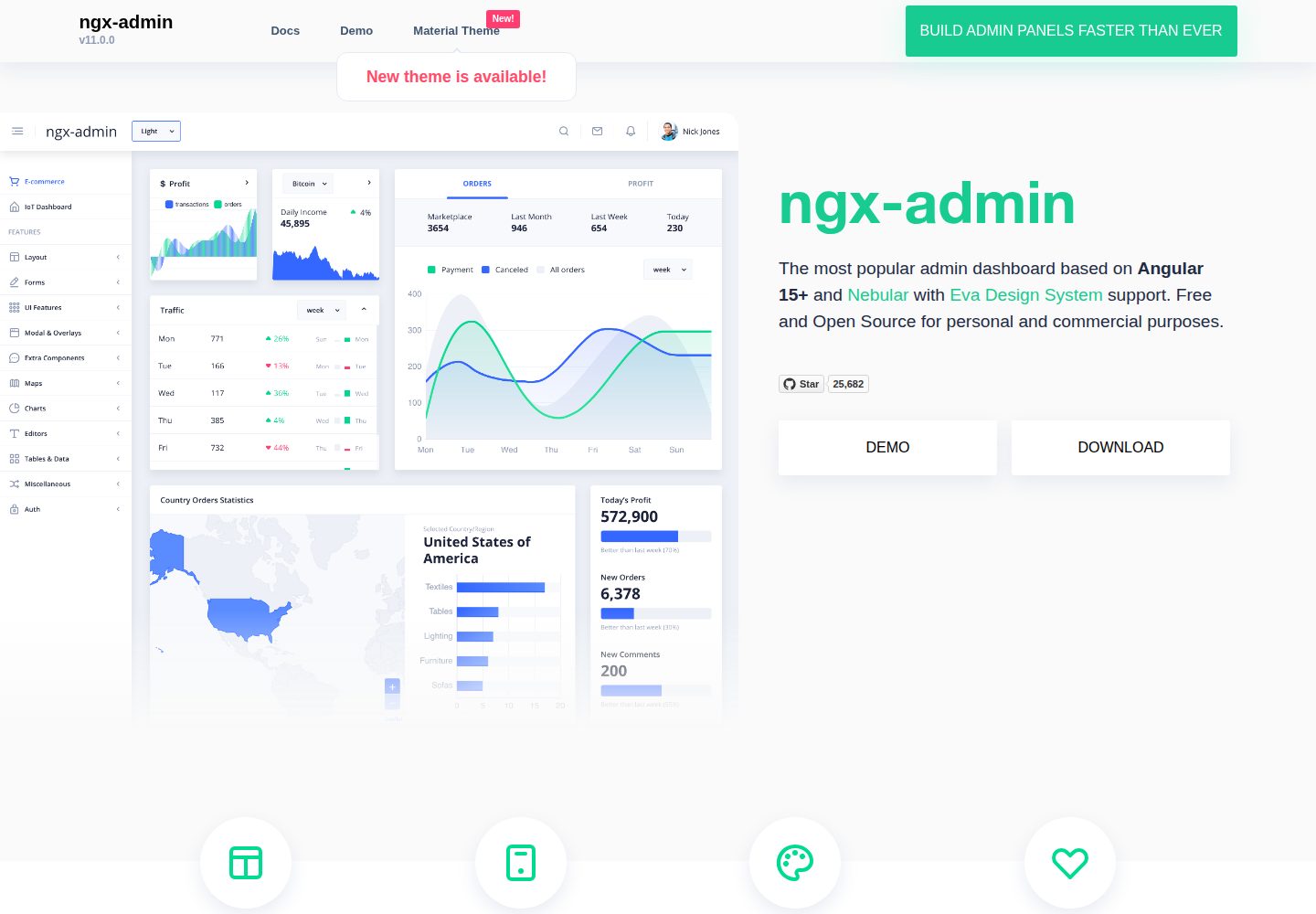
ngx-admin is an Angular admin dashboard template maintained by Akveo, built on the Nebular component library and released under the MIT license.
Angular · Admin dashboard
material-angular-dashboard
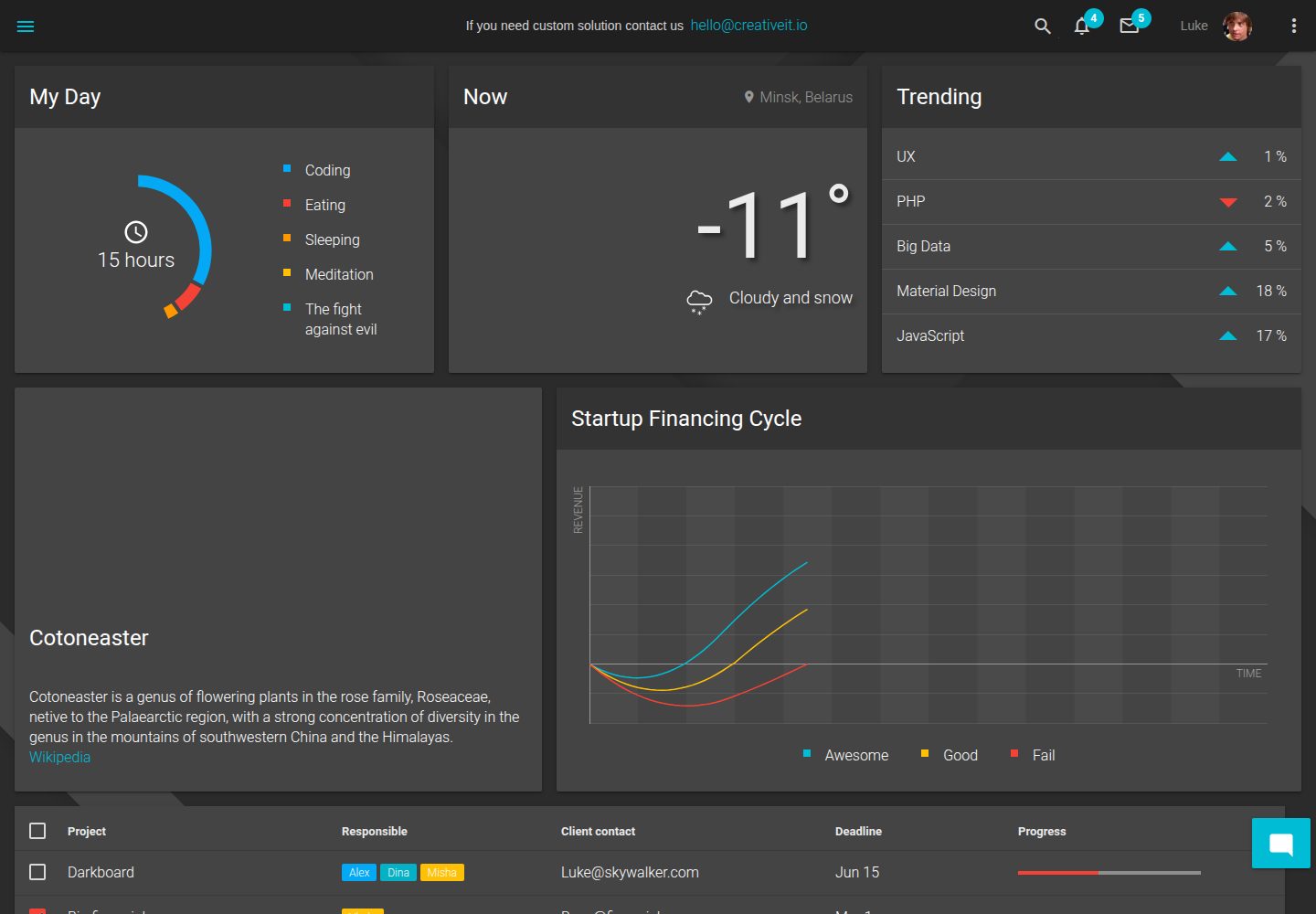
A dark-themed Angular admin template following Google Material Design, with dashboard pages, D3/NVD3 charts, ag-Grid tables, and a Sass/BEM theme. Released under the MIT license, it offers starter-kit, feature/backend, and feature/serverless branches.
Angular · Admin dashboard
ng-devui-admin
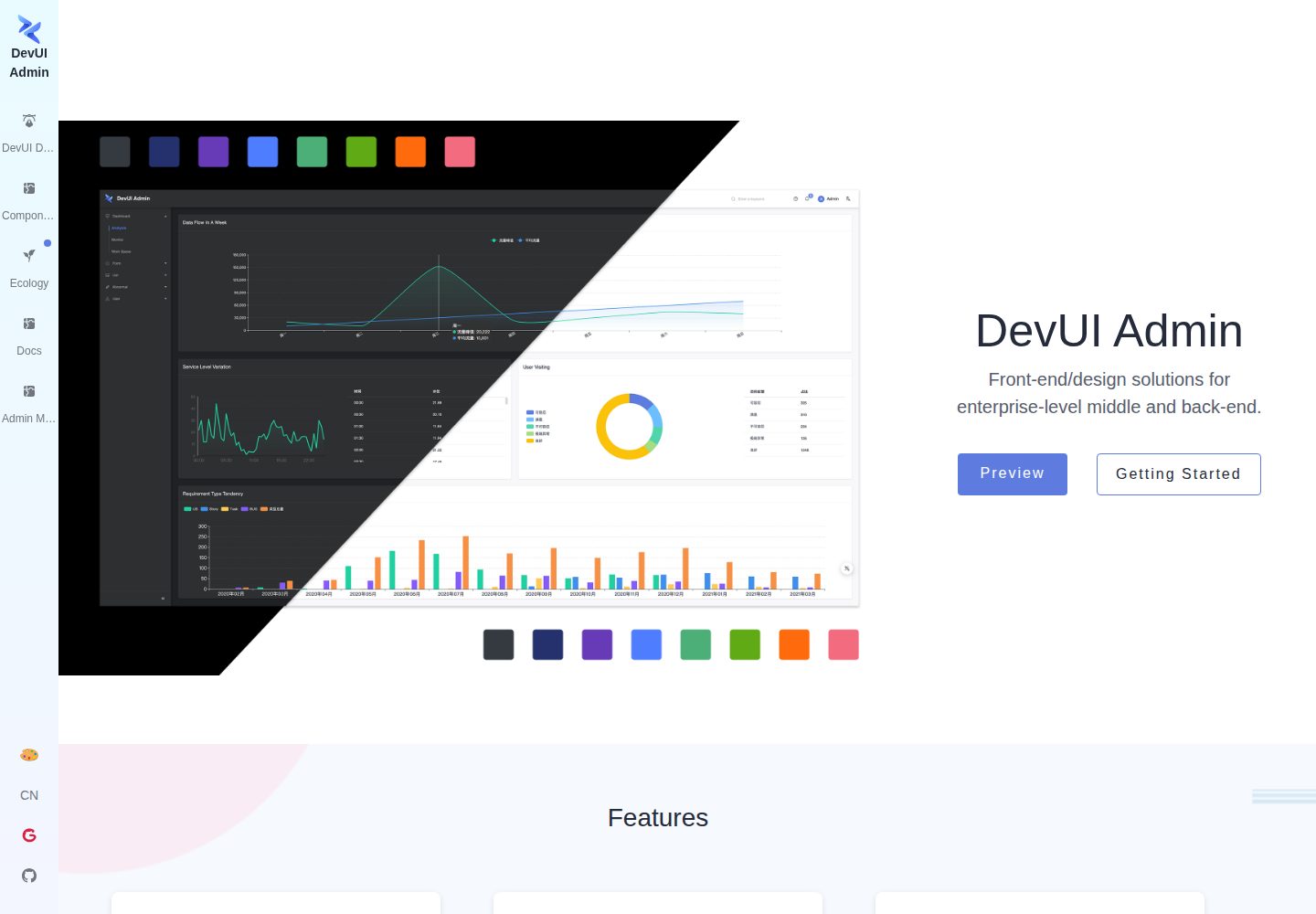
A customizable mid-to-back-office admin template built with Angular and DevUI, featuring configurable layouts, multi-theme switching, internationalization, and local mock data debugging.
Angular · Admin dashboard
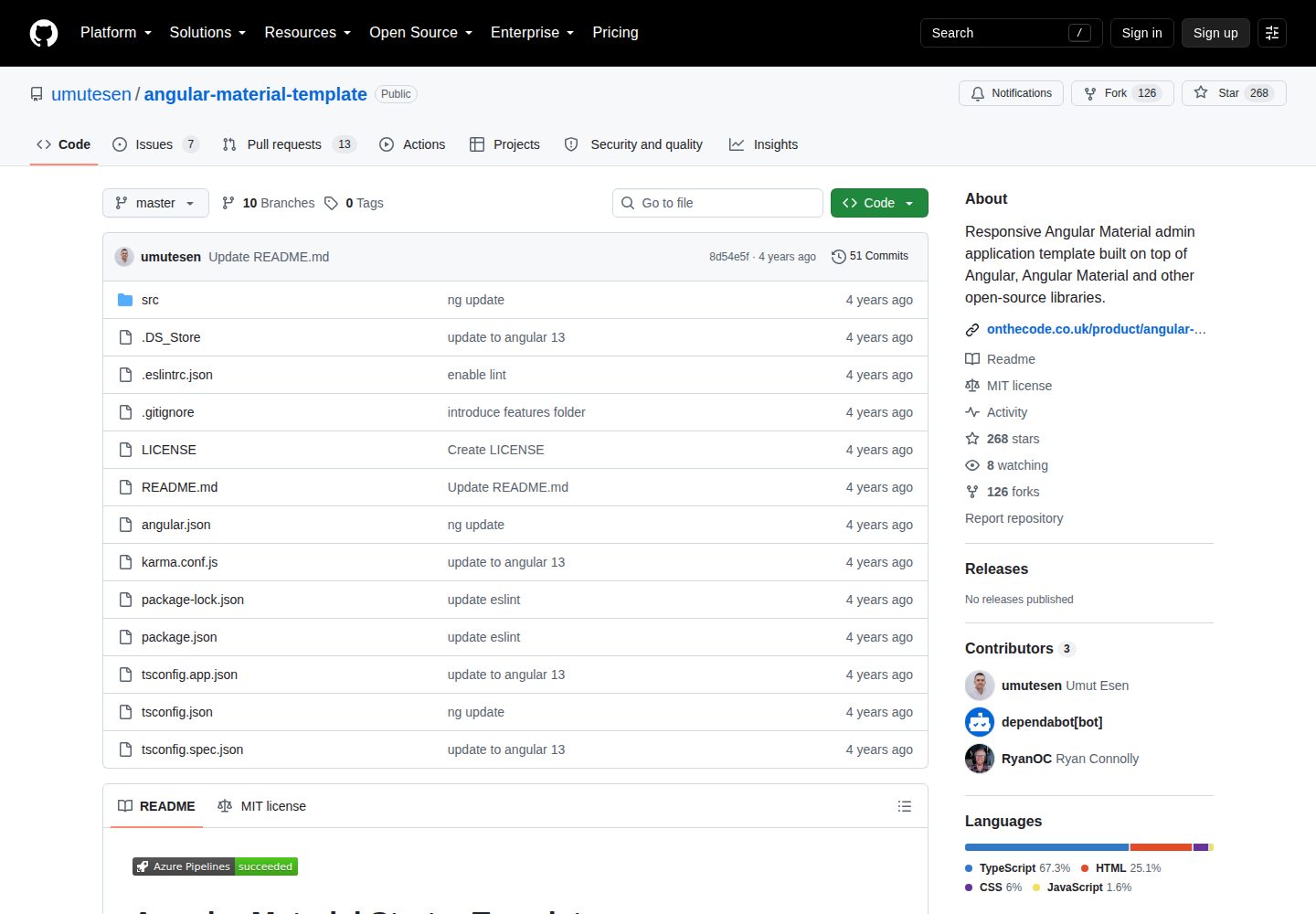
angular-material-template
A responsive Angular Material admin template with authentication, sidebar dashboard, account area, role guards, JWT interceptor, and lazy-loaded modules, under the MIT license.
Angular · Admin dashboard
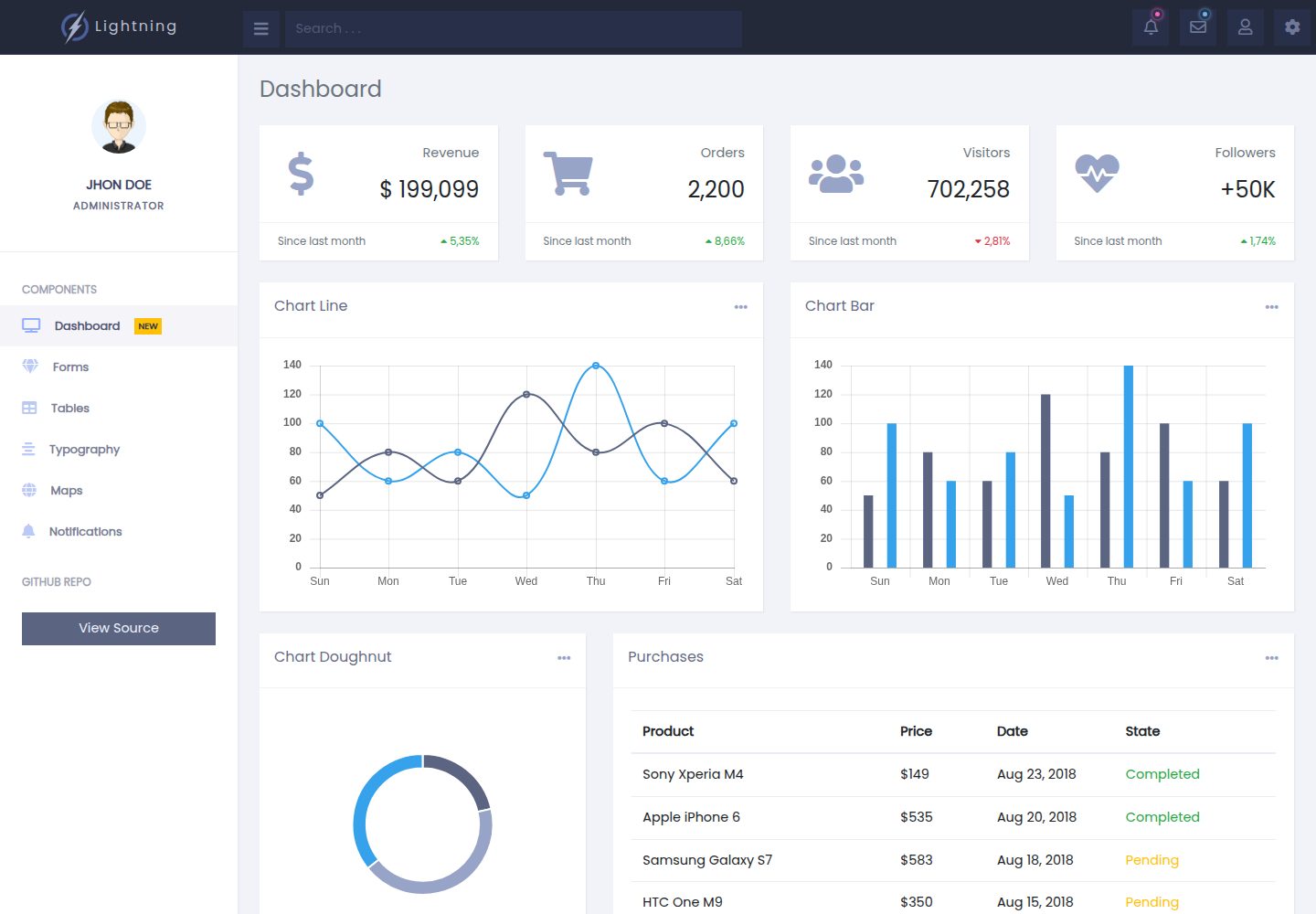
lightning-admin-angular
A mobile-first responsive admin template built with Angular and Bootstrap, offering data interface layouts such as dashboards.
Angular · Admin dashboard
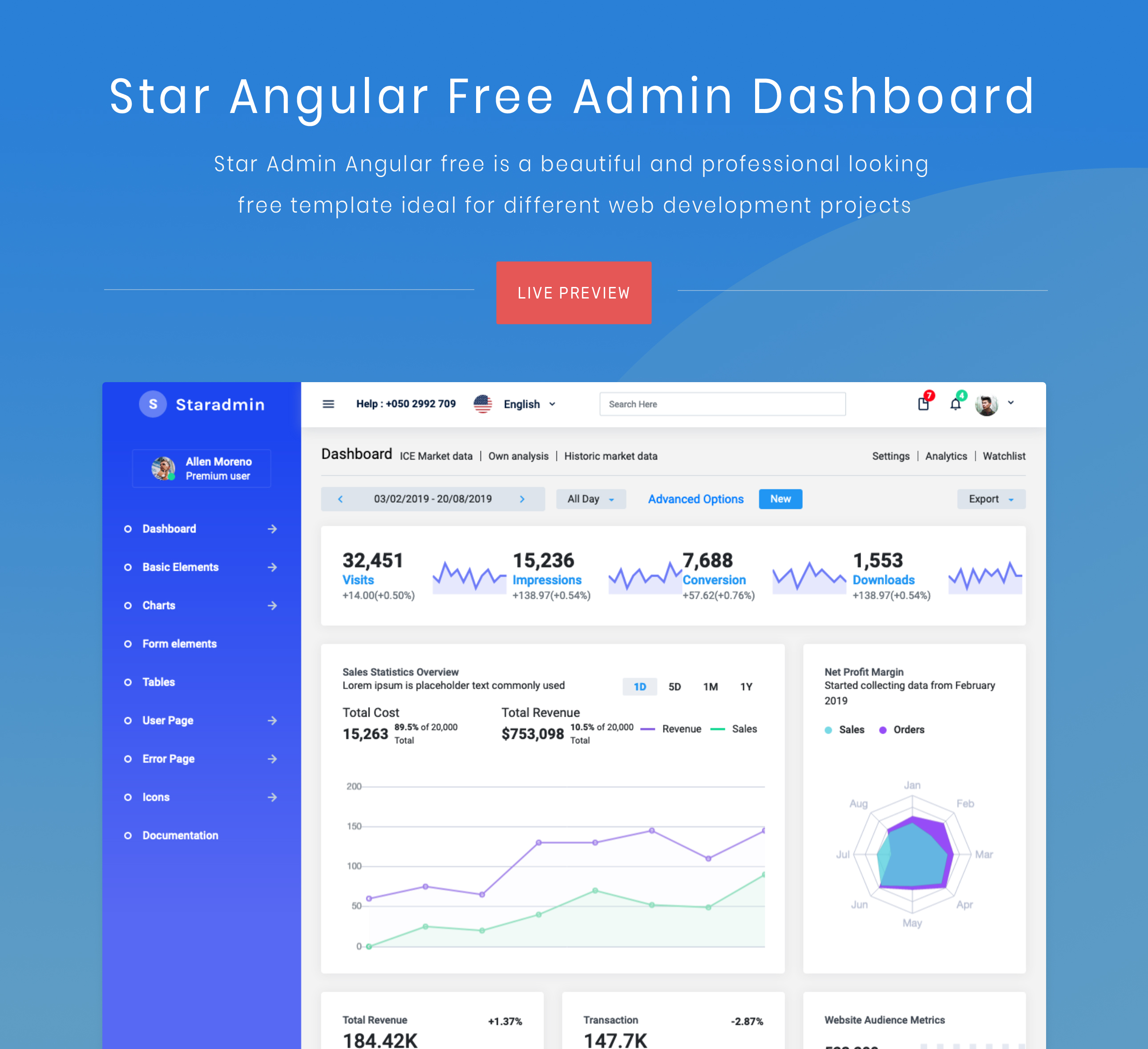
StarAdmin-Free-Angular-Admin-Template
A free admin template based on Angular 7 and Bootstrap 4, maintained by BootstrapDash.
Angular · Admin dashboard