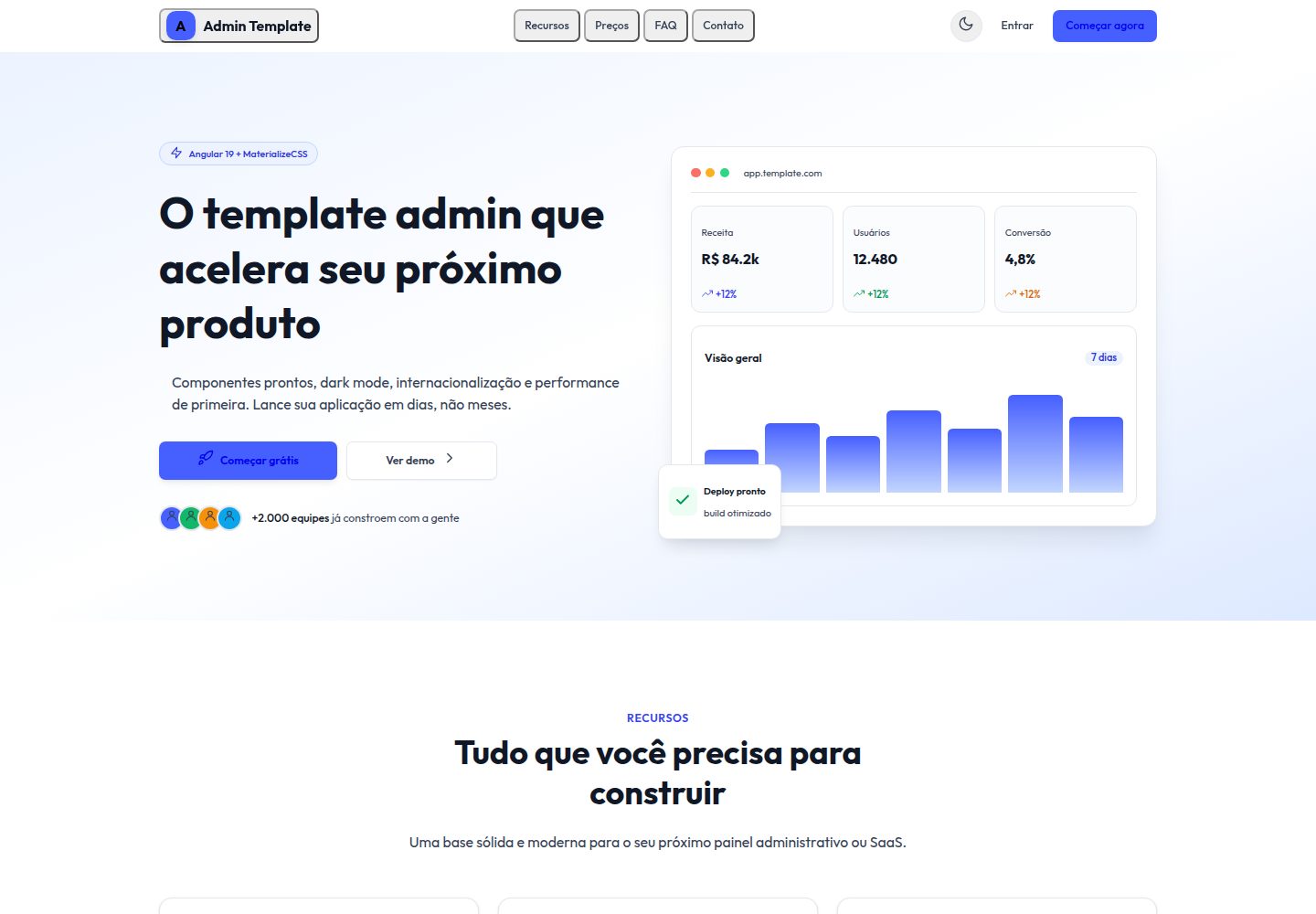
25 个独立页面组件,覆盖登录、仪表盘、表格、表单、发票等常见后台场景
Angular后台
materialize-admin-angular — Angular 后台模板
作者 danilo62x
基于 Angular 19 独立组件与 Materialize 的后台管理模板,含 25 个页面、明暗主题、三语言与 PWA 配置,认证和数据均为模拟。
看看你的网站会是什么样
浏览真实页面截图,比较内容排版与手机效果。点击下方缩略图切换,放大查看整页细节。
全部页面与视图 2
截图用于了解视觉与布局,交互效果请以实际项目为准。
采集于 2026-09-30查看来源
值得关注的模板亮点
从已有项目资料中,快速了解它的特点。
Angular 19 独立组件与新控制流语法,路由懒加载并带应用区守卫
基于 CSS 自定义属性的明暗主题,品牌色阶与 --tx- 语义令牌可统一替换
Transloco 提供英语、西班牙语、巴西葡萄牙语三种语言,切换后持久保存
生产构建启用 @angular/service-worker,包含 manifest 与 PWA 图标
认证与数据在 Angular 服务中模拟,无需后端即可运行演示
模板详细介绍
Materialize Admin / Angular 是同一套 Materialize 后台布局的 Angular 实现,与 React、Vue 3、Laravel 和静态 HTML 版本共享相同的 25 个页面与视觉风格。项目使用 Angular 19 独立组件和新控制流语法,样式基于 Materialize 2.2,认证与数据在 Angular 服务中模拟,因此无需后端即可运行。
页面覆盖登录、注册、忘记密码、重置密码、仪表盘、图表、表单、表格、组件目录、高级 UI、排版、集成、个人资料、定价、设置、收件箱、文件管理、图库、发票、账单、文档、维护、即将上线和 404 等场景。路由采用懒加载,应用区域设有守卫。
主题通过 CSS 自定义属性实现,品牌色阶与 --tx- 语义表面令牌共同控制外观,暗色模式在根元素切换类名时替换这些值。国际化使用 Transloco,内置英语、西班牙语和巴西葡萄牙语三种语言,头部切换器会记住用户选择。生产构建启用 @angular/service-worker,PWA 需针对构建产物测试。
该模板为 MIT 许可的免费版本,可免费使用、修改、商用和分发,但演示图片、字体、图标等第三方素材需单独核对许可,域名、托管、数据库等外部服务可能产生费用。
Angular后台
适合你的项目吗?
适用场景
- 需要 Angular 后台管理界面原型,用于内部演示或功能验证
- 希望以同一套视觉规范在 Angular、React、Vue 等栈之间对照实现
- 需要内置多语言切换和明暗主题的后台起始项目
- 需要可安装 PWA 的后台界面基础,用于离线或桌面安装场景
适合人群
- 熟悉 Angular 独立组件与 TypeScript 的前端开发者
- 需要快速搭建后台页面骨架并替换模拟数据的项目
- 希望基于 MIT 许可代码进行二次开发或分发的团队
- 需要多语言和主题切换能力的后台界面项目
上手与定制指南
结合仓库当前版本的说明,按下面的资料检查内容、配置与运行要求。
- 1
需要 Node.js 18 或更新版本,Angular CLI 来自本地 devDependencies
- 2
运行 npm install 后使用 npm start 启动开发服务器,默认地址为 http://localhost:4200
- 3
演示账号为 [email protected] / admin123 或 [email protected] / user123
- 4
生产构建使用 npm run build,输出到 dist/;PWA 的 service worker 仅在生产配置启用,应针对构建产物测试
- 5
演示图片、字体、图标等第三方素材需按各自许可核对,不能仅凭代码的 MIT 许可判断
授权与来源资料
使用条件与限制
免费使用 · 保留许可声明本次收录的是公开仓库中采用 MIT 许可的免费版本;免费范围为该版本代码,不代表外部服务或第三方素材免费。
使用时需要遵守
- 允许免费使用、修改、商用和分发该版本代码。
- 分发代码副本或实质性部分时,保留原作者版权声明和完整 MIT 许可声明。
- 代码按现状提供;担保与责任限制以原许可证及适用法律为准。
额外费用与待核对事项
- 认证与数据均为模拟实现,不含真实后端;用于生产前需自行接入真实认证与数据服务。
- Service Worker 仅在生产构建配置中启用,开发服务器 ng serve 下无法测试 PWA 功能,需针对 dist 构建产物验证。
- 演示账号 [email protected] / admin123 与 [email protected] / user123 仅为模拟登录凭据,不可用于真实环境。
- 项目目录中同时存在免费与付费模板,付费模板需另行购买,不属于本 MIT 免费代码范围。
- 捐赠为自愿行为,不影响 MIT 许可下的免费使用、修改与分发权利。
- 演示图片、字体、图标及其他第三方素材需按各自许可核对,不能仅凭代码的 MIT 许可判断。
- 域名、托管、数据库、支付或 AI 等外部服务可能另外收费。
查看原文依据
Permission is hereby granted, free of charge
许可证原文
Authentication and data are mocked, so the whole application runs without a backend.
README 原文
The service worker is enabled in the production configuration, so test the PWA against the built output rather than `ng serve`.
README 原文
Demo credentials:
README 原文
The full catalog of free and paid templates is at https://template.dev.br
README 原文
https://github.com/danilo62x/materialize-admin-angular/blob/main/LICENSEhttps://github.com/danilo62x/materialize-admin-angular/blob/main/README.mdyou can support the work with a donation at https://template.dev.br/doar?template=materialize-admin-angular
README 原文
DeepSeek 根据仓库许可证和 README 整理 ·2026-10-01。结果仅覆盖已读取资料,依赖、图片、字体及后续条款变更以各自原文为准。
项目核对记录与介绍依据
模板资料
- 来源平台
- GitHub
- 资料与维护参考分
- 资料较完整 · 80 / 100
- 技术栈
- Angular
- 网站类型
- 后台
这个分数如何计算
本站按许可资料(最高30分)、演示链接(12分)、预览图(10分)、Star数(15分)、记录的维护时间(15分)、描述完整度(8分)、功能记录(5分)和分类资料(5分)计算。它不是代码、安全或性能测试,也不是 Google 评分;有链接不代表已实测可用。
这个项目需要核对什么
- 记录的仓库更新时间
- 2026-08-08
- 截图检查日期
- 2026-10-01
已收录演示链接。请用你的内容与屏幕尺寸检查;有演示不代表表单、认证或支付已经可用。
目录记录的主要技术栈是 Angular。请通过依赖清单和锁文件核对实际版本与托管要求。这些说明基于收录资料,不代表代码审计或部署实测。
查看具体选型方法 →介绍的制作与核对状态
介绍由 AI 辅助整理目录与仓库资料。仓库作者不等于这篇介绍的审核者。
已完成服务器许可规则与 AI 来源核对;未经过人工编辑审核。
查看当时使用的来源资料
SHA-256: 55c4dd24bf22bf1dec6e44cc0be2dd68a83a61c3fad0f7e4a80aa0787f557a4c
2026-10-01T13:27:53.607Z
来源文件 / 仓库# Materialize Admin / Angular [Leia em português](./README.pt-BR.md) [](./LICENSE)  Materialize Admin / Angular is the Angular implementation of the Materialize admin layout: 5 sibling templates share the same 25 screens and the same visual identity, one per stack. This one is built with Angular 19 standalone components, styled with Materialize 2.2 (@materializecss/materialize). Authentication and data are mocked, so the whole application runs without a backend. It ships with a light and a dark theme, three languages and an installable PWA setup. Live preview: https://template.dev.br/preview/materialize-admin-angular/ ## Pages included 25 standalone components in `src/app/pages/`: - Landing: public marketing page with hero, feature and pricing sections - Login: sign-in form with validation and mock credentials - Register: account creation form - ForgotPassword: request form for a reset link - ResetPassword: form to set a new password - Dashboard: KPI stat cards with sparklines, charts and recent activity - Charts: analytics page with bar, area and donut charts (ApexCharts) - Forms: inputs, selects, date picker, file upload and inline validation - Tables: data table with sorting, filtering, pagination and row selection - Components: catalog of the base UI components - UiAdvanced: modals, tabs, toasts and other composite widgets - Typography: type scale, headings and text helpers - Integrations: third-party service cards with toggles - Profile: user page with personal data and activity - Pricing: plan comparison - Settings: application preferences, theme and language - Inbox: mail-style app screen with folders and message list - FileManager: file listing with folders and file actions - Gallery: image grid - Invoice: printable invoice detail - Billing: payment methods and invoice history - Documentation: in-app reference page for the template - Maintenance: standalone downtime page - ComingSoon: standalone pre-launch page - NotFound: 404 error page ## Tech stack - Angular 19 with standalone components and the new control flow syntax - Materialize 2.2 (@materializecss/materialize) - TypeScript 5.6 in strict mode - `@angular/service-worker` 19.2 for the PWA build - Angular Router with lazy loaded routes and a guard on the app area - Transloco 8.3 for i18n (en, es, pt-BR) - ApexCharts 5 via ng-apexcharts 1.15 - TanStack Angular Table 8.21 - Quill 2 through ngx-quill 27 for rich text - flatpickr 4.6 date picker - Reactive forms for validation ## Requirements - Node.js 18 or newer - npm (the Angular CLI comes from the local devDependencies) ## Getting started ```bash npm install npm start # ng serve at http://localhost:4200 ``` Authentication is simulated in an Angular service, so no backend is required. Demo credentials: - `[email protected]` / `admin123` - `[email protected]` / `user123` ## Build for production ```bash npm run build ``` The Angular CLI writes the production build to `dist/`. The service worker is enabled in the production configuration, so test the PWA against the built output rather than `ng serve`. ## Project structure ``` public/ ├── assets/i18n/ en.json, es.json, pt-BR.json └── manifest.webmanifest, pwa-*.png src/ ├── app/ │ ├── components/ layout (header, sidebar, footer) and shared UI │ ├── core/ services, guards and mock data │ ├── pages/ 25 standalone page components │ ├── app.routes.ts route table with lazy loading │ └── app.config.ts providers (router, transloco, service worker) └── styles.scss, _compat.scss ``` ## Theming and customization Materialize 2.x publishes a Sass entry that forwards partials it does not ship, so `src/styles.scss` consumes the prebuilt stylesheet instead and delivers the brand identity through tokens and helper classes. Below that sit the runtime design tokens, declared as CSS custom properties: the brand ramp (`--color-brand-25` through `--color-brand-950`, with 500 as the primary #465fff), the state colors, and semantic surface tokens under the `--tx-` prefix (sidebar, header, card, border, text). Dark mode swaps the `--tx-` values at runtime, driven by a class on the root element. To rebrand the template, change the brand ramp and the `--tx-` values together. `_compat.scss` implements the utility vocabulary the markup shares with the Tailwind original and maps the tokens onto the framework components, so cards, tables and form controls follow the theme. ## Internationalization Three locales ship in `public/assets/i18n/`: English, Spanish and Brazilian Portuguese. Transloco loads them at runtime and the header switcher persists the user choice. ## The same layout in other stacks This repository is one of 5 implementations of the same Materialize admin layout. Every one has the same 25 views and the same visual identity, and all of them are free: - React 19: https://github.com/danilo62x/materialize-admin-react - Vue 3: https://github.com/danilo62x/materialize-admin-vue3 - Laravel 11 + Blade: https://github.com/danilo62x/materialize-admin-laravel - Static HTML: https://github.com/danilo62x/materialize-admin-html The full catalog of free and paid templates is at https://template.dev.br ## Support this project This template is free and MIT licensed. If it saves you time, you can support the work with a donation at https://template.dev.br/doar?template=materialize-admin-angular ## License [MIT](./LICENSE), copyright 2026 Danilo Quinelato.
看看同类模板
对比同技术栈与用途的模板,找到更适合的视觉与内容结构。
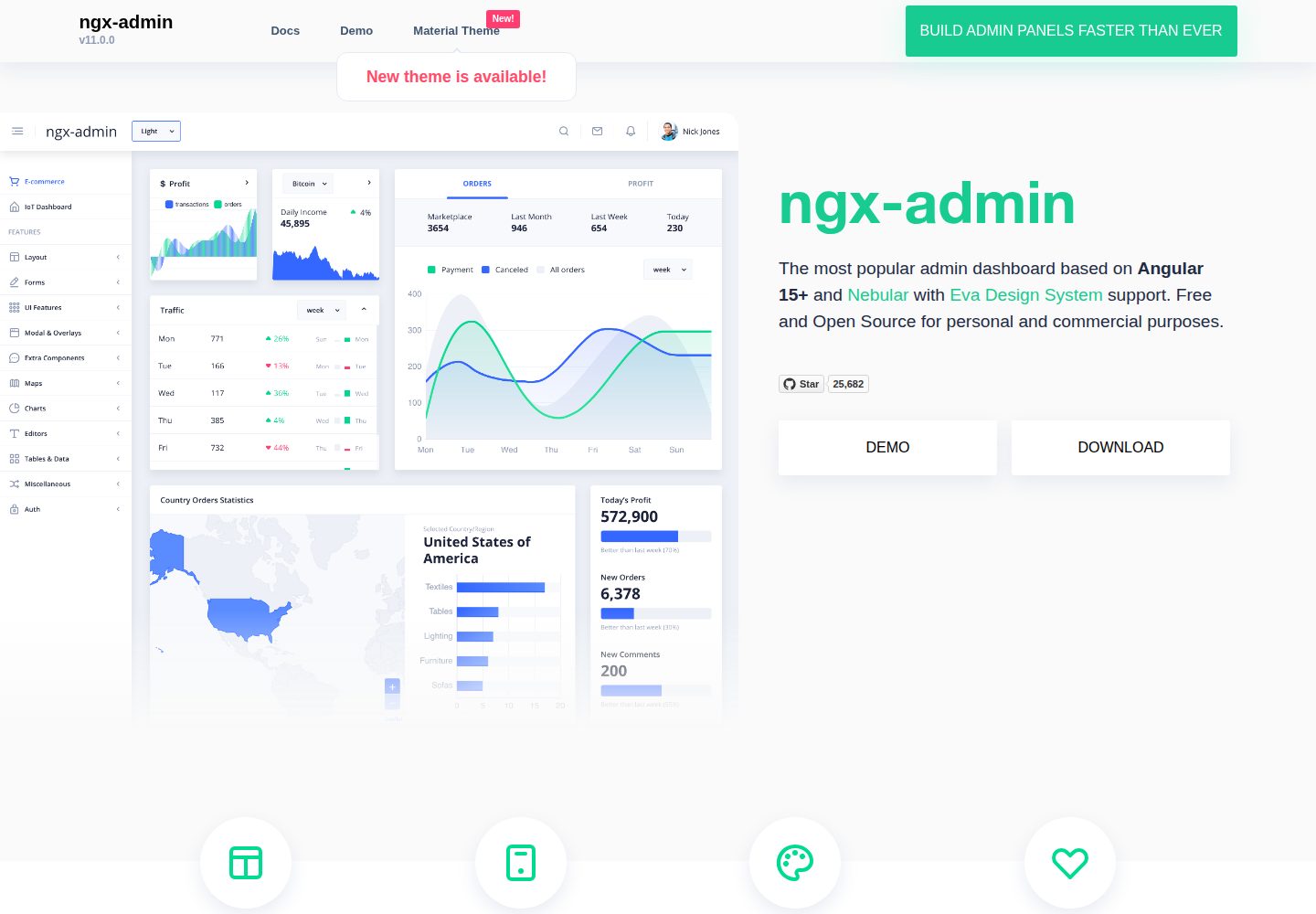
ngx-admin
Customizable admin dashboard template based on Angular 10+
Angular · 后台
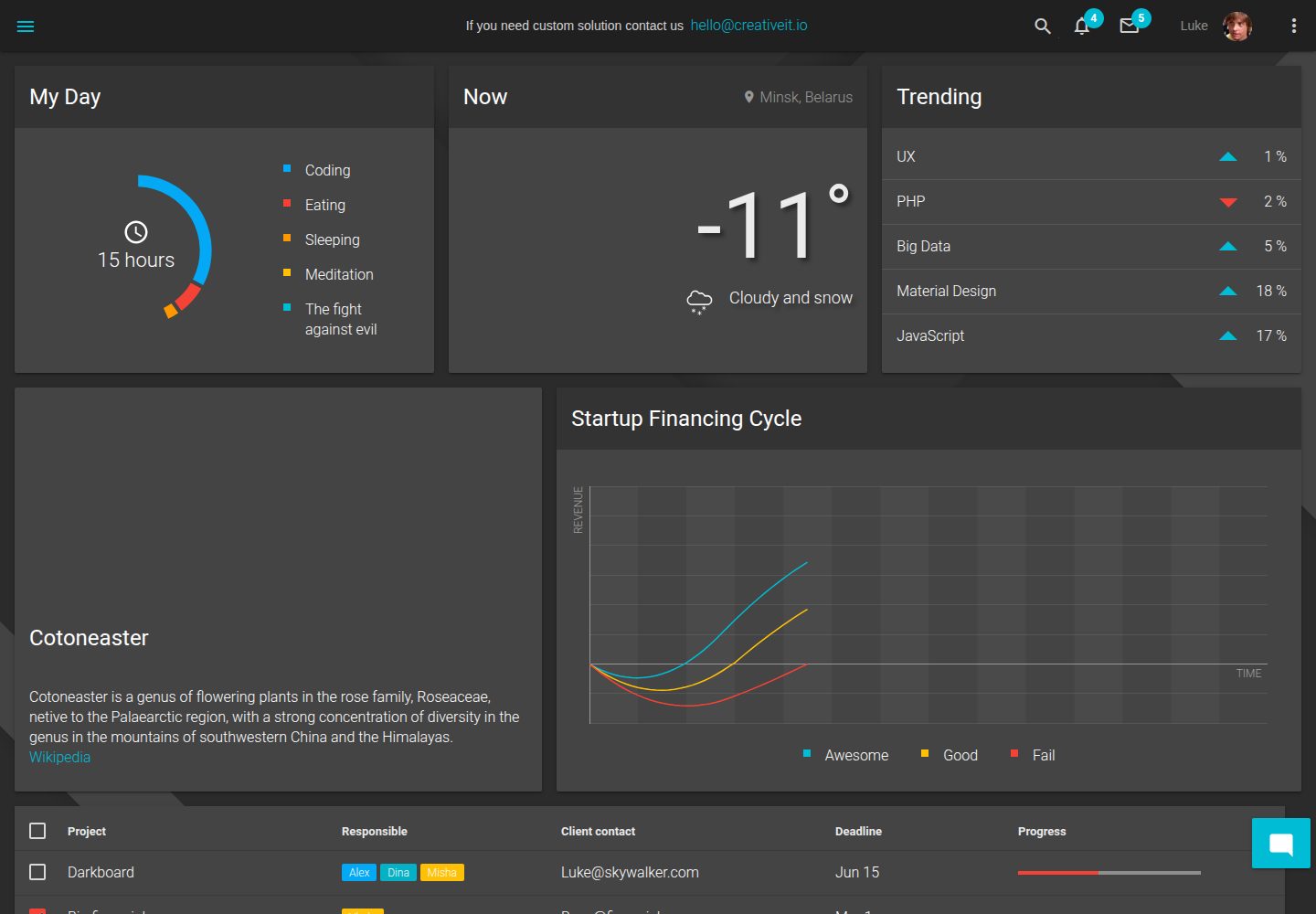
material-angular-dashboard
Material Angular Admin Template
Angular · 后台
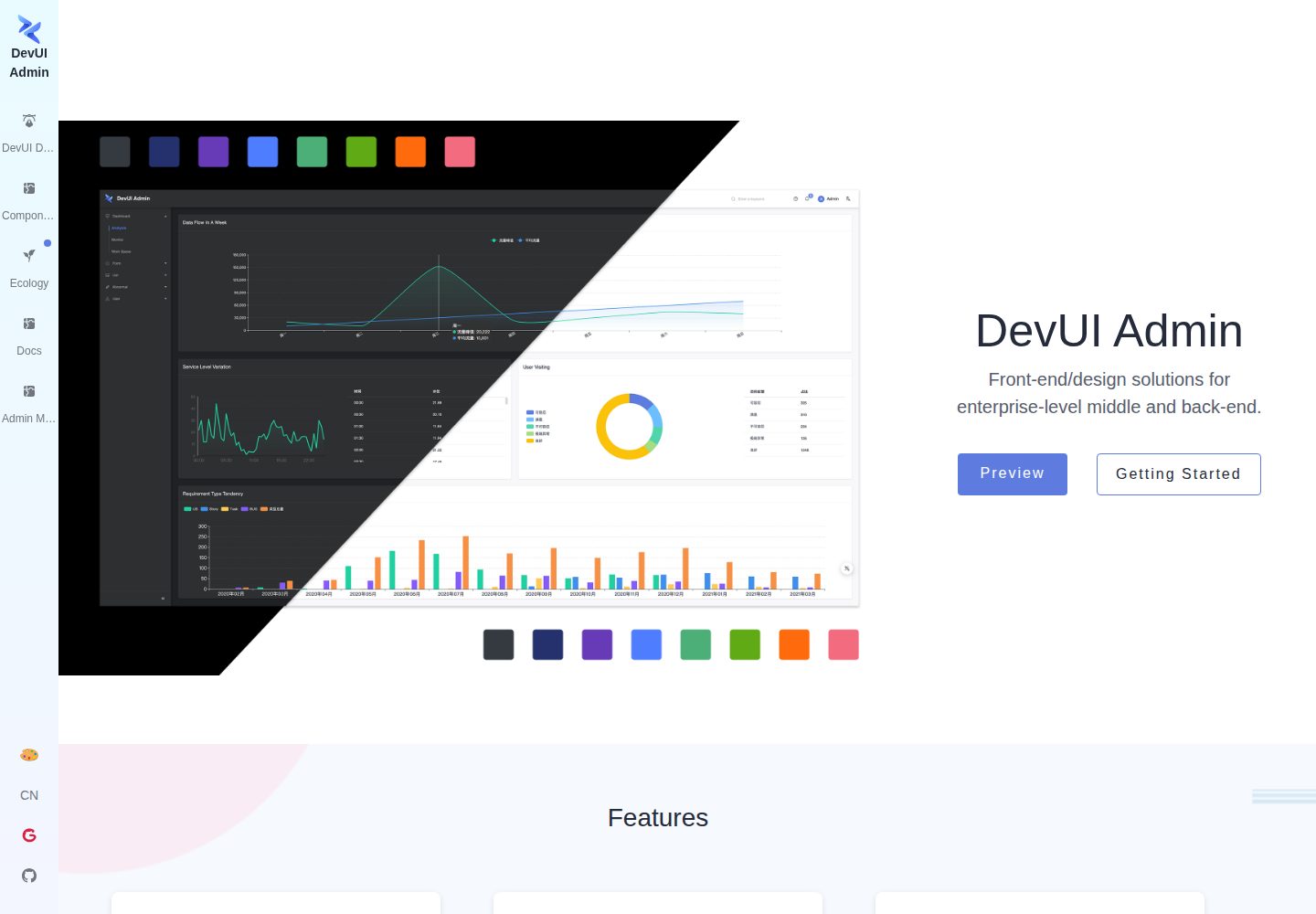
ng-devui-admin
Customizable admin dashboard template based on Angular and DevUI
Angular · 后台
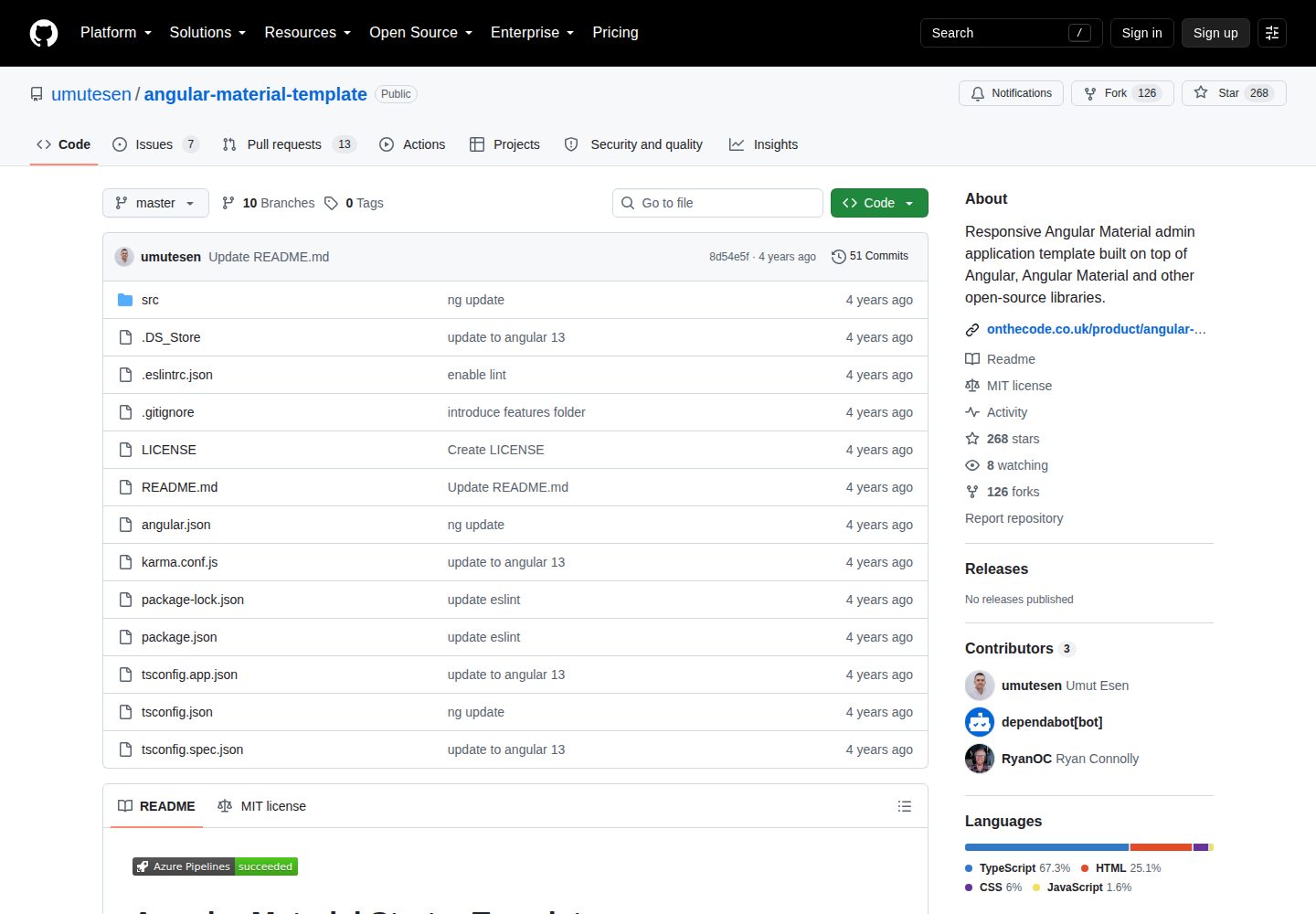
angular-material-template
Responsive Angular Material admin application template built on top of Angular, Angular Material and other ope…
Angular · 后台
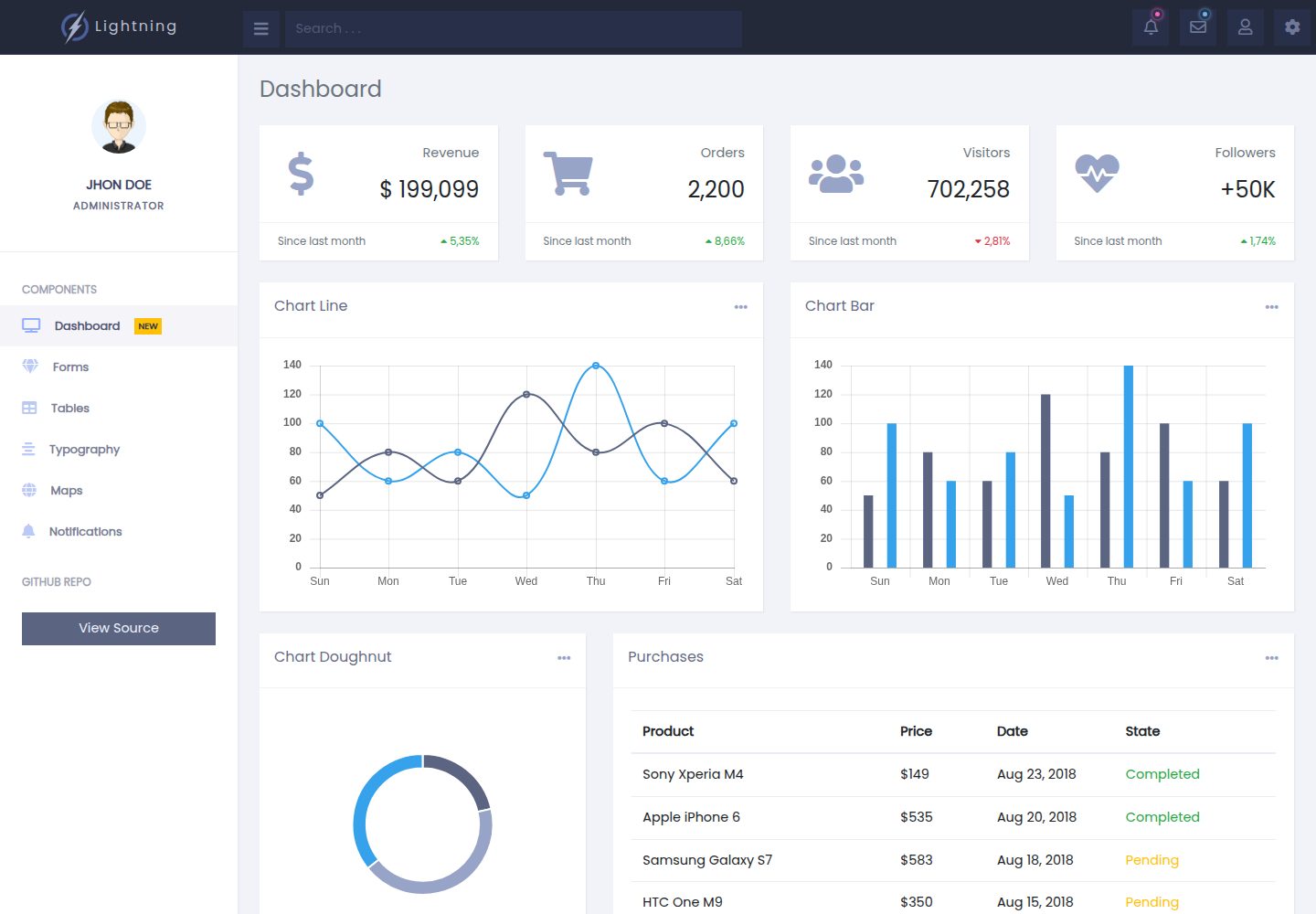
lightning-admin-angular
A mobile first design of a responsive admin template built with angular and bootstrap
Angular · 后台
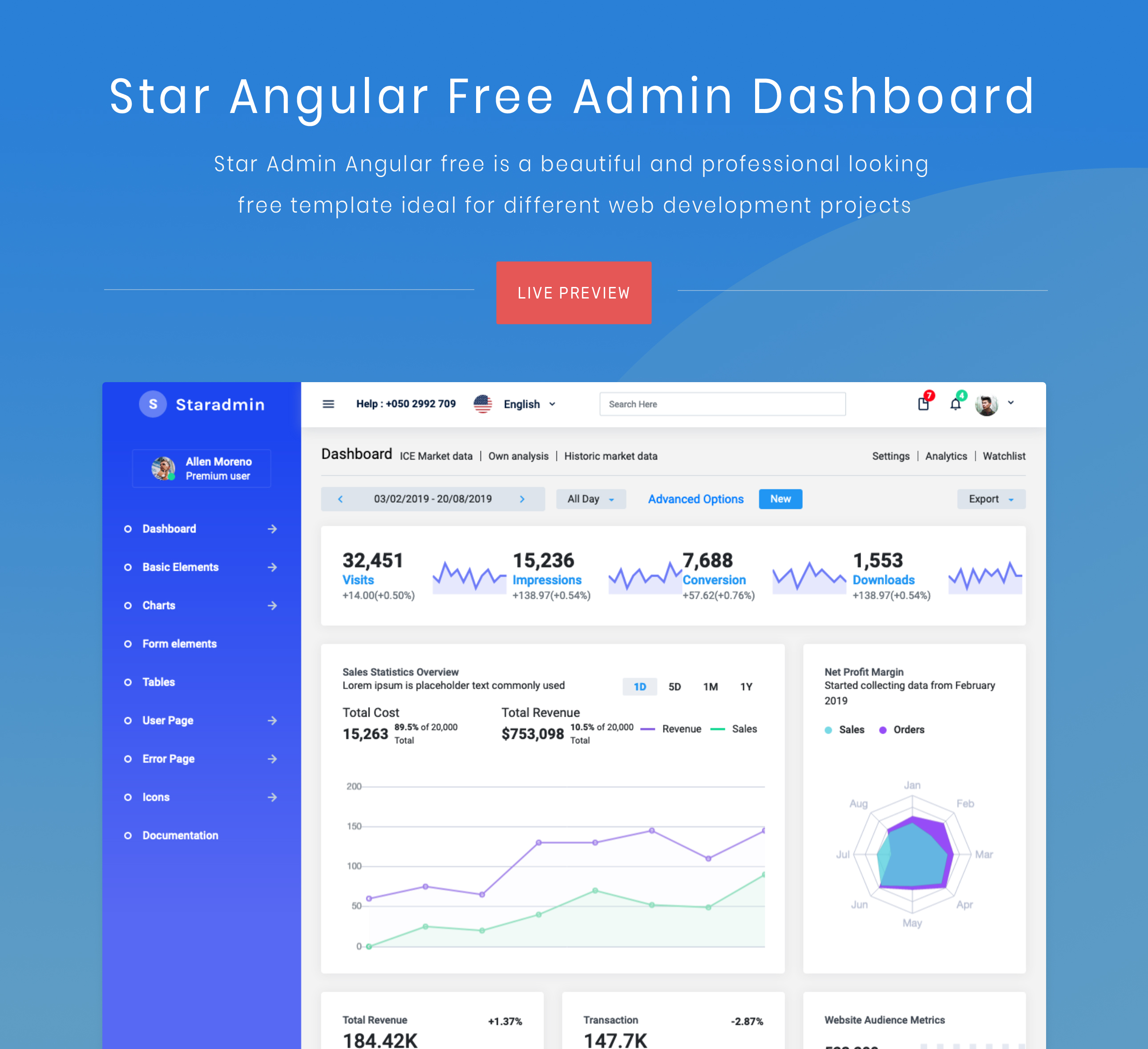
StarAdmin-Free-Angular-Admin-Template
StarAdmin Free Angular Admin Template 是一个基于 Angular 7 和 Bootstrap 4 的免费后台管理模板,由 BootstrapDash 团队维护。
Angular · 后台