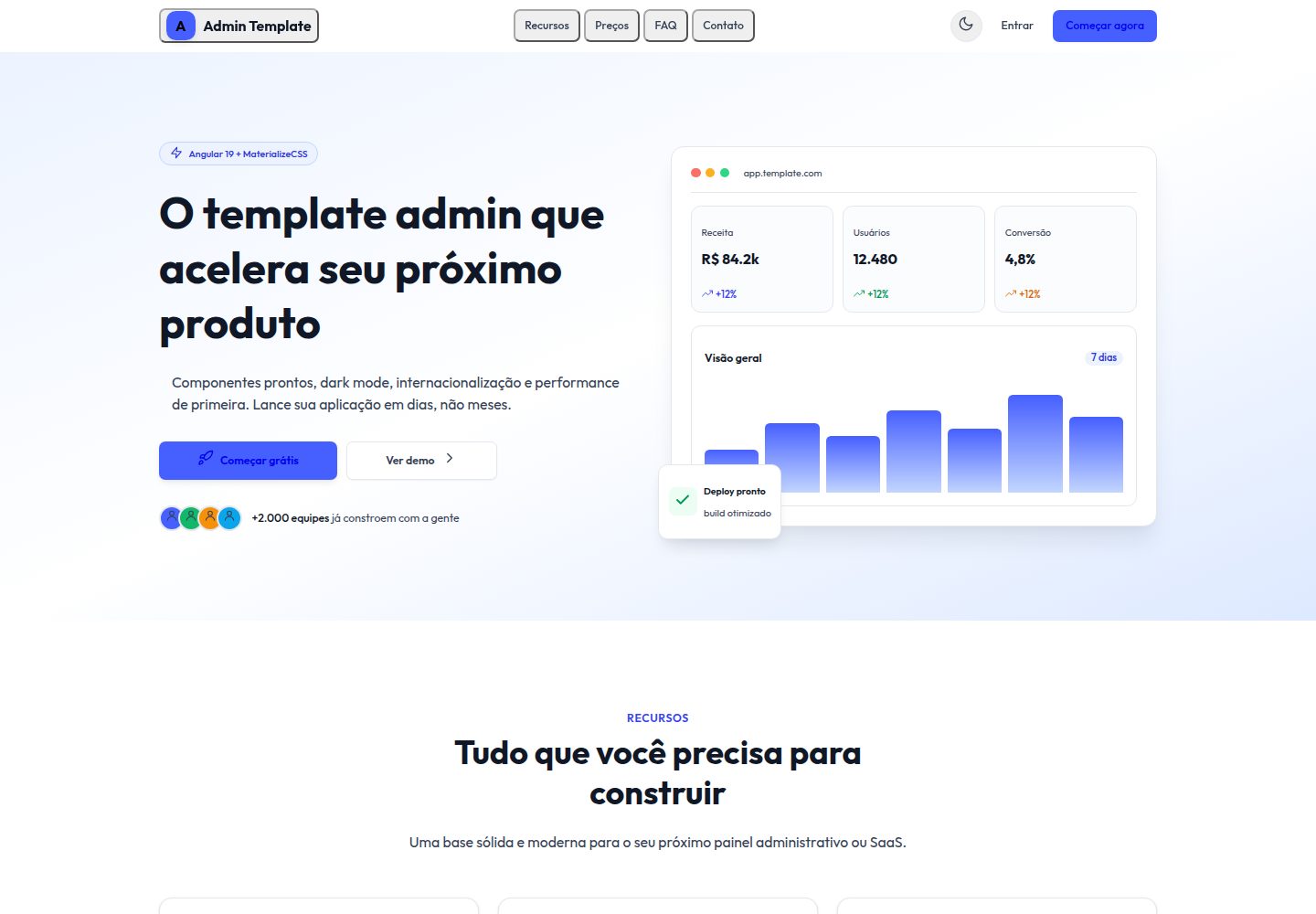
25 standalone page components covering common admin scenarios such as login, dashboard, tables, forms, and invoices
AngularAdmin dashboard
materialize-admin-angular — Angular Admin dashboard Template
By danilo62x
An admin dashboard template built on Angular 19 standalone components and Materialize, featuring 25 pages, light and dark themes, three languages, and PWA configuration, with simulated authentication and data.
Explore the design
Compare the page layouts and mobile experience. Open any screenshot for a closer look.
Desktop homepage1 / 2
Desktop captureTop of page
Actual screenshot captured by the server browser.
All pages & views 2
Screenshots show visual appearance; interactive behavior may differ.
Recorded 2026-09-30View source
What stands out
A quick read of the recorded project description.
Angular 19 standalone components and new control flow syntax, with lazy-loaded routes and guards for the application area
Light and dark themes based on CSS custom properties, with brand color scales and --tx- semantic tokens that can be replaced uniformly
Transloco provides English, Spanish, and Brazilian Portuguese, with the selection persisted after switching
Production builds enable @angular/service-worker, including manifest and PWA icons
Authentication and data are simulated in Angular services, so the demo runs without a backend
Template Details
Materialize Admin / Angular is the Angular implementation of the same Materialize admin layout, sharing the same 25 pages and visual style with the React, Vue 3, Laravel, and static HTML versions. The project uses Angular 19 standalone components and the new control flow syntax, with styles based on Materialize 2.2. Authentication and data are simulated in Angular services, so it runs without a backend.
Pages cover login, registration, forgot password, reset password, dashboard, charts, forms, tables, component catalog, advanced UI, typography, integrations, profile, pricing, settings, inbox, file management, gallery, invoice, billing, documentation, maintenance, coming soon, and 404 scenarios. Routing uses lazy loading, and the application area is guarded.
Theming is implemented via CSS custom properties, with brand color scales and --tx- semantic surface tokens controlling the appearance together; dark mode replaces these values when a class name is toggled on the root element. Internationalization uses Transloco, with built-in English, Spanish, and Brazilian Portuguese, and the header switcher remembers the user's choice. Production builds enable @angular/service-worker, and the PWA should be tested against the build output.
This template is a free version under the MIT license, free to use, modify, commercialize, and distribute, but third-party assets such as demo images, fonts, and icons require separate license verification, and external services such as domains, hosting, and databases may incur costs.
AngularAdmin
Is it right for your project?
Use Cases
- Needing an Angular admin interface prototype for internal demos or feature validation
- Wanting to implement the same visual specification across Angular, React, Vue, and other stacks for comparison
- Needing a starting admin project with built-in multilingual switching and light/dark themes
- Needing a foundation for an installable PWA admin interface for offline or desktop installation scenarios
Suitable For
- Front-end developers familiar with Angular standalone components and TypeScript
- Projects that need to quickly scaffold admin page skeletons and replace simulated data
- Teams wanting to build upon or distribute MIT-licensed code
- Admin interface projects requiring multilingual and theme-switching capabilities
Getting started & customization
Use these recorded setup notes alongside the repository instructions for your chosen version.
- 1
Requires Node.js 18 or newer; Angular CLI comes from local devDependencies
- 2
After npm install, start the development server with npm start, defaulting to http://localhost:4200
- 3
Demo accounts are [email protected] / admin123 or [email protected] / user123
- 4
Production builds use npm run build, outputting to dist/; the PWA service worker is enabled only in the production configuration and should be tested against the build output
- 5
Third-party assets such as demo images, fonts, and icons must be checked against their respective licenses and cannot be judged solely by the code's MIT license
License & source material
Usage conditions & limitations
Free to use · keep license noticeThis entry covers the free version under the MIT license in the public repository; the free scope applies to that version's code and does not imply that external services or third-party assets are free.
Must comply with when using
- The code of this version may be used, modified, commercialized, and distributed free of charge.
- When distributing copies or substantial portions of the code, retain the original author's copyright notice and the full MIT license notice.
- The code is provided as is; warranties and limitations of liability are governed by the original license and applicable law.
Additional costs & items to verify
- Authentication and data are simulated implementations without a real backend; before production use, you must integrate real authentication and data services.
- The service worker is enabled only in the production build configuration; PWA features cannot be tested under the development server ng serve and must be verified against the dist build output.
- The demo accounts [email protected] / admin123 and [email protected] / user123 are simulated login credentials only and must not be used in real environments.
- The project directory contains both free and paid templates; paid templates require separate purchase and are not part of this MIT free code scope.
- Donations are voluntary and do not affect the rights to free use, modification, and distribution under the MIT license.
- Demo images, fonts, icons, and other third-party assets must be checked against their respective licenses and cannot be judged solely by the code's MIT license.
- External services such as domains, hosting, databases, payments, or AI may incur additional charges.
View Original Text Basis
Permission is hereby granted, free of charge
Original License Text
Authentication and data are mocked, so the whole application runs without a backend.
Original README
The service worker is enabled in the production configuration, so test the PWA against the built output rather than `ng serve`.
Original README
Demo credentials:
Original README
The full catalog of free and paid templates is at https://template.dev.br
Original README
https://github.com/danilo62x/materialize-admin-angular/blob/main/LICENSEhttps://github.com/danilo62x/materialize-admin-angular/blob/main/README.mdyou can support the work with a donation at https://template.dev.br/doar?template=materialize-admin-angular
Original README
Compiled by DeepSeek based on repository license and README ·2026-10-01. Results only cover the materials read; dependencies, images, fonts, and subsequent term changes are subject to their respective original texts.
Project checks & description sources
Template Information
- Source platforms
- GitHub
- Documentation and maintenance reference score
- More documented · 80 / 100
- Technologies
- Angular
- Website type
- Admin dashboard
How this score is calculated
Our heuristic uses license records (up to 30), a demo link (12), a preview (10), stars (15), recorded maintenance (15), description completeness (8), feature records (5) and classification data (5). It is not a code, security or performance test, or a Google score. A link does not establish tested functionality.
What to verify for this project
- Repository update recorded
- 2026-08-08
- Screenshot last checked
- 2026-10-01
A demo link is listed. Check it with your own content and viewport sizes; its presence does not confirm that forms, authentication or payments work.
The catalog identifies Angular as the primary stack. Check the actual dependency manifest and lockfile for versions and hosting requirements. These notes use recorded metadata, not a code audit or a deployment test.
Use a selection guide →How this description was prepared
AI-assisted description based on catalog records and repository material. Repository authors are not automatically the reviewers of this description.
Automatically checked against source and license rules; no manual editorial review.
Inspect the recorded source material
SHA-256: 55c4dd24bf22bf1dec6e44cc0be2dd68a83a61c3fad0f7e4a80aa0787f557a4c
2026-10-01T13:27:53.607Z
Source file / repository# Materialize Admin / Angular [Leia em português](./README.pt-BR.md) [](./LICENSE)  Materialize Admin / Angular is the Angular implementation of the Materialize admin layout: 5 sibling templates share the same 25 screens and the same visual identity, one per stack. This one is built with Angular 19 standalone components, styled with Materialize 2.2 (@materializecss/materialize). Authentication and data are mocked, so the whole application runs without a backend. It ships with a light and a dark theme, three languages and an installable PWA setup. Live preview: https://template.dev.br/preview/materialize-admin-angular/ ## Pages included 25 standalone components in `src/app/pages/`: - Landing: public marketing page with hero, feature and pricing sections - Login: sign-in form with validation and mock credentials - Register: account creation form - ForgotPassword: request form for a reset link - ResetPassword: form to set a new password - Dashboard: KPI stat cards with sparklines, charts and recent activity - Charts: analytics page with bar, area and donut charts (ApexCharts) - Forms: inputs, selects, date picker, file upload and inline validation - Tables: data table with sorting, filtering, pagination and row selection - Components: catalog of the base UI components - UiAdvanced: modals, tabs, toasts and other composite widgets - Typography: type scale, headings and text helpers - Integrations: third-party service cards with toggles - Profile: user page with personal data and activity - Pricing: plan comparison - Settings: application preferences, theme and language - Inbox: mail-style app screen with folders and message list - FileManager: file listing with folders and file actions - Gallery: image grid - Invoice: printable invoice detail - Billing: payment methods and invoice history - Documentation: in-app reference page for the template - Maintenance: standalone downtime page - ComingSoon: standalone pre-launch page - NotFound: 404 error page ## Tech stack - Angular 19 with standalone components and the new control flow syntax - Materialize 2.2 (@materializecss/materialize) - TypeScript 5.6 in strict mode - `@angular/service-worker` 19.2 for the PWA build - Angular Router with lazy loaded routes and a guard on the app area - Transloco 8.3 for i18n (en, es, pt-BR) - ApexCharts 5 via ng-apexcharts 1.15 - TanStack Angular Table 8.21 - Quill 2 through ngx-quill 27 for rich text - flatpickr 4.6 date picker - Reactive forms for validation ## Requirements - Node.js 18 or newer - npm (the Angular CLI comes from the local devDependencies) ## Getting started ```bash npm install npm start # ng serve at http://localhost:4200 ``` Authentication is simulated in an Angular service, so no backend is required. Demo credentials: - `[email protected]` / `admin123` - `[email protected]` / `user123` ## Build for production ```bash npm run build ``` The Angular CLI writes the production build to `dist/`. The service worker is enabled in the production configuration, so test the PWA against the built output rather than `ng serve`. ## Project structure ``` public/ ├── assets/i18n/ en.json, es.json, pt-BR.json └── manifest.webmanifest, pwa-*.png src/ ├── app/ │ ├── components/ layout (header, sidebar, footer) and shared UI │ ├── core/ services, guards and mock data │ ├── pages/ 25 standalone page components │ ├── app.routes.ts route table with lazy loading │ └── app.config.ts providers (router, transloco, service worker) └── styles.scss, _compat.scss ``` ## Theming and customization Materialize 2.x publishes a Sass entry that forwards partials it does not ship, so `src/styles.scss` consumes the prebuilt stylesheet instead and delivers the brand identity through tokens and helper classes. Below that sit the runtime design tokens, declared as CSS custom properties: the brand ramp (`--color-brand-25` through `--color-brand-950`, with 500 as the primary #465fff), the state colors, and semantic surface tokens under the `--tx-` prefix (sidebar, header, card, border, text). Dark mode swaps the `--tx-` values at runtime, driven by a class on the root element. To rebrand the template, change the brand ramp and the `--tx-` values together. `_compat.scss` implements the utility vocabulary the markup shares with the Tailwind original and maps the tokens onto the framework components, so cards, tables and form controls follow the theme. ## Internationalization Three locales ship in `public/assets/i18n/`: English, Spanish and Brazilian Portuguese. Transloco loads them at runtime and the header switcher persists the user choice. ## The same layout in other stacks This repository is one of 5 implementations of the same Materialize admin layout. Every one has the same 25 views and the same visual identity, and all of them are free: - React 19: https://github.com/danilo62x/materialize-admin-react - Vue 3: https://github.com/danilo62x/materialize-admin-vue3 - Laravel 11 + Blade: https://github.com/danilo62x/materialize-admin-laravel - Static HTML: https://github.com/danilo62x/materialize-admin-html The full catalog of free and paid templates is at https://template.dev.br ## Support this project This template is free and MIT licensed. If it saves you time, you can support the work with a donation at https://template.dev.br/doar?template=materialize-admin-angular ## License [MIT](./LICENSE), copyright 2026 Danilo Quinelato.
Explore similar templates
Compare previews and descriptions within the same stack and category.
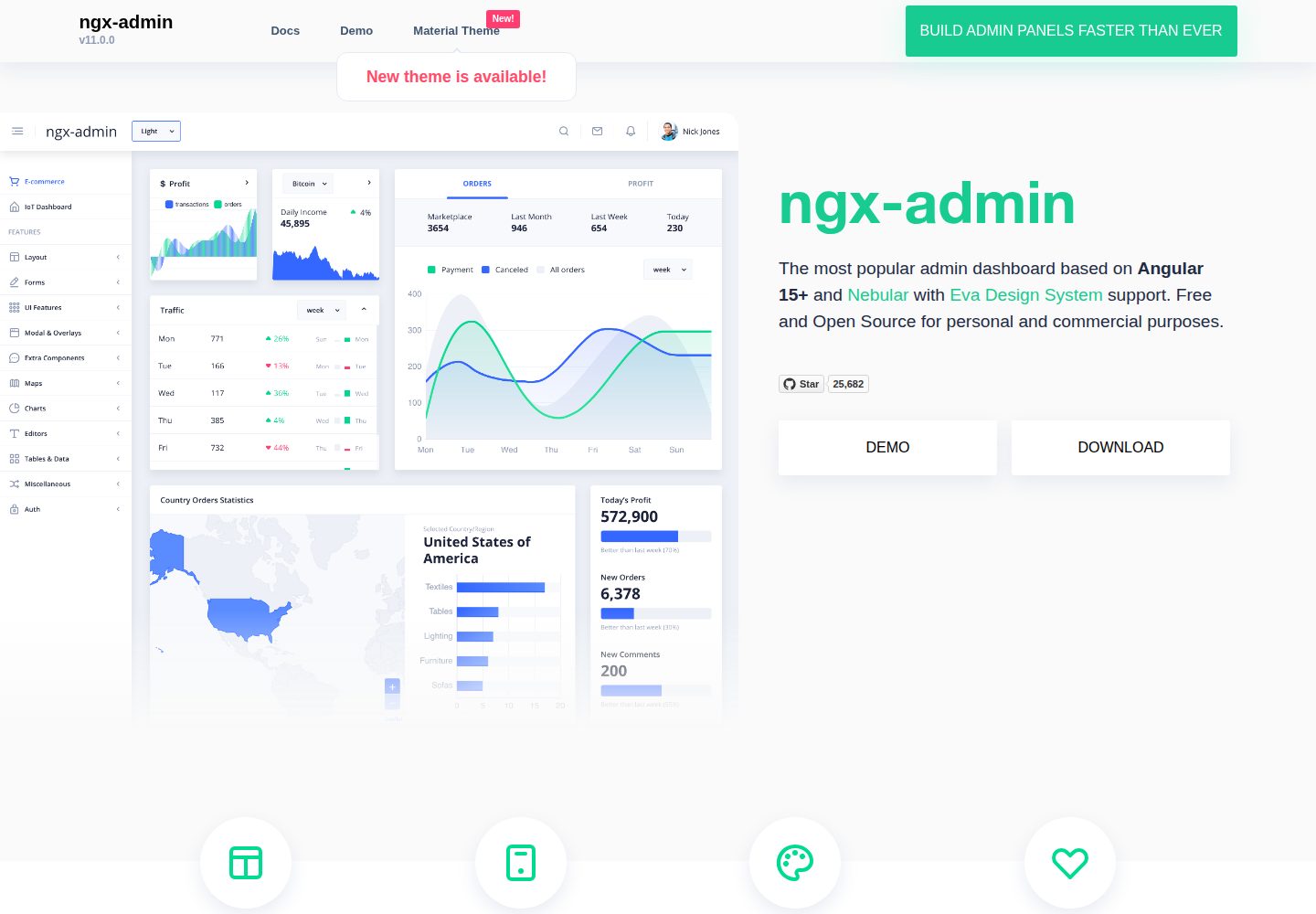
ngx-admin
ngx-admin is an Angular admin dashboard template maintained by Akveo, built on the Nebular component library and released under the MIT license.
Angular · Admin dashboard
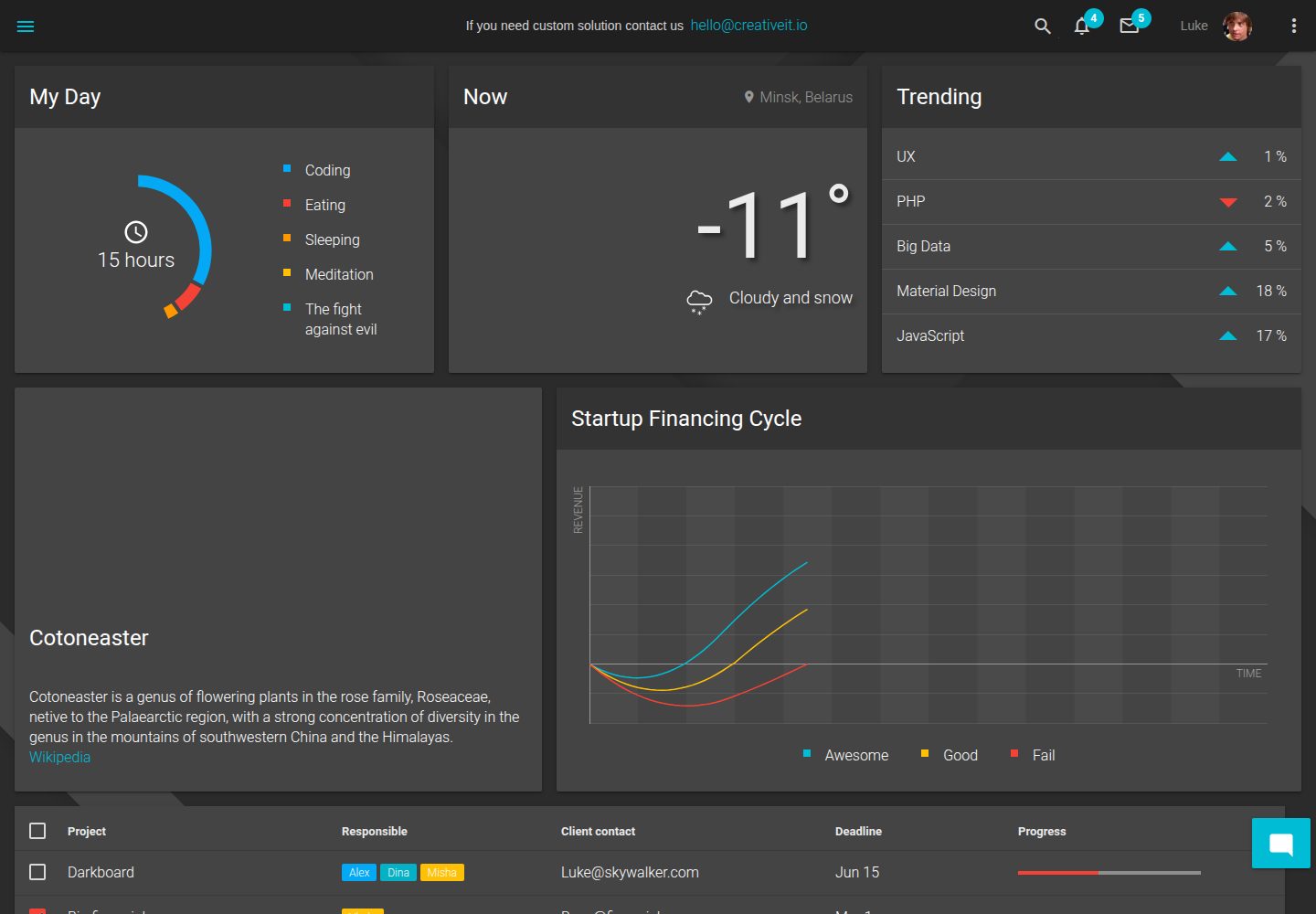
material-angular-dashboard
A dark-themed Angular admin template following Google Material Design, with dashboard pages, D3/NVD3 charts, ag-Grid tables, and a Sass/BEM theme. Released under the MIT license, it offers starter-kit, feature/backend, and feature/serverless branches.
Angular · Admin dashboard
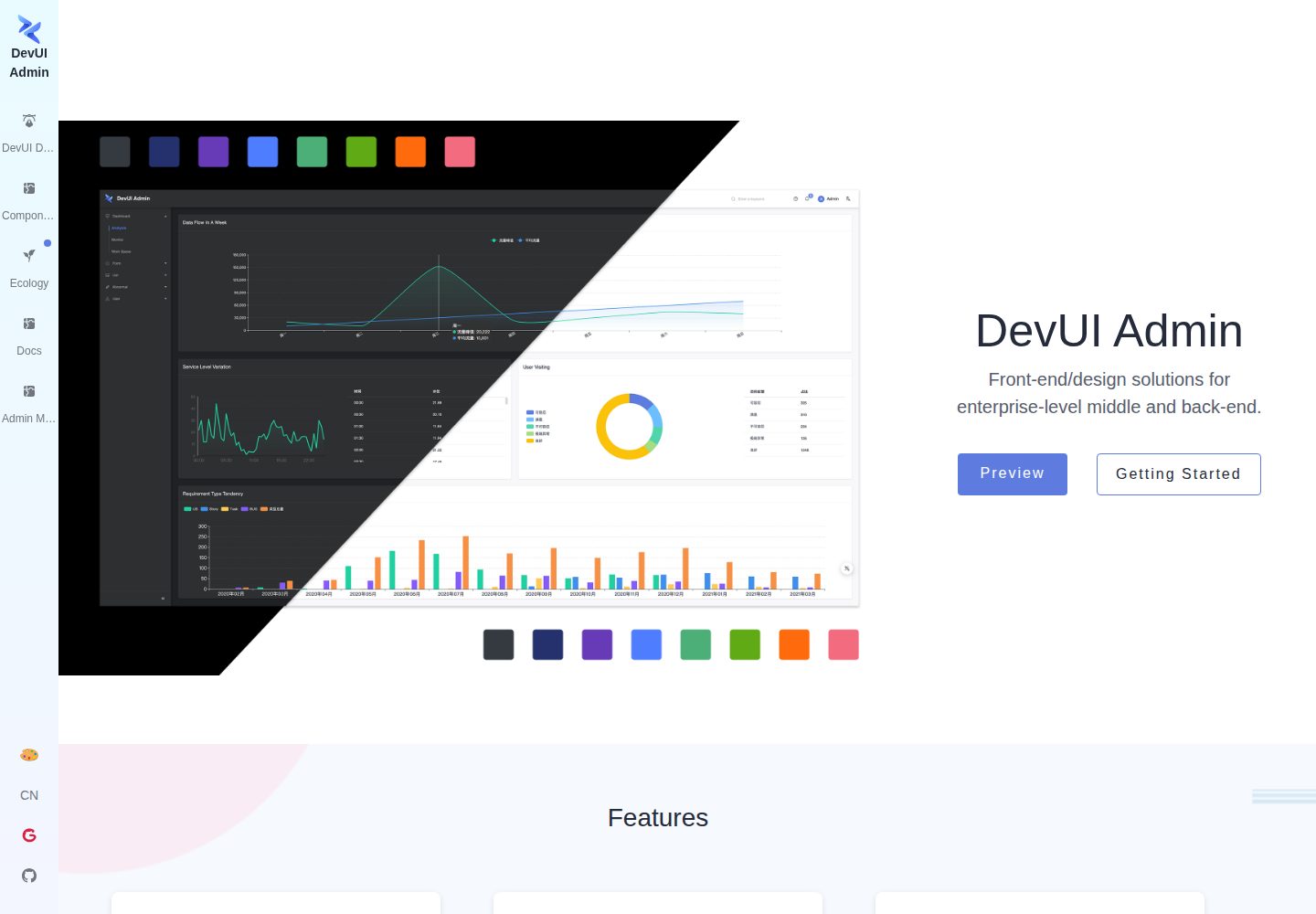
ng-devui-admin
A customizable mid-to-back-office admin template built with Angular and DevUI, featuring configurable layouts, multi-theme switching, internationalization, and local mock data debugging.
Angular · Admin dashboard
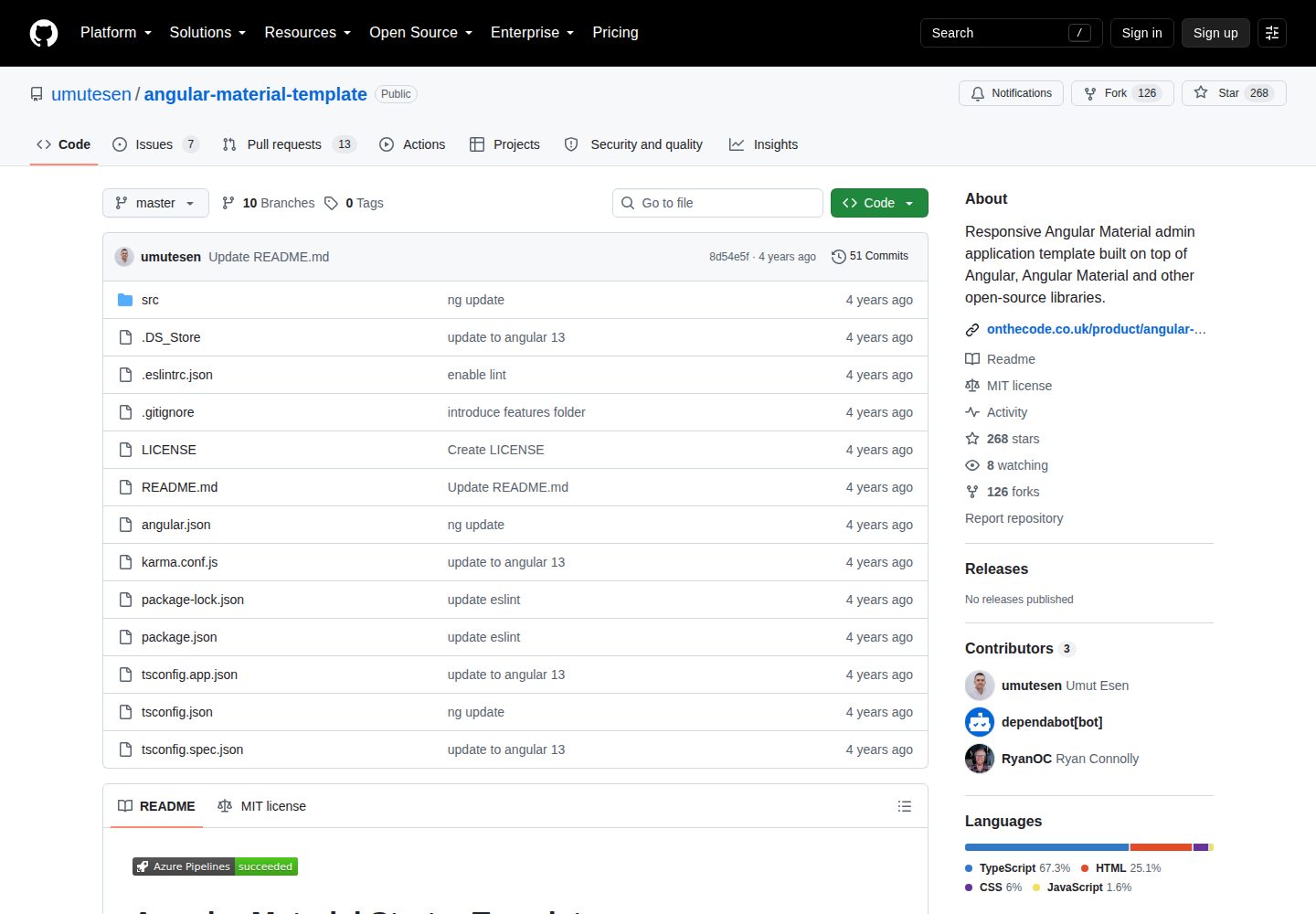
angular-material-template
A responsive Angular Material admin template with authentication, sidebar dashboard, account area, role guards, JWT interceptor, and lazy-loaded modules, under the MIT license.
Angular · Admin dashboard
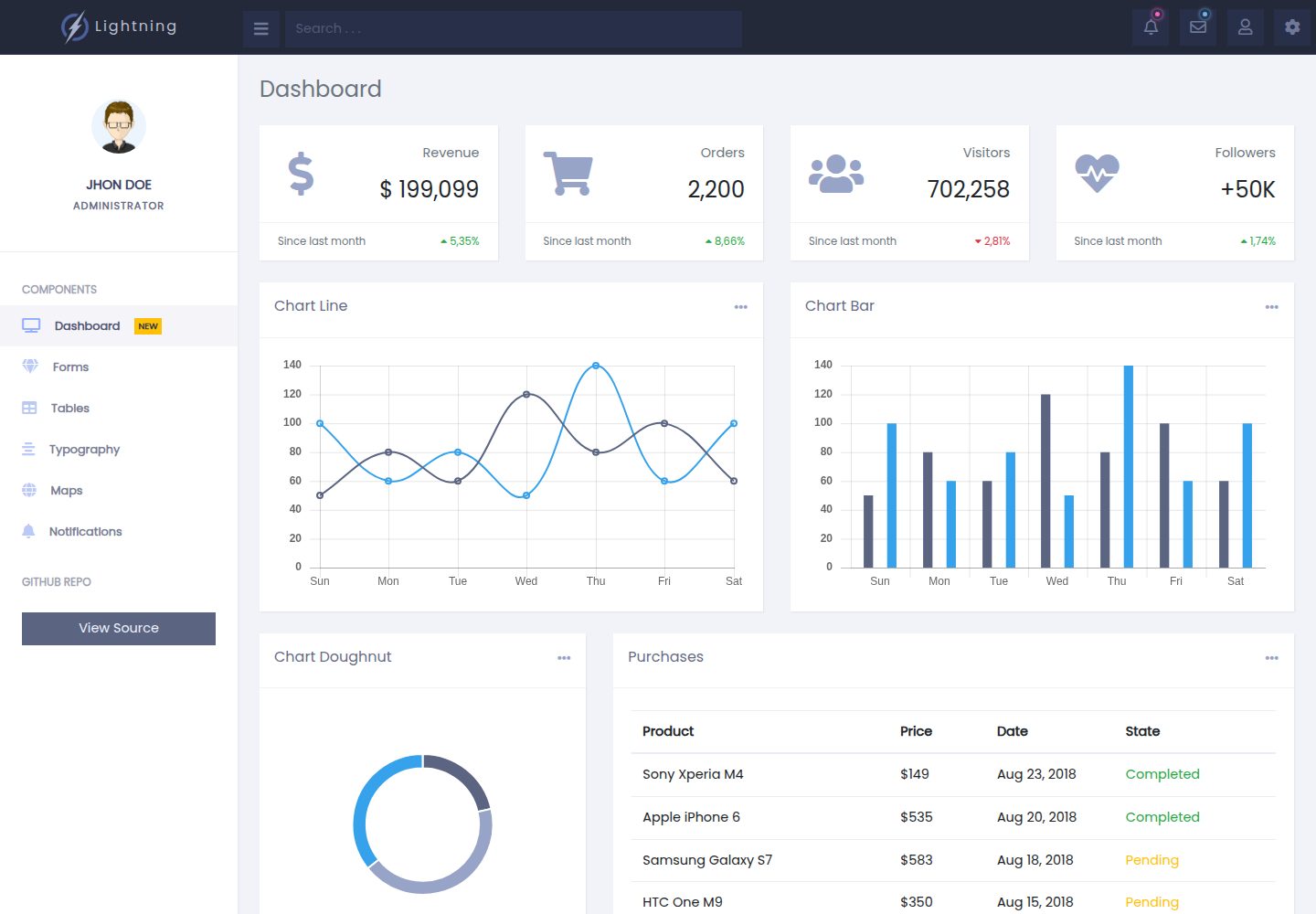
lightning-admin-angular
A mobile-first responsive admin template built with Angular and Bootstrap, offering data interface layouts such as dashboards.
Angular · Admin dashboard
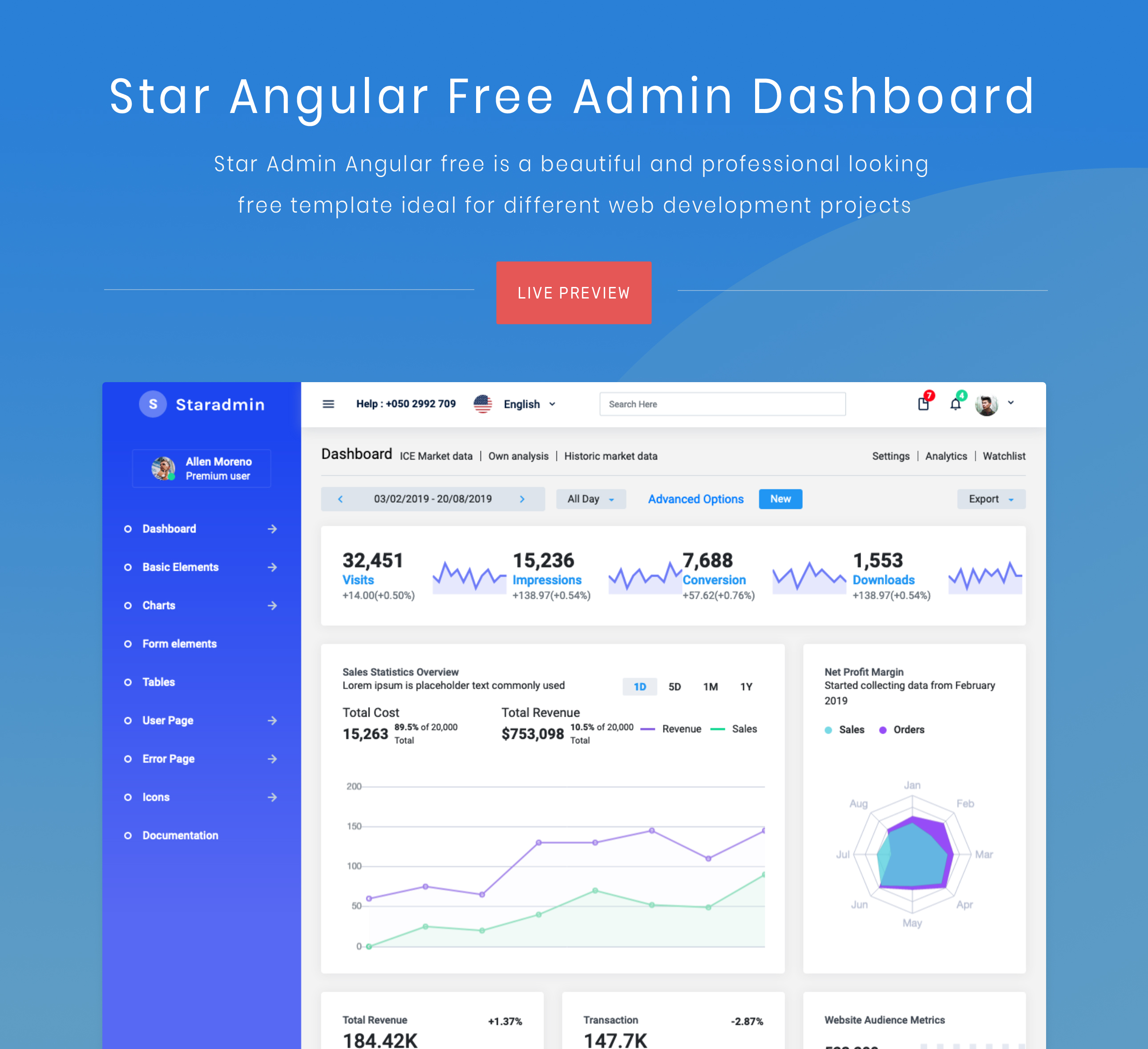
StarAdmin-Free-Angular-Admin-Template
A free admin template based on Angular 7 and Bootstrap 4, maintained by BootstrapDash.
Angular · Admin dashboard