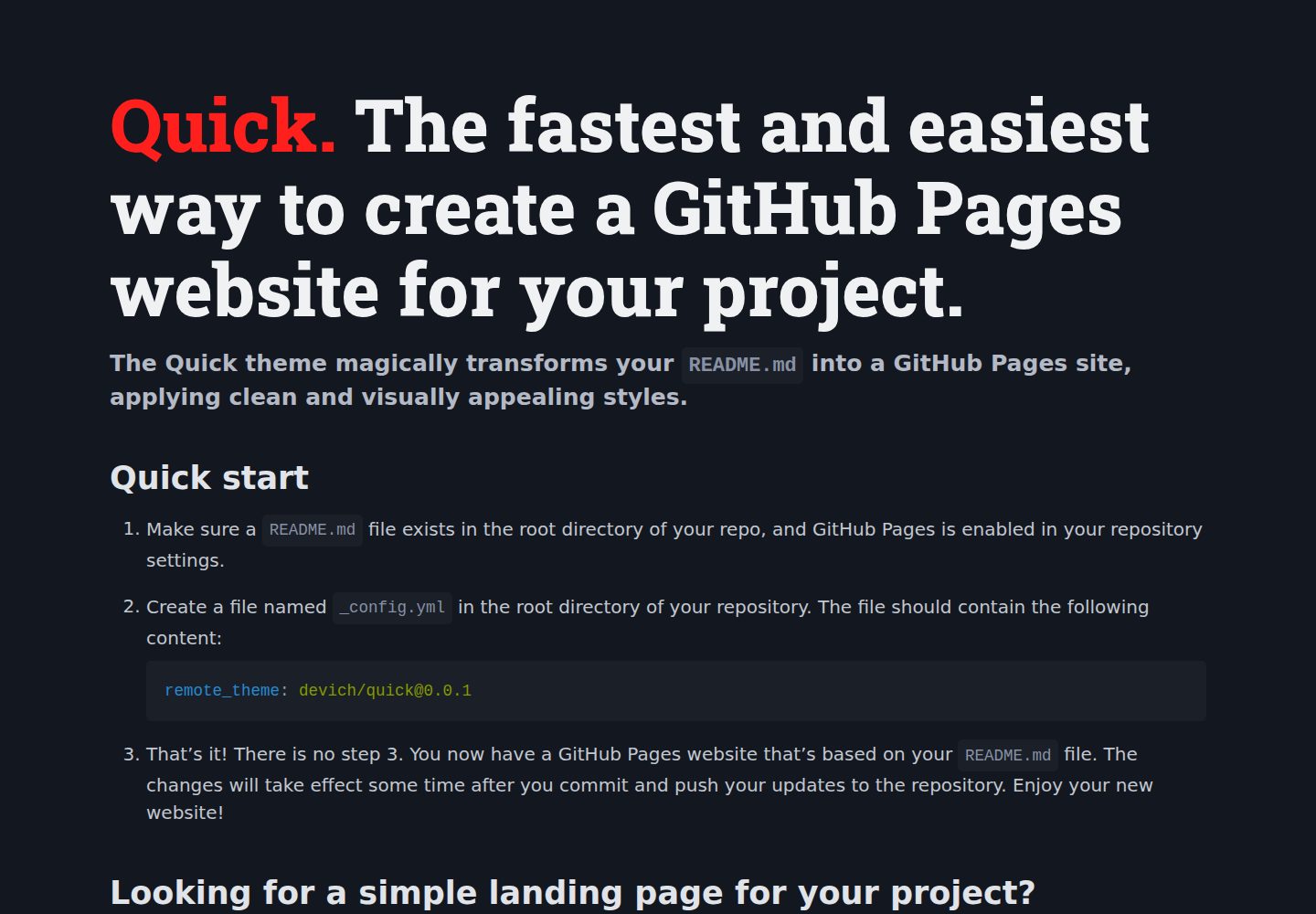
把仓库根目录的 README.md 直接渲染为 GitHub Pages 站点首页
Jekyll企业官网
quick — Jekyll 企业官网模板
作者 devich
Quick 是一个 Jekyll 远程主题,把仓库根目录的 README.md 直接渲染成 GitHub Pages 站点,并提供颜色、语言、标题等少量配置项。
看看你的网站会是什么样
浏览真实页面截图,比较内容排版与手机效果。点击下方缩略图切换,放大查看整页细节。
全部页面与视图 2
截图用于了解视觉与布局,交互效果请以实际项目为准。
采集于 2026-10-02查看来源
值得关注的模板亮点
从已有项目资料中,快速了解它的特点。
只需在 _config.yml 中声明 remote_theme 即可启用,无需本地构建
支持用 index.md 替代 README.md 作为首页,并可创建 about.md 等附加页面
可通过 _config.yml 设置语言、背景明暗、主题强调色、标题、描述、关键词和 Google Analytics 标识
支持用 class="ignore" 隐藏 README 中不希望出现在站点上的 HTML 块
可添加 assets/css/custom.css 自定义样式,或放置 assets/img/favicon.png 自定义站点图标
模板详细介绍
Quick 是一个基于 Jekyll 的 GitHub Pages 远程主题,核心用途是把仓库根目录已有的 README.md 直接作为站点首页渲染出来,不需要单独搭建页面结构。启用方式是在仓库根目录添加 _config.yml 并写入 remote_theme: devich/[email protected],前提是仓库已有 README.md 且已在仓库设置中开启 GitHub Pages。
除了默认使用 README.md,主题也支持用 index.md 作为首页,并允许创建 about.md 等额外页面、在页面之间互相链接,因此可以当作项目的简单落地页使用。
配置集中在 _config.yml:lang 设置站点语言,bg_color 设置深色/浅色/自动背景,theme_color 从一组预设颜色中选择按钮和链接的强调色,title 与 description、keywords 分别设置站点标题和 meta 信息,gtag 可填入 Google Analytics 标识。README 中带有 class="ignore" 的 HTML 块不会显示在站点上。自定义样式可放在 assets/css/custom.css,自定义 favicon 放在 assets/img/favicon.png;如需完全控制可克隆仓库后修改模板。
限制方面:主题依赖 GitHub Pages 的远程主题机制与 Jekyll 构建流程,页面内容主要来自 Markdown 文件;README 中未说明除上述配置项之外的扩展能力。
Jekyll企业官网
适合你的项目吗?
适用场景
- 为已有 GitHub 仓库快速生成一个基于 README.md 的项目介绍页面
- 把项目 README 同时作为 GitHub Pages 站点内容,避免维护两份文档
- 为开源项目搭建包含首页和 About 页的简单落地页
- 在不改动 README 正文的前提下,通过 ignore 类隐藏部分内容后再发布为站点
- 通过自定义 CSS 和 favicon 对默认样式做少量调整
适合人群
- 已有 README.md 并希望在 GitHub Pages 上展示该内容的仓库维护者
- 需要低成本、以 Markdown 为主的项目介绍页或简单落地页的开发者
- 接受 GitHub Pages 远程主题机制、不需要复杂前端构建流程的用户
- 希望通过少量配置项调整语言、配色和站点元信息的项目
上手与定制指南
结合仓库当前版本的说明,按下面的资料检查内容、配置与运行要求。
- 1
确认仓库根目录存在 README.md,并在仓库设置中启用 GitHub Pages
- 2
在仓库根目录创建 _config.yml,写入 remote_theme: devich/[email protected]
- 3
如需首页使用 index.md,可创建该文件替代 README.md 作为站点首页
- 4
可选配置项包括 lang、bg_color、theme_color、title、description、keywords、gtag
- 5
自定义样式放在 assets/css/custom.css,favicon 放在 assets/img/favicon.png
授权与来源资料
使用条件与限制
免费使用 · 保留许可声明本次收录的是公开仓库中采用 Unlicense 许可的免费版本;免费范围为该版本代码,不代表外部服务或第三方素材免费。
使用时需要遵守
- 允许免费复制、修改、发布、使用、编译、销售和分发该版本代码,包括商业用途。
- 作者通过公有领域贡献声明放弃相关版权;该声明的法律效果取决于适用司法辖区。
- 代码按现状提供;担保与责任限制以原许可证及适用法律为准。
额外费用与待核对事项
- 使用前提:仓库根目录需存在 README.md,且必须在仓库设置中启用 GitHub Pages,否则主题无法生效。
- 需在 _config.yml 中声明该远程主题并依赖 GitHub Pages 的 Jekyll 远程主题机制构建,无法脱离该托管环境独立渲染。
- 若启用 gtag 配置,站点会接入 Google Analytics 外部服务,可能涉及第三方数据收集与相关合规要求。
- 演示图片、字体、图标及其他第三方素材需按各自许可核对,不能仅凭代码的 Unlicense 许可判断。
- 域名、托管、数据库、支付或 AI 等外部服务可能另外收费。
查看原文依据
for any purpose, commercial or non-commercial, and by any means
许可证原文
Make sure a `README.md` file exists in the root directory of your repo, and GitHub Pages is enabled in your repository settings.
README 原文
remote_theme: devich/[email protected]
README 原文
https://github.com/devich/quick/blob/main/LICENSEhttps://github.com/devich/quick/blob/main/README.md`gtag`: sets your Google Analytics tag if needed (e.g. G-A1BCDEFGHI).
README 原文
DeepSeek 根据仓库许可证和 README 整理 ·2026-10-02。结果仅覆盖已读取资料,依赖、图片、字体及后续条款变更以各自原文为准。
项目核对记录与介绍依据
模板资料
- 来源平台
- GitHub
- 资料与维护参考分
- 资料较完整 · 87 / 100
- 技术栈
- Jekyll
- 网站类型
- 企业官网
这个分数如何计算
本站按许可资料(最高30分)、演示链接(12分)、预览图(10分)、Star数(15分)、记录的维护时间(15分)、描述完整度(8分)、功能记录(5分)和分类资料(5分)计算。它不是代码、安全或性能测试,也不是 Google 评分;有链接不代表已实测可用。
这个项目需要核对什么
- 记录的仓库更新时间
- 2025-11-30
- 截图检查日期
- 2026-10-02
已收录演示链接。请用你的内容与屏幕尺寸检查;有演示不代表表单、认证或支付已经可用。
目录记录的主要技术栈是 Jekyll。请通过依赖清单和锁文件核对实际版本与托管要求。这些说明基于收录资料,不代表代码审计或部署实测。
查看具体选型方法 →介绍的制作与核对状态
介绍由 AI 辅助整理目录与仓库资料。仓库作者不等于这篇介绍的审核者。
已完成服务器许可规则与 AI 来源核对;未经过人工编辑审核。
查看当时使用的来源资料
SHA-256: 9ca93a0cfe72c41929f6ec515fbab17a6bcbe6c12f8e1ff246942b4e6ef00064
2026-10-02T09:15:34.295Z
来源文件 / 仓库# <span style="color: #ff201e">Quick.</span> The fastest and easiest way to create a GitHub Pages website for your project. #### The Quick theme magically transforms your `README.md` into a GitHub Pages site, applying clean and visually appealing styles. <p class="ignore">Just see it yourself — <a href="https://devich.github.io/quick/">this page</a> is the same <code>README.md</code> file you’re reading, but with the Quick theme applied:</p> <a class="ignore" href="https://devich.github.io/quick/"><img src="assets/img/preview.png" alt="Quick preview"></a> ## Quick start 1. Make sure a `README.md` file exists in the root directory of your repo, and GitHub Pages is enabled in your repository settings. 2. Create a file named `_config.yml` in the root directory of your repository. The file should contain the following content: ```yaml remote_theme: devich/[email protected] ``` 3. That’s it! There is no step 3. You now have a GitHub Pages website that’s based on your `README.md` file. The changes will take effect some time after you commit and push your updates to the repository. Enjoy your new website! ## Looking for a simple landing page for your project? No problem! You’re not restricted to using `readme.md` as the index page of your site. Simply create a file named `index.md`, and this theme will use it as the home page. Feel free to create as many pages as you want and link them within your site. For instance, if you need a home page and an ‘About’ page, create files named `index.md` and `about.md`. Inside the `index.md` file, you can link to your ‘About’ page like this: ```md [About this project](about) ``` ## Fine tuning ### Additional settings in _config.yml You can set additional parameters for the site in the `_config.yml` file. The following options are available: - `lang:` sets the language of the site. E.g. `en-US`, `uk`, `pl`, `fr-CA` and so on. The default value is `en-US`. - `bg_color:` sets the background color of your website. Can be `dark`, `light` or `auto`. The default value is `auto`. - `theme_color:` sets the main accent color for buttons, links, etc. It can be <nobr><code class="highlighter-rouge" style="color:#c52f21">red</code>,</nobr> <nobr><code class="highlighter-rouge" style="color:#d92662">pink</code>,</nobr> <nobr><code class="highlighter-rouge" style="color:#c0208a">fuchsia</code>,</nobr> <nobr><code class="highlighter-rouge" style="color:#9136a3">purple</code>,</nobr> <nobr><code class="highlighter-rouge" style="color:#7540be">violet</code>,</nobr> <nobr><code class="highlighter-rouge" style="color:#524ed1">indigo</code>,</nobr> <nobr><code class="highlighter-rouge" style="color:#2060de">blue</code>,</nobr> <nobr><code class="highlighter-rouge" style="color:#0172ac">azure</code>,</nobr> <nobr><code class="highlighter-rouge" style="color:#047878">cyan</code>,</nobr> <nobr><code class="highlighter-rouge" style="color:#007a50">jade</code>,</nobr> <nobr><code class="highlighter-rouge" style="color:#398712">green</code>,</nobr> <nobr><code class="highlighter-rouge" style="color:#a5d601">lime</code>,</nobr> <nobr><code class="highlighter-rouge" style="color:#f2df0d">yellow</code>,</nobr> <nobr><code class="highlighter-rouge" style="color:#ffbf00">amber</code>,</nobr> <nobr><code class="highlighter-rouge" style="color:#ff9500">pumpkin</code>,</nobr> <nobr><code class="highlighter-rouge" style="color:#d24317">orange</code>,</nobr> <nobr><code class="highlighter-rouge" style="color:#ccc6b4">sand</code>,</nobr> <nobr><code class="highlighter-rouge" style="color:#ababab">grey</code>,</nobr> <nobr><code class="highlighter-rouge" style="color:#646b79">zinc</code> or <nobr><code class="highlighter-rouge" style="color:#525f7a">slate</code>.</nobr> The default value is <nobr><code class="highlighter-rouge" style="color:#0172ac">azure</code>. - `title:` sets the title of the site. If not set, your repository name will be used. - `description`: sets the meta description tag, which typically contains a concise, relevant summary of the page’s content. - `keywords`: sets keywords for the page, separated with commas. - `gtag`: sets your Google Analytics tag if needed (e.g. G-A1BCDEFGHI). Alternatively, you can copy the contents of the `_config.yml` file from the [theme repository](https://github.com/devich/quick/blob/main/_config.yml) into your own `_config.yml` file. This will give you access to all available options at once. ### Ignoring If there’s a block in the `README.md` file that you don’t want to display on the GitHub Pages site, you can format this block as HTML and assign the `class="ignore"` attribute to it. <p class="ignore"> This paragraph <a href="https://devich.github.io/quick/">will not be displayed</a> on the site because it has an <code>"ignore"</code> class. </p> ```html <p class="ignore"> This paragraph <a href="https://devich.github.io/quick/">will not be displayed</a> on the site because it has an <code>"ignore"</code> class. </p> ``` ### More customization If you need to use your own CSS styles, create a file `assets/css/custom.css` in your repository and add your styles to it. For a custom favicon, just place your file in `PNG` format at `assets/img/favicon.png`. For full control, clone this repository and modify the template as you need.
看看同类模板
对比同技术栈与用途的模板,找到更适合的视觉与内容结构。
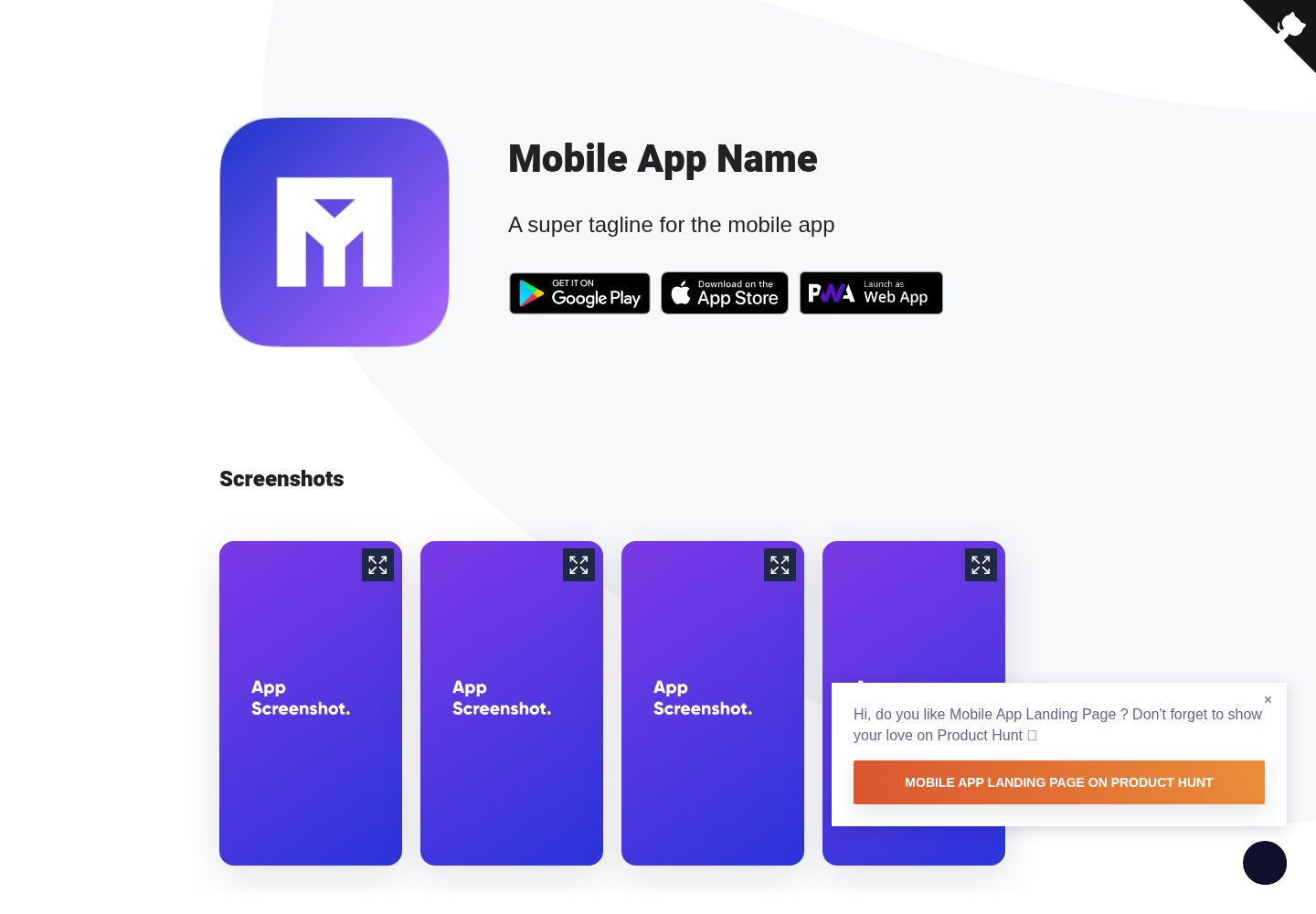
Mobile-app-landingpage-template
📱 Free to use static generated website template for your mobile app
Jekyll · 企业官网
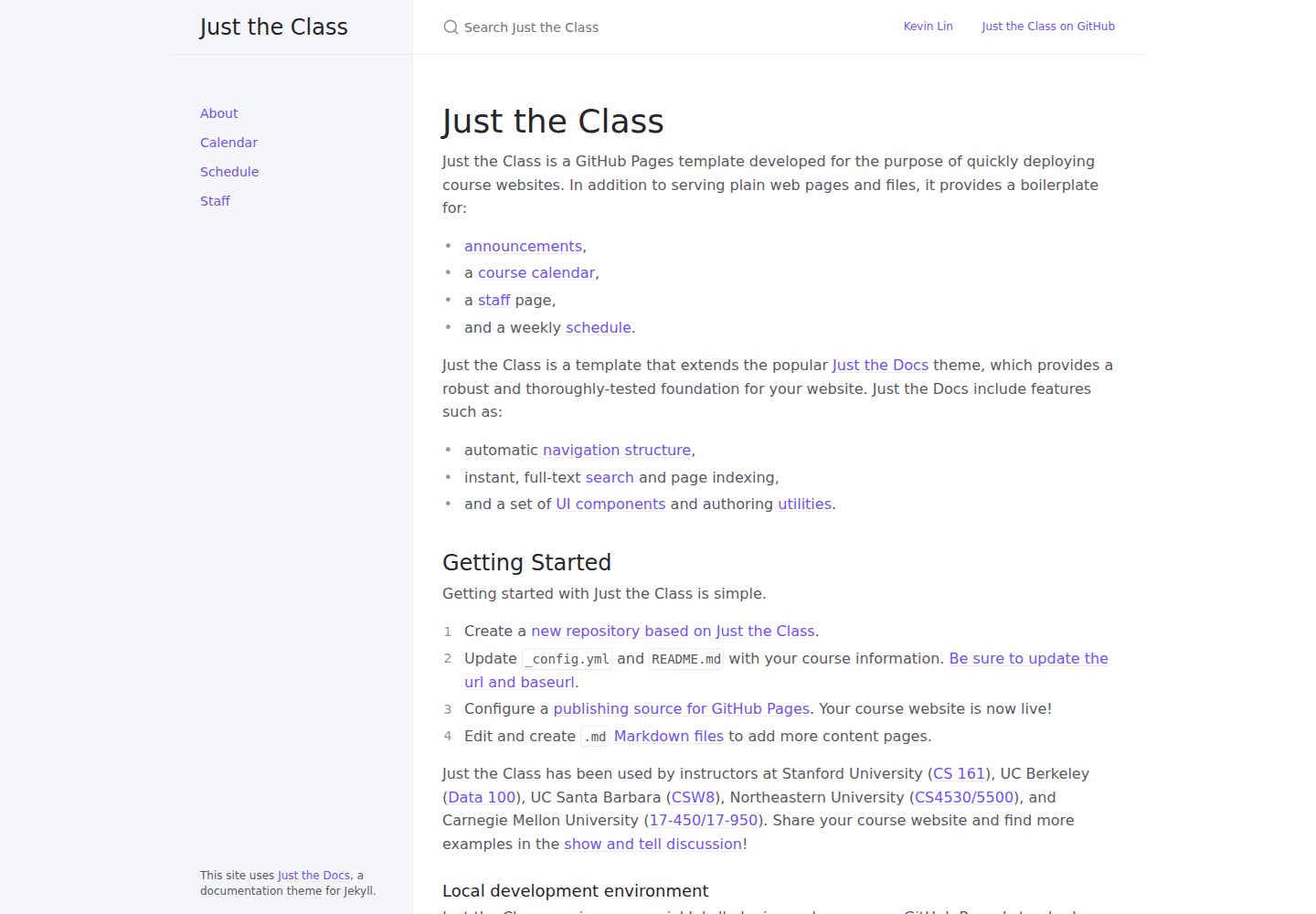
just-the-class
A modern, highly customizable, responsive Jekyll template for course websites.
Jekyll · 企业官网
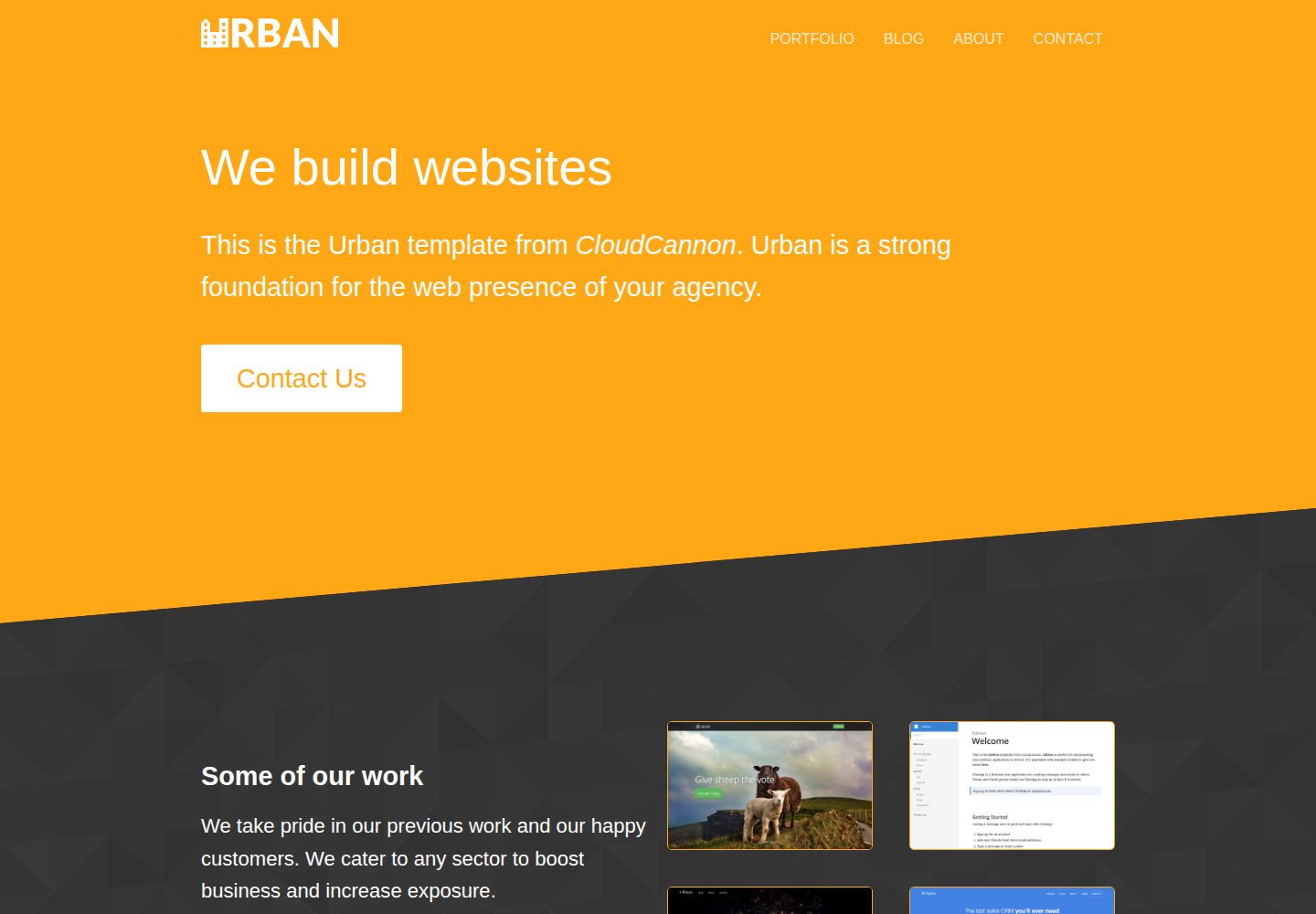
urban-jekyll-template
:cloud: Agency template for Jekyll
Jekyll · 企业官网
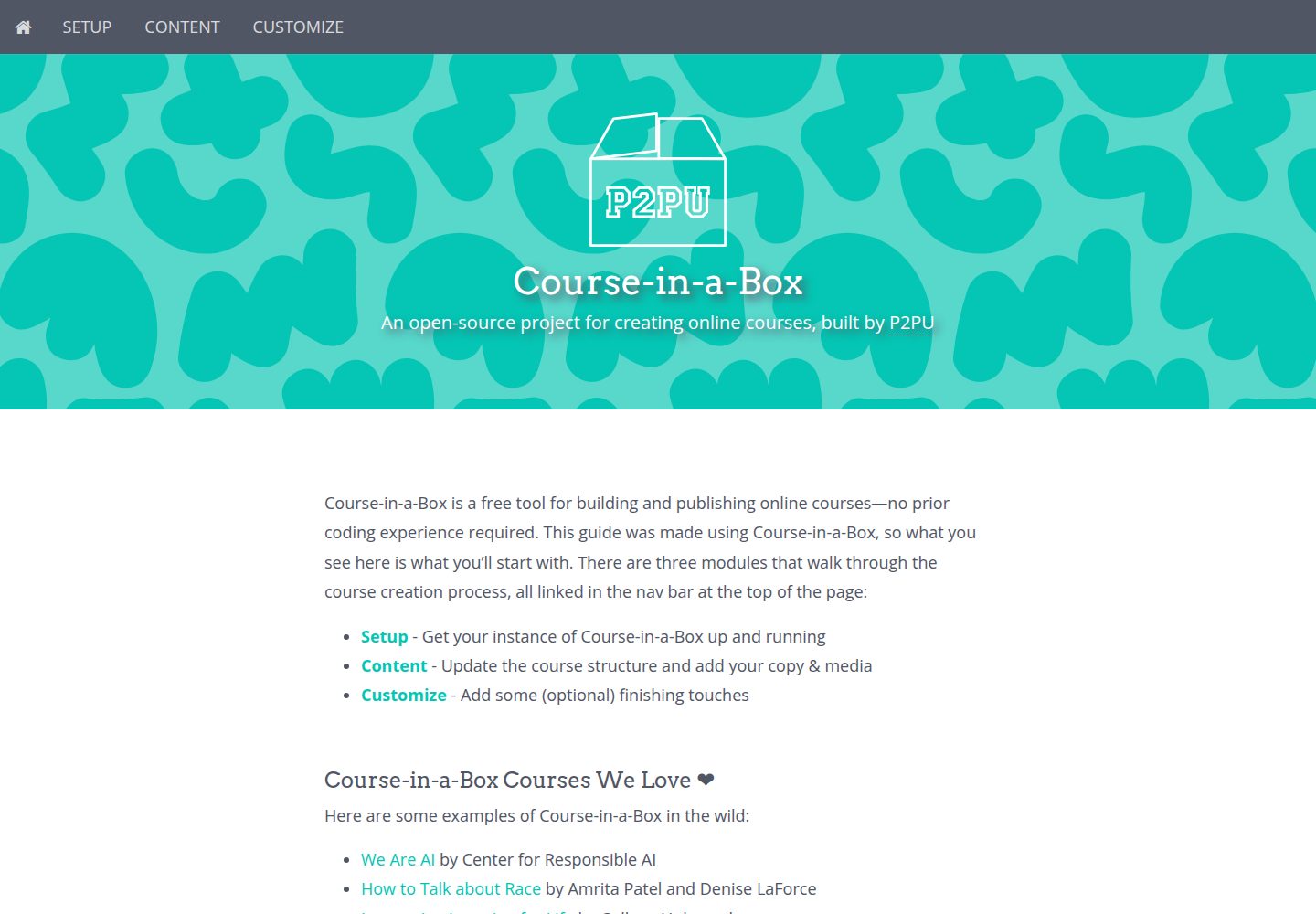
course-in-a-box
An open-source project for creating online courses, built by P2PU
Jekyll · 企业官网

agency-jekyll-theme-starter
Agency Jekyll Theme starter template (optimized for GitHub Pages)
Jekyll · 企业官网
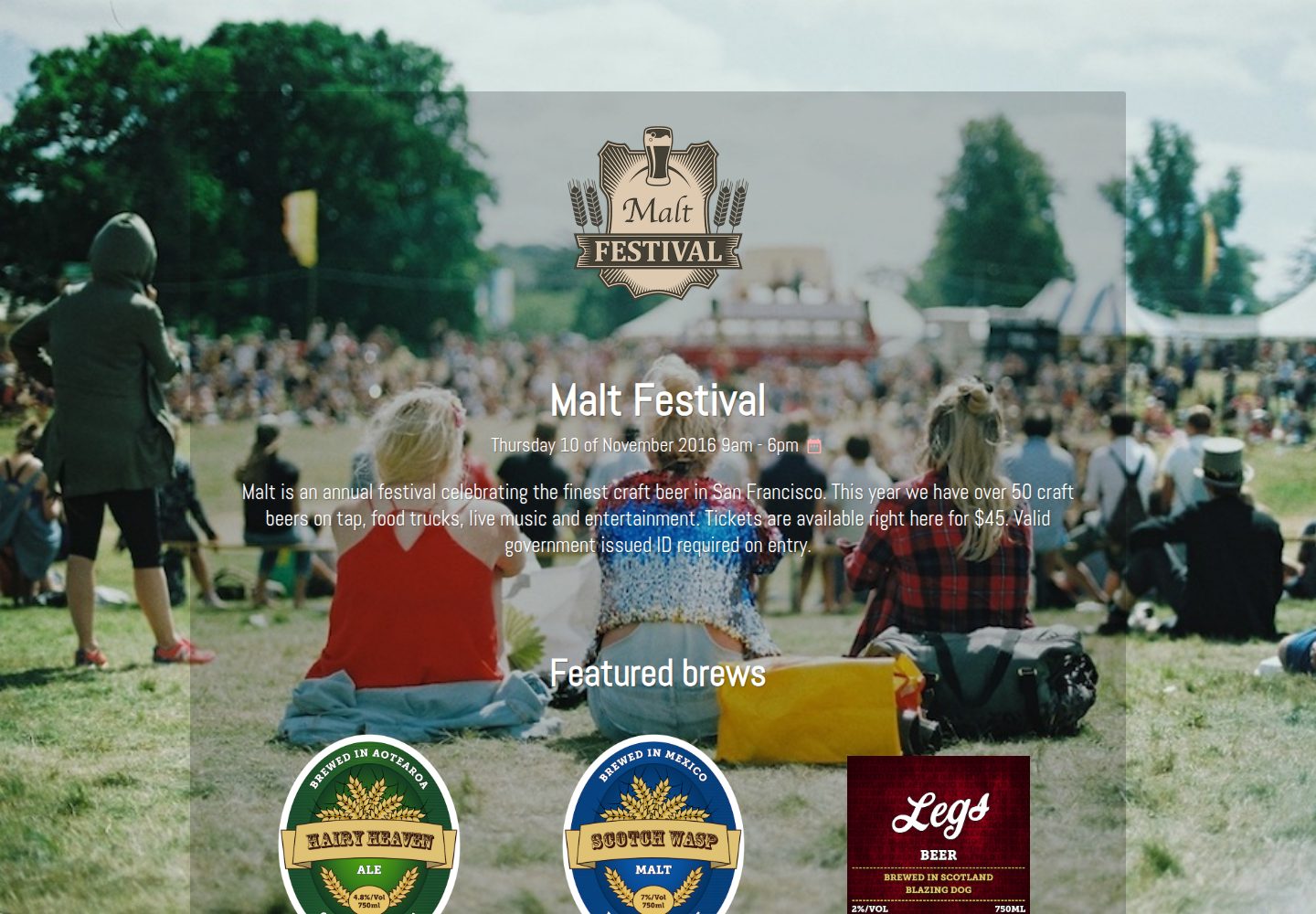
malt-jekyll-template
:beers: Event marketing template for Jekyll
Jekyll · 企业官网