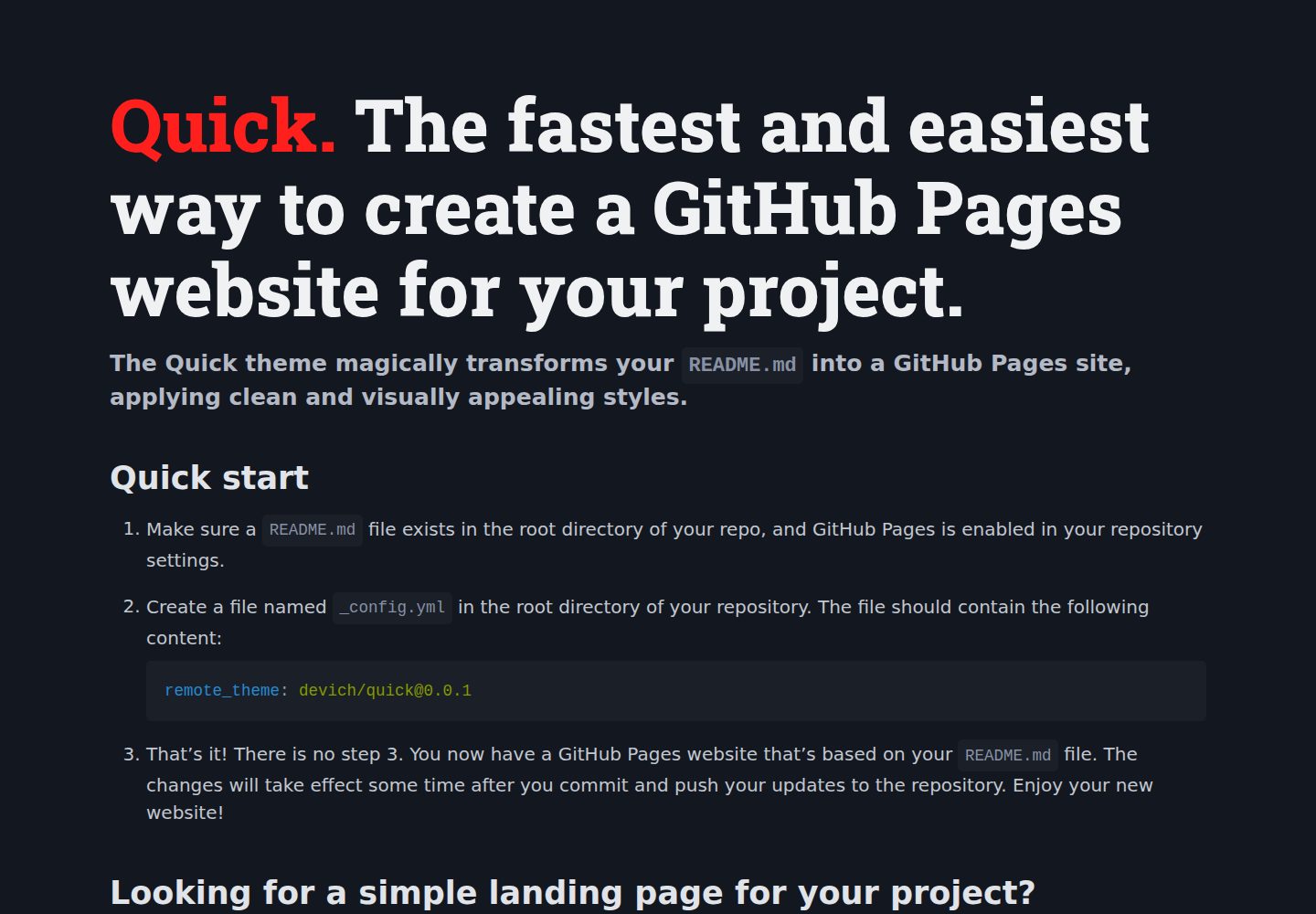
Renders the README.md in the repository root directly as the GitHub Pages site homepage
JekyllCorporate Website
quick — Jekyll Business Template
By devich
Quick is a Jekyll remote theme that renders the README.md in the repository root directly as a GitHub Pages site, with a few configuration options for color, language, title, and more.
Explore the design
Compare the page layouts and mobile experience. Open any screenshot for a closer look.
Desktop homepage1 / 2
Desktop captureTop of page
Actual screenshot captured by the server browser.
All pages & views 2
Screenshots show visual appearance; interactive behavior may differ.
Recorded 2026-10-02View source
What stands out
A quick read of the recorded project description.
Enabled by declaring remote_theme in _config.yml, with no local build required
Supports using index.md instead of README.md as the homepage and creating additional pages such as about.md
Language, background light/dark mode, theme accent color, title, description, keywords, and Google Analytics identifier can be set via _config.yml
Supports hiding HTML blocks in the README that should not appear on the site using class="ignore"
Custom styles can be added via assets/css/custom.css, or a custom site icon placed at assets/img/favicon.png
Template Details
Quick is a Jekyll-based GitHub Pages remote theme whose core purpose is to render an existing README.md in the repository root directly as the site homepage, without building a separate page structure. To enable it, add _config.yml to the repository root and set remote_theme: devich/[email protected]. This requires that the repository already has a README.md and that GitHub Pages is enabled in the repository settings.
In addition to using README.md by default, the theme also supports using index.md as the homepage and allows creating additional pages such as about.md and linking between pages, so it can serve as a simple landing page for a project.
Configuration is centralized in _config.yml: lang sets the site language, bg_color sets a dark/light/automatic background, theme_color selects the accent color for buttons and links from a set of presets, title, description, and keywords set the site title and meta information respectively, and gtag can hold a Google Analytics identifier. HTML blocks in the README with class="ignore" are not displayed on the site. Custom styles can be placed in assets/css/custom.css, and a custom favicon in assets/img/favicon.png; for full control, you can clone the repository and modify the template.
Limitations: the theme relies on GitHub Pages' remote theme mechanism and the Jekyll build process, and page content mainly comes from Markdown files; the README does not describe extension capabilities beyond the configuration options above.
JekyllCorporate website
Is it right for your project?
Use Cases
- Quickly generate a project introduction page based on README.md for an existing GitHub repository
- Use the project README as GitHub Pages site content at the same time, avoiding maintaining two sets of documentation
- Build a simple landing page with a homepage and an About page for an open-source project
- Hide some content via the ignore class before publishing as a site without changing the README body
- Make minor adjustments to the default styles through custom CSS and favicon
Suitable For
- Repository maintainers who already have a README.md and want to display that content on GitHub Pages
- Developers who need a low-cost, Markdown-centric project introduction page or simple landing page
- Users who accept GitHub Pages' remote theme mechanism and do not need a complex front-end build process
- Projects that want to adjust language, color scheme, and site meta information through a few configuration options
Getting started & customization
Use these recorded setup notes alongside the repository instructions for your chosen version.
- 1
Confirm that README.md exists in the repository root and enable GitHub Pages in the repository settings
- 2
Create _config.yml in the repository root and write remote_theme: devich/[email protected]
- 3
If you want to use index.md as the homepage, you can create that file to replace README.md as the site homepage
- 4
Optional configuration items include lang, bg_color, theme_color, title, description, keywords, and gtag
- 5
Place custom styles in assets/css/custom.css and the favicon in assets/img/favicon.png
License & source material
Usage conditions & limitations
Free to use · keep license noticeThis entry covers the free version in the public repository under the Unlicense. The free scope is the code of that version and does not mean that external services or third-party assets are free.
Must comply with when using
- The code of this version may be freely copied, modified, published, used, compiled, sold, and distributed, including for commercial purposes.
- The author waives related copyright through a public domain dedication; the legal effect of that dedication depends on the applicable jurisdiction.
- The code is provided as is; warranties and limitations of liability are governed by the original license and applicable law.
Additional costs & items to verify
- Prerequisite: README.md must exist in the repository root and GitHub Pages must be enabled in the repository settings, otherwise the theme will not take effect.
- The remote theme must be declared in _config.yml and relies on GitHub Pages' Jekyll remote theme mechanism to build; it cannot render independently of that hosting environment.
- If the gtag configuration is enabled, the site will connect to the external Google Analytics service, which may involve third-party data collection and related compliance requirements.
- Demo images, fonts, icons, and other third-party assets must be checked against their respective licenses; they cannot be judged solely by the code's Unlicense.
- External services such as domains, hosting, databases, payments, or AI may incur additional charges.
View Original Text Basis
for any purpose, commercial or non-commercial, and by any means
Original License Text
Make sure a `README.md` file exists in the root directory of your repo, and GitHub Pages is enabled in your repository settings.
Original README
remote_theme: devich/[email protected]
Original README
https://github.com/devich/quick/blob/main/LICENSEhttps://github.com/devich/quick/blob/main/README.md`gtag`: sets your Google Analytics tag if needed (e.g. G-A1BCDEFGHI).
Original README
Compiled by DeepSeek based on repository license and README ·2026-10-02. Results only cover the materials read; dependencies, images, fonts, and subsequent term changes are subject to their respective original texts.
Project checks & description sources
Template Information
- Source platforms
- GitHub
- Documentation and maintenance reference score
- More documented · 87 / 100
- Technologies
- Jekyll
- Website type
- Corporate Website
How this score is calculated
Our heuristic uses license records (up to 30), a demo link (12), a preview (10), stars (15), recorded maintenance (15), description completeness (8), feature records (5) and classification data (5). It is not a code, security or performance test, or a Google score. A link does not establish tested functionality.
What to verify for this project
- Repository update recorded
- 2025-11-30
- Screenshot last checked
- 2026-10-02
A demo link is listed. Check it with your own content and viewport sizes; its presence does not confirm that forms, authentication or payments work.
The catalog identifies Jekyll as the primary stack. Check the actual dependency manifest and lockfile for versions and hosting requirements. These notes use recorded metadata, not a code audit or a deployment test.
Use a selection guide →How this description was prepared
AI-assisted description based on catalog records and repository material. Repository authors are not automatically the reviewers of this description.
Automatically checked against source and license rules; no manual editorial review.
Inspect the recorded source material
SHA-256: 9ca93a0cfe72c41929f6ec515fbab17a6bcbe6c12f8e1ff246942b4e6ef00064
2026-10-02T09:15:34.295Z
Source file / repository# <span style="color: #ff201e">Quick.</span> The fastest and easiest way to create a GitHub Pages website for your project. #### The Quick theme magically transforms your `README.md` into a GitHub Pages site, applying clean and visually appealing styles. <p class="ignore">Just see it yourself — <a href="https://devich.github.io/quick/">this page</a> is the same <code>README.md</code> file you’re reading, but with the Quick theme applied:</p> <a class="ignore" href="https://devich.github.io/quick/"><img src="assets/img/preview.png" alt="Quick preview"></a> ## Quick start 1. Make sure a `README.md` file exists in the root directory of your repo, and GitHub Pages is enabled in your repository settings. 2. Create a file named `_config.yml` in the root directory of your repository. The file should contain the following content: ```yaml remote_theme: devich/[email protected] ``` 3. That’s it! There is no step 3. You now have a GitHub Pages website that’s based on your `README.md` file. The changes will take effect some time after you commit and push your updates to the repository. Enjoy your new website! ## Looking for a simple landing page for your project? No problem! You’re not restricted to using `readme.md` as the index page of your site. Simply create a file named `index.md`, and this theme will use it as the home page. Feel free to create as many pages as you want and link them within your site. For instance, if you need a home page and an ‘About’ page, create files named `index.md` and `about.md`. Inside the `index.md` file, you can link to your ‘About’ page like this: ```md [About this project](about) ``` ## Fine tuning ### Additional settings in _config.yml You can set additional parameters for the site in the `_config.yml` file. The following options are available: - `lang:` sets the language of the site. E.g. `en-US`, `uk`, `pl`, `fr-CA` and so on. The default value is `en-US`. - `bg_color:` sets the background color of your website. Can be `dark`, `light` or `auto`. The default value is `auto`. - `theme_color:` sets the main accent color for buttons, links, etc. It can be <nobr><code class="highlighter-rouge" style="color:#c52f21">red</code>,</nobr> <nobr><code class="highlighter-rouge" style="color:#d92662">pink</code>,</nobr> <nobr><code class="highlighter-rouge" style="color:#c0208a">fuchsia</code>,</nobr> <nobr><code class="highlighter-rouge" style="color:#9136a3">purple</code>,</nobr> <nobr><code class="highlighter-rouge" style="color:#7540be">violet</code>,</nobr> <nobr><code class="highlighter-rouge" style="color:#524ed1">indigo</code>,</nobr> <nobr><code class="highlighter-rouge" style="color:#2060de">blue</code>,</nobr> <nobr><code class="highlighter-rouge" style="color:#0172ac">azure</code>,</nobr> <nobr><code class="highlighter-rouge" style="color:#047878">cyan</code>,</nobr> <nobr><code class="highlighter-rouge" style="color:#007a50">jade</code>,</nobr> <nobr><code class="highlighter-rouge" style="color:#398712">green</code>,</nobr> <nobr><code class="highlighter-rouge" style="color:#a5d601">lime</code>,</nobr> <nobr><code class="highlighter-rouge" style="color:#f2df0d">yellow</code>,</nobr> <nobr><code class="highlighter-rouge" style="color:#ffbf00">amber</code>,</nobr> <nobr><code class="highlighter-rouge" style="color:#ff9500">pumpkin</code>,</nobr> <nobr><code class="highlighter-rouge" style="color:#d24317">orange</code>,</nobr> <nobr><code class="highlighter-rouge" style="color:#ccc6b4">sand</code>,</nobr> <nobr><code class="highlighter-rouge" style="color:#ababab">grey</code>,</nobr> <nobr><code class="highlighter-rouge" style="color:#646b79">zinc</code> or <nobr><code class="highlighter-rouge" style="color:#525f7a">slate</code>.</nobr> The default value is <nobr><code class="highlighter-rouge" style="color:#0172ac">azure</code>. - `title:` sets the title of the site. If not set, your repository name will be used. - `description`: sets the meta description tag, which typically contains a concise, relevant summary of the page’s content. - `keywords`: sets keywords for the page, separated with commas. - `gtag`: sets your Google Analytics tag if needed (e.g. G-A1BCDEFGHI). Alternatively, you can copy the contents of the `_config.yml` file from the [theme repository](https://github.com/devich/quick/blob/main/_config.yml) into your own `_config.yml` file. This will give you access to all available options at once. ### Ignoring If there’s a block in the `README.md` file that you don’t want to display on the GitHub Pages site, you can format this block as HTML and assign the `class="ignore"` attribute to it. <p class="ignore"> This paragraph <a href="https://devich.github.io/quick/">will not be displayed</a> on the site because it has an <code>"ignore"</code> class. </p> ```html <p class="ignore"> This paragraph <a href="https://devich.github.io/quick/">will not be displayed</a> on the site because it has an <code>"ignore"</code> class. </p> ``` ### More customization If you need to use your own CSS styles, create a file `assets/css/custom.css` in your repository and add your styles to it. For a custom favicon, just place your file in `PNG` format at `assets/img/favicon.png`. For full control, clone this repository and modify the template as you need.
Explore similar templates
Compare previews and descriptions within the same stack and category.
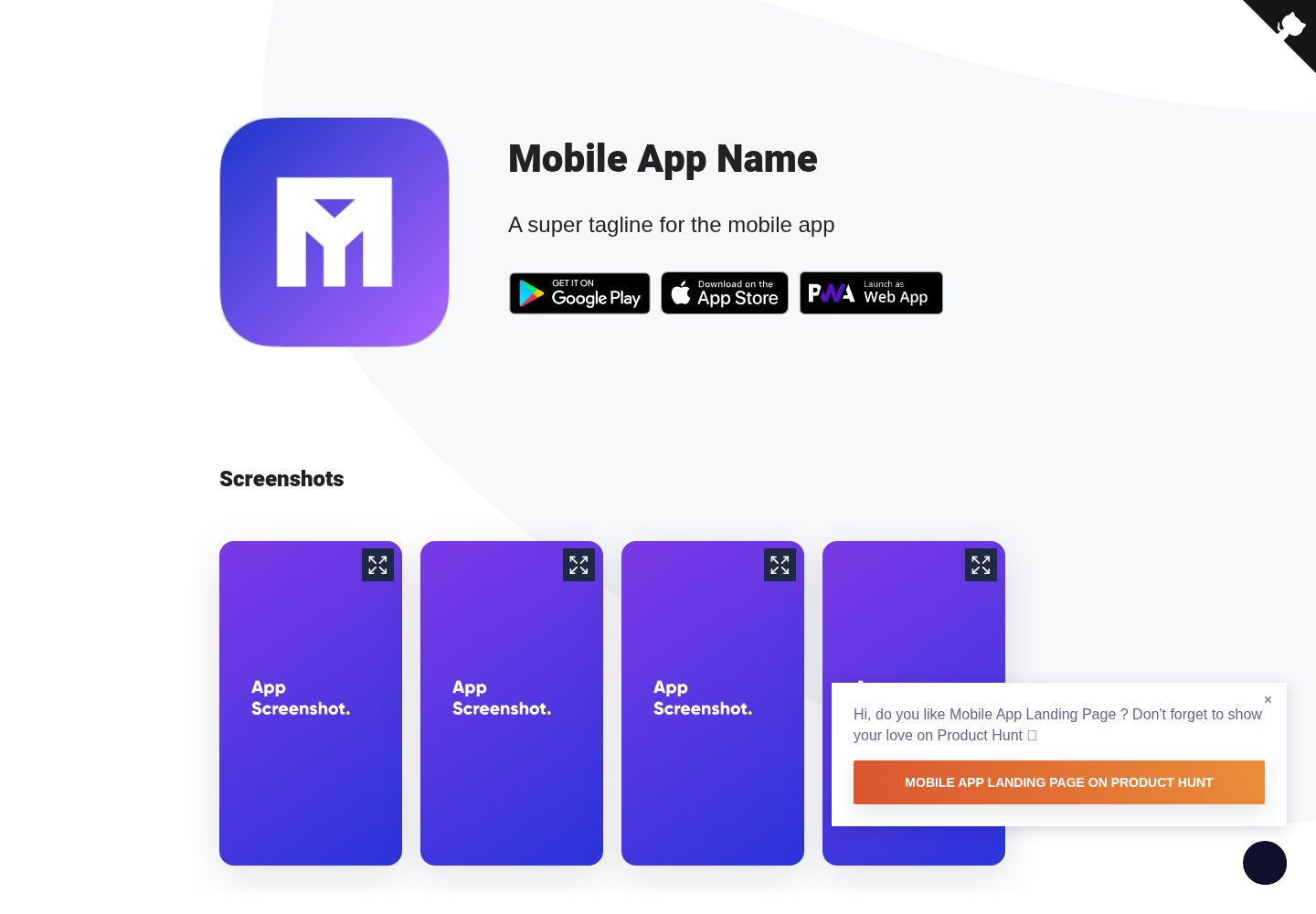
Mobile-app-landingpage-template
A Jekyll-based static landing page template for mobile apps, MIT-licensed and free to use.
Jekyll · Corporate Website
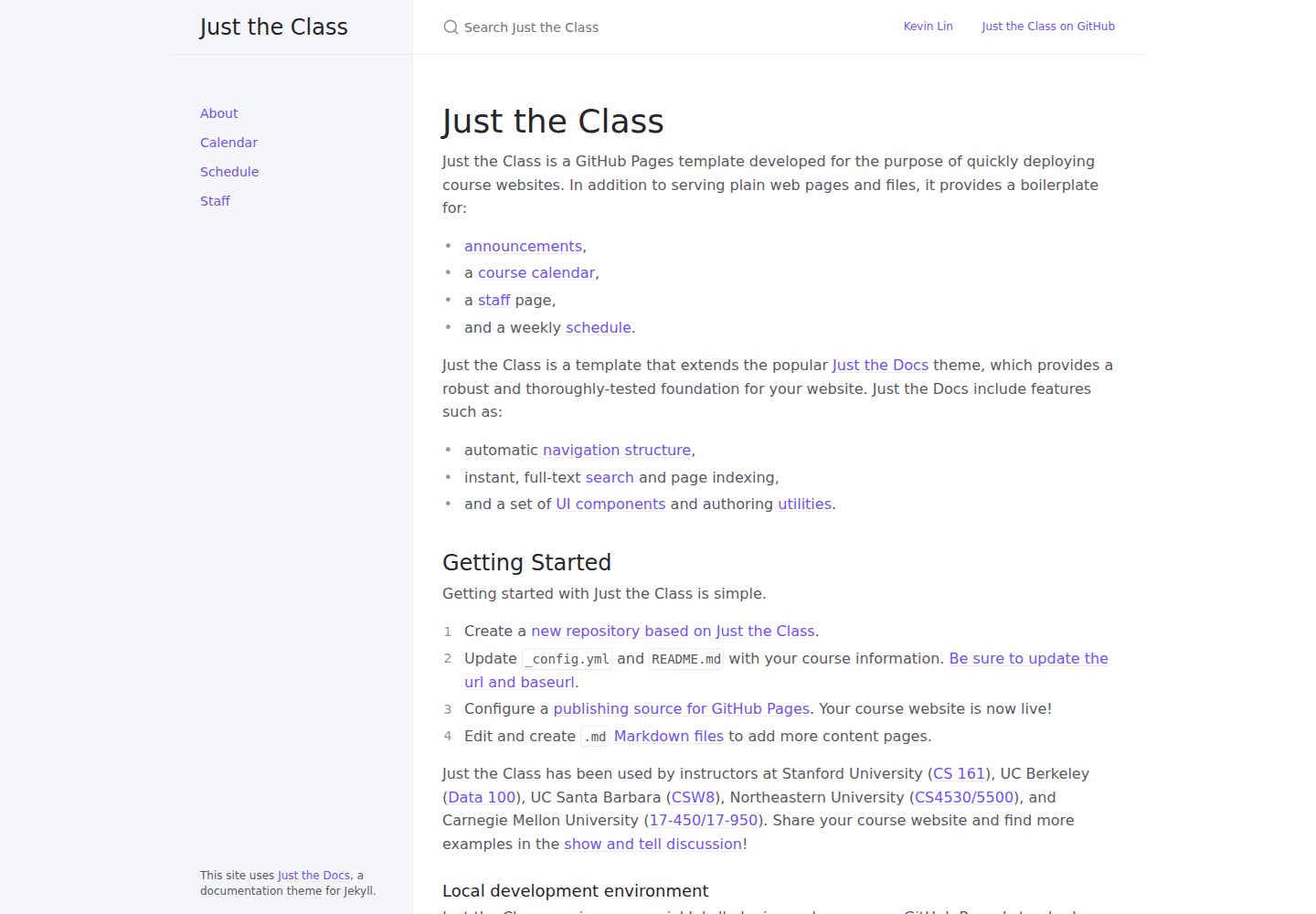
just-the-class
A Jekyll course website template extended from Just the Docs, with built-in page templates for announcements, course calendar, teaching team, and weekly schedule.
Jekyll · Corporate Website
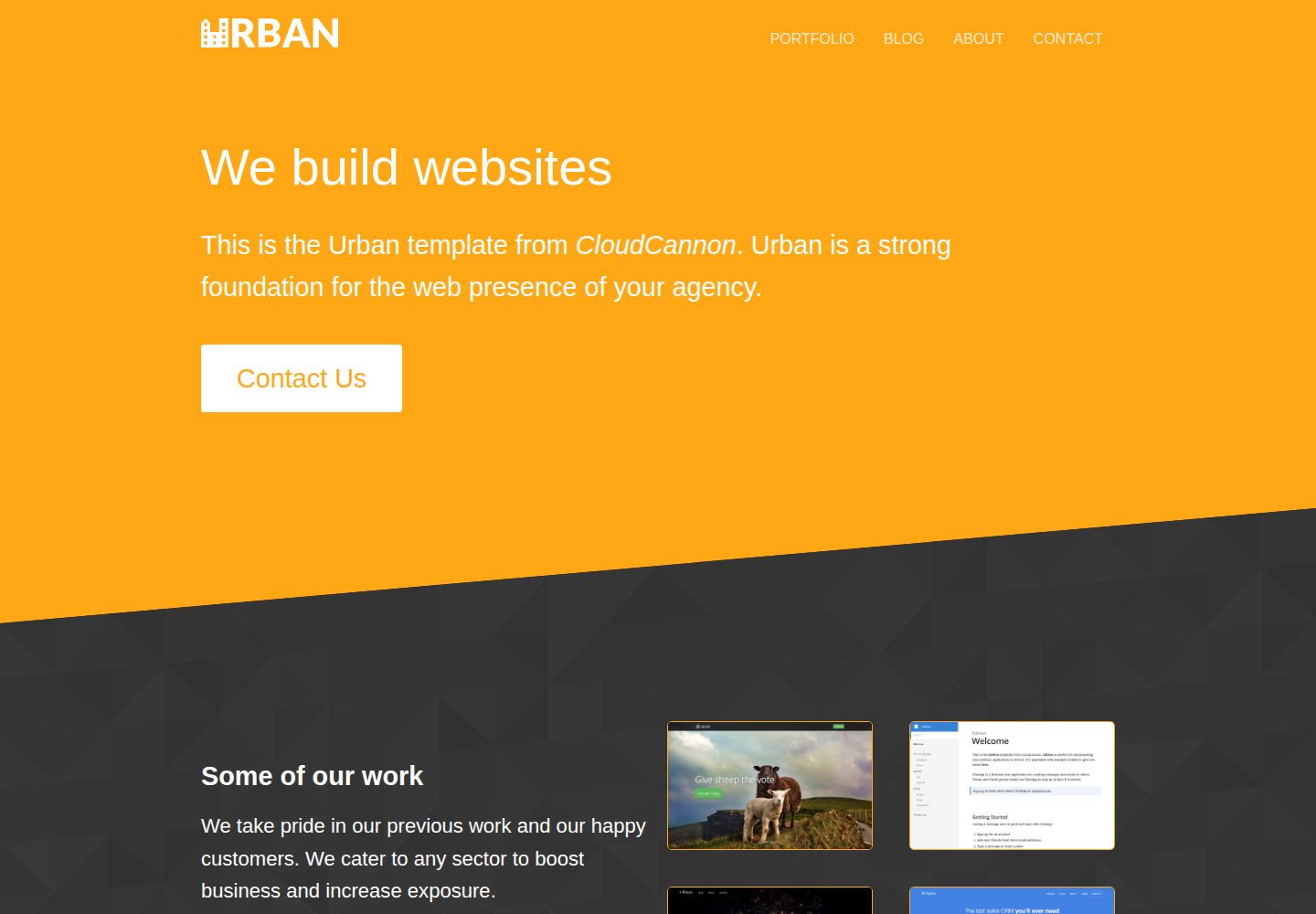
urban-jekyll-template
Urban is a Jekyll corporate website theme for web agencies made by CloudCannon, with a contact form, blog pagination and category pages, Disqus comments, a staff and author system, and a configurable footer.
Jekyll · Corporate Website
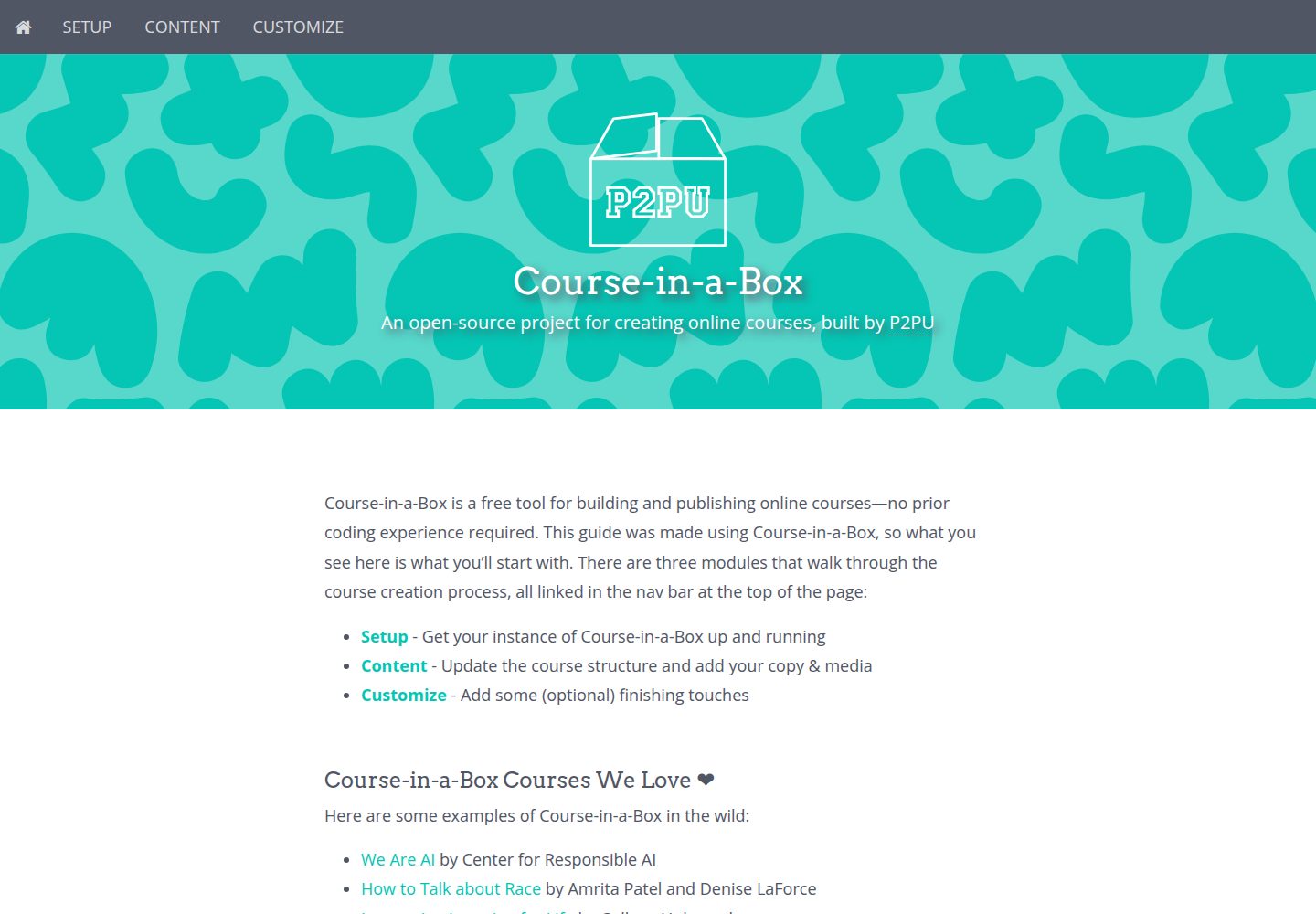
course-in-a-box
Course-in-a-Box is an open-source online course website template maintained by P2PU and built on the Jekyll static site generator.
Jekyll · Corporate Website

agency-jekyll-theme-starter
A Jekyll-based Agency theme starter template for GitHub Pages. Generate a repository via the template button, replace the sample content, and configure baseurl or a custom domain.
Jekyll · Corporate Website

malt-jekyll-template
Malt is a Jekyll event marketing template maintained by CloudCannon, offering pre-built pages, pre-styled components, and an image gallery driven by front matter.
Jekyll · Corporate Website