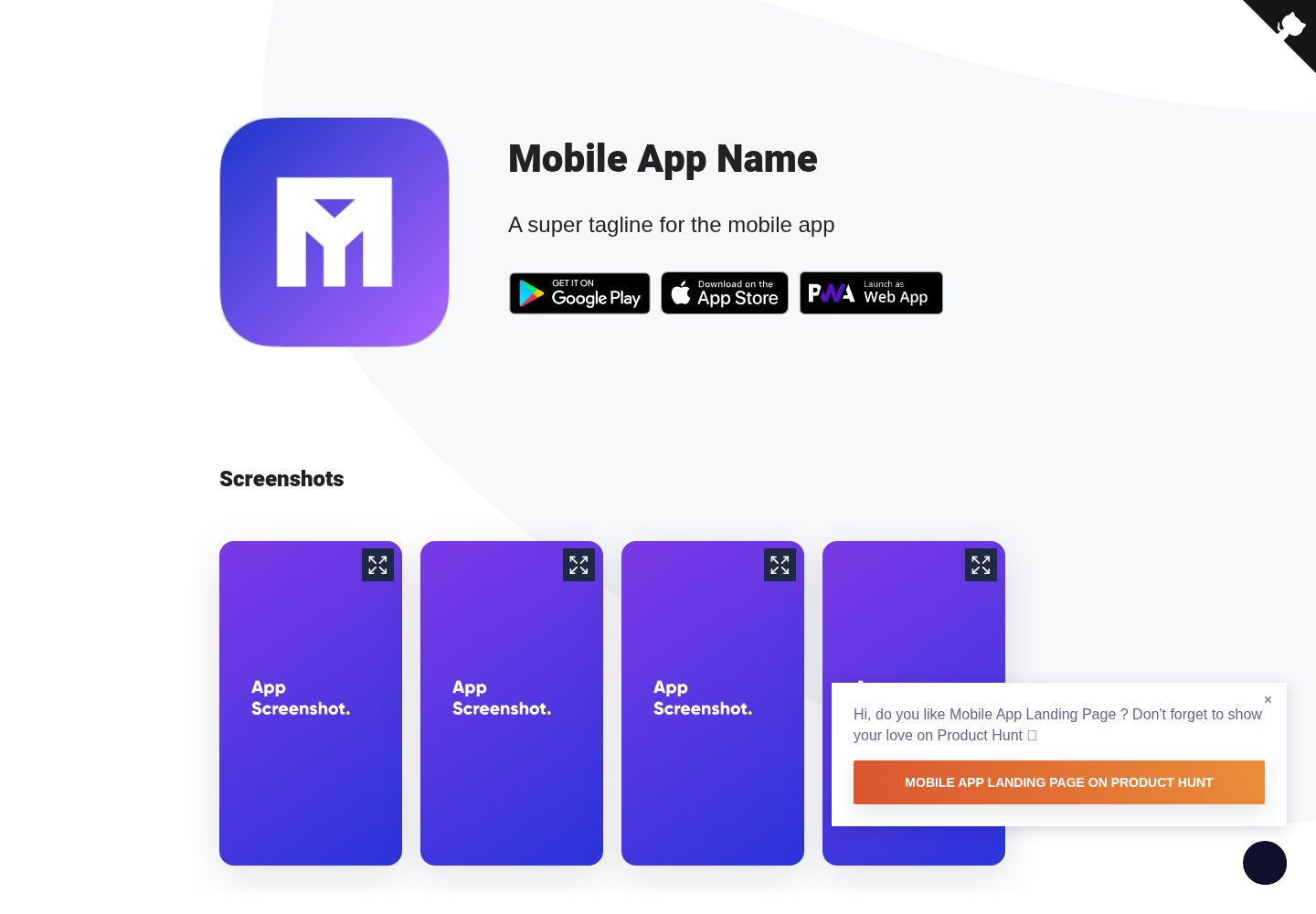
Displays app icon and unlimited app screenshots
JekyllCorporate Website
Mobile-app-landingpage-template — Jekyll Business Template
By sandoche
A Jekyll-based static website template for mobile app landing pages, showcasing app icons, screenshots, and download links. Released under the MIT license, free to use and modify.
Explore the design
Compare the page layouts and mobile experience. Open any screenshot for a closer look.
Desktop homepage1 / 2
Desktop captureTop of page
Actual screenshot captured by the server browser.
All pages & views 2
Screenshots show visual appearance; interactive behavior may differ.
Recorded 2026-10-02View source
What stands out
A quick read of the recorded project description.
Provides download links for Google Play, App Store, and Web App
Built-in privacy policy page, Google Analytics, and cookie consent prompt
Supports automatic dark theme and Product Hunt floating prompt
Includes a press mention section and GitHub fork banner
Offers an online no-code editor to export a ZIP for direct deployment
Template Details
This is a static landing page template for mobile apps, generated with Jekyll. The repository is MIT-licensed and free to use for personal or commercial projects. The page organizes content around app promotion: it displays the app icon, an unlimited number of app screenshots, and provides links to Google Play, the App Store, and a Web App. The template also includes a press mention section, a Product Hunt floating prompt, a privacy policy page, Google Analytics, a cookie consent prompt, automatic dark theme, a Doorbell widget, and a GitHub fork banner. These features can be enabled or disabled as needed in the configuration files.
There are two ways to use it: the standard approach requires Node.js, Ruby, and Bundler. First run npm install and bundler install, then use npm start for local development and npm run build to build. It can be deployed to Netlify, GitHub Pages, or Surge. The no-code approach uses an online editor to modify settings, then export a ZIP and upload it to a server. Template content is concentrated in _config.yml, _data/app.yml, _data/strings.yml, the _images directory, and icon.png in the root directory. The product promotion popup and dark mode plugin are adjusted in _src/index.js.
Note that the code's MIT license does not cover third-party assets such as demo images, fonts, and icons; their licenses should be checked separately before use. External services such as domains and hosting may incur costs. The template is based on Jekyll-webpack-boilerplate; more detailed build instructions can be found in that project's documentation.
JekyllCorporate website
Is it right for your project?
Use Cases
- Build an introduction and download entry page for a personally developed mobile app
- Create a promotional landing page for an app already listed on Google Play or the App Store
- Quickly generate an app official website that includes a privacy policy page
- Customize and export a static page via the online editor without writing code
Suitable For
- Independent developers who need a static landing page for a mobile app
- Teams that want to manage page content with Jekyll and Markdown data files
- Users planning to host the page for free on Netlify, GitHub Pages, or Surge
Getting started & customization
Use these recorded setup notes alongside the repository instructions for your chosen version.
- 1
The standard approach requires Node.js, Ruby, and Bundler pre-installed, then run npm install and bundler install
- 2
App information is configured in _data/app.yml; interface text and footer links are modified in _data/strings.yml
- 3
Icons and screenshots go in the _images directory; icon.png in the root directory must also be replaced
- 4
Switches for Google Analytics, GitHub banner, etc. are enabled or commented out in _config.yml
- 5
The product promotion popup and dark mode plugin are adjusted or removed in _src/index.js
License & source material
Usage conditions & limitations
Free to use · keep license noticeThis entry covers the free version under the MIT license in the public repository; the free scope is the code of this version and does not mean external services or third-party assets are free.
Must comply with when using
- Free use, modification, commercial use, and distribution of this version's code are permitted.
- When distributing copies or substantial portions of the code, retain the original author's copyright notice and the full MIT license notice.
- The code is provided as is; warranties and limitations of liability are governed by the original license and applicable law.
Additional costs & items to verify
- Deploying to hosting services such as Netlify, GitHub Pages, or Surge is described as free in the README; however, external costs such as domains and custom services must be verified independently.
- The no-code approach relies on the third-party online editor t3mpl.n4no.com and requires access to that external service.
- The template is based on the external project Jekyll-webpack-boilerplate; more detailed build and usage documentation can be found in that repository.
- The Product Hunt floating prompt is included by default and must be manually edited in _src/index.js to remove or update.
- Features such as Google Analytics and the GitHub banner must be manually enabled or commented out in _config.yml; default states depend on the configuration.
- Demo images, fonts, icons, and other third-party assets must be checked against their respective licenses; they cannot be judged solely by the code's MIT license.
- External services such as domains, hosting, databases, payments, or AI may incur additional charges.
View Original Text Basis
Permission is hereby granted, free of charge
Original License Text
Deploy (on netlify, gitpages or surge, they are all free)
Original README
Go to https://t3mpl.n4no.com/editor/#manifest=../templates/mobile-app-landing-page/template.yaml
Original README
This templates uses [Jekyll-webpack-boilerplate](https://github.com/sandoche/Jekyll-webpack-boilerplate), read more documentation there.
Original README
Edit `_src/index.js` to update the product hunt modal (or to remove it)
Original README
https://github.com/sandoche/Mobile-app-landingpage-template/blob/master/LICENSEhttps://github.com/sandoche/Mobile-app-landingpage-template/blob/master/README.mdEdit `_config.yml`, feel free to commut/uncomment what you need (google analtytics, or github for example)
Original README
Compiled by DeepSeek based on repository license and README ·2026-10-02. Results only cover the materials read; dependencies, images, fonts, and subsequent term changes are subject to their respective original texts.
Project checks & description sources
Template Information
- Source platforms
- GitHub
- Documentation and maintenance reference score
- More documented · 76 / 100
- Technologies
- Jekyll
- Website type
- Corporate Website
How this score is calculated
Our heuristic uses license records (up to 30), a demo link (12), a preview (10), stars (15), recorded maintenance (15), description completeness (8), feature records (5) and classification data (5). It is not a code, security or performance test, or a Google score. A link does not establish tested functionality.
What to verify for this project
- Repository update recorded
- 2024-01-17
- Screenshot last checked
- 2026-10-02
A demo link is listed. Check it with your own content and viewport sizes; its presence does not confirm that forms, authentication or payments work.
The catalog identifies Jekyll as the primary stack. Check the actual dependency manifest and lockfile for versions and hosting requirements. These notes use recorded metadata, not a code audit or a deployment test.
Use a selection guide →How this description was prepared
AI-assisted description based on catalog records and repository material. Repository authors are not automatically the reviewers of this description.
Automatically checked against source and license rules; no manual editorial review.
Inspect the recorded source material
SHA-256: 41daf252a37747f2ebe21701a2c5b8d9859dd14e54f6a1373d31fc4bcc0bb321
2026-10-02T07:39:26.960Z
Source file / repository<p align="center">
<img src="/docs/animation/animation.gif" width="150">
</p>
<h1 align="center">Mobile App Landing Page Template</h1>
<p>
<a href="/LICENSE"><img src="https://img.shields.io/github/license/mashape/apistatus.svg" alt="MIT"></a>
<a href="https://medium.com/@sandoche" target="_blank"><img src="https://badgen.net/badge/icon/medium?icon=medium&label" alt="medium: sandoche"></a>
<a href="https://twitter.com/sandochee">
<img alt="Twitter: sandochee" src="https://img.shields.io/twitter/follow/sandochee.svg?style=social" target="_blank" />
</a>
</p>
📱 Free to use static generated landing page template for your mobile app
## 💡 Features
Mobile App Landing Page Template comes with pre-installed features and options:
- Display app icon
- Show unlimited app screenshots
- Link to Google Play
- Link to the AppStore
- Link to the Web App
- Press mention section
- Product Hunt floating prompt
- Privacy policy Page
- Google Analytics
- Cookie Consent
- Automatic dark theme
- Doorbell widget
- Github forking banner
## ✨ Demo
Check out websites using the Mobile App Template:
- https://mobileapplandingpage.learn.uno (demo website)
- https://gitnews.learn.uno
- https://textblast.learn.uno
- https://infinideas.learn.uno
- https://www.therandominion.com/
## 📖 How to use
### The normal way
1. Fork this project
2. Edit `_config.yml`, feel free to commut/uncomment what you need (google analtytics, or github for example)
3. Edit `_data/app.yml` with your app data
4. Update the text from `_data/strings.yml`, you can customize there the footer's links
5. Edit icons and screenshots inside the `_images` folder and `icon.png` in the root
6. Edit `_src/index.js` to update the product hunt modal (or to remove it) and to remove the darkmode plugin if you don't want it
7. Deploy (on netlify, gitpages or surge, they are all free)
### The no-code way
1. Go to https://t3mpl.n4no.com/editor/#manifest=../templates/mobile-app-landing-page/template.yaml
2. Edit the settings on the left part
3. Click on the `Publish` button then `Save Webpage as .zip`
4. Unzip and upload the folder to your server (you can drag'n'drop it in Netlify to host it there for free)
## ⚙️ How to run
### Pre-requisites
- NodeJS
- Ruby, Bundler
### Install
```
npm install
bundler install
```
### Development
```
npm start
```
### Build
```
npm run build
```
### Deploy to netlify (for free)
[](https://app.netlify.com/start/deploy?repository=https://github.com/sandoche/Mobile-app-landingpage-template)
### More documentation
This templates uses [Jekyll-webpack-boilerplate](https://github.com/sandoche/Jekyll-webpack-boilerplate), read more documentation there.
## 🤝 Contributing
Contributions, issues and feature requests are welcome!
## ⭐️ Show your support
Please ⭐️ this repository if this project helped you!
<a href="https://www.patreon.com/sandoche">[](https://www.patreon.com/sandoche)</a>
## 🍺 Buy me a beer
If you like this project, feel free to donate:
* PayPal: https://www.paypal.me/kanbanote
* Bitcoin: 19JiNZ1LkMaz57tewqJaTg2hQWH4RgW4Yp
* Ethereum: 0xded81fa4624e05339924355fe3504ba9587d5419
* Monero: 43jqzMquW2q989UKSrB2YbeffhmJhbYb2Yxu289bv7pLRh4xVgMKj5yTd52iL6x1dvCYs9ERg5biHYxMjGkpSTs6S2jMyJn
* Motive: MOTIV-25T5-SD65-V7LJ-BBWRD (Get Motive Now: https://motive.network)
Explore similar templates
Compare previews and descriptions within the same stack and category.
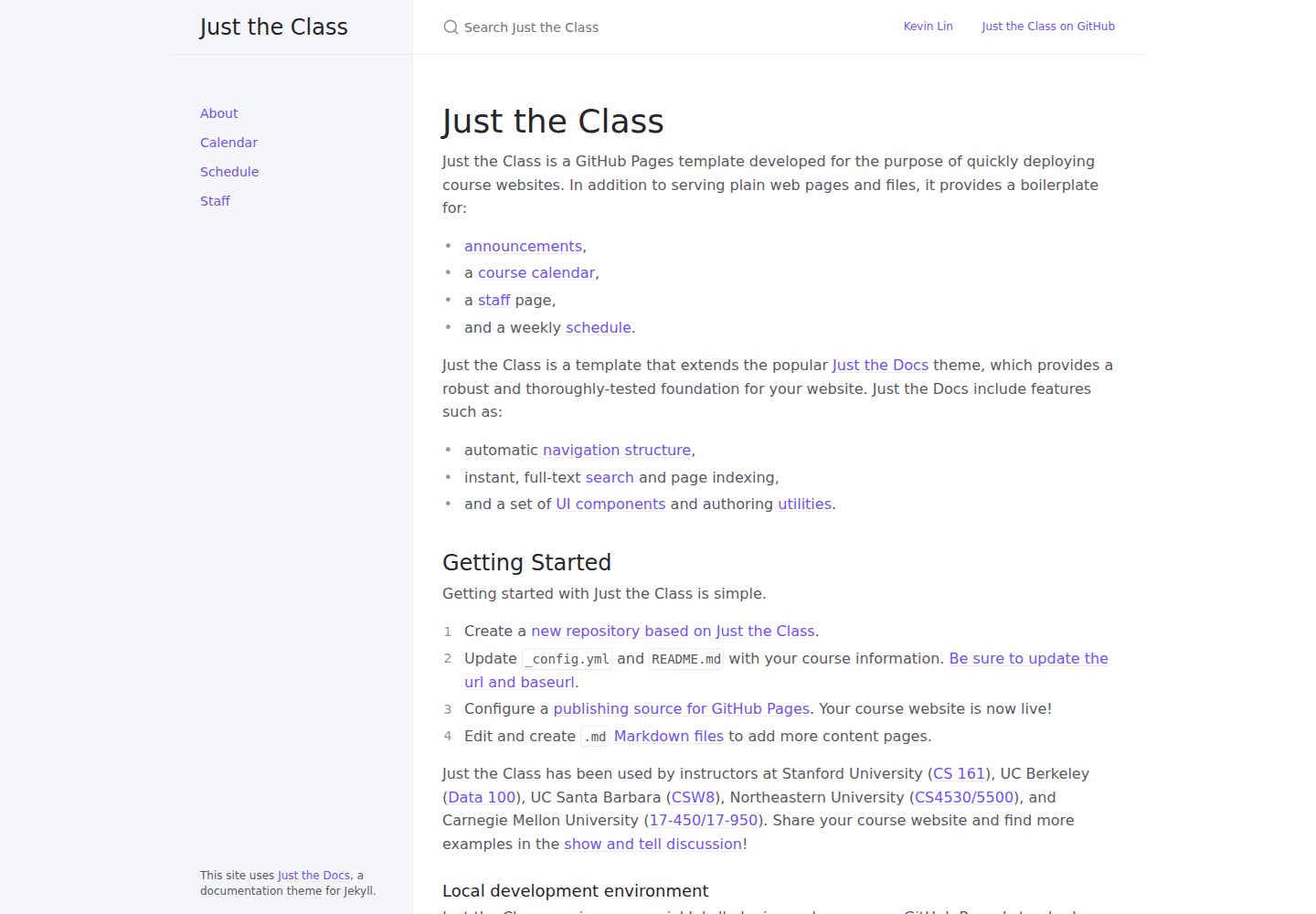
just-the-class
A Jekyll course website template extended from Just the Docs, with built-in page templates for announcements, course calendar, teaching team, and weekly schedule.
Jekyll · Corporate Website
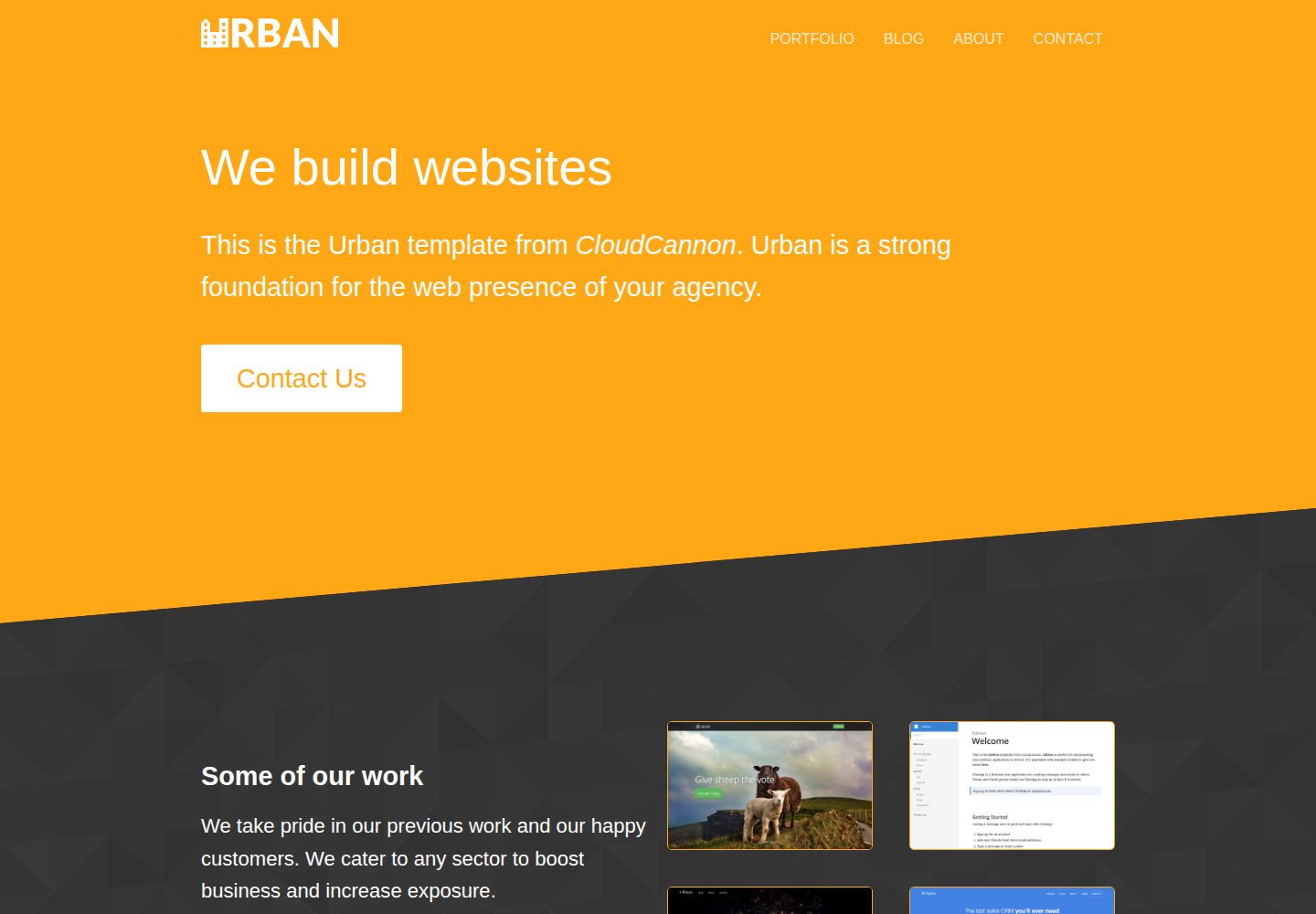
urban-jekyll-template
Urban is a Jekyll corporate website theme for web agencies made by CloudCannon, with a contact form, blog pagination and category pages, Disqus comments, a staff and author system, and a configurable footer.
Jekyll · Corporate Website
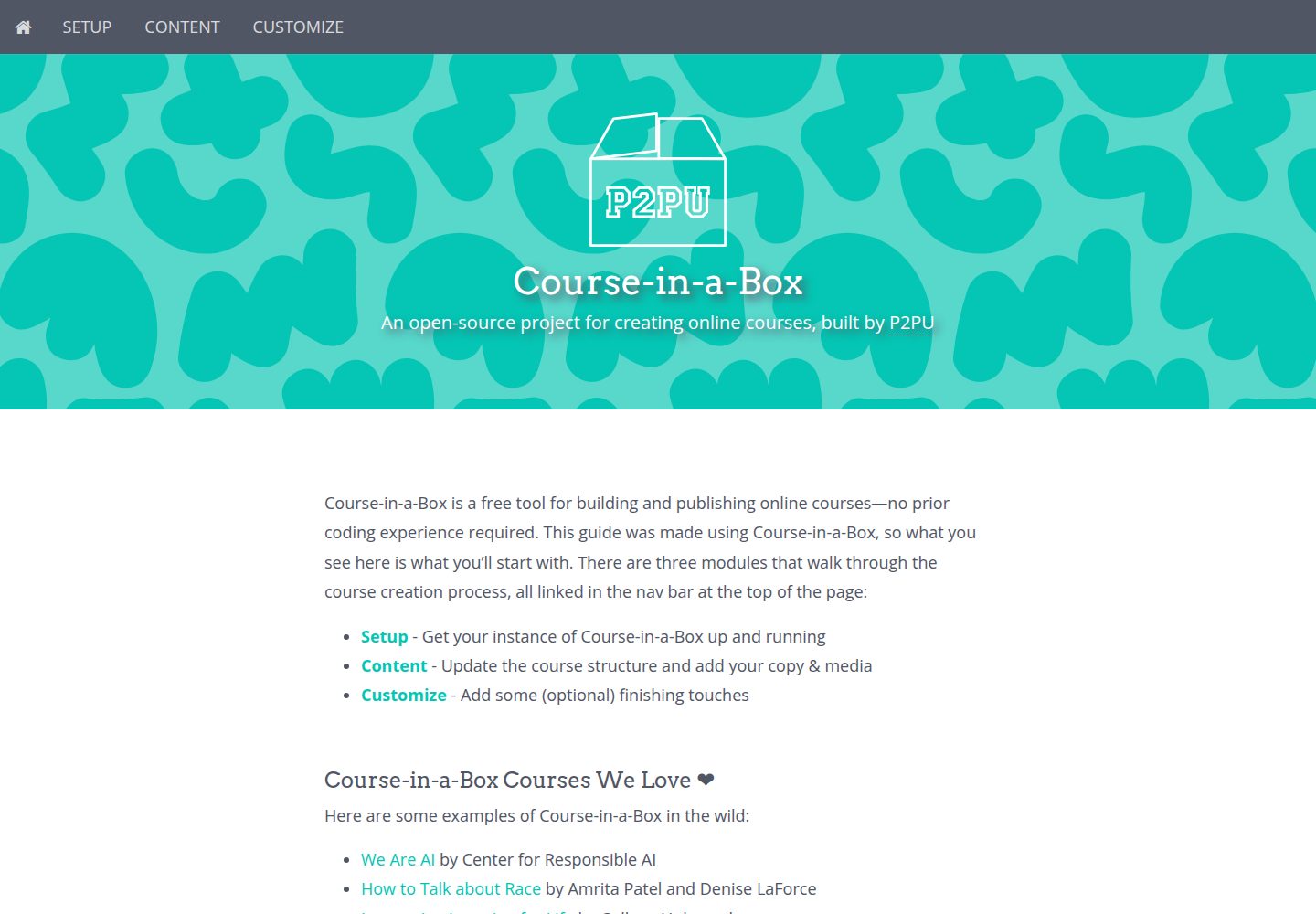
course-in-a-box
Course-in-a-Box is an open-source online course website template maintained by P2PU and built on the Jekyll static site generator.
Jekyll · Corporate Website

agency-jekyll-theme-starter
A Jekyll-based Agency theme starter template for GitHub Pages. Generate a repository via the template button, replace the sample content, and configure baseurl or a custom domain.
Jekyll · Corporate Website
quick
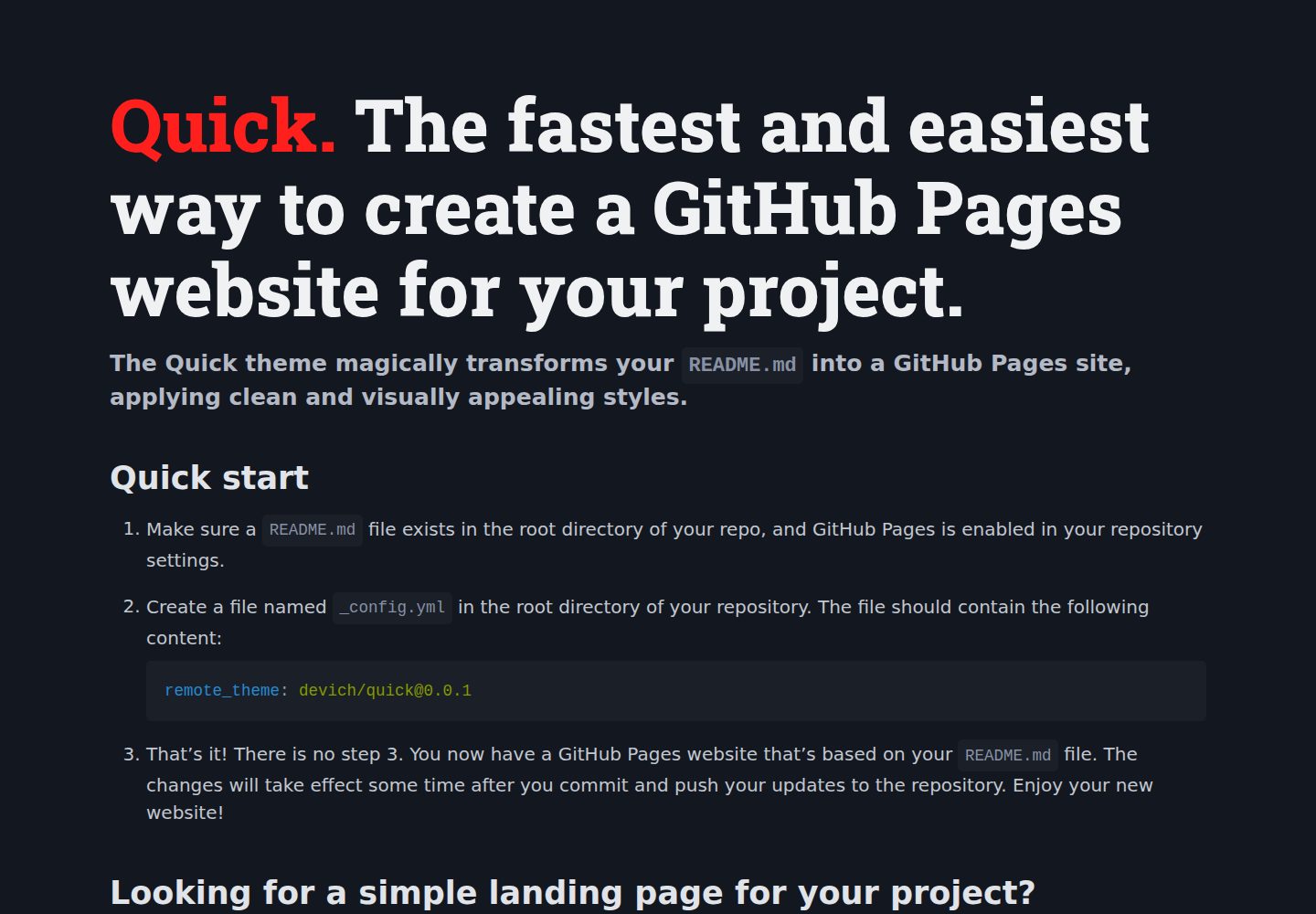
Quick is a Jekyll remote theme that renders the README.md in the repository root directly as a GitHub Pages site, with configuration for language, background, theme color, title, description, keywords, and Google Analytics, plus custom CSS and favicon support.
Jekyll · Corporate Website
malt-jekyll-template
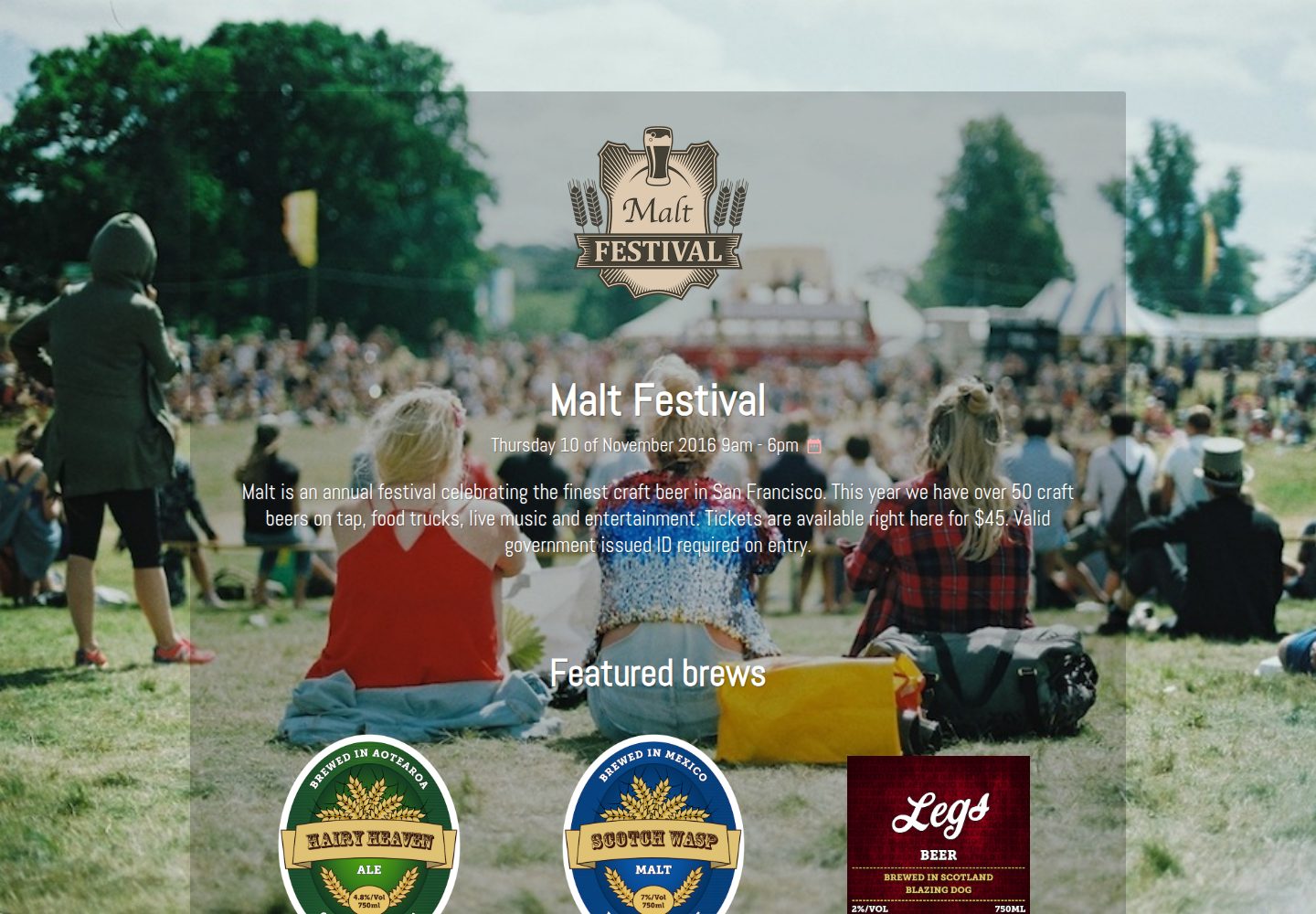
Malt is a Jekyll event marketing template maintained by CloudCannon, offering pre-built pages, pre-styled components, and an image gallery driven by front matter.
Jekyll · Corporate Website