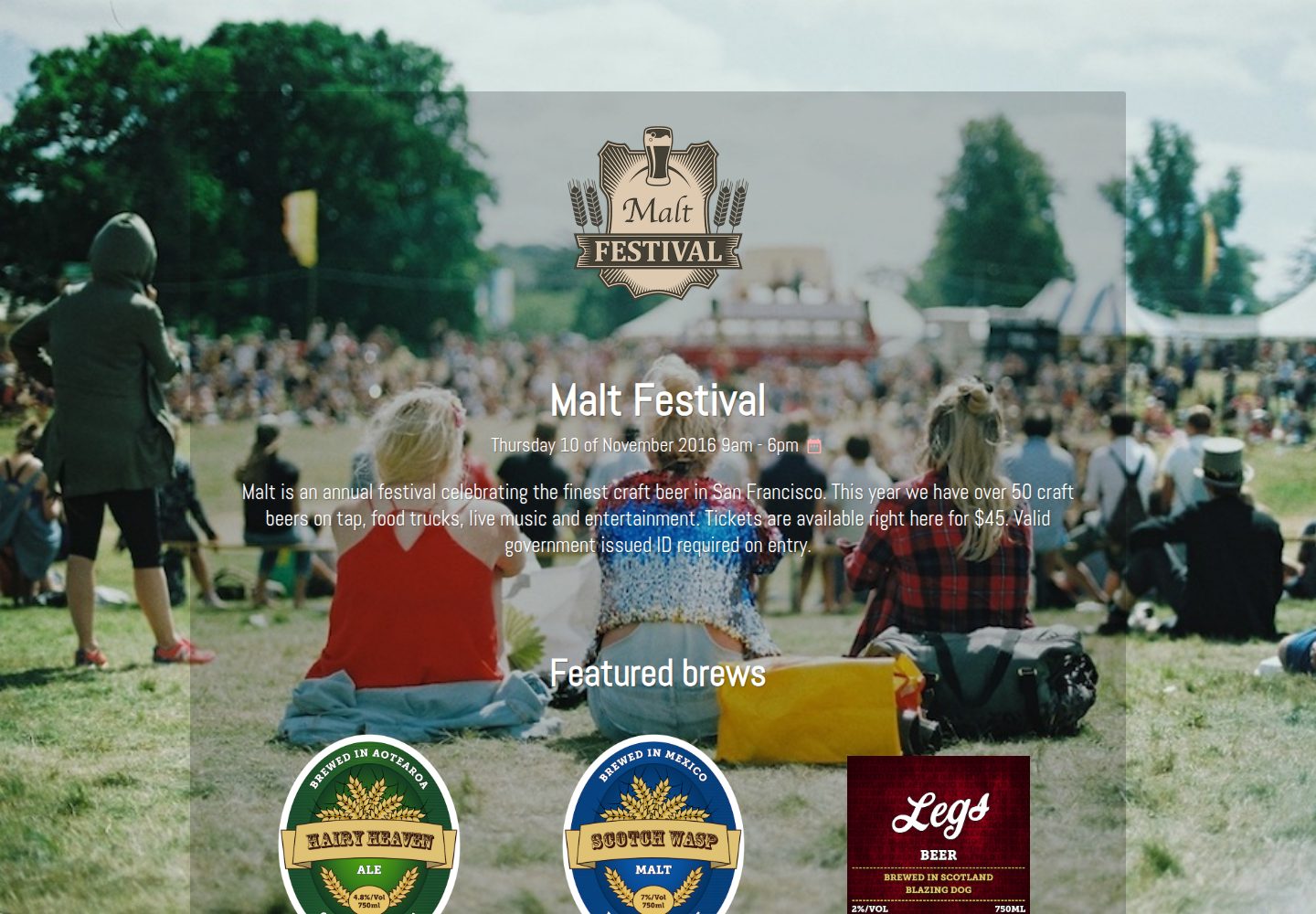
Pre-built pages and pre-styled components, ready for event promotional sites
JekyllCorporate Website
malt-jekyll-template — Jekyll Business Template
By CloudCannon
Malt is an event marketing template for Jekyll by CloudCannon, offering pre-built pages, pre-styled components, and an image gallery, with integrated SEO tags, Google Analytics, and EventBrite embedding.
Explore the design
Compare the page layouts and mobile experience. Open any screenshot for a closer look.
Desktop homepage1 / 2
Desktop captureTop of page
Actual screenshot captured by the server browser.
All pages & views 2
Screenshots show visual appearance; interactive behavior may differ.
Recorded 2026-10-01View source
What stands out
A quick read of the recorded project description.
Homepage includes a Featured section and an image gallery driven by a front matter array
Integrates the jekyll-seo-tag plugin for SEO tags
Supports Google Analytics configuration in _config.yml
Reserves an EventBrite ticket form embed slot and provides a contact form
Adapted for CloudCannon online editing, allowing updates to pages, company information, and footer
Template Details
Malt is a Jekyll theme for event marketing, used to build promotional pages for conferences, meetups, or similar events. The repository is maintained by CloudCannon, licensed under MIT, and includes an online demo site.
The template provides pre-built pages and pre-styled components. The homepage includes a Featured section and an image gallery, with gallery content populated via a front matter array in index.html. The site integrates the jekyll-seo-tag plugin for SEO tags and supports Google Analytics configuration in _config.yml. For event ticketing, the template reserves an EventBrite embed slot where the EventBrite Ticket Form embed code can be pasted into a configuration item; a contact form is also provided.
The template is adapted for CloudCannon's online editing, allowing pages, company information, and footer elements to be updated in CloudCannon. The README states it is built on Jekyll 3.3.1 and claims compatibility with newer versions, but does not list a complete dependency manifest, so actual compatibility must be verified independently. Before use, site information and Google Analytics must be filled in _config.yml, and output can be viewed via CloudCannon or local Jekyll.
Note: Google Analytics and EventBrite are third-party services requiring separate registration and adherence to their terms; licenses for demo images, fonts, icons, and other assets must be checked separately, as the MIT license covers only the repository code.
JekyllCorporate website
Is it right for your project?
Use Cases
- Building promotional and informational pages for conferences, meetups, and similar events
- Event landing pages that need to embed an EventBrite ticket form
- Jekyll sites where non-technical staff maintain content via CloudCannon
- Event websites requiring basic SEO tags and visitor analytics
Suitable For
- Event marketing sites using Jekyll and seeking a quick start
- Teams planning visual content editing through CloudCannon
- Projects needing to showcase event highlight images and integrate EventBrite ticketing
Getting started & customization
Use these recorded setup notes alongside the repository instructions for your chosen version.
- 1
Fill in site information and Google Analytics key in _config.yml
- 2
Install dependencies with Bundler and run locally via bundle exec jekyll serve
- 3
After creating an event on EventBrite, paste the Ticket Form embed code into eventbrite_embed in _config.yml
- 4
Add image gallery content in the front matter array in index.html following the existing structure
- 5
Google Analytics only takes effect when run in production (JEKYLL_ENV=production)
License & source material
Usage conditions & limitations
Free to use · keep license noticeThis entry covers the free version under MIT license in the public repository; the free scope applies to that version's code and does not imply that external services or third-party assets are free.
Must comply with when using
- Free use, modification, commercial use, and distribution of this version's code are permitted.
- When distributing copies or substantial portions of the code, retain the original author's copyright notice and the full MIT license notice.
- The code is provided as-is; warranties and liability limitations are governed by the original license and applicable law.
Additional costs & items to verify
- Using Google Analytics requires registering a third-party account and obtaining a tracking key, which must be filled in _config.yml and only takes effect in the JEKYLL_ENV=production environment.
- EventBrite ticketing embedding is a third-party service; you must register an EventBrite account, create an event, and obtain the Ticket Form embed code, subject to its terms of service.
- The template is adapted for CloudCannon online editing; using its visual editing features requires a CloudCannon account, which is an external service.
- Demo images, fonts, icons, and other third-party assets must be checked against their respective licenses and cannot be judged solely by the code's MIT license.
- External services such as domain, hosting, database, payment, or AI may incur additional charges.
View Original Text Basis
Permission is hereby granted, free of charge
Original License Text
Add your Google Analytics to `_config.yml`.
Original README
Create an event on EventBrite.
Original README
https://github.com/CloudCannon/malt-jekyll-template/blob/main/LICENSEhttps://github.com/CloudCannon/malt-jekyll-template/blob/main/README.mdOptimised for editing in [CloudCannon](http://cloudcannon.com/)
Original README
Compiled by DeepSeek based on repository license and README ·2026-10-01. Results only cover the materials read; dependencies, images, fonts, and subsequent term changes are subject to their respective original texts.
Project checks & description sources
Template Information
- Source platforms
- GitHub
- Documentation and maintenance reference score
- Partly documented · 72 / 100
- Technologies
- Jekyll
- Website type
- Corporate Website
How this score is calculated
Our heuristic uses license records (up to 30), a demo link (12), a preview (10), stars (15), recorded maintenance (15), description completeness (8), feature records (5) and classification data (5). It is not a code, security or performance test, or a Google score. A link does not establish tested functionality.
What to verify for this project
- Repository update recorded
- 2022-12-05
- Screenshot last checked
- 2026-10-01
A demo link is listed. Check it with your own content and viewport sizes; its presence does not confirm that forms, authentication or payments work.
The catalog identifies Jekyll as the primary stack. Check the actual dependency manifest and lockfile for versions and hosting requirements. These notes use recorded metadata, not a code audit or a deployment test.
Use a selection guide →How this description was prepared
AI-assisted description based on catalog records and repository material. Repository authors are not automatically the reviewers of this description.
Automatically checked against source and license rules; no manual editorial review.
Inspect the recorded source material
SHA-256: 73b28614d31db896e2c8ffb8cb1185e4adf4d4f6e38bb807385fe06682741101
2026-10-01T15:33:26.909Z
Source file / repository# Malt Event marketing template for Jekyll. Browse through a [live demo](https://whispering-boat.cloudvent.net/). Increase the web presence of your event with this configurable theme.  CloudCannon was made by [CloudCannon](http://cloudcannon.com/), the Cloud CMS for Jekyll. Find more templates, themes and step-by-step Jekyll tutorials at [CloudCannon Academy](https://learn.cloudcannon.com/). [](https://app.cloudcannon.com/register#sites/connect/github/CloudCannon/malt-jekyll-template) ## Features * Pre-built page * Pre-styled components * Optimised for editing in [CloudCannon](http://cloudcannon.com/) * SEO tags * Google Analytics * [EventBrite](https://www.eventbrite.com/) * Contact Form * Featured * Image Gallery ## Setup 1. Add your site details in `_config.yml`. 2. Add your Google Analytics to `_config.yml`. 3. Get a workflow going to see your site's output (with [CloudCannon](https://app.cloudcannon.com/) or Jekyll locally). ## Develop Malt was built with [Jekyll](http://jekyllrb.com/) version 3.3.1, but should support newer versions as well. Install the dependencies with [Bundler](http://bundler.io/): ~~~bash $ bundle install ~~~ Run `jekyll` commands through Bundler to ensure you're using the right versions: ~~~bash $ bundle exec jekyll serve ~~~ ## Editing Malt is already optimised for updating pages, company details and footer elements in CloudCannon. ## SEO Tag This site uses the [jekyll-seo-tag](https://github.com/jekyll/jekyll-seo-tag) plugin. You should at least set a title in front matter on each page. Have a look at the [project page](https://github.com/jekyll/jekyll-seo-tag) for more options. ## Google Analytics [Google Analytics](https://www.google.com/analytics/) is a third party website analytics tool. To install: 1. Add your Google Analytics key to `_config.yml`. 2. Run your site in production `JEKYLL_ENV=production` (the default for CloudCannon and GitHub Pages). ## EventBrite [EventBrite](https://www.eventbrite.com/) is a third party embeddable event module for websites. To install: 1. Create an event on EventBrite. 2. Copy the Ticket Form embed code from the Widgets menu item. 3. Paste it into `eventbrite_embed` in `_config.yml`. ## Image gallery / Featured The image gallery is populated by a front matter array in `index.html`. To add items just copy the existing structure.
Explore similar templates
Compare previews and descriptions within the same stack and category.
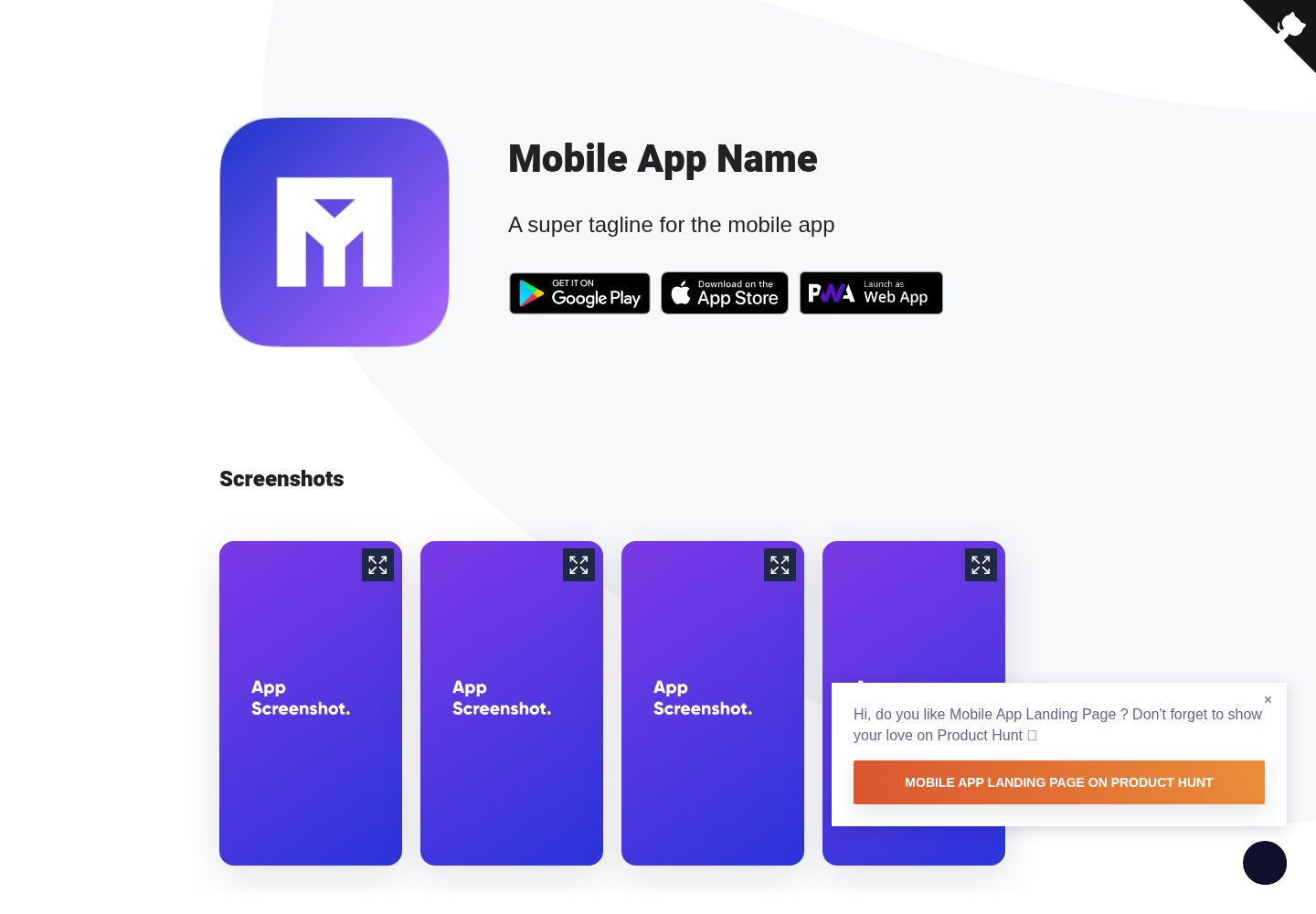
Mobile-app-landingpage-template
A Jekyll-based static landing page template for mobile apps, MIT-licensed and free to use.
Jekyll · Corporate Website
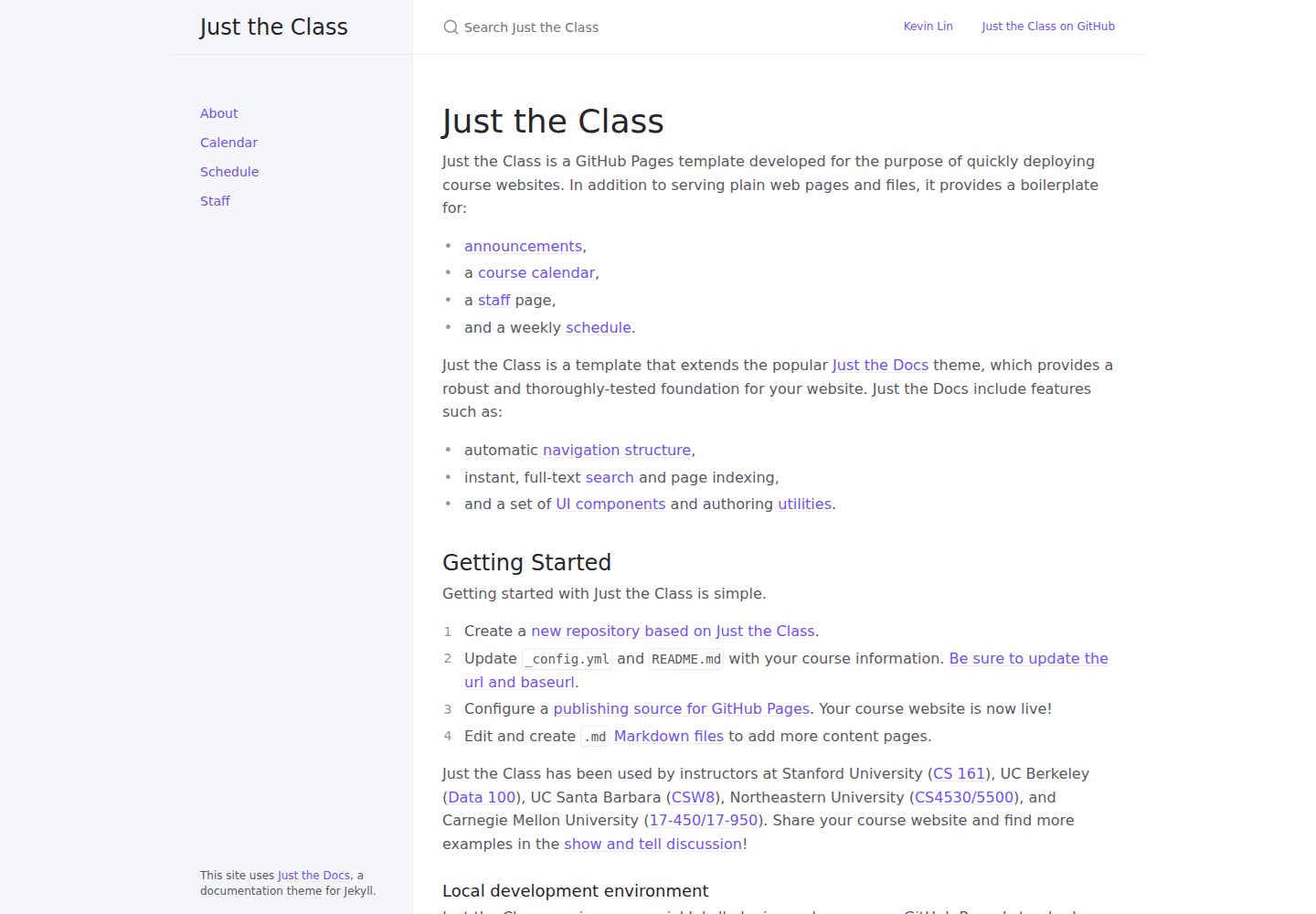
just-the-class
A Jekyll course website template extended from Just the Docs, with built-in page templates for announcements, course calendar, teaching team, and weekly schedule.
Jekyll · Corporate Website
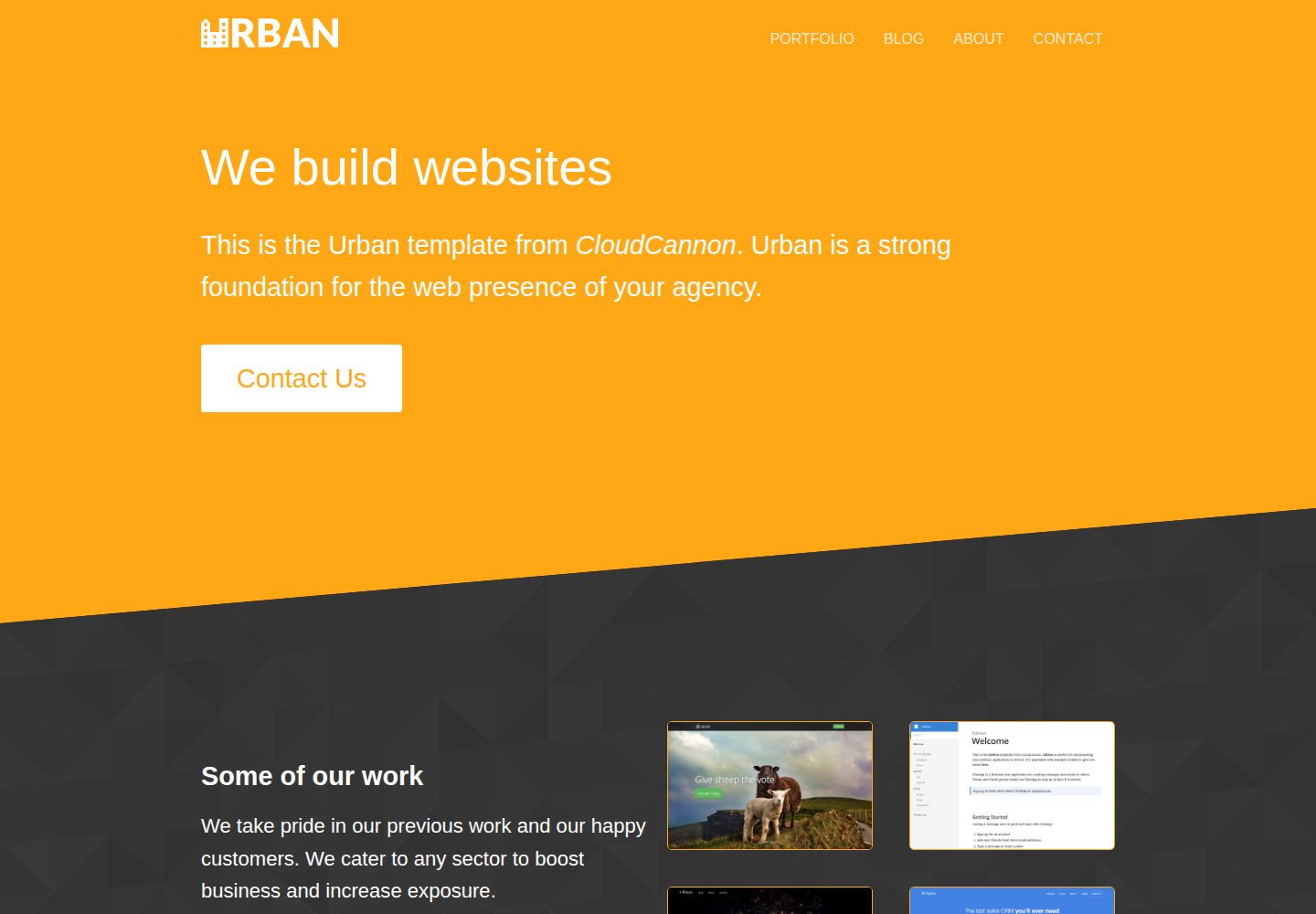
urban-jekyll-template
Urban is a Jekyll corporate website theme for web agencies made by CloudCannon, with a contact form, blog pagination and category pages, Disqus comments, a staff and author system, and a configurable footer.
Jekyll · Corporate Website
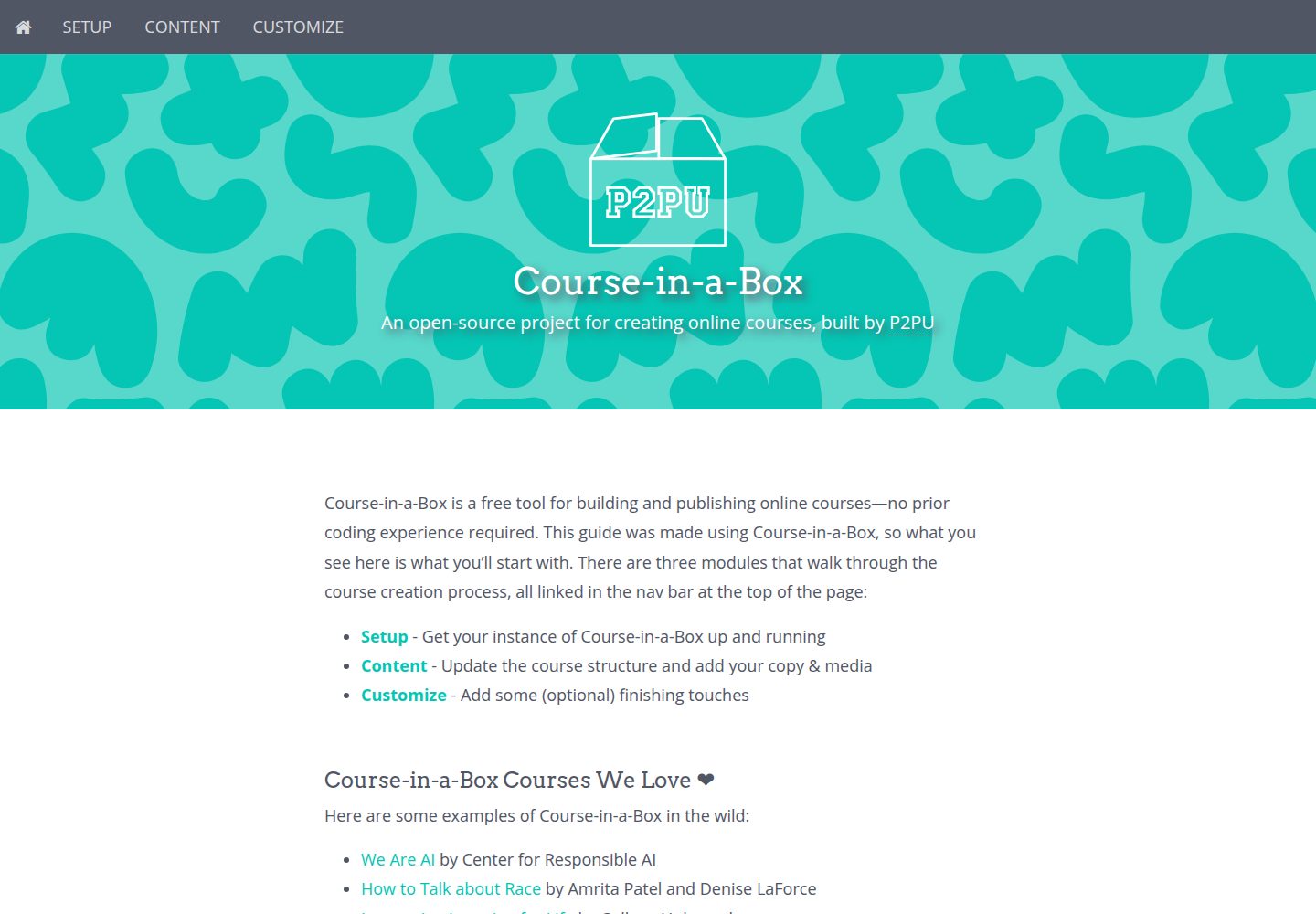
course-in-a-box
Course-in-a-Box is an open-source online course website template maintained by P2PU and built on the Jekyll static site generator.
Jekyll · Corporate Website

agency-jekyll-theme-starter
A Jekyll-based Agency theme starter template for GitHub Pages. Generate a repository via the template button, replace the sample content, and configure baseurl or a custom domain.
Jekyll · Corporate Website
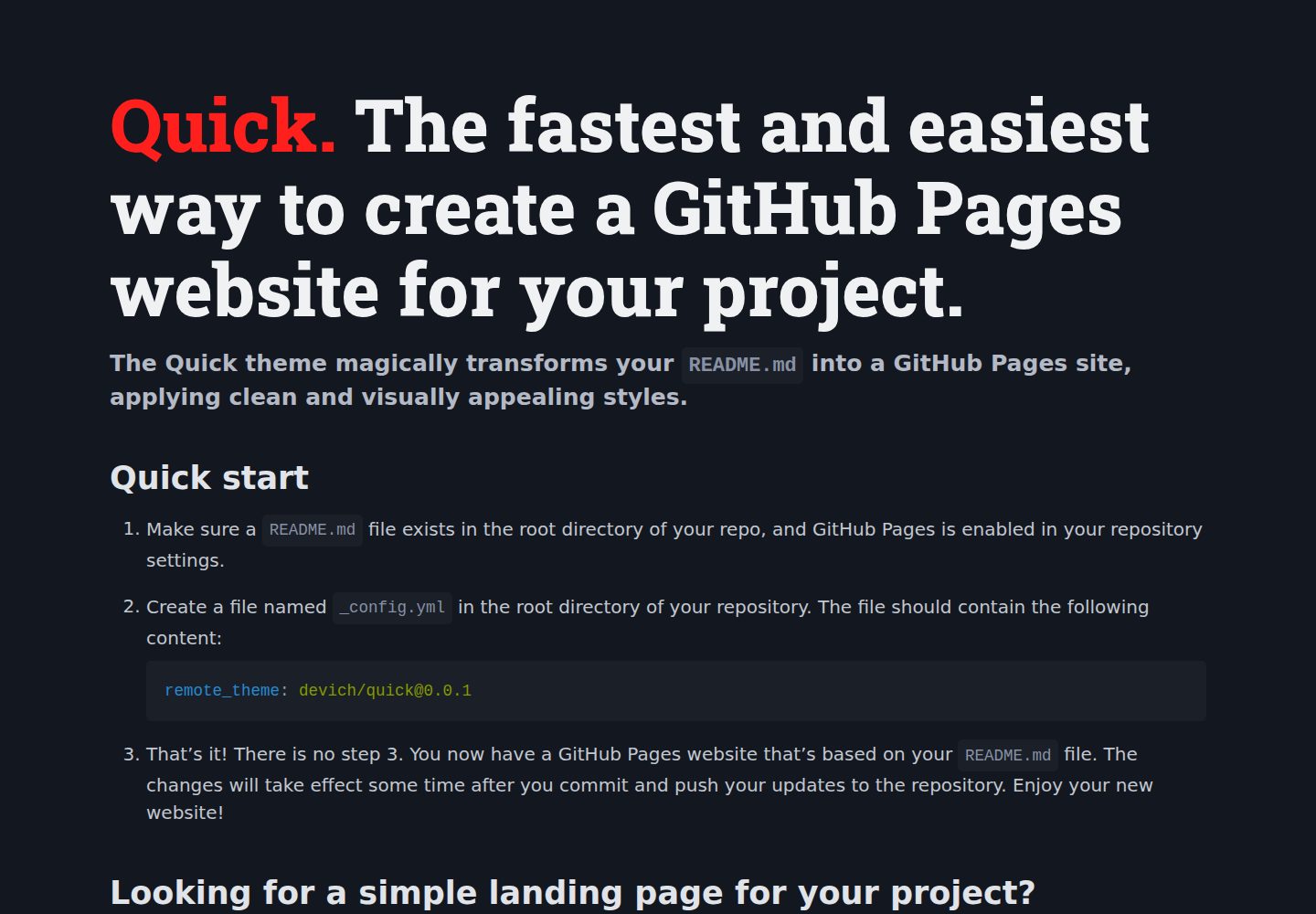
quick
Quick is a Jekyll remote theme that renders the README.md in the repository root directly as a GitHub Pages site, with configuration for language, background, theme color, title, description, keywords, and Google Analytics, plus custom CSS and favicon support.
Jekyll · Corporate Website