不使用构建工具,直接以原生 JavaScript 编写并运行
HTML文档游戏站
phaser-4-basic-js-template — HTML 文档模板
作者 devshareacademy
基于 Phaser 4 的纯 JavaScript 游戏起步模板,不使用构建工具,依赖本地 Web 服务器运行,附带类型声明与 JSDoc。
看看你的网站会是什么样
浏览真实页面截图,比较内容排版与手机效果。点击下方缩略图切换,放大查看整页细节。
全部页面与视图 2
截图用于了解视觉与布局,交互效果请以实际项目为准。
采集于 2026-10-03查看来源
值得关注的模板亮点
从已有项目资料中,快速了解它的特点。
内置 Phaser 库文件与 phaser.d.ts 类型声明,代码含 JSDoc 注释
提供 bundle.sh 脚本,将部署文件收集到 dist 目录
提供 update-phaser.sh 脚本,用于下载并同步 Phaser 库与类型定义
附带 .vscode 推荐扩展与设置,以及 assets 静态资源目录
模板详细介绍
这是一个面向 Phaser 4 的极简项目模板,使用原生 JavaScript 编写,不依赖任何构建工具。模板内置 Phaser 库文件及其类型声明(src/types/phaser.d.ts),并在代码中包含 JSDoc 注释,便于在编辑器中获得类型提示。
由于不使用打包器,模板必须通过外部本地 Web 服务器运行,README 给出了三种方式:Python 3 的 http.server、Node.js 的 http-server 包,以及 VS Code 的 Live Server 扩展。开发时直接编辑 src 目录下的文件,入口为 src/main.js,刷新浏览器即可看到改动。
模板附带一个打包脚本 scripts/bundle.sh,用于把部署所需文件收集到 dist 目录,该目录可上传到任意静态托管服务,脚本会排除 src/types 目录。静态资源(图片、音频等)放在 assets 文件夹中。Phaser 库的更新需要同步 README 中的版本号、assets/js 下的 phaser.js 与 phaser.min.js,以及 src/types/phaser.d.ts 三处,模板提供了 scripts/update-phaser.sh 脚本来自动完成下载与版本更新。
HTML文档游戏站
适合你的项目吗?
适用场景
- 在浏览器中学习或试验 Phaser 4 的 JavaScript 项目
- 作为不使用打包器的 Phaser 游戏开发起点
- 编写需要编辑器类型提示与 JSDoc 的 Phaser 代码
- 将游戏打包为静态文件并部署到静态托管服务
适合人群
- 希望以原生 JavaScript 上手 Phaser 4 的开发者
- 不想引入构建工具链的小型游戏项目
- 需要类型提示但偏好无打包流程的开发者
- 需要将游戏产物部署到静态托管的场景
上手与定制指南
结合仓库当前版本的说明,按下面的资料检查内容、配置与运行要求。
- 1
运行前需准备现代浏览器与本地 Web 服务器
- 2
可用 python3 -m http.server 8080、npx http-server 或 VS Code Live Server 启动
- 3
应用入口为 src/main.js,静态资源放入 assets 文件夹
- 4
部署时运行 bash scripts/bundle.sh 生成 dist 目录
- 5
更新 Phaser 需同步 README 版本号、assets/js 库文件与 src/types/phaser.d.ts,可使用 scripts/update-phaser.sh
授权与来源资料
使用条件与限制
免费使用 · 保留许可声明本次收录的是公开仓库中采用 MIT 许可的免费版本;免费范围为该版本代码,不代表外部服务或第三方素材免费。
使用时需要遵守
- 允许免费使用、修改、商用和分发该版本代码。
- 分发代码副本或实质性部分时,保留原作者版权声明和完整 MIT 许可声明。
- 代码按现状提供;担保与责任限制以原许可证及适用法律为准。
额外费用与待核对事项
- 该模板不能直接以 file:// 方式打开运行,必须通过本地 Web 服务器(如 python3 -m http.server、npx http-server 或 VS Code Live Server)访问才能正常显示游戏。
- 使用 scripts/update-phaser.sh --list 列出可用 Phaser 版本时需要本机已安装 npm;若未安装 npm,则无法使用该列表功能,只能手动下载更新。
- 演示图片、字体、图标及其他第三方素材需按各自许可核对,不能仅凭代码的 MIT 许可判断。
- 域名、托管、数据库、支付或 AI 等外部服务可能另外收费。
查看原文依据
Permission is hereby granted, free of charge
许可证原文
You need to run a local web server to see the game running.
README 原文
https://github.com/devshareacademy/phaser-4-basic-js-template/blob/main/LICENSEhttps://github.com/devshareacademy/phaser-4-basic-js-template/blob/main/README.mdrequires npm
README 原文
DeepSeek 根据仓库许可证和 README 整理 ·2026-10-03。结果仅覆盖已读取资料,依赖、图片、字体及后续条款变更以各自原文为准。
项目核对记录与介绍依据
模板资料
- 来源平台
- GitHub
- 资料与维护参考分
- 资料较完整 · 85 / 100
- 技术栈
- HTML
- 网站类型
- 文档 · 游戏站
这个分数如何计算
本站按许可资料(最高30分)、演示链接(12分)、预览图(10分)、Star数(15分)、记录的维护时间(15分)、描述完整度(8分)、功能记录(5分)和分类资料(5分)计算。它不是代码、安全或性能测试,也不是 Google 评分;有链接不代表已实测可用。
这个项目需要核对什么
- 记录的仓库更新时间
- 2026-05-15
- 截图检查日期
- 2026-10-03
已收录演示链接。请用你的内容与屏幕尺寸检查;有演示不代表表单、认证或支付已经可用。
目录记录的主要技术栈是 HTML。请通过依赖清单和锁文件核对实际版本与托管要求。这些说明基于收录资料,不代表代码审计或部署实测。
查看具体选型方法 →介绍的制作与核对状态
介绍由 AI 辅助整理目录与仓库资料。仓库作者不等于这篇介绍的审核者。
审核声明: [email protected] · 2026-10-04
查看当时使用的来源资料
SHA-256: 97ab5ea3caa4e18e09c6426c3d1f008ec091989c255ada05f18296dace259ce2
2026-10-03T19:56:46.675Z
来源文件 / 仓库# Phaser 4 - Basic JS Template

A barebones project template for getting started with [Phaser 4](https://github.com/photonstorm/phaser) using JavaScript.
**Phaser Version:** `4.1.0`
## Requirements
- A modern web browser
- A local web server
## Running Locally
You need to run a local web server to see the game running. Here are a few options:
- **Python:** If you have Python 3 installed, you can use the built-in http.server. From the root of the project, run: `python3 -m http.server 8080`. This will start a local web server on port 8080. Visit `http://localhost:8080/` in your browser to see the game.
- **Node.js:** If you have Node.js installed, you can use the `http-server` npm package. From the root of the project, run: `npx http-server`. This will start a local web server on port 8080. Visit `http://localhost:8080/` to see the game.
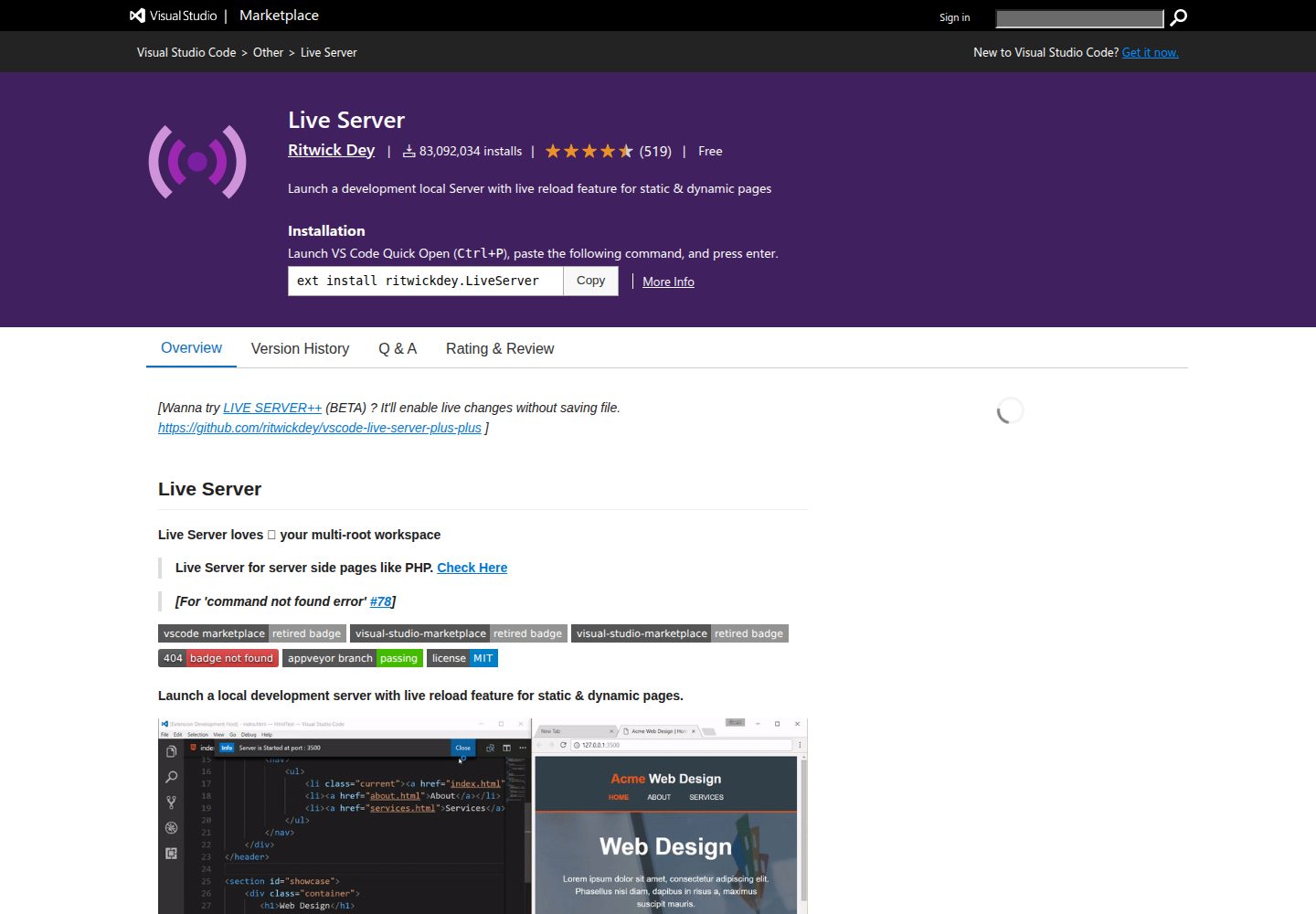
- **VS Code Extension:** If you use VS Code, you can install the [Live Server](https://marketplace.visualstudio.com/items?itemName=ritwickdey.LiveServer) extension to run a local web server.
## Writing Code
This template is set up for a modern JavaScript development workflow without any build tools. Simply start your local web server and begin editing the files in the `src` folder. Your changes will be reflected when you refresh your browser.
The main entry point for the application is `src/main.js`.
## Deploying Code
This template includes a bundle script to gather all the necessary files for deployment into a `dist` folder.
To create a distributable bundle, run the following command from the root of the project:
```sh
bash scripts/bundle.sh
```
This will create a `dist` folder containing your game. The contents of this folder can then be uploaded to any static web hosting service. The script will exclude the `src/types` directory from the final bundle.
## Customizing Template
### VS Code Settings
The `.vscode` folder contains recommended extensions and settings for this project. You can customize or remove these as you see fit.
### Static Assets
Any static assets like images or audio files should be placed in the `assets` folder. They can then be loaded into your game.
## Changelog
This project uses the [Keep a Changelog](https://keepachangelog.com/en/1.0.0/) format. You can view the changelog here: [Changelog](CHANGELOG.md).
## Issues
If you encounter any issues, please open a new [GitHub Issue](https://github.com/devshareacademy/phaser-4-basic-js-template/issues) on your project's repository.
## Questions, Comments, and Suggestions
If you have any questions, comments, or suggestions, please feel free to open a new [GitHub Discussion](https://github.com/devshareacademy/phaser-4-basic-js-template/discussions) on your project's repository.
## Updating Phaser
To update the Phaser library in this project, there are three main components that need to be synchronized:
1. **Documentation:** The Phaser version mentioned at the top of this `README.md`.
2. **Library Files:** `assets/js/phaser.js` and `assets/js/phaser.min.js`.
3. **Type Definitions:** `src/types/phaser.d.ts`.
### Manual Update
If you wish to update these files manually:
1. **Download JavaScript Files:** Fetch the desired version from the jsDelivr CDN:
- `https://cdn.jsdelivr.net/npm/phaser@VERSION/dist/phaser.js`
- `https://cdn.jsdelivr.net/npm/phaser@VERSION/dist/phaser.min.js`
_(Replace `VERSION` with the target version, e.g., `4.1.0`)_
2. **Download Type Definitions:** Fetch the `phaser.d.ts` file from the Phaser GitHub repository:
- `https://raw.githubusercontent.com/phaserjs/phaser/refs/tags/vVERSION/types/phaser.d.ts`
3. **Update README:** Manually update the version number in the `**Phaser Version:**` line at the top of this file.
### Using the Update Script
A convenience script is provided in the `scripts` folder to automate this process.
**To list available Phaser versions (requires npm):**
```bash
./scripts/update-phaser.sh --list
```
**To update to a specific version:**
```bash
./scripts/update-phaser.sh 4.1.0
```
The script will automatically download the required files to their correct locations and update this README.
看看同类模板
对比同技术栈与用途的模板,找到更适合的视觉与内容结构。
cube composer
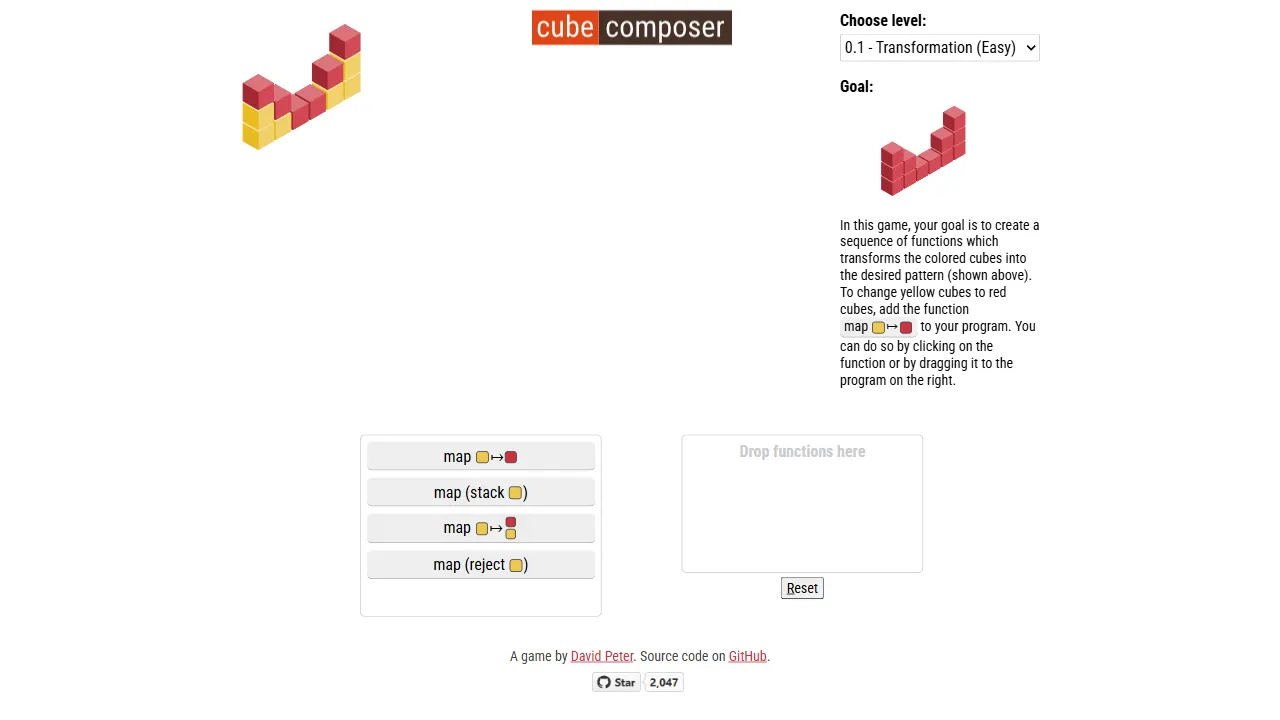
cube composer 是一个将函数式编程概念融入益智玩法的开源网页游戏。 它用 PureScript 编写,核心机制是让玩家通过组合一系列“变换器”(如 map、filter 等)将初始的彩色方块墙转换为目标形态。
HTML · 游戏站
documentation-html-template
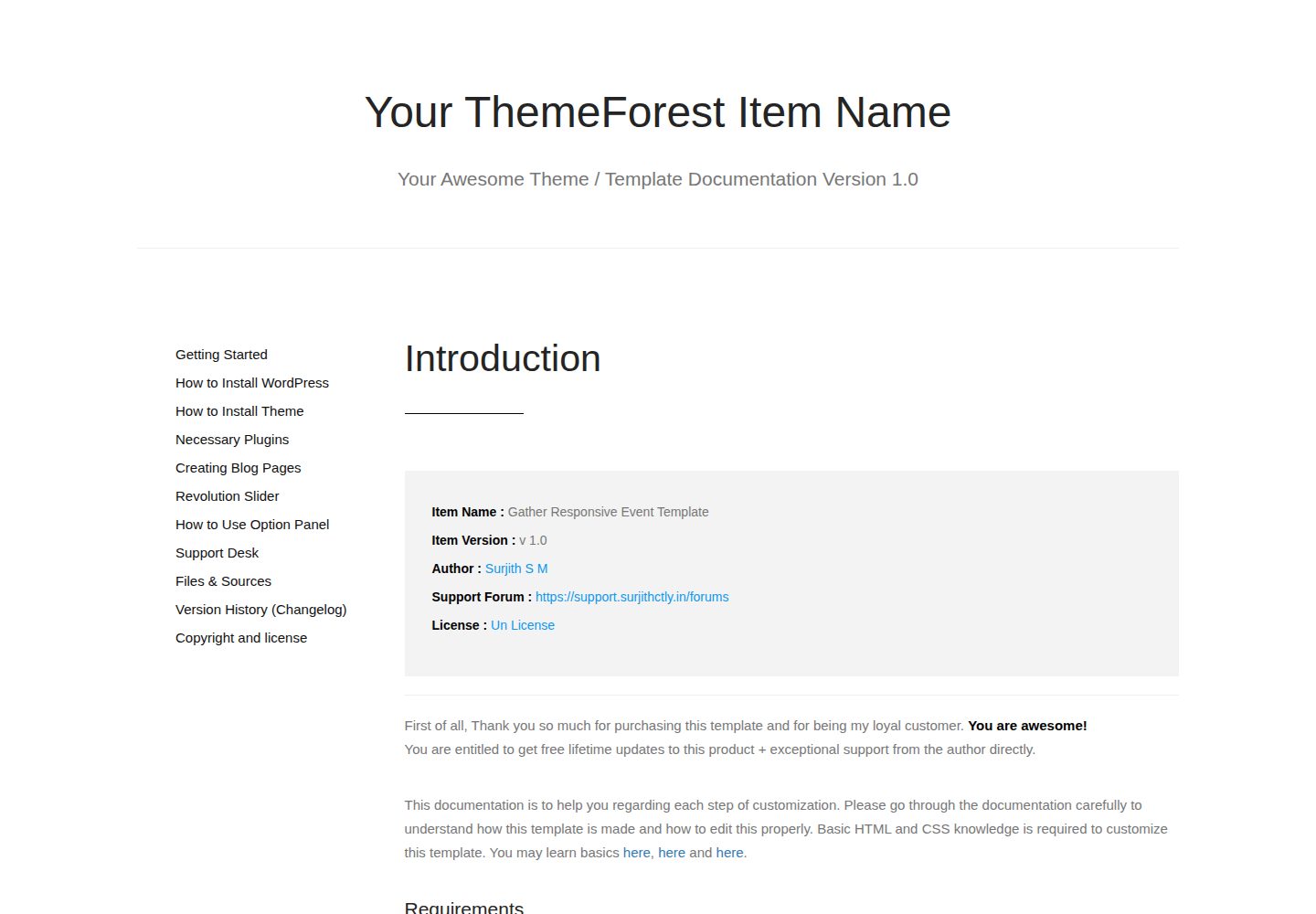
A Sample Documentation Template for Themes, Templates and Plugins
HTML · 文档

phaser-project-template
phaser-project-template 是一个面向 Phaser 3 的 TypeScript 启动模板,集成了 webpack 构建工具,旨在为浏览器和移动端 HTML5 游戏提供干净的开发起点。
HTML · 游戏站
iDocs
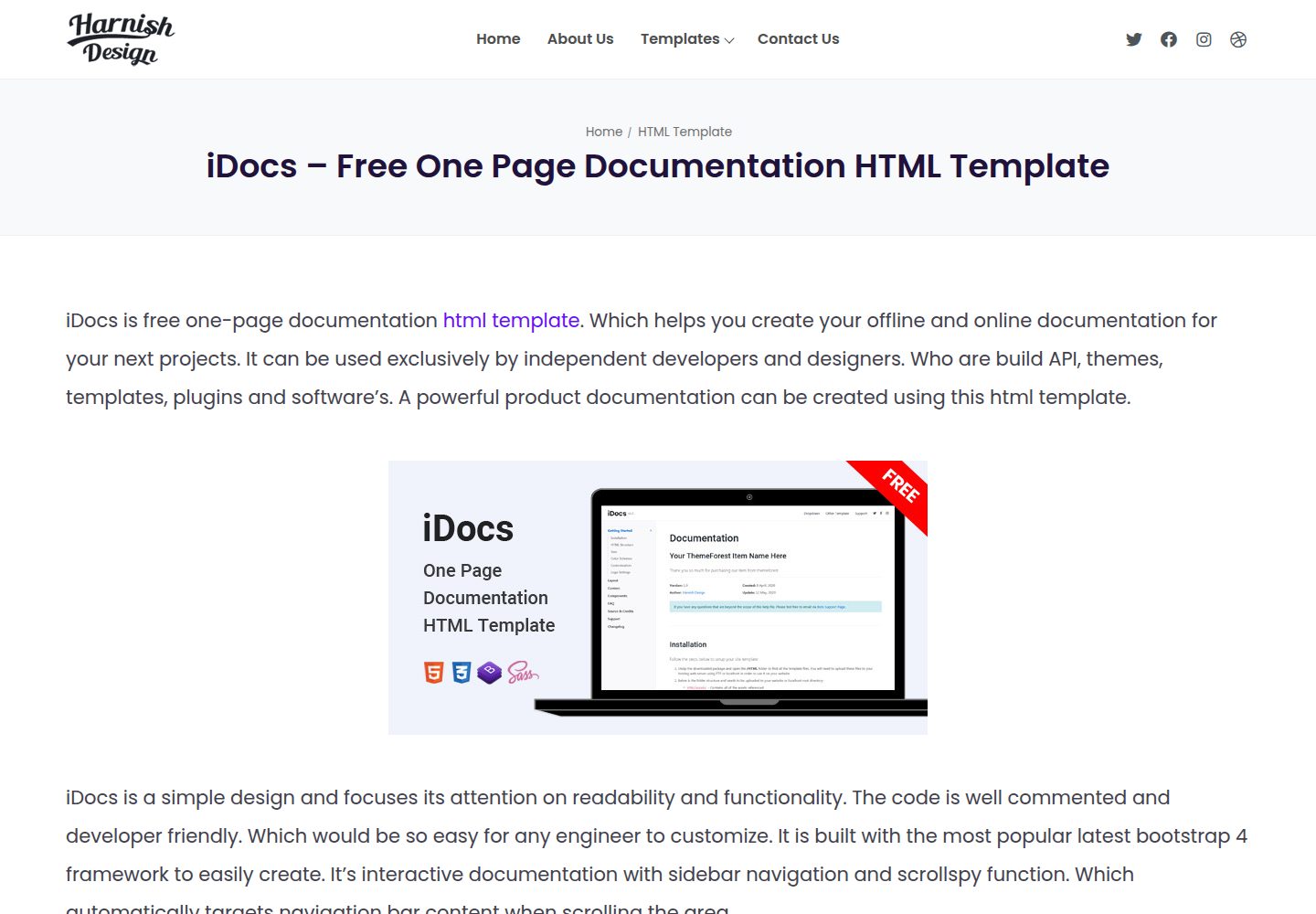
iDocs is one page documentation html template which helps you to create your offline and online documentation …
HTML · 文档
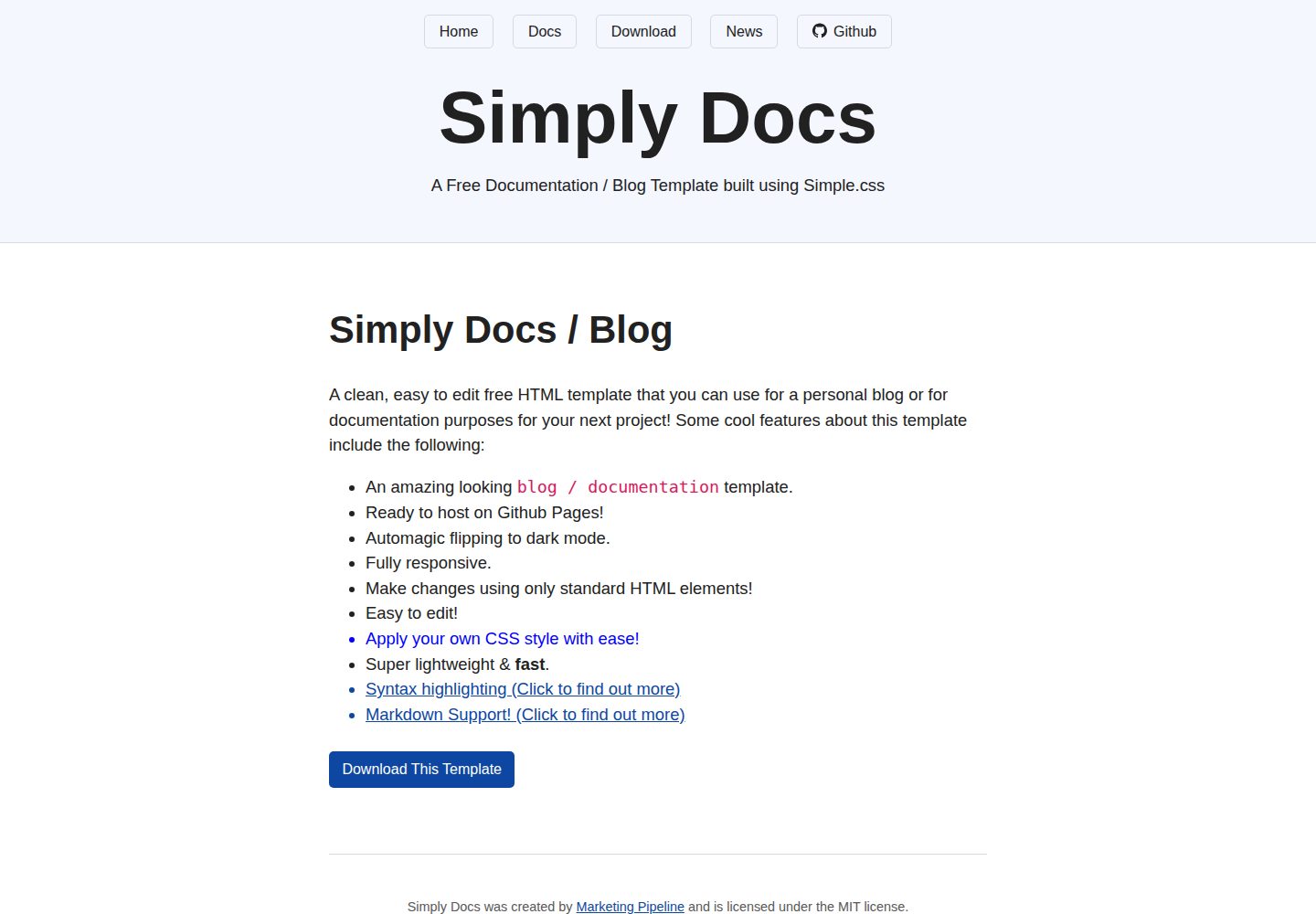
Simply-Docs
A simple, fast, free & easy to use static based plain HTML template. That allows you to make a beautiful perso…
HTML · 博客
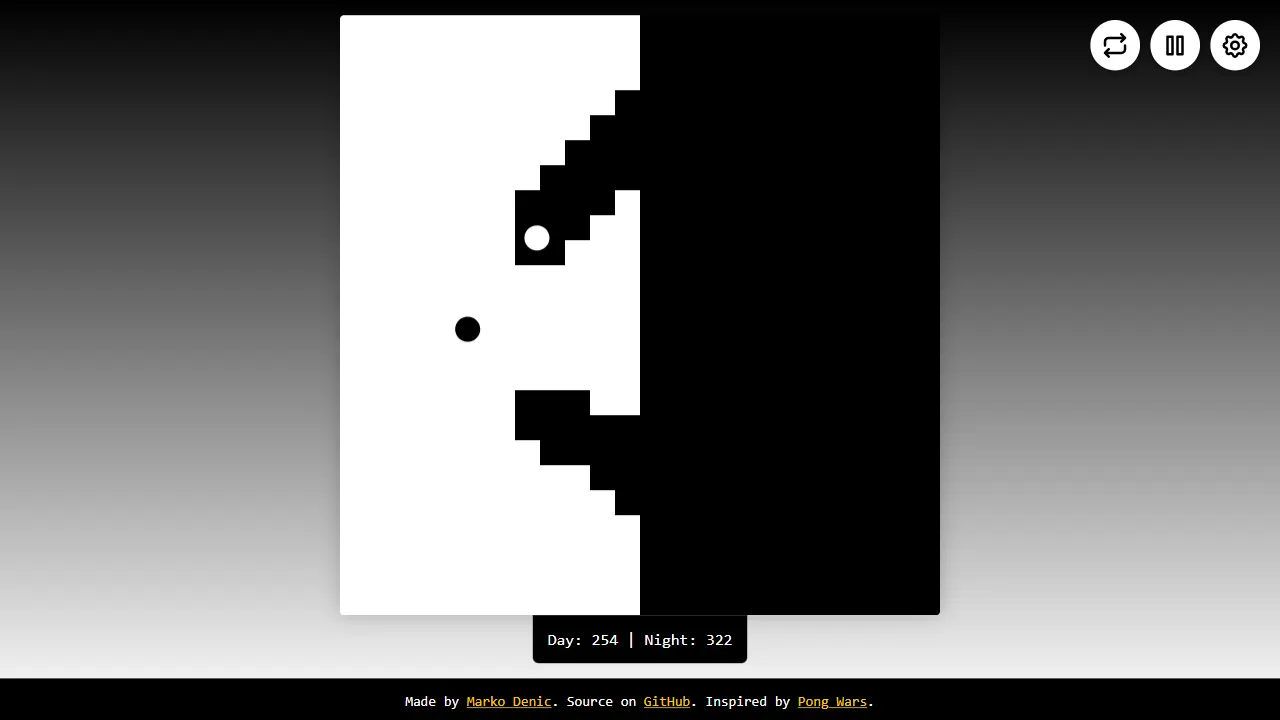
dynamic pong wars
Dynamic Pong Wars 是一个基于 Canvas 的网页小游戏,源自经典的 Pong Wars 项目,但加入了更直观的交互控制。 整个页面只有一个 HTML 文件,不依赖任何外部库,打开即可运行。
HTML · 游戏站