No build tools; write and run directly in vanilla JavaScript
HTMLDocumentationGame Site
phaser-4-basic-js-template — HTML Documentation Template
By devshareacademy
A pure JavaScript game starter template based on Phaser 4, with no build tools, requiring a local web server to run, and including type declarations and JSDoc.
Explore the design
Compare the page layouts and mobile experience. Open any screenshot for a closer look.
Desktop homepage1 / 2
Desktop captureTop of page
Actual screenshot captured by the server browser.
All pages & views 2
Screenshots show visual appearance; interactive behavior may differ.
Recorded 2026-10-03View source
What stands out
A quick read of the recorded project description.
Bundled Phaser library files and phaser.d.ts type declarations, with JSDoc comments in the code
Provides bundle.sh to collect deployment files into the dist directory
Provides update-phaser.sh to download and synchronize the Phaser library and type definitions
Includes recommended .vscode extensions and settings, plus an assets static resource directory
Template Details
This is a minimal project template for Phaser 4, written in vanilla JavaScript and without any build tools. The template includes the Phaser library files and their type declarations (src/types/phaser.d.ts), and the code contains JSDoc comments to provide type hints in editors.
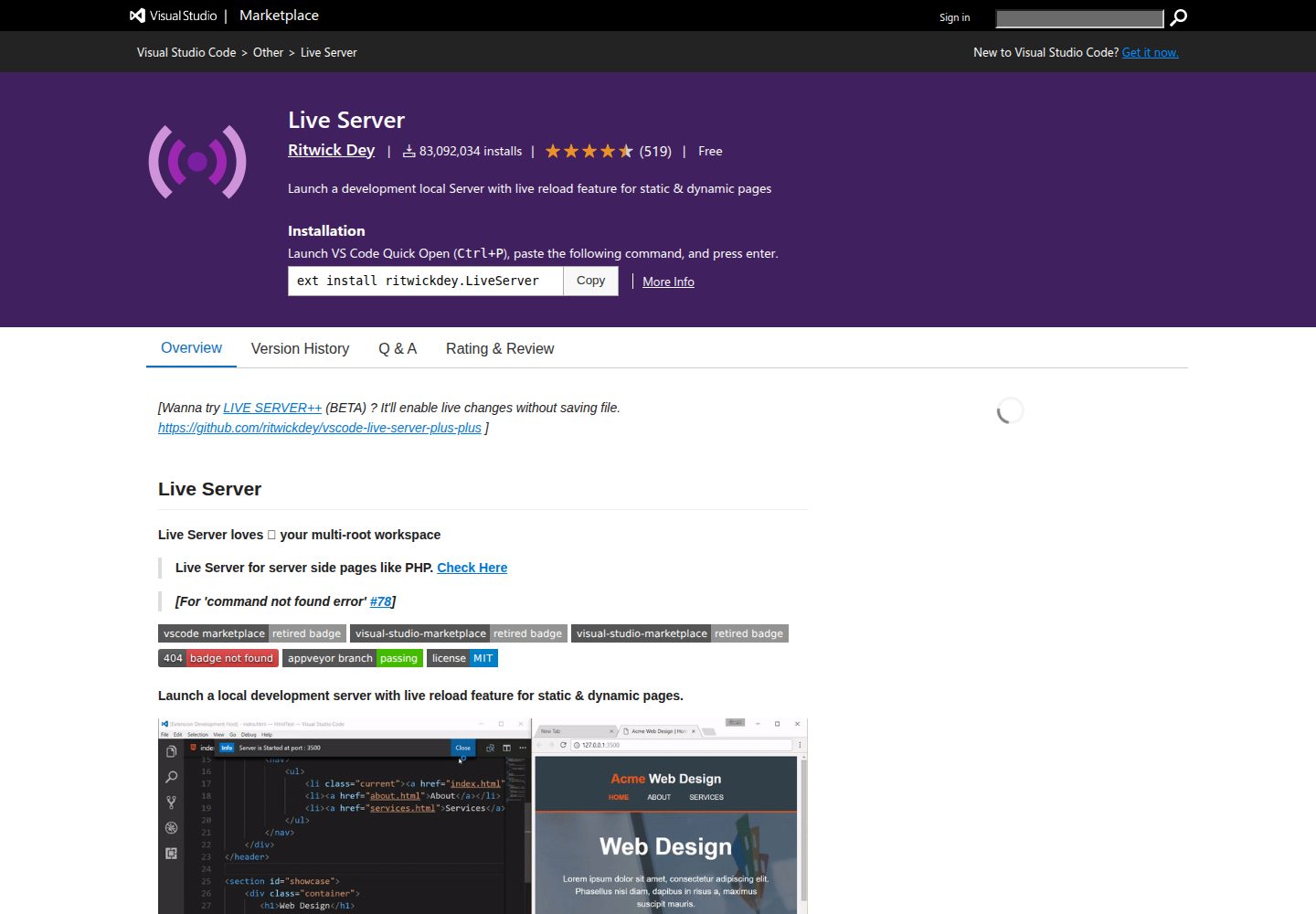
Because no bundler is used, the template must be run through an external local web server. The README gives three methods: Python 3's http.server, the Node.js http-server package, and the VS Code Live Server extension. During development, edit files directly in the src directory, with the entry point at src/main.js; refresh the browser to see changes.
The template includes a bundling script scripts/bundle.sh to collect the files needed for deployment into the dist directory. That directory can be uploaded to any static hosting service; the script excludes the src/types directory. Static assets (images, audio, etc.) go in the assets folder. Updating the Phaser library requires synchronizing three places: the version number in the README, phaser.js and phaser.min.js under assets/js, and src/types/phaser.d.ts. The template provides the scripts/update-phaser.sh script to automate the download and version update.
HTMLDocumentationGame site
Is it right for your project?
Use Cases
- Learning or experimenting with Phaser 4 JavaScript projects in the browser
- As a starting point for Phaser game development without a bundler
- Writing Phaser code that needs editor type hints and JSDoc
- Packaging the game as static files and deploying to static hosting
Suitable For
- Developers who want to get started with Phaser 4 using vanilla JavaScript
- Small game projects that do not want to introduce a build toolchain
- Developers who need type hints but prefer a no-bundler workflow
- Scenarios that need to deploy game output to static hosting
Getting started & customization
Use these recorded setup notes alongside the repository instructions for your chosen version.
- 1
A modern browser and a local web server are required before running
- 2
Can be started with python3 -m http.server 8080, npx http-server, or VS Code Live Server
- 3
The application entry point is src/main.js; place static assets in the assets folder
- 4
When deploying, run bash scripts/bundle.sh to generate the dist directory
- 5
Updating Phaser requires synchronizing the README version number, the library files under assets/js, and src/types/phaser.d.ts; scripts/update-phaser.sh can be used
License & source material
Usage conditions & limitations
Free to use · keep license noticeThis entry covers the free version under the MIT license from a public repository; the free scope is the code of that version and does not mean external services or third-party assets are free.
Must comply with when using
- Free use, modification, commercial use, and distribution of this version's code are permitted.
- When distributing copies or substantial portions of the code, retain the original author's copyright notice and the full MIT license notice.
- The code is provided as is; warranties and limitations of liability are governed by the original license and applicable law.
Additional costs & items to verify
- The template cannot be run by opening it directly via file://; it must be accessed through a local web server (such as python3 -m http.server, npx http-server, or VS Code Live Server) to display the game correctly.
- Using scripts/update-phaser.sh --list to list available Phaser versions requires npm to be installed locally; if npm is not installed, this list feature is unavailable and updates must be downloaded manually.
- Demo images, fonts, icons, and other third-party assets must be checked against their respective licenses; the code's MIT license alone is not sufficient to determine this.
- External services such as domains, hosting, databases, payments, or AI may incur additional charges.
View Original Text Basis
Permission is hereby granted, free of charge
Original License Text
You need to run a local web server to see the game running.
Original README
https://github.com/devshareacademy/phaser-4-basic-js-template/blob/main/LICENSEhttps://github.com/devshareacademy/phaser-4-basic-js-template/blob/main/README.mdrequires npm
Original README
Compiled by DeepSeek based on repository license and README ·2026-10-03. Results only cover the materials read; dependencies, images, fonts, and subsequent term changes are subject to their respective original texts.
Project checks & description sources
Template Information
- Source platforms
- GitHub
- Documentation and maintenance reference score
- More documented · 85 / 100
- Technologies
- HTML
- Website type
- Documentation · Game Site
How this score is calculated
Our heuristic uses license records (up to 30), a demo link (12), a preview (10), stars (15), recorded maintenance (15), description completeness (8), feature records (5) and classification data (5). It is not a code, security or performance test, or a Google score. A link does not establish tested functionality.
What to verify for this project
- Repository update recorded
- 2026-05-15
- Screenshot last checked
- 2026-10-03
A demo link is listed. Check it with your own content and viewport sizes; its presence does not confirm that forms, authentication or payments work.
The catalog identifies HTML as the primary stack. Check the actual dependency manifest and lockfile for versions and hosting requirements. These notes use recorded metadata, not a code audit or a deployment test.
Use a selection guide →How this description was prepared
AI-assisted description based on catalog records and repository material. Repository authors are not automatically the reviewers of this description.
Review declaration: [email protected] · 2026-10-04
Inspect the recorded source material
SHA-256: 97ab5ea3caa4e18e09c6426c3d1f008ec091989c255ada05f18296dace259ce2
2026-10-03T19:56:46.675Z
Source file / repository# Phaser 4 - Basic JS Template

A barebones project template for getting started with [Phaser 4](https://github.com/photonstorm/phaser) using JavaScript.
**Phaser Version:** `4.1.0`
## Requirements
- A modern web browser
- A local web server
## Running Locally
You need to run a local web server to see the game running. Here are a few options:
- **Python:** If you have Python 3 installed, you can use the built-in http.server. From the root of the project, run: `python3 -m http.server 8080`. This will start a local web server on port 8080. Visit `http://localhost:8080/` in your browser to see the game.
- **Node.js:** If you have Node.js installed, you can use the `http-server` npm package. From the root of the project, run: `npx http-server`. This will start a local web server on port 8080. Visit `http://localhost:8080/` to see the game.
- **VS Code Extension:** If you use VS Code, you can install the [Live Server](https://marketplace.visualstudio.com/items?itemName=ritwickdey.LiveServer) extension to run a local web server.
## Writing Code
This template is set up for a modern JavaScript development workflow without any build tools. Simply start your local web server and begin editing the files in the `src` folder. Your changes will be reflected when you refresh your browser.
The main entry point for the application is `src/main.js`.
## Deploying Code
This template includes a bundle script to gather all the necessary files for deployment into a `dist` folder.
To create a distributable bundle, run the following command from the root of the project:
```sh
bash scripts/bundle.sh
```
This will create a `dist` folder containing your game. The contents of this folder can then be uploaded to any static web hosting service. The script will exclude the `src/types` directory from the final bundle.
## Customizing Template
### VS Code Settings
The `.vscode` folder contains recommended extensions and settings for this project. You can customize or remove these as you see fit.
### Static Assets
Any static assets like images or audio files should be placed in the `assets` folder. They can then be loaded into your game.
## Changelog
This project uses the [Keep a Changelog](https://keepachangelog.com/en/1.0.0/) format. You can view the changelog here: [Changelog](CHANGELOG.md).
## Issues
If you encounter any issues, please open a new [GitHub Issue](https://github.com/devshareacademy/phaser-4-basic-js-template/issues) on your project's repository.
## Questions, Comments, and Suggestions
If you have any questions, comments, or suggestions, please feel free to open a new [GitHub Discussion](https://github.com/devshareacademy/phaser-4-basic-js-template/discussions) on your project's repository.
## Updating Phaser
To update the Phaser library in this project, there are three main components that need to be synchronized:
1. **Documentation:** The Phaser version mentioned at the top of this `README.md`.
2. **Library Files:** `assets/js/phaser.js` and `assets/js/phaser.min.js`.
3. **Type Definitions:** `src/types/phaser.d.ts`.
### Manual Update
If you wish to update these files manually:
1. **Download JavaScript Files:** Fetch the desired version from the jsDelivr CDN:
- `https://cdn.jsdelivr.net/npm/phaser@VERSION/dist/phaser.js`
- `https://cdn.jsdelivr.net/npm/phaser@VERSION/dist/phaser.min.js`
_(Replace `VERSION` with the target version, e.g., `4.1.0`)_
2. **Download Type Definitions:** Fetch the `phaser.d.ts` file from the Phaser GitHub repository:
- `https://raw.githubusercontent.com/phaserjs/phaser/refs/tags/vVERSION/types/phaser.d.ts`
3. **Update README:** Manually update the version number in the `**Phaser Version:**` line at the top of this file.
### Using the Update Script
A convenience script is provided in the `scripts` folder to automate this process.
**To list available Phaser versions (requires npm):**
```bash
./scripts/update-phaser.sh --list
```
**To update to a specific version:**
```bash
./scripts/update-phaser.sh 4.1.0
```
The script will automatically download the required files to their correct locations and update this README.
Explore similar templates
Compare previews and descriptions within the same stack and category.
cube composer
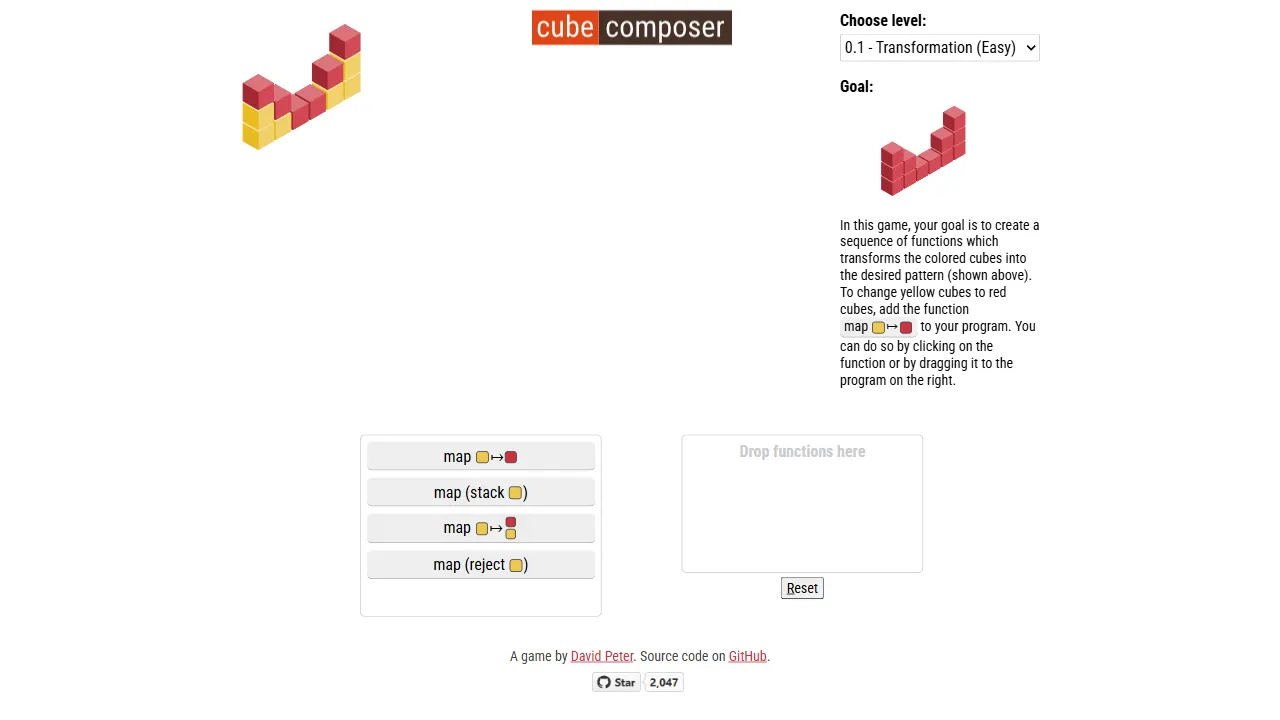
cube composer is an open-source puzzle game written in PureScript that integrates functional programming concepts into cube transformation gameplay. It provides a live online demo, organizes levels by chapters with a clear data structure, and includes validation tools for checking solvability.
HTML · Game Site
documentation-html-template
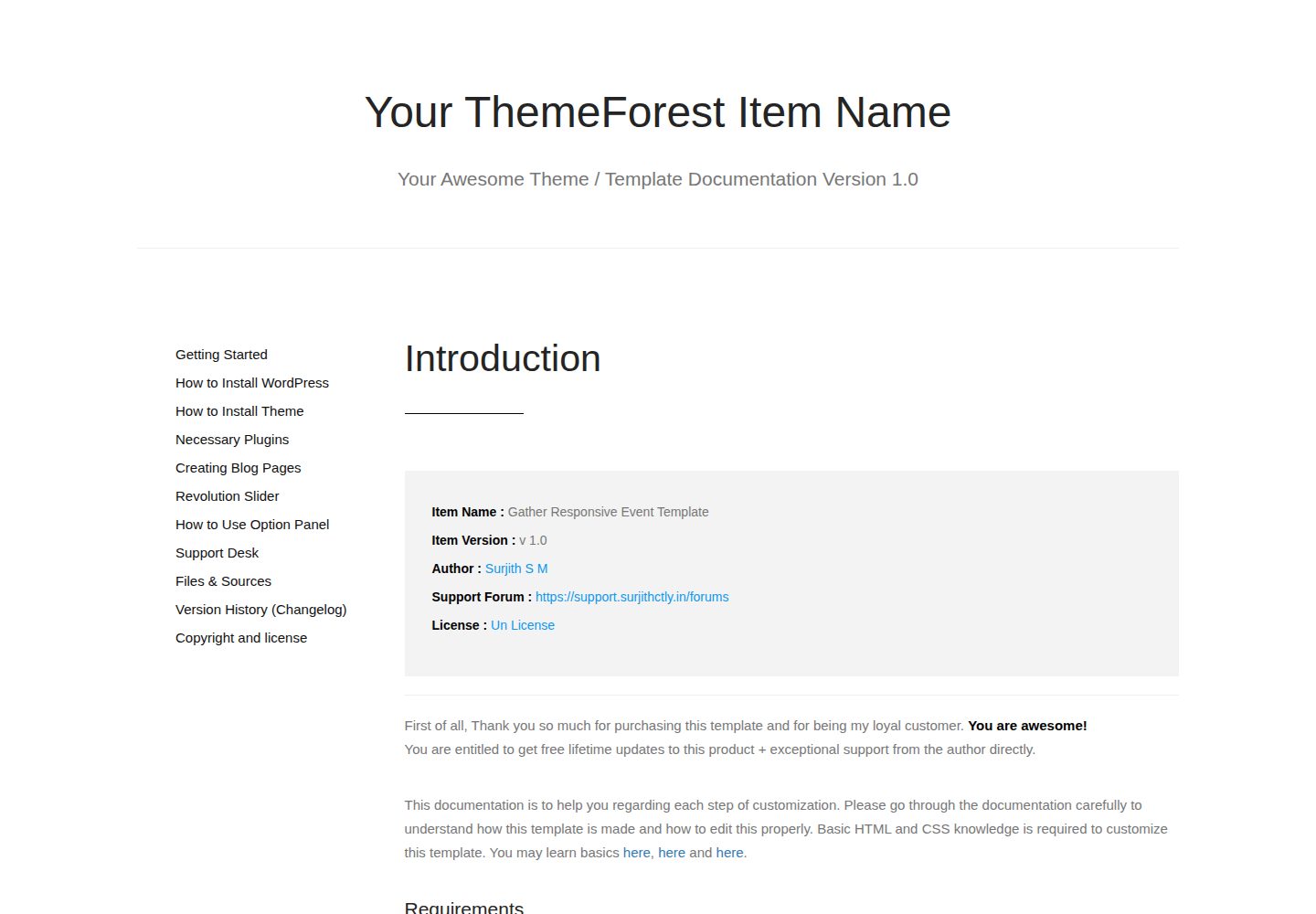
A static HTML documentation template built on Bootstrap 3 for WordPress themes, HTML templates and plugins. It has no build process or backend dependency; download the ZIP and edit the HTML and CSS directly.
HTML · Documentation

phaser-project-template
A Phaser 3 starter template using TypeScript and webpack, providing a clean engineering skeleton for browser and mobile HTML5 games.
HTML · Game Site
iDocs
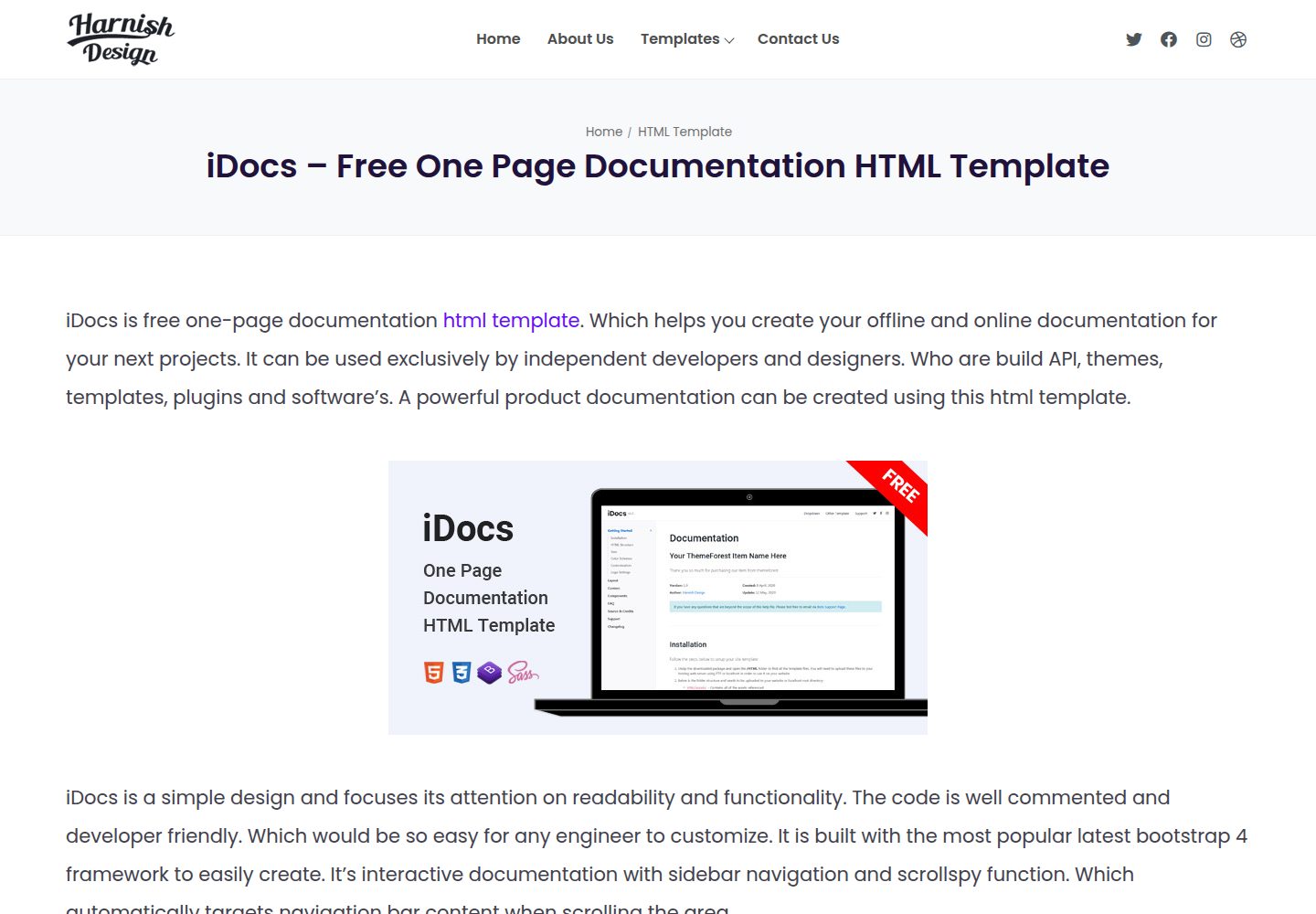
iDocs is a free one-page documentation HTML template from Harnish Design, built on Bootstrap 4 and released under the MIT license.
HTML · Documentation
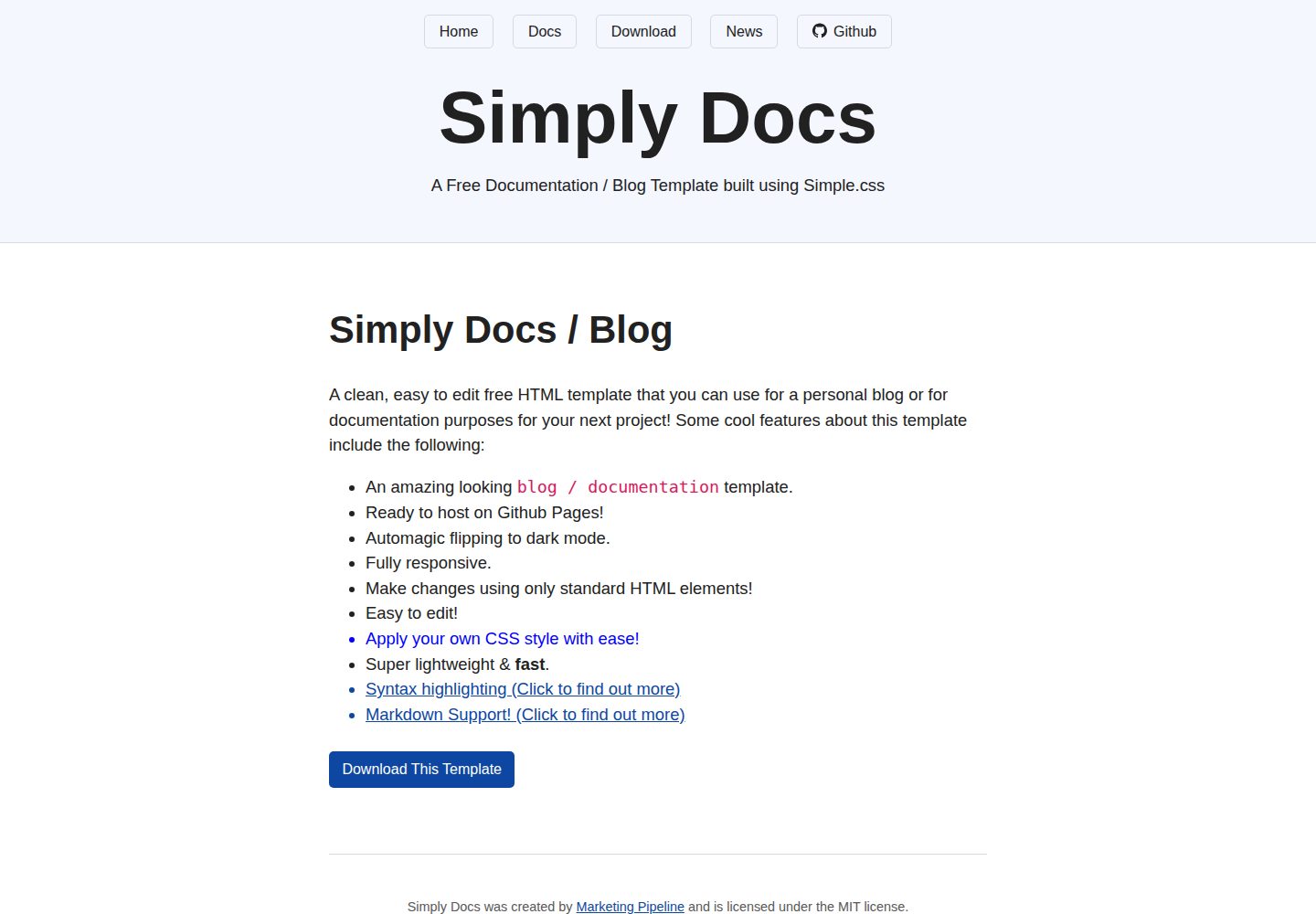
Simply-Docs
Simply-Docs is a pure HTML static template for quickly building a personal blog or technical documentation site.
HTML · Blog
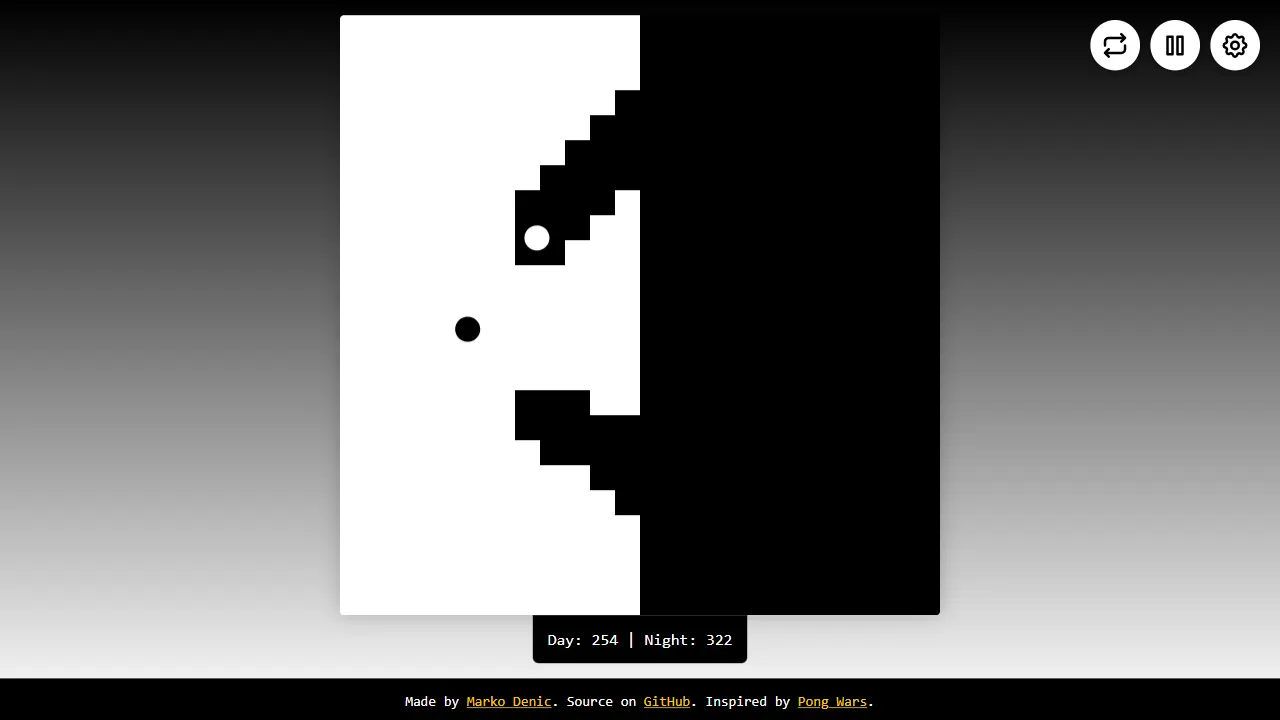
dynamic pong wars
A single-file Canvas Pong Wars battle simulation with real-time color adjustment and playback controls, suitable for quick experimentation or modification.
HTML · Game Site